| Network Fluctuation |
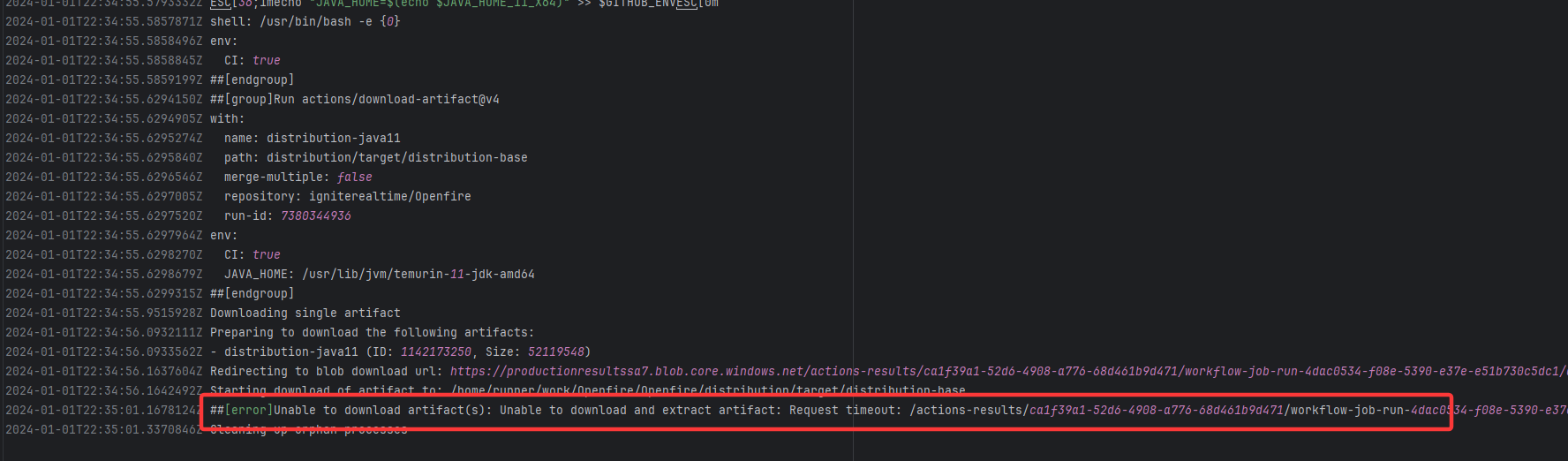
igniterealtime/Openfire |
20077703205 |
Request Timeout |
Error: The error indicates that the workflow failed due to a timeout while downloading the Artifact.
Root Cause: The download operation was successfully executed after a rerun. |
Short-term Fix: Rerun the job, which will automatically succeed after network conditions recover.
Long-term Defense:
- Continuously monitor the frequency of this error;
- Introduce an automatic retry mechanism (e.g., using a retry plugin) in the Workflow for steps susceptible to network fluctuations;
- If using a self-hosted Runner, troubleshoot the stability of the local firewall, proxy, or network egress. |
 |
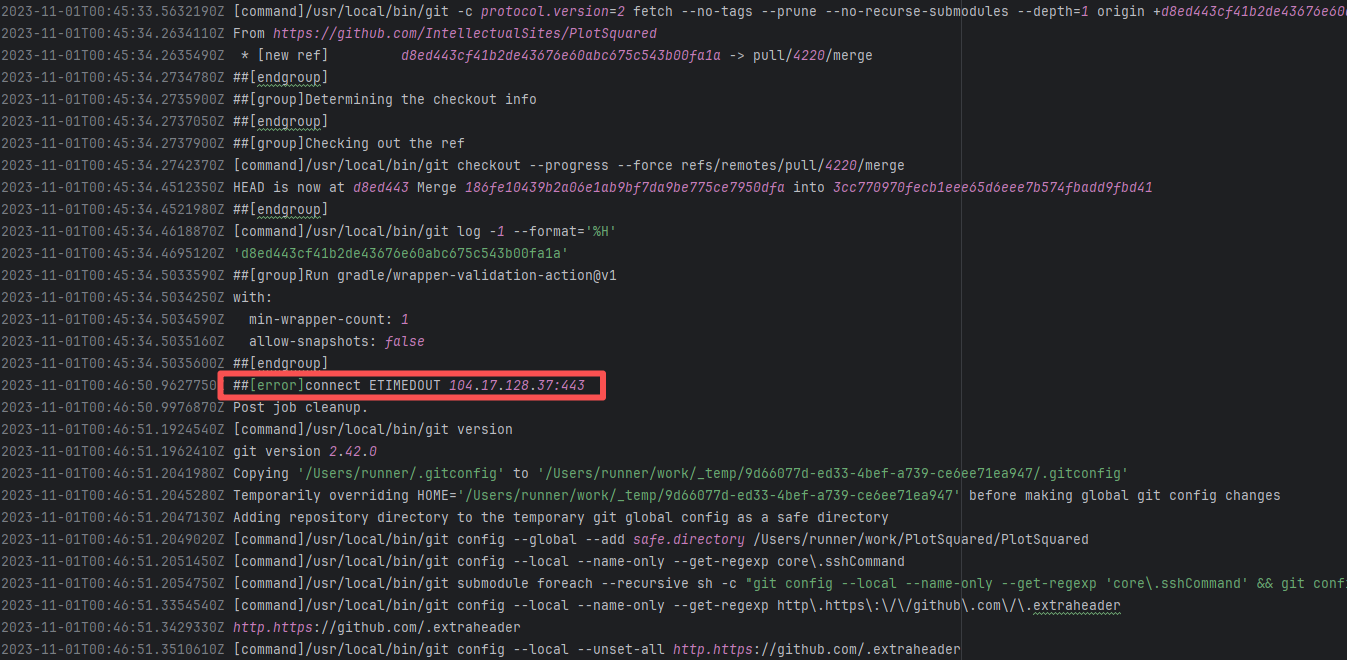
| IntellectualSites/PlotSquared |
18246935468 |
Request Timeout |
Error: connect ETIMEDOUT 104.17.128.37:443 indicates that the execution machine attempted to connect to Git
Root Cause: The download operation was successfully executed after a rerun. |
Short-term Fix: Rerun the job, which will automatically succeed after network conditions recover.
Long-term Defense:
- Continuously monitor the frequency of this error;
- Introduce an automatic retry mechanism (e.g., using a retry plugin) in the Workflow for steps susceptible to network fluctuations;
- If using a self-hosted Runner, troubleshoot the stability of the local firewall, proxy, or network egress. |
 |
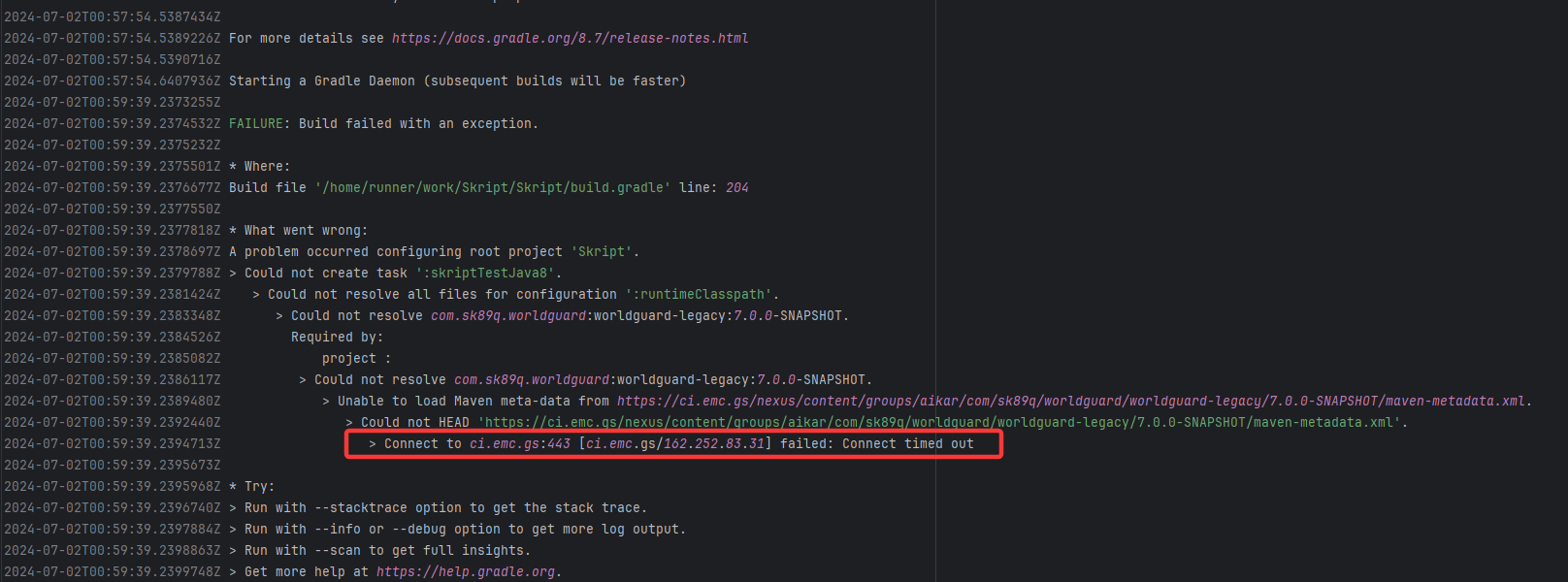
| SkriptLang/Skript |
26918113411 |
Request Timeout |
Error: Connect timed out indicates that the build tool (Gradle) attempted to fetch from an external Maven rep
Root Cause: The download operation was successfully executed after a rerun. |
Short-term Fix: Rerun the job, which will automatically succeed after network conditions recover.
Long-term Defense:
- Continuously monitor the frequency of this error;
- Introduce an automatic retry mechanism (e.g., using a retry plugin) in the Workflow for steps susceptible to network fluctuations;
- If using a self-hosted Runner, troubleshoot the stability of the local firewall, proxy, or network egress. |
 |
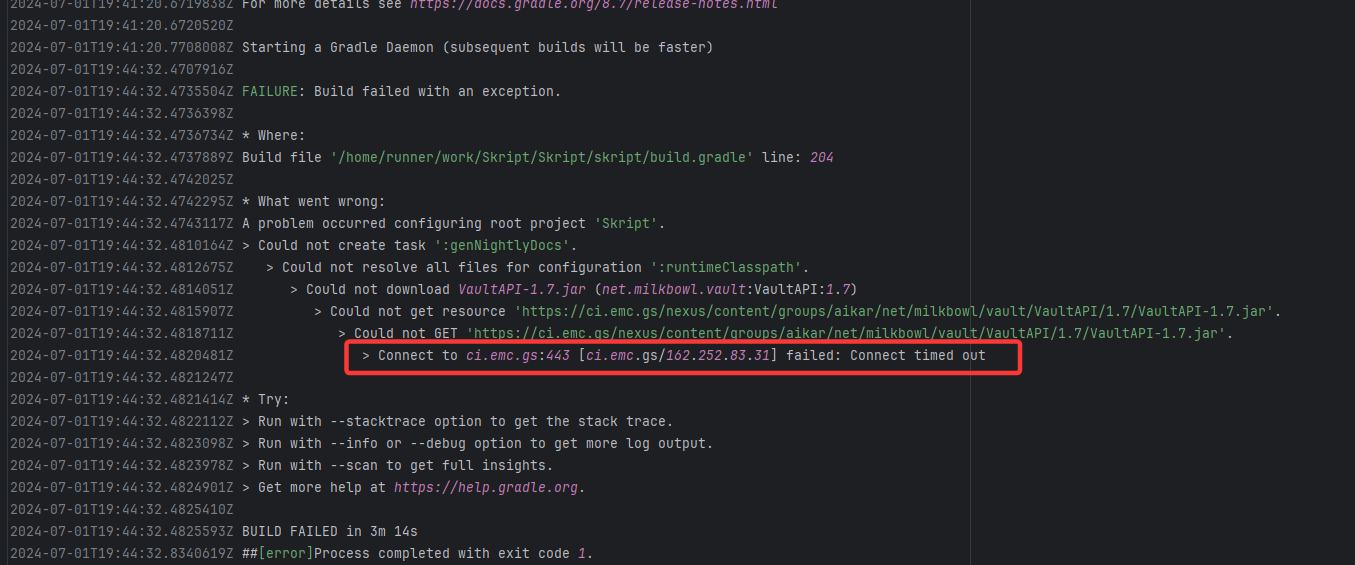
| SkriptLang/Skript |
26908758150 |
Request Timeout |
Error: Connect timed out indicates that the build tool (Gradle) attempted to fetch from an external Maven rep
Root Cause: The download operation was successfully executed after a rerun. |
Short-term Fix: Rerun the job, which will automatically succeed after network conditions recover.
Long-term Defense:
- Continuously monitor the frequency of this error;
- Introduce an automatic retry mechanism (e.g., using a retry plugin) in the Workflow for steps susceptible to network fluctuations;
- If using a self-hosted Runner, troubleshoot the stability of the local firewall, proxy, or network egress. |
 |
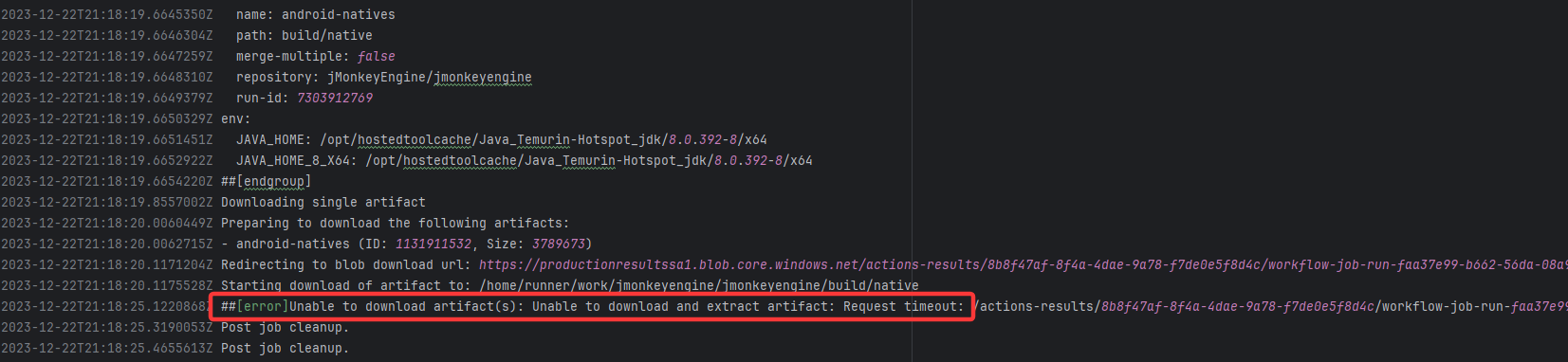
| jMonkeyEngine/jmonkeyengine |
19905287914 |
Request Timeout |
Error: The error indicates that the workflow failed due to a timeout while downloading the Artifact.
Root Cause: The download operation was successfully executed after a rerun. |
Short-term Fix: Rerun the job, which will automatically succeed after network conditions recover.
Long-term Defense:
- Continuously monitor the frequency of this error;
- Introduce an automatic retry mechanism (e.g., using a retry plugin) in the Workflow for steps susceptible to network fluctuations;
- If using a self-hosted Runner, troubleshoot the stability of the local firewall, proxy, or network egress. |
 |
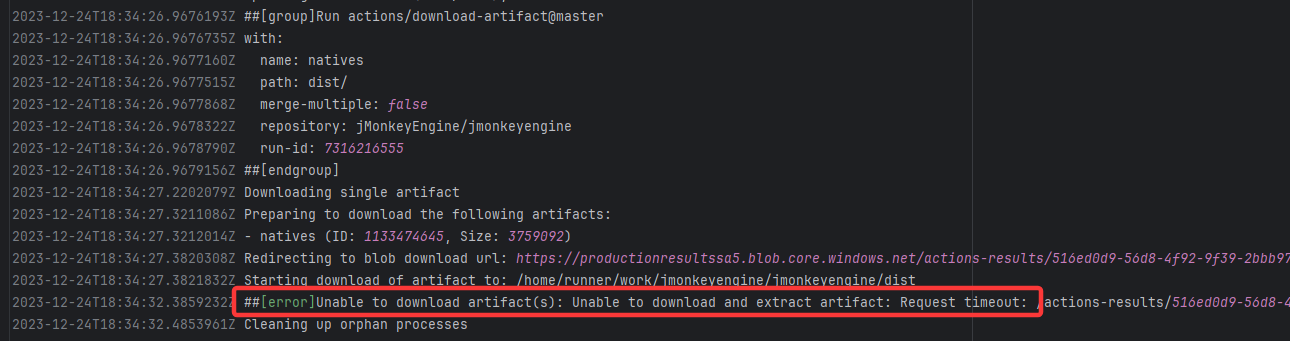
| jMonkeyEngine/jmonkeyengine |
19930700187 |
Request Timeout |
Error: The error indicates that the workflow failed due to a timeout while downloading the Artifact.
Root Cause: The download operation was successfully executed after a rerun. |
Short-term Fix: Rerun the job, which will automatically succeed after network conditions recover.
Long-term Defense:
- Continuously monitor the frequency of this error;
- Introduce an automatic retry mechanism (e.g., using a retry plugin) in the Workflow for steps susceptible to network fluctuations;
- If using a self-hosted Runner, troubleshoot the stability of the local firewall, proxy, or network egress. |
 |
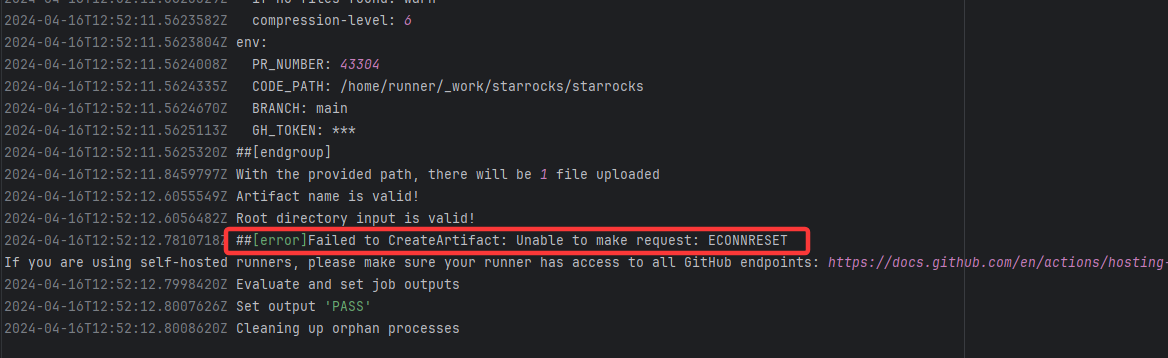
| StarRocks/starrocks |
23877440817 |
Connection Reset |
Error: ECONNRESET indicates that the Action attempted to upload the build artifact to Git
Root Cause: The upload operation was successfully executed after a rerun. |
Short-term Fix: Rerun the job, which will automatically succeed after network conditions recover.
Long-term Defense:
- Continuously monitor the frequency of this error;
- Introduce an automatic retry mechanism (e.g., using a retry plugin) in the Workflow for steps susceptible to network fluctuations;
- If using a self-hosted Runner, troubleshoot the stability of the local firewall, proxy, or network egress. |
 |
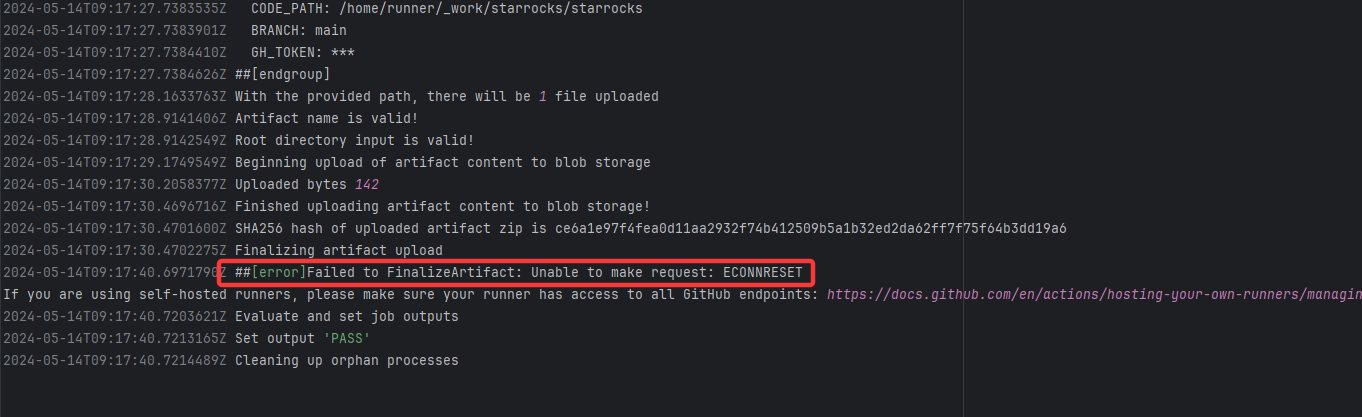
| StarRocks/starrocks |
24940507896 |
Connection Reset |
Error: ECONNRESET indicates that the Action attempted to upload the build artifact to Git
Root Cause: The upload operation was successfully executed after a rerun. |
Short-term Fix: Rerun the job, which will automatically succeed after network conditions recover.
Long-term Defense:
- Continuously monitor the frequency of this error;
- Introduce an automatic retry mechanism (e.g., using a retry plugin) in the Workflow for steps susceptible to network fluctuations;
- If using a self-hosted Runner, troubleshoot the stability of the local firewall, proxy, or network egress. |
 |
| apache/tinkerpop |
21529798021 |
Connection Reset |
Error: connection reset by peer indicates that Docker attempted to connect to Docker Hub auth
Root Cause: The authentication operation was successfully executed after a rerun. |
Short-term Fix: Rerun the job, which will automatically succeed after network conditions recover.
Long-term Defense:
- Continuously monitor the frequency of this error;
- Introduce an automatic retry mechanism (e.g., using a retry plugin) in the Workflow for steps susceptible to network fluctuations;
- If using a self-hosted Runner, troubleshoot the stability of the local firewall, proxy, or network egress. |
 |
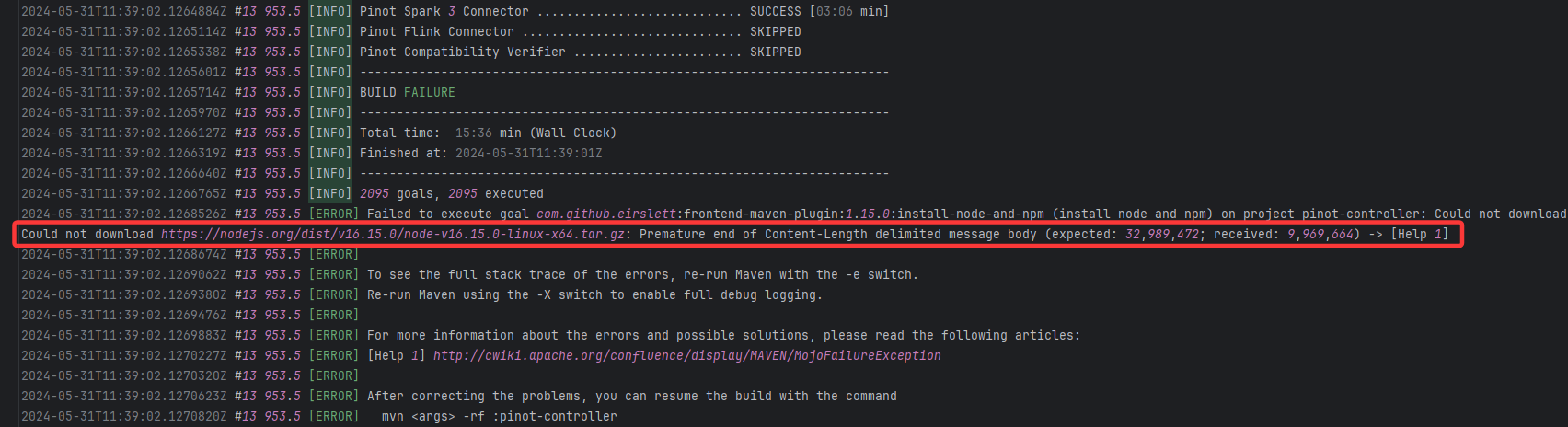
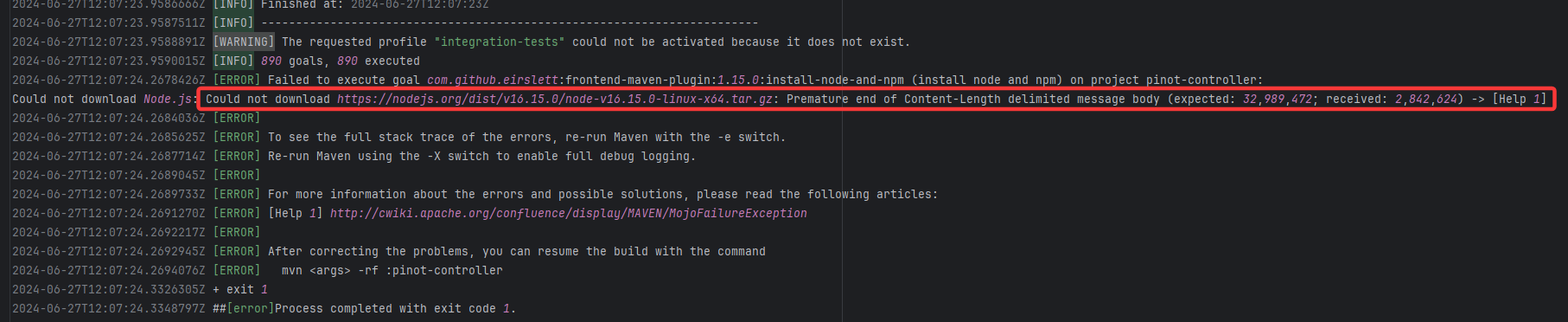
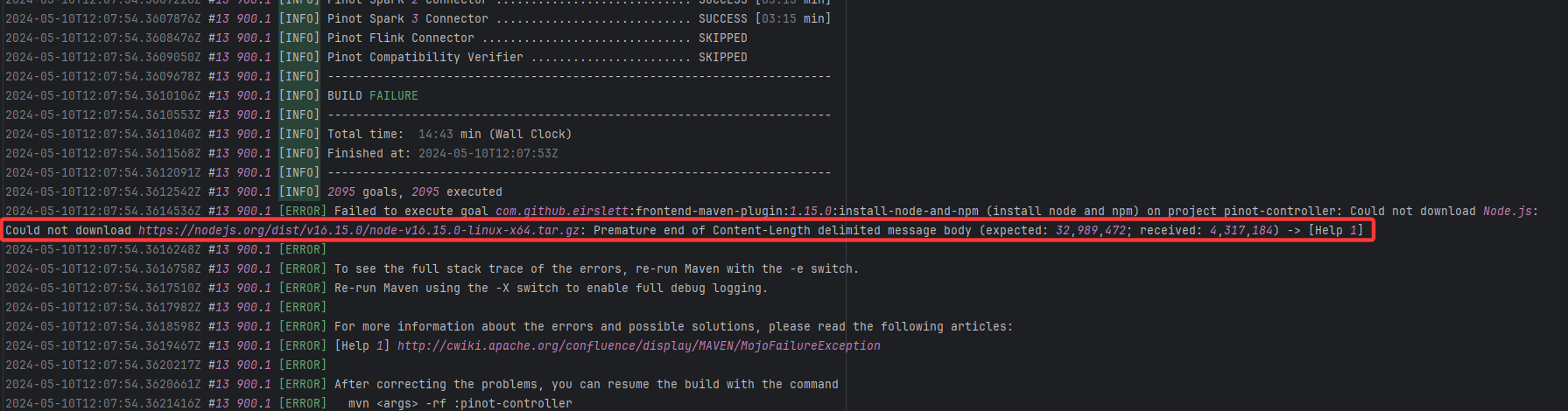
| apache/pinot |
25647531041 |
Resource Download Interruption |
Error: Premature end of Content-Length indicates that while downloading the Node.js installation package, the net
Root Cause: The download operation was successfully executed after a rerun. |
Short-term Fix: Rerun the job, which will automatically succeed after network conditions recover.
Long-term Defense:
- Continuously monitor the frequency of this error;
- Introduce an automatic retry mechanism (e.g., using a retry plugin) in the Workflow for steps susceptible to network fluctuations;
- If using a self-hosted Runner, troubleshoot the stability of the local firewall, proxy, or network egress. |
 |
| apache/pinot |
26757406909 |
Resource Download Interruption |
Error: Premature end of Content-Length indicates that while downloading the Node.js installation package, the net
Root Cause: The download operation was successfully executed after a rerun. |
Short-term Fix: Rerun the job, which will automatically succeed after network conditions recover.
Long-term Defense:
- Continuously monitor the frequency of this error;
- Introduce an automatic retry mechanism (e.g., using a retry plugin) in the Workflow for steps susceptible to network fluctuations;
- If using a self-hosted Runner, troubleshoot the stability of the local firewall, proxy, or network egress. |
 |
| apache/pinot |
24818704176 |
Resource Download Interruption |
Error: Premature end of Content-Length indicates that while downloading the Node.js installation package, the net
Root Cause: The download operation was successfully executed after a rerun. |
Short-term Fix: Rerun the job, which will automatically succeed after network conditions recover.
Long-term Defense:
- Continuously monitor the frequency of this error;
- Introduce an automatic retry mechanism (e.g., using a retry plugin) in the Workflow for steps susceptible to network fluctuations;
- If using a self-hosted Runner, troubleshoot the stability of the local firewall, proxy, or network egress. |
 |
| apache/maven |
17168458533 |
TLS Handshake Failure |
Error: Remote host terminated the handshake indicates that while downloading from the Maven central repository,
Root Cause: The download operation was successfully executed after a rerun. |
Short-term Fix: Rerun the job, which will automatically succeed after network conditions recover.
Long-term Defense:
- Continuously monitor the frequency of this error;
- Introduce an automatic retry mechanism (e.g., using a retry plugin) in the Workflow for steps susceptible to network fluctuations;
- If using a self-hosted Runner, troubleshoot the stability of the local firewall, proxy, or network egress. |
 |
| apache/maven |
17000228151 |
TLS Handshake Failure |
Error: Remote host terminated the handshake indicates that while downloading from the Maven central repository,
Root Cause: The download operation was successfully executed after a rerun. |
Short-term Fix: Rerun the job, which will automatically succeed after network conditions recover.
Long-term Defense:
- Continuously monitor the frequency of this error;
- Introduce an automatic retry mechanism (e.g., using a retry plugin) in the Workflow for steps susceptible to network fluctuations;
- If using a self-hosted Runner, troubleshoot the stability of the local firewall, proxy, or network egress. |
 |
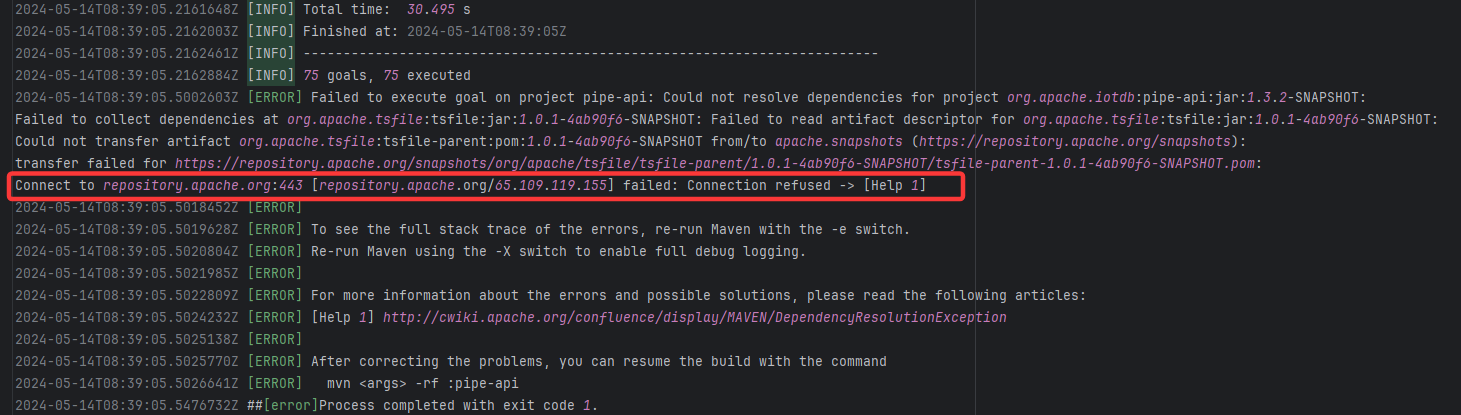
| apache/iotdb |
24938834029 |
Connection Refuse |
Error: Connection refused indicates that the build machine attempted to connect to the Apache mirror repository (repo
Root Cause: The download operation was successfully executed after a rerun. |
Short-term Fix: Rerun the job, which will automatically succeed after network conditions recover.
Long-term Defense:
- Continuously monitor the frequency of this error;
- Introduce an automatic retry mechanism (e.g., using a retry plugin) in the Workflow for steps susceptible to network fluctuations;
- If using a self-hosted Runner, troubleshoot the stability of the local firewall, proxy, or network egress. |
 |
| Dependency Resolution Issue |
line/centraldogma |
23819340068 |
Missing Dependency |
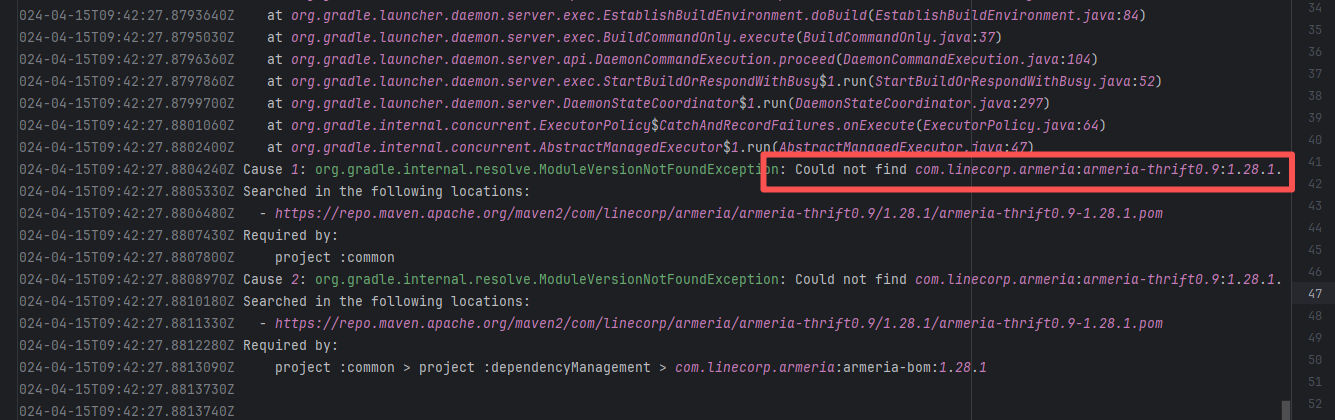
Error: The error indicates incorrect dependency coordinates, and the dependency does not exist in the specified Maven repository.
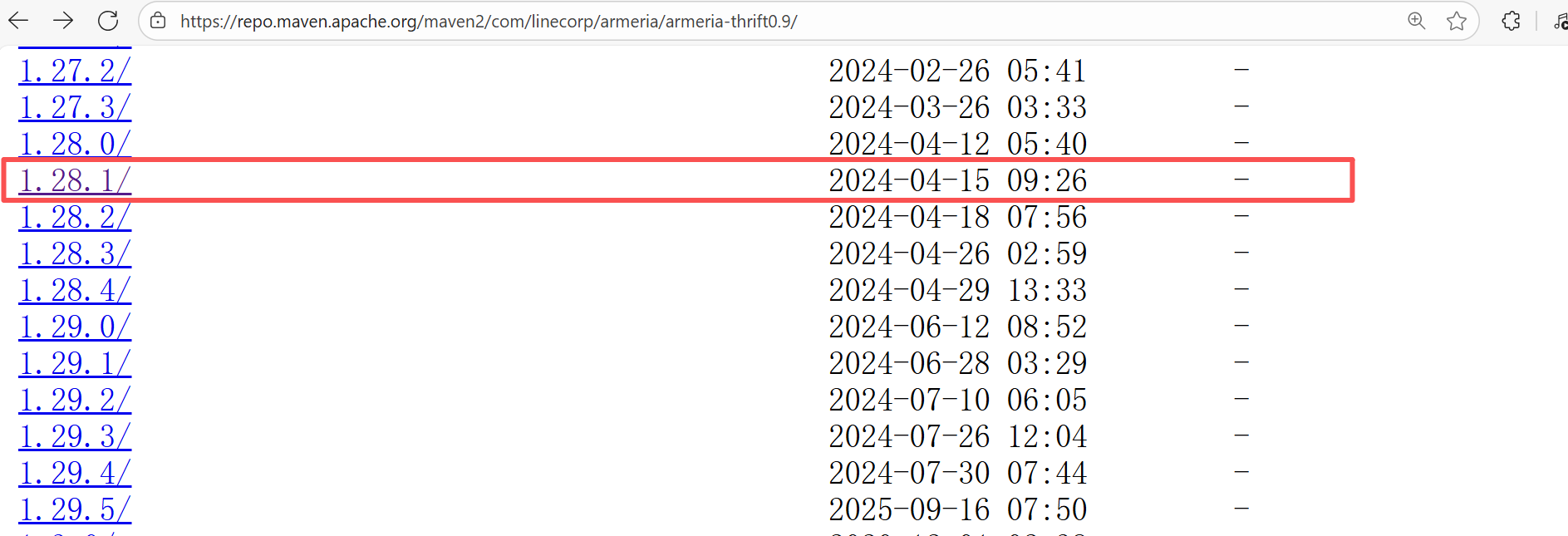
Root Cause: Checking the repository dependencies revealed that it was uploaded (4-15 9:26) before the job execution (4-15 9:40). Therefore, the error is due to repository synchronization delay. The dependency was just uploaded to the official repository, but the mirror had not yet synchronized, leading to the dependency not being found. Succeeded after waiting for a period of time and rerunning. |
Wait for a while, and rerun after the mirror repository synchronization is complete. |
  |
| projectnessie/nessie |
22471407186 |
Network Issue |
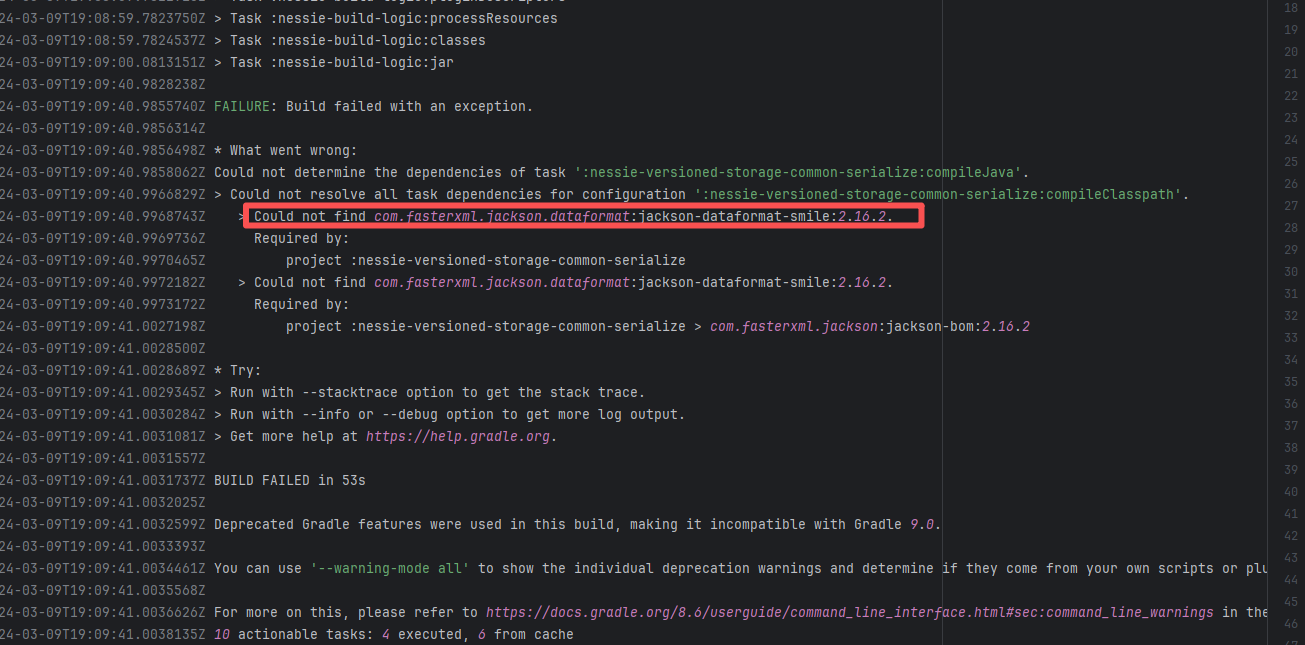
Error: An error occurred while fetching dependencies from the Maven repository.
Root Cause: Succeeded after a rerun, which indicates that the error is a transient error caused by network fluctuations. |
Short-term Fix: Rerun the job; it will automatically succeed after network conditions recover.
Long-term Defense:
1. Configure domestic mirror sources to replace official sources;
2. Add a retry mechanism (e.g., retry plugin);
3. Use CDN to accelerate dependency downloads. |
 |
| cryostatio/cryostat |
27753664930 |
Network Issue |
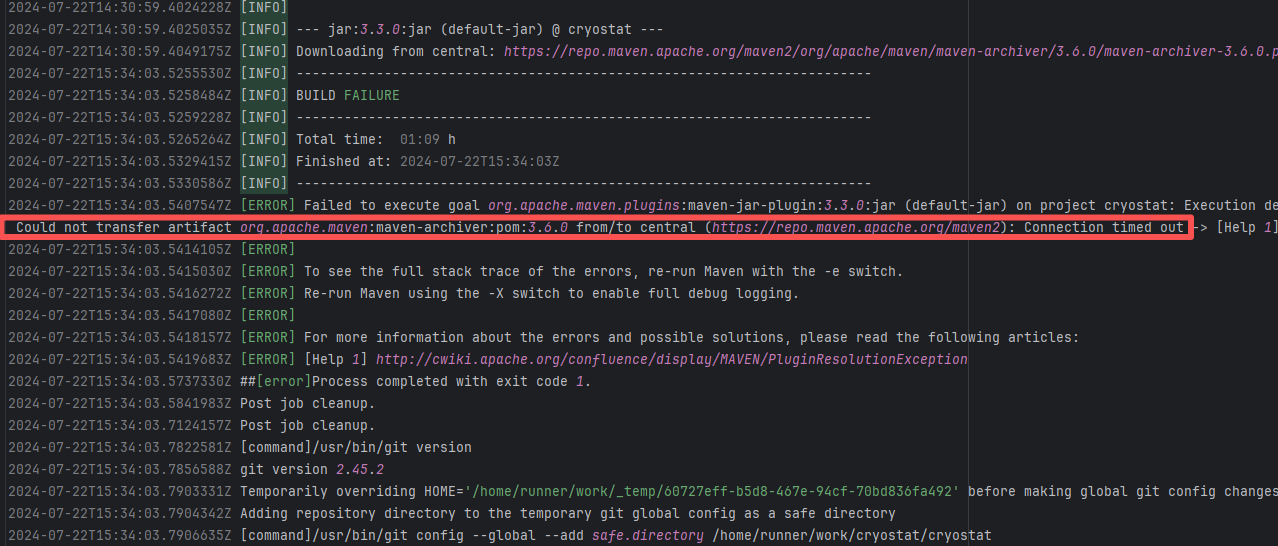
Error: An error occurred while fetching dependencies from the Maven repository, resulting in a Connection timed out error.
Root Cause: Succeeded after a rerun. This indicates that the error was not a service provider server error, but a transient error caused by network fluctuations. |
Short-term Fix: Rerun the job; it will automatically succeed after network conditions recover.
Long-term Defense:
1. Configure domestic mirror sources to replace official sources;
2. Add a retry mechanism (e.g., retry plugin);
3. Use CDN to accelerate dependency downloads. |
 |
| datadog/dd-trace-java |
27448113573 |
Network Issue |
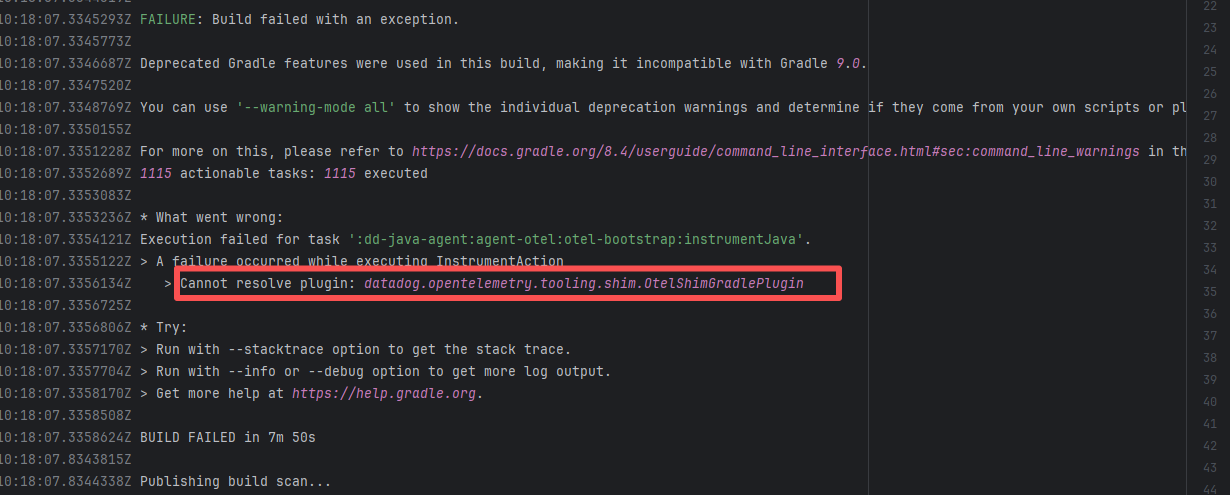
Error: An error occurred while fetching Plugin dependencies from the Maven repository.
Root Cause: Succeeded after a rerun, which indicates that the error is a transient error caused by network fluctuations. |
Short-term Fix: Rerun the job; it will automatically succeed after network conditions recover.
Long-term Defense:
1. Configure domestic mirror sources to replace official sources;
2. Add a retry mechanism (e.g., retry plugin);
3. Use CDN to accelerate dependency downloads. |
 |
| bytedeco/javacpp-presets |
20063025513 |
Network Issue |
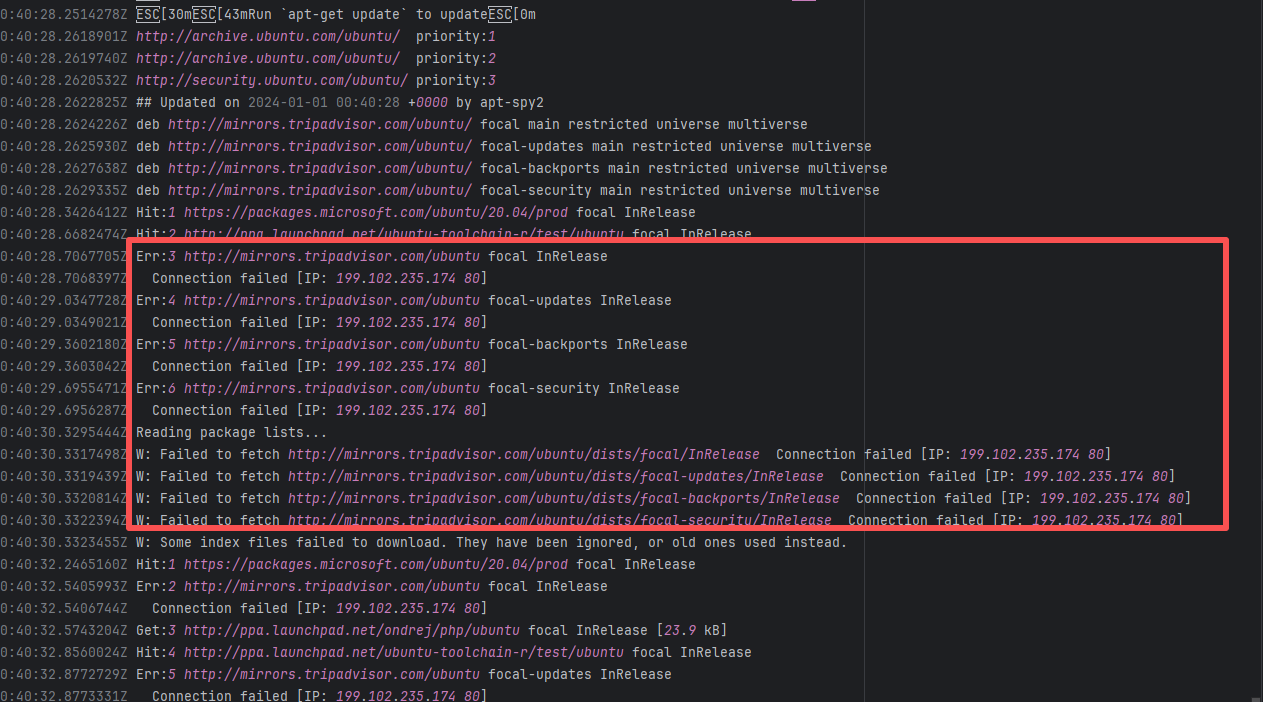
Error: An error occurred while fetching dependencies from the Maven repository; connecting to the IP failed.
Root Cause: Succeeded after a rerun, which indicates that the error is a transient error caused by network fluctuations. |
Short-term Fix: Rerun the job; it will automatically succeed after network conditions recover.
Long-term Defense:
1. Configure domestic mirror sources to replace official sources;
2. Add a retry mechanism (e.g., retry plugin);
3. Use CDN to accelerate dependency downloads. |
 |
| junit-team/junit5 |
19042736168 |
Missing Dependency |
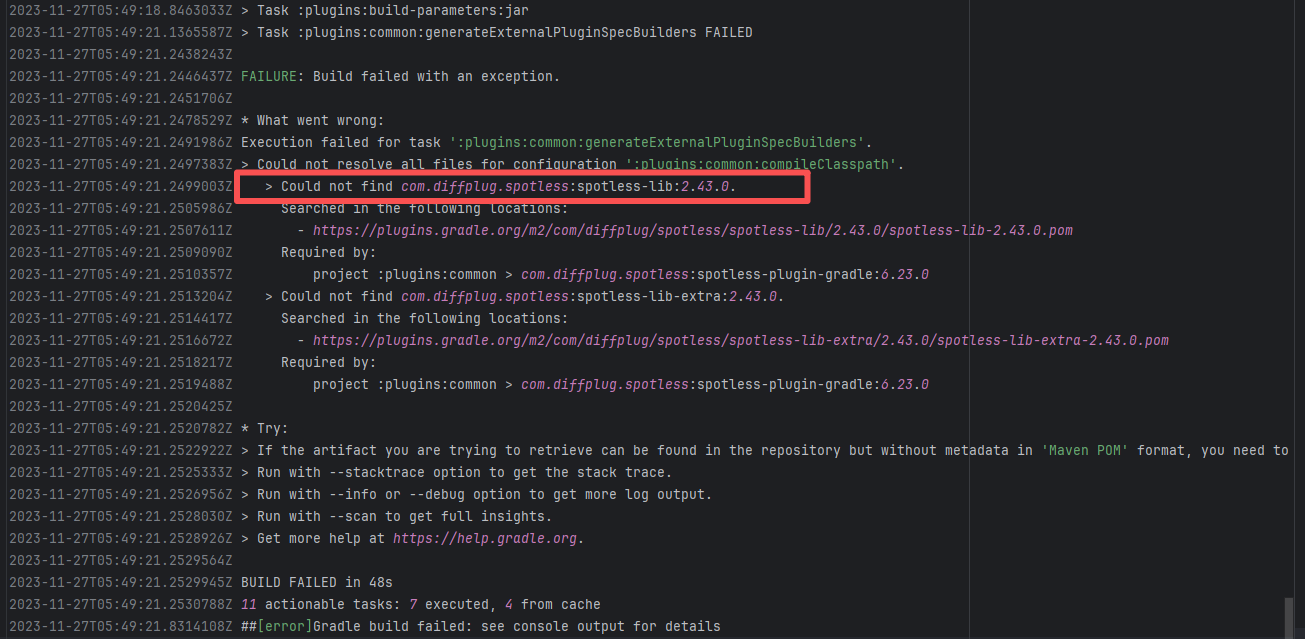
Error: The error indicates incorrect dependency coordinates, and the dependency does not exist in the specified Maven repository.
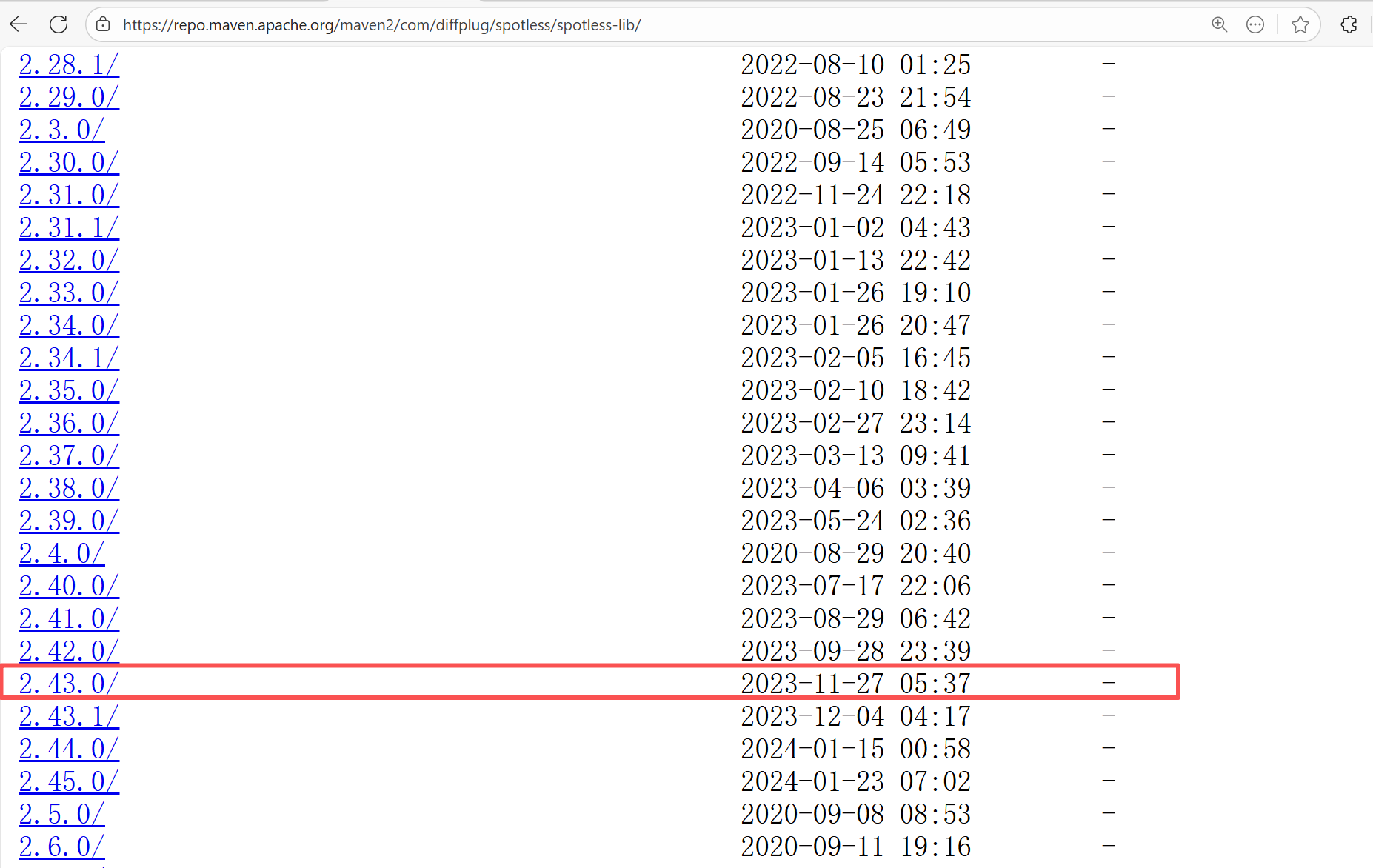
Root Cause: Checking the repository dependencies revealed that it was uploaded (4-15 9:26) before the job execution (4-15 9:40). Therefore, the error is due to repository synchronization delay. The dependency was just uploaded to the official repository, but the mirror had not yet synchronized, leading to the dependency not being found. Succeeded after waiting for a period of time and rerunning. |
Wait for a while, and rerun after the mirror repository synchronization is complete. |
  |
| opensearch-project/data-prepper |
19458129958 |
Missing Dependency |
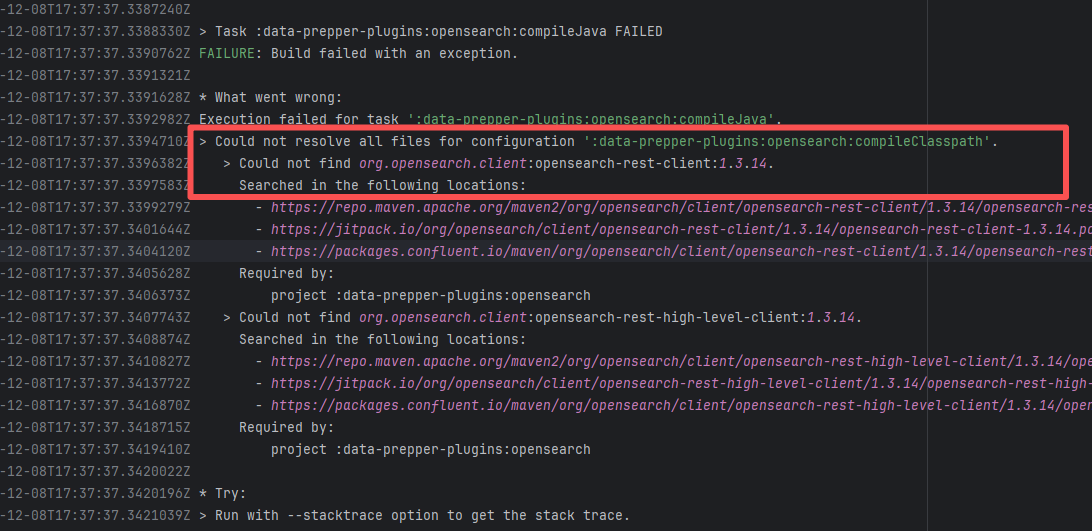
Error: The error indicates incorrect dependency coordinates, and the dependency does not exist in the specified Maven repository.
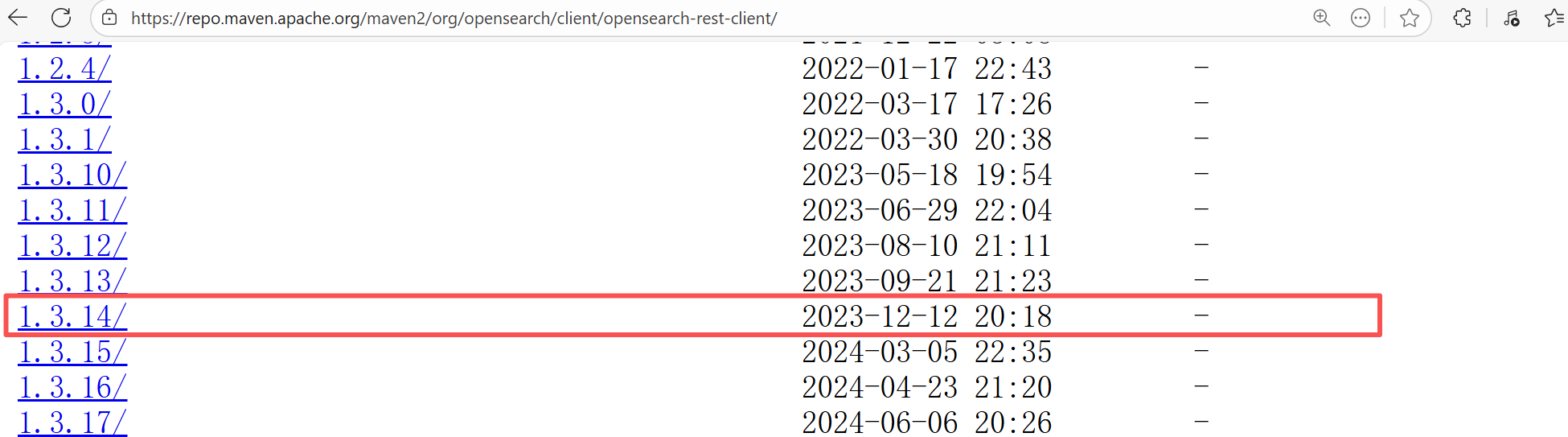
Root Cause: Checking the repository dependencies revealed that it had not been uploaded before the job execution (12-8). The dependency was uploaded on 12-12, and the dependency downloaded successfully after a rerun on 12-19. |
- Upload the correct dependency files to the maven repository
- Use dependency coordinates that already exist in the maven repository |
  |
| geysermc/geyser |
24063124241 |
Network Issue |
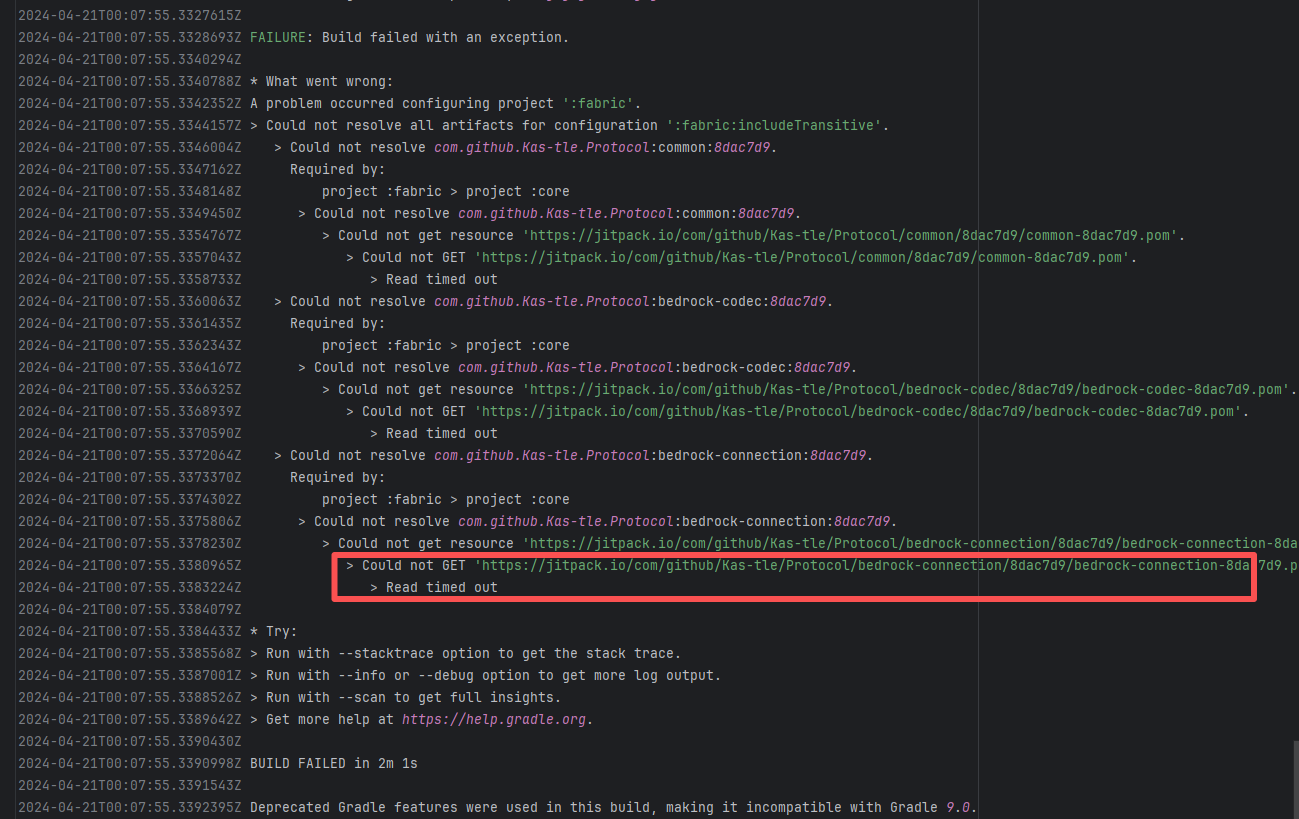
Error: A timeout error occurred while fetching resources.
Root Cause: Transient connection timeout caused by network fluctuations, not a service provider server error. |
Short-term Fix: Rerun the job; it will automatically succeed after network conditions recover.
Long-term Defense:
1. Configure domestic mirror sources to replace official sources;
2. Add a retry mechanism (e.g., retry plugin);
3. Use CDN to accelerate dependency downloads. |
 |
| open-telemetry/opentelemetry-java-instrumentation |
23466795502 |
Network Issue |
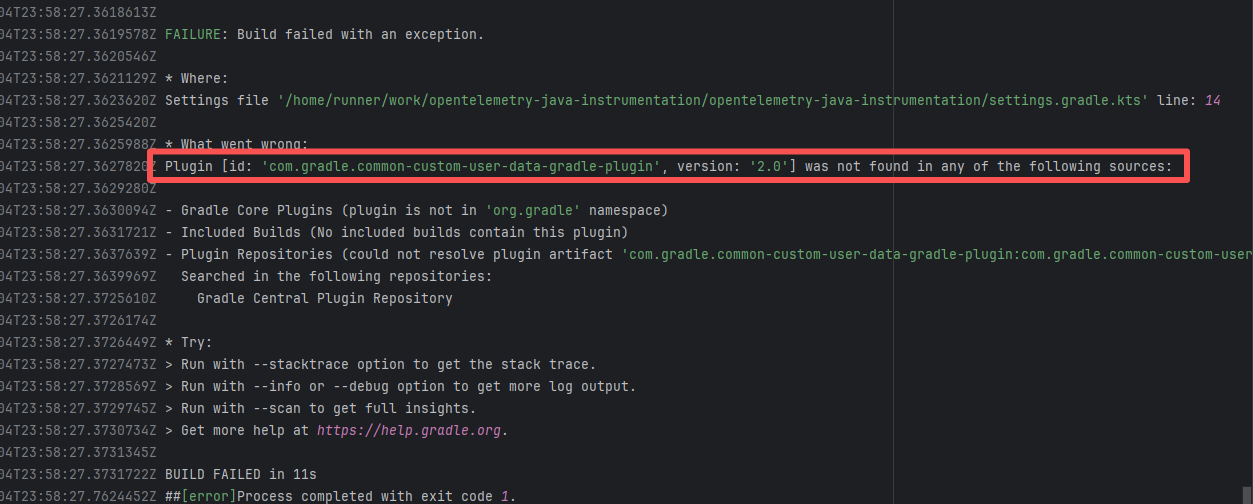
Error: The plugin com.gradle.common-custom-user-data-gradle-plugin:2.0 referenced on line 14 of settings.gradle.kts was not found, because the plugin could not be resolved in the plugin repository.
Root Cause: Succeeded after a rerun, which indicates that the error is a transient error caused by network fluctuations. |
Short-term Fix: Rerun the job; it will automatically succeed after network conditions recover.
Long-term Defense:
1. Configure domestic mirror sources to replace official sources;
2. Add a retry mechanism (e.g., retry plugin);
3. Use CDN to accelerate dependency downloads. |
 |
| openhab/openhab-addons |
22756221782 |
Network Issue |
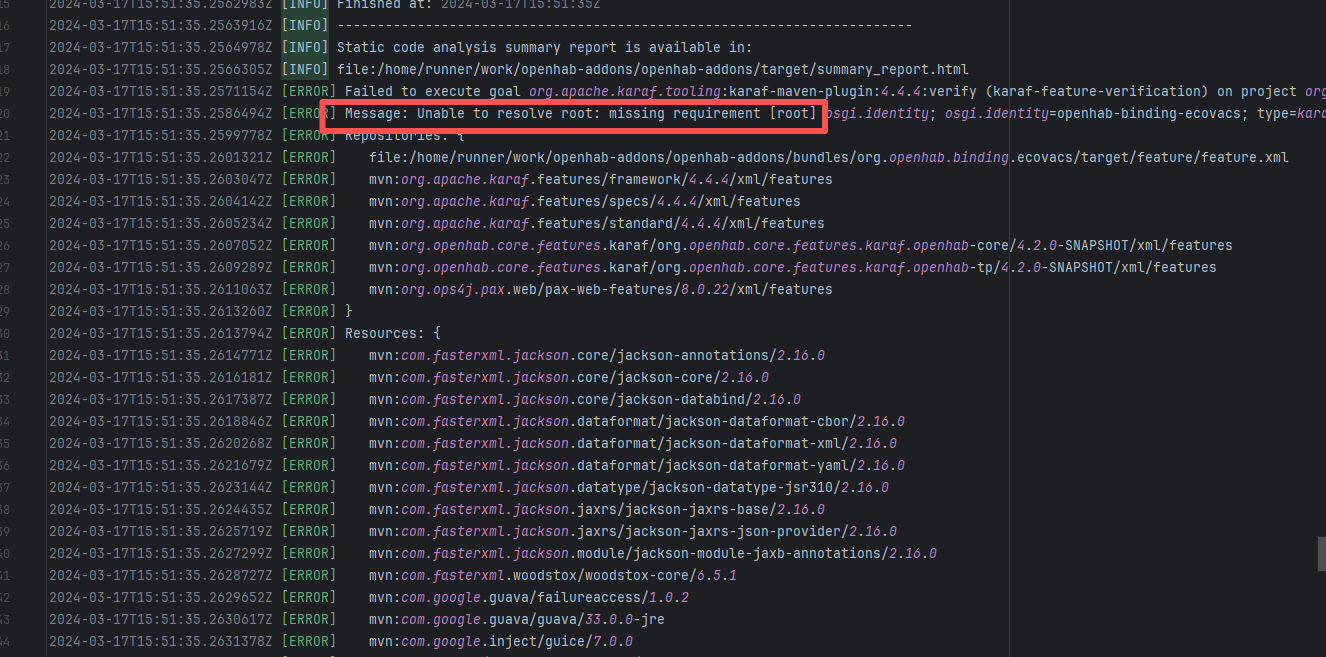
Error: The error occurred when building the OpenHAB binding org.openhab.binding.ecovacs using the Karaf Maven plugin. The issue occurred during feature resolution, specifically due to missing dependencies or the inability to resolve dependencies, causing the build to fail.
Root Cause: Succeeded after a rerun, which indicates that the error is a transient error caused by network fluctuations. |
Short-term Fix: Rerun the job; it will automatically succeed after network conditions recover.
Long-term Defense:
1. Configure domestic mirror sources to replace official sources;
2. Add a retry mechanism (e.g., retry plugin);
3. Use CDN to accelerate dependency downloads. |
 |
| dragonwell-project/dragonwell11 |
22821050143 |
Network Issue |
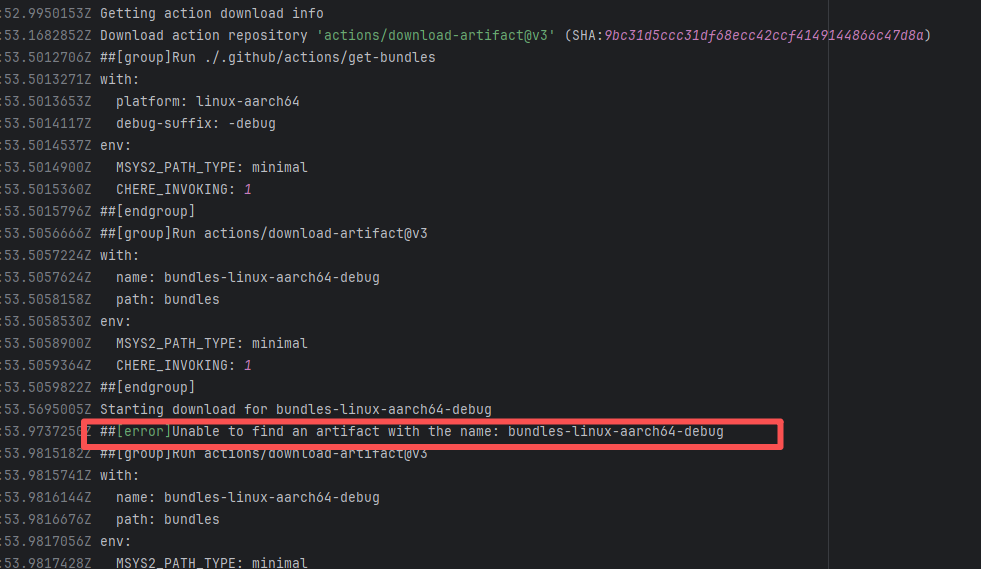
Error: The error message is "Unable to find an artifact with the name: bundles-linux-aarch64-debug", indicating that the download step could not find an artifact named bundles-linux-aarch64-debug, thereby causing the build to fail.
Root Cause: Succeeded after a rerun, which indicates that the error is a transient error caused by network fluctuations. |
Short-term Fix: Rerun the job; it will automatically succeed after network conditions recover.
Long-term Defense:
1. Configure domestic mirror sources to replace official sources;
2. Add a retry mechanism (e.g., retry plugin);
3. Use CDN to accelerate dependency downloads. |
 |
| neo4j-contrib/neo4j-apoc-procedures |
21758477796 |
Missing Dependency |
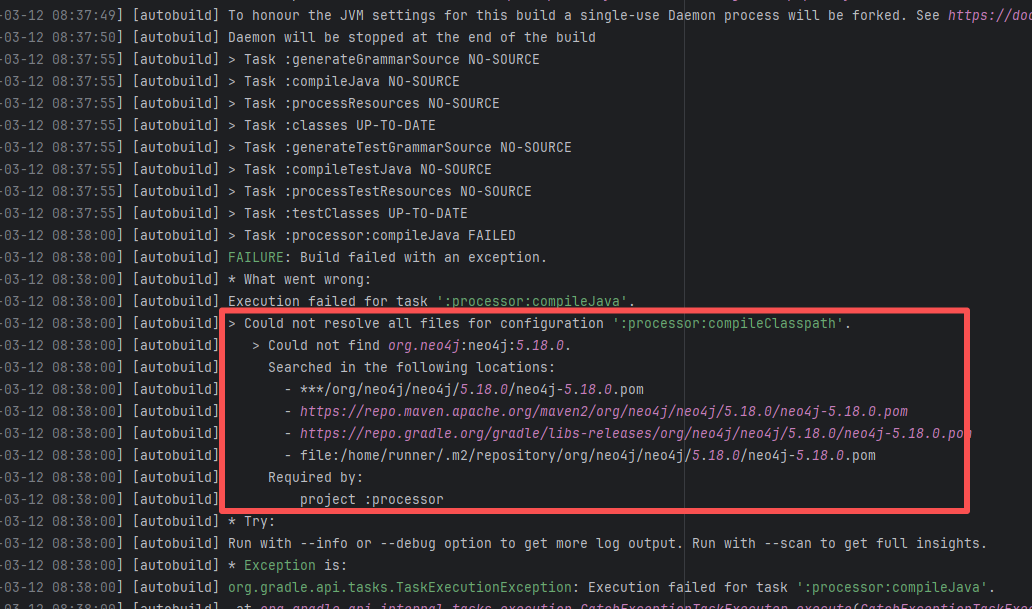
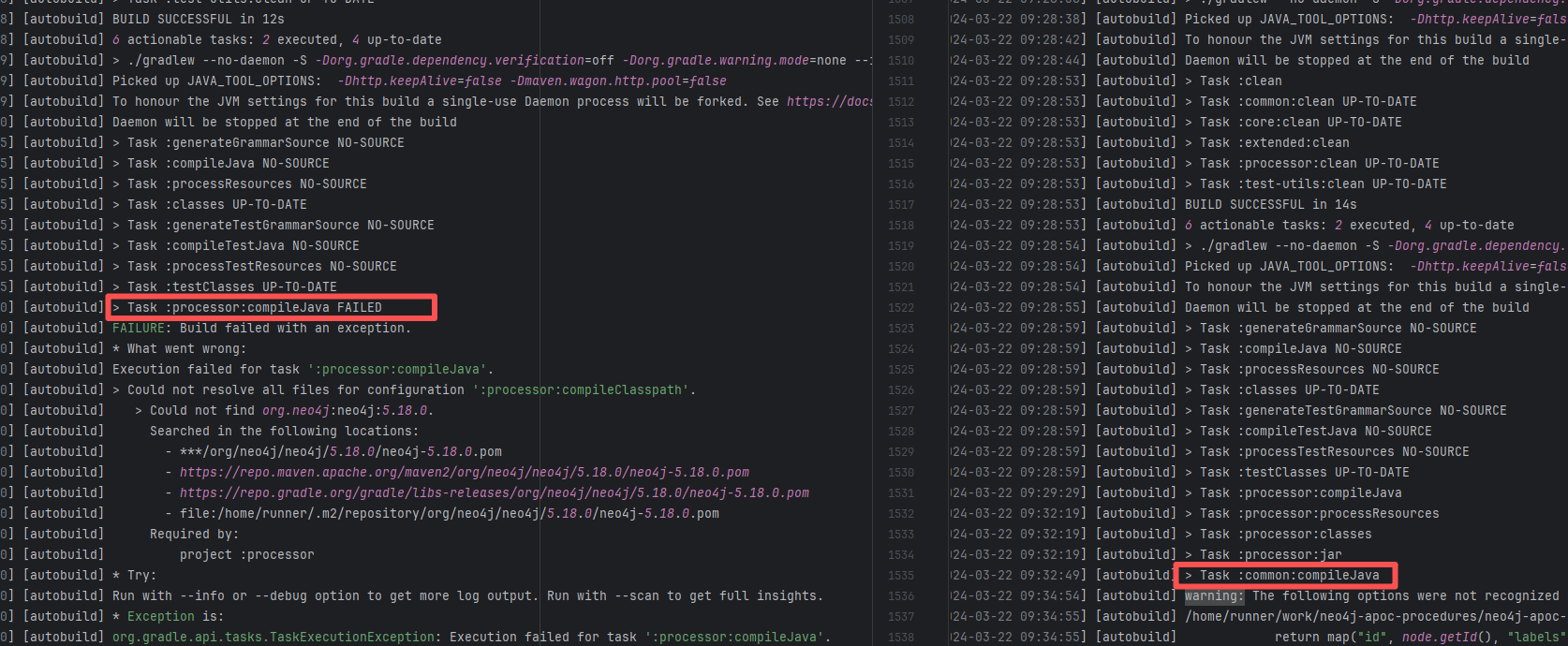
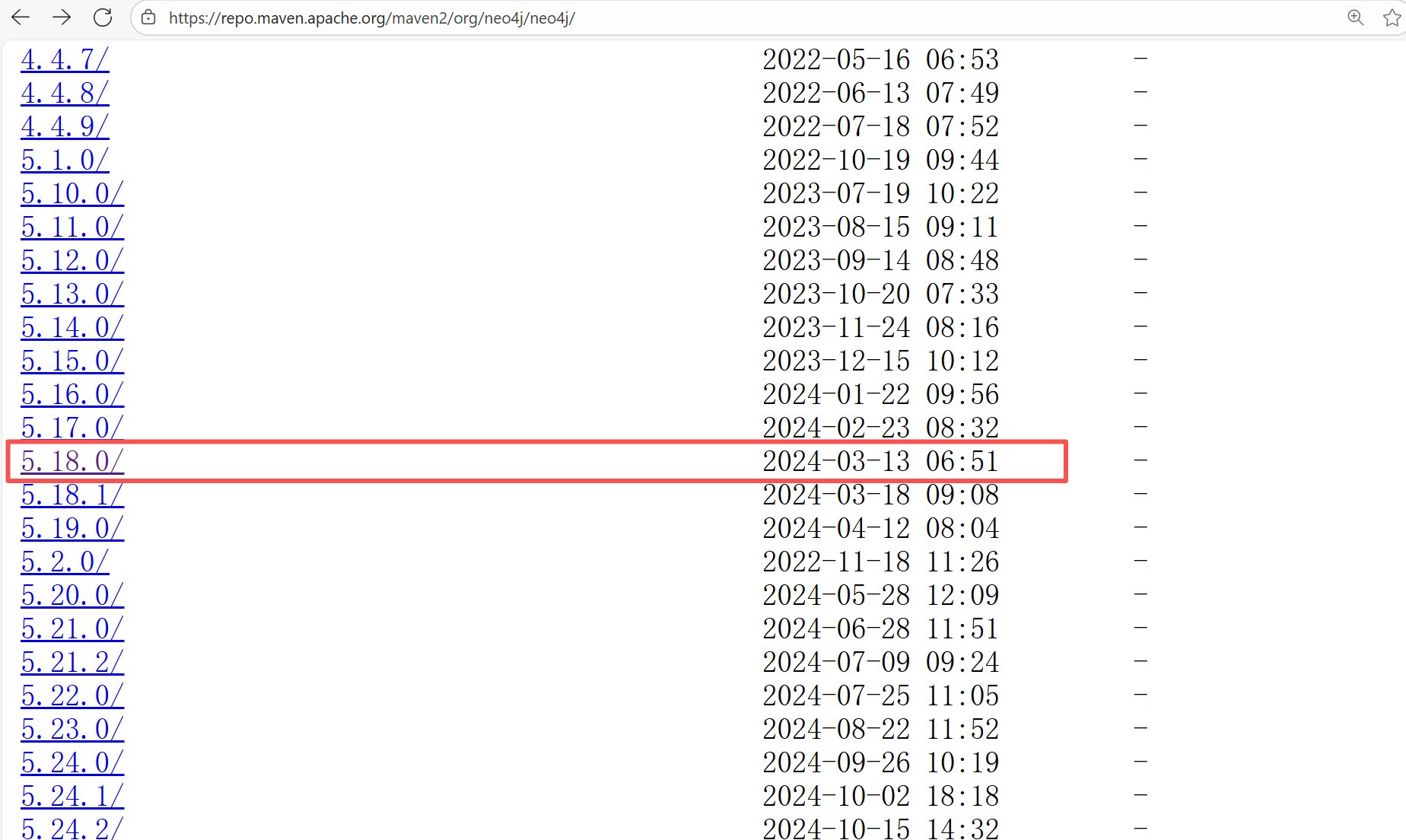
Error: The error message indicates that the build failed because the dependency org.neo4j:neo4j:5.18.0 could not be resolved. The build system tried multiple repository addresses but did not find the dependency file for this version.
Root Cause: Checking the repository dependencies revealed that it had not been uploaded before the job execution (3-12). The dependency was uploaded on 3-13, and the dependency downloaded successfully after a rerun on 3-22. |
- Upload the correct dependency files to the maven repository
- Use dependency coordinates that already exist in the maven repository |
   |
| apache/commons-io |
21366553306 |
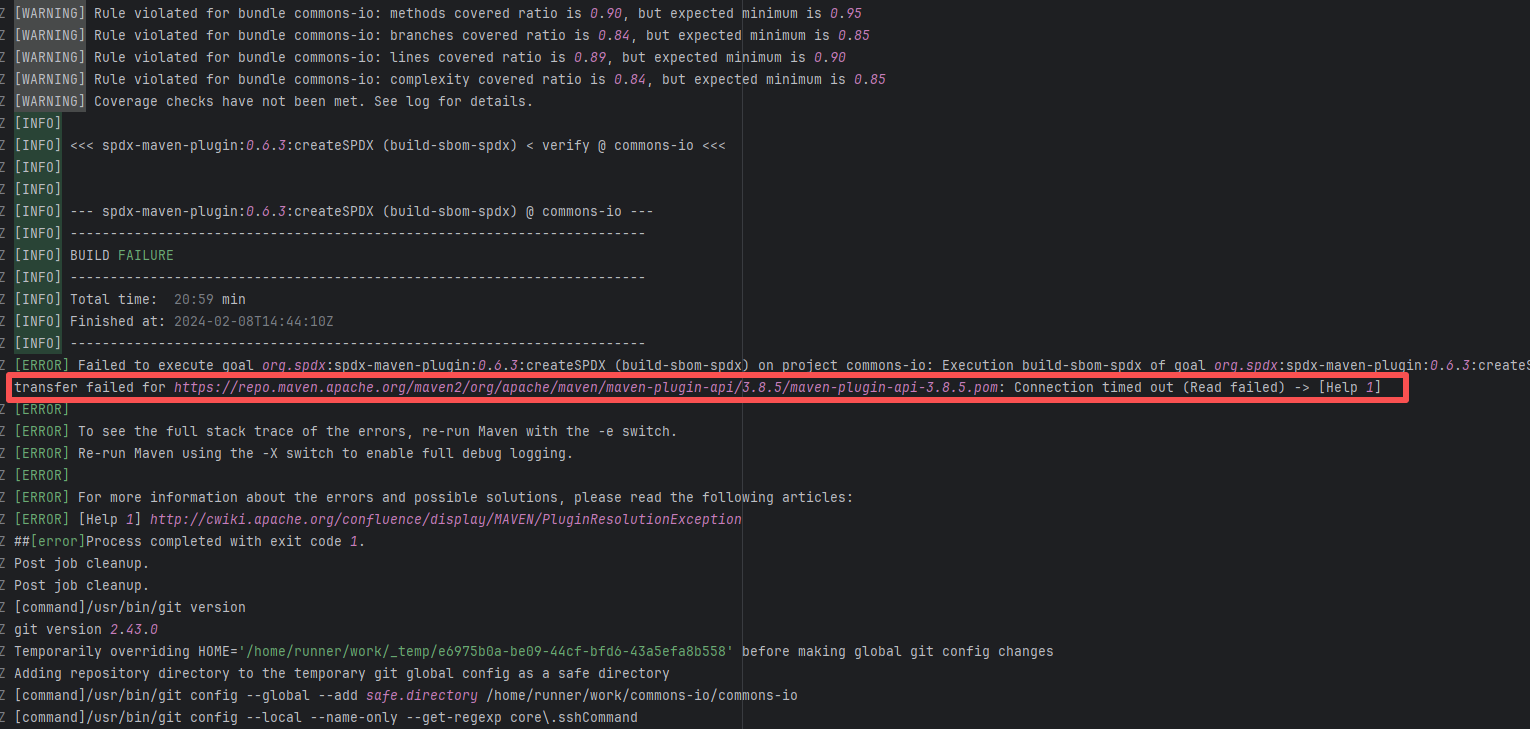
Network Issue |
Error: A timeout error occurred while fetching resources.
Root Cause: Transient connection timeout caused by network fluctuations, not a service provider server error. |
Short-term Fix: Rerun the job; it will automatically succeed after network conditions recover.
Long-term Defense:
1. Configure domestic mirror sources to replace official sources;
2. Add a retry mechanism (e.g., retry plugin);
3. Use CDN to accelerate dependency downloads. |
 |
| cloudfoundry/uaa |
18110996326 |
Missing Dependency |
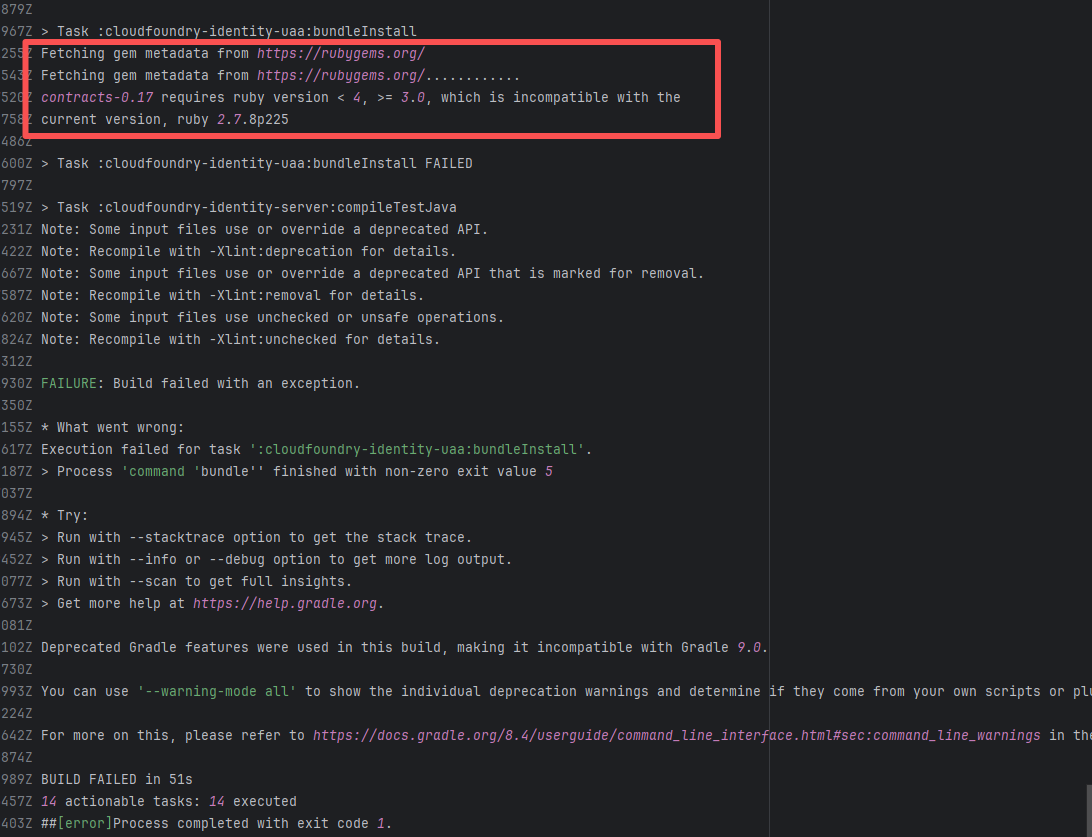
Error: The error log shows that during the execution of the bundleInstall task, the Ruby version being used (2.7.8) was incompatible with the required Ruby version. contracts-0.17 requires a Ruby version between 3.0 and 4.0, but the current version is 2.7.8, so the dependencies could not be installed normally.
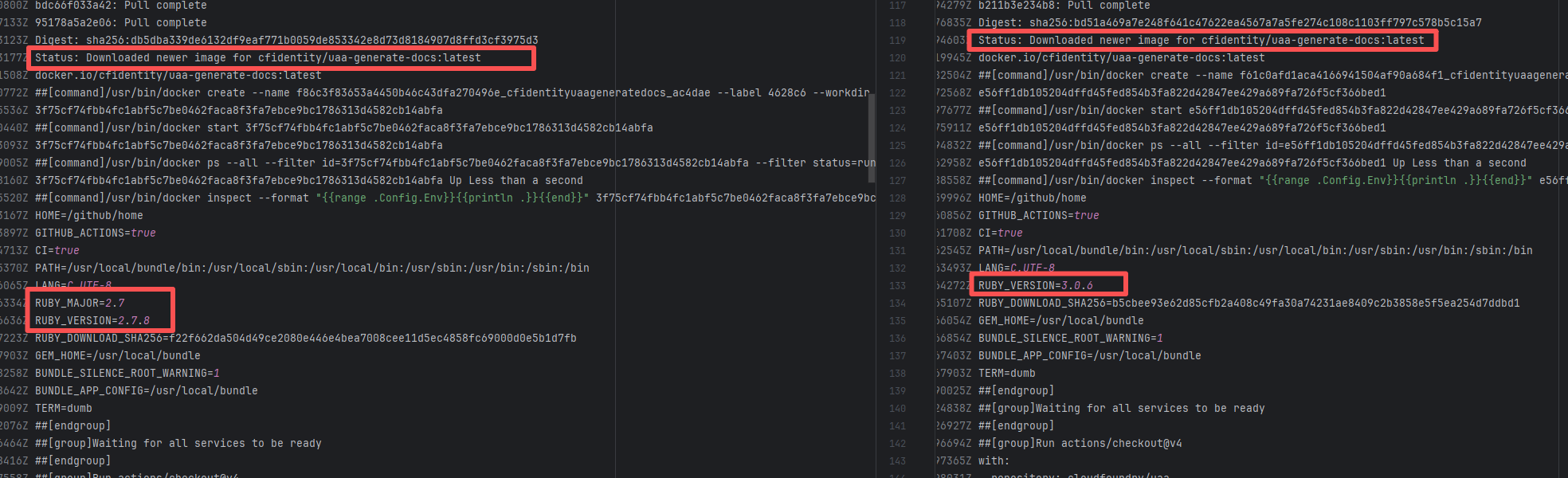
Root Cause: Comparing the successful and failed logs revealed that during the build process, the docker image installed, cfidentity/uaa-generate-docs, is always the latest version. After the failure, the developer modified the dependency version in the image, upgrading RUBY_VERSION from 2.7.8 to 3.0.6. The ruby version met the dependency requirements after rerun, thus the build succeeded. |
- Modify the Dockerfile configuration to change the tool version to a suitable version |
  |
| mapfish/mapfish-print |
19131451089 |
Missing Dependency |
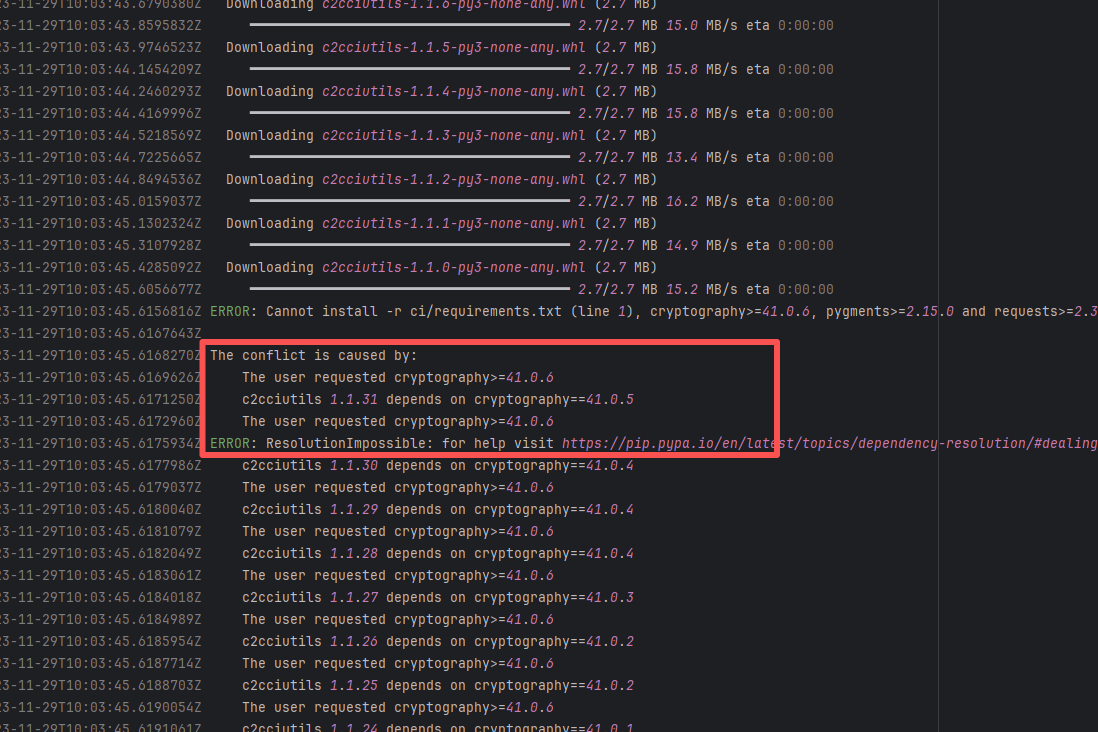
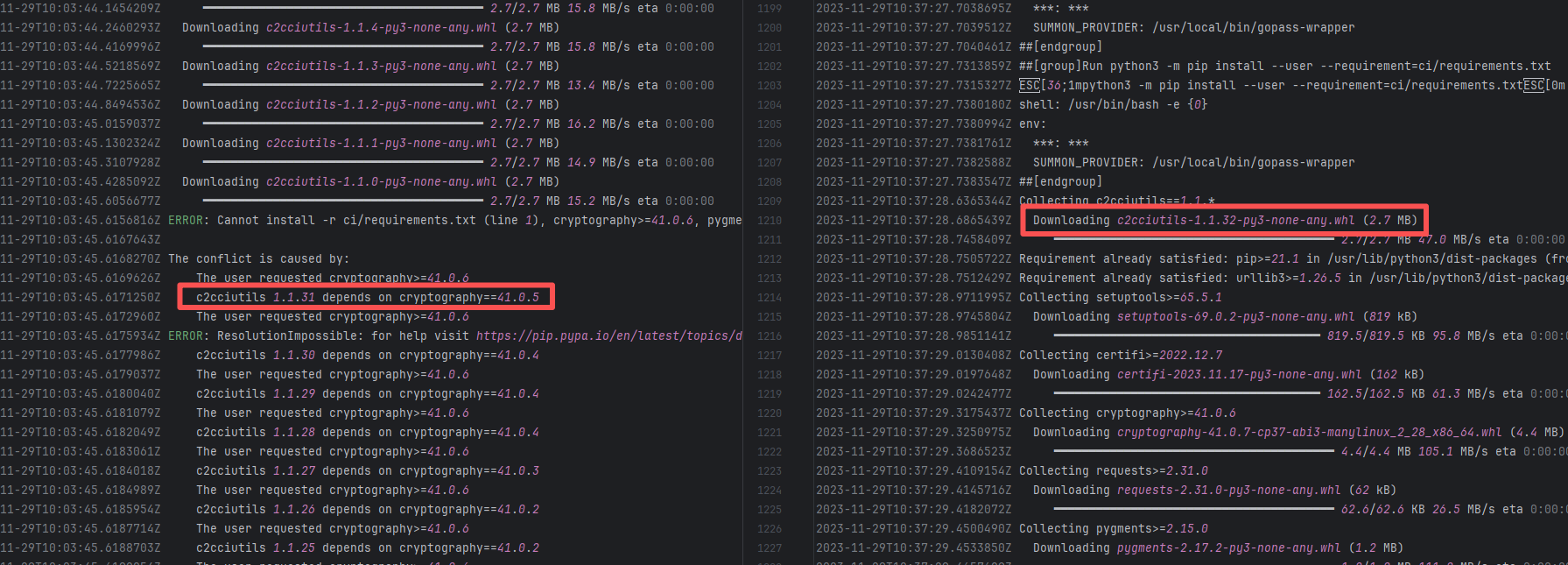
Error: The error log indicates conflicts between the version of the c2cciutils package and its dependencies, particularly concerning version incompatibilities with the cryptography package. The specific issue is: the installation of cryptography>=41.0.6 is requested in requirements.txt, but different versions of the c2cciutils package (such as 1.1.31, 1.1.30, 1.1.29, etc.) require the cryptography version to be 41.0.5 or lower, leading to version conflicts.
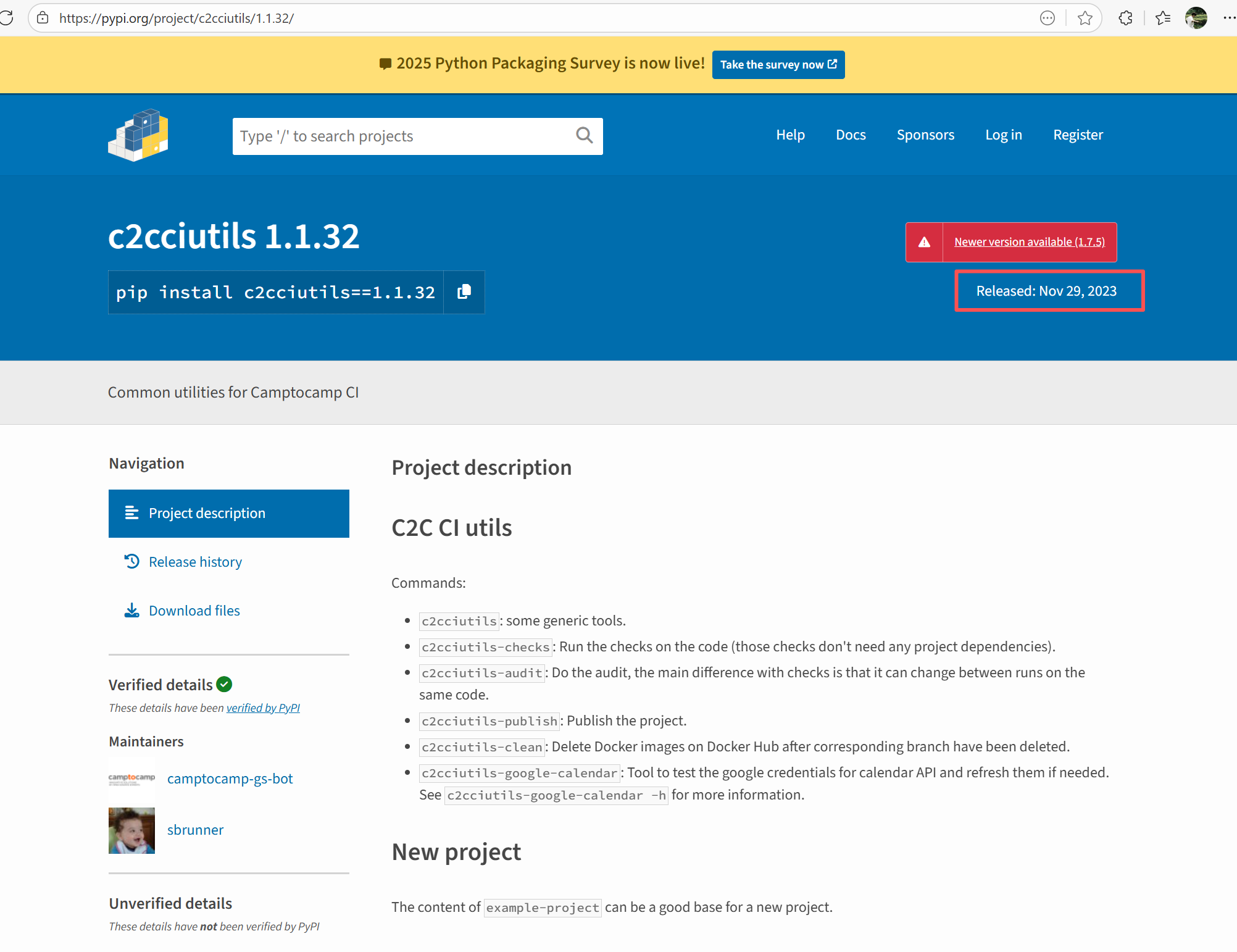
Root Cause: Checking the upload log of https://pypi.org/project, when the failed build occurred, the latest available version of c2cciutils was 1.1.31. However, after the failure, version 1.1.32 was uploaded. Version 1.1.32 is based on cryptography version 41.0.6, which satisfies the requirements in the requirement file. Therefore, the rerun succeeded. |
- Upload the correct dependency files to the dependency repository
- Modify the dependency version to use a compatible combination of dependencies |
   |
| External Environment Inconsistency |
vividus-framework/vividus |
19775576809 |
Artifact Conflict |
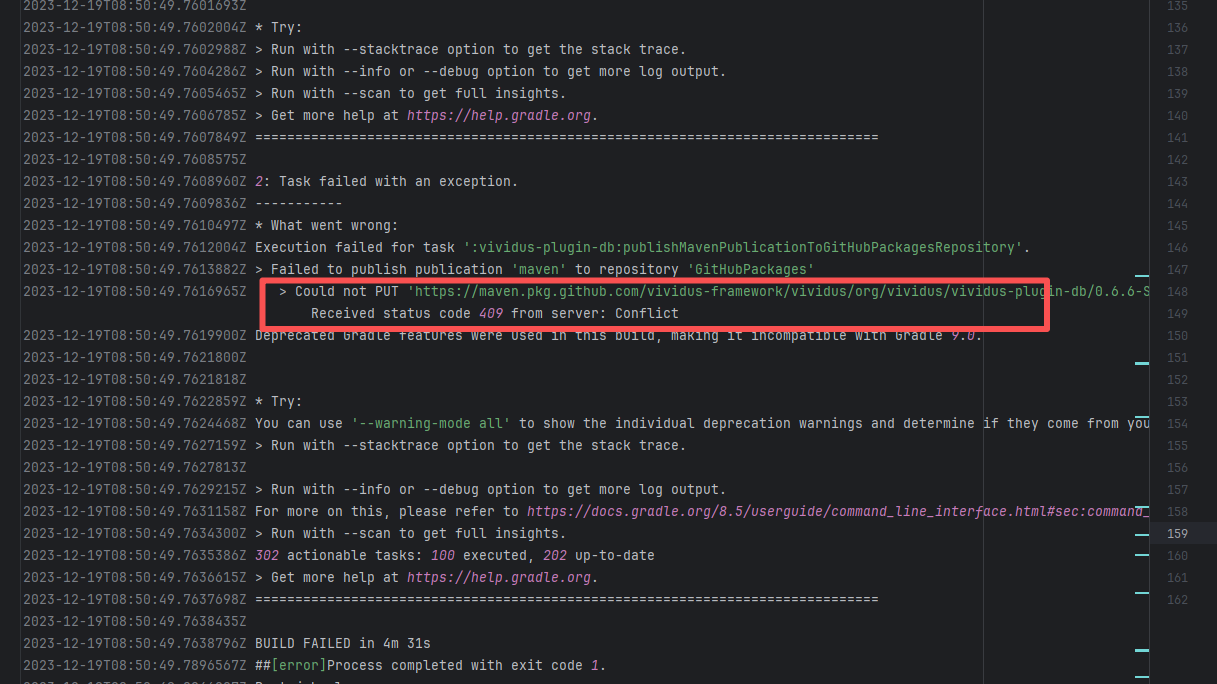
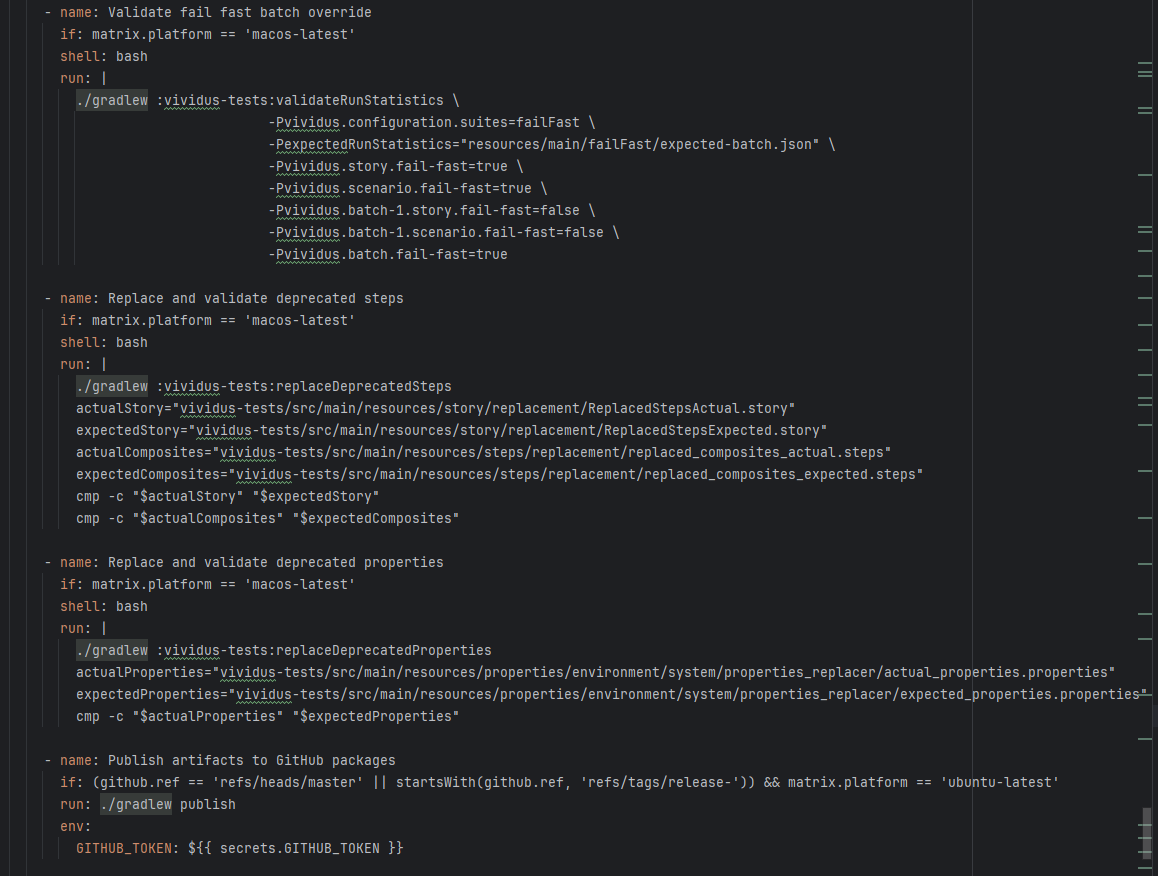
Error: The error log indicates a failure when publishing a Maven artifact to the GitHub Packages repository. The core reason is receiving a 409 Conflict response, indicating that the artifact to be uploaded conflicts with an artifact that already exists in the repository.
Root Cause: The script specifies that the snapshot version of the build product should be named with a timestamp, so conflicts should not occur during the upload process. However, because caching was enabled during the Gradle build process and the clean command was not executed, the old snapshot artifact and compilation results in the build/ directory were used and directly reused for upload, leading to a GitHub Packages 409 conflict. Rerun succeeded after clearing the previous local cache results. |
Rerun after deleting previous build results in the cache |
  |
| vividus-framework/vividus |
27150758033 |
Artifact Conflict |
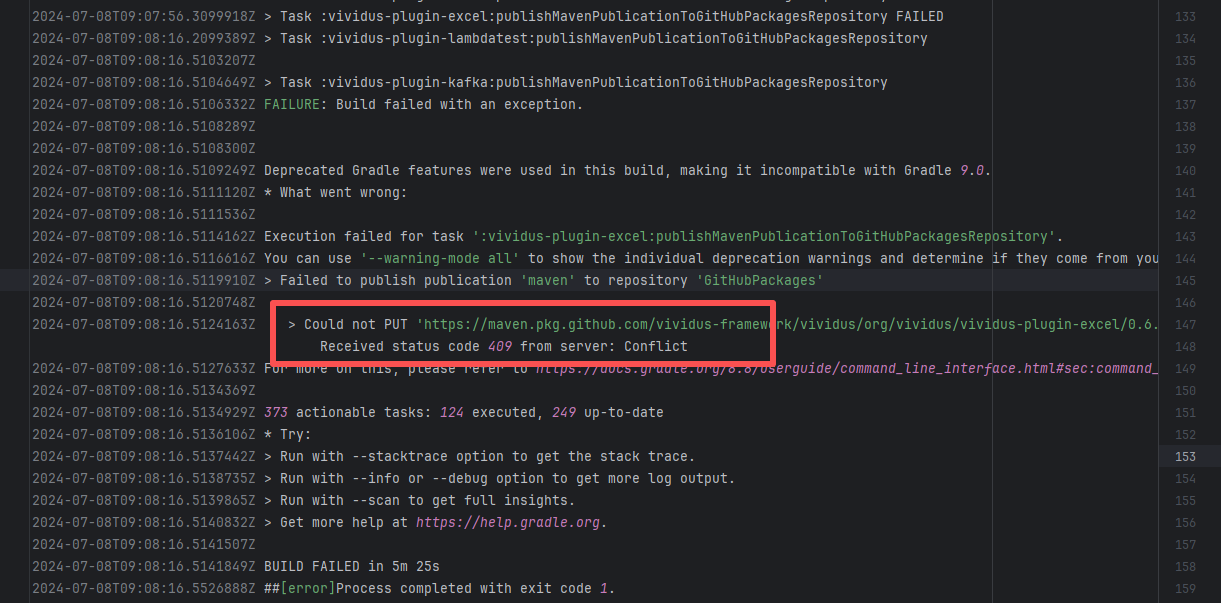
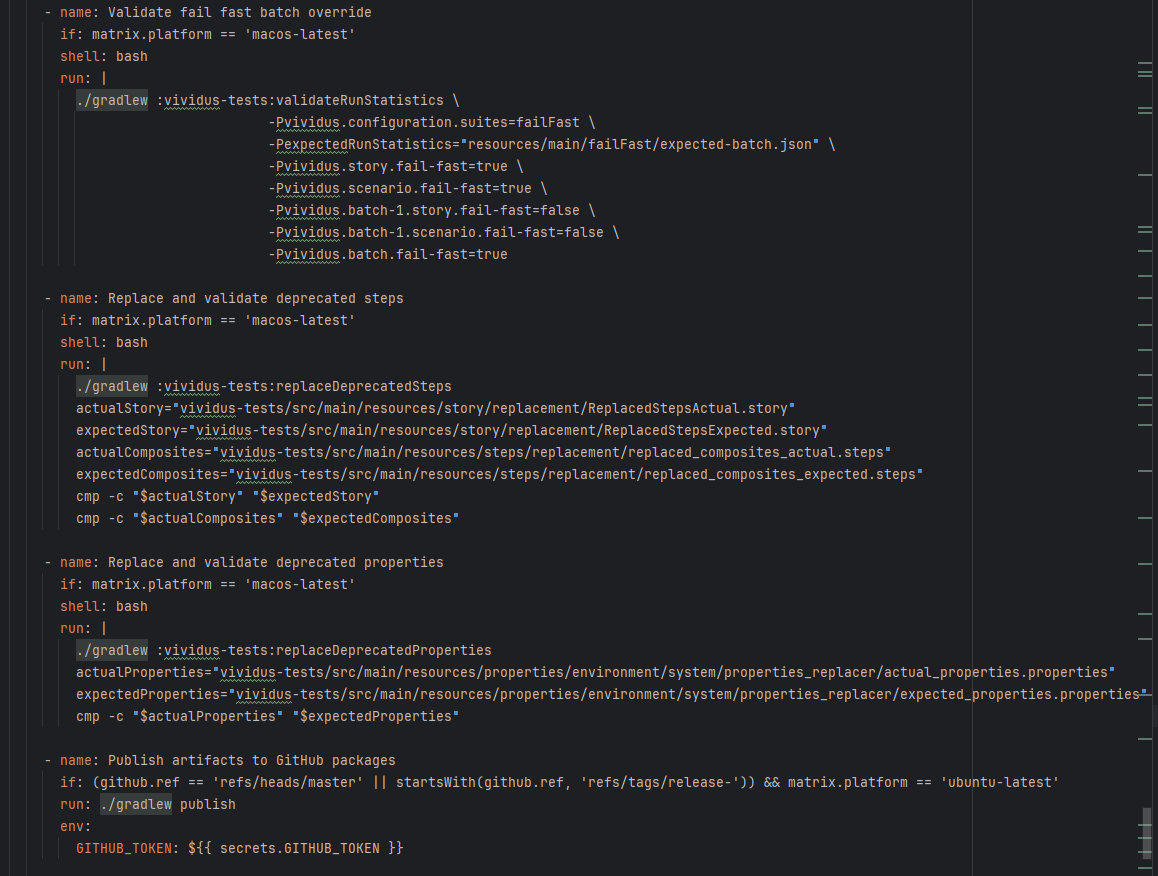
Error: The error log indicates a failure when publishing a Maven artifact to the GitHub Packages repository. The core reason is receiving a 409 Conflict response, indicating that the artifact to be uploaded conflicts with an artifact that already exists in the repository.
Root Cause: The script specifies that the snapshot version of the build product should be named with a timestamp, so conflicts should not occur during the upload process. However, because caching was enabled during the Gradle build process and the clean command was not executed, the old snapshot artifact and compilation results in the build/ directory were used and directly reused for upload, leading to a GitHub Packages 409 conflict. Rerun succeeded after clearing the previous local cache results. |
Rerun after deleting previous build results in the cache |
  |
| apache/pulsar |
25103043188 |
Workflow Policy Violation |
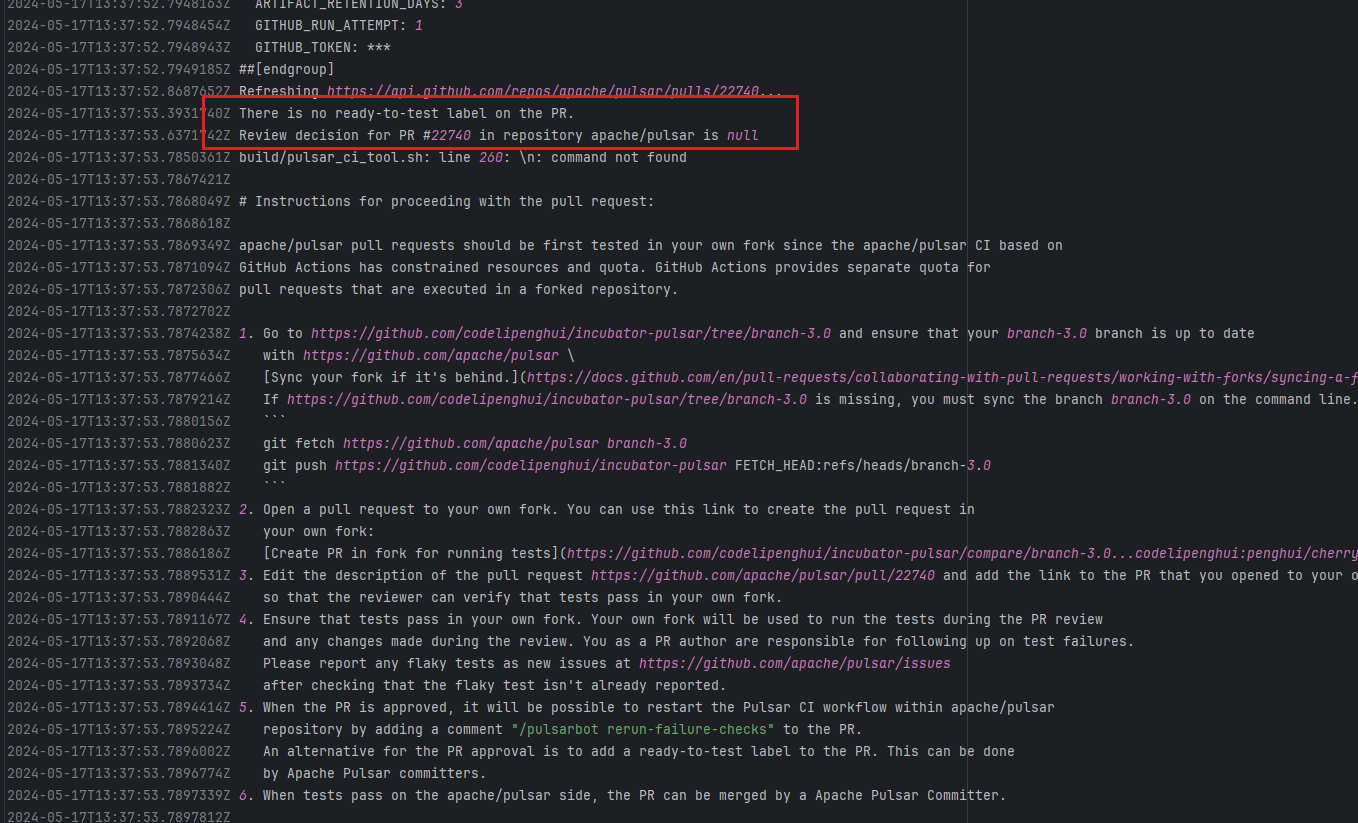
Error: Operations on the PR #22858 in the Apache Pulsar repository are currently restricted. The core reason is that the PR is missing the "ready-to-test" label and is in the "REVIEW_REQUIRED" state, so subsequent operations are prohibited.
Root Cause: CI based on GitHub Actions in the main repository has resource and quota limits. The official mandatory requirement is: all PRs must first complete test verification in the contributor's personal Fork repository. Only after confirming there are no problems can they be submitted to the main repository, to avoid occupying the limited CI quota of the main repository.
After a PR is submitted, it is necessary to contact the repository administrator to add the "ready-to-test" label to the PR. After the label is added, the main repository CI will allow the test process to execute; the repository administrator will review the code, modify the code according to the review comments (if any), and push it to the corresponding branch of the Fork repository (the PR will automatically synchronize the modifications). After the review is passed, the PR state will change from "REVIEW_REQUIRED" to "APPROVED", and then the subsequent merging process can be entered. |
Contact the relevant personnel to conduct testing and review according to the main repository requirements, and rerun after completion |
 |
| apache/doris |
20018755235 |
Upstream Repository Issue |
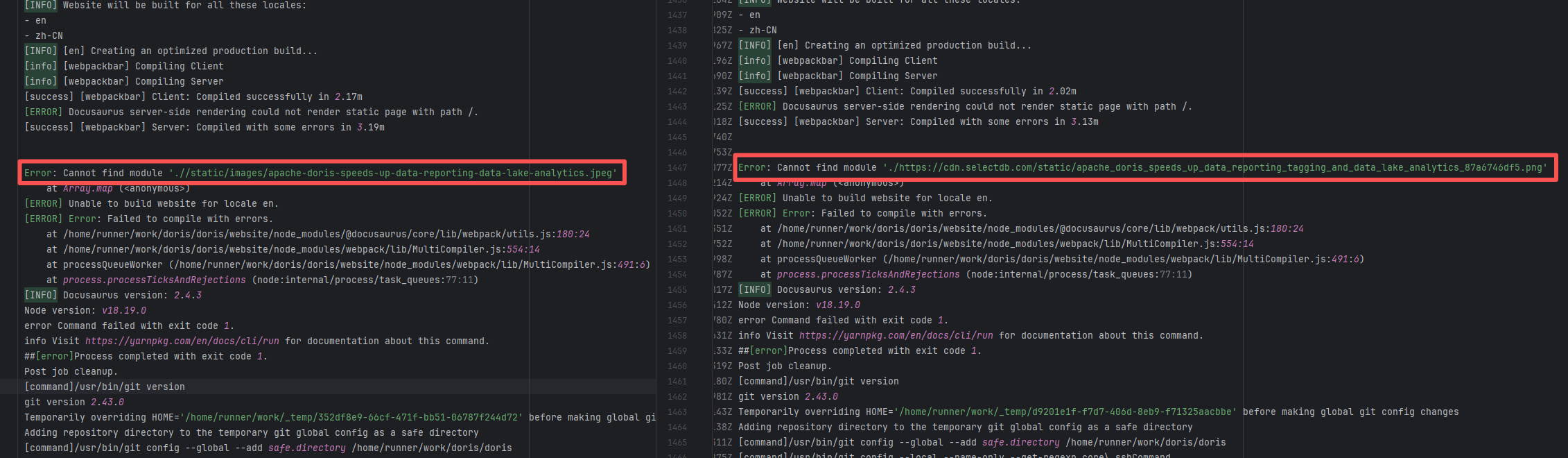
Error: Docusaurus failed when building the static website. The core reason is that the image module could not be found, leading to a server-side rendering failure. A compilation error occurred.
Root Cause: Analysis of the workflow revealed that the code for building the website was cloned from another repository. For the first failure, the file path was ./https://cdn.selectdb.com/static/apache_doris_speeds_up_data_reporting_tagging_and_data_lake_analytics_87a6746df5.png. The second time (local), it was .//static/images/apache-doris-speeds-up-data-reporting-data-lake-analytics.jpeg. Both were path concatenation errors. After correcting the path the third time, the static website was successfully built. |
Rerun successfully after modifying the static resource path to the correct path in the other repository |
 |
| apache/pulsar |
19209414833 |
Workflow Policy Violation |
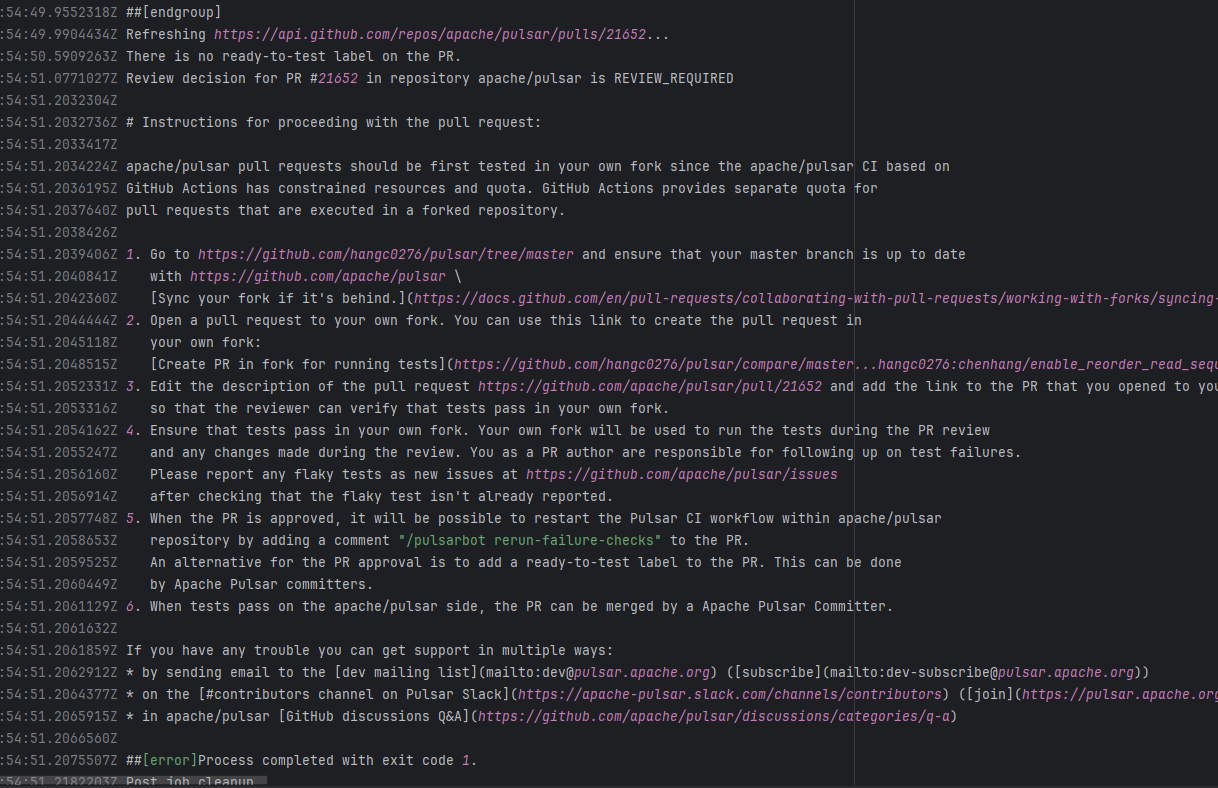
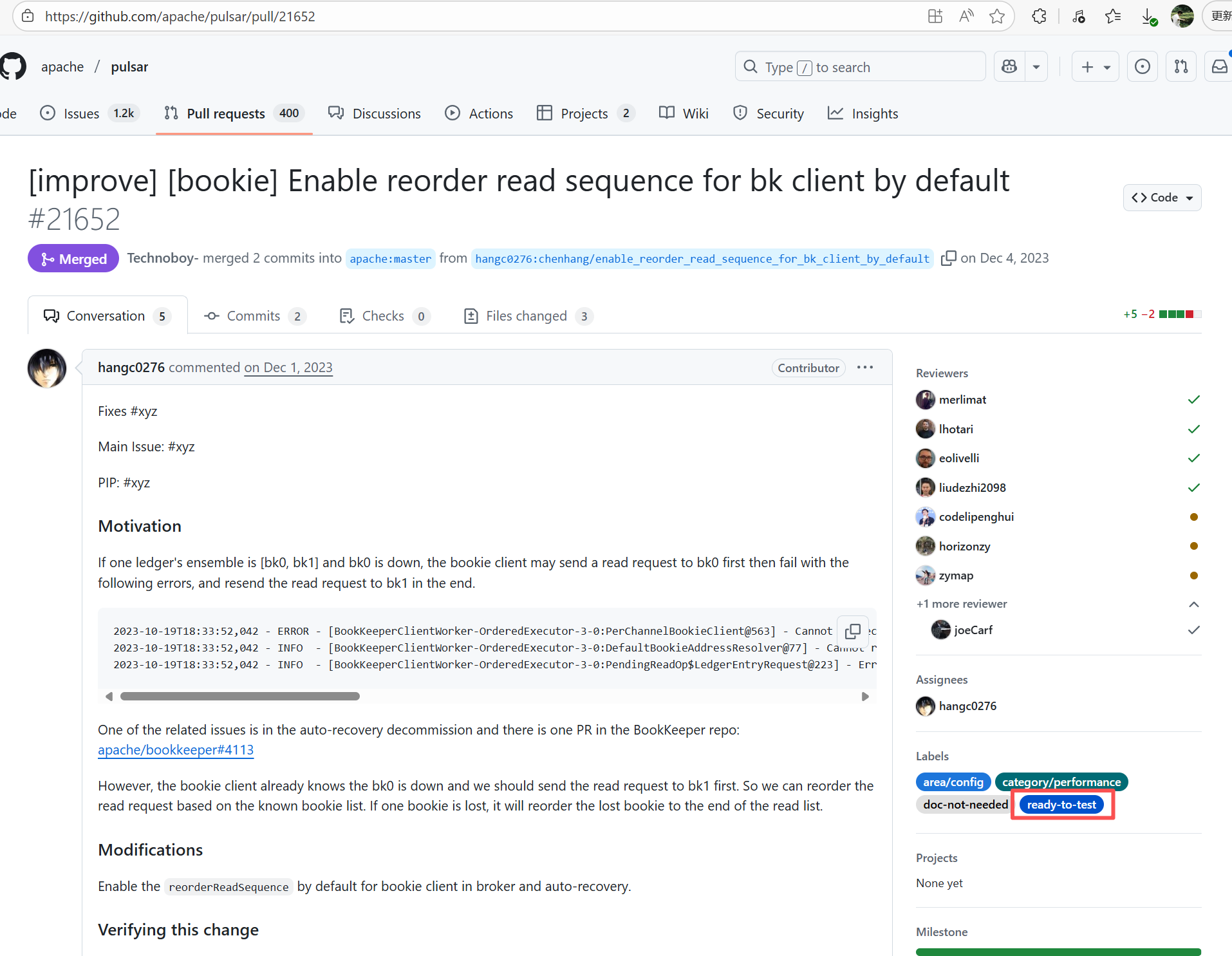
Error: Operations on the PR #21652 in the Apache Pulsar repository are currently restricted. The core reason is that the PR is missing the "ready-to-test" label and is in the "REVIEW_REQUIRED" state, so subsequent operations are prohibited.
Root Cause: CI based on GitHub Actions in the main repository has resource and quota limits. The official mandatory requirement is: all PRs must first complete test verification in the contributor's personal Fork repository. Only after confirming there are no problems can they be submitted to the main repository, to avoid occupying the limited CI quota of the main repository.
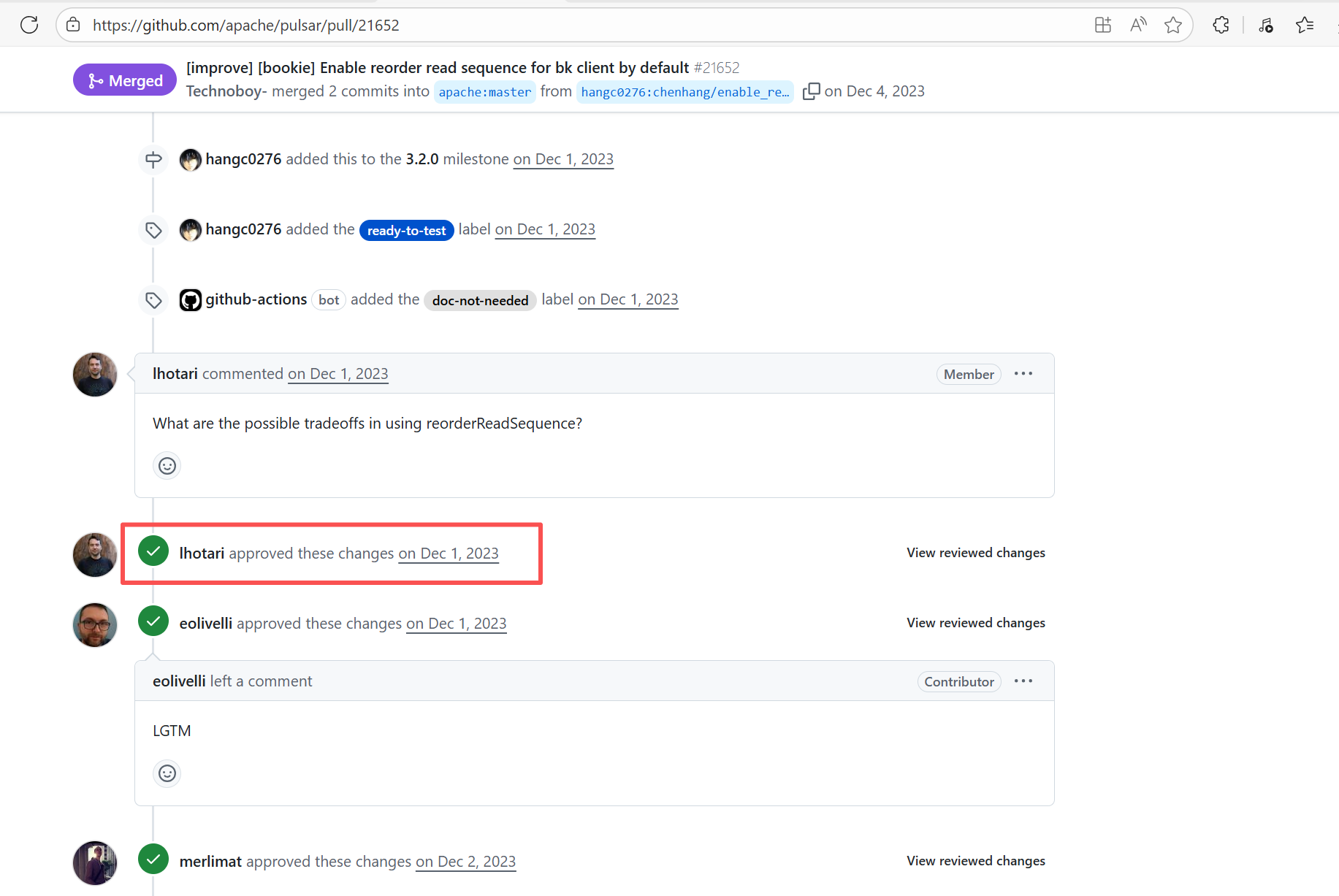
After a PR is submitted, it is necessary to contact the repository administrator to add the "ready-to-test" label to the PR. After the label is added, the main repository CI will allow the test process to execute; the repository administrator will review the code, modify the code according to the review comments (if any), and push it to the corresponding branch of the Fork repository (the PR will automatically synchronize the modifications). After the review is passed, the PR state will change from "REVIEW_REQUIRED" to "APPROVED", and then the subsequent merging process can be entered. |
Contact the relevant personnel to conduct testing and review according to the main repository requirements, and rerun after completion |
   |
| apache/pulsar |
25032490889 |
Workflow Policy Violation |
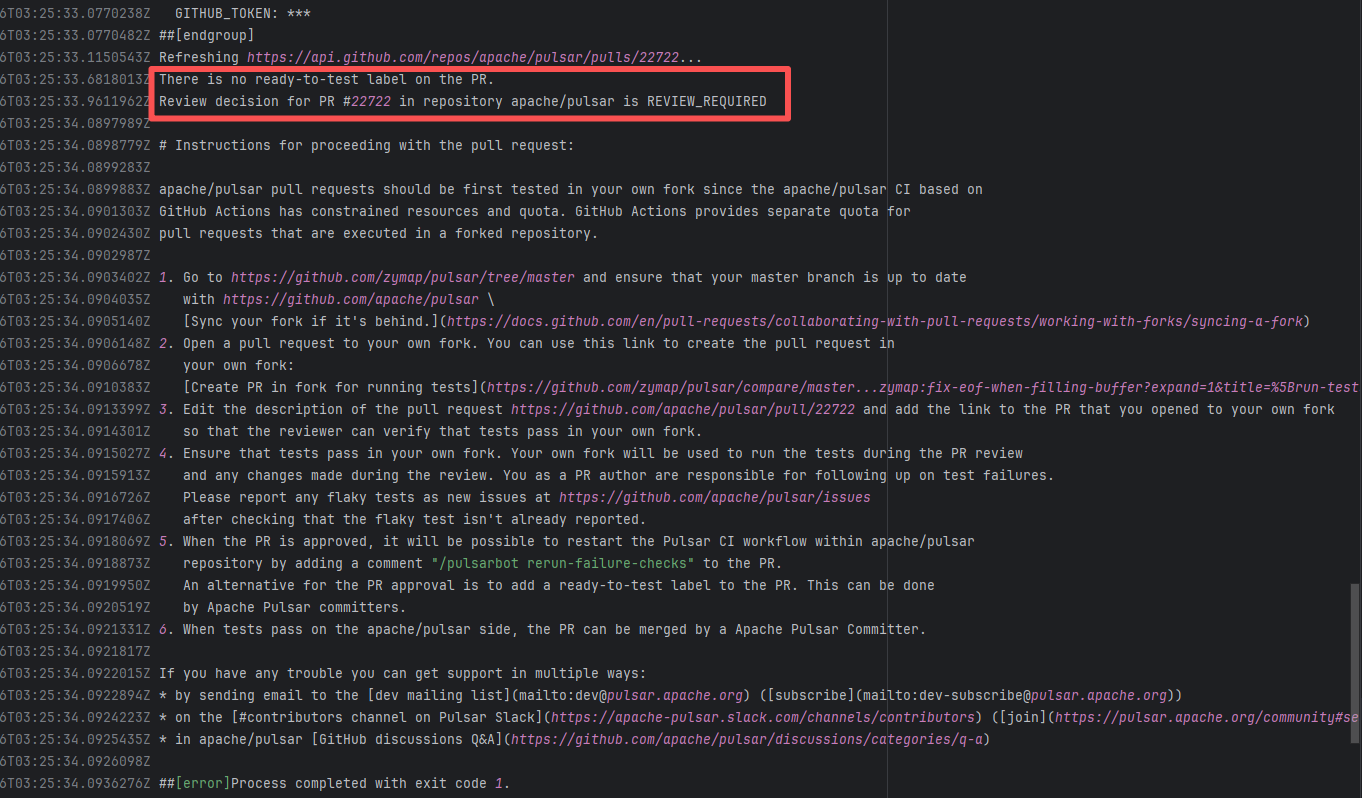
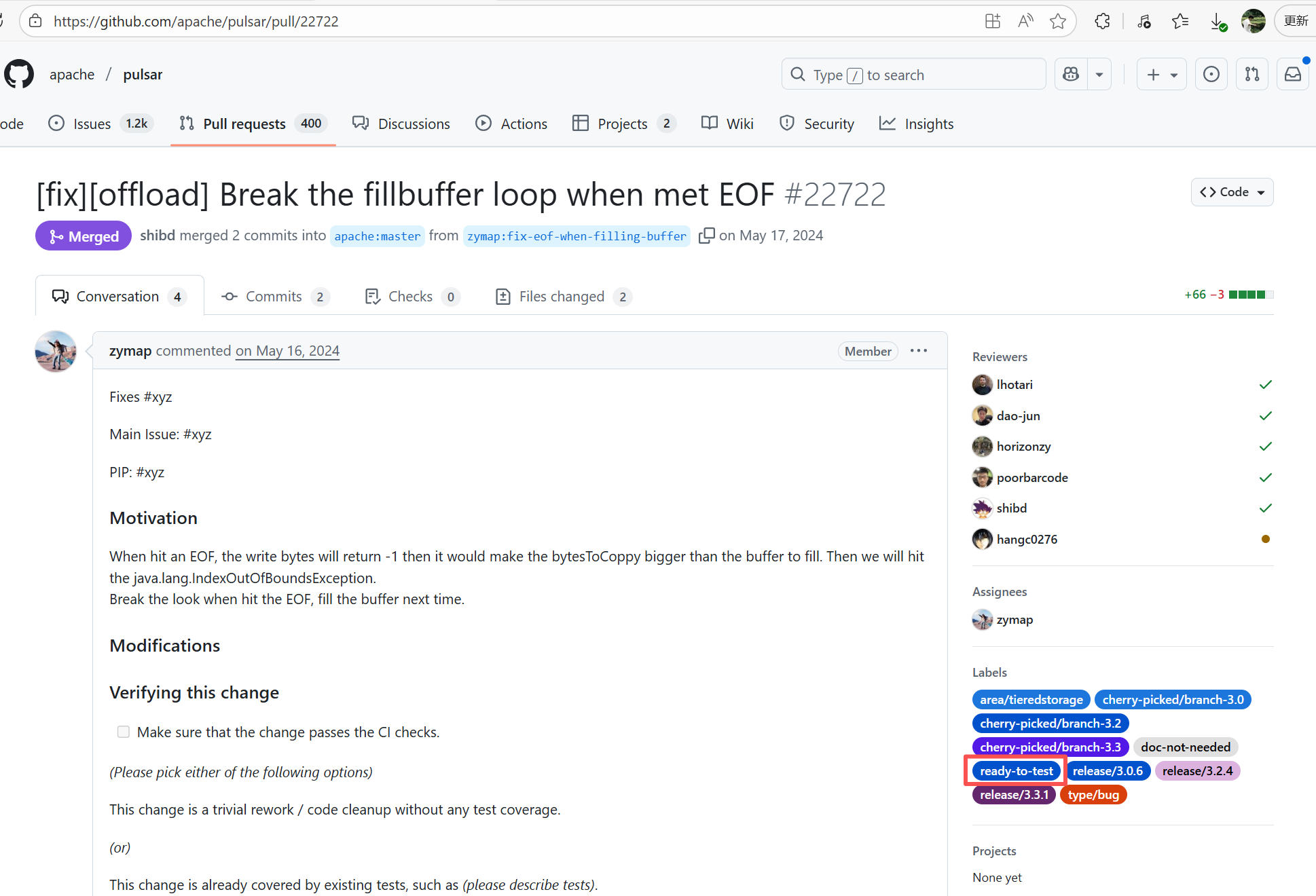
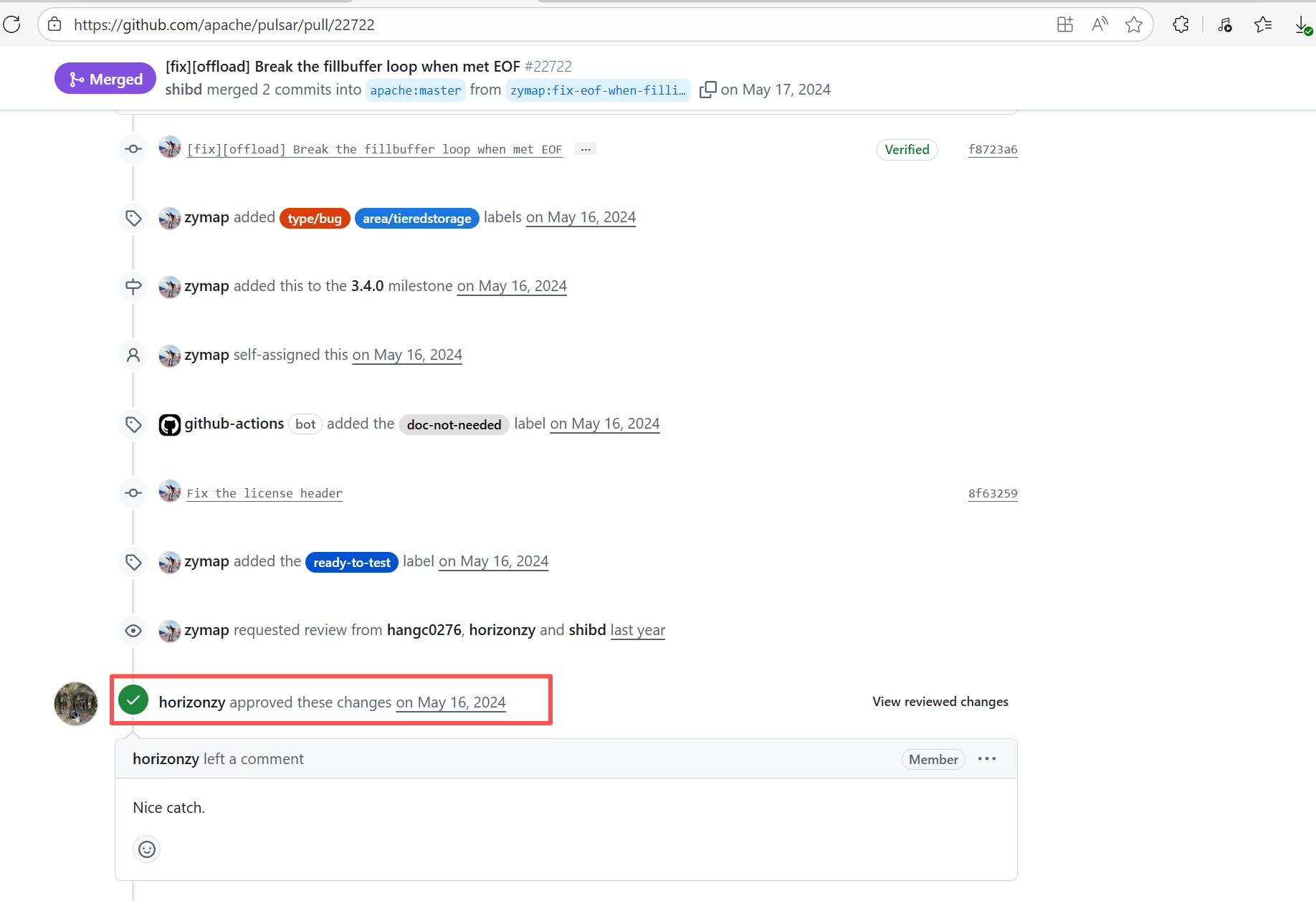
Error: Operations on the PR #22722 in the Apache Pulsar repository are currently restricted. The core reason is that the PR is missing the "ready-to-test" label and is in the "REVIEW_REQUIRED" state, so subsequent operations are prohibited.
Root Cause: CI based on GitHub Actions in the main repository has resource and quota limits. The official mandatory requirement is: all PRs must first complete test verification in the contributor's personal Fork repository. Only after confirming there are no problems can they be submitted to the main repository, to avoid occupying the limited CI quota of the main repository.
After a PR is submitted, it is necessary to contact the repository administrator to add the "ready-to-test" label to the PR. After the label is added, the main repository CI will allow the test process to execute; the repository administrator will review the code, modify the code according to the review comments (if any), and push it to the corresponding branch of the Fork repository (the PR will automatically synchronize the modifications). After the review is passed, the PR state will change from "REVIEW_REQUIRED" to "APPROVED", and then the subsequent merging process can be entered. |
Contact the relevant personnel to conduct testing and review according to the main repository requirements, and rerun after completion |
   |
| apache/pulsar |
25623936811 |
Workflow Policy Violation |
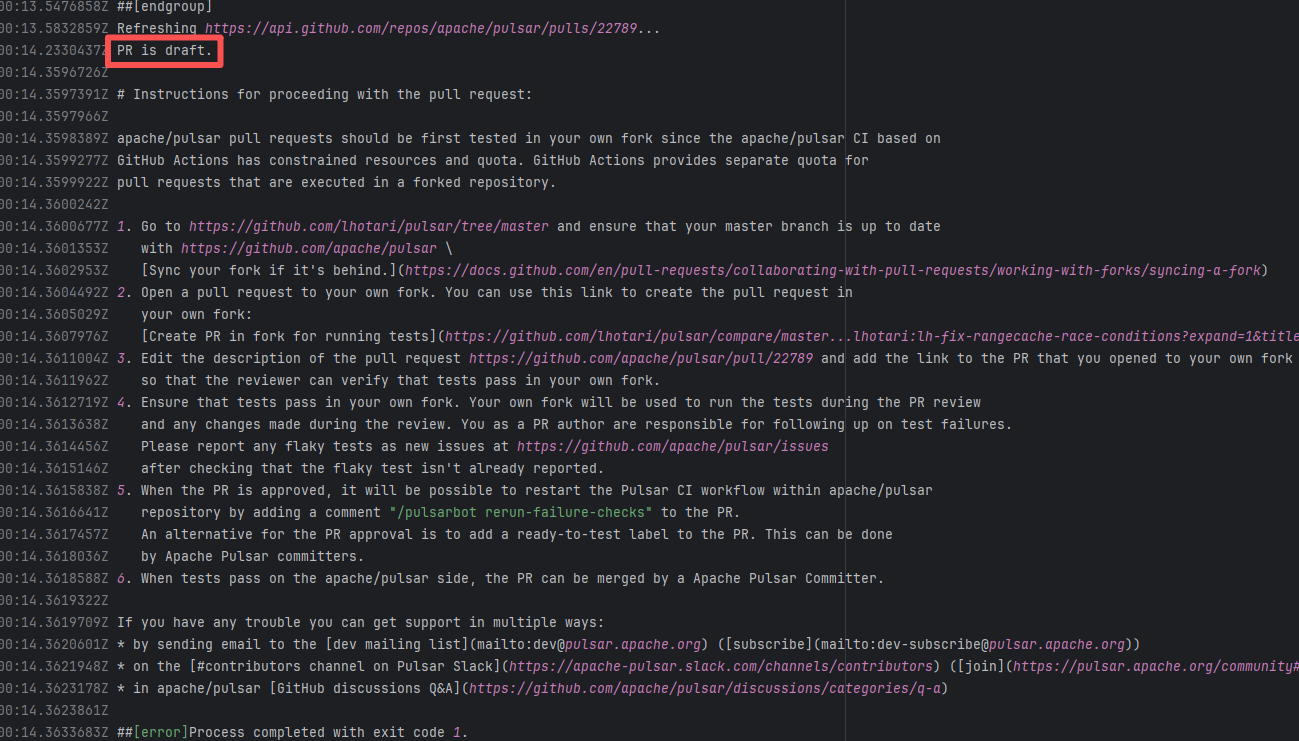
Error: "Draft PRs" in GitHub are usually used to mark "work in progress". The Apache Pulsar project places additional restrictions on the use of main repository CI resources for such PRs, mandating verification in the Fork repository first to avoid wasting resources.
Root Cause: Rerun succeeded after converting the PR from "Draft state" to "Formal PR" once it was ready. |
Convert the PR from "Draft state" to "Formal PR" once it is ready, and rerun successfully. |
 |
| apache/pulsar |
24546846695 |
Workflow Policy Violation |
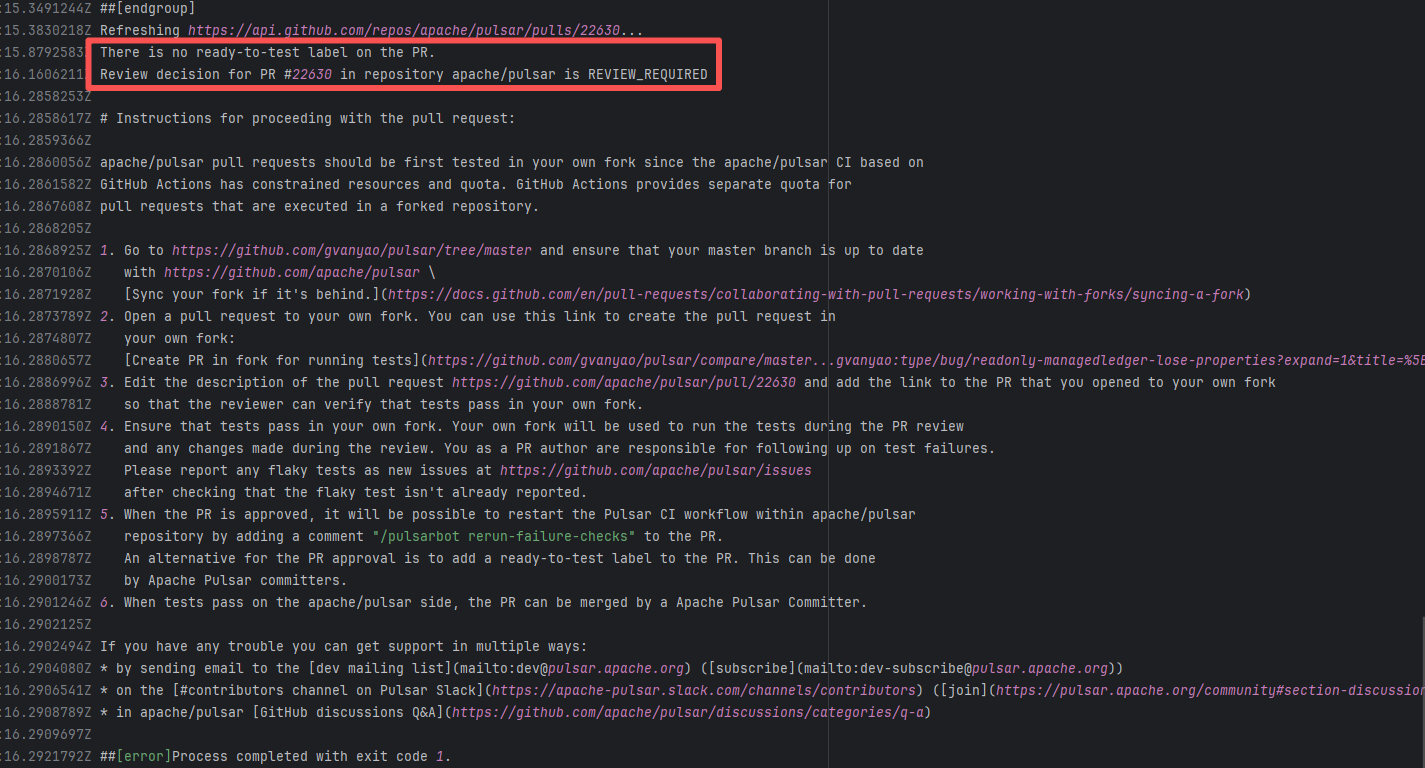
Error: Operations on the PR #22630 in the Apache Pulsar repository are currently restricted. The core reason is that the PR is missing the "ready-to-test" label and is in the "REVIEW_REQUIRED" state, so subsequent operations are prohibited.
Root Cause: CI based on GitHub Actions in the main repository has resource and quota limits. The official mandatory requirement is: all PRs must first complete test verification in the contributor's personal Fork repository. Only after confirming there are no problems can they be submitted to the main repository, to avoid occupying the limited CI quota of the main repository.
After a PR is submitted, it is necessary to contact the repository administrator to add the "ready-to-test" label to the PR. After the label is added, the main repository CI will allow the test process to execute; the repository administrator will review the code, modify the code according to the review comments (if any), and push it to the corresponding branch of the Fork repository (the PR will automatically synchronize the modifications). After the review is passed, the PR state will change from "REVIEW_REQUIRED" to "APPROVED", and then the subsequent merging process can be entered. |
Contact the relevant personnel to conduct testing and review according to the main repository requirements, and rerun after completion |
 |
| apache/pulsar |
21093406893 |
Workflow Policy Violation |
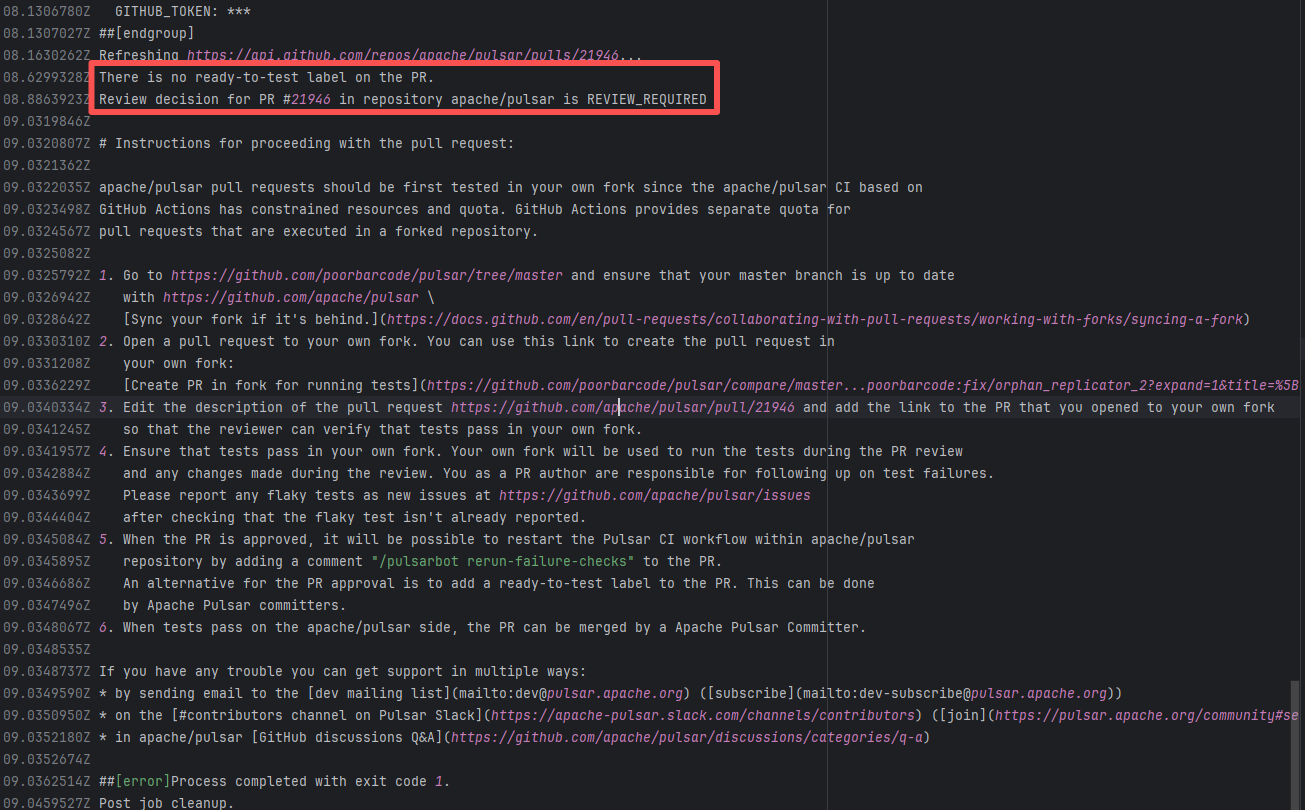
Error: Operations on the PR #21946 in the Apache Pulsar repository are currently restricted. The core reason is that the PR is missing the "ready-to-test" label and is in the "REVIEW_REQUIRED" state, so subsequent operations are prohibited.
Root Cause: CI based on GitHub Actions in the main repository has resource and quota limits. The official mandatory requirement is: all PRs must first complete test verification in the contributor's personal Fork repository. Only after confirming there are no problems can they be submitted to the main repository, to avoid occupying the limited CI quota of the main repository.
After a PR is submitted, it is necessary to contact the repository administrator to add the "ready-to-test" label to the PR. After the label is added, the main repository CI will allow the test process to execute; the repository administrator will review the code, modify the code according to the review comments (if any), and push it to the corresponding branch of the Fork repository (the PR will automatically synchronize the modifications). After the review is passed, the PR state will change from "REVIEW_REQUIRED" to "APPROVED", and then the subsequent merging process can be entered. |
Contact the relevant personnel to conduct testing and review according to the main repository requirements, and rerun after completion |
 |
| apache/pulsar |
27071308443 |
Workflow Policy Violation |
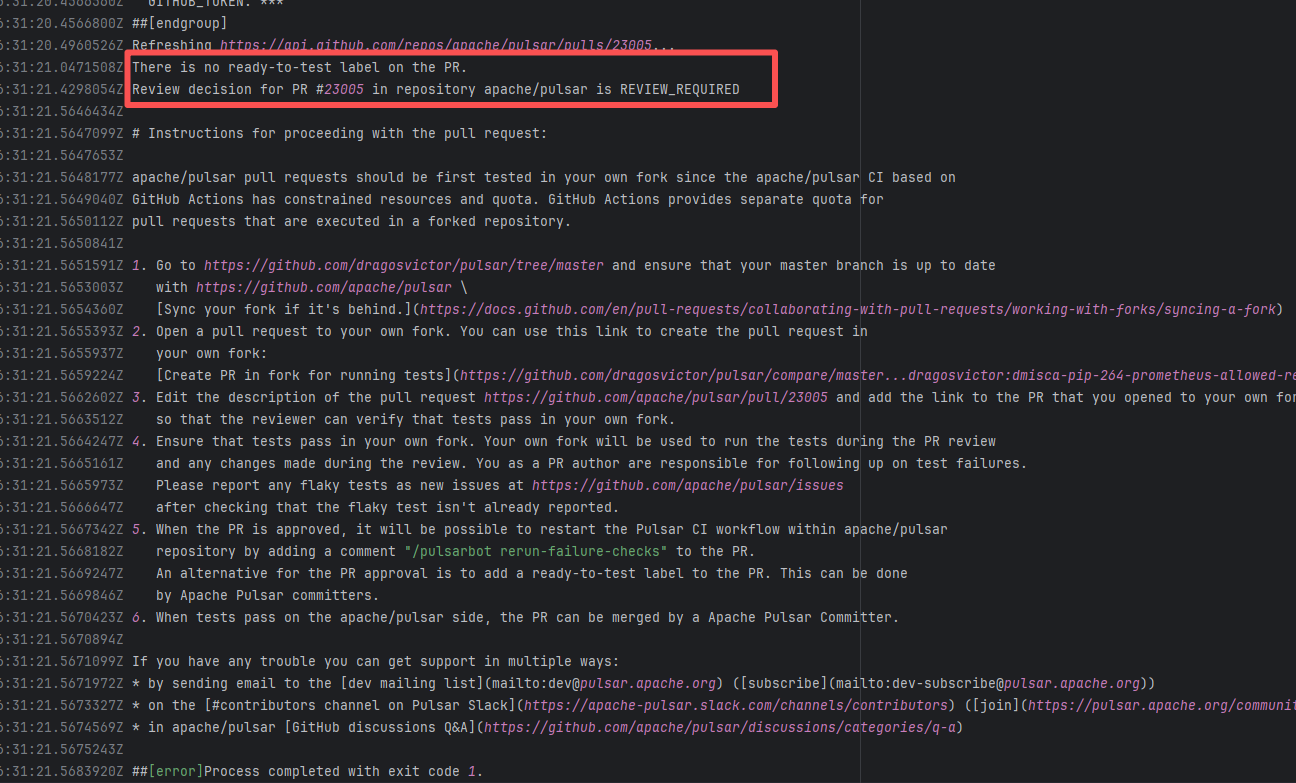
Error: Operations on the PR #23005 in the Apache Pulsar repository are currently restricted. The core reason is that the PR is missing the "ready-to-test" label and is in the "REVIEW_REQUIRED" state, so subsequent operations are prohibited.
Root Cause: CI based on GitHub Actions in the main repository has resource and quota limits. The official mandatory requirement is: all PRs must first complete test verification in the contributor's personal Fork repository. Only after confirming there are no problems can they be submitted to the main repository, to avoid occupying the limited CI quota of the main repository.
After a PR is submitted, it is necessary to contact the repository administrator to add the "ready-to-test" label to the PR. After the label is added, the main repository CI will allow the test process to execute; the repository administrator will review the code, modify the code according to the review comments (if any), and push it to the corresponding branch of the Fork repository (the PR will automatically synchronize the modifications). After the review is passed, the PR state will change from "REVIEW_REQUIRED" to "APPROVED", and then the subsequent merging process can be entered. |
Contact the relevant personnel to conduct testing and review according to the main repository requirements, and rerun after completion |
 |
| StarRocks/starrocks |
24692245610 |
Workflow Policy Violation |
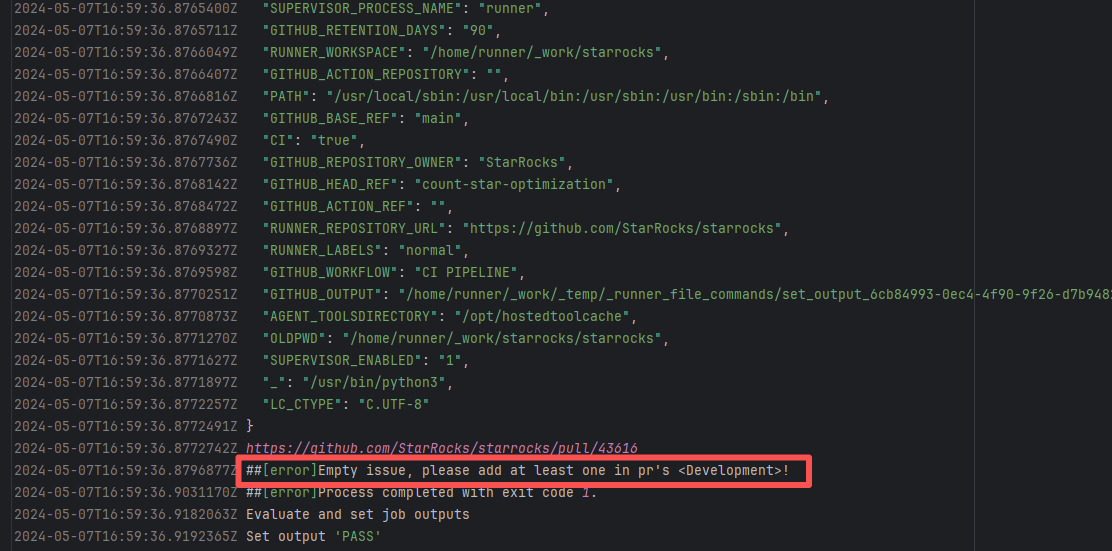
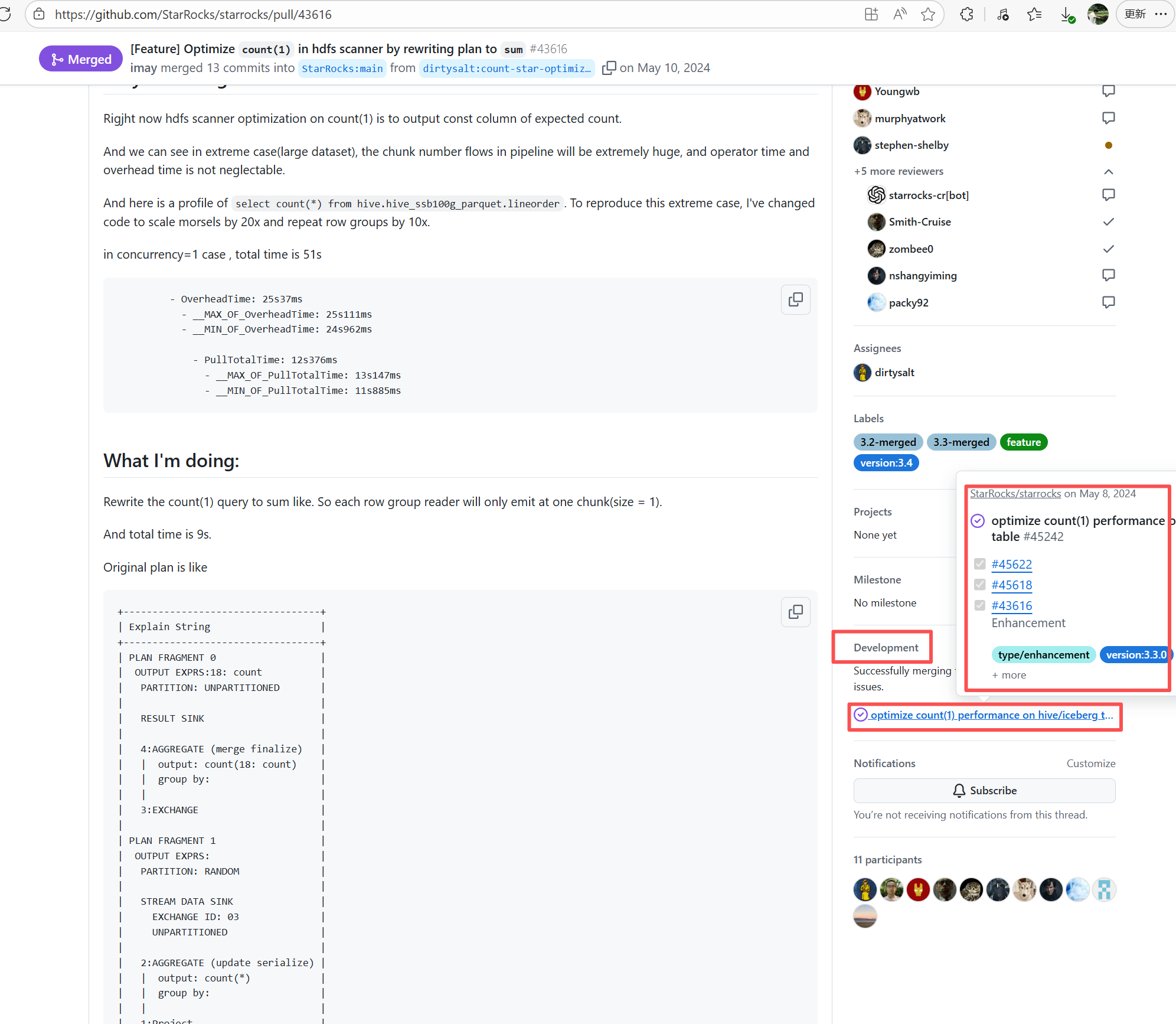
Error: The current main repository configuration requires at least one issue to be specified in the PR, but the current PR does not specify any issue.
Root Cause: Select and specify an issue under PR-<Development> |
Select and specify an issue under PR-<Development> |
  |
| apache/pulsar |
20409788055 |
Workflow Policy Violation |
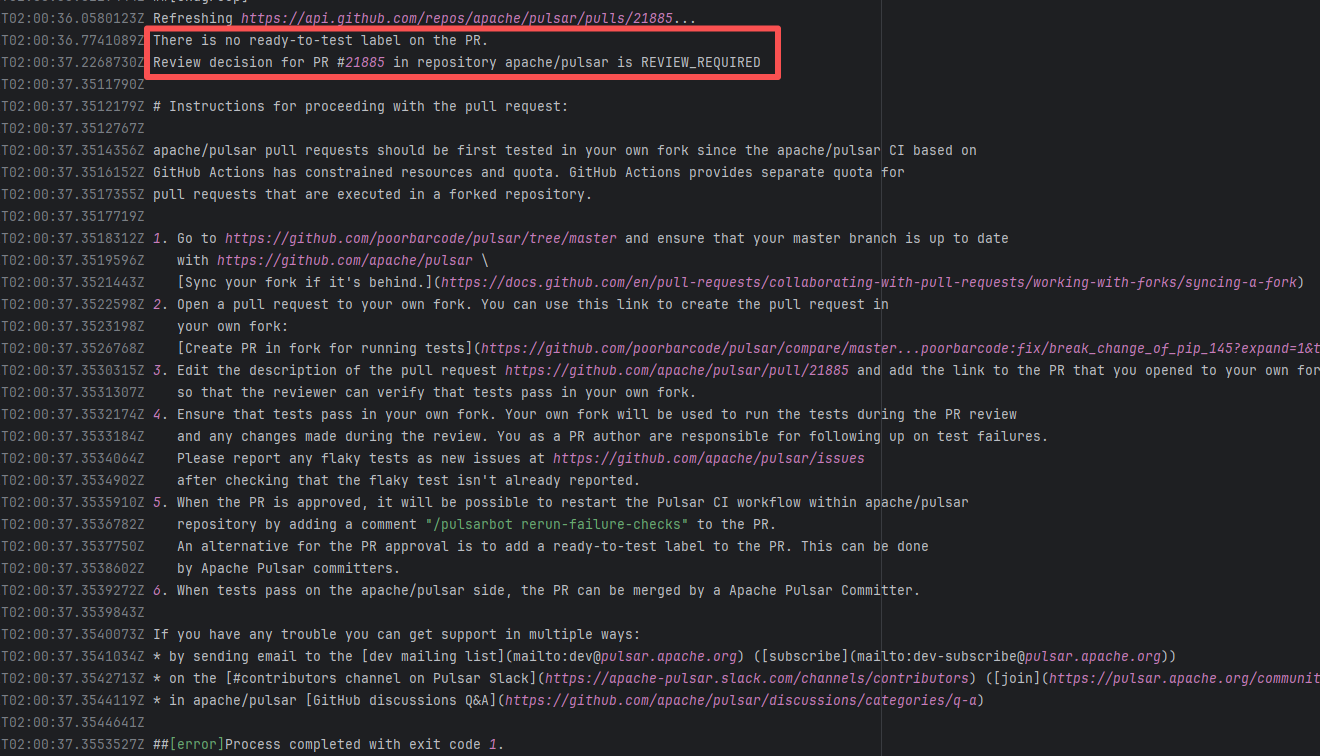
Error: Operations on the PR #21885 in the Apache Pulsar repository are currently restricted. The core reason is that the PR is missing the "ready-to-test" label and is in the "REVIEW_REQUIRED" state, so subsequent operations are prohibited.
Root Cause: CI based on GitHub Actions in the main repository has resource and quota limits. The official mandatory requirement is: all PRs must first complete test verification in the contributor's personal Fork repository. Only after confirming there are no problems can they be submitted to the main repository, to avoid occupying the limited CI quota of the main repository.
After a PR is submitted, it is necessary to contact the repository administrator to add the "ready-to-test" label to the PR. After the label is added, the main repository CI will allow the test process to execute; the repository administrator will review the code, modify the code according to the review comments (if any), and push it to the corresponding branch of the Fork repository (the PR will automatically synchronize the modifications). After the review is passed, the PR state will change from "REVIEW_REQUIRED" to "APPROVED", and then the subsequent merging process can be entered. |
Contact the relevant personnel to conduct testing and review according to the main repository requirements, and rerun after completion |
 |
| liquibase/liquibase |
23174187019 |
Artifact Conflict |
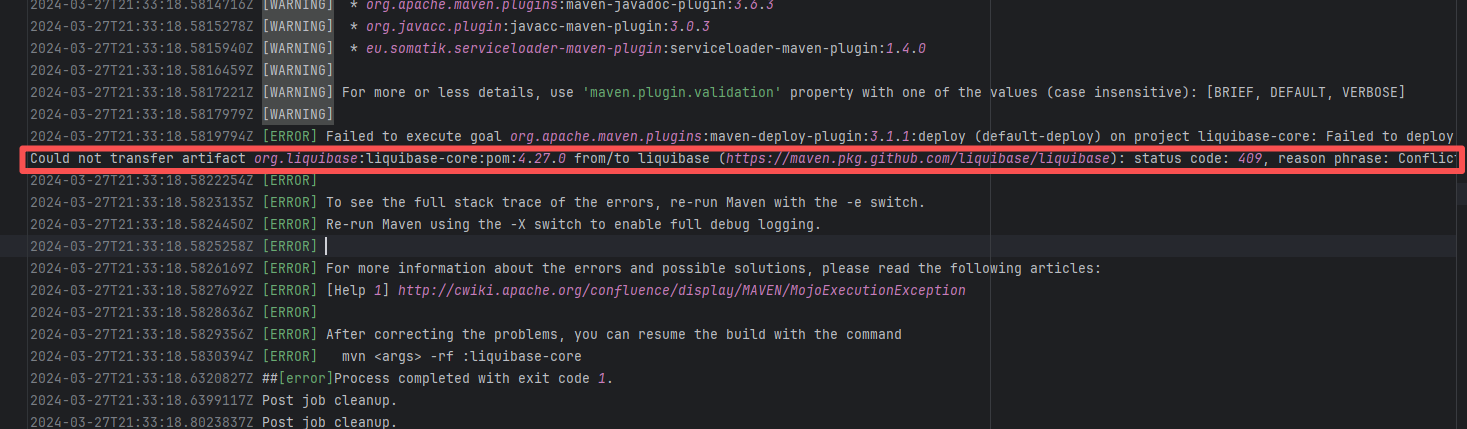
Error: The error log indicates a failure when publishing a Maven artifact to the GitHub Packages repository. The core reason is receiving a 409 Conflict response, indicating that the artifact to be uploaded conflicts with an artifact that already exists in the repository.
Root Cause: Maven repositories like GitHub Packages typically do not allow repeatedly deploying an artifact with the same groupId:artifactId:version (i.e., overwriting an existing version is not allowed). When the current artifact was published, it collided with an artifact that had already been deployed to the repository. The rerun succeeded after deletion. |
Delete previously uploaded artifacts |
 |
| apache/pulsar |
20688274346 |
Workflow Policy Violation |
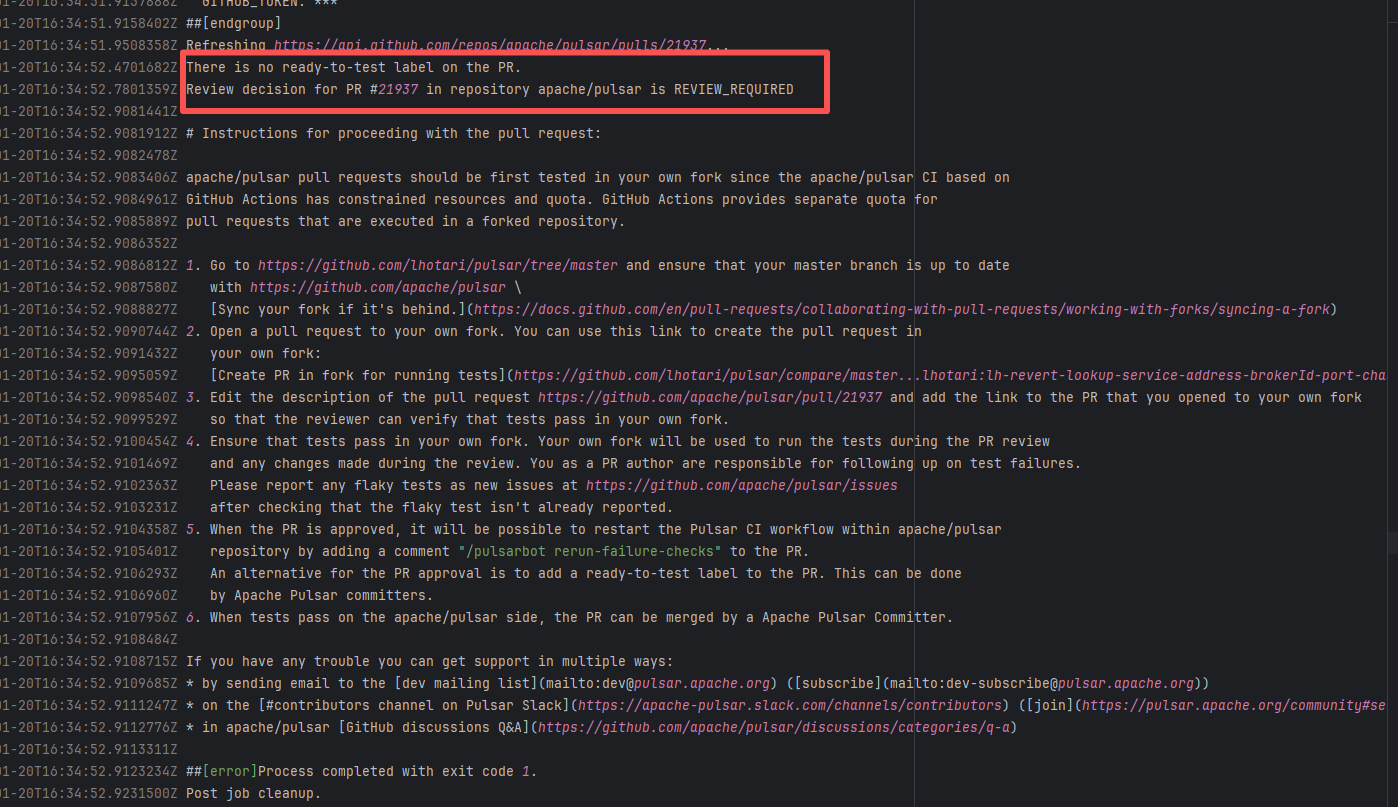
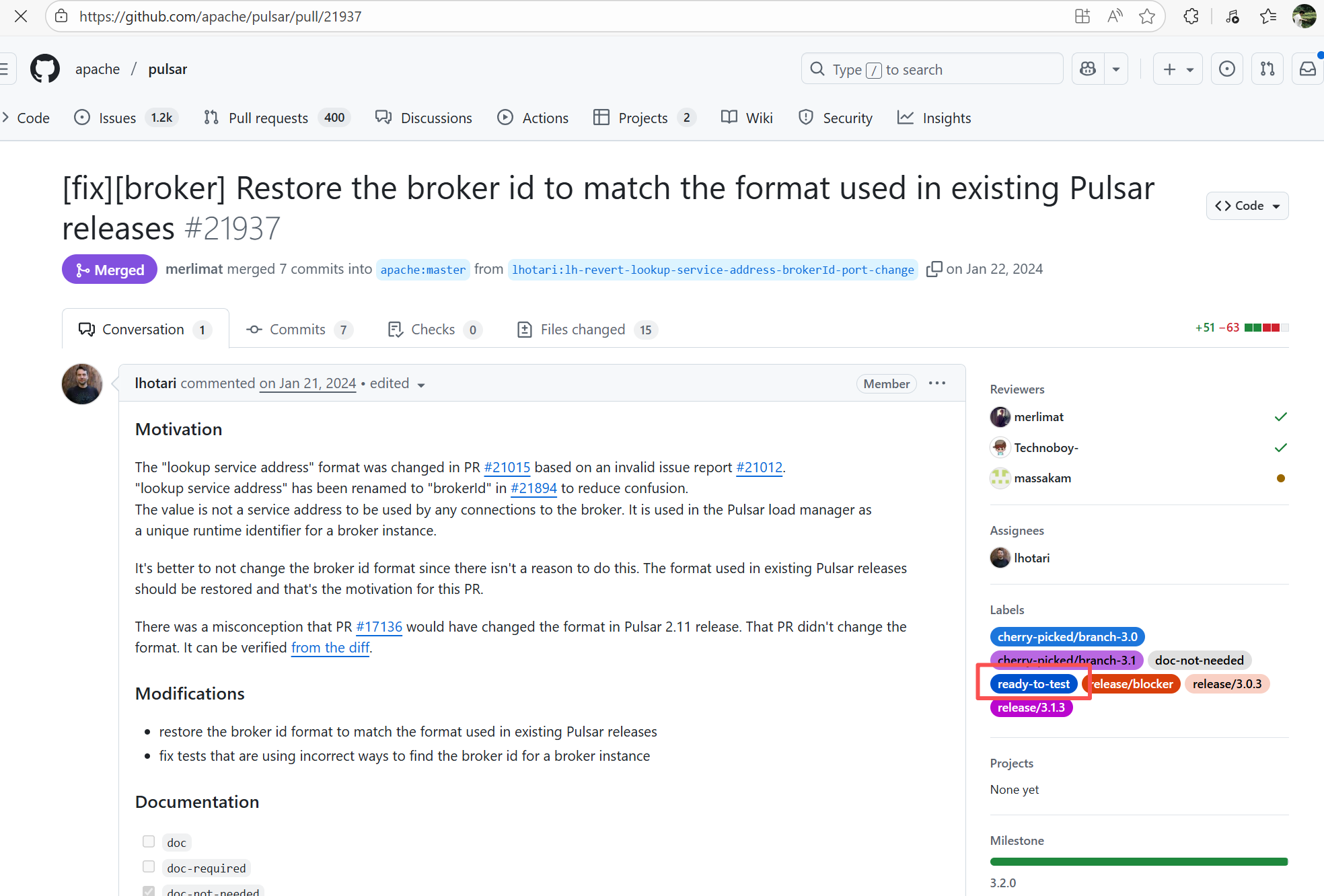
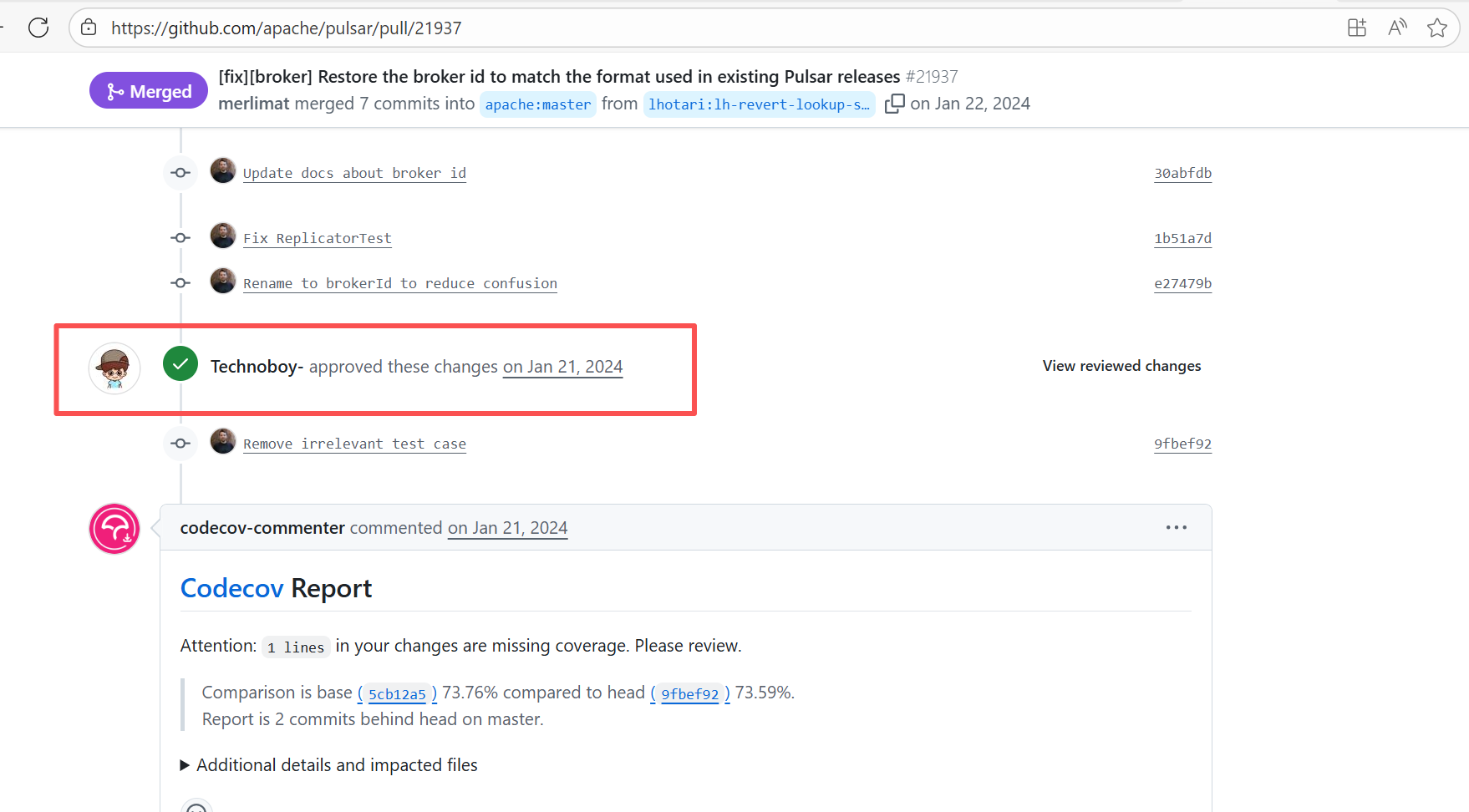
Error: Operations on the PR #21937 in the Apache Pulsar repository are currently restricted. The core reason is that the PR is missing the "ready-to-test" label and is in the "REVIEW_REQUIRED" state, so subsequent operations are prohibited.
Root Cause: CI based on GitHub Actions in the main repository has resource and quota limits. The official mandatory requirement is: all PRs must first complete test verification in the contributor's personal Fork repository. Only after confirming there are no problems can they be submitted to the main repository, to avoid occupying the limited CI quota of the main repository.
After a PR is submitted, it is necessary to contact the repository administrator to add the "ready-to-test" label to the PR. After the label is added, the main repository CI will allow the test process to execute; the repository administrator will review the code, modify the code according to the review comments (if any), and push it to the corresponding branch of the Fork repository (the PR will automatically synchronize the modifications). After the review is passed, the PR state will change from "REVIEW_REQUIRED" to "APPROVED", and then the subsequent merging process can be entered. |
Contact the relevant personnel to conduct testing and review according to the main repository requirements, and rerun after completion |
   |
| apache/pulsar |
24023618188 |
Workflow Policy Violation |
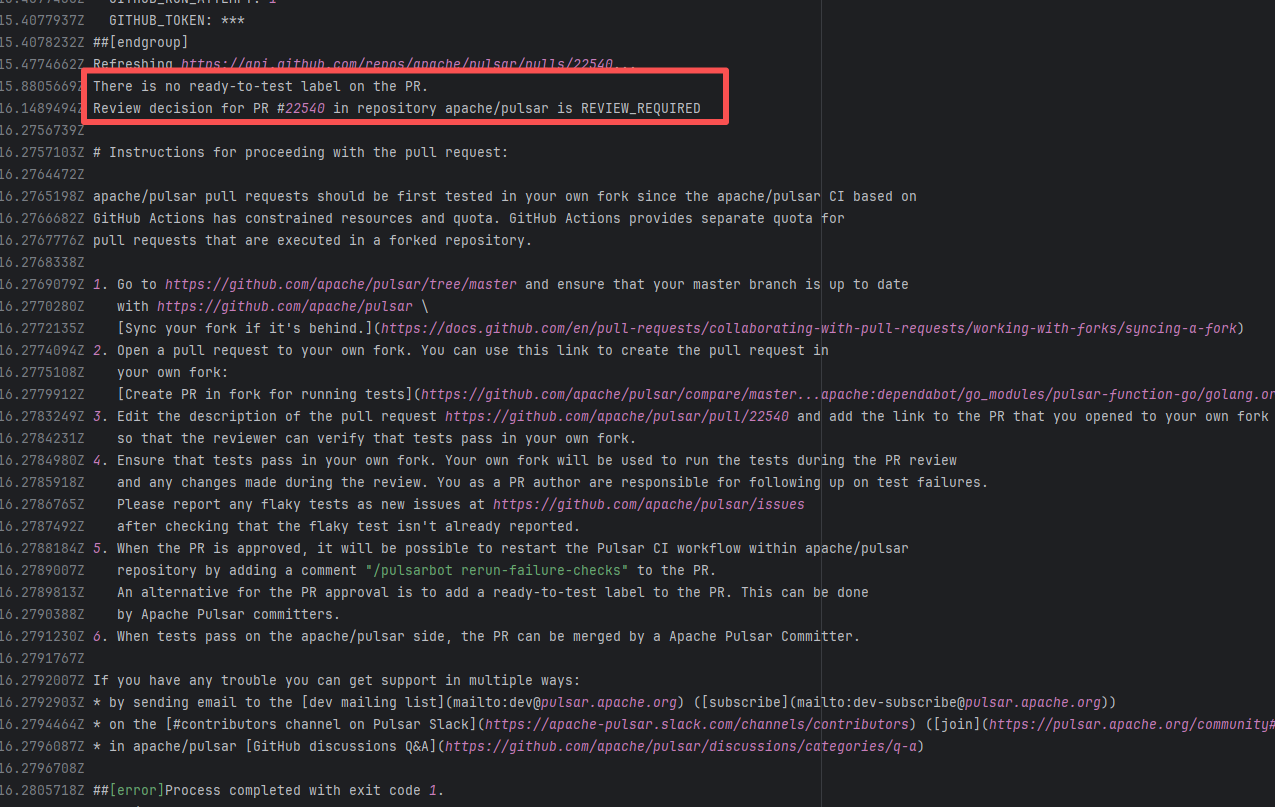
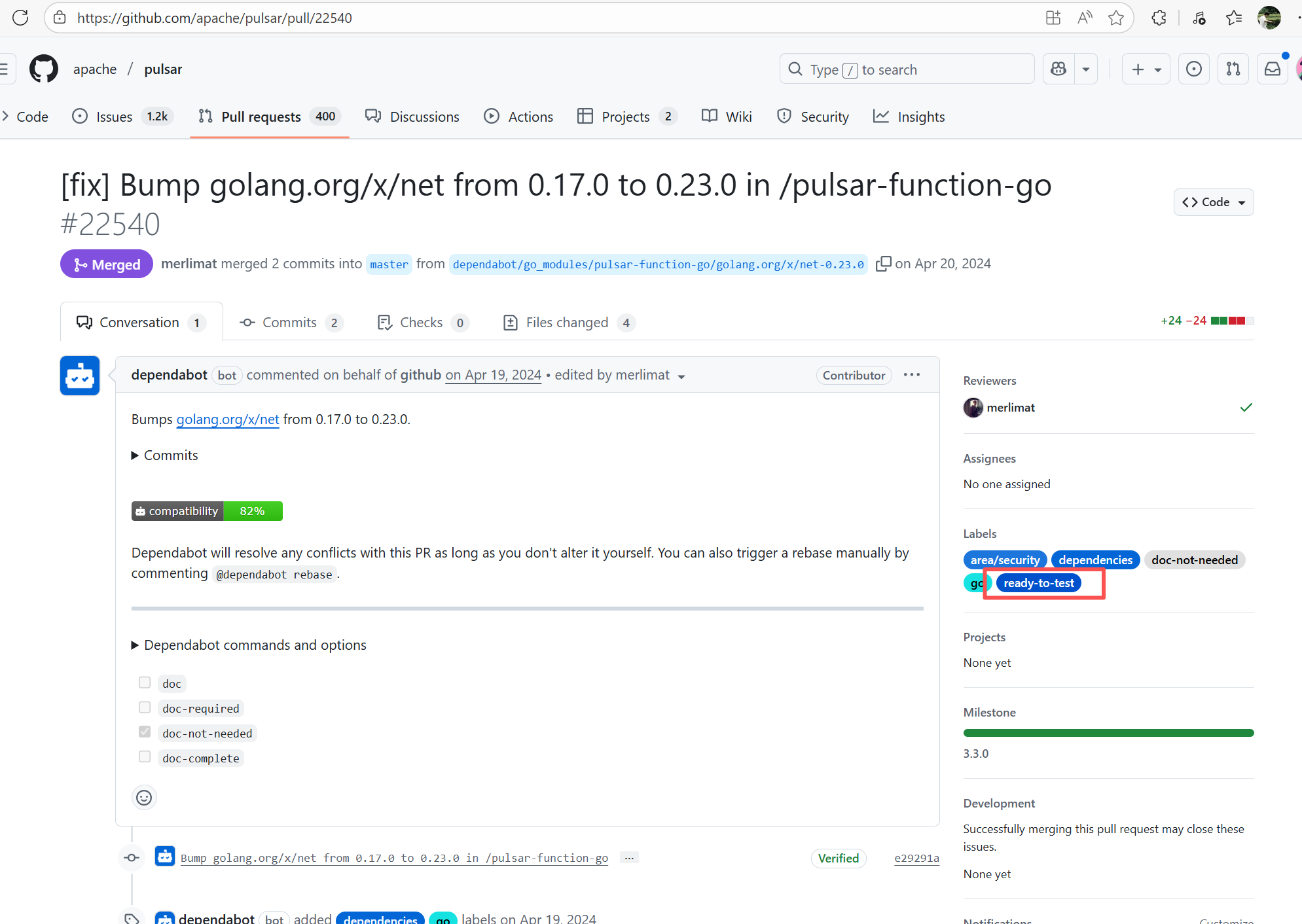
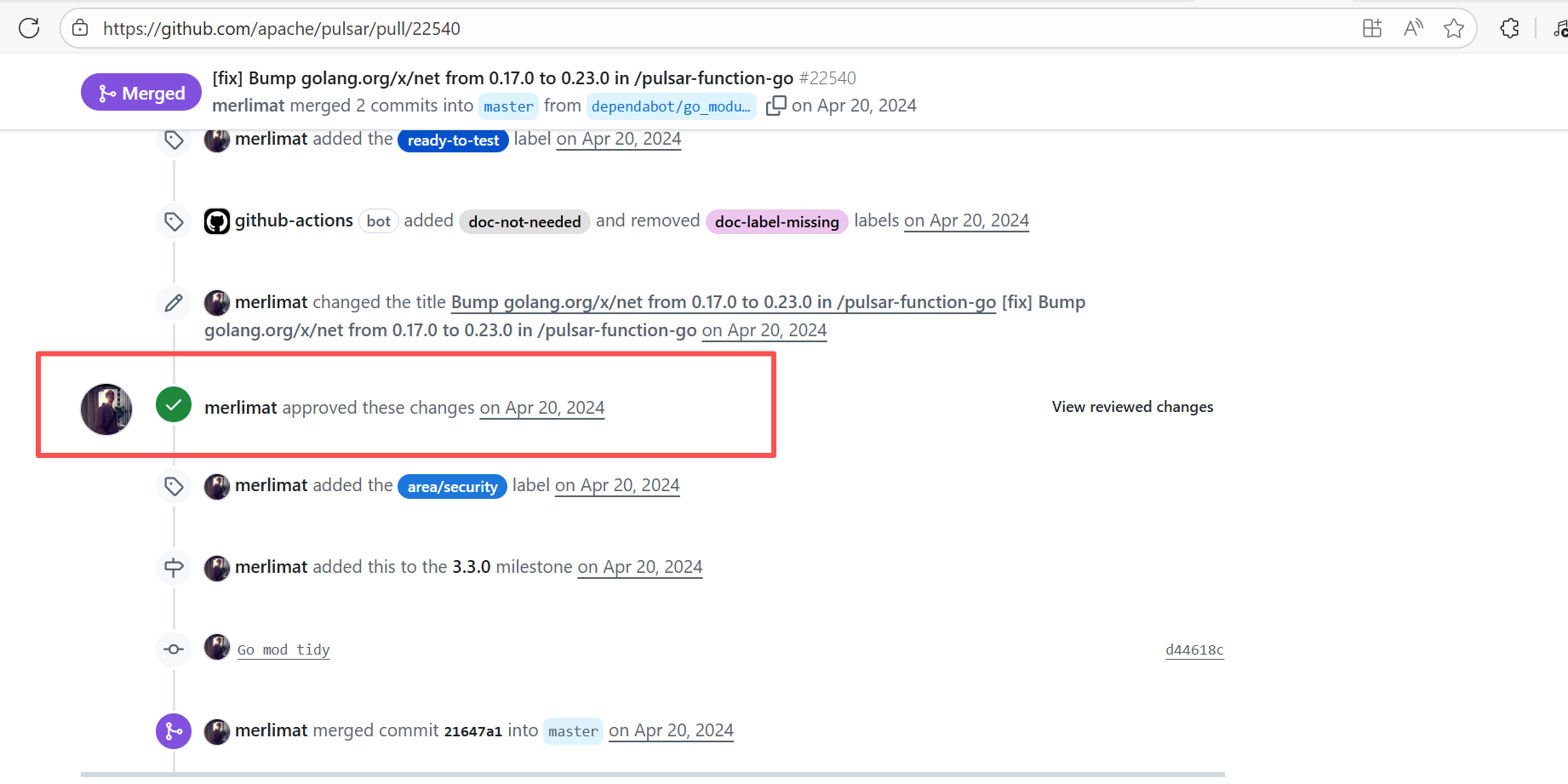
Error: Operations on the PR #22540 in the Apache Pulsar repository are currently restricted. The core reason is that the PR is missing the "ready-to-test" label and is in the "REVIEW_REQUIRED" state, so subsequent operations are prohibited.
Root Cause: CI based on GitHub Actions in the main repository has resource and quota limits. The official mandatory requirement is: all PRs must first complete test verification in the contributor's personal Fork repository. Only after confirming there are no problems can they be submitted to the main repository, to avoid occupying the limited CI quota of the main repository.
After a PR is submitted, it is necessary to contact the repository administrator to add the "ready-to-test" label to the PR. After the label is added, the main repository CI will allow the test process to execute; the repository administrator will review the code, modify the code according to the review comments (if any), and push it to the corresponding branch of the Fork repository (the PR will automatically synchronize the modifications). After the review is passed, the PR state will change from "REVIEW_REQUIRED" to "APPROVED", and then the subsequent merging process can be entered. |
Contact the relevant personnel to conduct testing and review according to the main repository requirements, and rerun after completion |
   |
| apache/pulsar |
22111131739 |
Workflow Policy Violation |
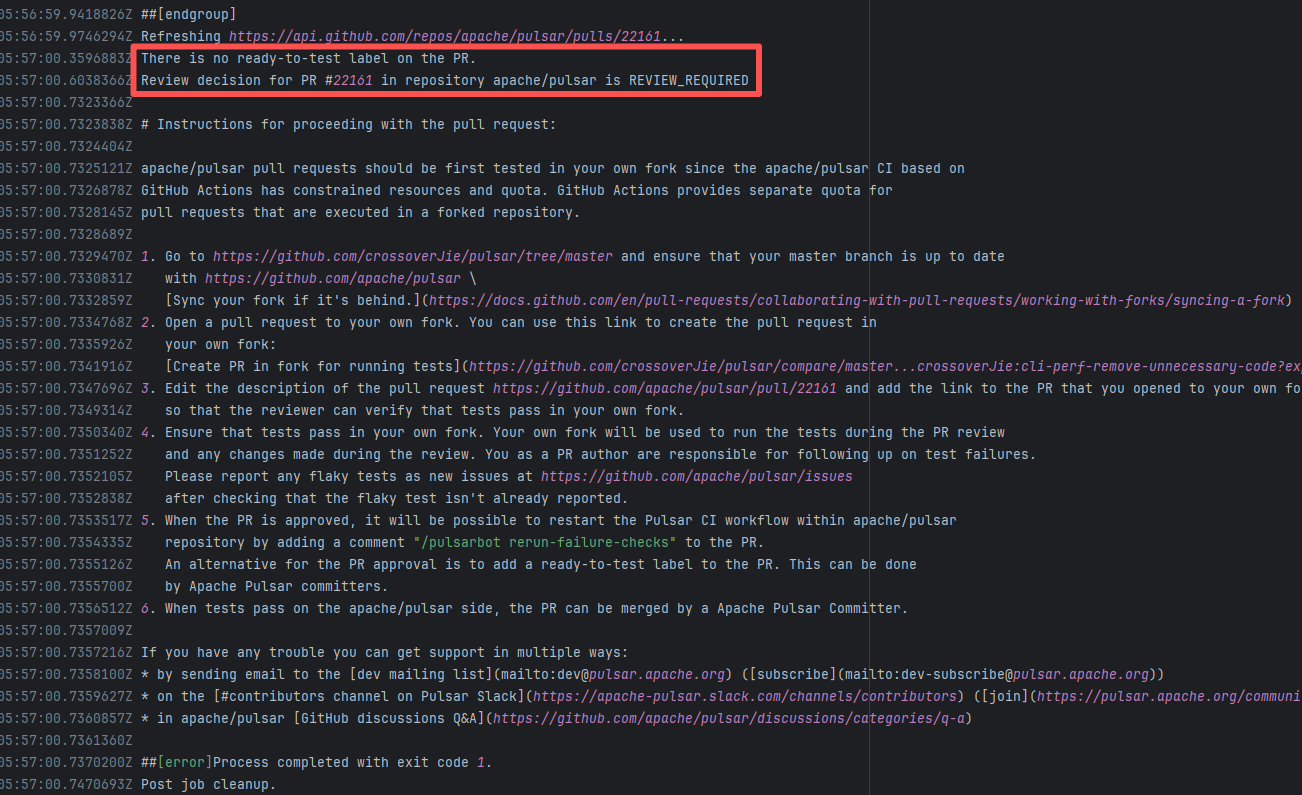
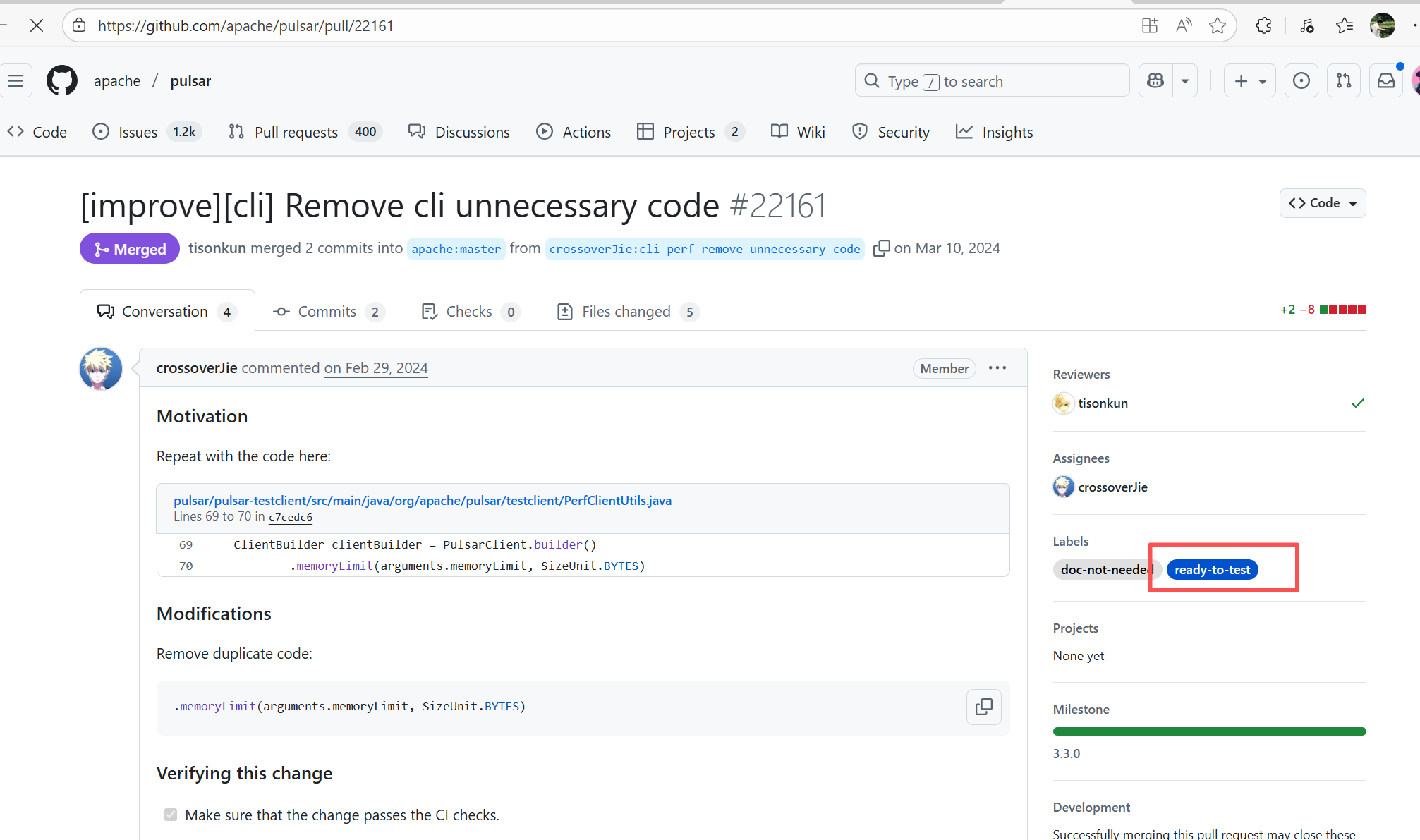
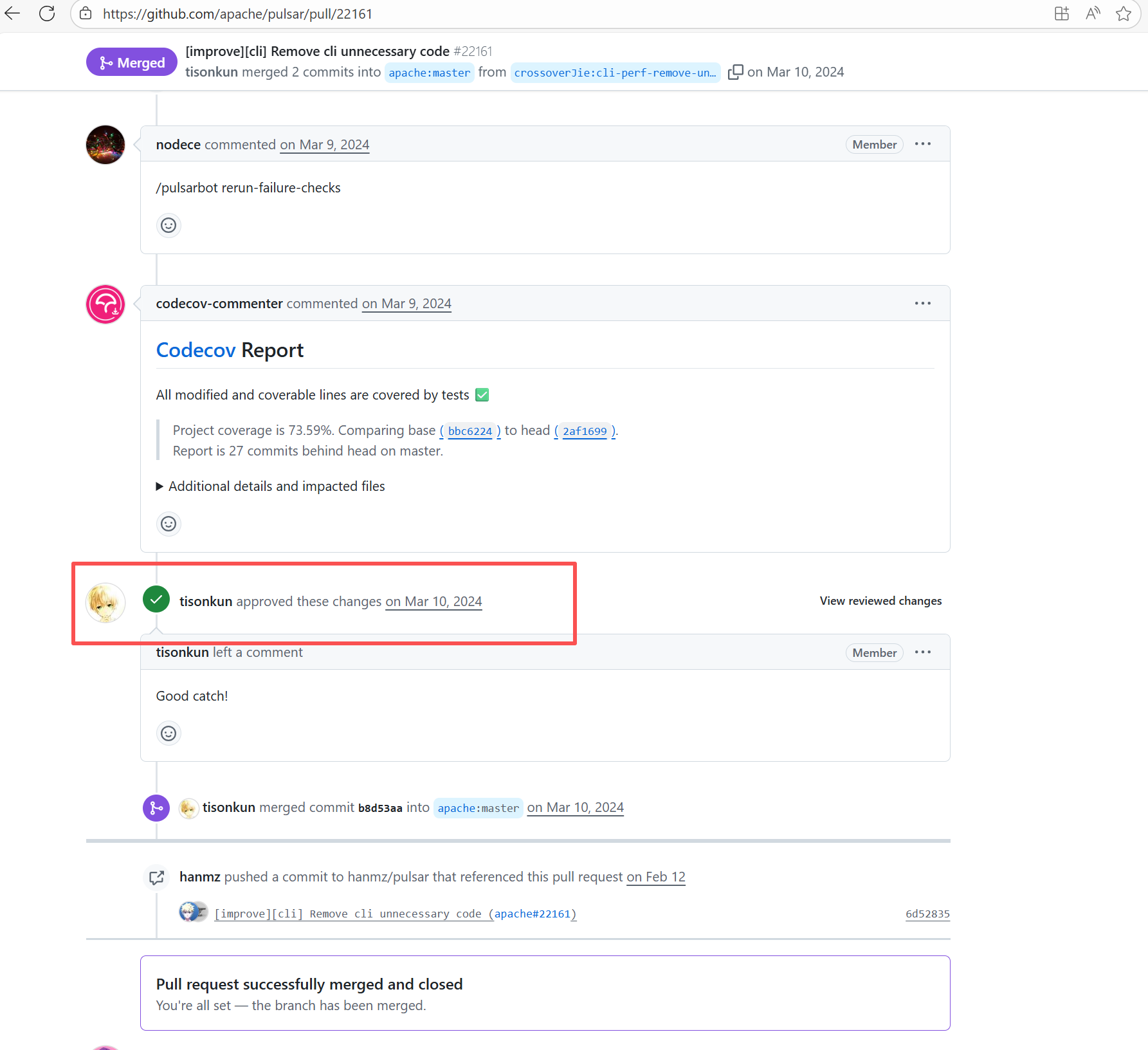
Error: Operations on the PR #22161 in the Apache Pulsar repository are currently restricted. The core reason is that the PR is missing the "ready-to-test" label and is in the "REVIEW_REQUIRED" state, so subsequent operations are prohibited.
Root Cause: CI based on GitHub Actions in the main repository has resource and quota limits. The official mandatory requirement is: all PRs must first complete test verification in the contributor's personal Fork repository. Only after confirming there are no problems can they be submitted to the main repository, to avoid occupying the limited CI quota of the main repository.
After a PR is submitted, it is necessary to contact the repository administrator to add the "ready-to-test" label to the PR. After the label is added, the main repository CI will allow the test process to execute; the repository administrator will review the code, modify the code according to the review comments (if any), and push it to the corresponding branch of the Fork repository (the PR will automatically synchronize the modifications). After the review is passed, the PR state will change from "REVIEW_REQUIRED" to "APPROVED", and then the subsequent merging process can be entered. |
Contact the relevant personnel to conduct testing and review according to the main repository requirements, and rerun after completion |
   |
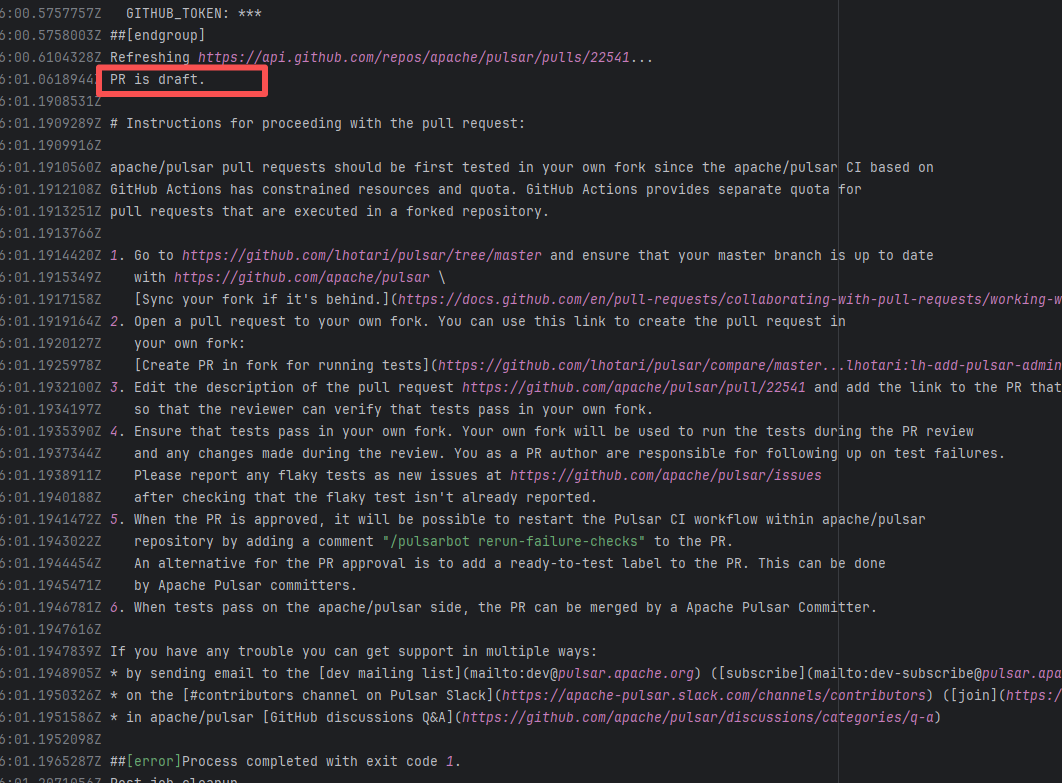
| apache/pulsar |
24089152357 |
Workflow Policy Violation |
Error: "Draft PRs" in GitHub are usually used to mark "work in progress". The Apache Pulsar project places additional restrictions on the use of main repository CI resources for such PRs, mandating verification in the Fork repository first to avoid wasting resources.
Root Cause: Rerun succeeded after converting the PR from "Draft state" to "Formal PR" once it was ready. |
Convert the PR from "Draft state" to "Formal PR" once it is ready, and rerun successfully. |
 |
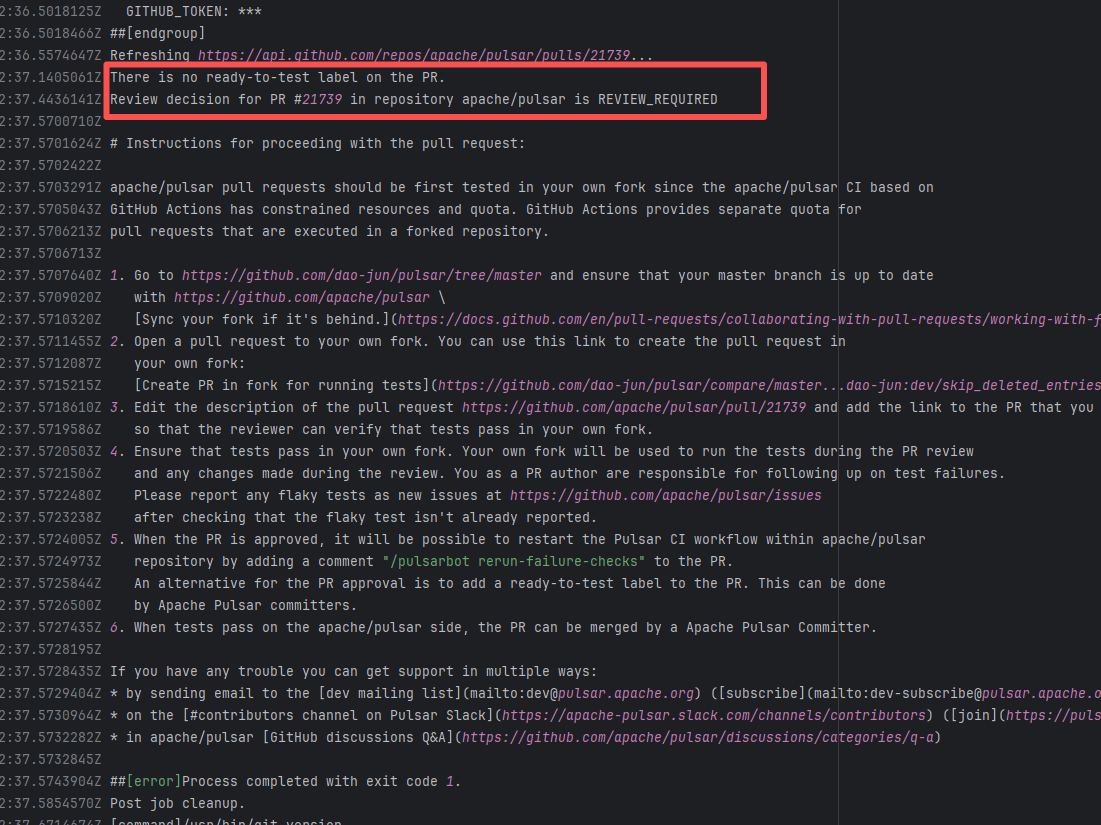
| apache/pulsar |
19741444431 |
Workflow Policy Violation |
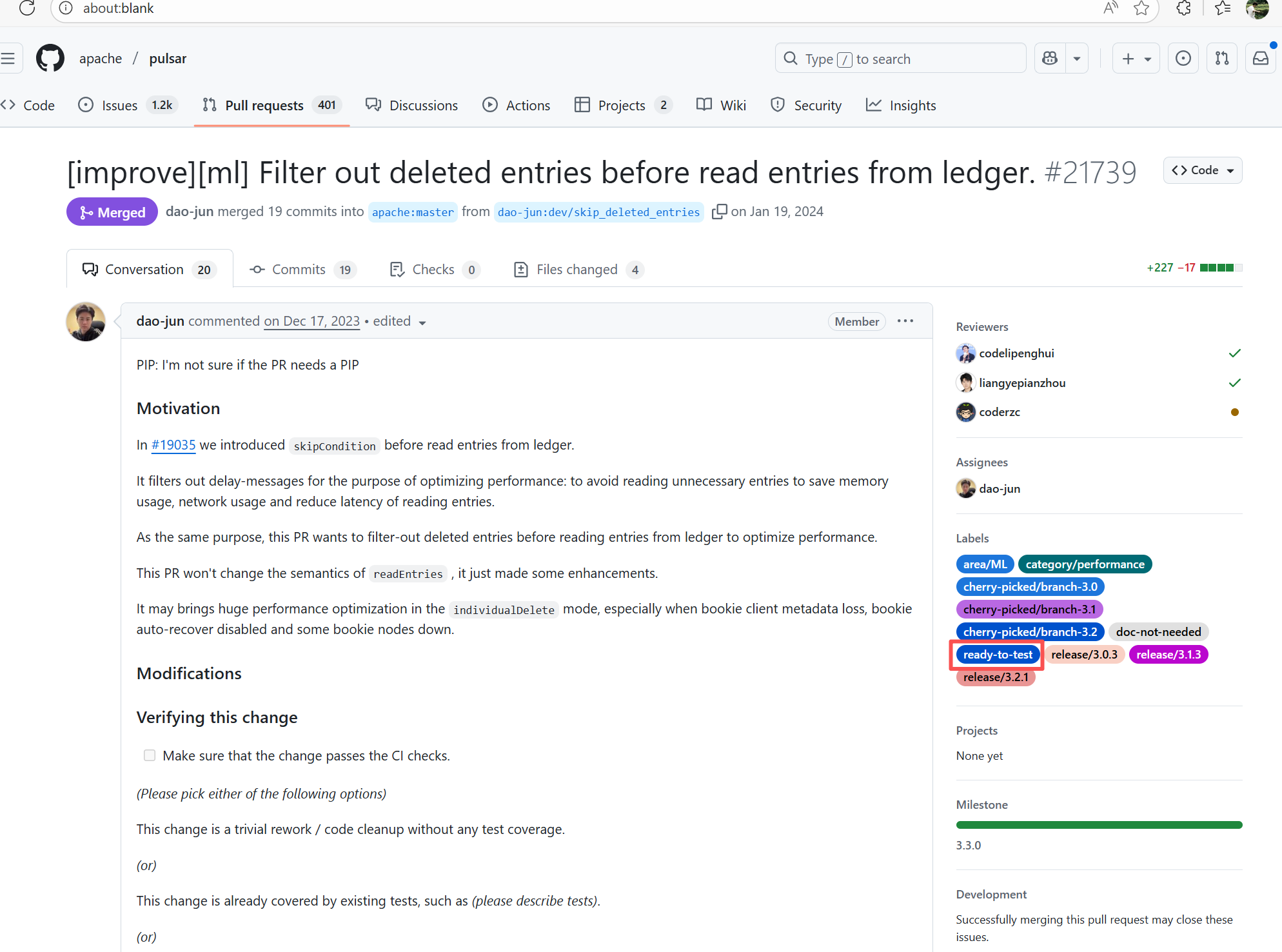
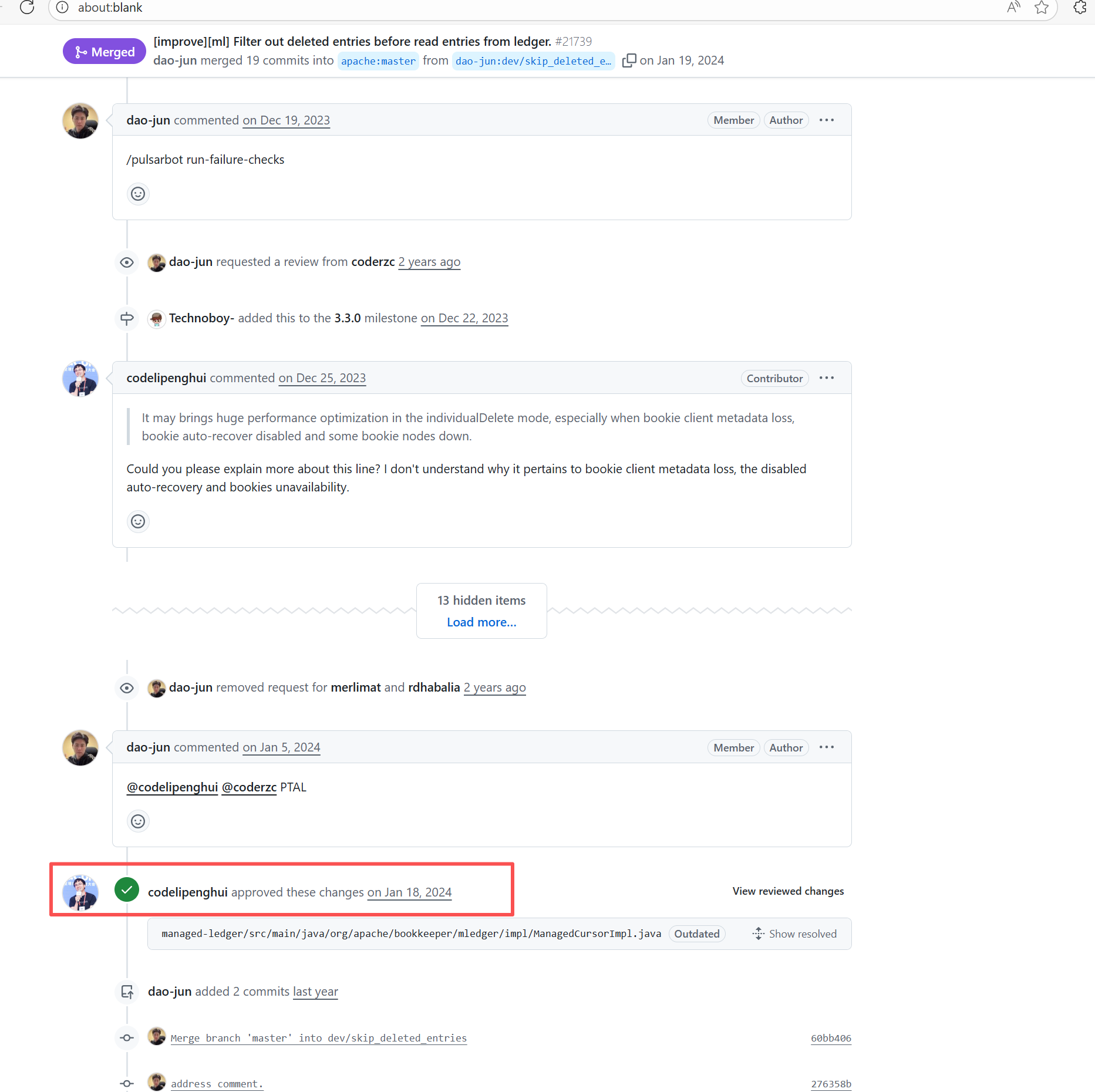
Error: Operations on the PR #22722 in the Apache Pulsar repository are currently restricted. The core reason is that the PR is missing the "ready-to-test" label and is in the "REVIEW_REQUIRED" state, so subsequent operations are prohibited.
Root Cause: CI based on GitHub Actions in the main repository has resource and quota limits. The official mandatory requirement is: all PRs must first complete test verification in the contributor's personal Fork repository. Only after confirming there are no problems can they be submitted to the main repository, to avoid occupying the limited CI quota of the main repository.
After a PR is submitted, it is necessary to contact the repository administrator to add the "ready-to-test" label to the PR. After the label is added, the main repository CI will allow the test process to execute; the repository administrator will review the code, modify the code according to the review comments (if any), and push it to the corresponding branch of the Fork repository (the PR will automatically synchronize the modifications). After the review is passed, the PR state will change from "REVIEW_REQUIRED" to "APPROVED", and then the subsequent merging process can be entered. |
Contact the relevant personnel to conduct testing and review according to the main repository requirements, and rerun after completion |
   |
| metasfresh/metasfresh |
27350084866 |
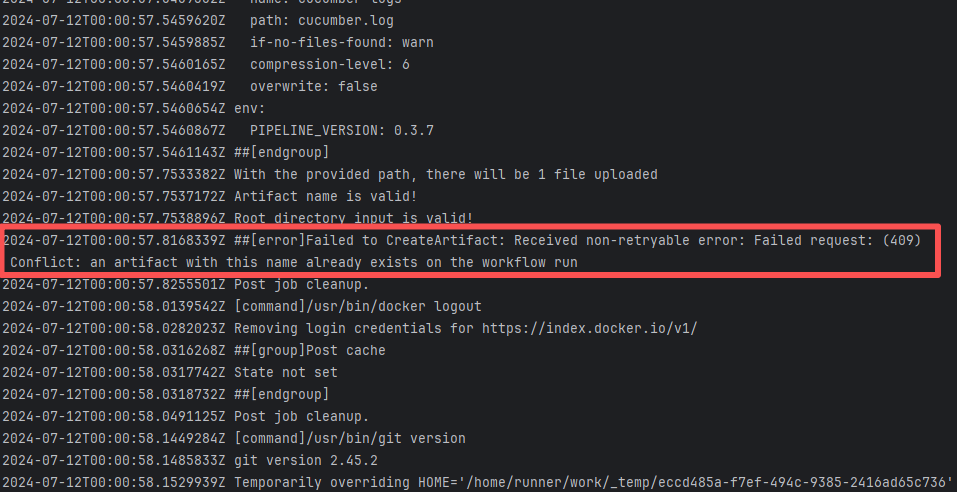
Artifact Conflict |
Error: The error log indicates a failure when publishing a Maven artifact to the GitHub Packages repository. The core reason is receiving a 409 Conflict response, indicating that the artifact to be uploaded conflicts with an artifact that already exists in the repository.
Root Cause: Maven repositories like GitHub Packages typically do not allow repeatedly deploying an artifact with the same groupId:artifactId:version (i.e., overwriting an existing version is not allowed). When the current artifact was published, it collided with an artifact that had already been deployed to the repository. The rerun succeeded after deletion. |
Delete previously uploaded artifacts |
 |
| apache/pulsar |
24234003846 |
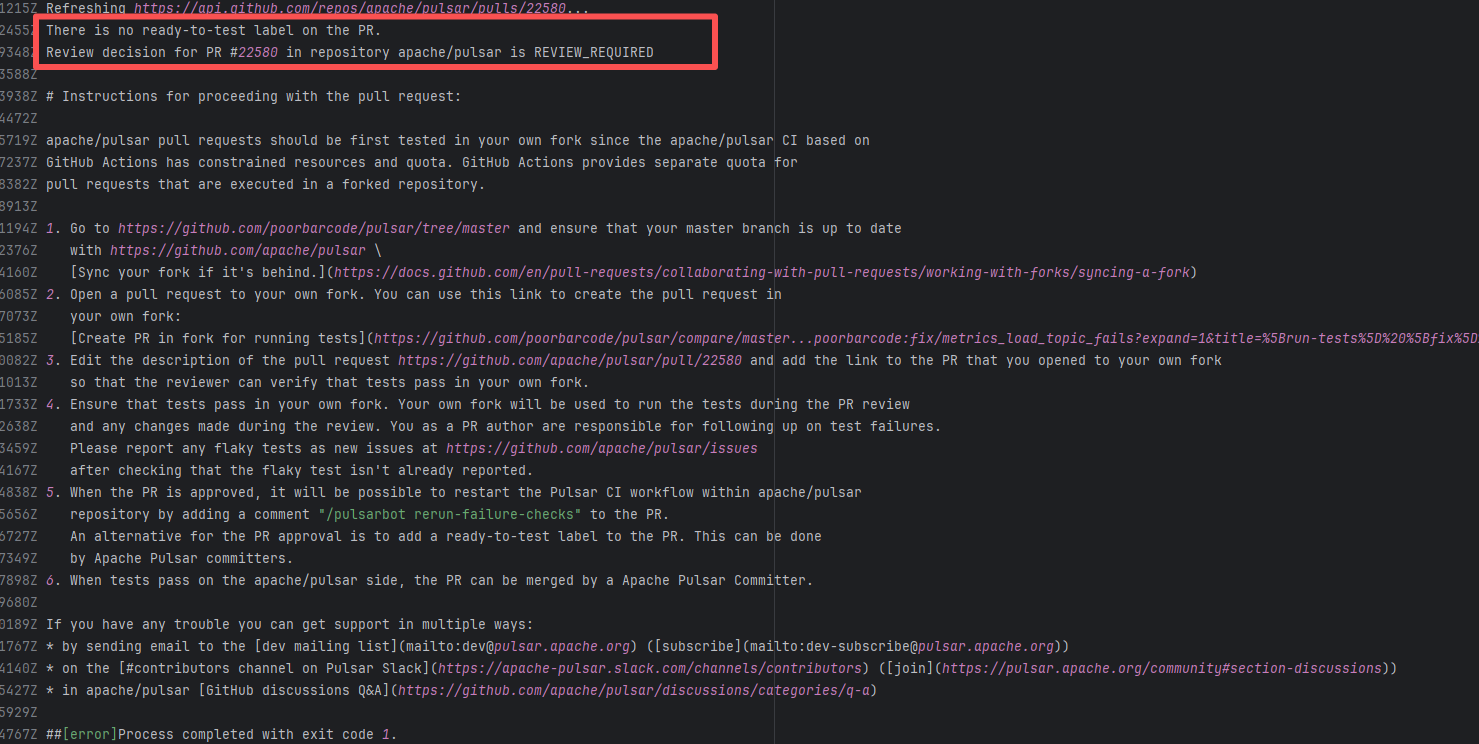
Workflow Policy Violation |
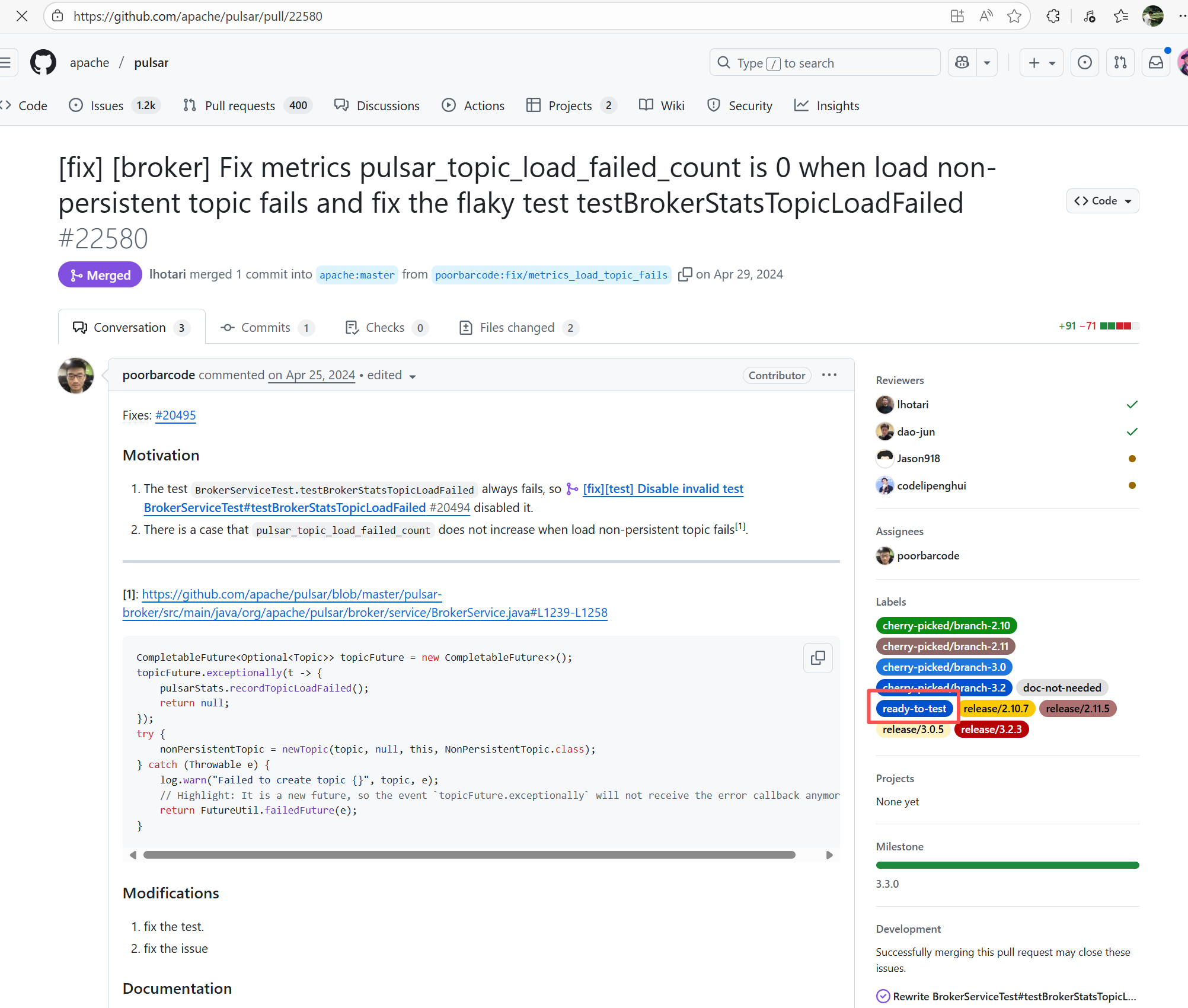
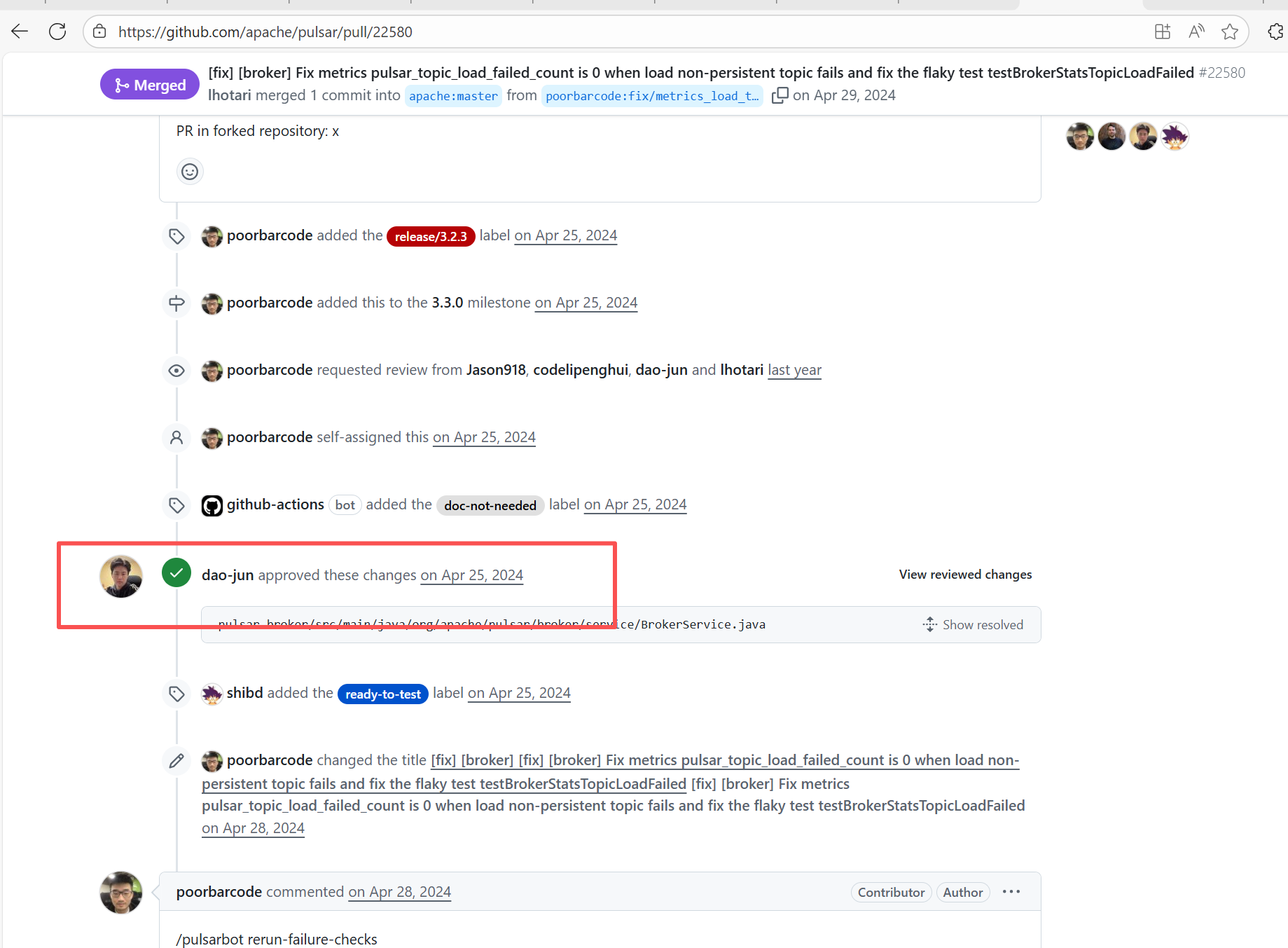
Error: Operations on the PR #22540 in the Apache Pulsar repository are currently restricted. The core reason is that the PR is missing the "ready-to-test" label and is in the "REVIEW_REQUIRED" state, so subsequent operations are prohibited.
Root Cause: CI based on GitHub Actions in the main repository has resource and quota limits. The official mandatory requirement is: all PRs must first complete test verification in the contributor's personal Fork repository. Only after confirming there are no problems can they be submitted to the main repository, to avoid occupying the limited CI quota of the main repository.
After a PR is submitted, it is necessary to contact the repository administrator to add the "ready-to-test" label to the PR. After the label is added, the main repository CI will allow the test process to execute; the repository administrator will review the code, modify the code according to the review comments (if any), and push it to the corresponding branch of the Fork repository (the PR will automatically synchronize the modifications). After the review is passed, the PR state will change from "REVIEW_REQUIRED" to "APPROVED", and then the subsequent merging process can be entered. |
Contact the relevant personnel to conduct testing and review according to the main repository requirements, and rerun after completion |
   |
| bytedeco/javacpp-presets |
26281262349 |
Authentication Failure |
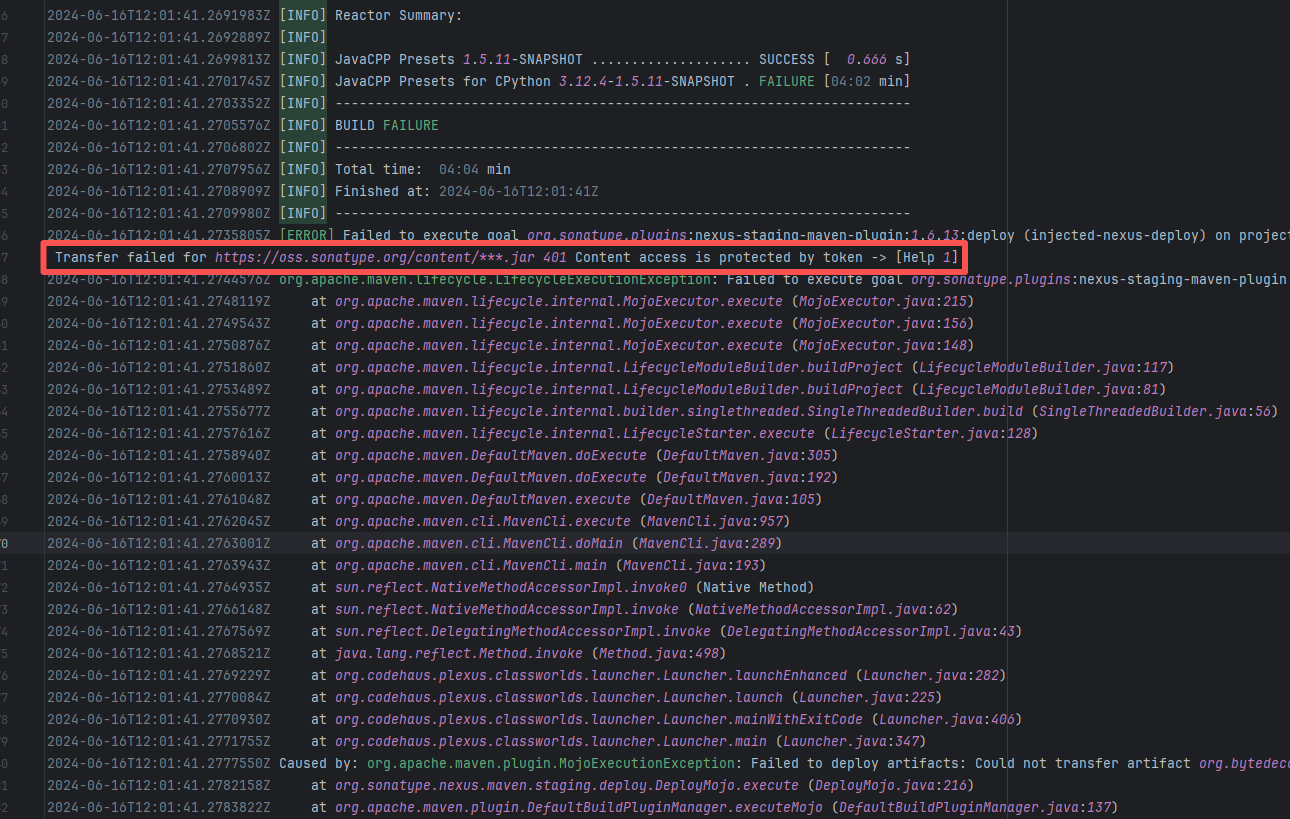
Error: Failed to deploy the artifact to the Sonatype OSS snapshot repository using the nexus-staging-maven-plugin. The core reason is a 401 Unauthorized error, meaning the deployment request lacks a valid authentication token.
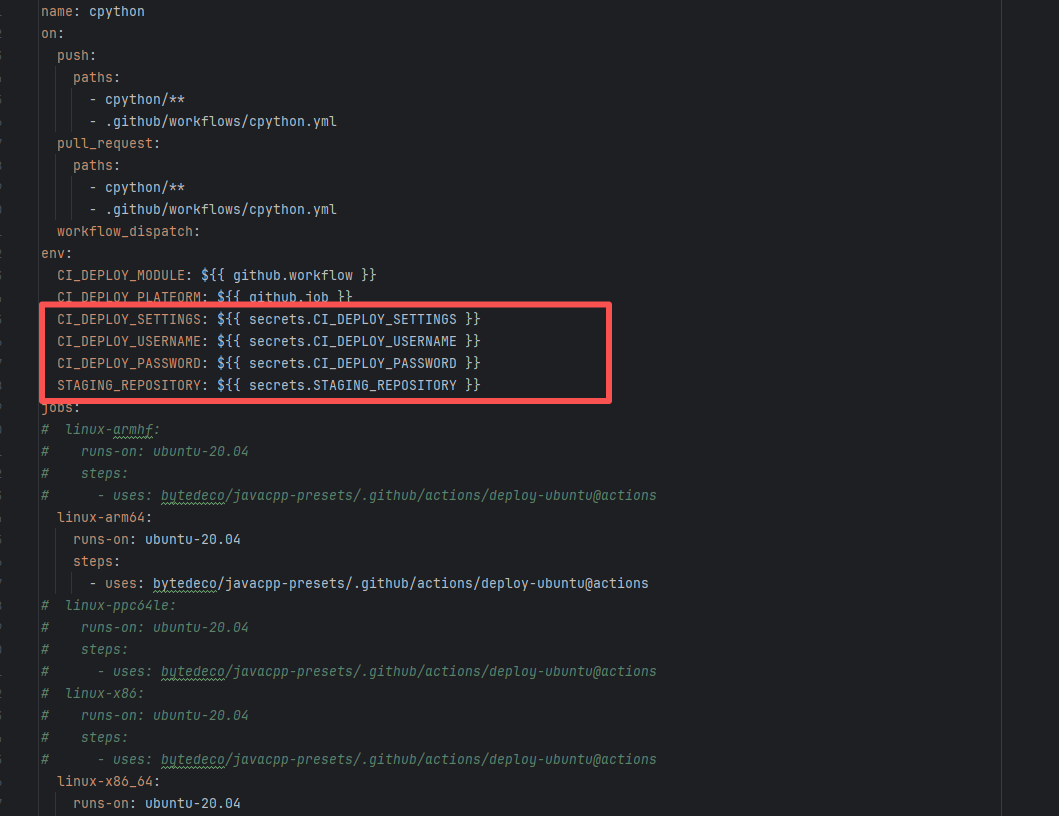
Root Cause: Rerun succeeded after replacing the token. |
Modify the deployment token in the secrets within the repository settings interface. |
  |
| runtimeverification/k |
24192350307 |
Tool Intermittent Failure |
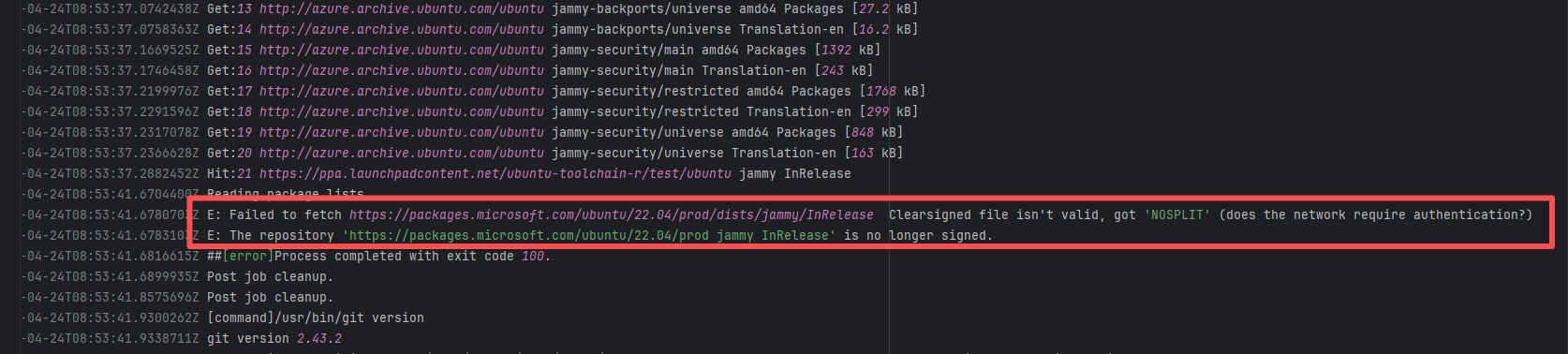
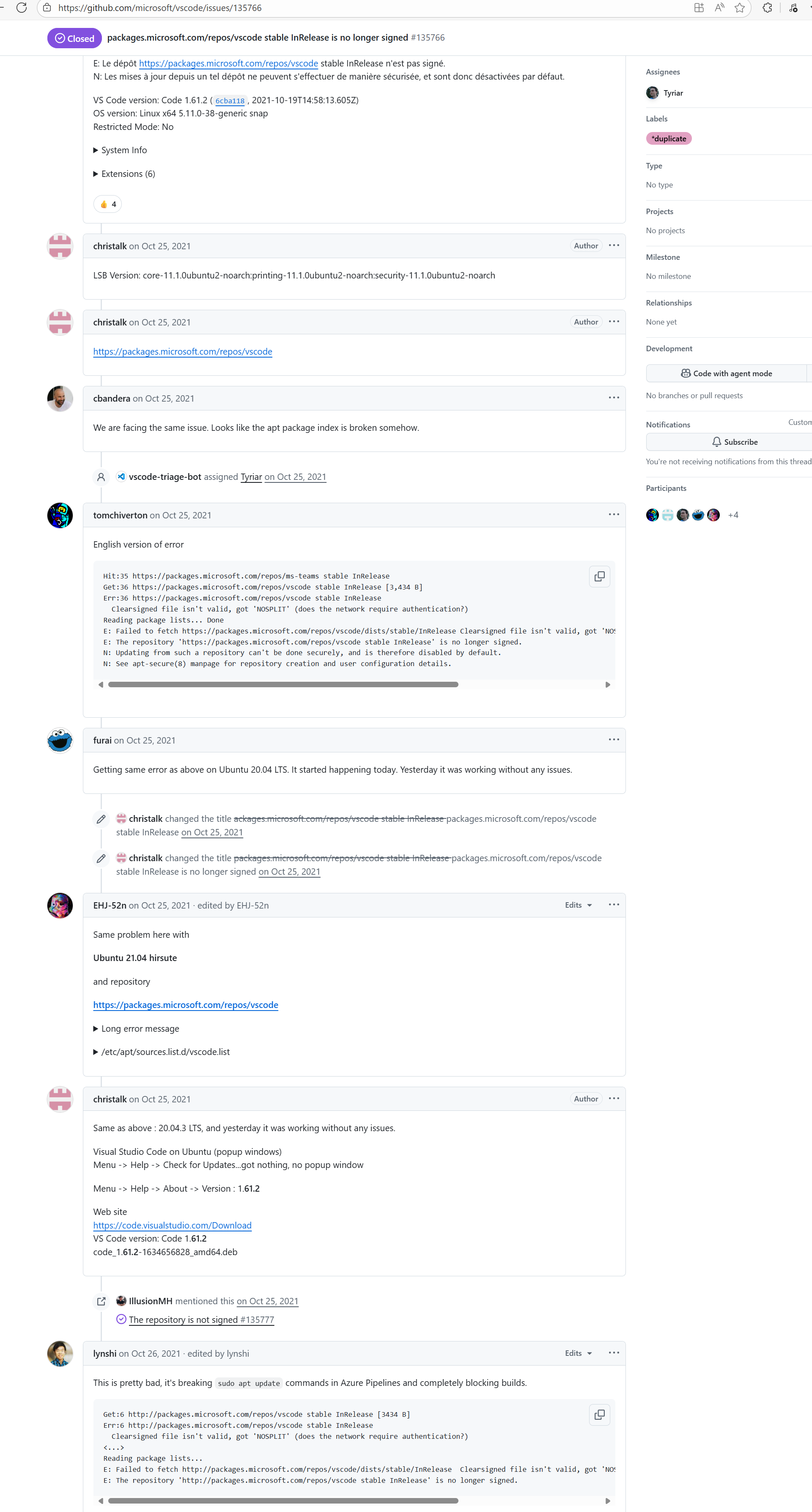
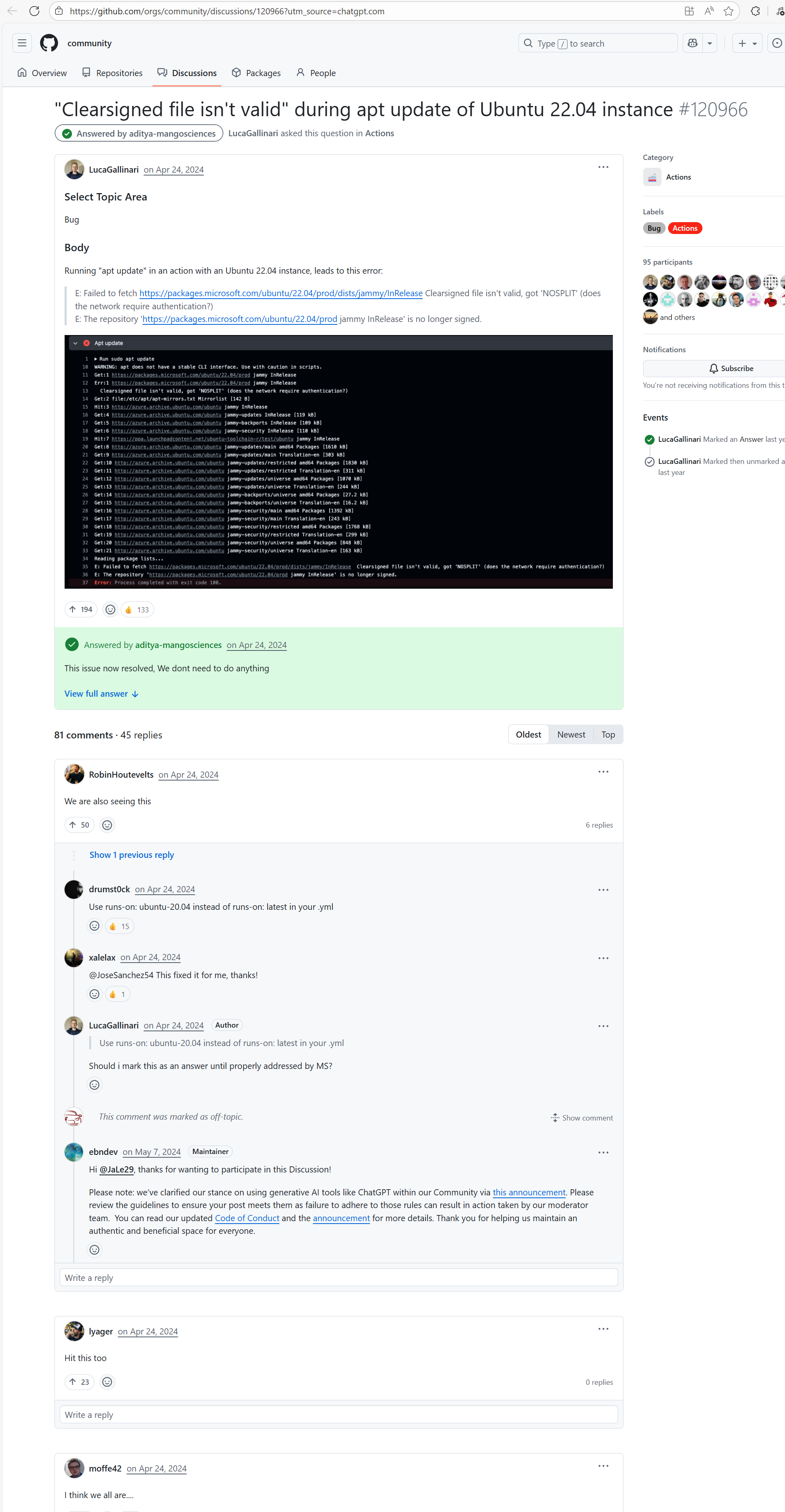
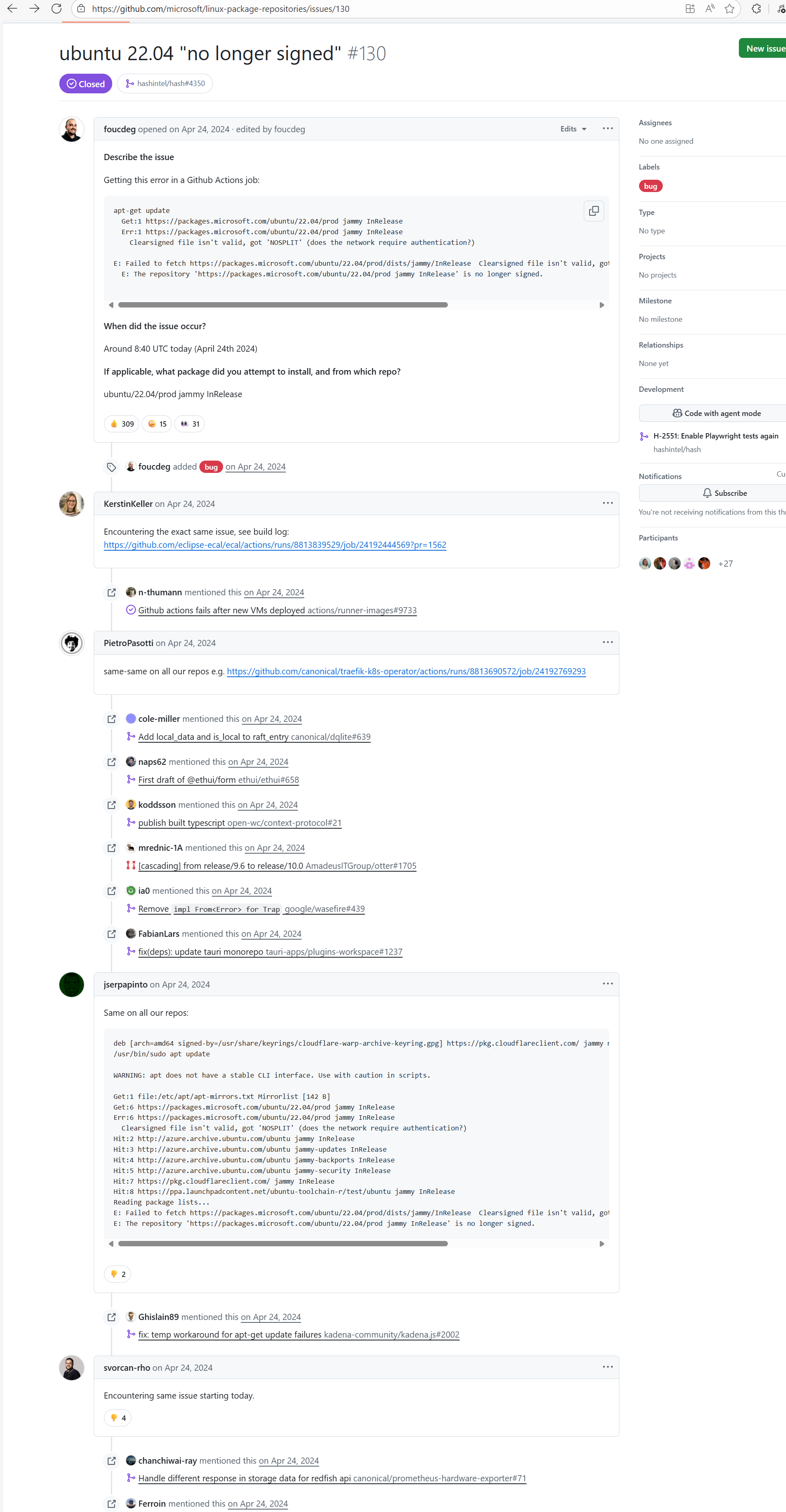
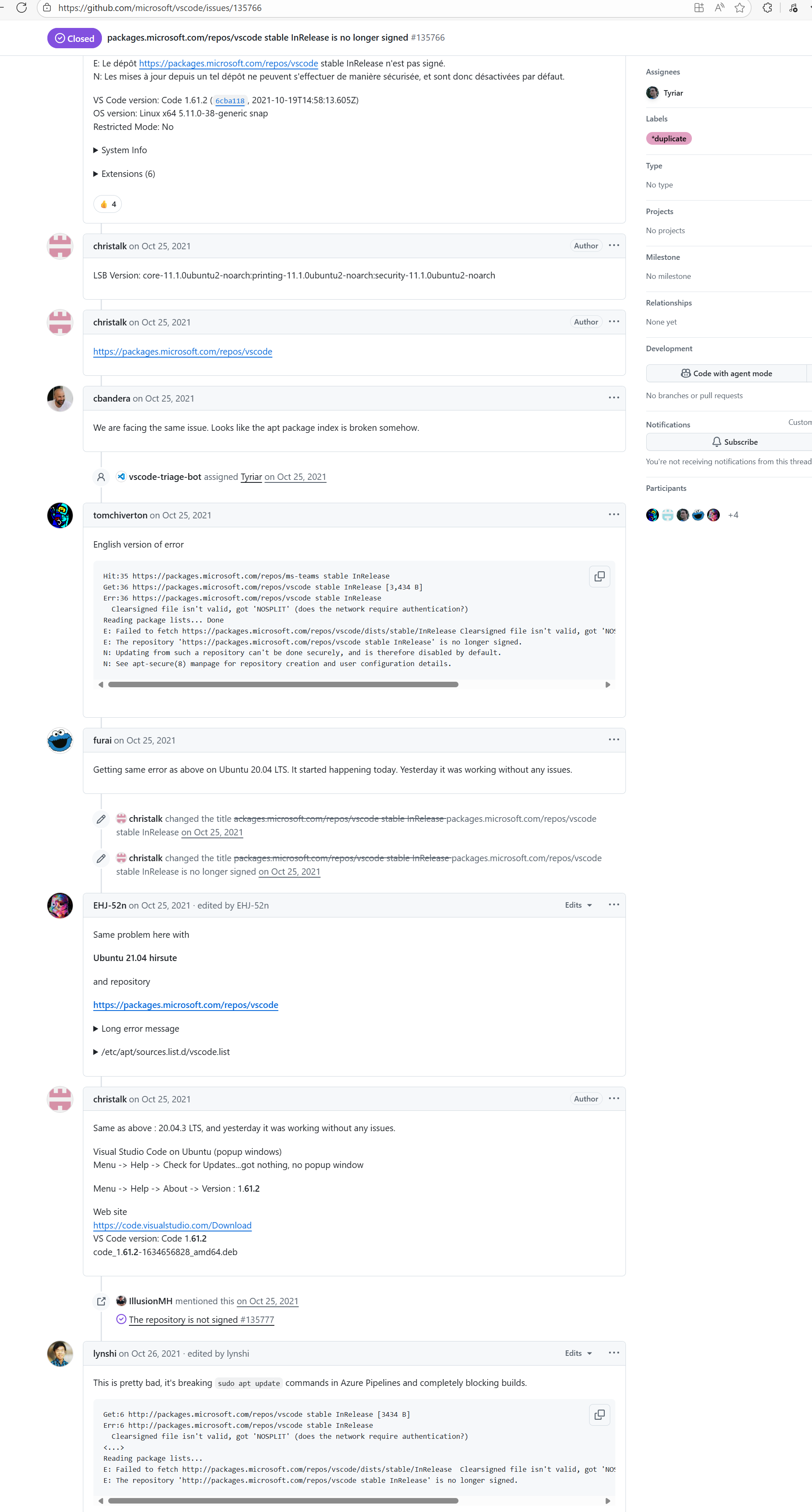
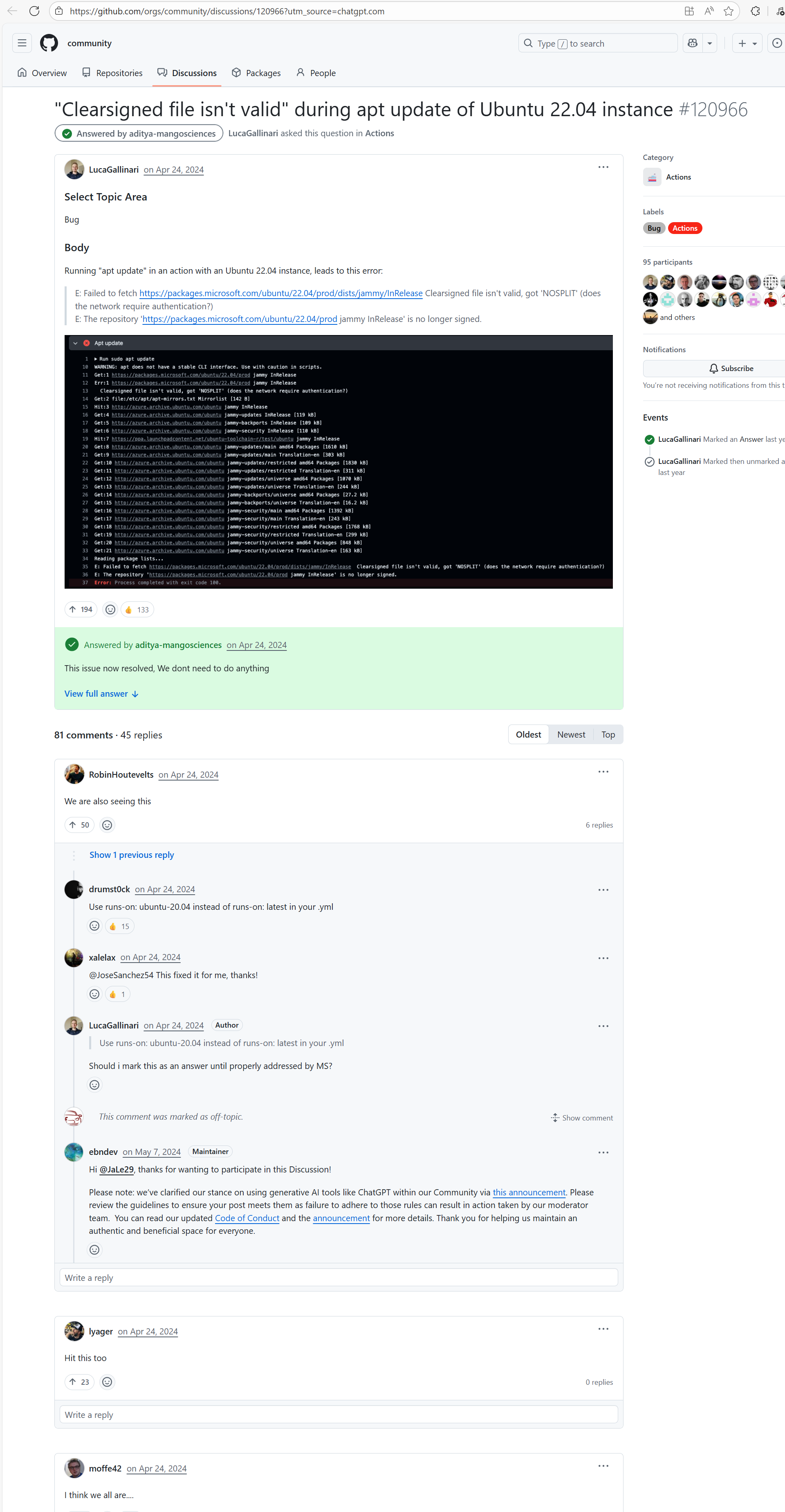
Error: According to the logs, the current network (such as a company intranet or proxy server) may require authentication to access external resources, causing the signature file from the Microsoft repository to not download correctly or to be tampered with, which leads to verification failure.
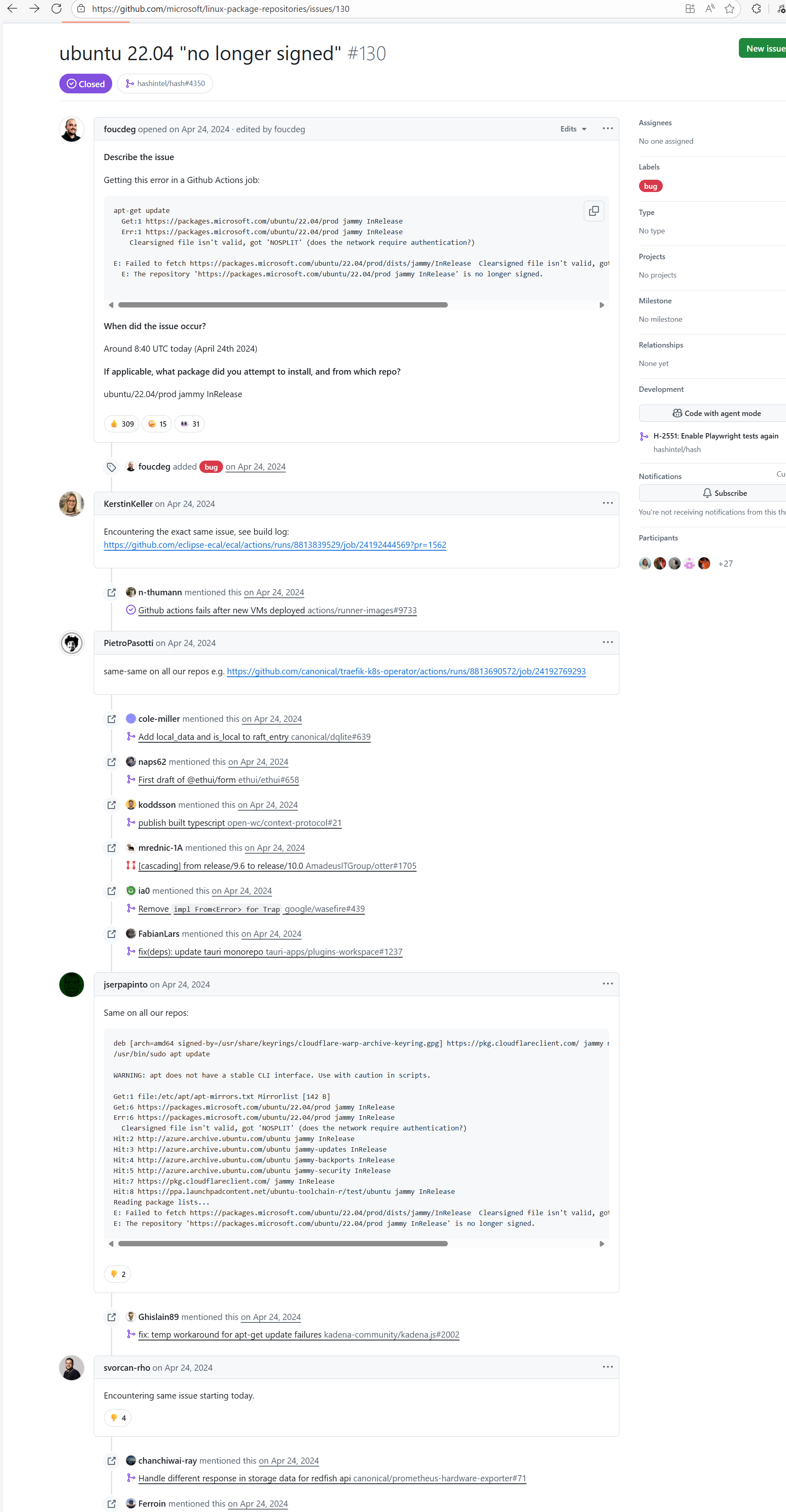
Root Cause: Succeeded after multiple reruns without modifying network authentication. |
A web search reveals this is a bug with the Microsoft mirror. This error has been reported multiple times during various periods (e.g., October 25, 2021; August 24, 2024 - peak), pointing to a short-term failure or synchronization issue with the Microsoft repository / CDN, but there is no specific mitigation strategy. |
    |
| bytedeco/javacpp-presets |
26281262769 |
Authentication Failure |
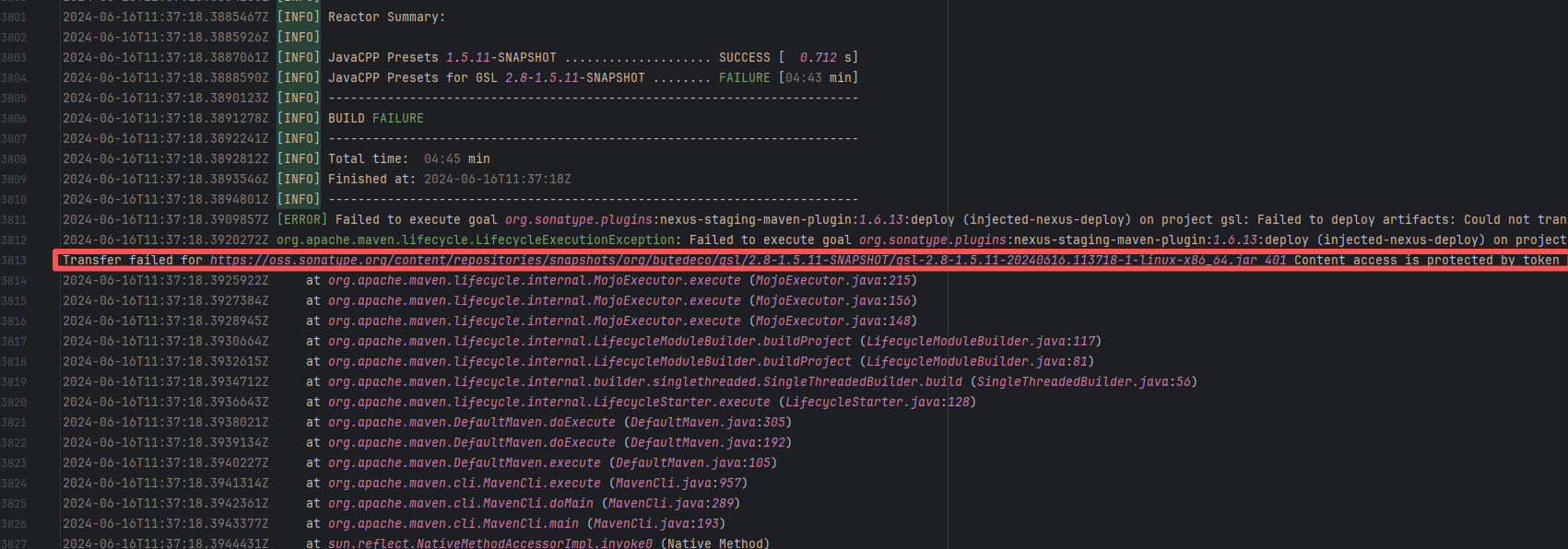
Error: Failed to deploy the artifact to the Sonatype OSS snapshot repository using the nexus-staging-maven-plugin. The core reason is a 401 Unauthorized error, meaning the deployment request lacks a valid authentication token.
Root Cause: Rerun succeeded after replacing the token. |
Modify the deployment token in the secrets within the repository settings interface. |
 |
| StarRocks/starrocks |
25480164939 |
Authentication Failure |
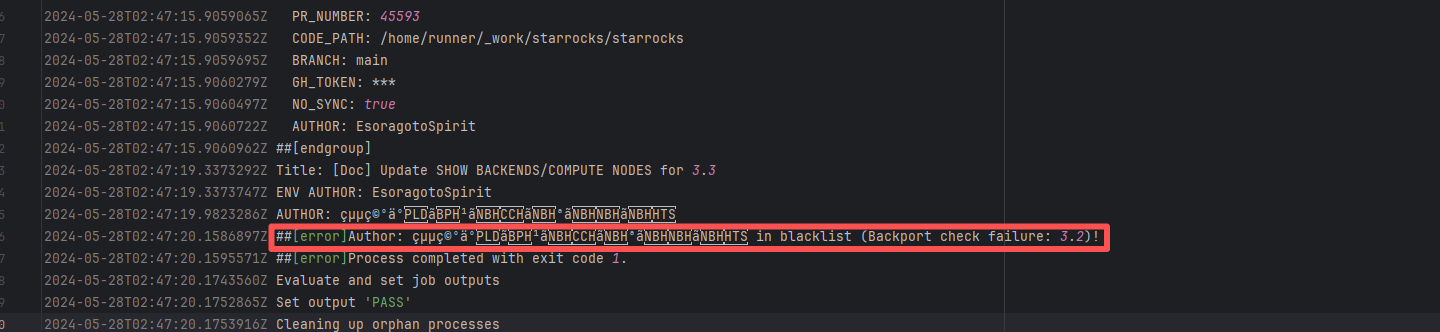
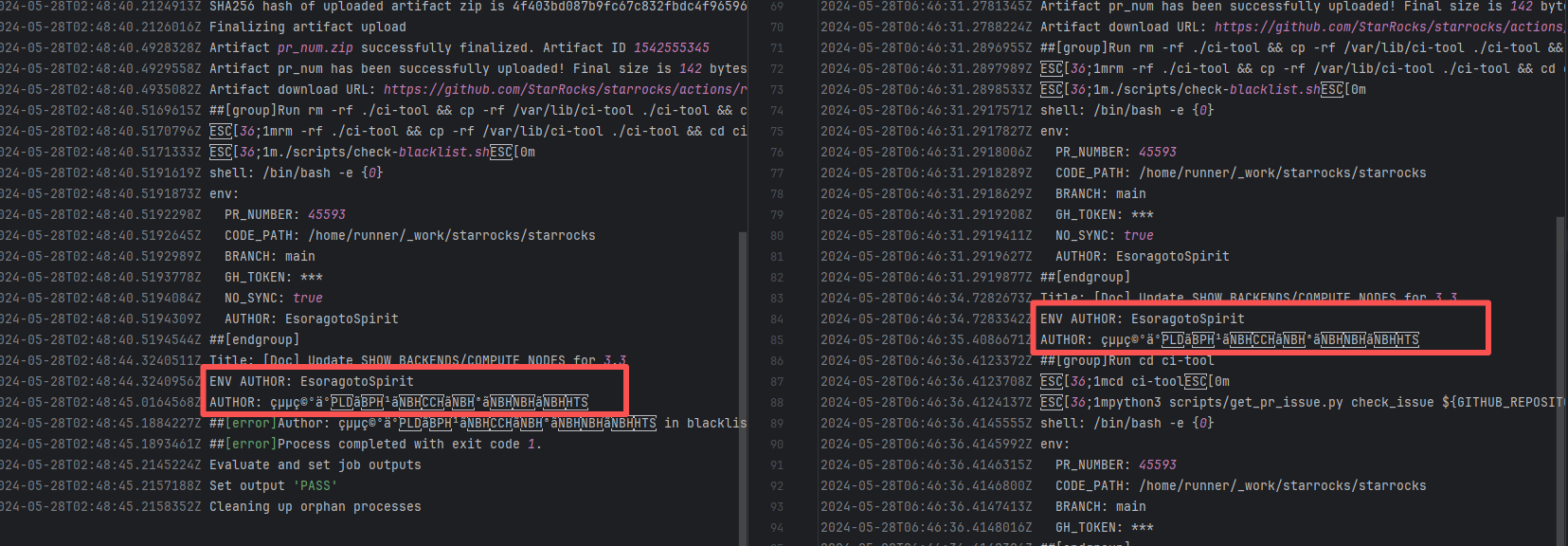
Error: The log error message indicates that the user is on a blacklist and the request was rejected. `Author ... in blacklist` indicates that the repository prevented commits from unauthorized users (or bots) from being merged or backported.
Root Cause: The current runner is a self-hosted server, and the blacklist is stored at `/var/lib/ci-tool/scripts/check-blacklist.sh`. The rerun was successful after the developer modified the blacklist. |
Remove the user from the blacklist / add them to the whitelist |
  |
| nextcloud/android |
23749365892 |
Authentication Failure |
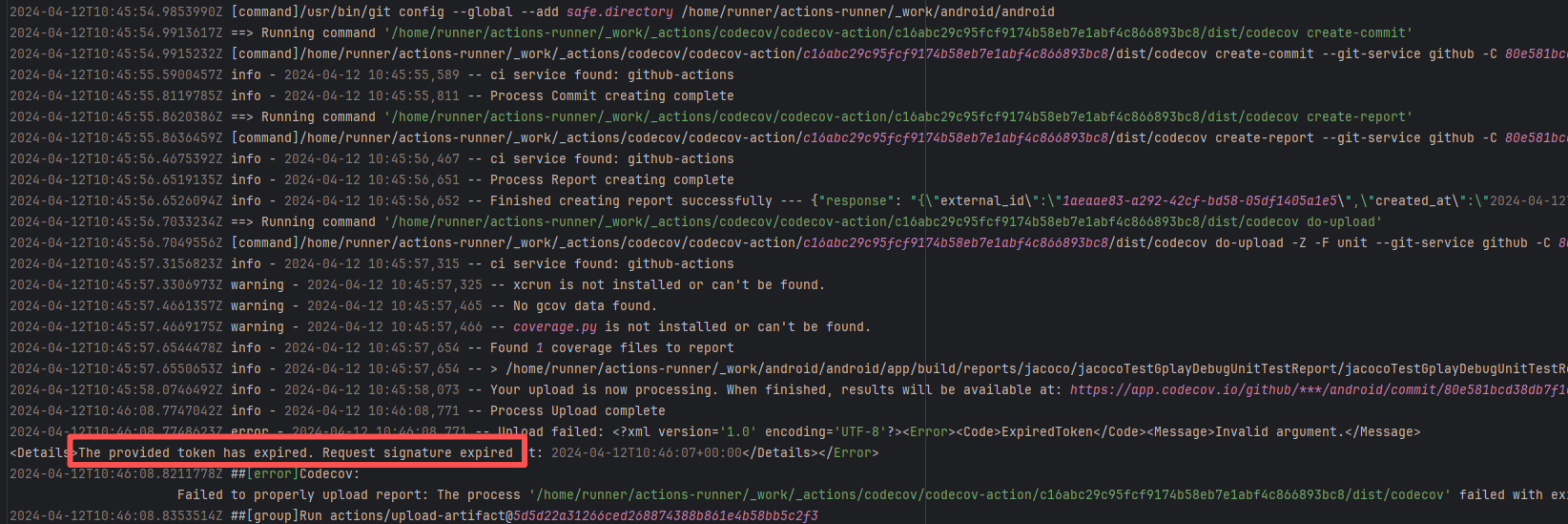
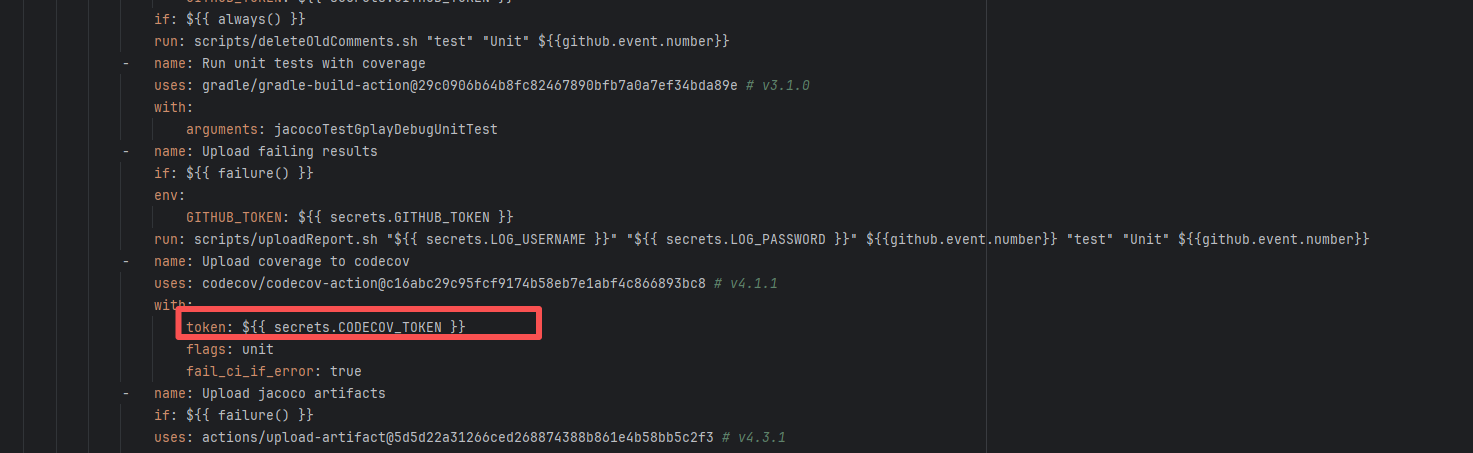
Root Cause: The CI script used a tokenless anonymous mode when uploading Codecov code coverage reports. Since anonymous mode is highly susceptible to triggering API rate limits from third-party service providers (HTTP 429 Too Many Requests), the coverage report upload was interrupted. |
Short-term Fix: Retry the job after the anonymous API limit window period passes.
Long-term Defense: Generate an exclusive Token on the Codecov platform and inject it into the GitHub Secrets workflow (CODECOV_TOKEN) to completely avoid the strict rate limits associated with anonymous uploads. |
  |
| bytedeco/javacpp-presets |
26281262053 |
Authentication Failure |
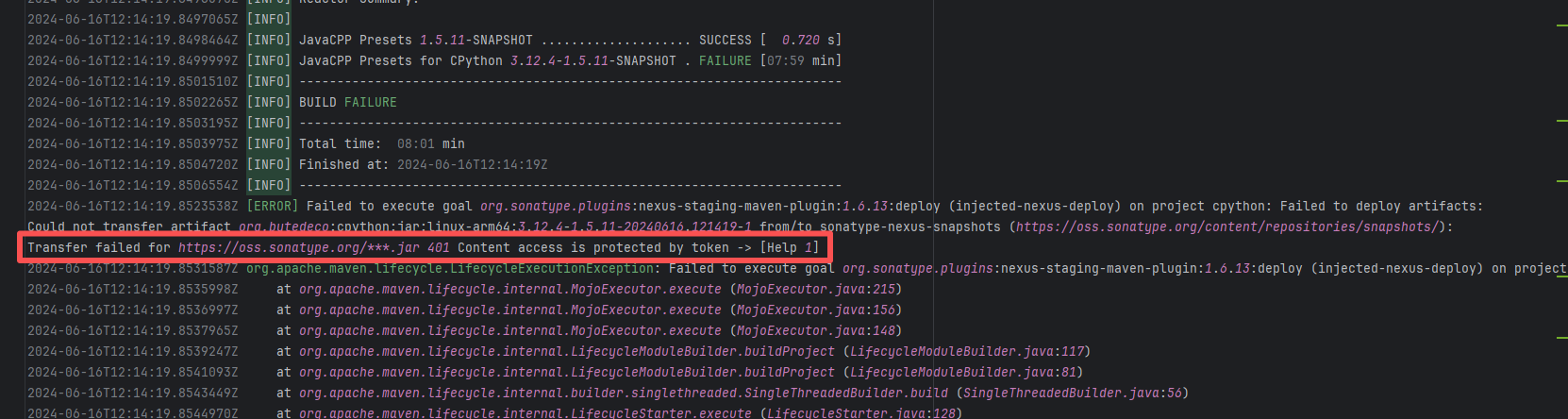
Error: Failed to deploy the artifact to the Sonatype OSS snapshot repository using the nexus-staging-maven-plugin. The core reason is a 401 Unauthorized error, meaning the deployment request lacks a valid authentication token.
Root Cause: Rerun succeeded after replacing the token. |
Modify the deployment token in the secrets within the repository settings interface. |
 |
| jitsi/ice4j |
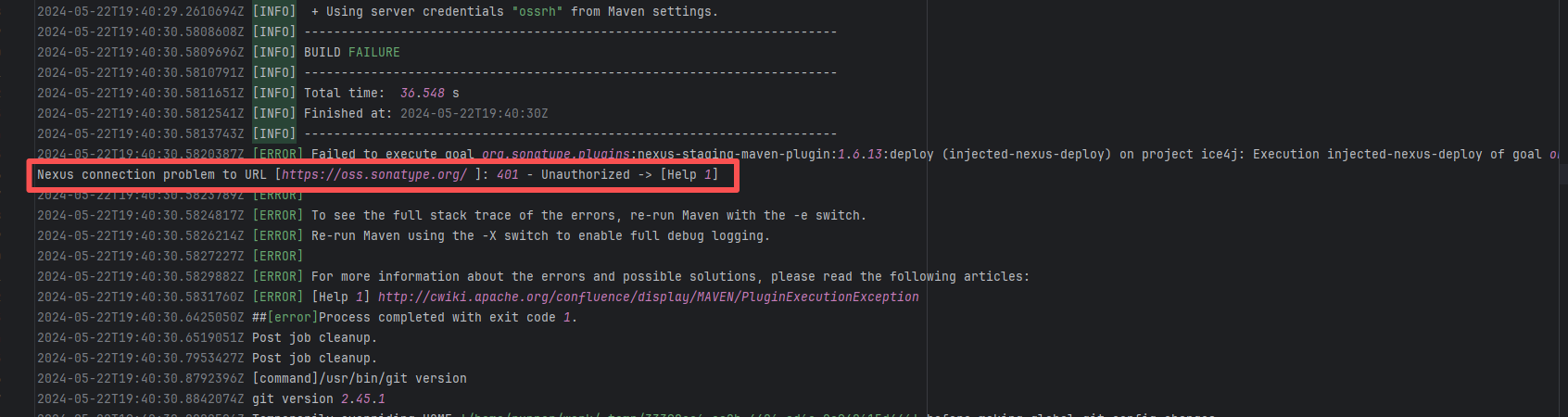
25297741539 |
Authentication Failure |
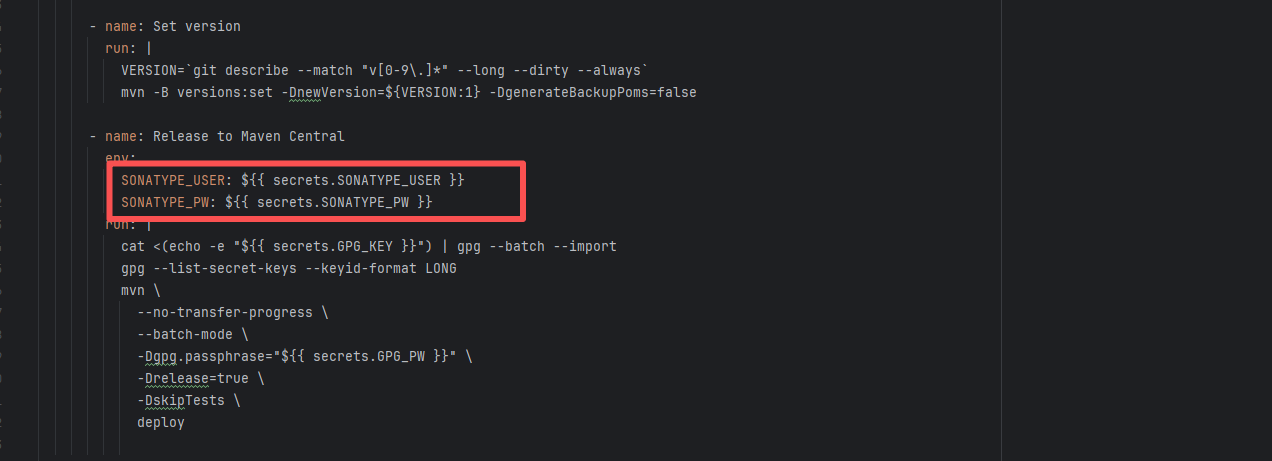
Error: Failed to deploy the artifact to the Sonatype OSS snapshot repository using the nexus-staging-maven-plugin. The core reason is a 401 Unauthorized error, meaning the deployment request lacks a valid authentication token.
Root Cause: Rerun succeeded after replacing the token. |
Modify the deployment token in the secrets within the repository settings interface. |
  |
| StarRocks/starrocks |
24144340058 |
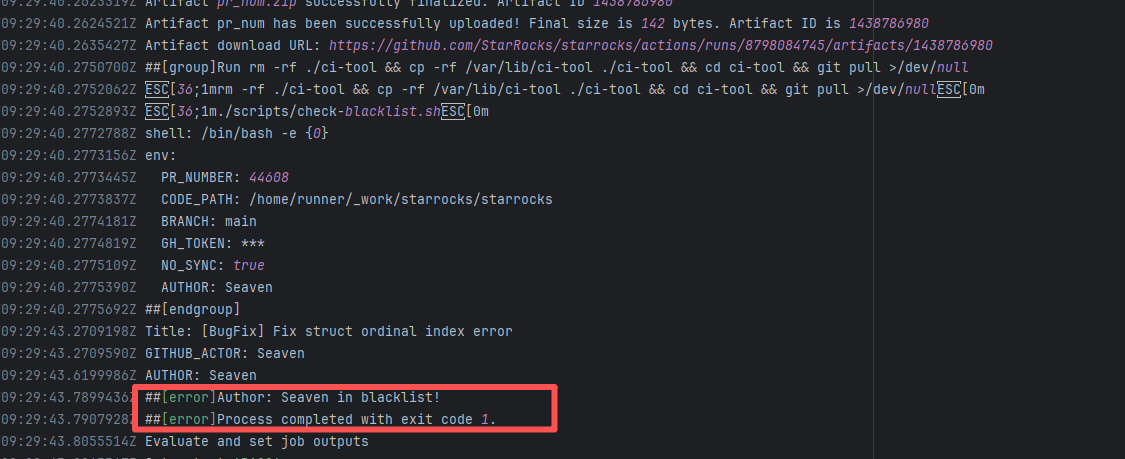
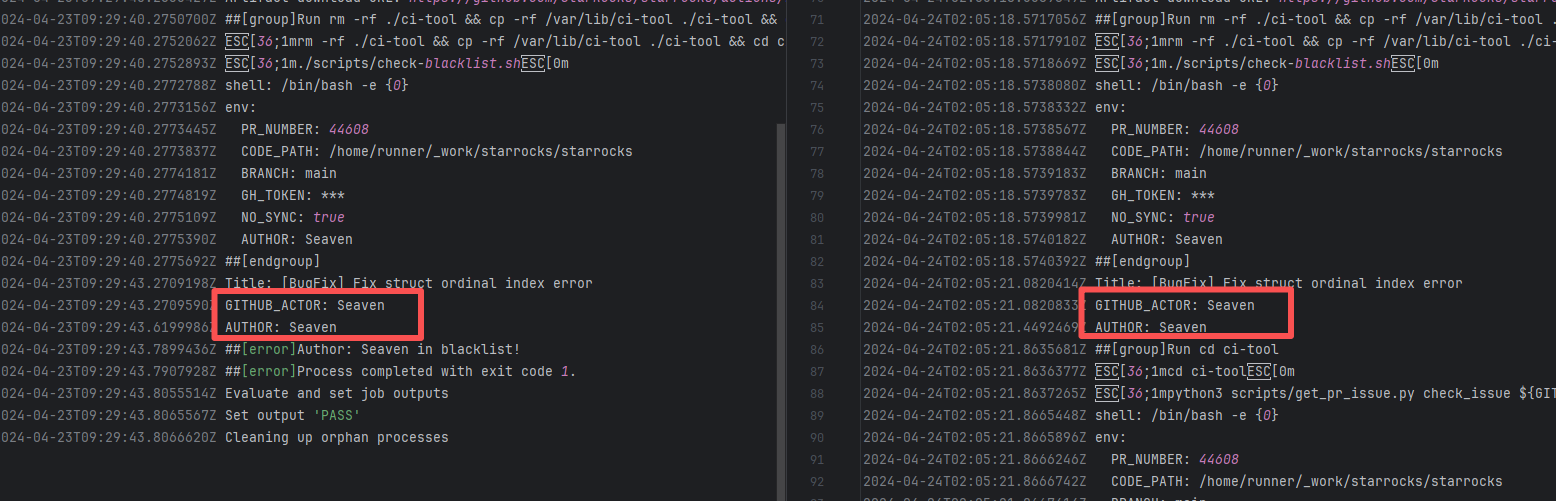
Authentication Failure |
Error: The log error message indicates that the user is on a blacklist and the request was rejected. `Author ... in blacklist` indicates that the repository prevented commits from unauthorized users (or bots) from being merged or backported.
Root Cause: The current runner is a self-hosted server, and the blacklist is stored at `/var/lib/ci-tool/scripts/check-blacklist.sh`. The rerun was successful after the developer modified the blacklist. |
Remove the user from the blacklist / add them to the whitelist |
  |
| StarRocks/starrocks |
26354139772 |
Authentication Failure |
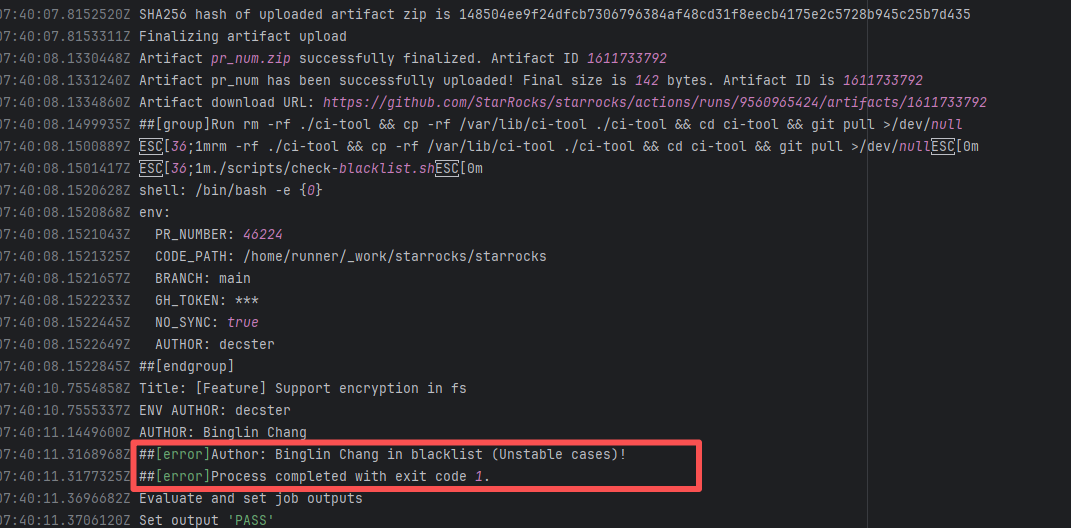
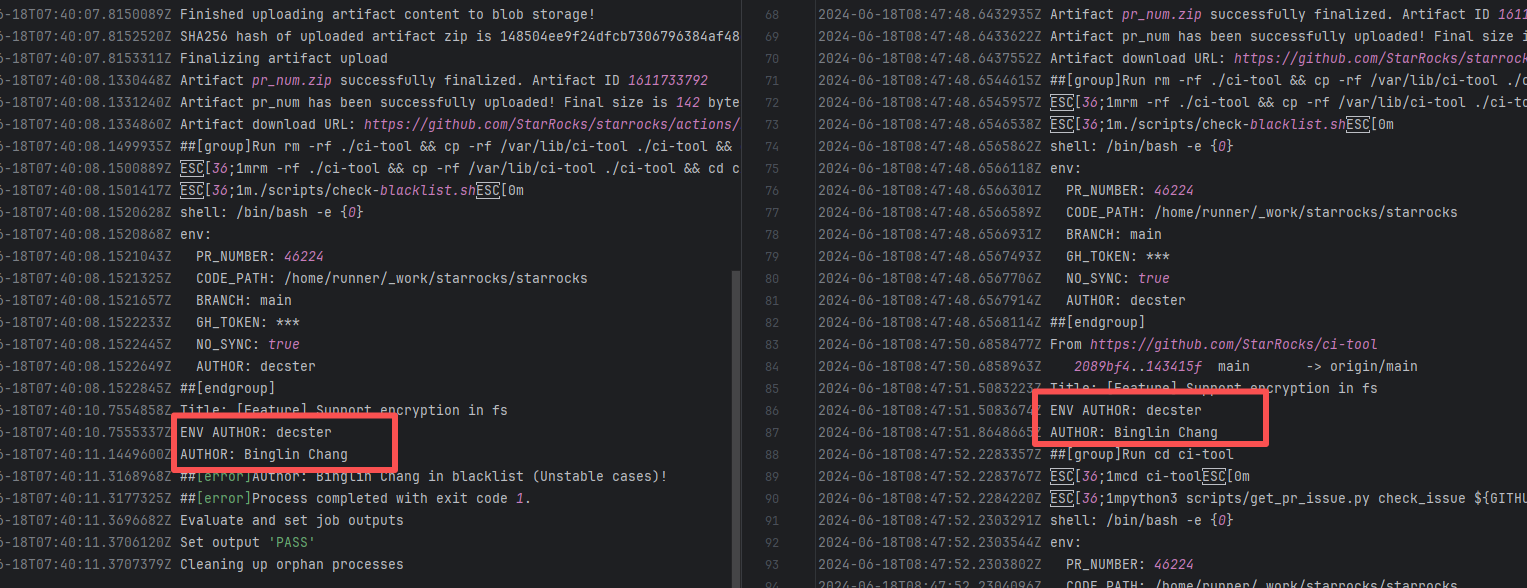
Error: The log error message indicates that the user is on a blacklist and the request was rejected. `Author ... in blacklist` indicates that the repository prevented commits from unauthorized users (or bots) from being merged or backported.
Root Cause: The current runner is a self-hosted server, and the blacklist is stored at `/var/lib/ci-tool/scripts/check-blacklist.sh`. The rerun was successful after the developer modified the blacklist. |
Remove the user from the blacklist / add them to the whitelist |
  |
| line/armeria |
21043962217 |
Authentication Failure |
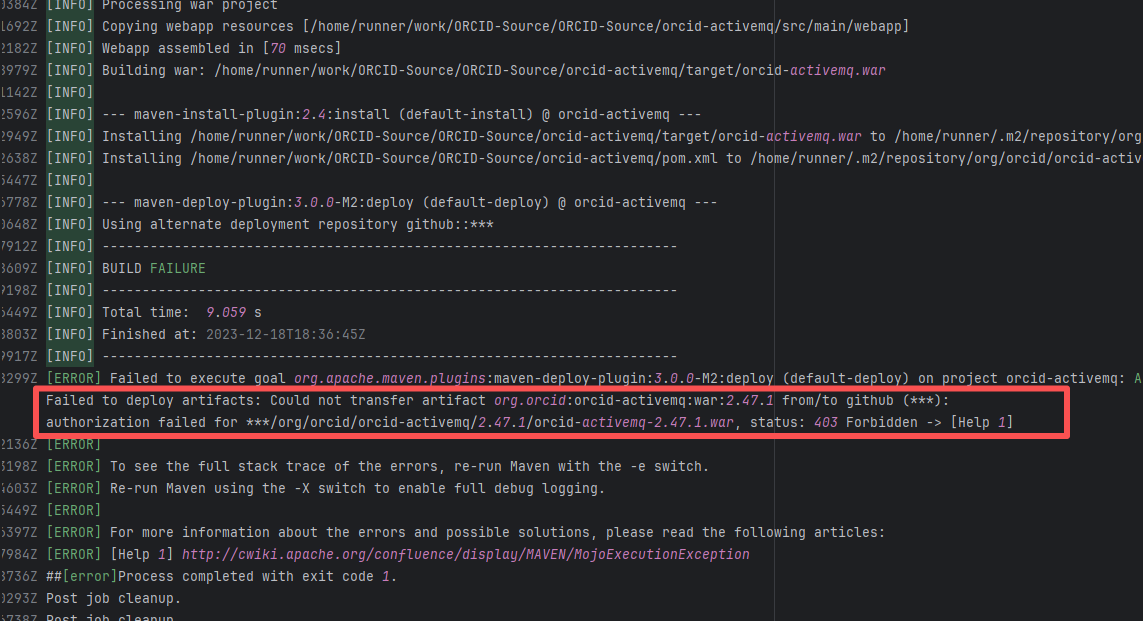
Error: The error log shows that a 403 Forbidden error occurred when deploying the artifact during the Maven build process, indicating that the upload of orcid-activemq-2.47.1.war to the target GitHub repository failed due to permission issues.
Root Cause: The 403 Forbidden error indicates that permission was denied, possibly due to incorrect configuration of the GitHub token or username/password, or insufficient permissions of the account to execute the operation. Rerun was successful after modifying the github token. |
Modify the token in the secrets within the repository settings interface. |
 |
| operator-framework/java-operator-sdk |
24197580009 |
Tool Intermittent Failure |
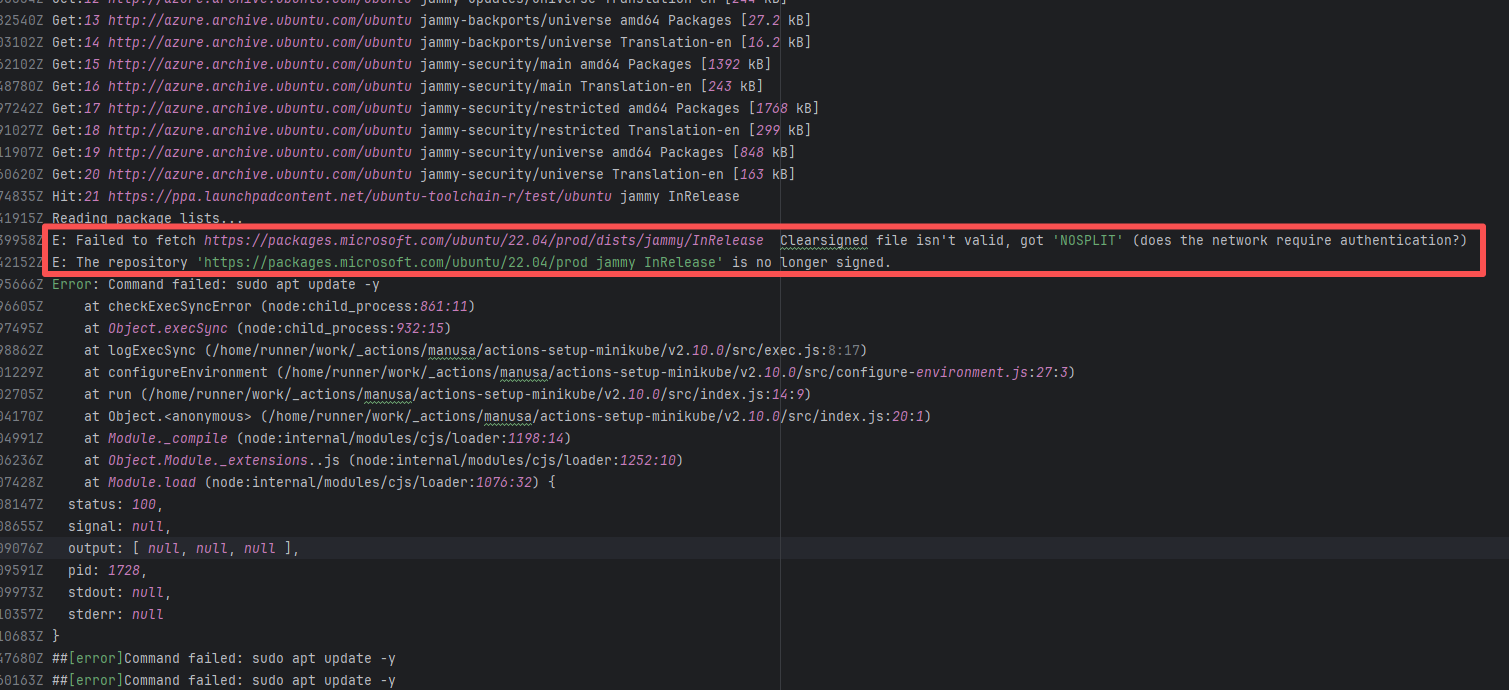
Error: According to the logs, the current network (such as a company intranet or proxy server) may require authentication to access external resources, causing the signature file from the Microsoft repository to not download correctly or to be tampered with, which leads to verification failure.
Root Cause: Succeeded after multiple reruns without modifying network authentication. |
A web search reveals this is a bug with the Microsoft mirror. This error has been reported multiple times during various periods (e.g., October 25, 2021; August 24, 2024 - peak), pointing to a short-term failure or synchronization issue with the Microsoft repository / CDN, but there is no specific mitigation strategy. |
    |
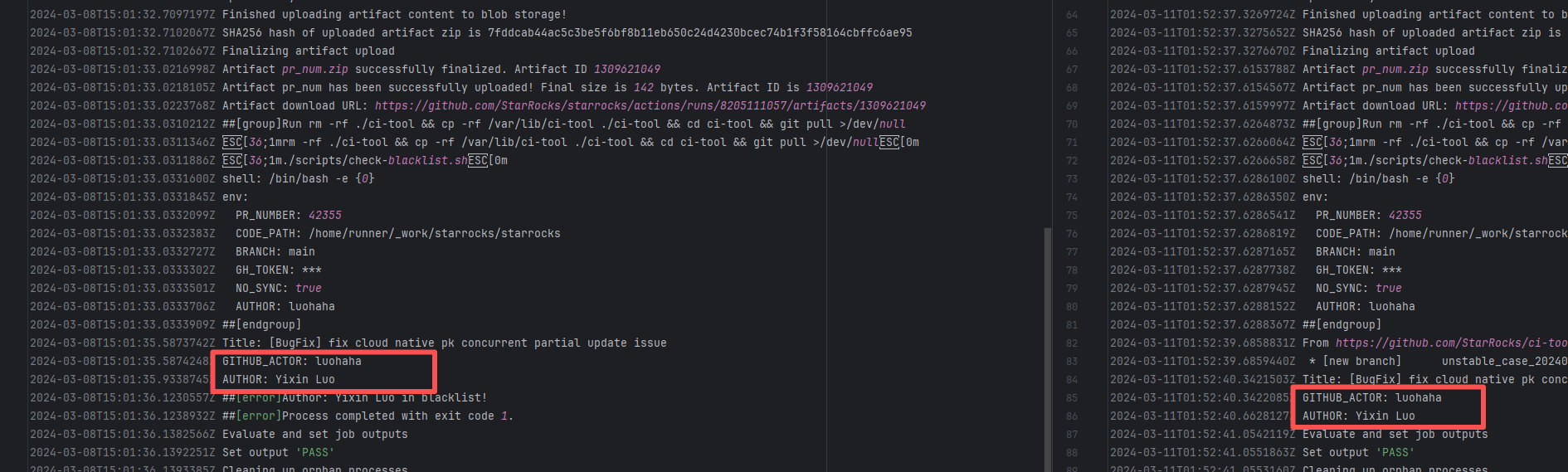
| StarRocks/starrocks |
22441251870 |
Authentication Failure |
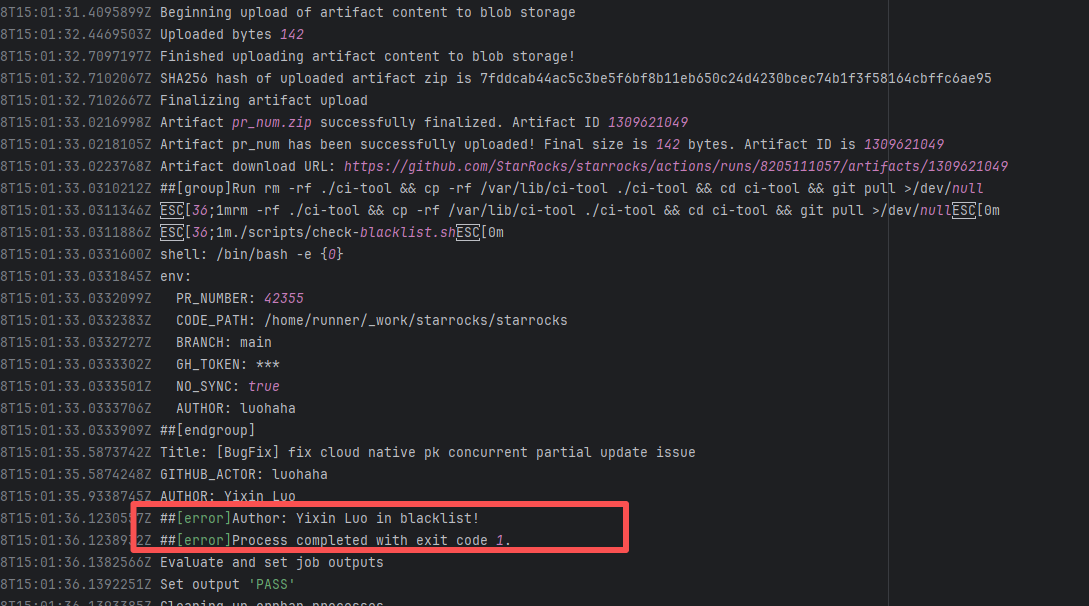
Error: The log error message indicates that the user is on a blacklist and the request was rejected. `Author ... in blacklist` indicates that the repository prevented commits from unauthorized users (or bots) from being merged or backported.
Root Cause: The current runner is a self-hosted server, and the blacklist is stored at `/var/lib/ci-tool/scripts/check-blacklist.sh`. The rerun was successful after the developer modified the blacklist. |
Remove the user from the blacklist / add them to the whitelist |
  |
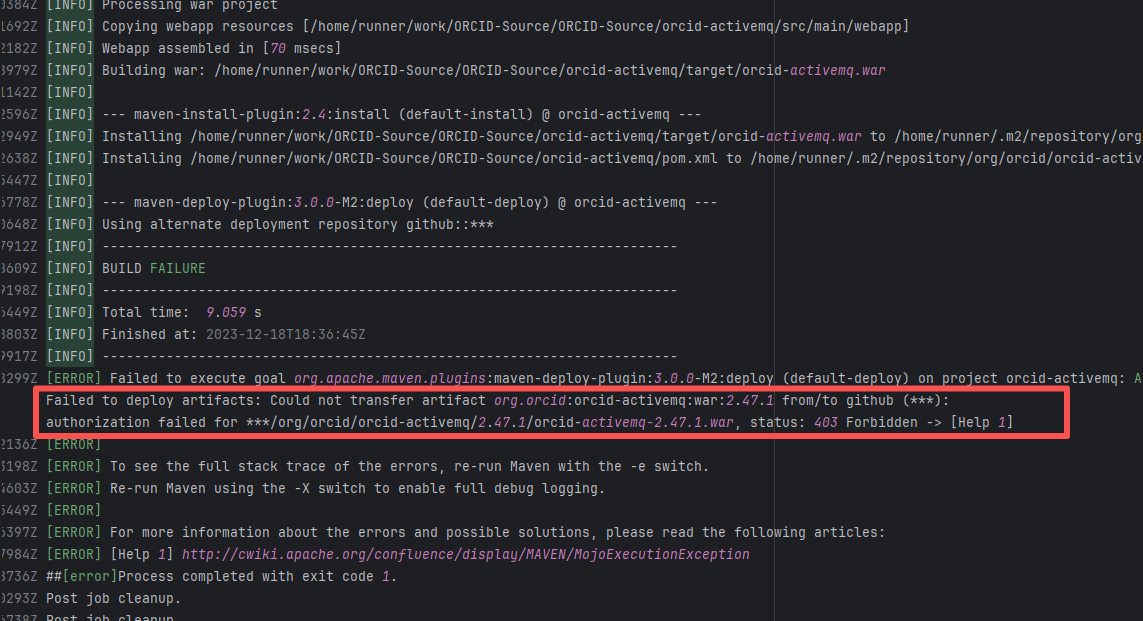
| orcid/orcid-source |
19756626642 |
Authentication Failure |
Error: The error log shows that a 403 Forbidden error occurred when deploying the artifact during the Maven build process, indicating that the upload of orcid-activemq-2.47.1.war to the target GitHub repository failed due to permission issues.
Root Cause: The 403 Forbidden error indicates that permission was denied, possibly due to incorrect configuration of the GitHub token or username/password, or insufficient permissions of the account to execute the operation. Rerun was successful after modifying the github token. |
Modify the token in the secrets within the repository settings interface. |
 |
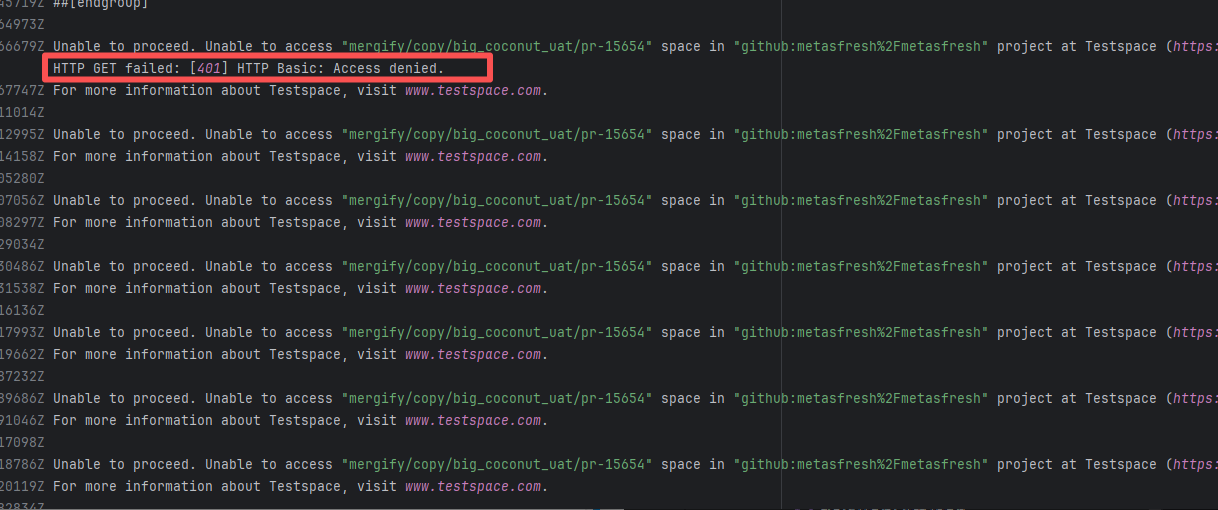
| metasfresh/metasfresh |
17558157801 |
Authentication Failure |
Error: The log error shows that when trying to access the mergify/copy/big_coconut_uat/pr-15654 project on https://metasfresh.testspace.com, the HTTP GET request was rejected (401 Unauthorized) because the credentials provided were invalid or missing.
Root Cause: The 403 Forbidden error indicates that permission was denied, possibly due to incorrect configuration of the token or username/password, or insufficient permissions of the account to execute the operation. Rerun was successful after modifying the token. |
Modify the token in the secrets within the repository settings interface. |
  |
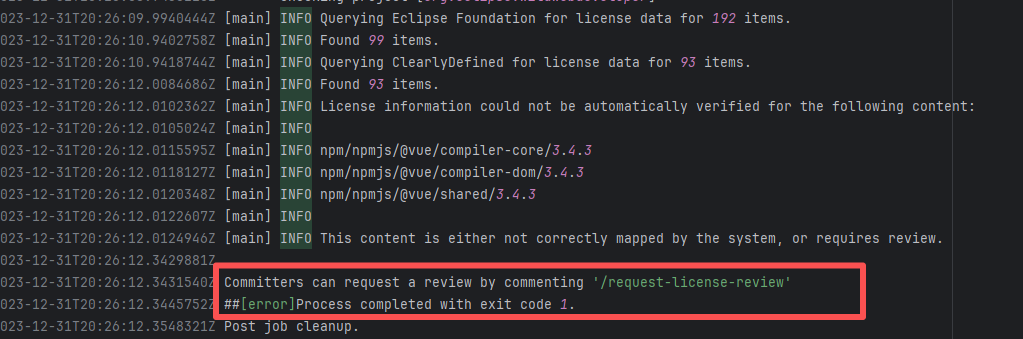
| eclipse-wildwebdeveloper/wildwebdeveloper |
20061016237 |
Workflow Policy Violation |
Error: The current commit involves new dependencies, code files, or license changes, which requires triggering a license review process through specific commands, but this step has not been completed.
Root Cause: The project Committer types the command `/request-license-review` in the PR or commit comments to trigger the automated review process. Once the review passes, it is fine. |
Type the review command according to the main repository requirements for review, and rerun after completion. |
 |
| API Service Unavailable |
prestodb/presto |
26090585172 |
API Rate Limit |
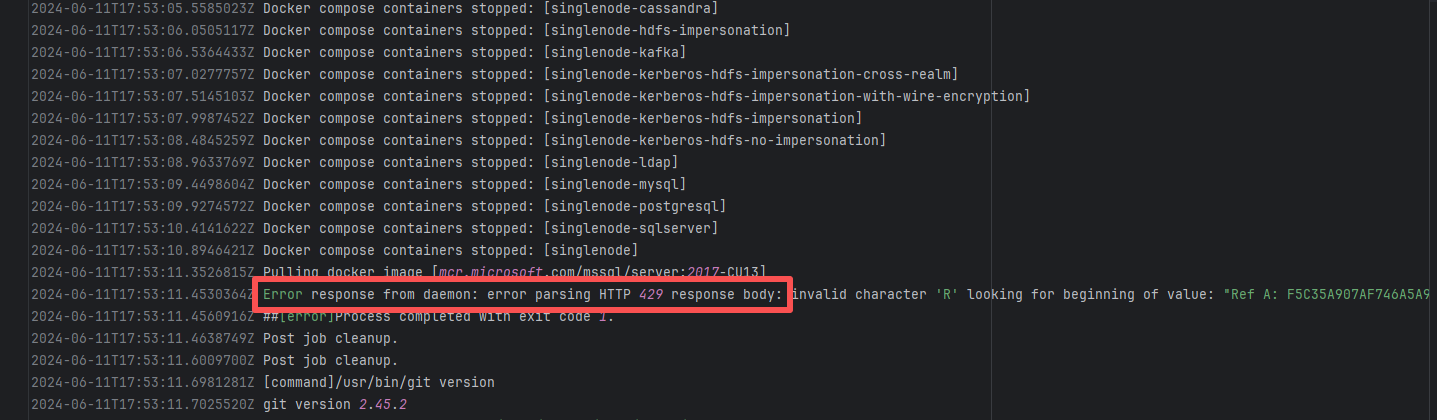
Error: Docker sent an HTTP 429 (Too Many Requests) response to a server, but the response format was unexpected, causing parsing to fail. HTTP 429 status code means "too many requests", the server temporarily refuses to process new requests because the number of requests sent by the client exceeds the limit
Root Cause: Wait for API quota to recover and re-execute successfully |
Wait for API quota to recover and re-execute successfully |
 |
| StarRocks/starrocks |
20851141718 |
API Rate Limit |
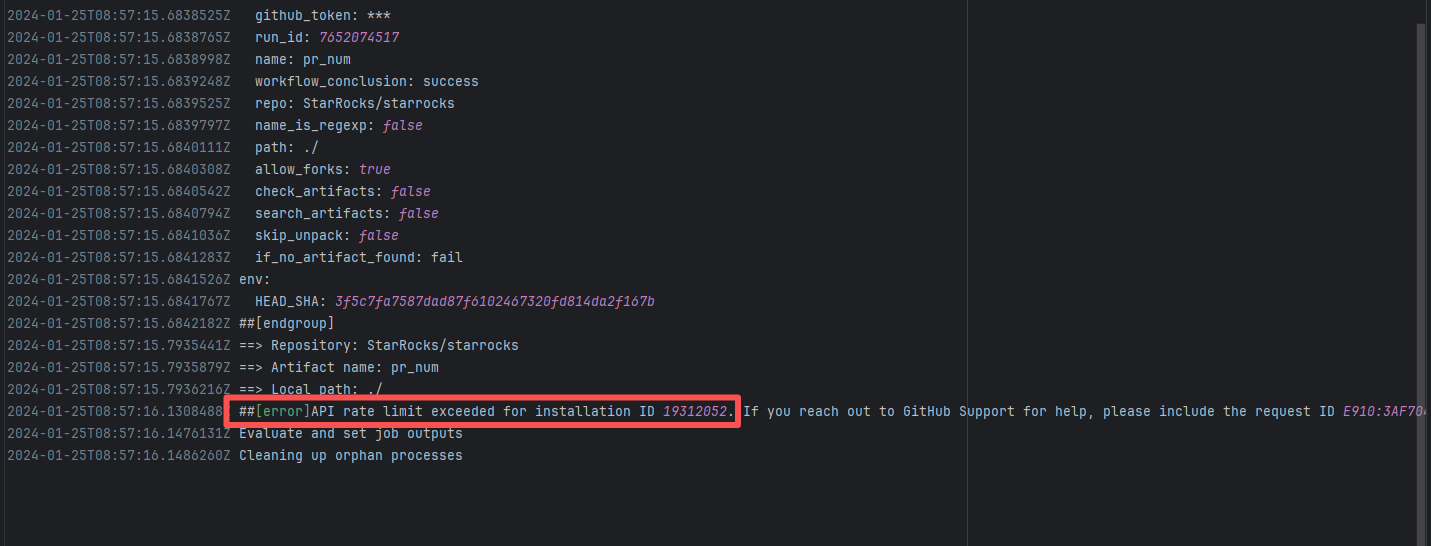
Error: Triggered API rate limit exceeded error.
Root Cause: The installation ID of the current GitHub App or Actions exceeded GitHub's official rate limit quota within a short period, causing subsequent requests to be intercepted and rejected by the server. |
Short-term Fix: Wait 5-10 minutes for API quota to automatically recover, then Rerun.
Long-term Defense:
1. Optimize CI processes to reduce unnecessary GitHub API calls;
2. Configure exclusive Personal Access Tokens (PAT) with higher quotas for frequently-called Actions;
3. Introduce local caching strategies (e.g., cache dependencies) to reduce cross-network fetch frequency. |
 |
| apache/cloudstack |
24666080255 |
API Rate Limit |
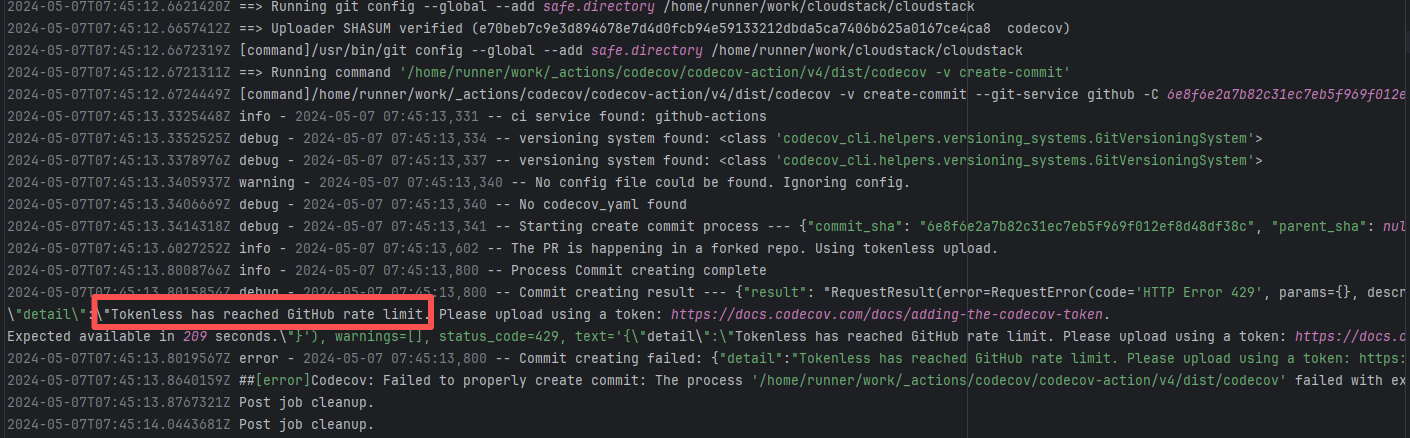
Root Cause: The CI script used a tokenless anonymous mode when uploading Codecov code coverage reports. Since anonymous mode is highly susceptible to triggering API rate limits from third-party service providers (HTTP 429 Too Many Requests), the coverage report upload was interrupted. |
Short-term Fix: Retry the job after the anonymous API limit window period passes.
Long-term Defense: Generate an exclusive Token on the Codecov platform and inject it into the GitHub Secrets workflow (CODECOV_TOKEN) to completely avoid the strict rate limits associated with anonymous uploads. |
 |
| seleniumhq/selenium |
22368973870 |
API Rate Limit |
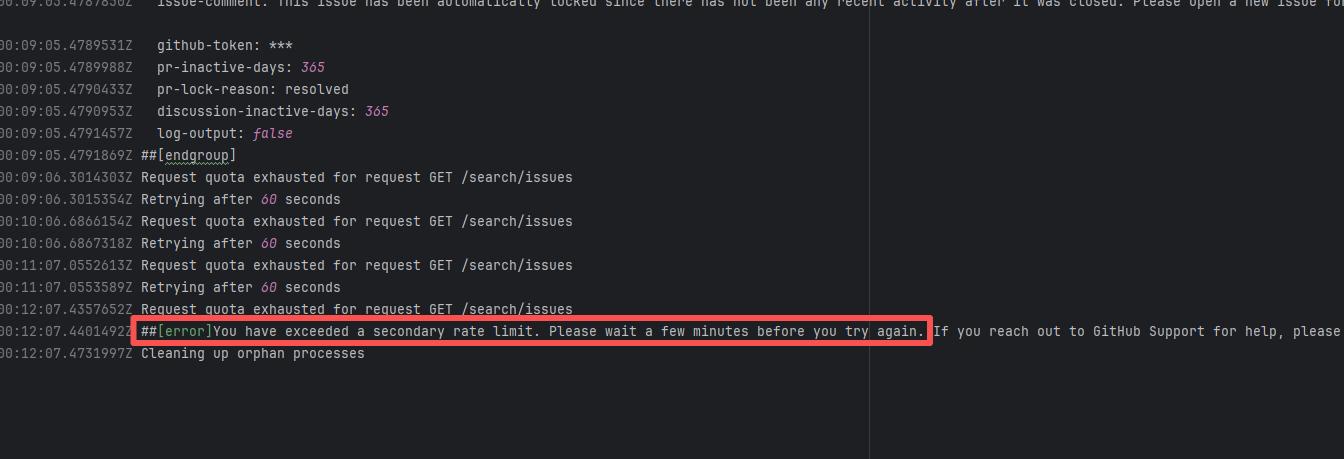
Error: `You have exceeded a secondary rate limit` indicates that access to GitHub has reached its limit. GitHub API secondary rate limit triggered (secondary limits are short-term high-frequency request limits set by GitHub to prevent abuse), returning error 429 Too Many Requests
Root Cause: Wait a few minutes and re-execute successfully |
- Pause requests and try again in 5-10 minutes, usually recovers automatically
- If urgent handling is needed, record the `request ID` in the error (e.g., `DACE:3DA8CE:1C705:31493:66043904`) and contact GitHub Support to explain the situation |
 |
| bytedeco/javacpp-presets |
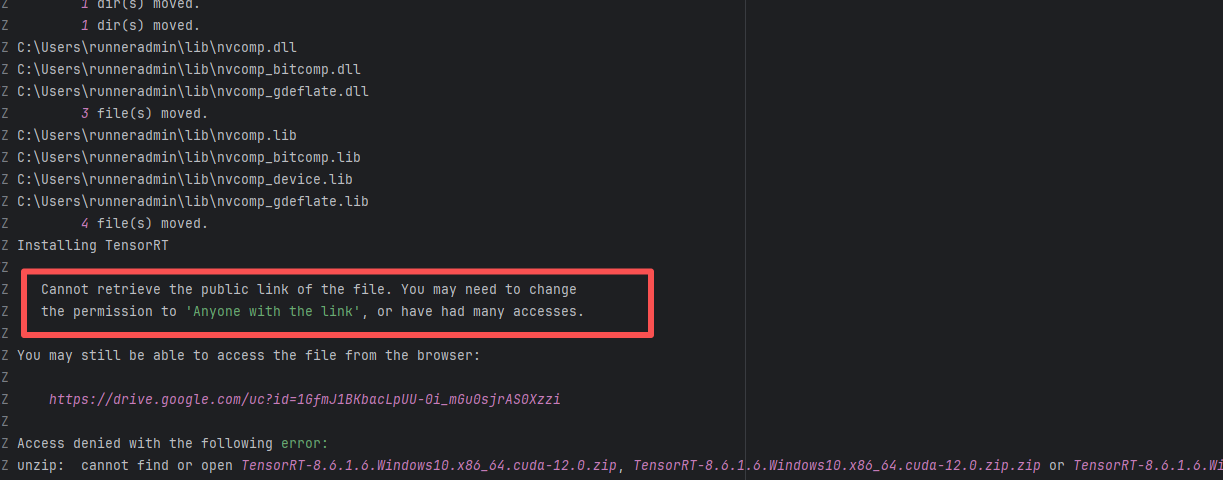
20414451893 |
API Rate Limit |
Error: Logs indicate the core reason is improper file permission settings or excessive access frequency, resulting in the inability to generate or obtain a valid public link.
Root Cause: Analysis of rerun logs found that all 23 reruns at different intervals over the past 3 days failed. Therefore, this error is not resource access denial caused by high access frequency, but rather that the file's current permissions may not be set to "Anyone with the link". After modifying the resource permissions, the rerun was successful. |
Root Cause Fix: Manually modify the security policy of the target cloud resource to grant public read access, then the job returns to normal. |
 |
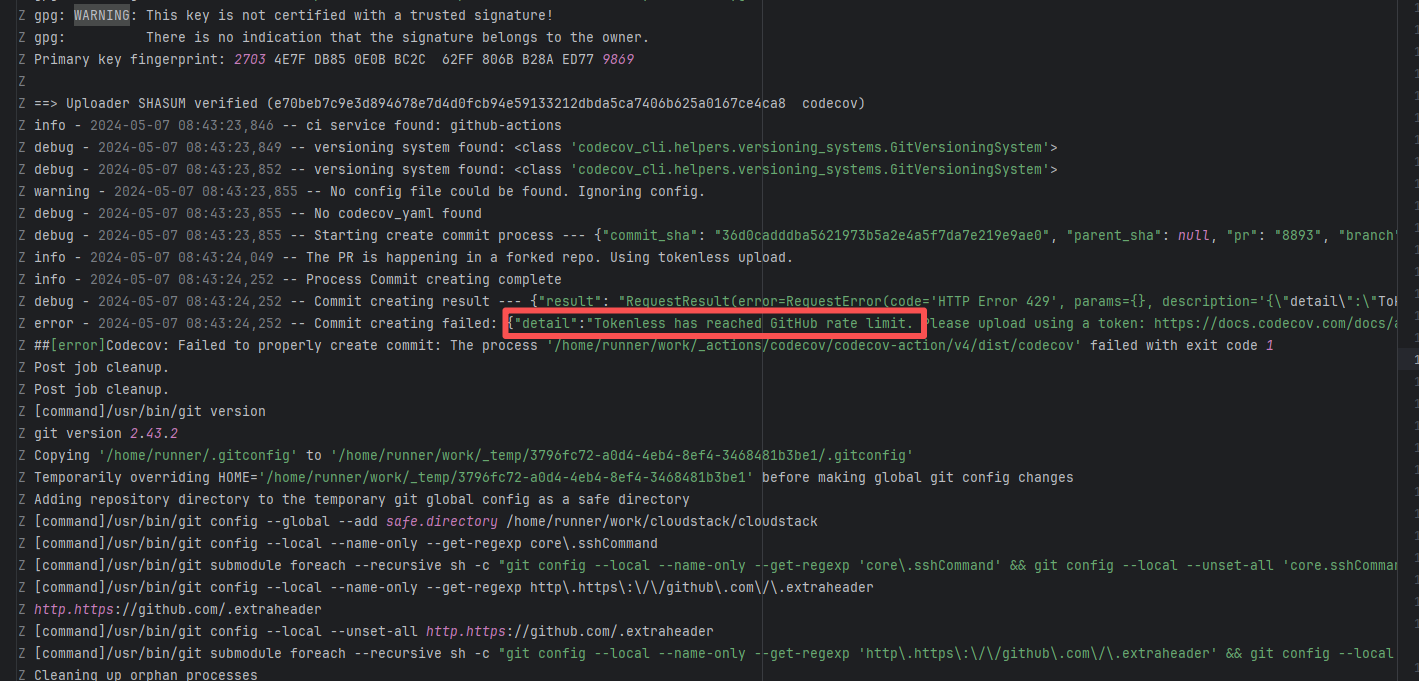
| apache/cloudstack |
24668038497 |
API Rate Limit |
Root Cause: The CI script used a tokenless anonymous mode when uploading Codecov code coverage reports. Since anonymous mode is highly susceptible to triggering API rate limits from third-party service providers (HTTP 429 Too Many Requests), the coverage report upload was interrupted. |
Short-term Fix: Retry the job after the anonymous API limit window period passes.
Long-term Defense: Generate an exclusive Token on the Codecov platform and inject it into the GitHub Secrets workflow (CODECOV_TOKEN) to completely avoid the strict rate limits associated with anonymous uploads. |
 |
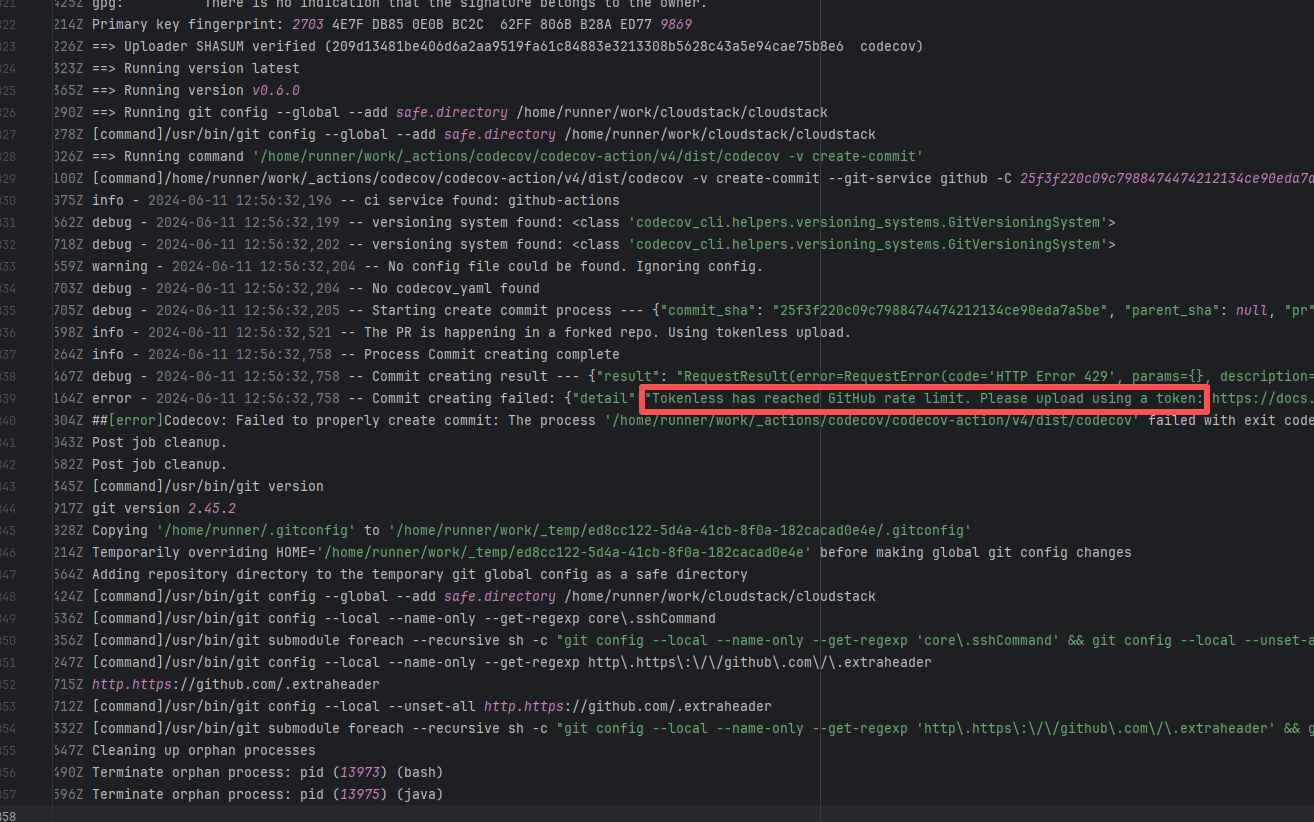
| apache/cloudstack |
26074021724 |
API Rate Limit |
Root Cause: The CI script used a tokenless anonymous mode when uploading Codecov code coverage reports. Since anonymous mode is highly susceptible to triggering API rate limits from third-party service providers (HTTP 429 Too Many Requests), the coverage report upload was interrupted. |
Short-term Fix: Retry the job after the anonymous API limit window period passes.
Long-term Defense: Generate an exclusive Token on the Codecov platform and inject it into the GitHub Secrets workflow (CODECOV_TOKEN) to completely avoid the strict rate limits associated with anonymous uploads. |
 |
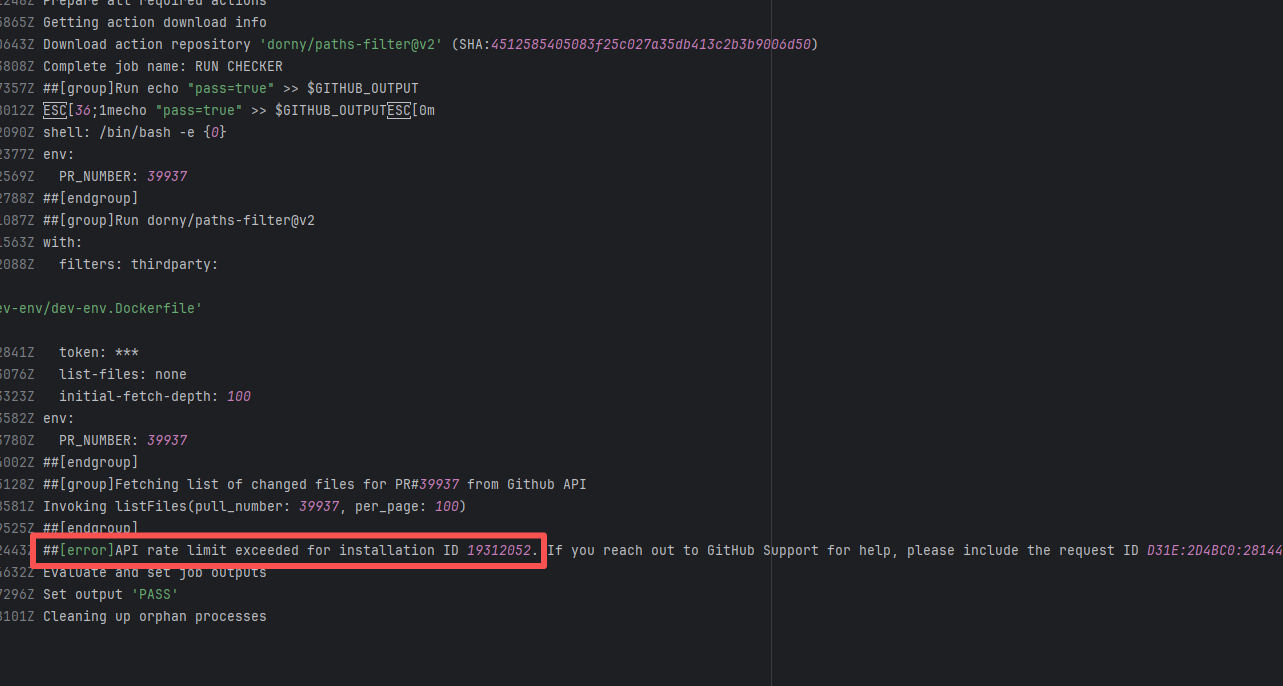
| StarRocks/starrocks |
20844377334 |
API Rate Limit |
Error: Triggered API rate limit exceeded error.
Root Cause: The installation ID of the current GitHub App or Actions exceeded GitHub's official rate limit quota within a short period, causing subsequent requests to be intercepted and rejected by the server. |
Short-term Fix: Wait 5-10 minutes for API quota to automatically recover, then Rerun.
Long-term Defense:
1. Optimize CI processes to reduce unnecessary GitHub API calls;
2. Configure exclusive Personal Access Tokens (PAT) with higher quotas for frequently-called Actions;
3. Introduce local caching strategies (e.g., cache dependencies) to reduce cross-network fetch frequency. |
 |
| checkstyle/checkstyle |
19481006838 |
API Rate Limit |
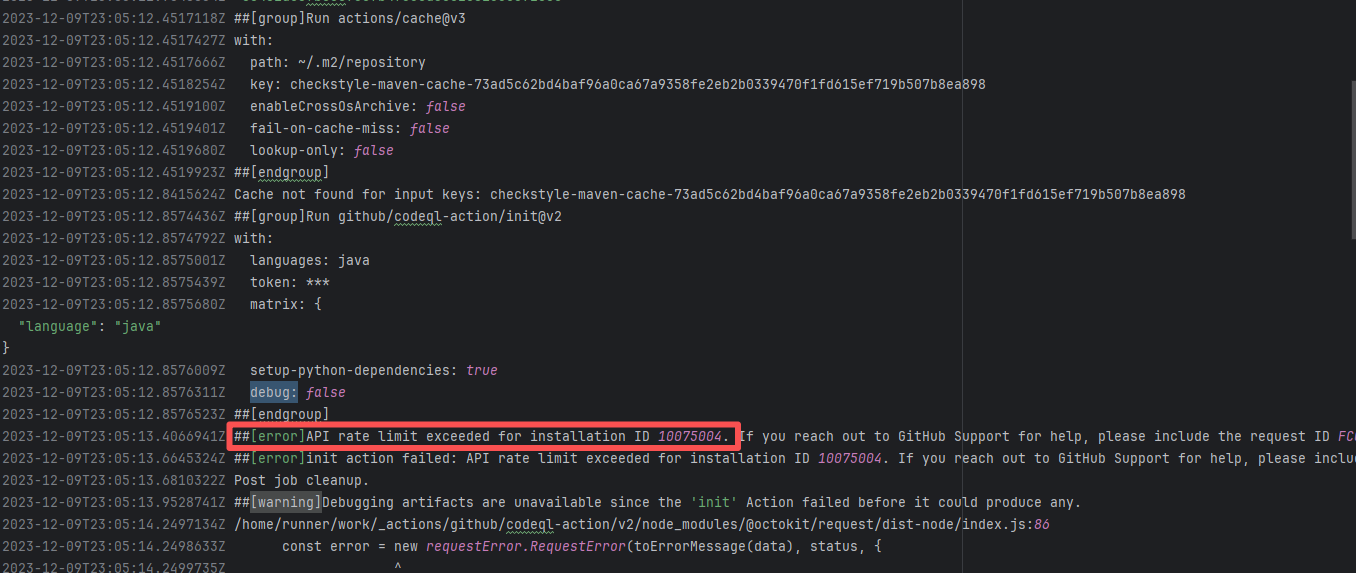
Error: Triggered API rate limit exceeded error.
Root Cause: The installation ID of the current GitHub App or Actions exceeded GitHub's official rate limit quota within a short period, causing subsequent requests to be intercepted and rejected by the server. |
Short-term Fix: Wait 5-10 minutes for API quota to automatically recover, then Rerun.
Long-term Defense:
1. Optimize CI processes to reduce unnecessary GitHub API calls;
2. Configure exclusive Personal Access Tokens (PAT) with higher quotas for frequently-called Actions;
3. Introduce local caching strategies (e.g., cache dependencies) to reduce cross-network fetch frequency. |
 |
| StarRocks/starrocks |
21892706317 |
API Rate Limit |
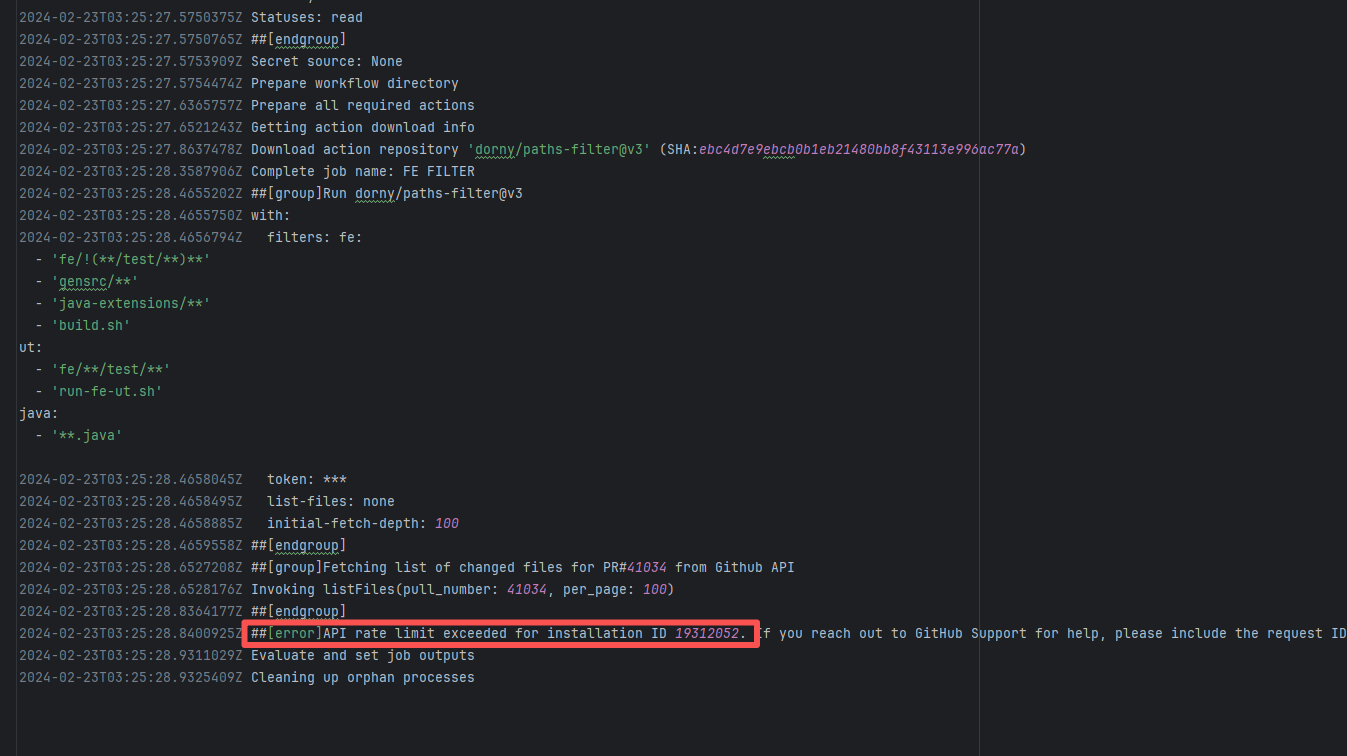
Error: Triggered API rate limit exceeded error.
Root Cause: The installation ID of the current GitHub App or Actions exceeded GitHub's official rate limit quota within a short period, causing subsequent requests to be intercepted and rejected by the server. |
Short-term Fix: Wait 5-10 minutes for API quota to automatically recover, then Rerun.
Long-term Defense:
1. Optimize CI processes to reduce unnecessary GitHub API calls;
2. Configure exclusive Personal Access Tokens (PAT) with higher quotas for frequently-called Actions;
3. Introduce local caching strategies (e.g., cache dependencies) to reduce cross-network fetch frequency. |
 |
| StarRocks/starrocks |
21892686784 |
API Rate Limit |
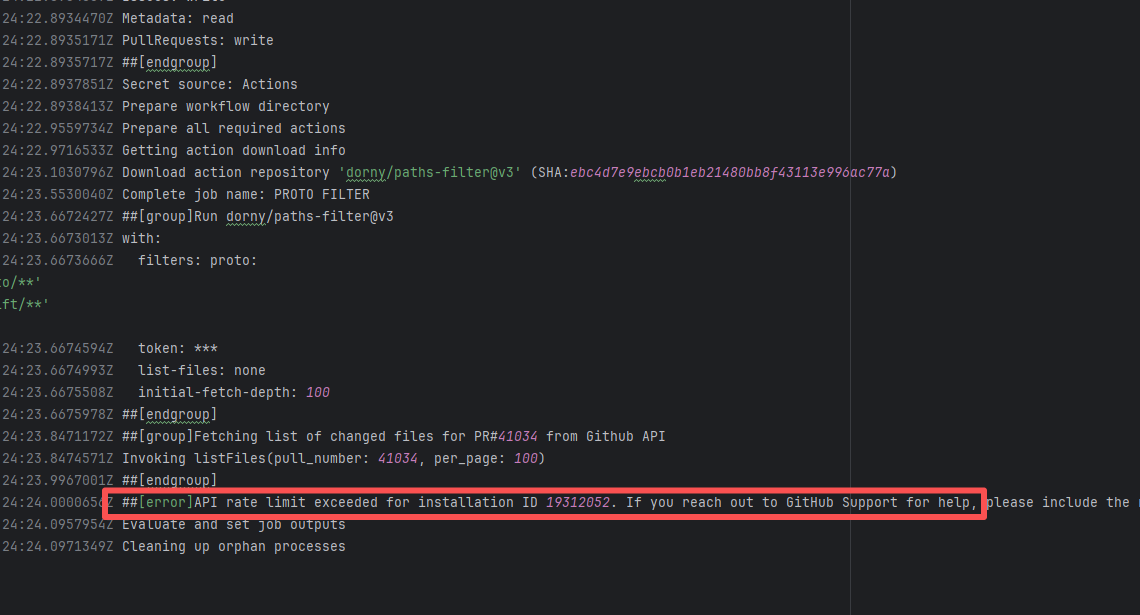
Error: Triggered API rate limit exceeded error.
Root Cause: The installation ID of the current GitHub App or Actions exceeded GitHub's official rate limit quota within a short period, causing subsequent requests to be intercepted and rejected by the server. |
Short-term Fix: Wait 5-10 minutes for API quota to automatically recover, then Rerun.
Long-term Defense:
1. Optimize CI processes to reduce unnecessary GitHub API calls;
2. Configure exclusive Personal Access Tokens (PAT) with higher quotas for frequently-called Actions;
3. Introduce local caching strategies (e.g., cache dependencies) to reduce cross-network fetch frequency. |
 |
| StarRocks/starrocks |
20844369672 |
API Rate Limit |
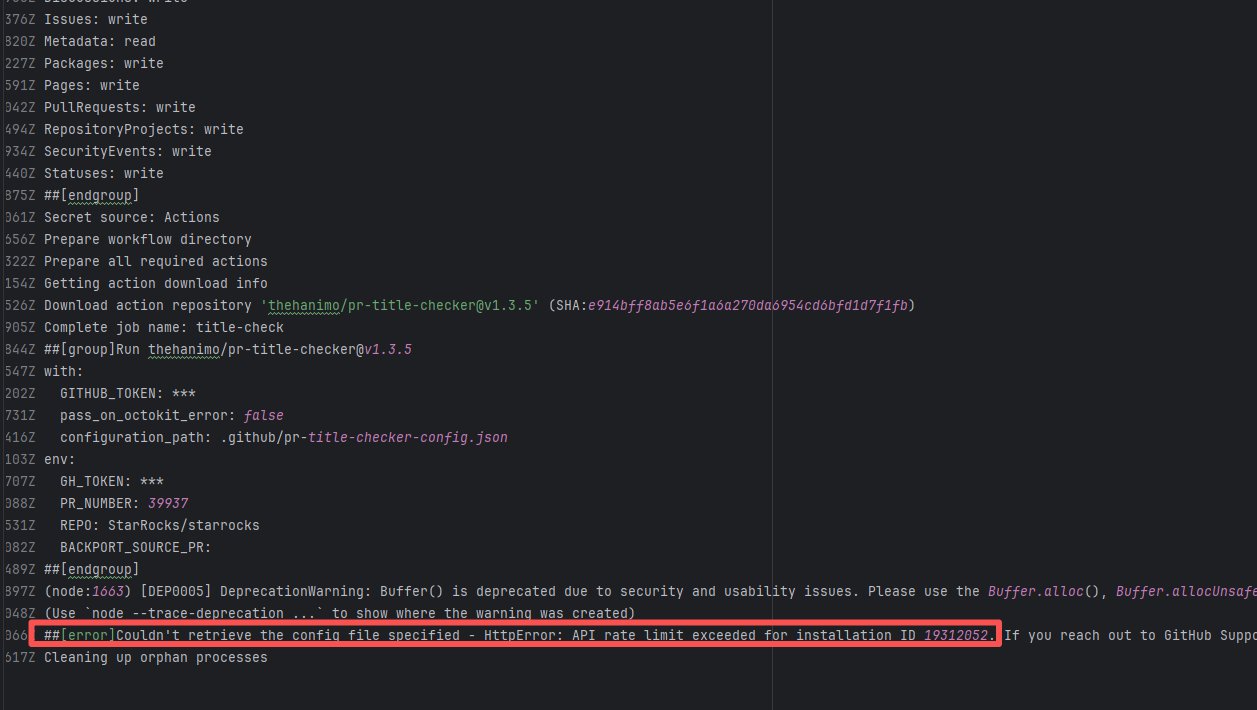
Error: Triggered API rate limit exceeded error.
Root Cause: The installation ID of the current GitHub App or Actions exceeded GitHub's official rate limit quota within a short period, causing subsequent requests to be intercepted and rejected by the server. |
Short-term Fix: Wait 5-10 minutes for API quota to automatically recover, then Rerun.
Long-term Defense:
1. Optimize CI processes to reduce unnecessary GitHub API calls;
2. Configure exclusive Personal Access Tokens (PAT) with higher quotas for frequently-called Actions;
3. Introduce local caching strategies (e.g., cache dependencies) to reduce cross-network fetch frequency. |
 |
| liquibase/liquibase |
22140404789 |
API Rate Limit |
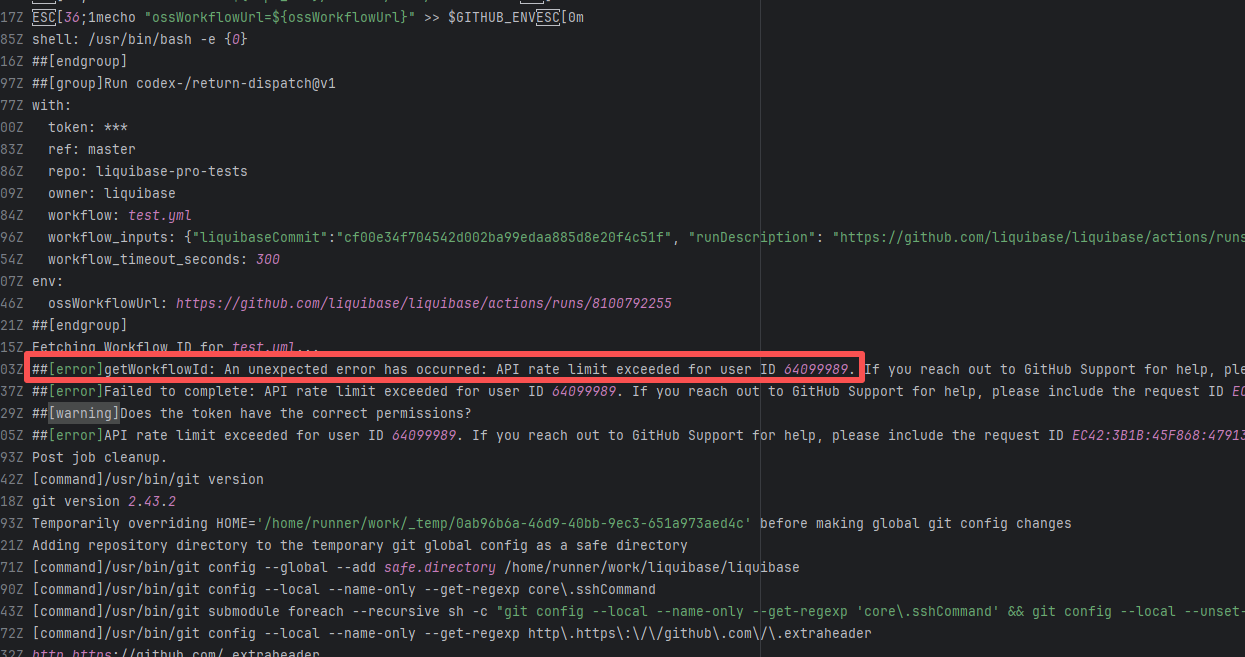
Error: Triggered API rate limit exceeded error.
Root Cause: The installation ID of the current GitHub App or Actions exceeded GitHub's official rate limit quota within a short period, causing subsequent requests to be intercepted and rejected by the server. |
Short-term Fix: Wait 5-10 minutes for API quota to automatically recover, then Rerun.
Long-term Defense:
1. Optimize CI processes to reduce unnecessary GitHub API calls;
2. Configure exclusive Personal Access Tokens (PAT) with higher quotas for frequently-called Actions;
3. Introduce local caching strategies (e.g., cache dependencies) to reduce cross-network fetch frequency. |
 |
| hashgraph/hedera-services |
27622217486 |
API Rate Limit |
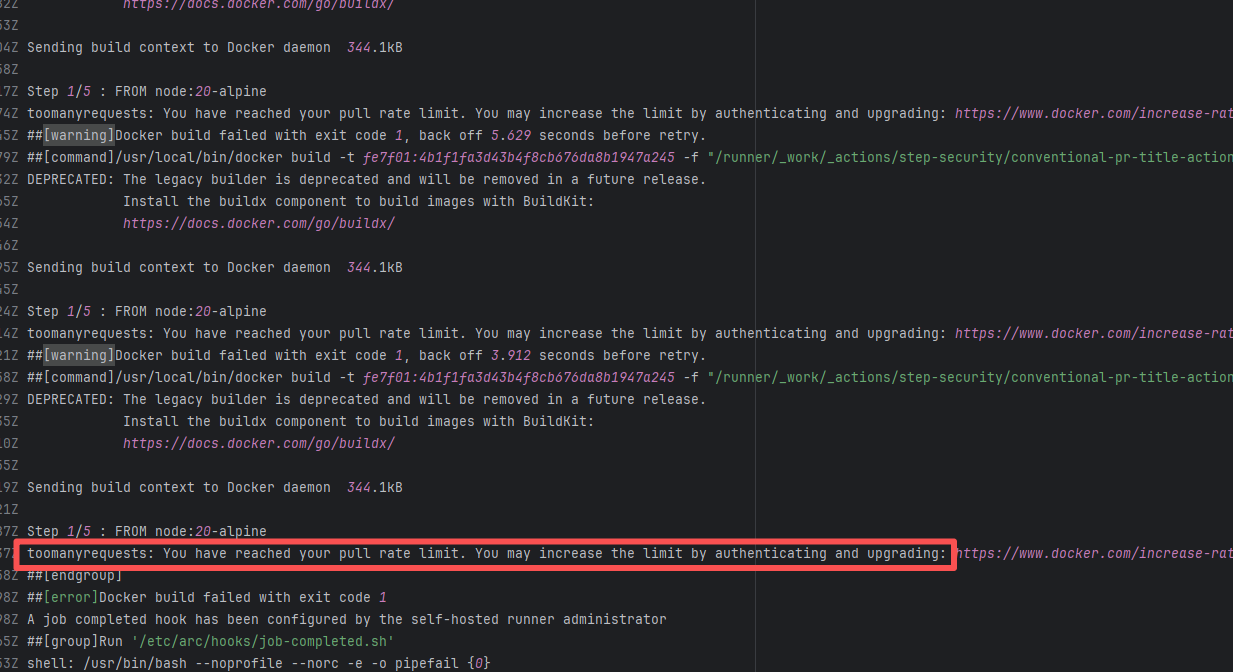
Error: The error message indicates that the Docker Hub pull rate limit has been reached. Docker Hub has different pull rate limits for anonymous and authenticated users; unauthenticated users can only pull a limited number of images within a short period.
Root Cause: Succeeded after waiting for the API quota to recover and re-executing. |
Succeeded after waiting for API quota to recover and re-executing |
 |
| checkstyle/checkstyle |
19490772351 |
API Rate Limit |
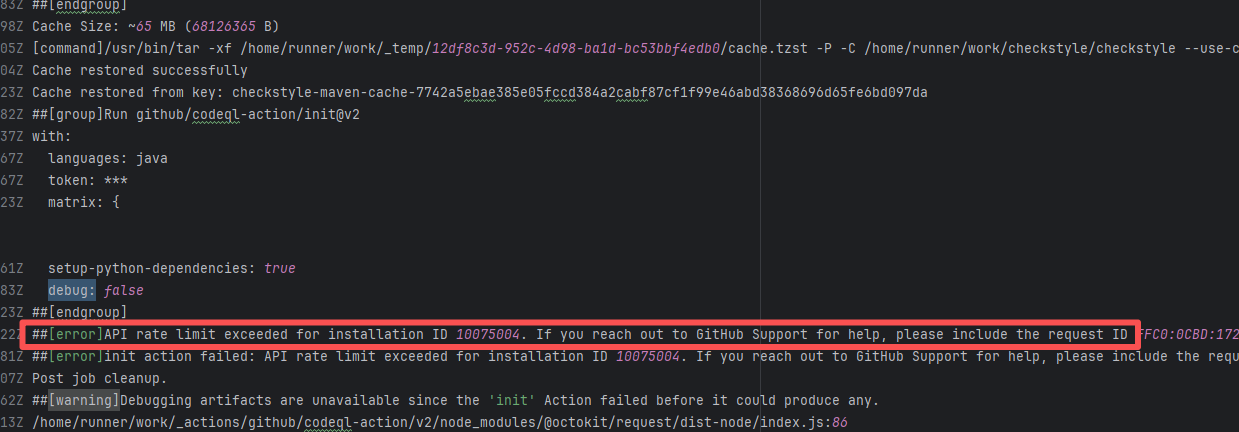
Error: Triggered API rate limit exceeded error.
Root Cause: The installation ID of the current GitHub App or Actions exceeded GitHub's official rate limit quota within a short period, causing subsequent requests to be intercepted and rejected by the server. |
Short-term Fix: Wait 5-10 minutes for API quota to automatically recover, then Rerun.
Long-term Defense:
1. Optimize CI processes to reduce unnecessary GitHub API calls;
2. Configure exclusive Personal Access Tokens (PAT) with higher quotas for frequently-called Actions;
3. Introduce local caching strategies (e.g., cache dependencies) to reduce cross-network fetch frequency. |
 |
| Concurrency Issue |
camunda/zeebe |
21713258717 |
Lock Contention |
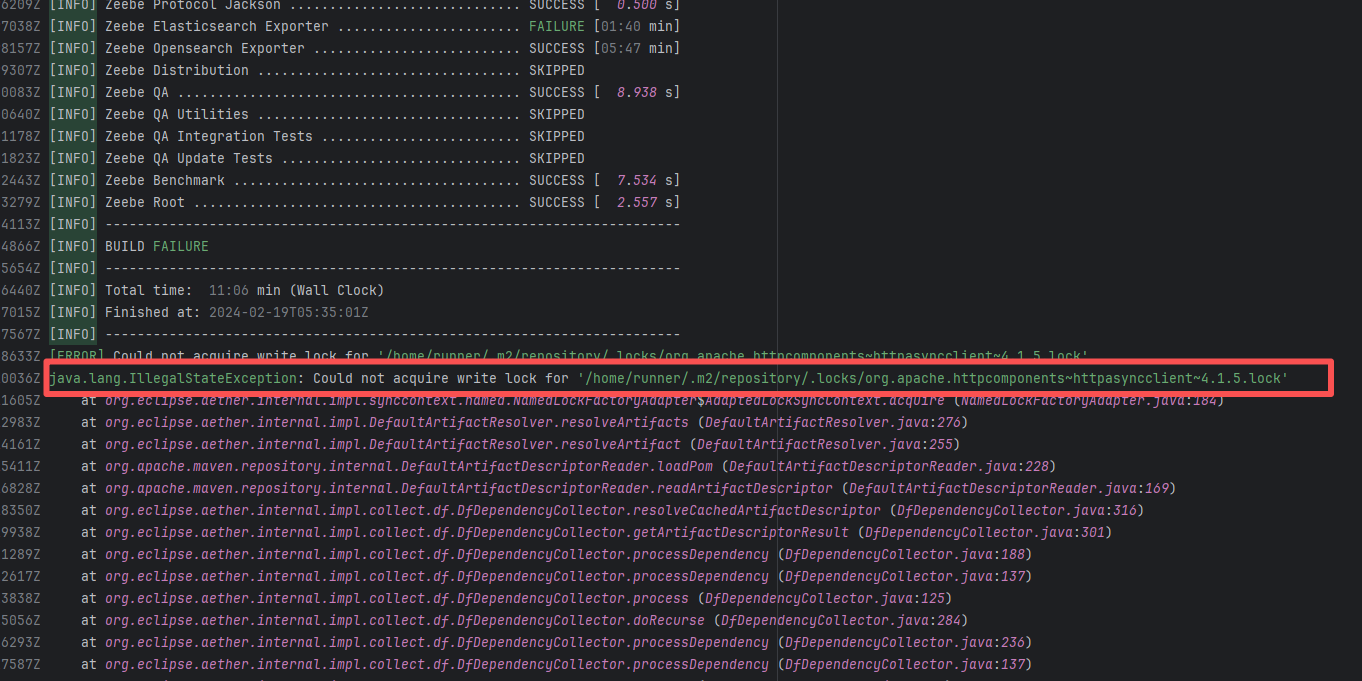
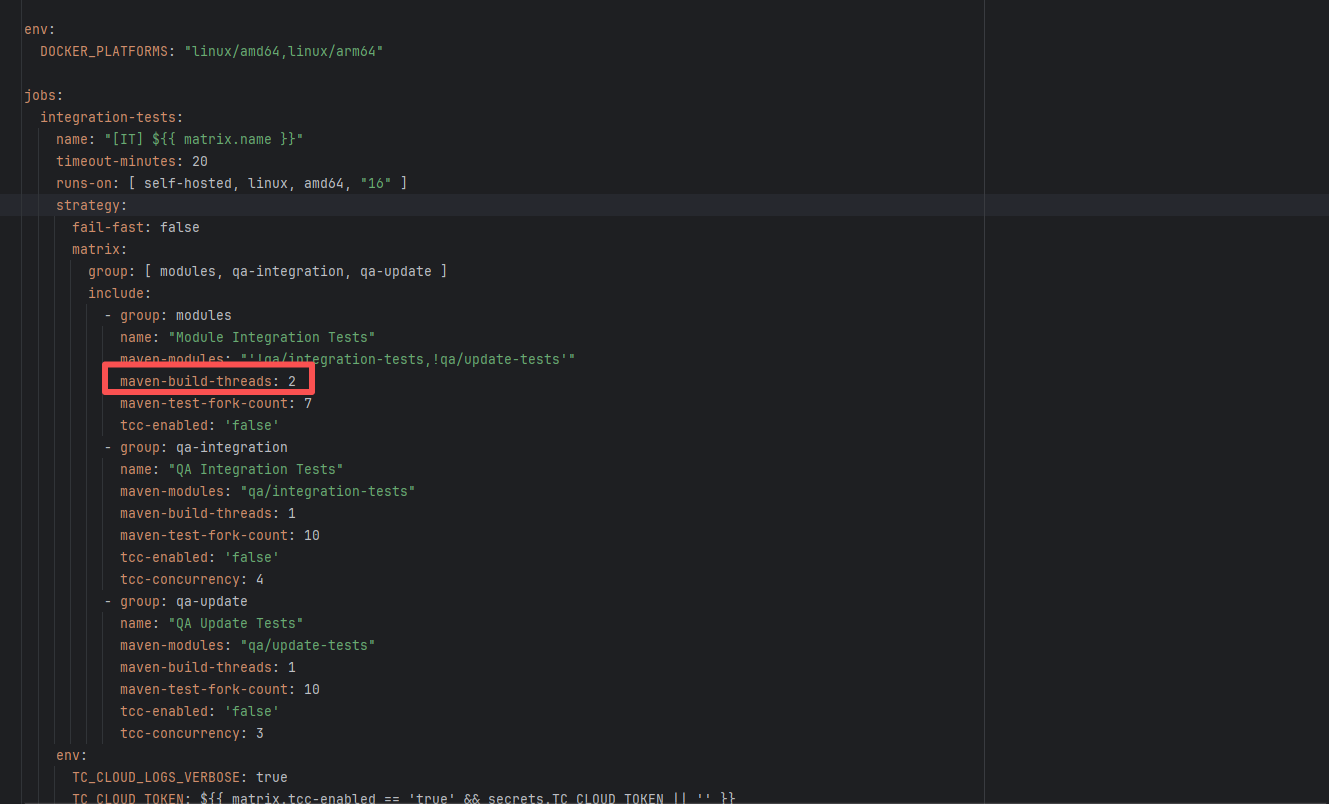
Error: This error occurs when Maven cannot acquire write permissions for the dependency lock file during the build process. The core reason is that the lock file `/home/runner/.m2/repository/.locks/org.apache.httpcomponents~httpasyncclient~4.1.5.lock` is occupied or inaccessible, preventing Maven from downloading or updating dependencies normally.
Root Cause: Analysis of the error log revealed that the cache fetched both times was identical. Therefore, the error was caused by a lock file conflict due to concurrent execution order. Succeeded after rerun. |
Short-term Fix: Succeeded after Rerun the job.
Long-term Defense: Continuous monitoring; if frequent, investigate root cause in depth. |
  |
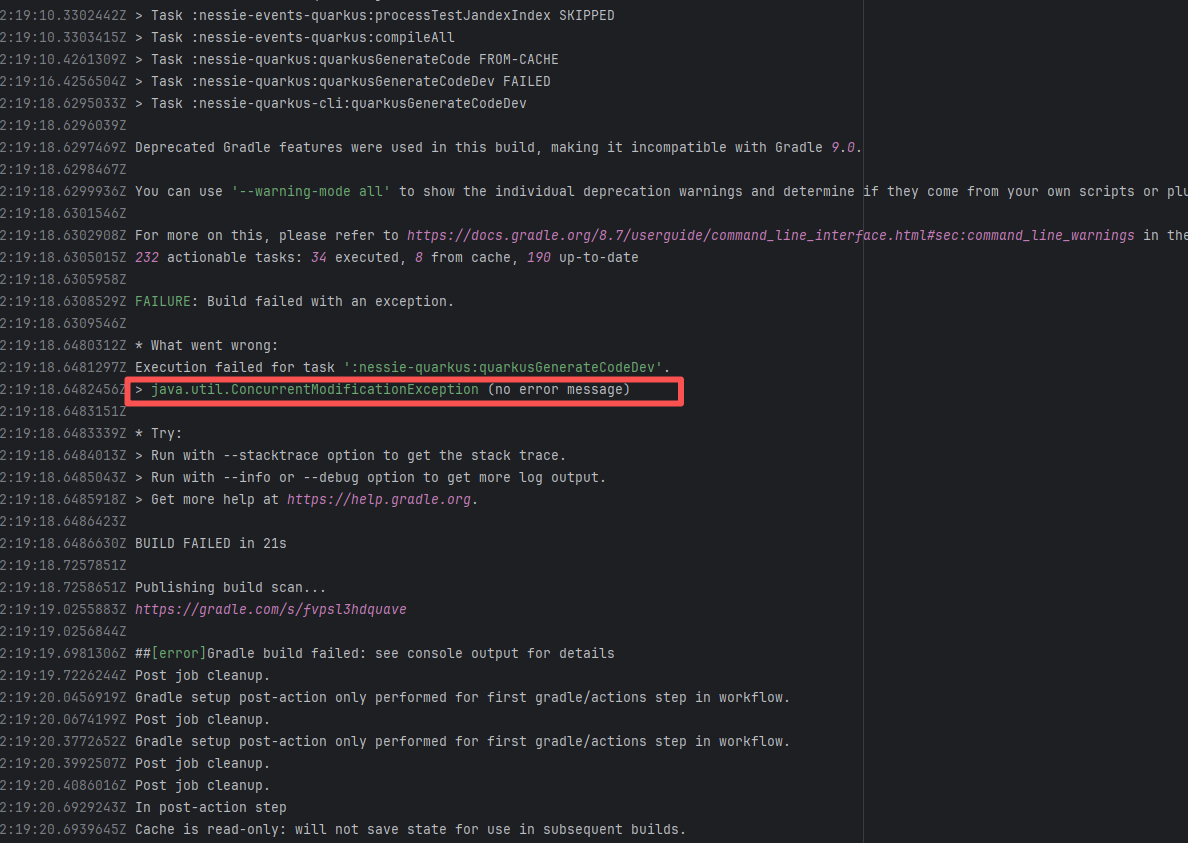
| projectnessie/nessie |
21512445344 |
Concurrent Collection Modification |
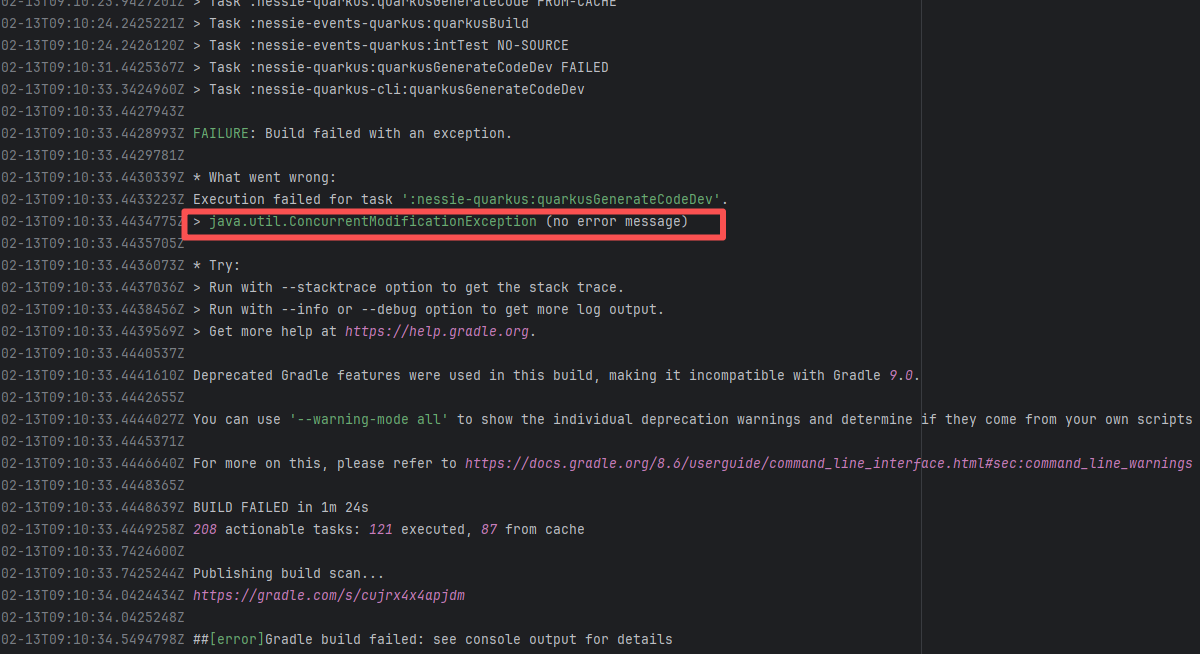
Error: `java.util.ConcurrentModificationException` is a concurrent modification exception that is thrown when multiple threads operate on the same collection (such as List, Map, etc.) simultaneously, and at least one thread modifies the collection's structure.
Root Cause: Checking the rerun history revealed that the rerun was successful. Therefore, this error was a lock file conflict caused by concurrent execution order. Succeeded after rerun. |
Short-term Fix: Succeeded after Rerun the job.
Long-term Defense: Continuous monitoring; if frequent, investigate root cause in depth. |
 |
| projectnessie/nessie |
22801785559 |
Concurrent Collection Modification |
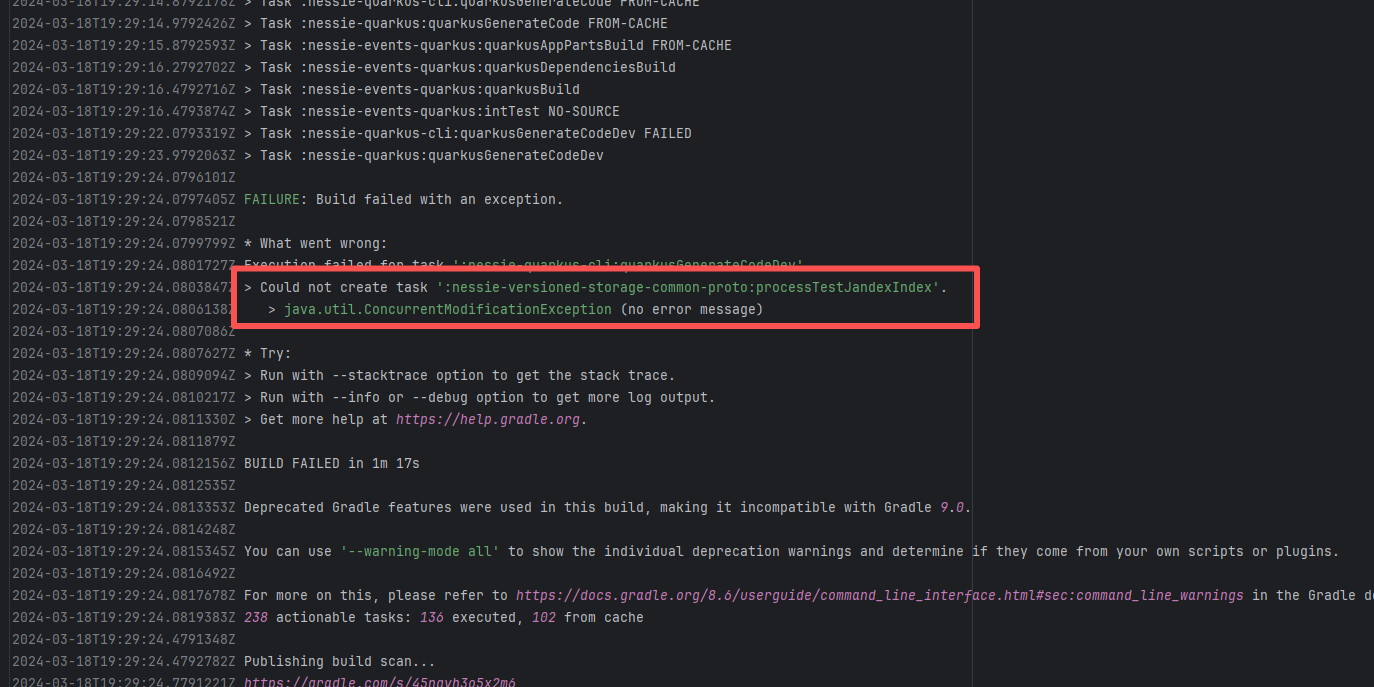
Error: `java.util.ConcurrentModificationException` is a concurrent modification exception that is thrown when multiple threads operate on the same collection (such as List, Map, etc.) simultaneously, and at least one thread modifies the collection's structure.
Root Cause: Checking the rerun history revealed that the rerun was successful. Therefore, this error was a lock file conflict caused by concurrent execution order. Succeeded after rerun. |
Short-term Fix: Succeeded after Rerun the job.
Long-term Defense: Continuous monitoring; if frequent, investigate root cause in depth. |
 |
| zaproxy/zap-extensions |
21856627368 |
Lock Contention |
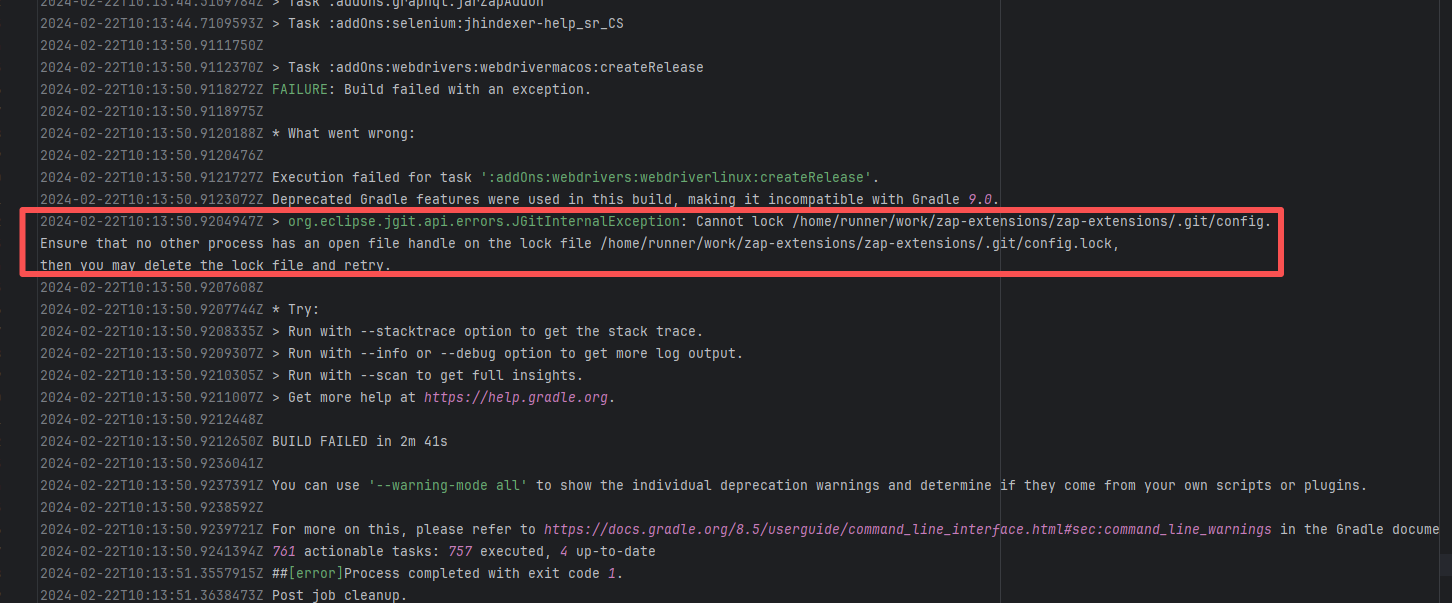
Error: This error is a file lock conflict during a Git operation. Specifically, when JGit (a Java-implemented Git library) attempted to access the repository's `.git/config` file, it found that the corresponding lock file `.git/config.lock` was already occupied by another process, resulting in a failure to acquire the lock.
Root Cause: Checking the rerun history revealed that the rerun was successful. Therefore, this error was a lock file conflict caused by concurrent execution order. Succeeded after rerun. |
Short-term Fix: Succeeded after Rerun the job.
Long-term Defense: Continuous monitoring; if frequent, investigate root cause in depth. |
 |
| projectnessie/nessie |
19698692763 |
Concurrent Collection Modification |
Error: `java.util.ConcurrentModificationException` is a concurrent modification exception that is thrown when multiple threads operate on the same collection (such as List, Map, etc.) simultaneously, and at least one thread modifies the collection's structure.
Root Cause: Checking the rerun history revealed that the rerun was successful. Therefore, this error was a lock file conflict caused by concurrent execution order. Succeeded after rerun. |
Short-term Fix: Succeeded after Rerun the job.
Long-term Defense: Continuous monitoring; if frequent, investigate root cause in depth. |
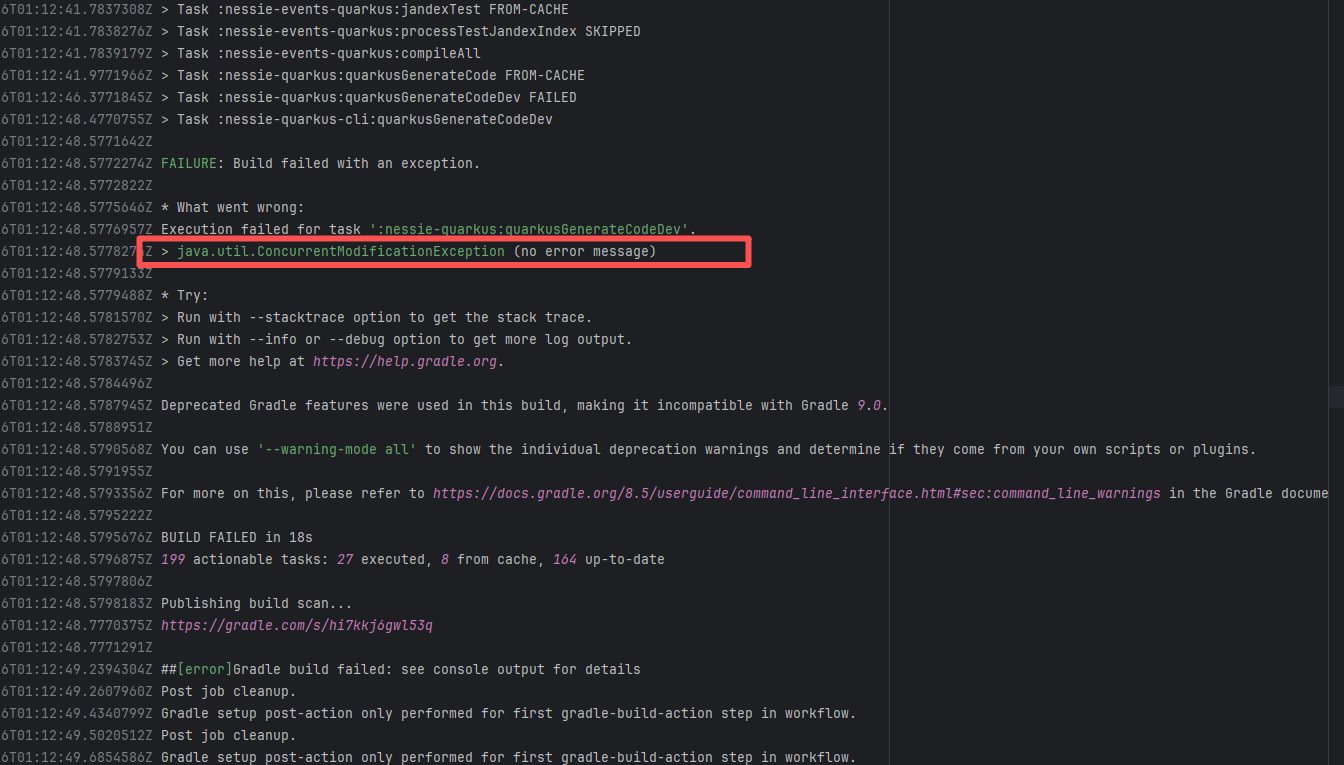 |
| spring-cloud/spring-cloud-kubernetes |
19962377093 |
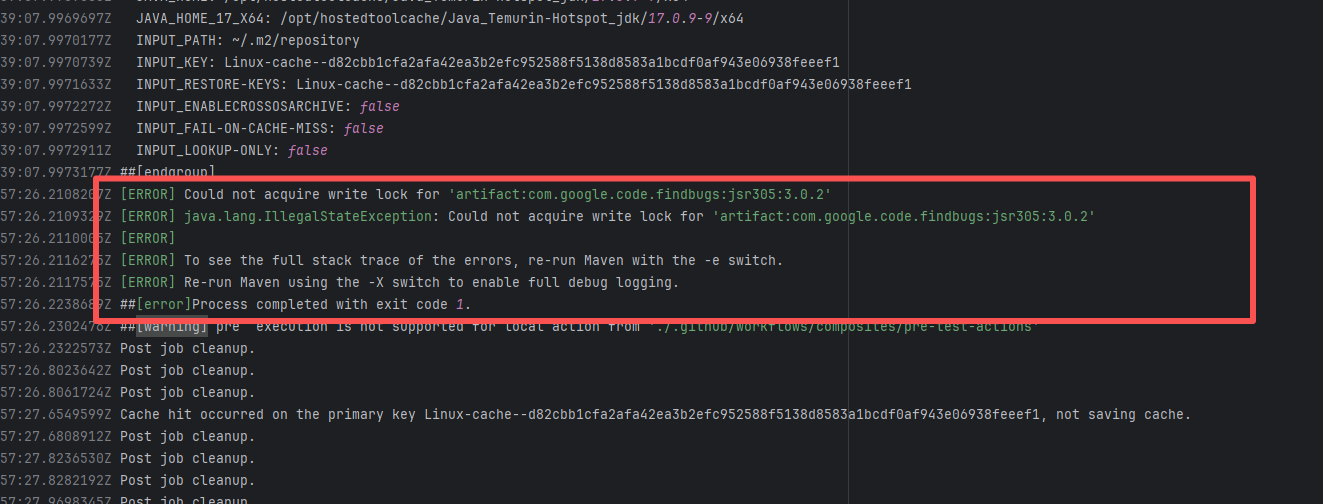
Lock Contention |
Error: A timeout error occurred while fetching resources.
Root Cause: Transient connection timeout caused by network fluctuations, not a service provider server error. |
Short-term Fix: Rerun the job; it will automatically succeed after network conditions recover.
Long-term Defense:
1. Configure domestic mirror sources to replace official sources;
2. Add a retry mechanism (e.g., retry plugin);
3. Use CDN to accelerate dependency downloads. |
 |
| trinodb/trino |
27830367445 |
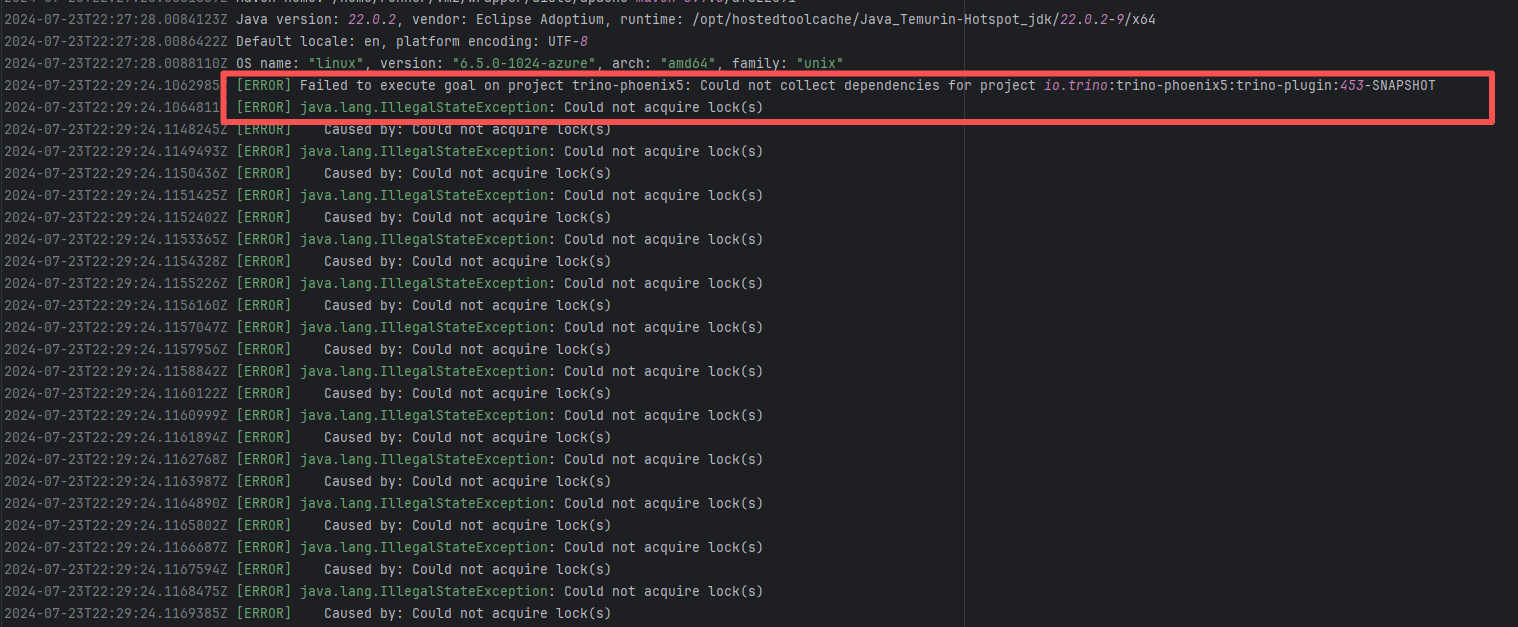
Lock Contention |
Error: A timeout error occurred while fetching resources.
Root Cause: Transient connection timeout caused by network fluctuations, not a service provider server error. |
Short-term Fix: Rerun the job; it will automatically succeed after network conditions recover.
Long-term Defense:
1. Configure domestic mirror sources to replace official sources;
2. Add a retry mechanism (e.g., retry plugin);
3. Use CDN to accelerate dependency downloads. |
 |
| camunda/zeebe |
22289680309 |
Lock Contention |
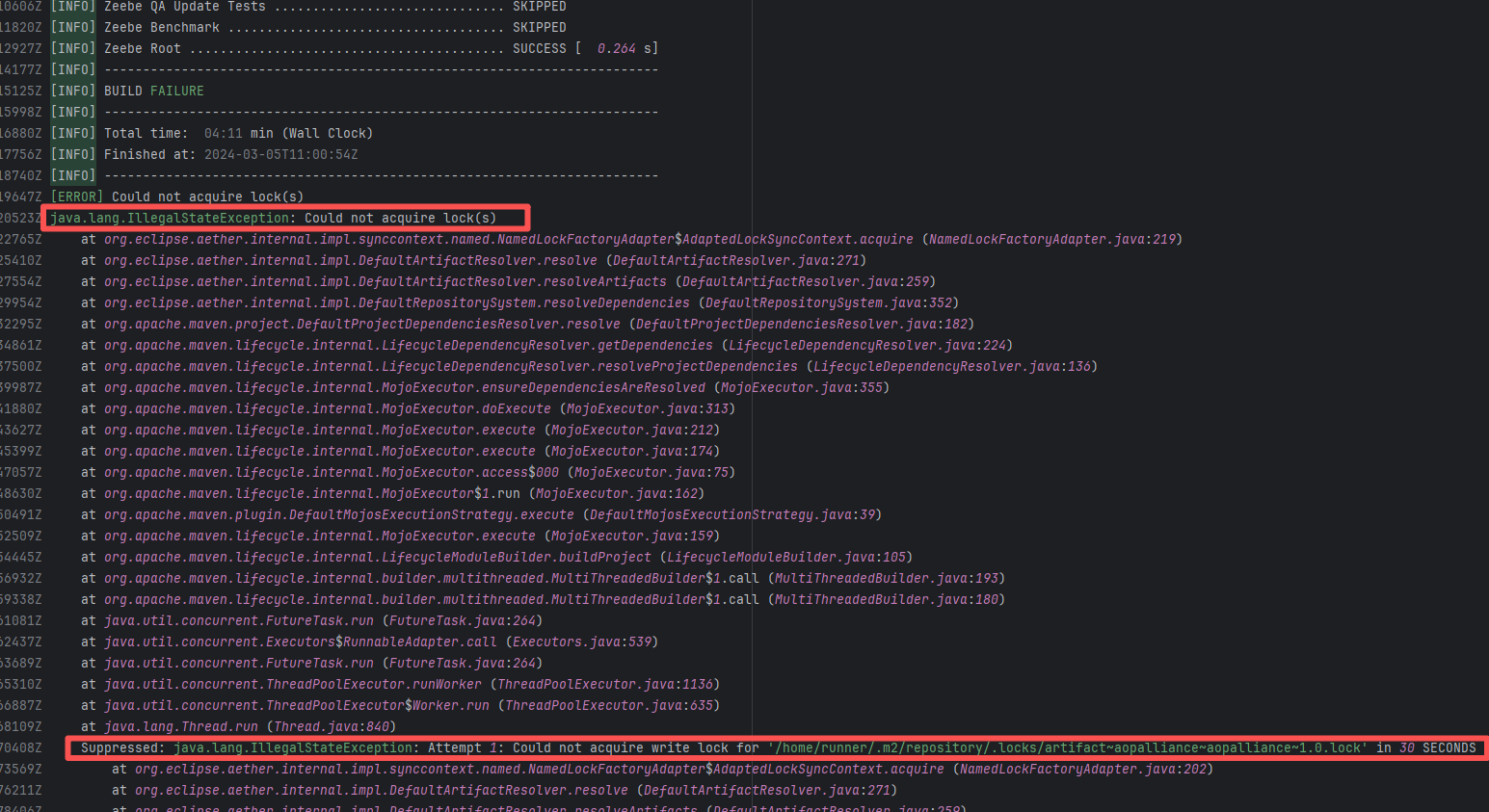
Error: This error occurs when Maven cannot acquire write permissions for the dependency lock file during the build process. The core reason is that the lock file `/home/runner/.m2/repository/.locks/org.apache.httpcomponents~httpasyncclient~4.1.5.lock` is occupied or inaccessible, preventing Maven from downloading or updating dependencies normally.
Root Cause: Analysis of the error log revealed that the cache fetched both times was identical. Therefore, the error was caused by a lock file conflict due to concurrent execution order. Succeeded after rerun. |
Short-term Fix: Succeeded after Rerun the job.
Long-term Defense: Continuous monitoring; if frequent, investigate root cause in depth. |
 |
| unicode-org/cldr |
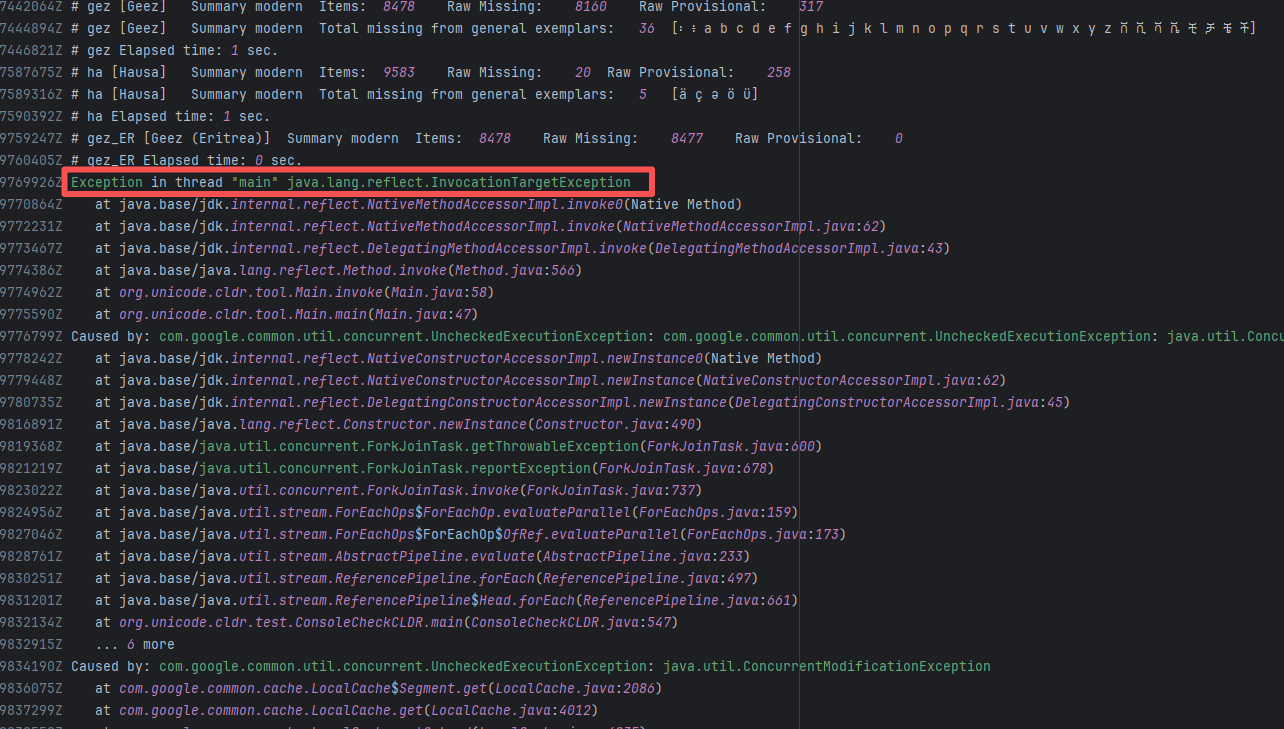
21036909232 |
Concurrent Collection Modification |
Error: `java.util.ConcurrentModificationException` is a concurrent modification exception that is thrown when multiple threads operate on the same collection (such as List, Map, etc.) simultaneously, and at least one thread modifies the collection's structure.
Root Cause: Checking the rerun history revealed that the rerun was successful. Therefore, this error was a lock file conflict caused by concurrent execution order. Succeeded after rerun. |
Short-term Fix: Succeeded after Rerun the job.
Long-term Defense: Continuous monitoring; if frequent, investigate root cause in depth. |
 |
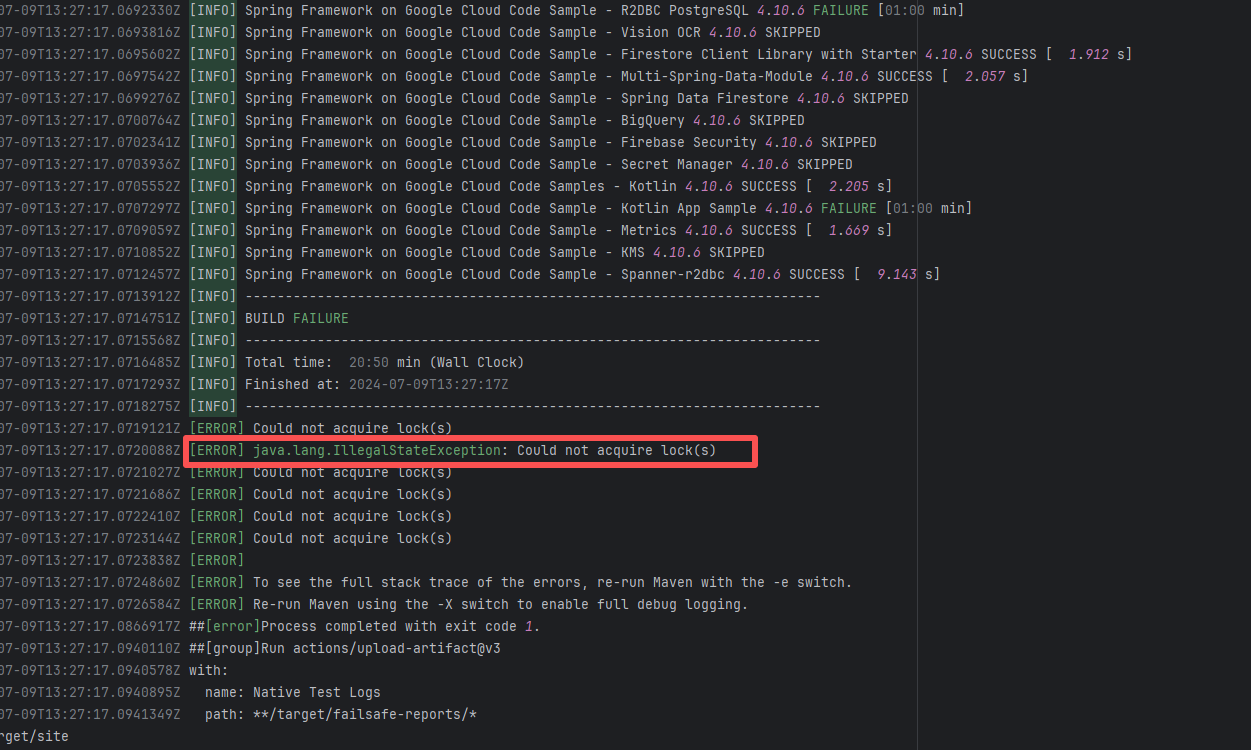
| googlecloudplatform/spring-cloud-gcp |
27217079283 |
Lock Contention |
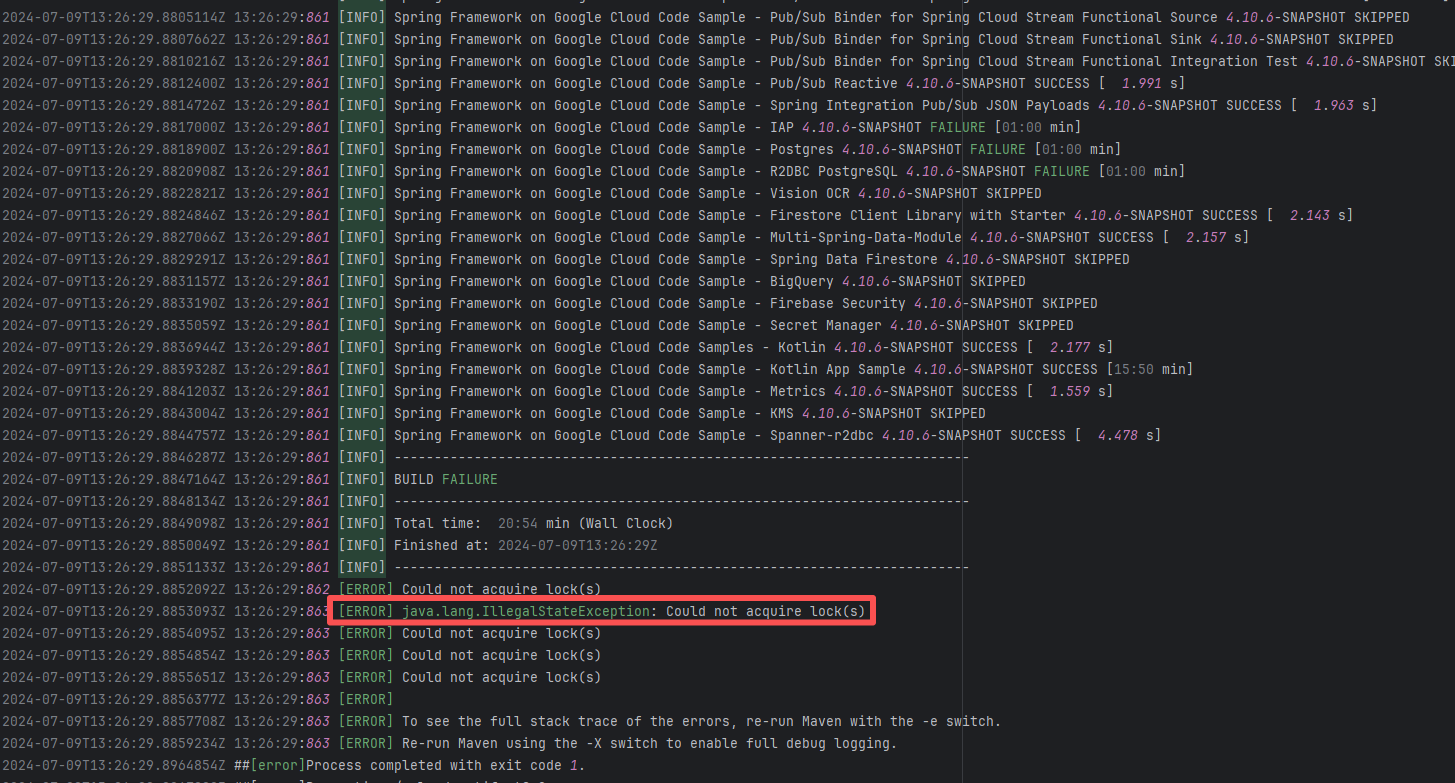
Error: The log error shows that Maven encountered a `java.lang.IllegalStateException: Could not acquire lock(s)` error during the build process, causing the build to fail. The specific problem occurred during dependency resolution for multiple modules, where Maven could not acquire the required lock files, thus preventing it from continuing execution.
Root Cause: Checking the rerun history revealed that the rerun was successful. Therefore, this error was a lock file conflict caused by concurrent execution order. Succeeded after rerun. |
Short-term Fix: Succeeded after Rerun the job.
Long-term Defense: Continuous monitoring; if frequent, investigate root cause in depth. |
 |
| projectnessie/nessie |
19965217183 |
Concurrent Collection Modification |
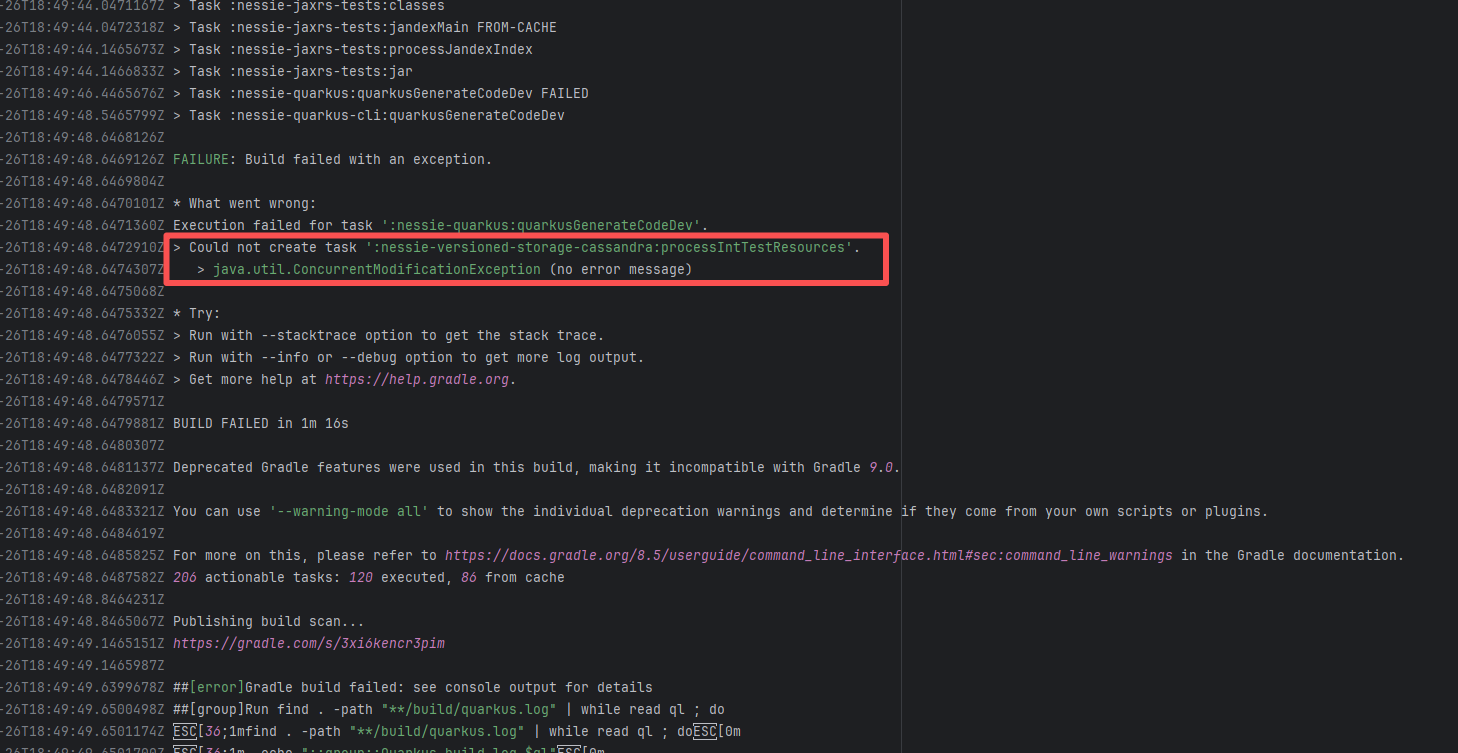
Error: `java.util.ConcurrentModificationException` is a concurrent modification exception that is thrown when multiple threads operate on the same collection (such as List, Map, etc.) simultaneously, and at least one thread modifies the collection's structure.
Root Cause: Checking the rerun history revealed that the rerun was successful. Therefore, this error was a lock file conflict caused by concurrent execution order. Succeeded after rerun. |
Short-term Fix: Succeeded after Rerun the job.
Long-term Defense: Continuous monitoring; if frequent, investigate root cause in depth. |
 |
| zaproxy/zaproxy |
17648710792 |
Lock Contention |
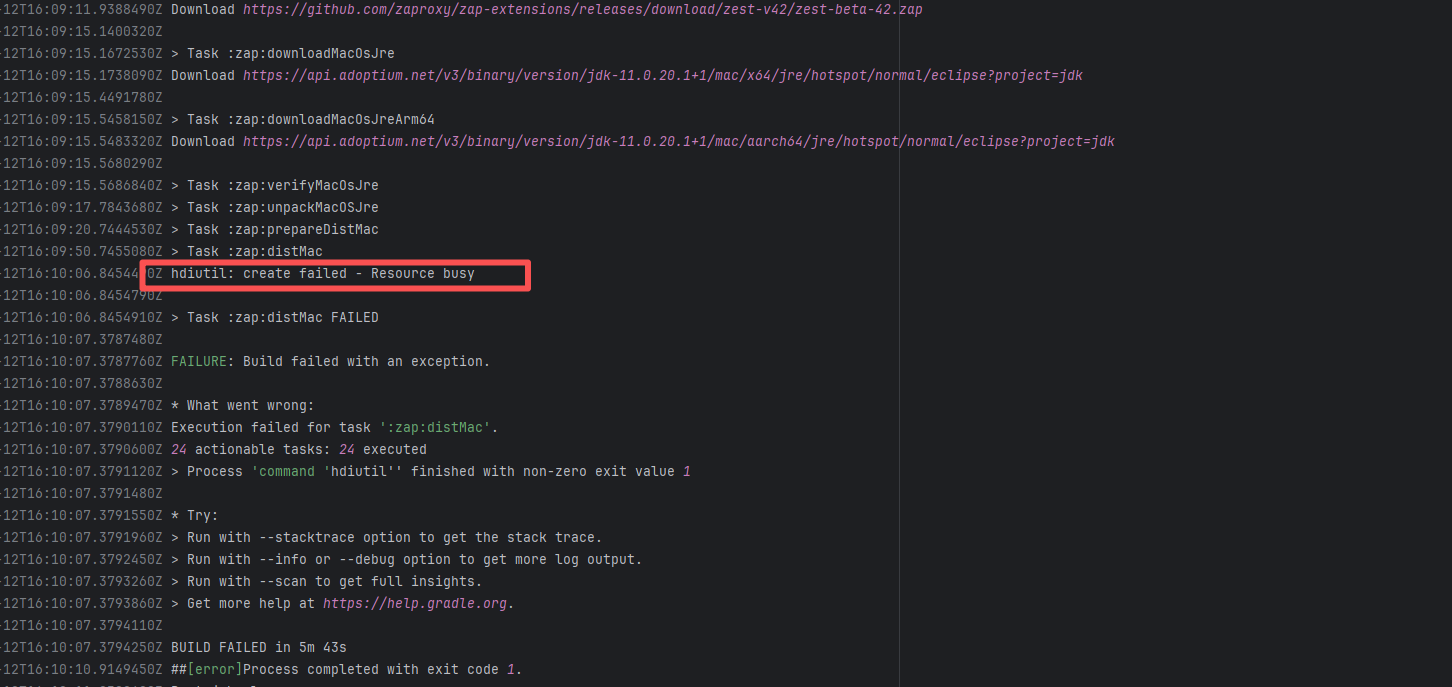
Error: The log error shows that `hdiutil` failed when attempting to create a disk image due to 'resource busy': This error usually means that `hdiutil` cannot access a file or device because it is being used by another process. It could be a disk image, file, or other resource.
Root Cause: Checking the rerun history revealed that the rerun was successful. Therefore, this error was a lock file conflict caused by concurrent execution order. Succeeded after rerun. |
Short-term Fix: Succeeded after Rerun the job.
Long-term Defense: Continuous monitoring; if frequent, investigate root cause in depth. |
 |
| projectnessie/nessie |
23287539479 |
Concurrent Collection Modification |
Error: `java.util.ConcurrentModificationException` is a concurrent modification exception that is thrown when multiple threads operate on the same collection (such as List, Map, etc.) simultaneously, and at least one thread modifies the collection's structure.
Root Cause: Checking the rerun history revealed that the rerun was successful. Therefore, this error was a lock file conflict caused by concurrent execution order. Succeeded after rerun. |
Short-term Fix: Succeeded after Rerun the job.
Long-term Defense: Continuous monitoring; if frequent, investigate root cause in depth. |
 |
| googlecloudplatform/spring-cloud-gcp |
27217135285 |
Lock Contention |
Error: The log error shows that Maven encountered a `java.lang.IllegalStateException: Could not acquire lock(s)` error during the build process, causing the build to fail. The specific problem occurred during dependency resolution for multiple modules, where Maven could not acquire the required lock files, thus preventing it from continuing execution.
Root Cause: Checking the rerun history revealed that the rerun was successful. Therefore, this error was a lock file conflict caused by concurrent execution order. Succeeded after rerun. |
Short-term Fix: Succeeded after Rerun the job.
Long-term Defense: Continuous monitoring; if frequent, investigate root cause in depth. |
 |
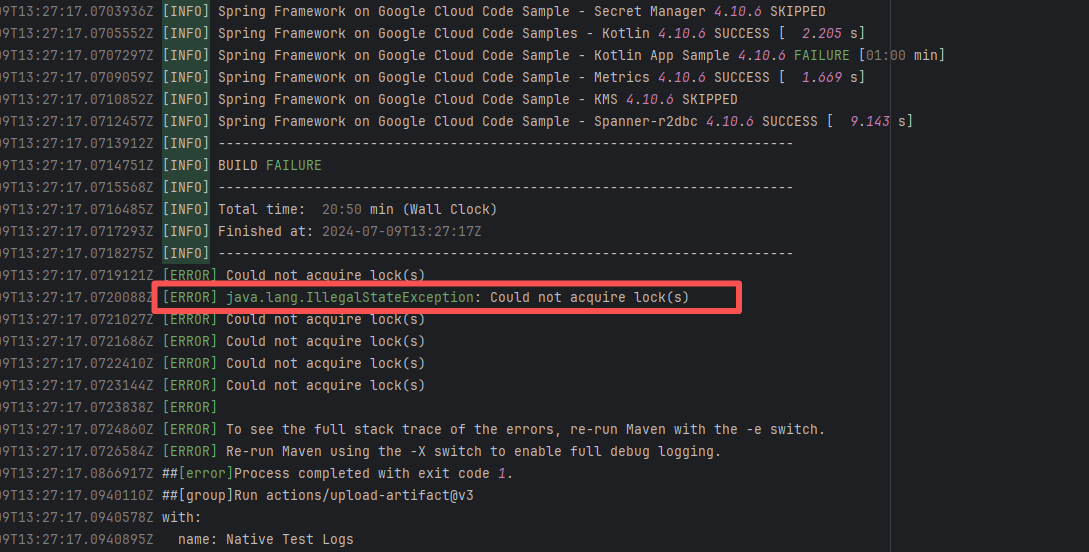
| camunda/zeebe |
21713167366 |
Lock Contention |
Error: The log error shows that Maven encountered a `java.lang.IllegalStateException: Could not acquire lock(s)` error during the build process, causing the build to fail. The specific problem occurred during dependency resolution for multiple modules, where Maven could not acquire the required lock files, thus preventing it from continuing execution.
Root Cause: Checking the rerun history revealed that the rerun was successful. Therefore, this error was a lock file conflict caused by concurrent execution order. Succeeded after rerun. |
Short-term Fix: Succeeded after Rerun the job.
Long-term Defense: Continuous monitoring; if frequent, investigate root cause in depth. |
 |
| Compilation Error |
apache/nifi |
20402383310 |
Dirty Cache |
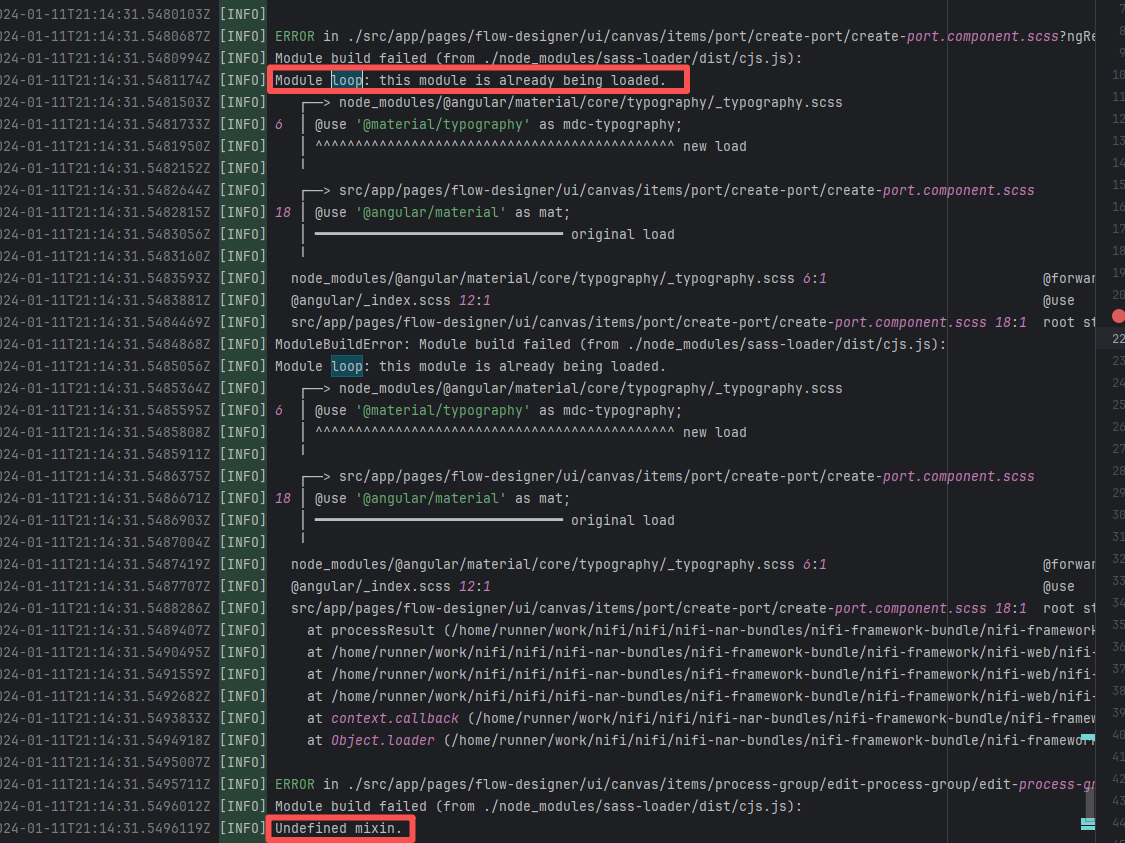
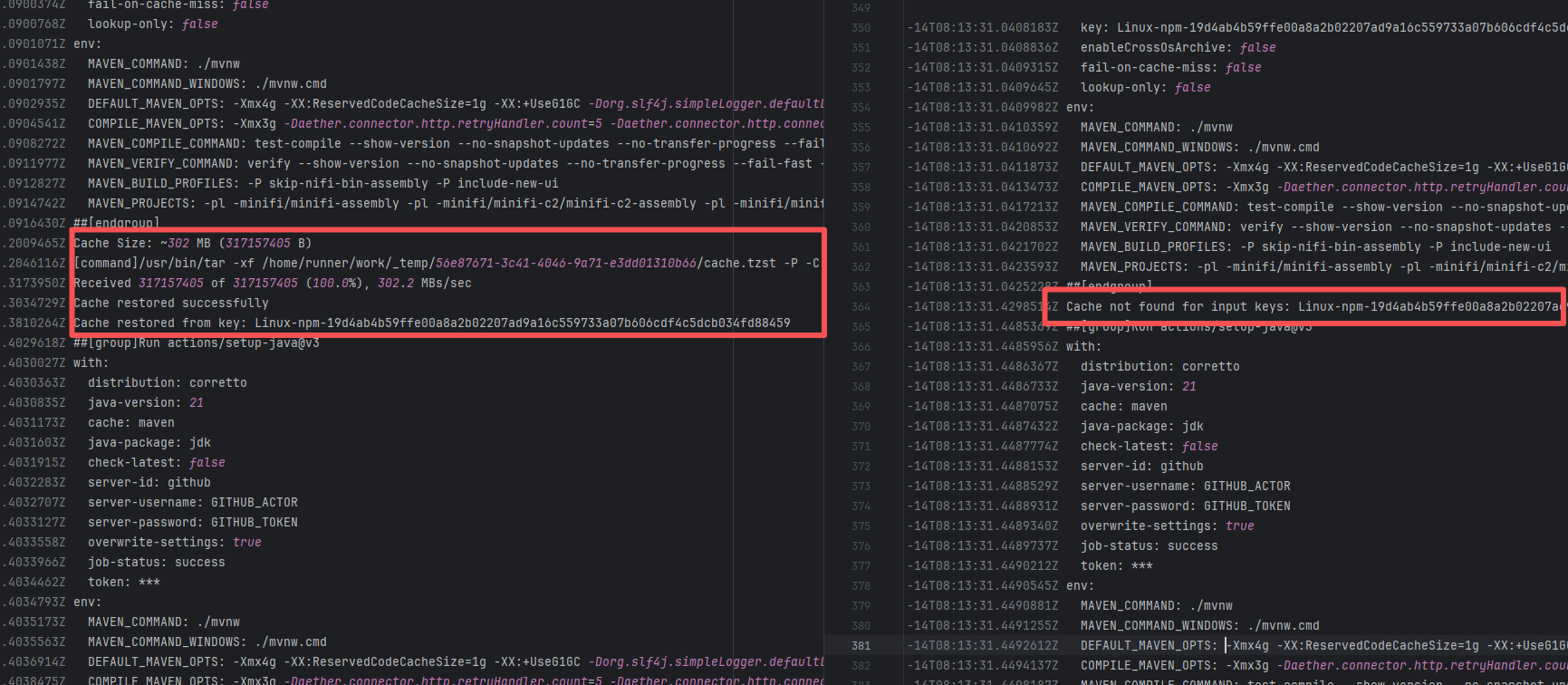
Error: This error is a typical "non-deterministic" compilation error in the front-end build phase. The dependency modules loaded during the Sass compilation process were inconsistent or partially missing, leading to circular references in module loading (possibly because some .scss files were truncated or loaded repeatedly).
Root Cause: The Sass compiler (sass-loader) reads multiple levels of .scss modules and mixin definitions (such as @use '@angular/material' as mat;) during the Angular build process, which relies on a complete module reference tree and consistent file content. A careful analysis of the logs revealed that the failed job had a cache hit while the successful job had a cache miss. Therefore, the Root Cause is that the dependency content (such as node_modules) saved in the GitHub Actions cache was interrupted or partially corrupted during the previous build and packaging, resulting in incomplete or conflicting files after restoration. The rerun was successful. |
Rerun after clearing the cache |
  |
| graylog2/graylog2-server |
19934418670 |
Corrupted Cache |
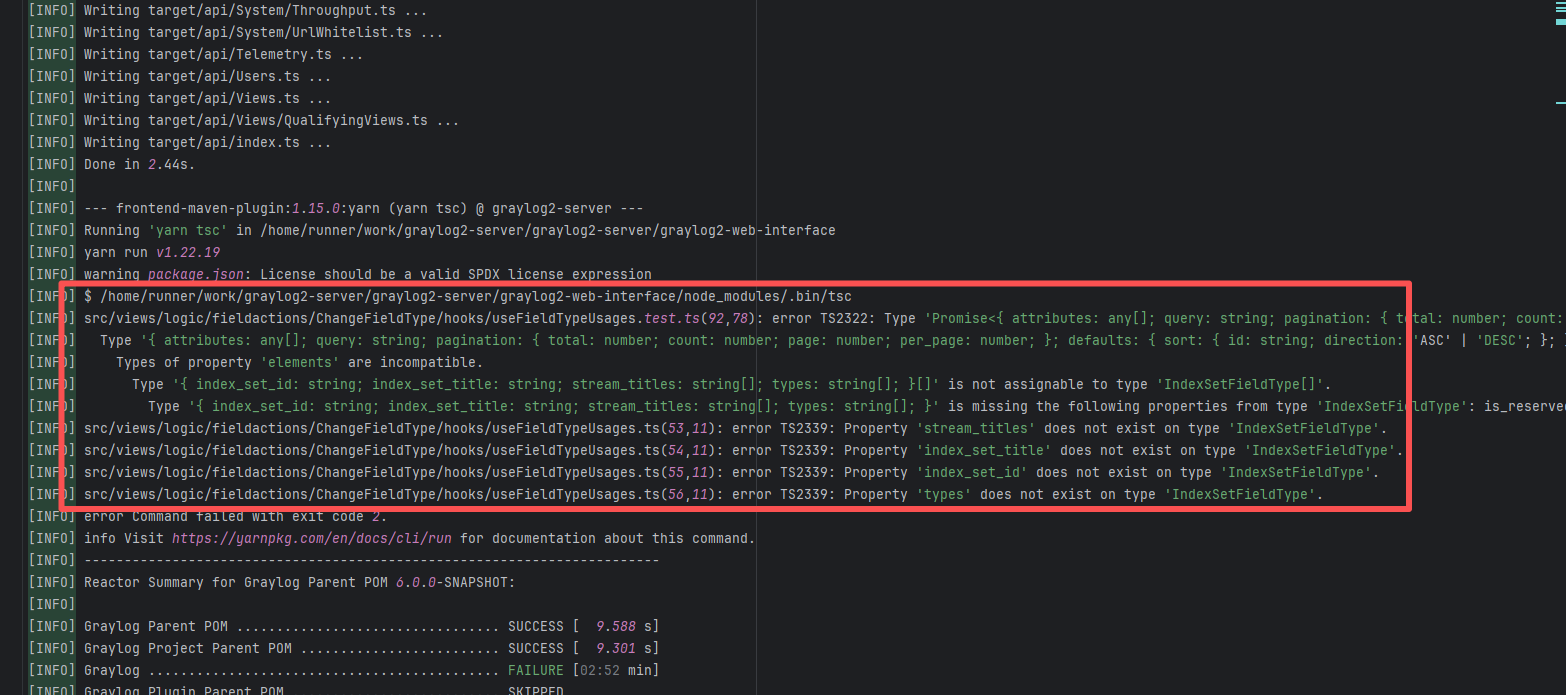
Error: During type checking, TypeScript found that the returned data structure did not match the expected type. Specifically, the returned object type was inconsistent with the structure of the PageListResponse or IndexSetFieldType types, causing TypeScript to report an error.
Root Cause: A careful analysis of the logs revealed that the failed job had a cache hit while the successful job had a cache miss. Therefore, the Root Cause is that the dependency content (such as node_modules) saved in the GitHub Actions cache was interrupted or partially corrupted during the previous build and packaging, resulting in incomplete or conflicting files after restoration. The rerun was successful. |
Rerun after clearing the cache |
 |
| keycloak/keycloak |
22082527146 |
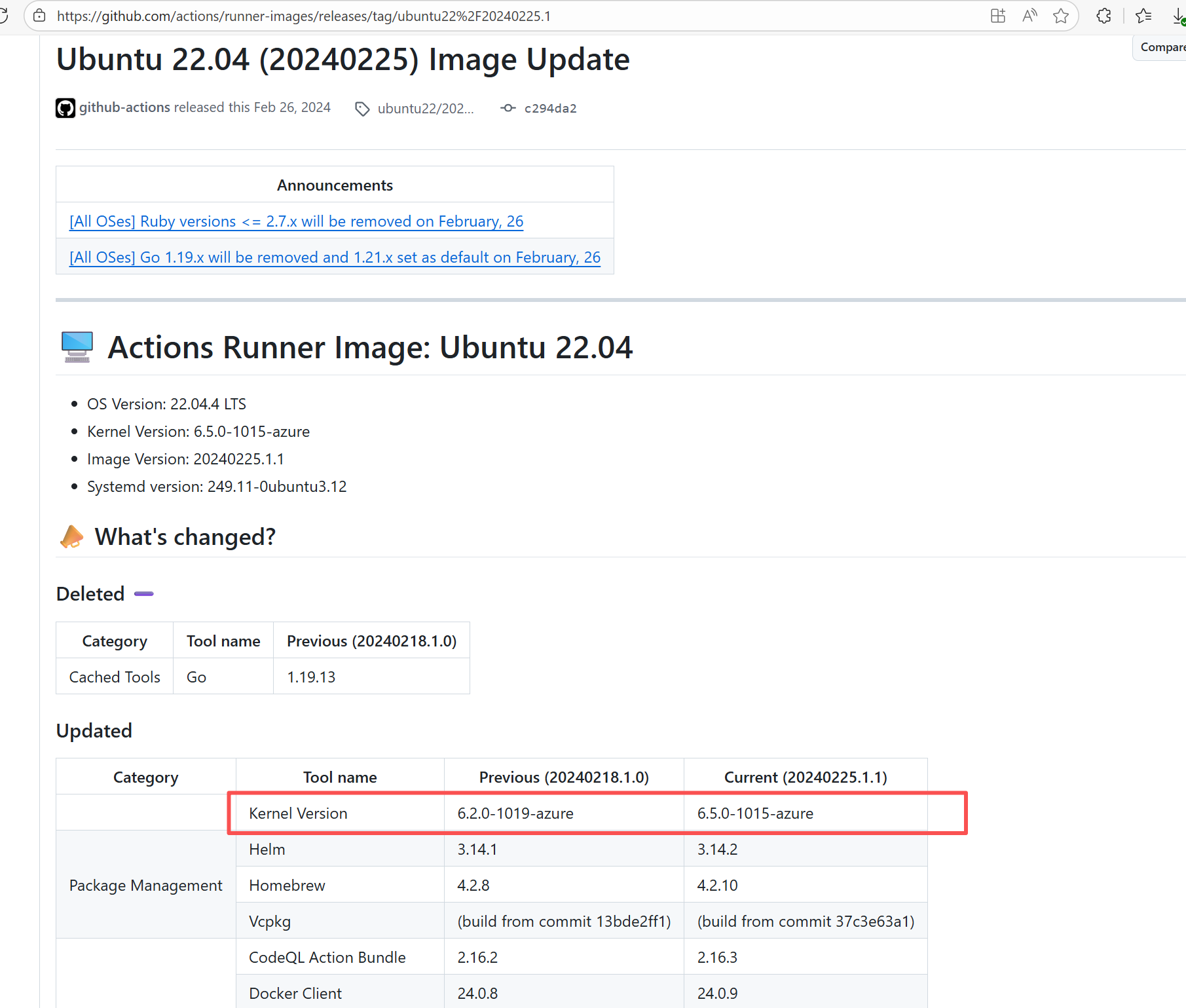
Runner Incompatibility |
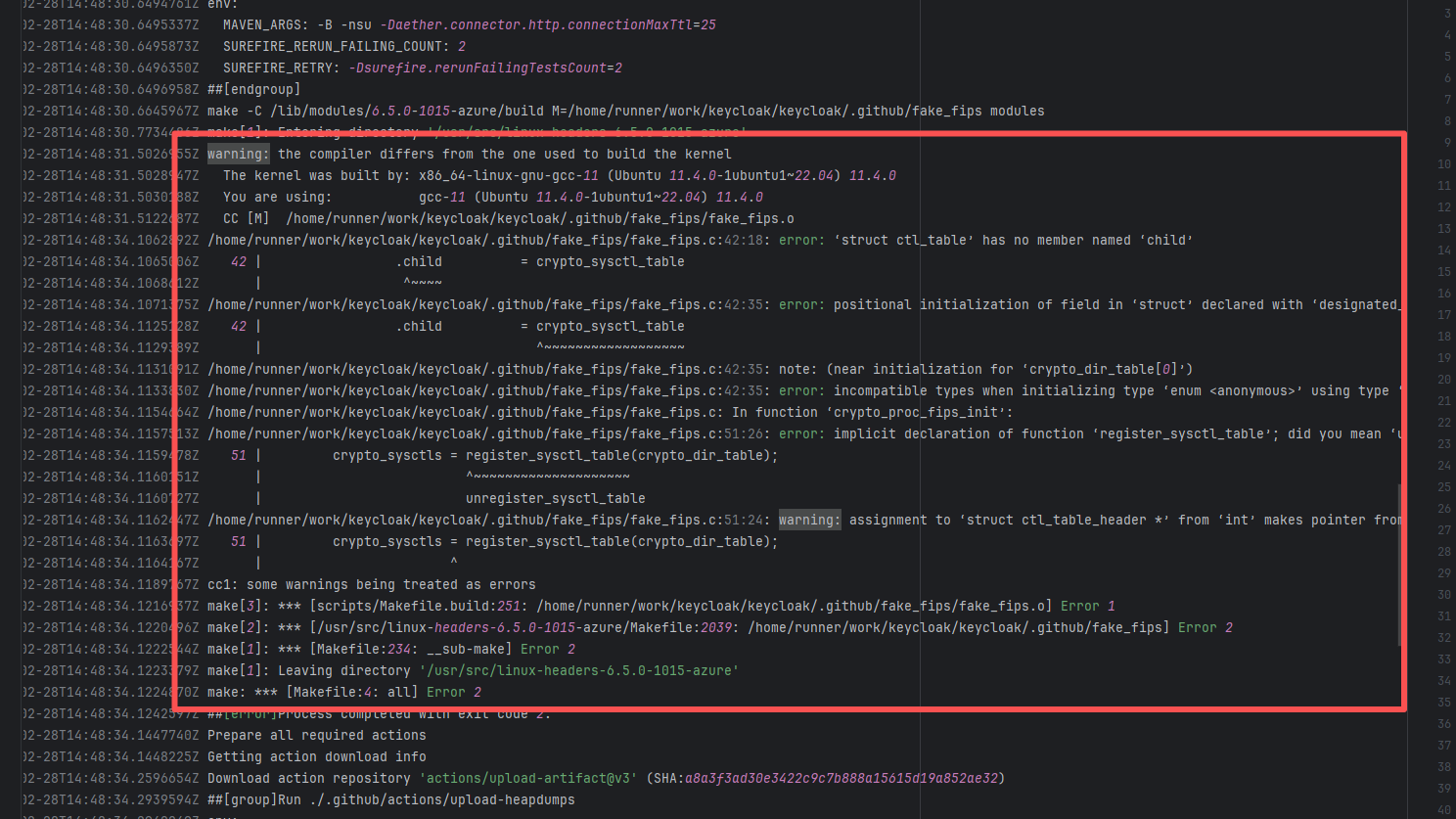
Error: The log shows that the kernel module compilation failed. The core reason is that fake_fips.c used an old sysctl interface (such as the .child field of struct ctl_table and the register_sysctl_table() function) that has been deprecated or removed in Linux kernel 6.5, causing a compilation error on the new kernel.
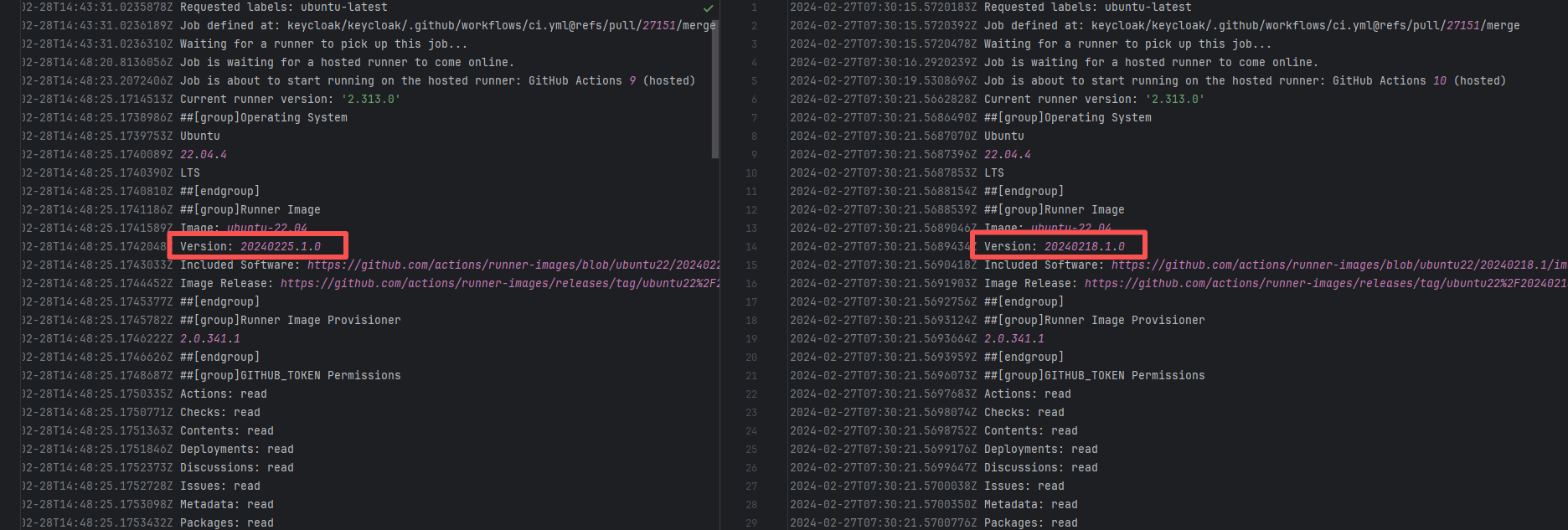
Root Cause: Since the runner kernel version of GitHub Actions is updated with the image (for example, upgrading from 6.2 to 6.5), the runner image was updated in the rerun after the first successful execution, resulting in all subsequent builds encountering kernel module compilation failure issues. |
- Update code to be compatible with the new kernel API
- Skip the build of this module in the test environment |
   |
| forgeessentials/forgeessentials |
18250417040 |
Upstream Repository Issue |
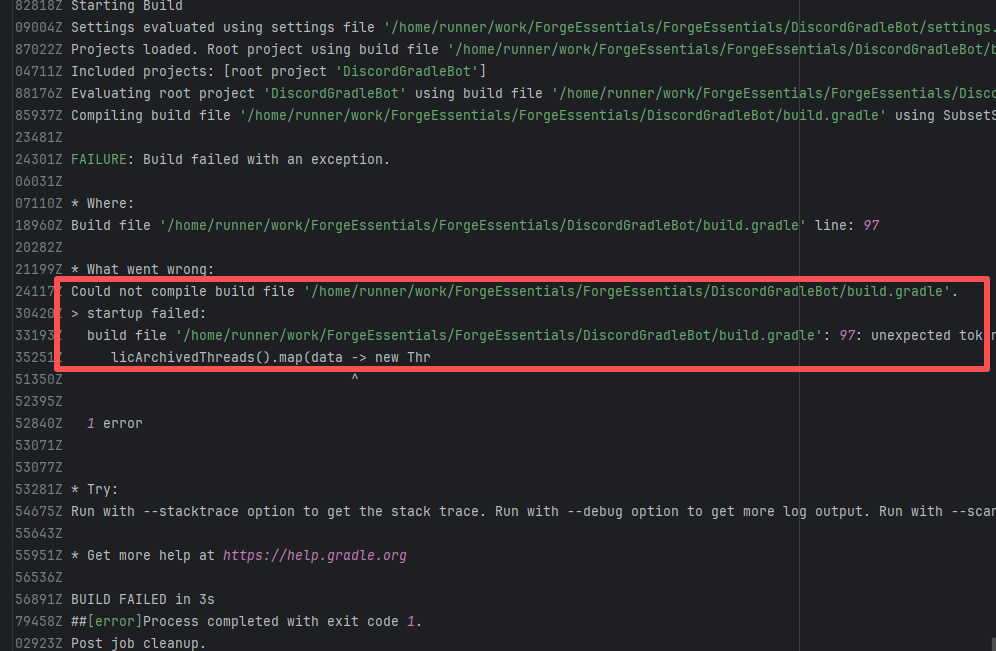
Error: The error message in the log indicates that the lambda expression syntax with the arrow -> in Groovy is not supported. Due to the Gradle version or Groovy version not being new enough, it cannot recognize the Java-style lambda like data -> new Thread(...).
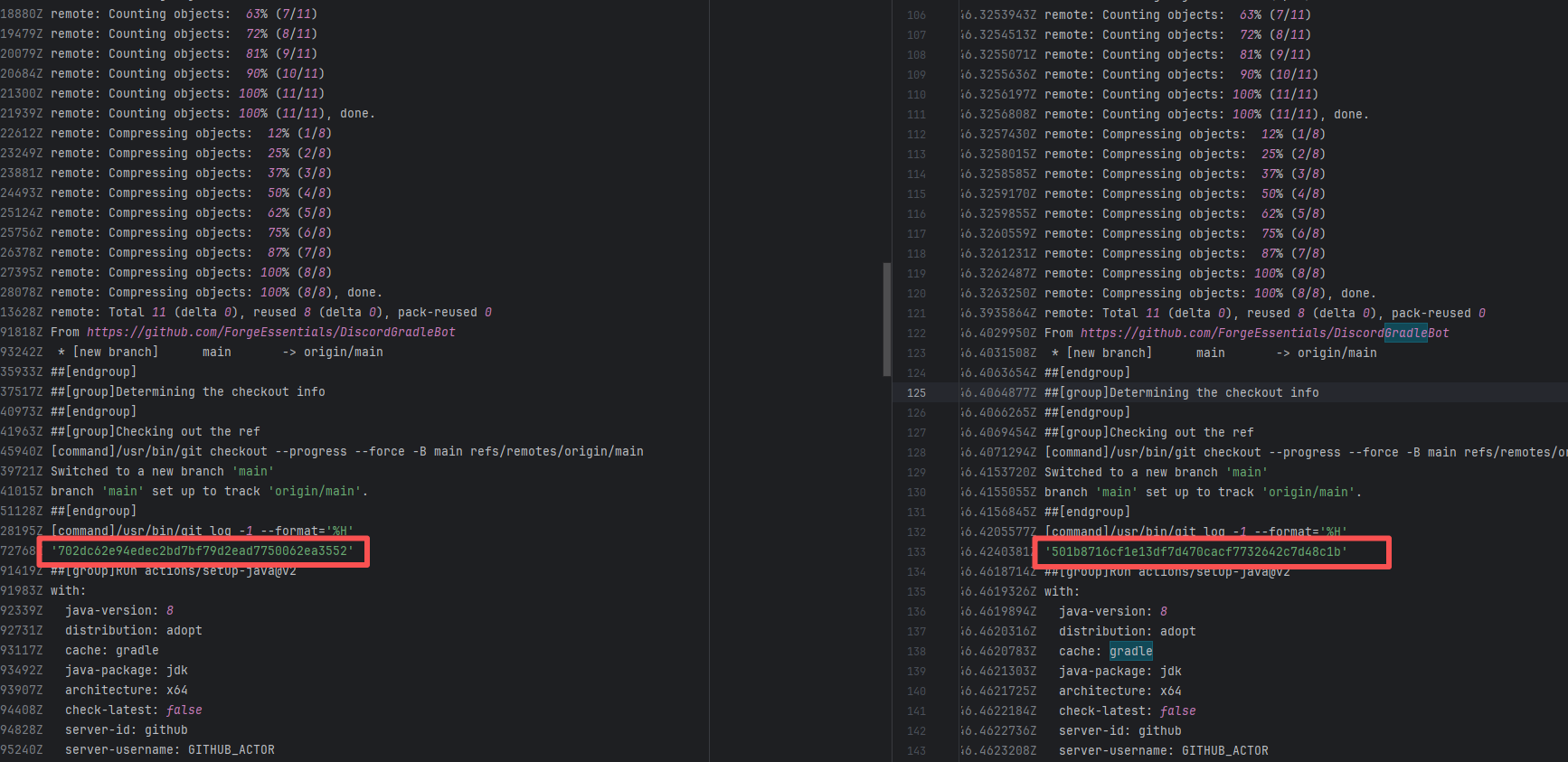
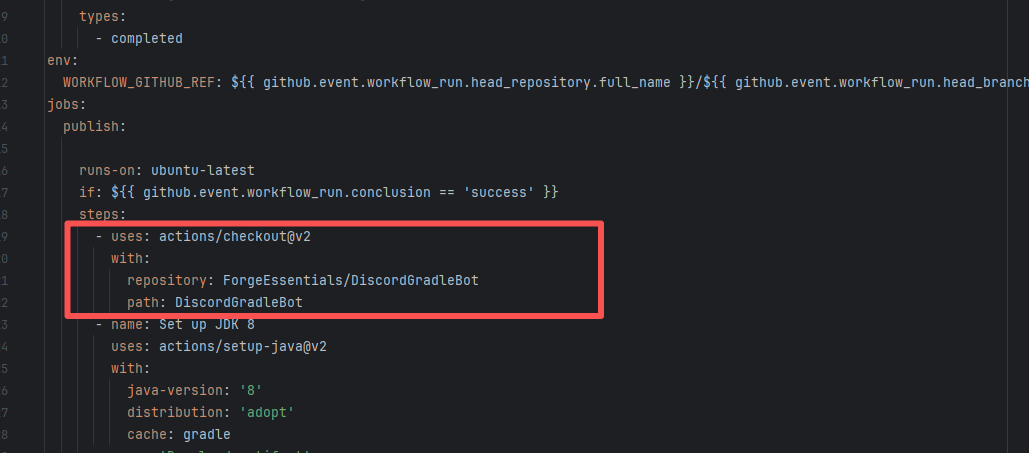
Root Cause: By analyzing the logs, it was found that this flaky issue was not caused by modifying external configurations or data and then rerunning it successfully, but originated from changes in the upstream repository's source code. In the workflow, the checkout step specified the repository parameter, so each pull will fetch the latest commit of the default branch of that repository. This caused the code version executed by the workflow to be inconsistent. Therefore, the current error was actually fixed after the commit had already been modified. |
|
   |
| openhab/openhab-addons |
17719308676 |
Missing Dependency |
Error: The error in the log shows that the StringUtils class is missing in the downloaded org.openhab.core dependency package, preventing import and subsequently causing a compilation failure.
Root Cause: By analyzing the logs and commits, it was found that StringUtils was switched from the org.apache.commons.lang3 library to the org.openhab.core.util library. The dependency version used by org.openhab.core was 4.1-SNAPSHOT, rather than a stable version. Rerunning it 22 hours after the failure was successful. |
Modify the openhab core module to introduce the new library, rebuild it, and publish it to the maven repository |
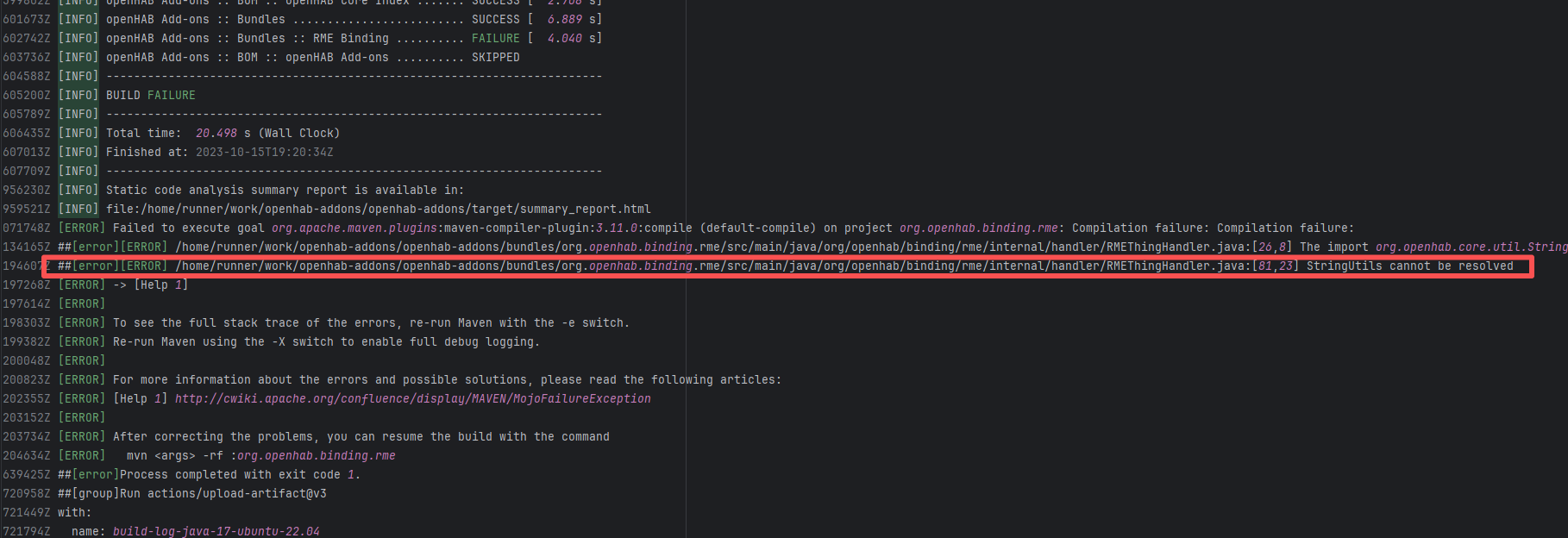 |
| nextcloud/android |
20857126059 |
Runner Incompatibility |
Error: The error in the log shows that when building Kotlin code, AdvancedX509KeyManager is referenced multiple times in NextcloudWebViewClient.kt and reports an error. This may be caused by issues such as dependency download failure.
Root Cause: After the failure, the developer changed the official Runner to a self-hosted Runner. It is possible that AdvancedX509KeyManager is a locally defined class. After the developer switched the environment to the self-hosted Runner, the AdvancedX509KeyManager issue was successfully avoided. |
|
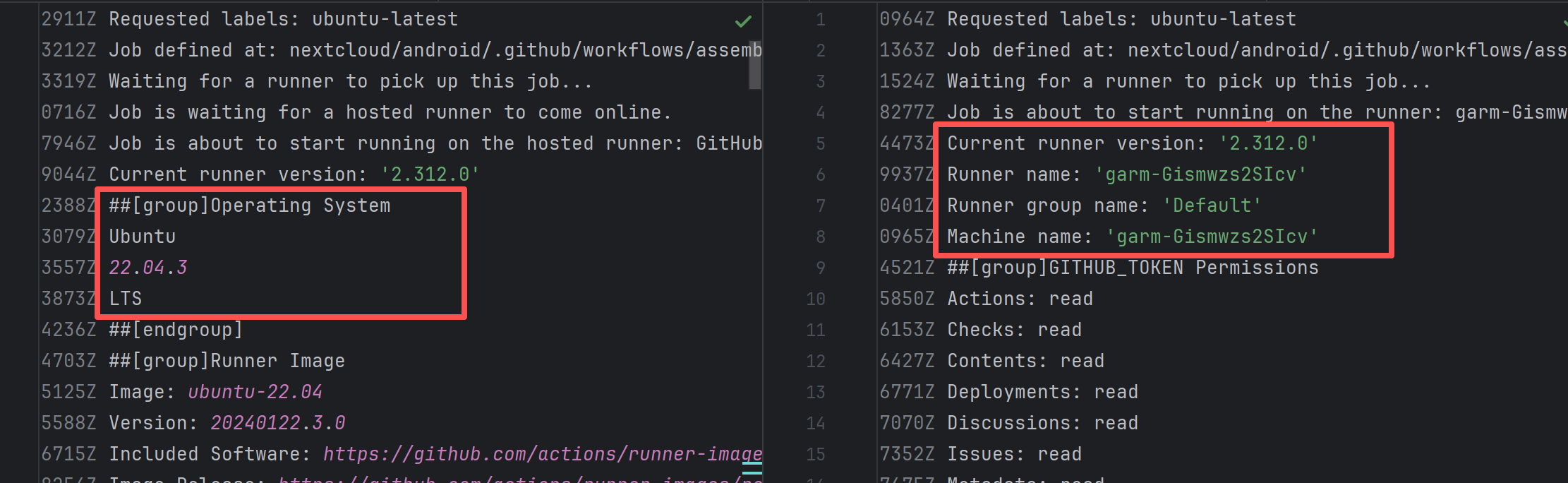 |
| hashgraph/hedera-services |
24165868640 |
Corrupted Cache |
Error: In this build, although the log shows that the Gradle cache was successfully restored, a comparison revealed that the commit SHA in the cache key was inconsistent with the code version of the current build. This caused the workflow to use an old version of the dependency upon rerun, resulting in compilation errors such as dependency mismatches and missing class files.
Root Cause: The failure occurred during a rerun after multiple days of correct builds. The current cache had already changed, thus causing the error. |
Rerun after clearing the cache |
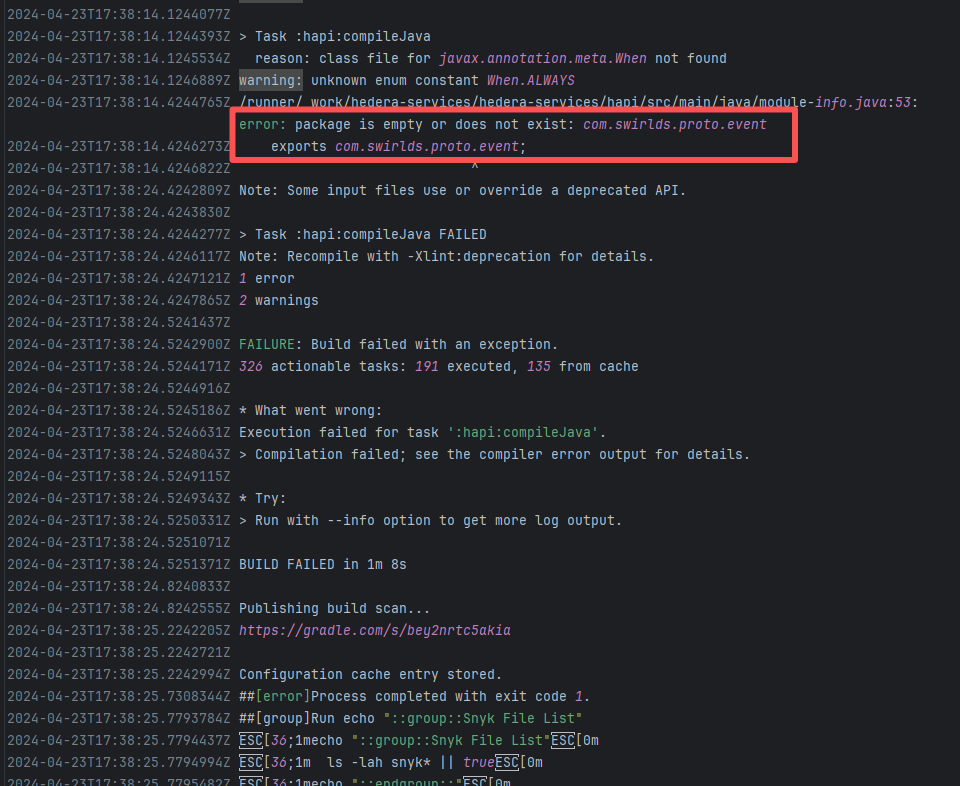 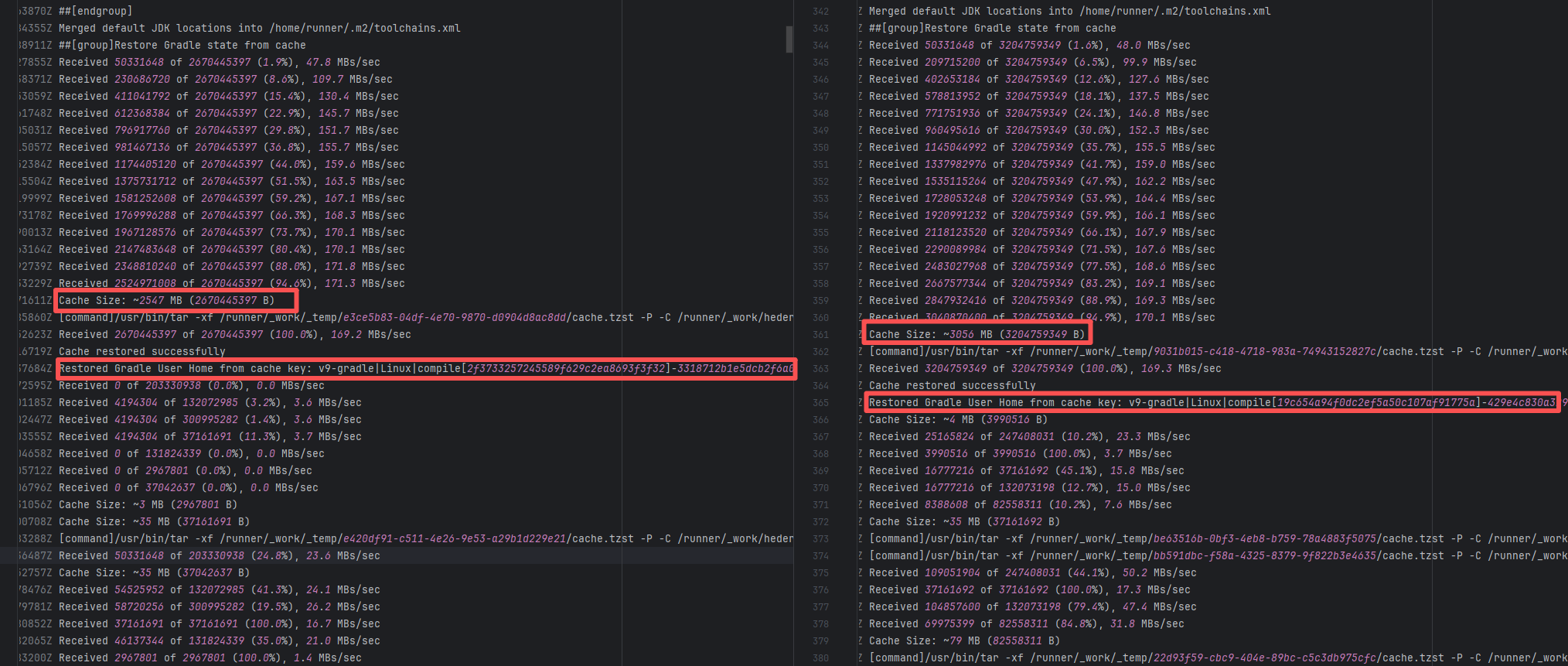 |
| apache/logging-log4j2 |
18236323791 |
Upstream Repository Issue |
Error: The log shows that a class definition could not be found during the Maven compilation phase. The LMAX Disruptor package depended upon by log4j-core was not correctly resolved or downloaded during compilation.
Root Cause: By analyzing the logs, it was found that this flaky issue was not caused by a successful rerun after modifying external configurations or data, but originated from changes in the repository's source code. In the workflow, the checkout step specified the ref parameter, so each pull fetched the latest commit of the specified ref branch of that repository. This caused the code version executed by the workflow to be inconsistent. Therefore, the current error was actually fixed after the commit had already been modified. |
|
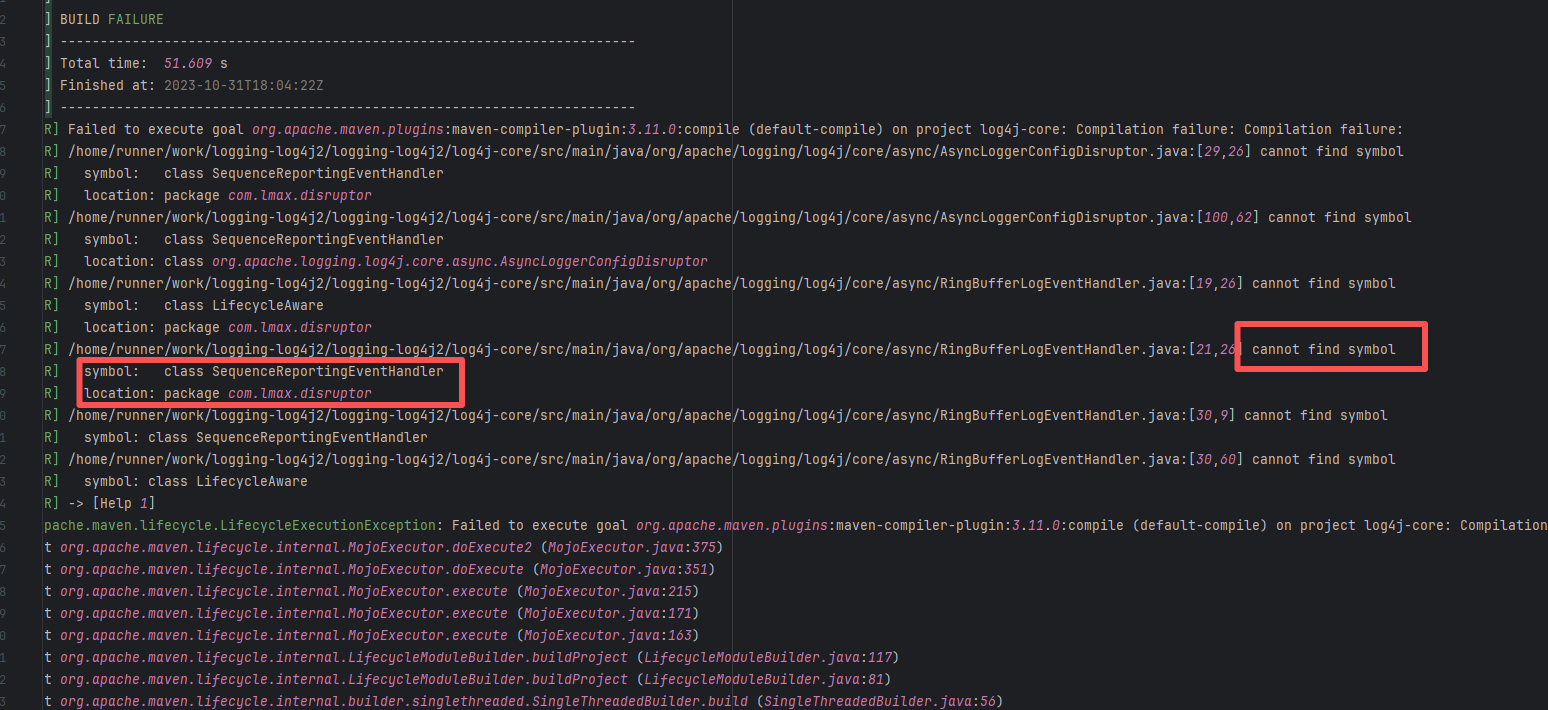 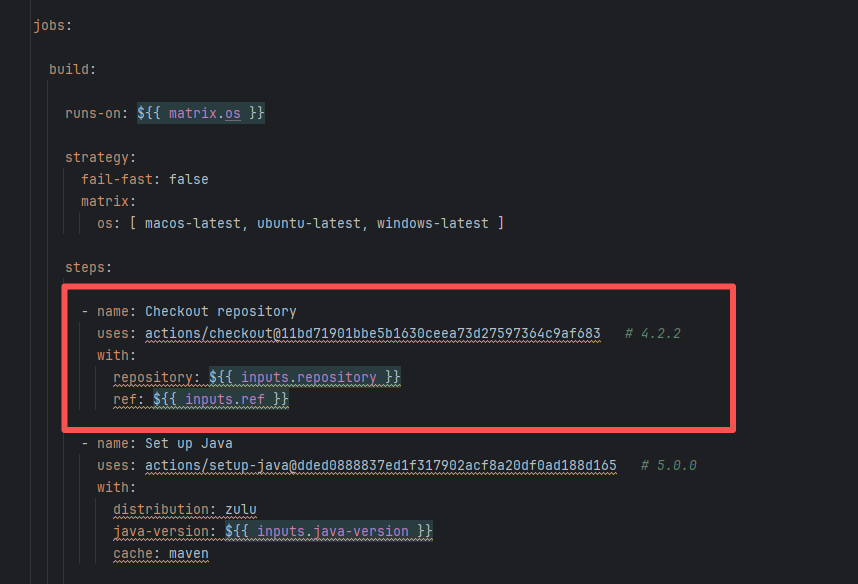 |
| seata/seata |
25062970060 |
Network Issue |
Error: The log error shows that Maven compilation failed due to dependency issues. During the compilation process, com.google.common.base.Function was not found, indicating corrupted or incomplete jar files.
Root Cause: The download operation was successfully executed after a rerun. |
Short-term Fix: Succeeded after Rerun the job.
Long-term Defense: Continuous monitoring; if frequent, investigate root cause in depth. |
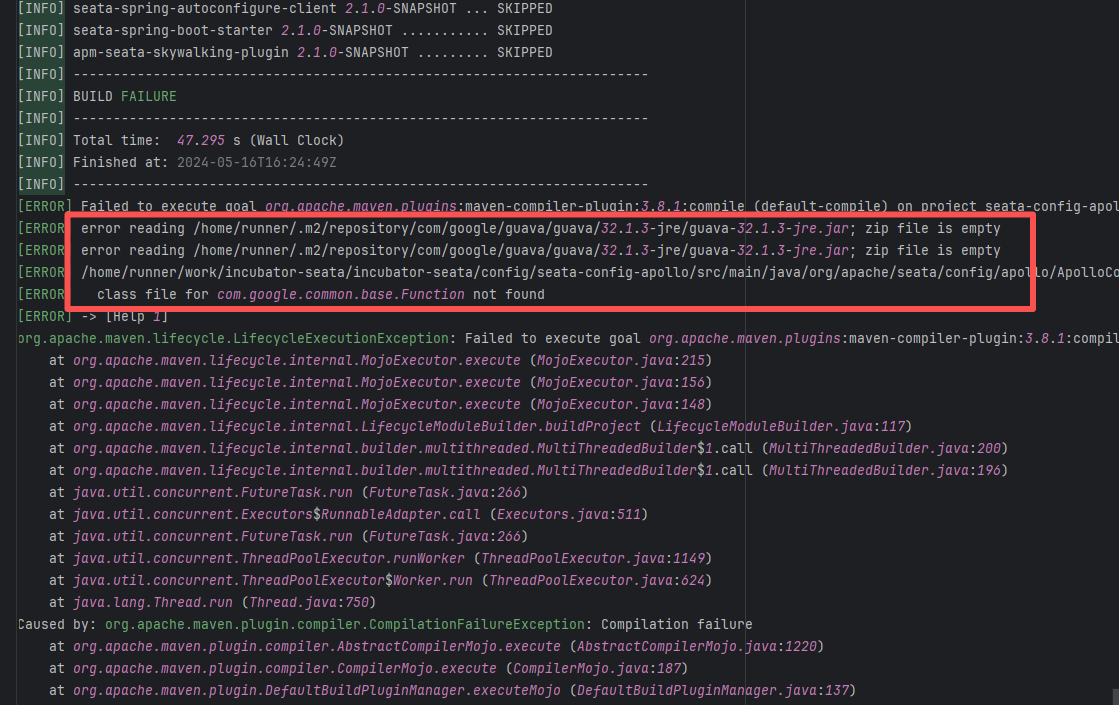 |
| seata/seata |
19912262846 |
Network Issue |
Error: The log error shows that Maven compilation failed due to dependency issues. During the compilation process, com.google.common.base.Function was not found, indicating corrupted or incomplete jar files.
Root Cause: The download operation was successfully executed after a rerun. |
Short-term Fix: Succeeded after Rerun the job.
Long-term Defense: Continuous monitoring; if frequent, investigate root cause in depth. |
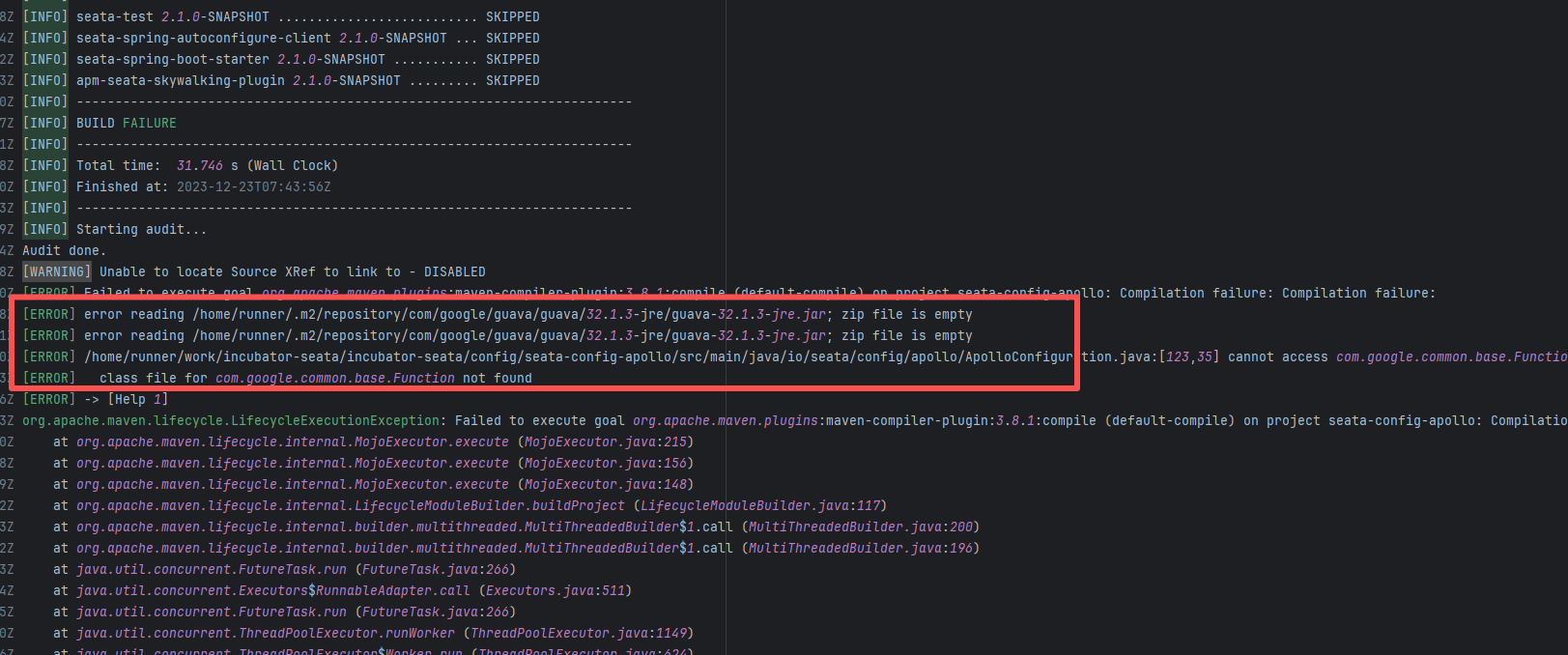 |
| apache/nifi |
24528658312 |
Dirty Cache |
Error: This error is a typical "non-deterministic" compilation error in the front-end build phase. The dependency modules loaded during the Sass compilation process were inconsistent or partially missing, leading to circular references in module loading (possibly because some .scss files were truncated or loaded repeatedly).
Root Cause: The Sass compiler (sass-loader) reads multiple levels of .scss modules and mixin definitions (such as @use '@angular/material' as mat;) during the Angular build process, which relies on a complete module reference tree and consistent file content. A careful analysis of the logs revealed that the failed job had a cache hit while the successful job had a cache miss. Therefore, the Root Cause is that the dependency content (such as node_modules) saved in the GitHub Actions cache was interrupted or partially corrupted during the previous build and packaging, resulting in incomplete or conflicting files after restoration. The rerun was successful. |
Rerun after clearing the cache |
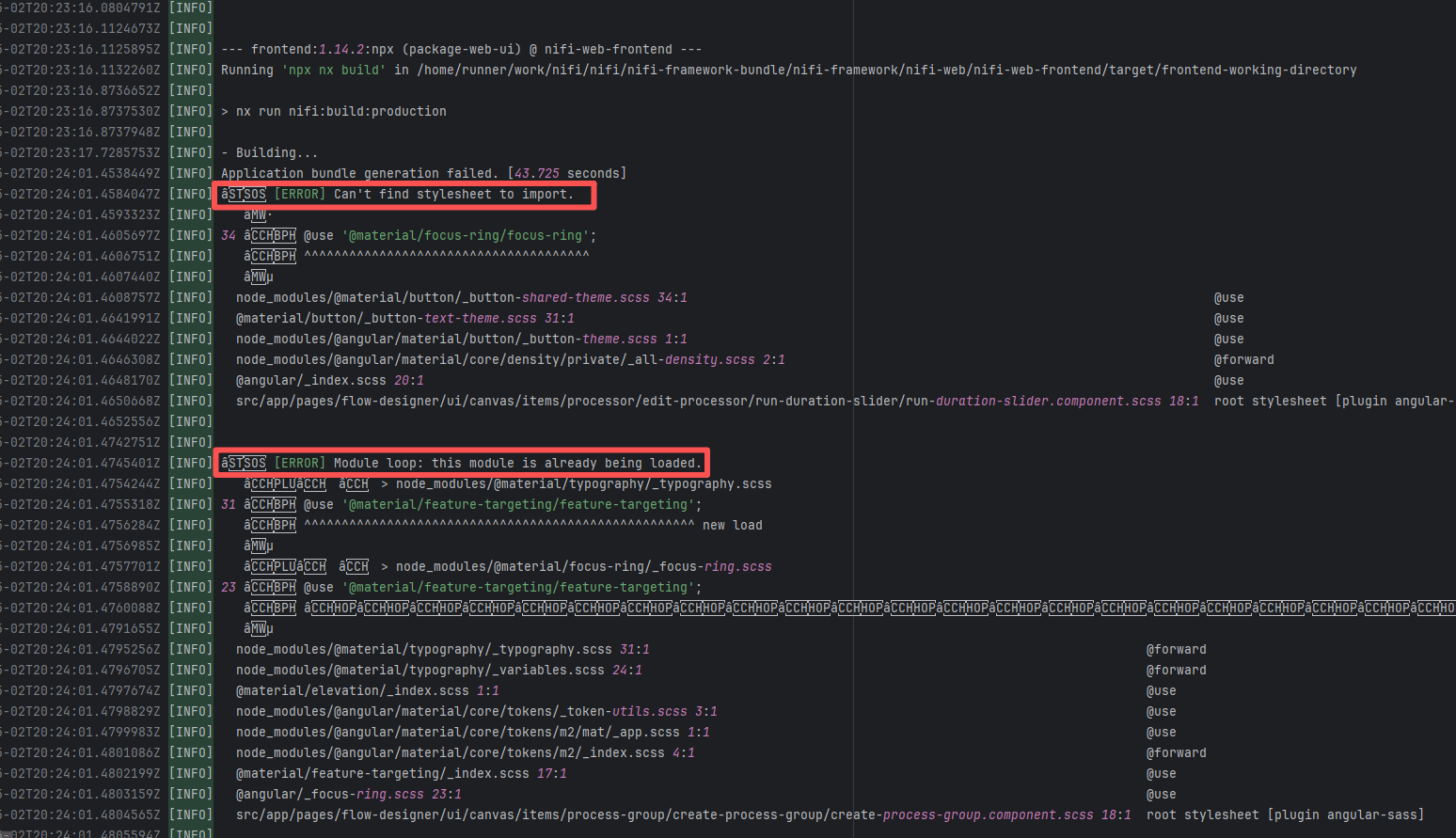 |
| spring-projects/spring-authorization-server |
18896306294 |
Network Issue |
Error: The log error shows that Maven compilation failed due to dependency issues. During the compilation process, com.google.common.base.Function was not found, indicating corrupted or incomplete jar files.
Root Cause: The download operation was successfully executed after a rerun. |
Short-term Fix: Succeeded after Rerun the job.
Long-term Defense: Continuous monitoring; if frequent, investigate root cause in depth. |
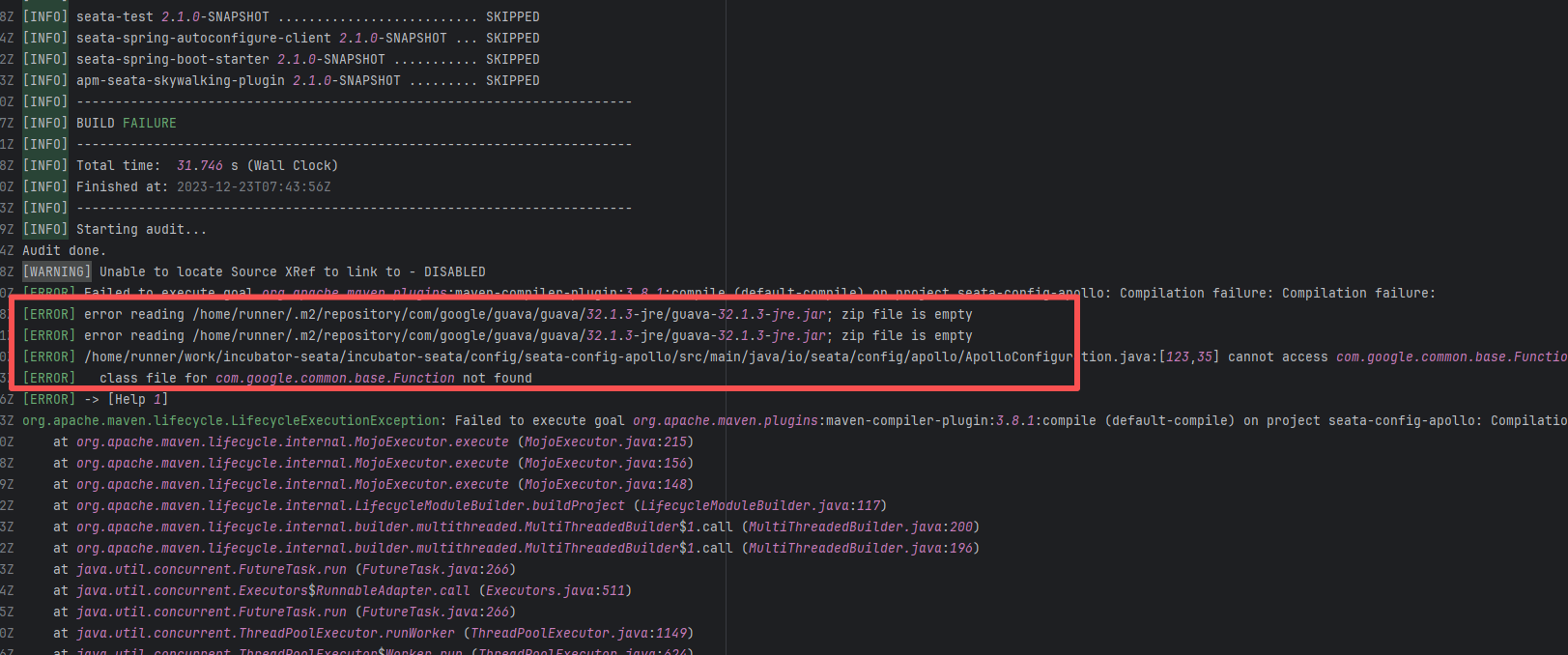 |
| robolectric/robolectric |
24623248274 |
Corrupted Cache |
Error: The log shows that a class definition could not be found during the Maven compilation phase. DynamicObjectAware, which is depended upon by org.gradle.api.internal, was not correctly resolved or downloaded during compilation.
Root Cause: By comparing the successful and failed logs, it was found that inconsistencies occurred during the cache restoration process. The cache size and specific cache hashes had changed. This causes the content of the restored cache to differ between the two tasks. |
Rerun after clearing the cache |
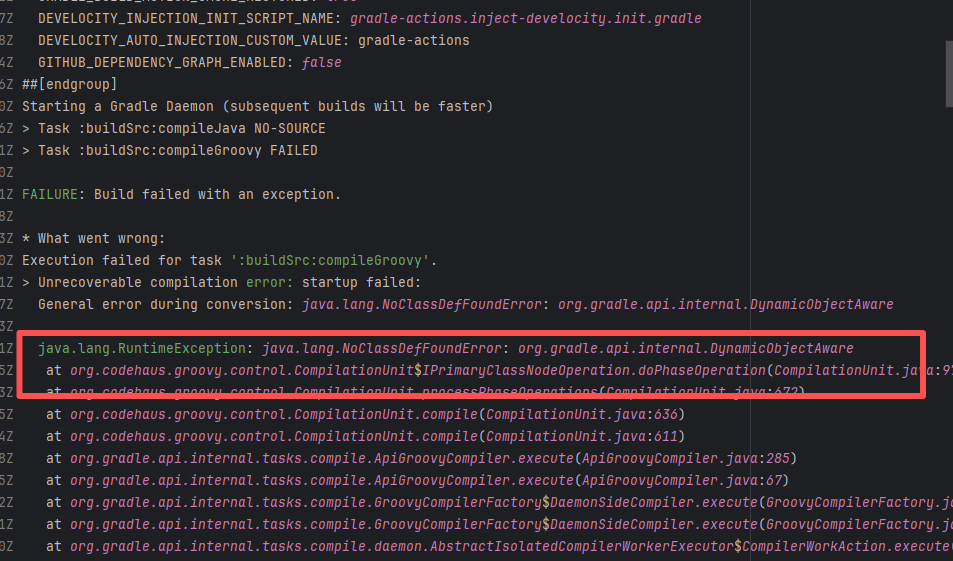 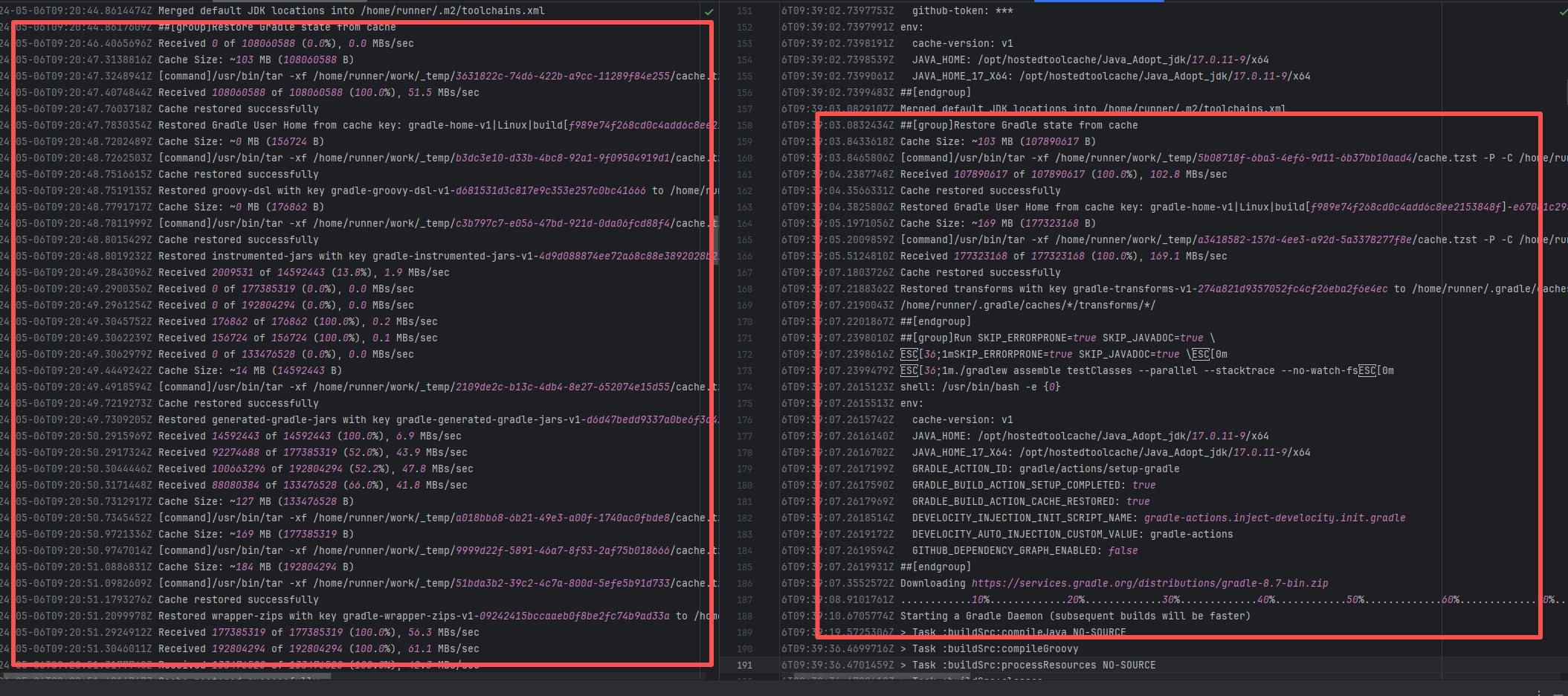 |
| robolectric/robolectric |
24624020585 |
Corrupted Cache |
Error: The log shows that a class definition could not be found during the Maven compilation phase. DynamicObjectAware, which is depended upon by org.gradle.api.internal, was not correctly resolved or downloaded during compilation.
Root Cause: By comparing the successful and failed logs, it was found that inconsistencies occurred during the cache restoration process. The cache size and specific cache hashes had changed. This causes the content of the restored cache to differ between the two tasks. |
Rerun after clearing the cache |
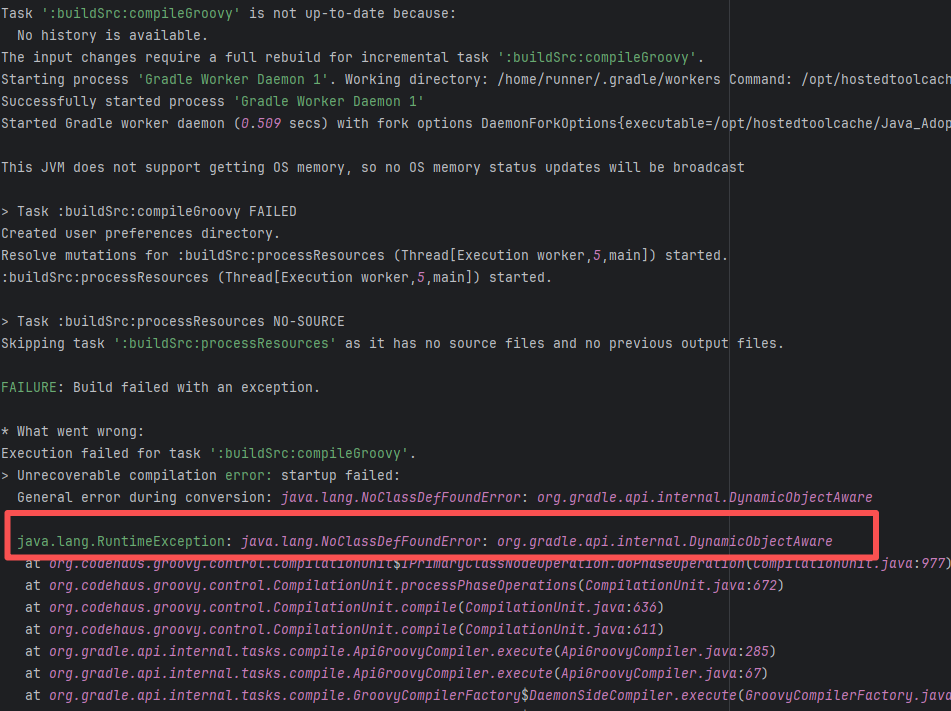 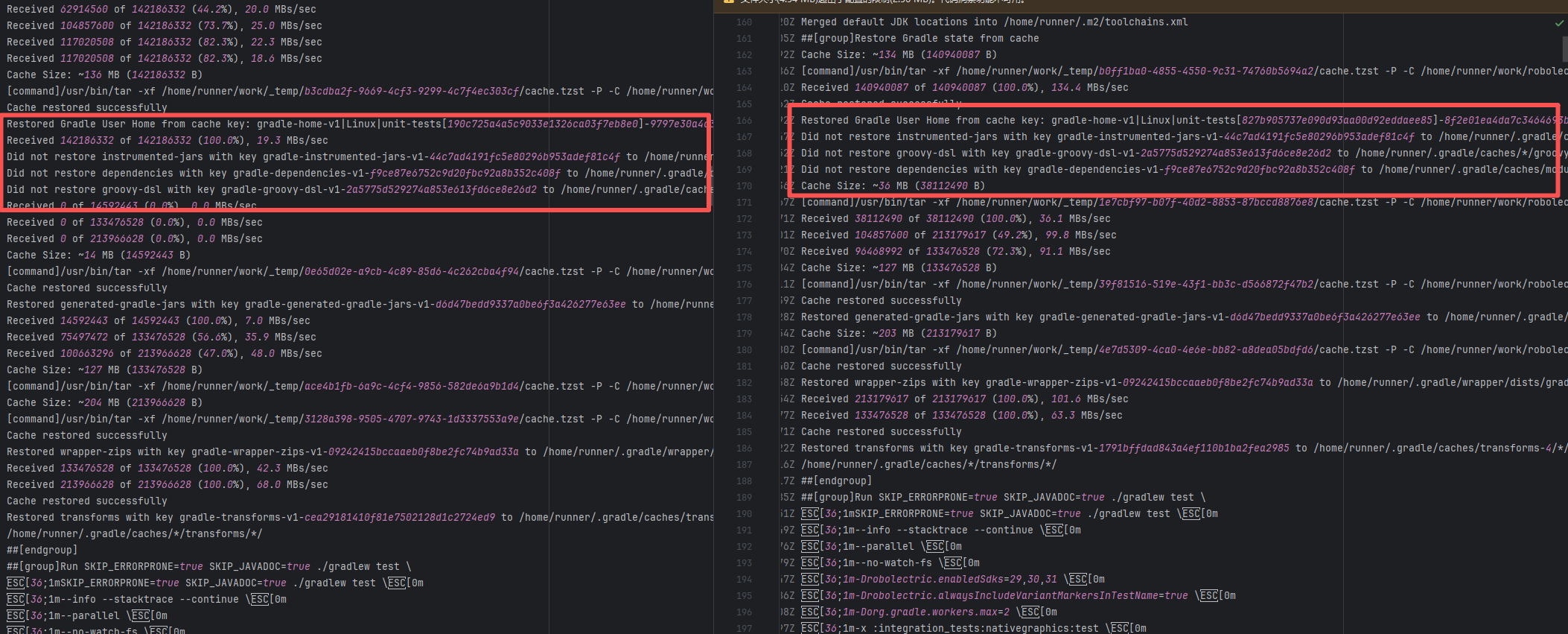 |
| apache/nifi |
21586648046 |
Tool Intermittent Failure |
Error: This error is a typical "non-deterministic" compilation error in the front-end build phase. The dependency modules loaded during the Sass compilation process were inconsistent or partially missing, leading to circular references in module loading (possibly because some .scss files were truncated or loaded repeatedly).
Root Cause: By checking the related Issue (https://github.com/angular/components/issues/26603), it was found that this is a circular dependency bug between Angular Material and Dart Sass, occurring within the following version ranges: Angular Material 15.0.x ~ 15.2.x, and Sass 1.58.x ~ 1.61.x. This error is intermittent. |
- Roll back the module to a compatible version
- Temporarily ignore the error and directly Rerun (Not recommended) |
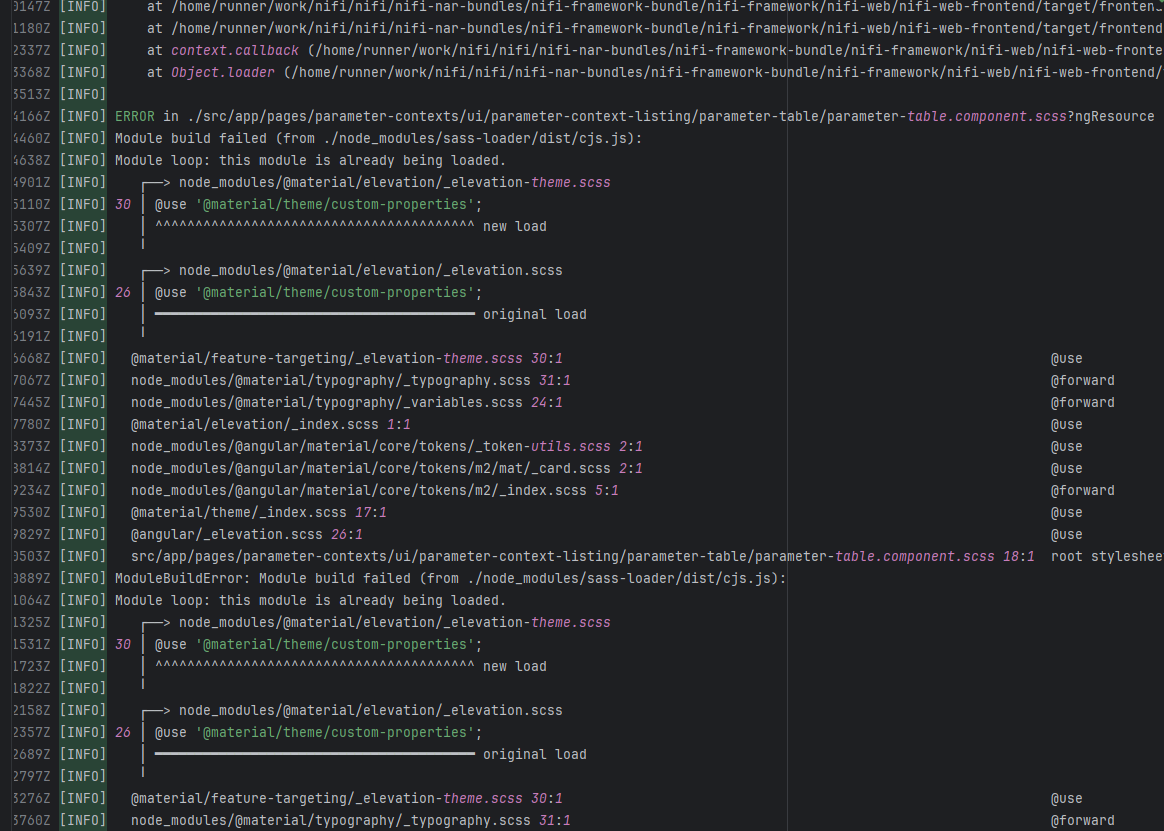 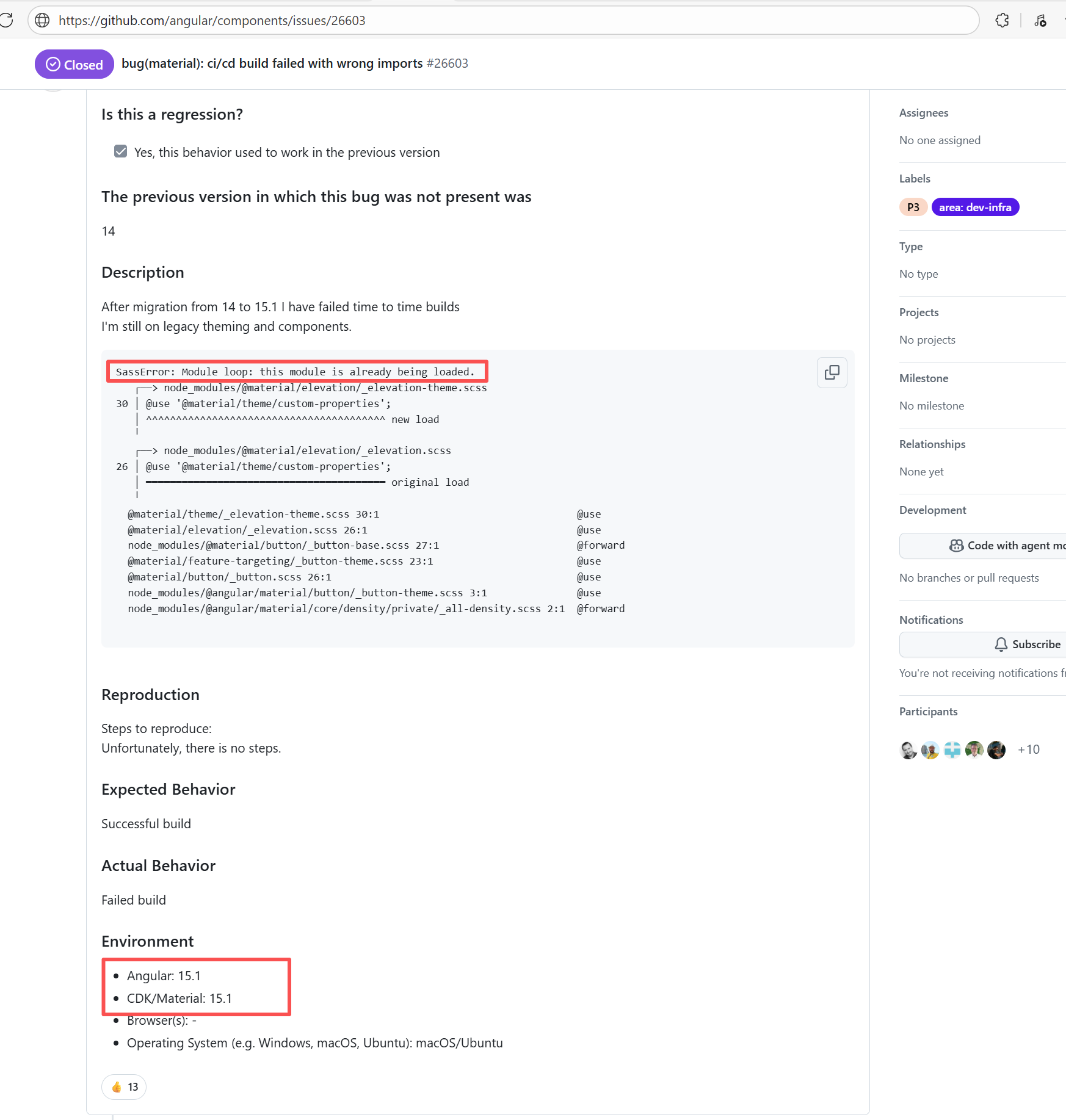 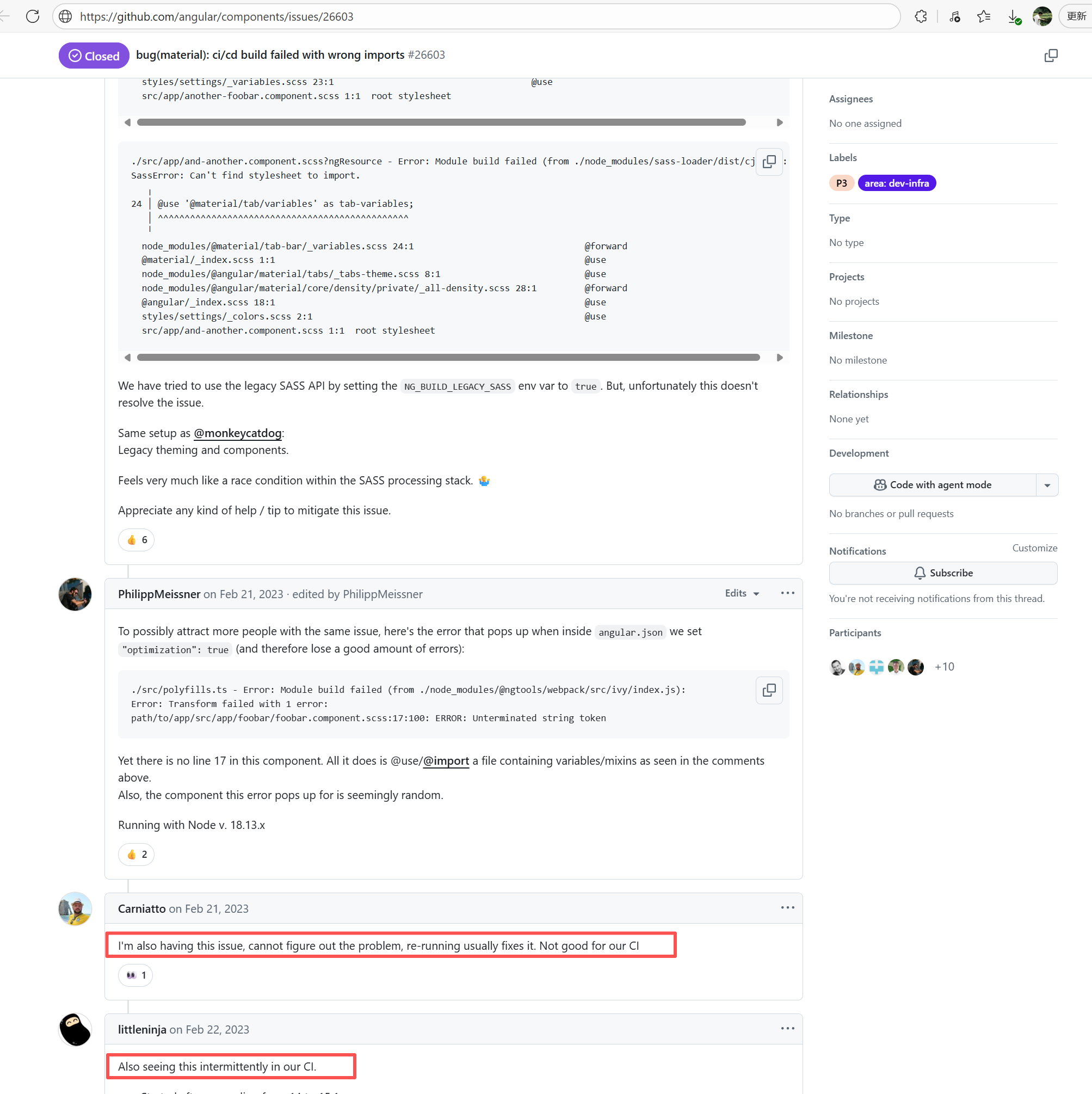 |
| pulumi/pulumi-kubernetes |
19429926959 |
Dirty Cache |
Error: When building the Node.js version of the Pulumi Kubernetes SDK, tsc type checking failed. The specific reason is the missing TypeScript type declaration file for google-protobuf. Pulumi relies on the auto-generated .d.ts files of protobuf when generating the SDK, and these files reference google-protobuf, but @types/google-protobuf was not installed or recognized.
Root Cause: A careful analysis of the logs revealed that the failed job had a cache hit while the successful job had a cache miss. Therefore, the Root Cause is that the dependency content (such as node_modules) saved in the GitHub Actions cache was interrupted or partially corrupted during the previous build and packaging, resulting in incomplete or conflicting files after restoration. The rerun was successful. |
Rerun after clearing the cache |
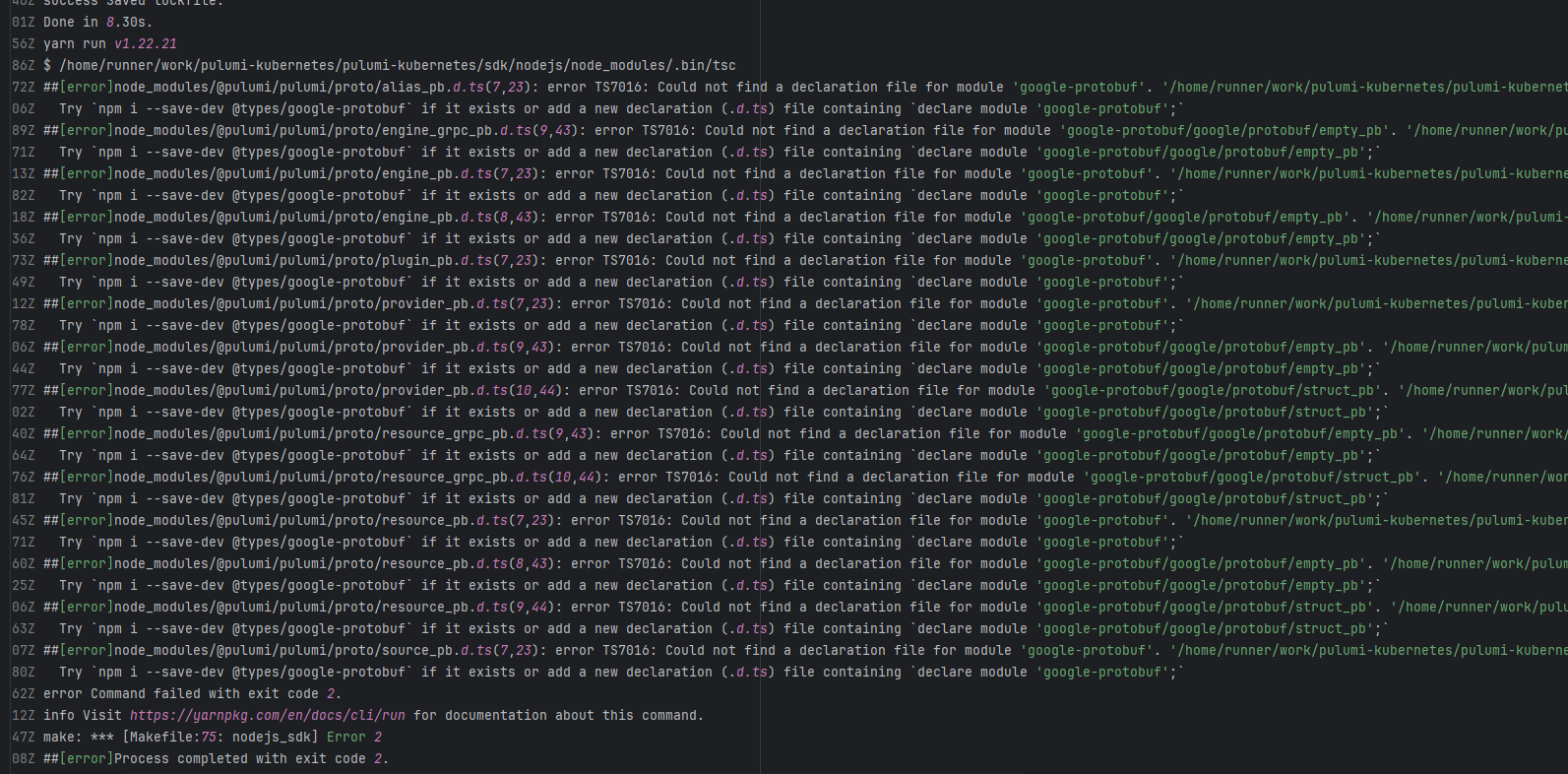 |
| googleapis/google-cloud-java |
19071556211 |
Corrupted Cache |
Error: The log error shows a Java generic type inference error (incompatible types: inference variable ... has incompatible bounds). This indicates that when the compiler calls a certain generic method, it is constrained by multiple different type parameters simultaneously (for example, RespT must be both Operation and DeleteApiRequest), making it impossible for the compiler to infer a single valid type.
Root Cause: The error is not a source code logic issue, but rather caused by an inconsistent build environment state. During compilation, Maven caches intermediate artifacts (target/classes, .m2/repository, generated gRPC source code). Since mvn clean was not used during compilation, the results of the previous build were reused. |
Rerun after clearing the cache |
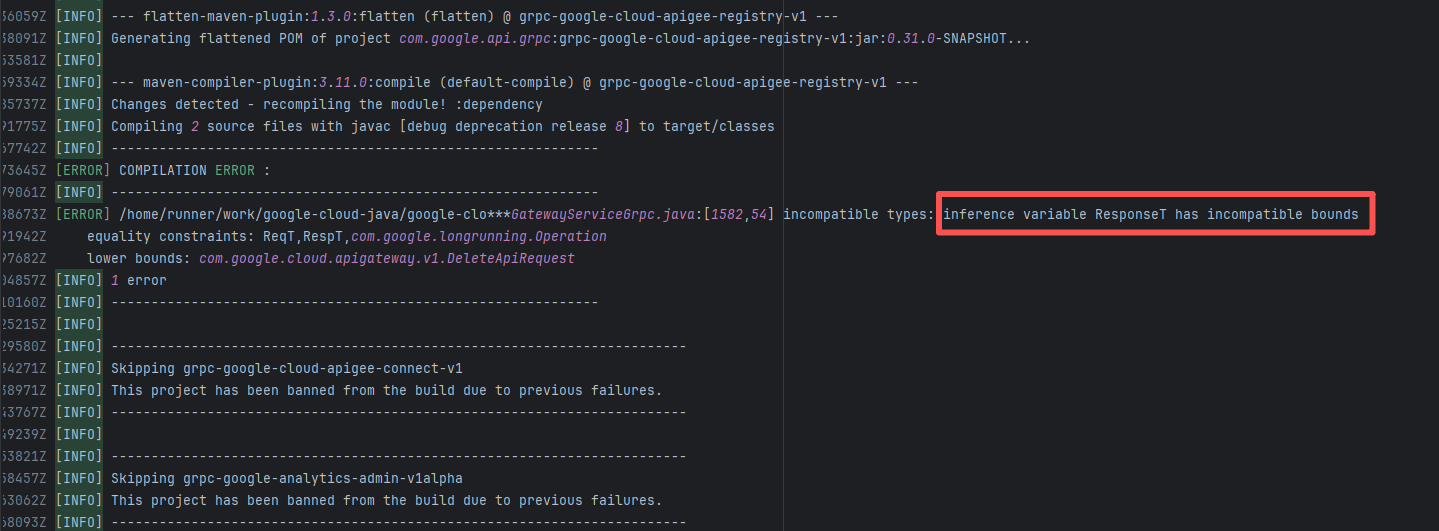 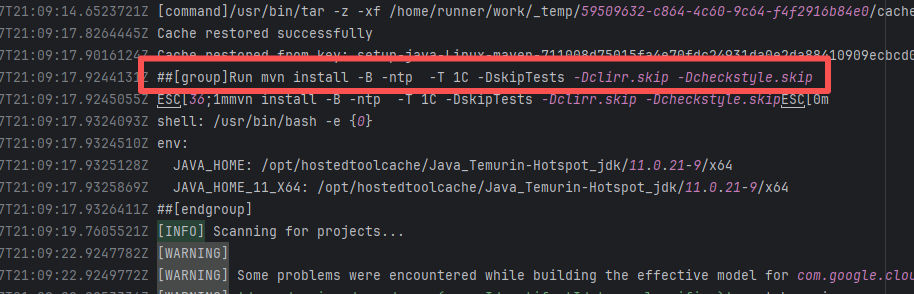 |
| apache/maven |
25666609666 |
Upstream Repository Issue |
Error: When Maven executes the descriptor goal of the maven-plugin-plugin, it cannot automatically infer the goalPrefix of the plugin. This error usually occurs when the artifactId does not conform to standard naming conventions.
Root Cause: By analyzing the logs, it was found that this flaky issue was not caused by a successful rerun after modifying external configurations or data, but originated from changes in the repository's source code. In the workflow, the checkout step specified the ref parameter, so each pull fetched the latest commit of the specified branch of that repository. This caused the code version executed by the workflow to be inconsistent. Therefore, the current error was actually fixed after the commit had already been modified. The developer updated the parent POM version to 42, and the Maven version was updated to 3.9.7. Therefore, the previous build failure might not have been a code logic issue, but rather due to compatibility issues with the older version of Maven or the parent POM definition, causing the prefix to be unresolvable during the build (there are indeed related bug reports for this issue prior to 3.9.7 - https://issues.apache.org/jira/browse/MPLUGIN-504). |
|
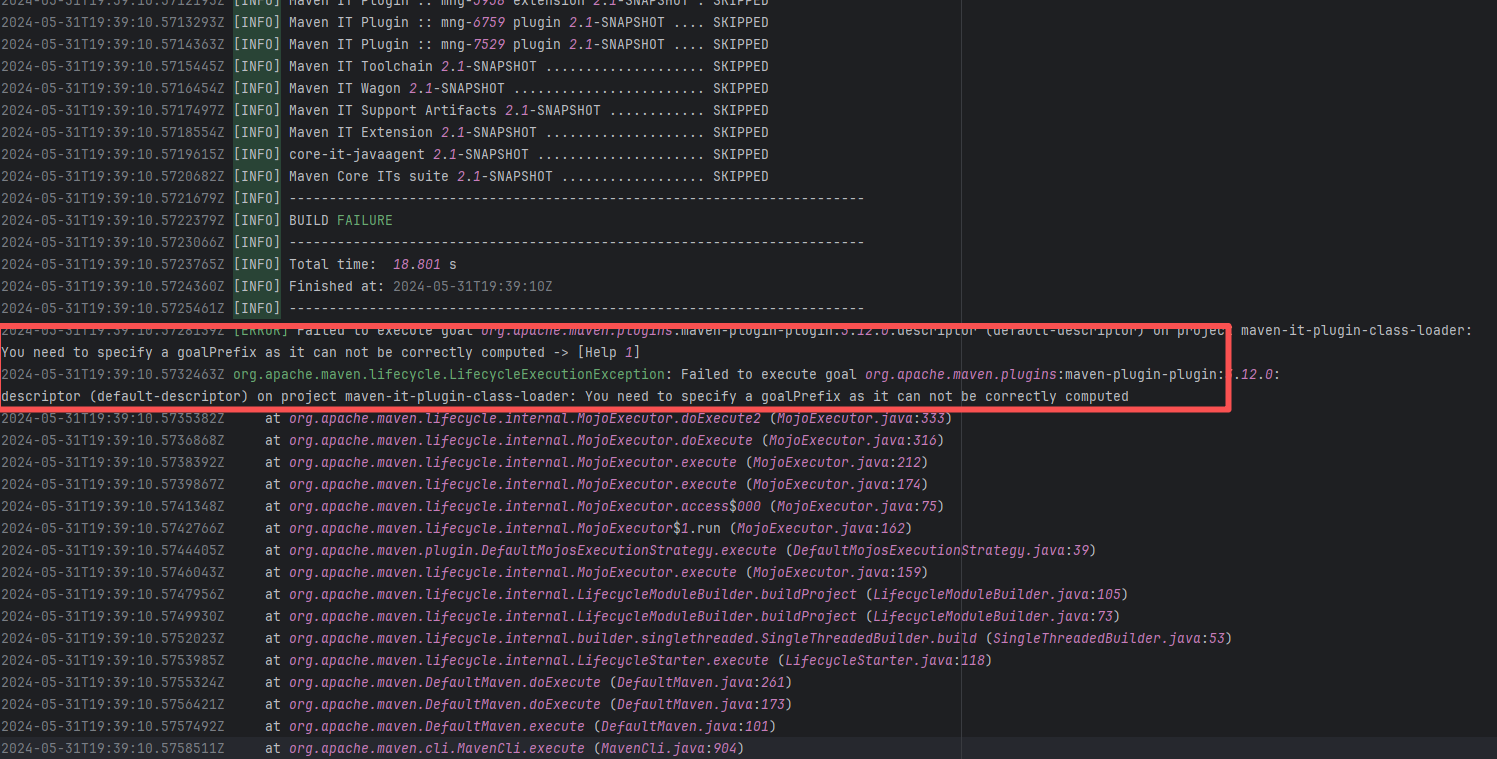 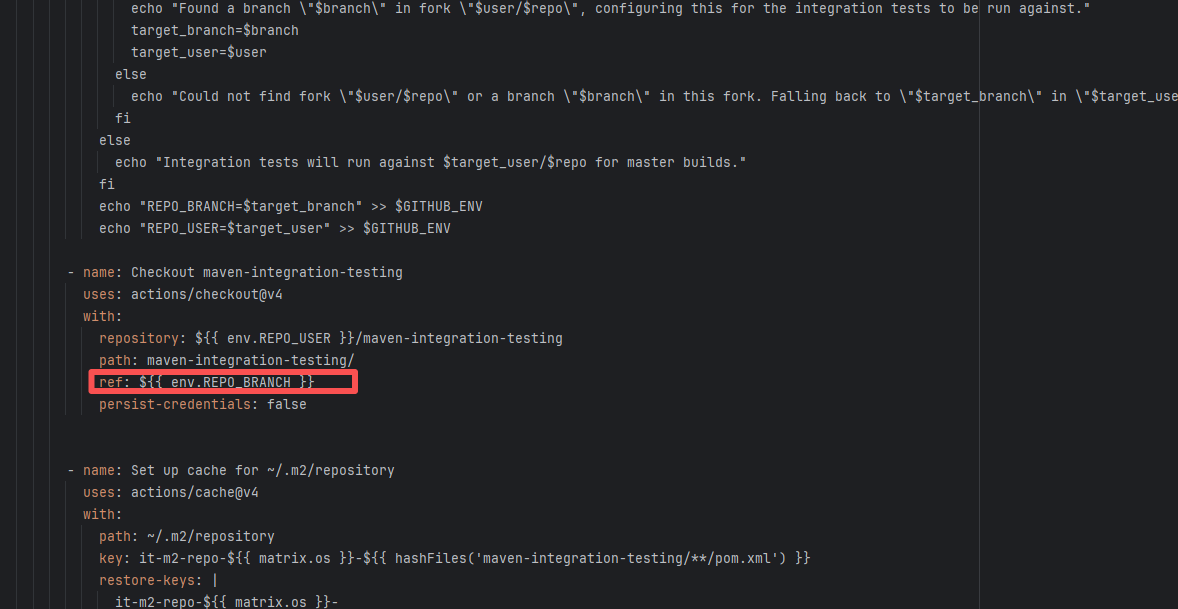 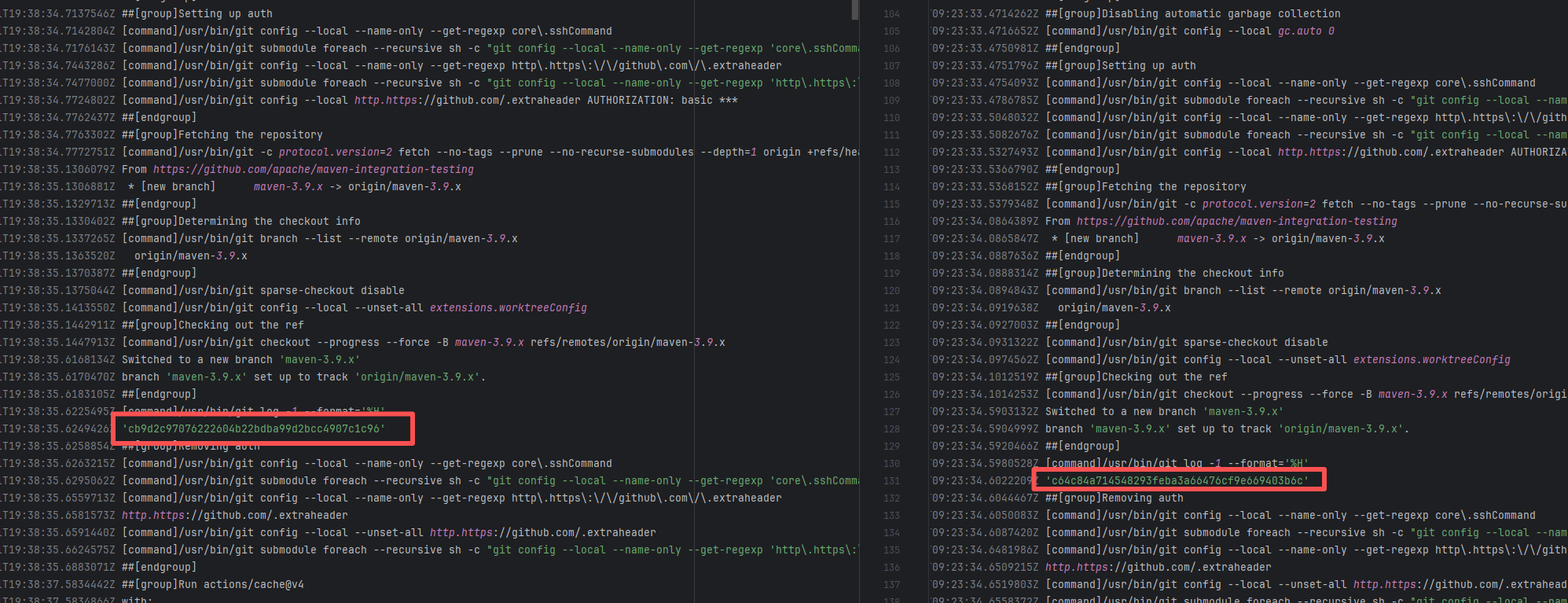 |
| plan-player-analytics/plan |
22743874003 |
Network Issue |
Error: The log shows "Cannot read properties of undefined (reading 'getOption')". This is because a certain configuration of @fortawesome/fontawesome-svg-core was not correctly initialized in the current Node/Yarn environment.
Root Cause: The download operation was successfully executed after a rerun. |
Short-term Fix: Succeeded after Rerun the job.
Long-term Defense: Continuous monitoring; if frequent, investigate root cause in depth. |
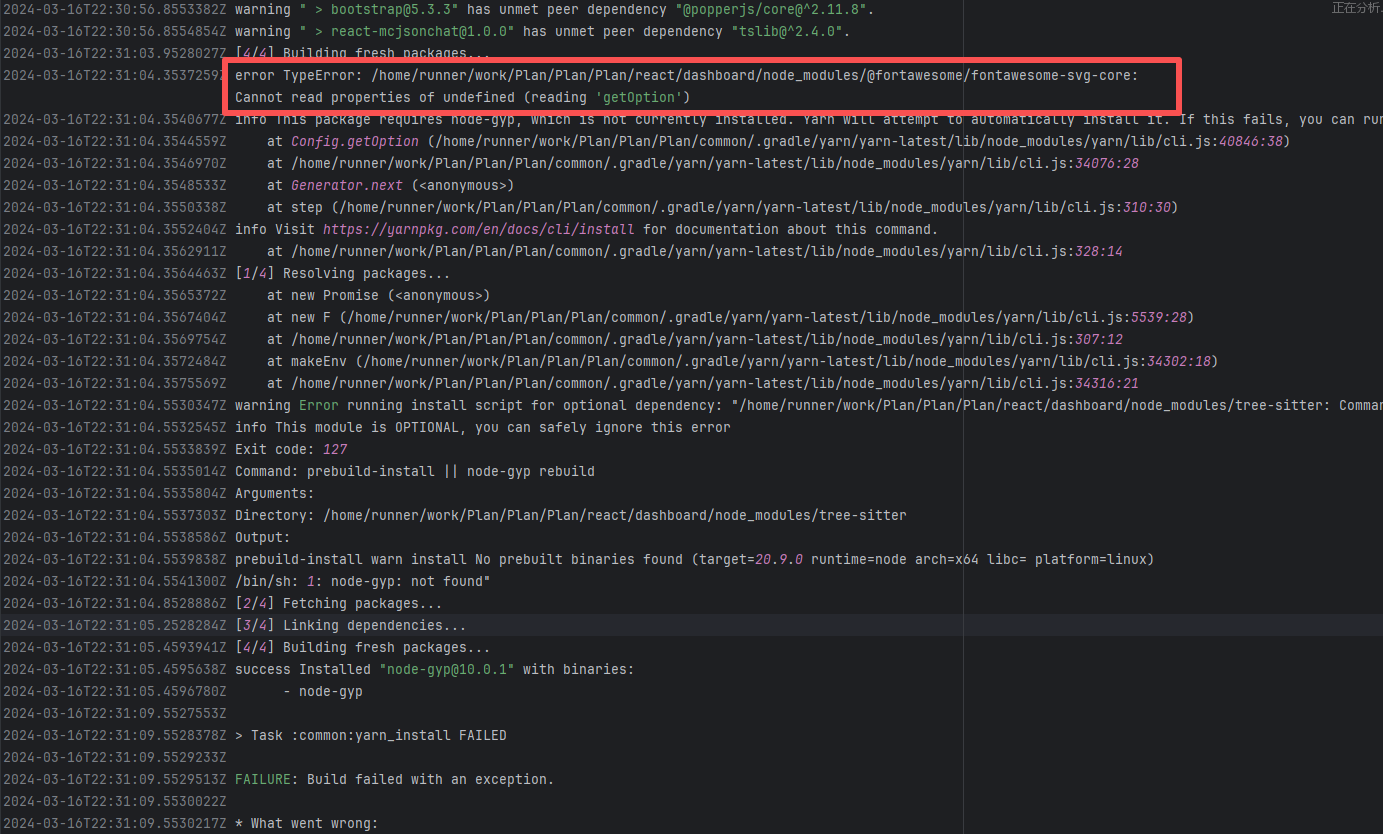 |
| bytedeco/javacpp-presets |
19928548272 |
Upstream Repository Issue |
Error: The log error shows that JavaCPP failed to parse a C++ header file (parse error). When JavaCPP's Builder generates JNI mappings, it needs to parse C/C++ header files. "Could not parse declaration" indicates that JavaCPP encountered syntax features not supported by C++, which could be a version mismatch.
Root Cause: Analyzing the log revealed that the JavaCPP version used both times was 1.5.10. Analyzing the source code files revealed that the root cause of the problem lies in the cppbuild.sh file. The script automatically downloads, compiles, and installs the underlying C++ libraries (ONNX and Protobuf) on different platforms so that JavaCPP can generate the corresponding Java JNI bindings. The download method involves downloading specified versions of ONNX and Protobuf archives from GitHub, and then extracting and compiling the files. The header file that caused the error was downloaded from the GitHub repository. When the repository fixed the incorrect syntax, the rerun was successful. |
|
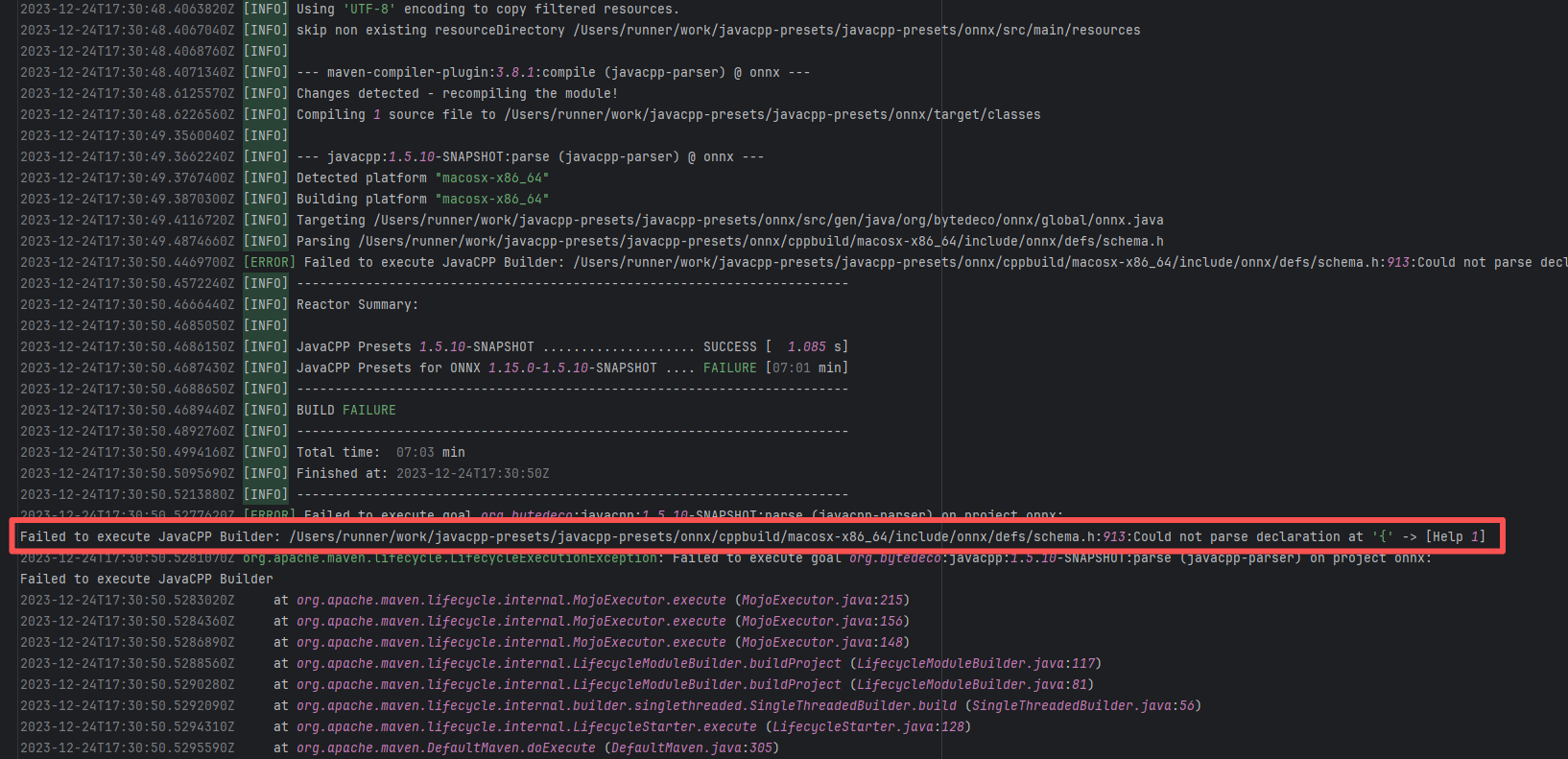 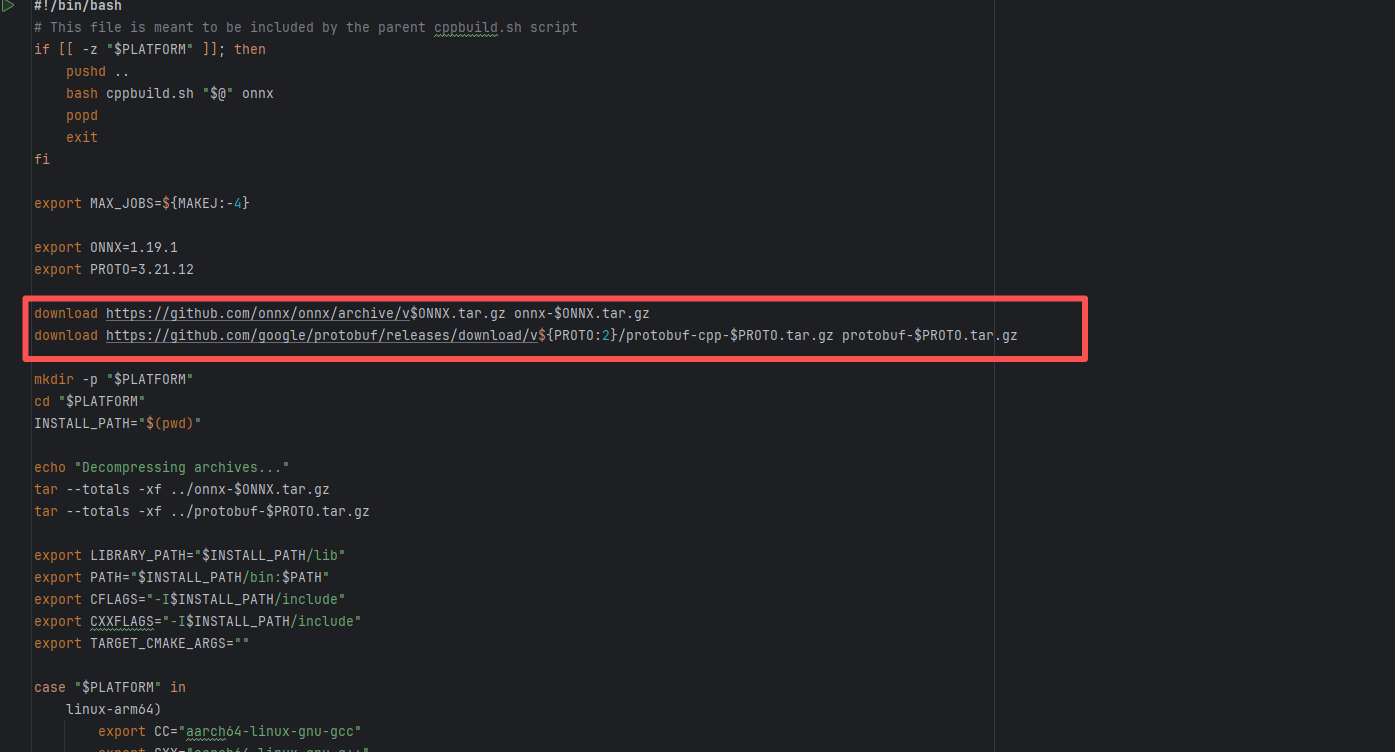 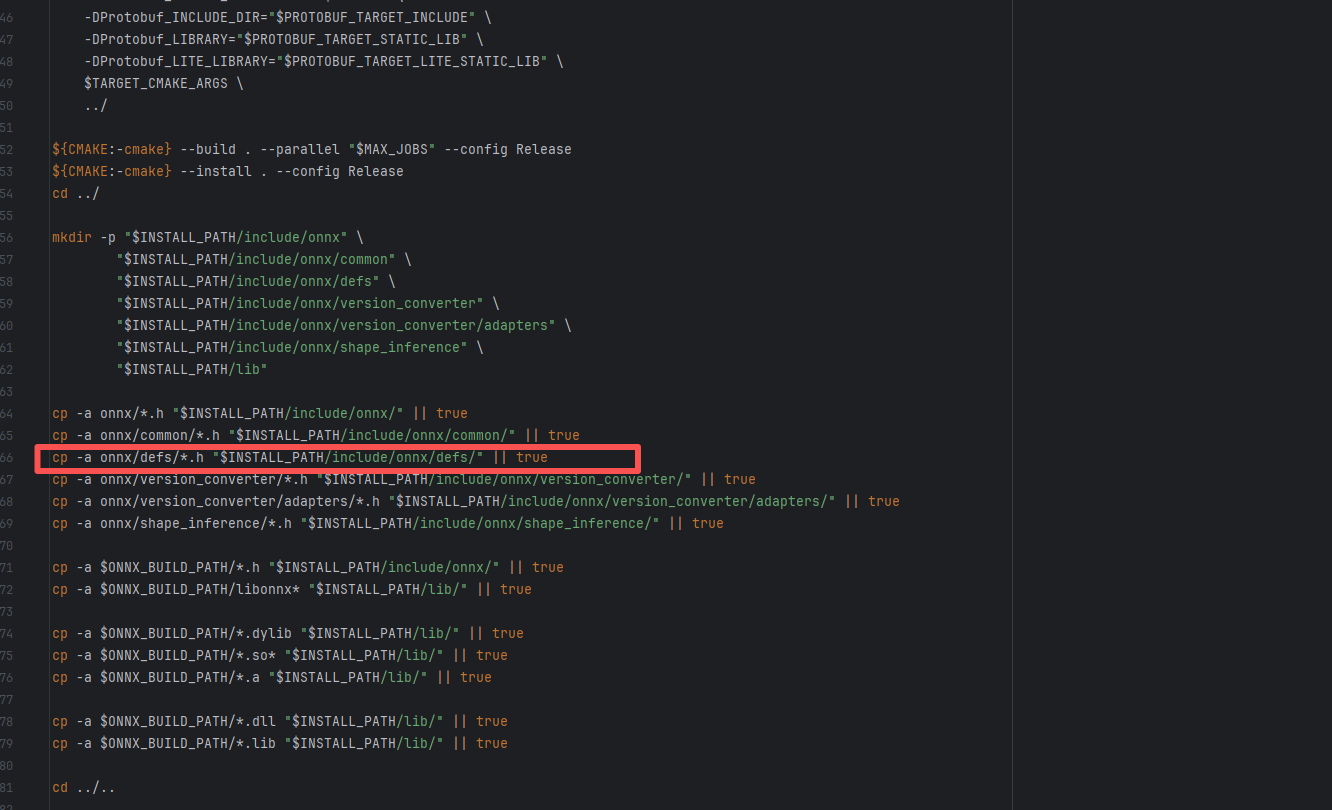 |
| nextcloud/android |
18654512043 |
Corrupted Cache |
Error: "Unresolved reference" means that the Kotlin compiler cannot find the definition or import of dropAccount in the current scope, causing all build variants (GplayDebug, GenericDebug, HuaweiDebug, QaDebug) to fail.
Root Cause: Checking the source code analysis, in the current commit, dropAccount still exists, and the android-library module is correctly defined in the project. The Kotlin compiler still reports the error "Unresolved reference: dropAccount", although the method has not been deleted from the source code. After investigation, this was found to be a compilation cache issue. In multi-module or multi-variant projects, the Kotlin compiler (Kotlin daemon) sometimes retains outdated compilation information or caches. This makes the compiler unable to recognize existing classes, methods, or extension functions, thereby reporting a "reference not found" error. The warning "Detected multiple Kotlin daemon sessions" appearing in the log also indicates that there are multiple Kotlin compilation daemon processes, further increasing the possibility of cache conflicts. |
Rerun after clearing the cache |
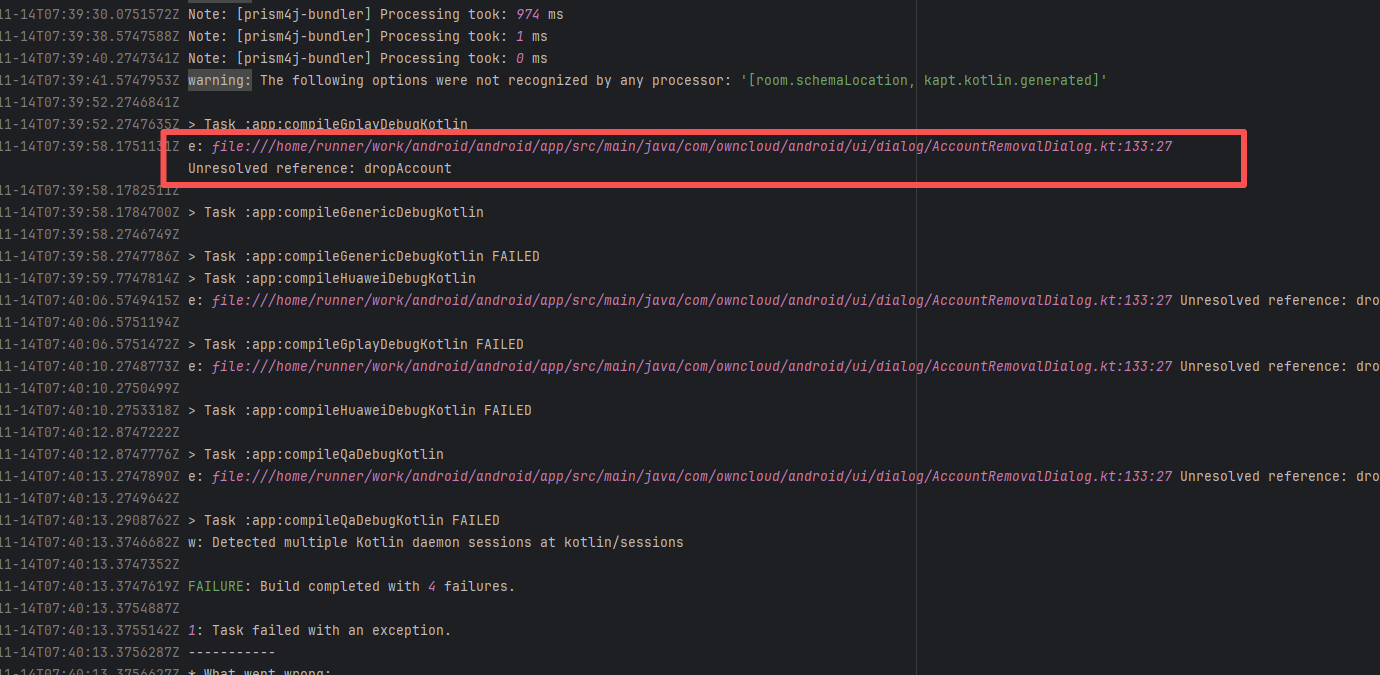 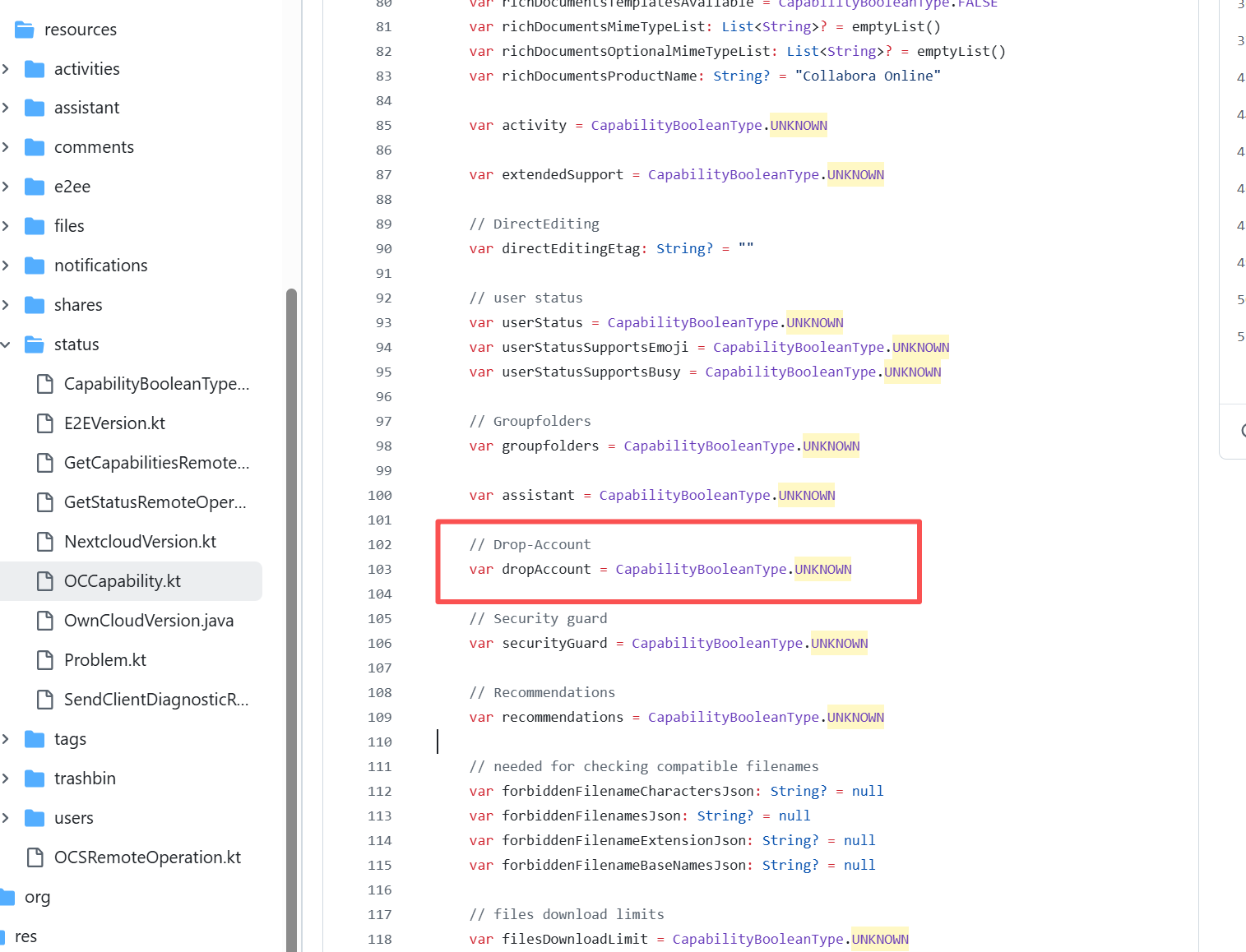 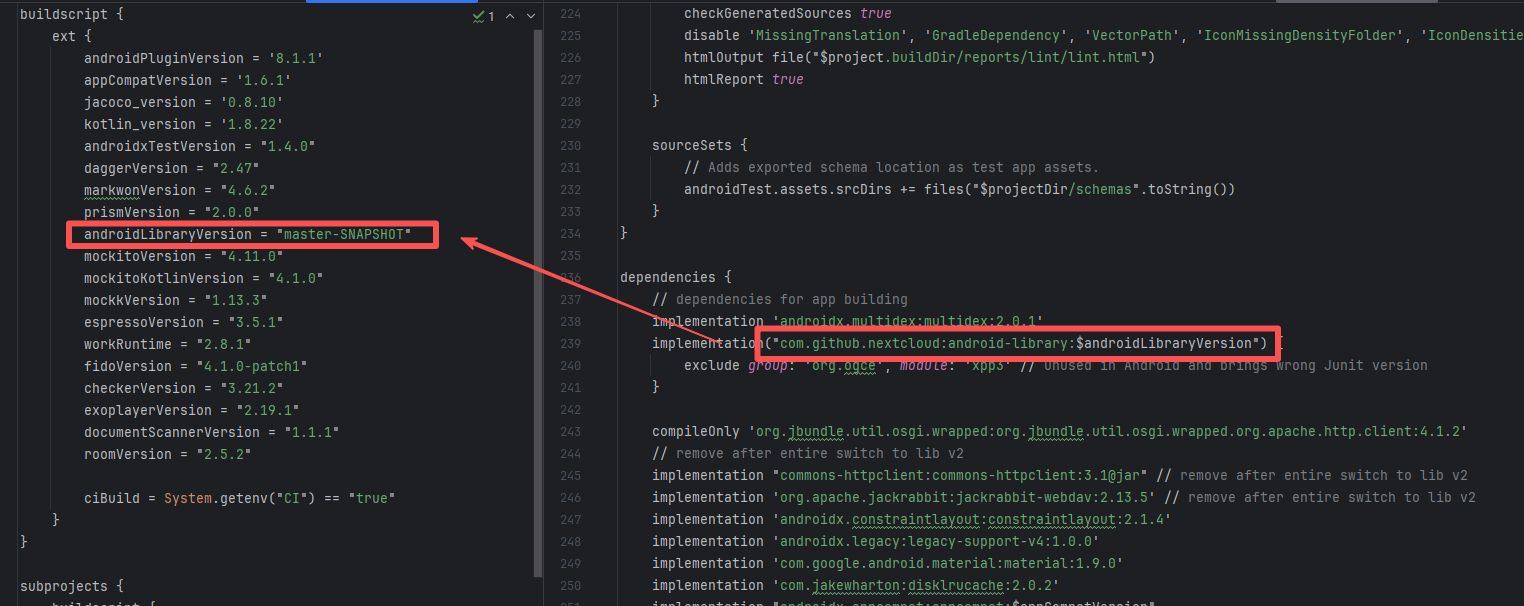 |
| apache/nifi |
22473513558 |
Tool Intermittent Failure |
Error: This error is a typical "non-deterministic" compilation error in the front-end build phase. The dependency modules loaded during the Sass compilation process were inconsistent or partially missing, leading to circular references in module loading (possibly because some .scss files were truncated or loaded repeatedly).
Root Cause: By checking the related Issue (https://github.com/angular/components/issues/26603), it was found that this is a circular dependency bug between Angular Material and Dart Sass, occurring within the following version ranges: Angular Material 15.0.x ~ 15.2.x, and Sass 1.58.x ~ 1.61.x. This error is intermittent. |
- Roll back the module to a compatible version
- Temporarily ignore the error and directly Rerun (Not recommended) |
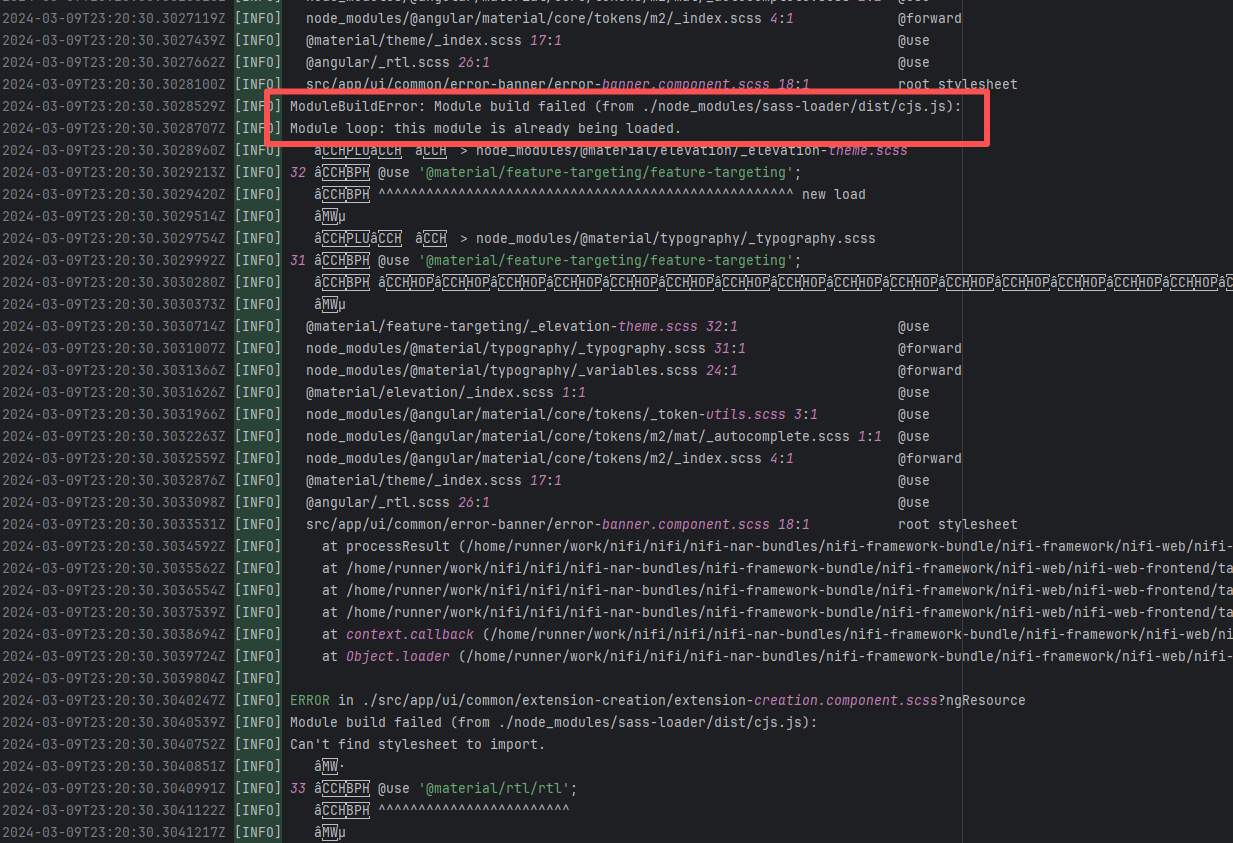 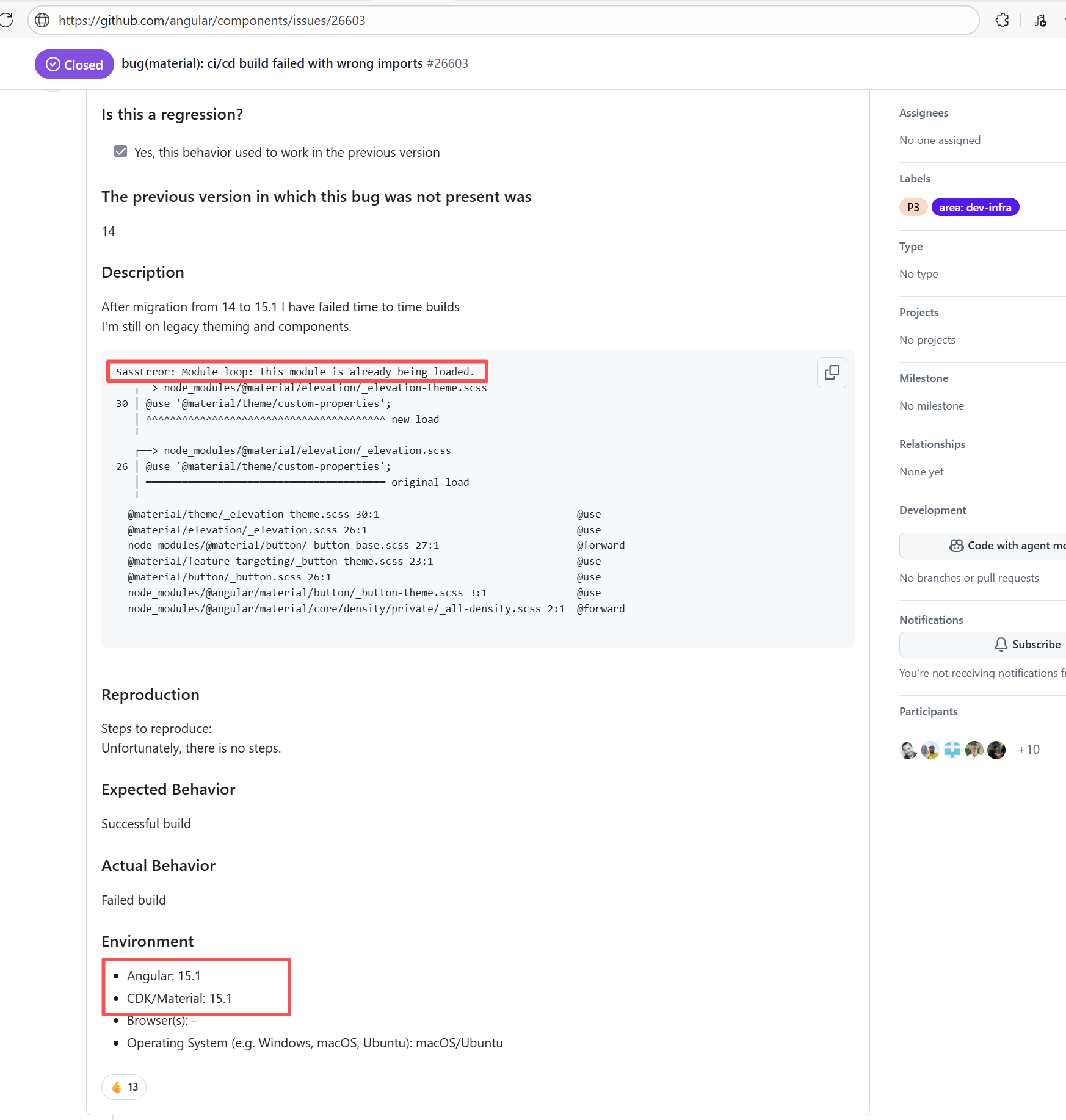 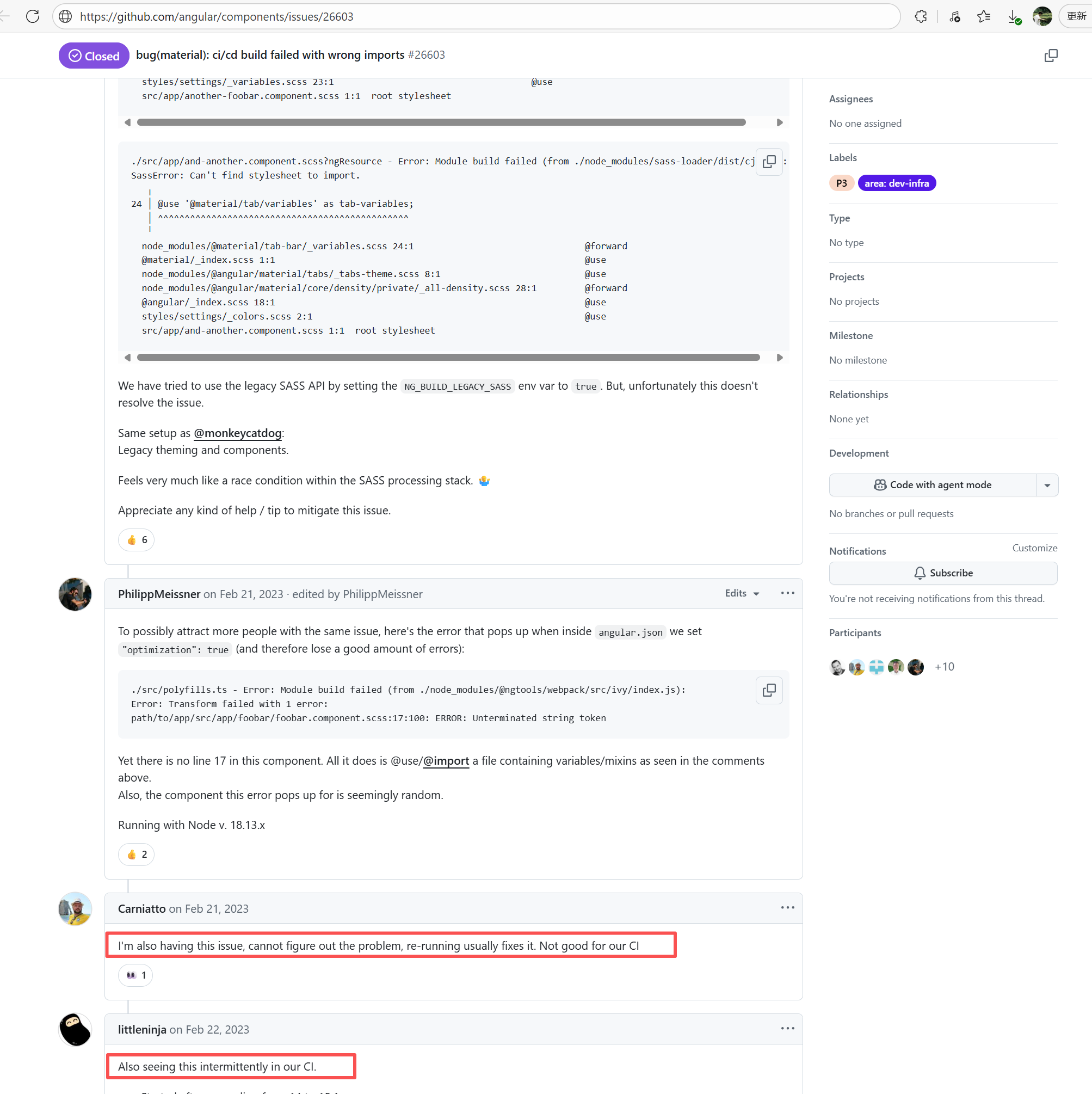 |
| seata/seata |
19912945315 |
Network Issue |
Error: The log error shows that Maven compilation failed due to dependency issues. During the compilation process, com.google.common.base.Function was not found, indicating corrupted or incomplete jar files.
Root Cause: The download operation was successfully executed after a rerun. |
Short-term Fix: Succeeded after Rerun the job.
Long-term Defense: Continuous monitoring; if frequent, investigate root cause in depth. |
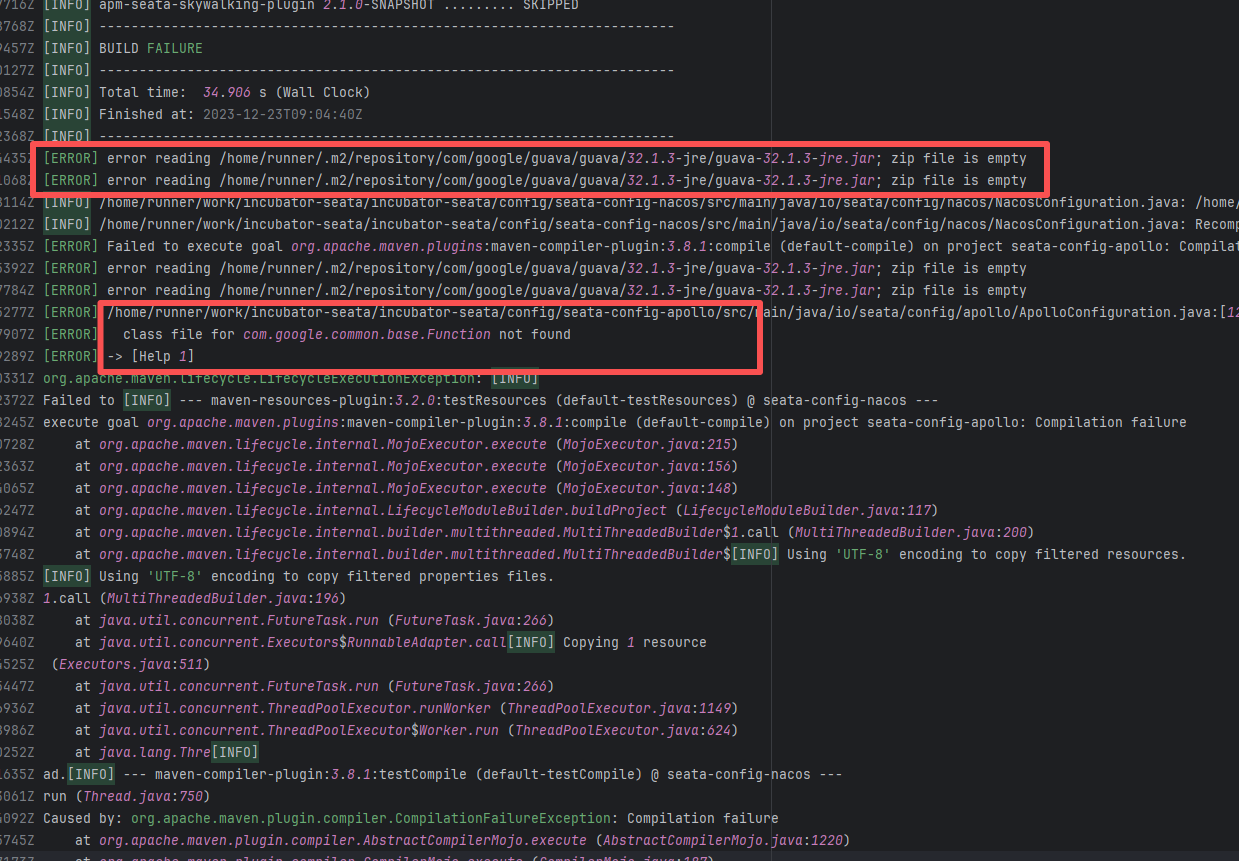 |
| apache/maven |
18545097379 |
Network Issue |
Error: The log shows that a class definition could not be found during the Maven compilation phase. SessionBuilder, which is depended upon by org.eclipse.aether.RepositorySystemSession, was not correctly resolved or downloaded during compilation.
Root Cause: By comparing the successful and failed logs, it was found that although the repository source code was identical and the cache hits were the same, during the subsequent dependency download process, the successful log downloaded more dependencies than the failed log. Therefore, this issue is essentially an inconsistent dependency resolution, not a compilation error in the code itself, nor was SessionBuilder deleted. As long as the dependencies in the Maven repository are intact, such errors can be avoided. |
Short-term Fix: Succeeded after Rerun the job.
Long-term Defense: Continuous monitoring; if frequent, investigate root cause in depth. |
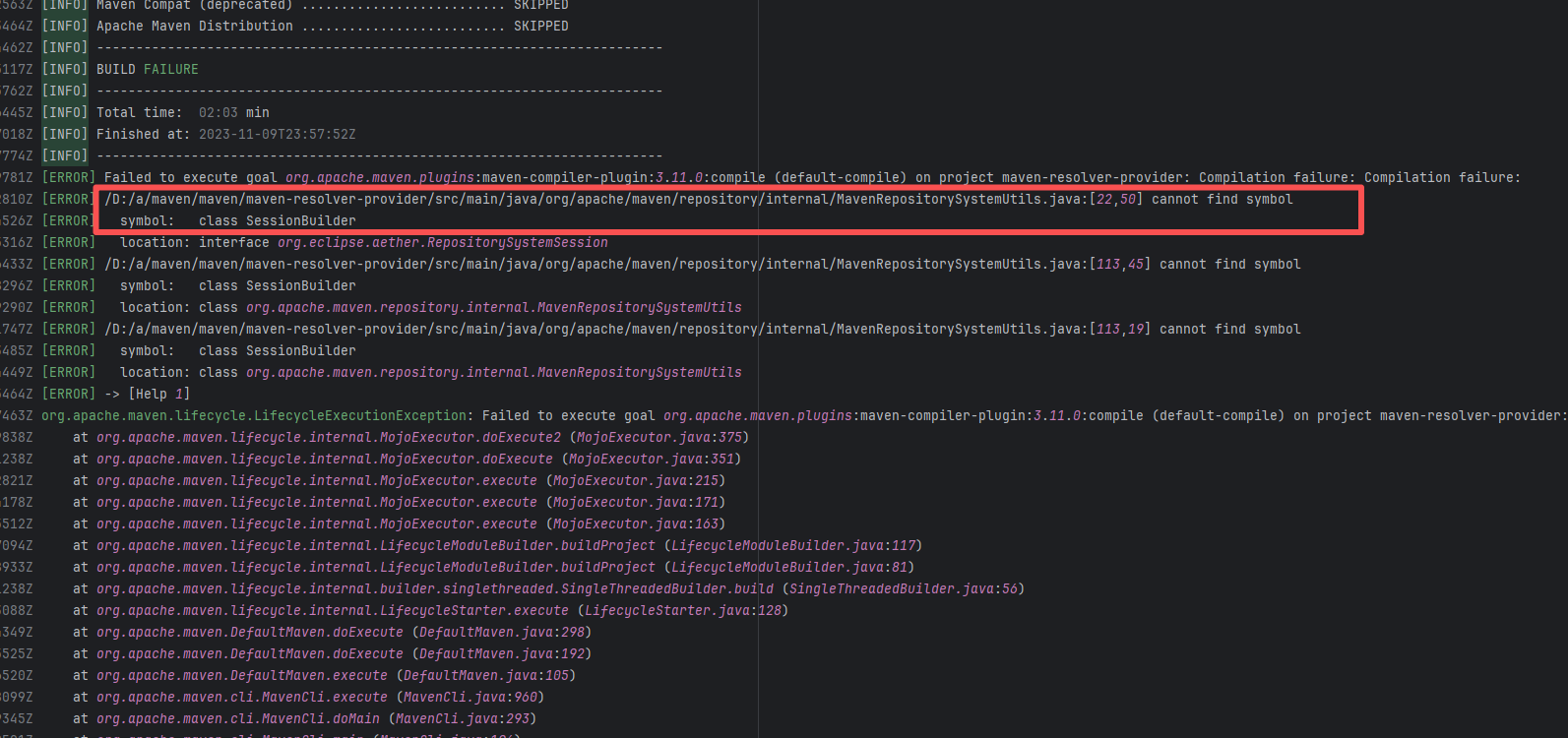 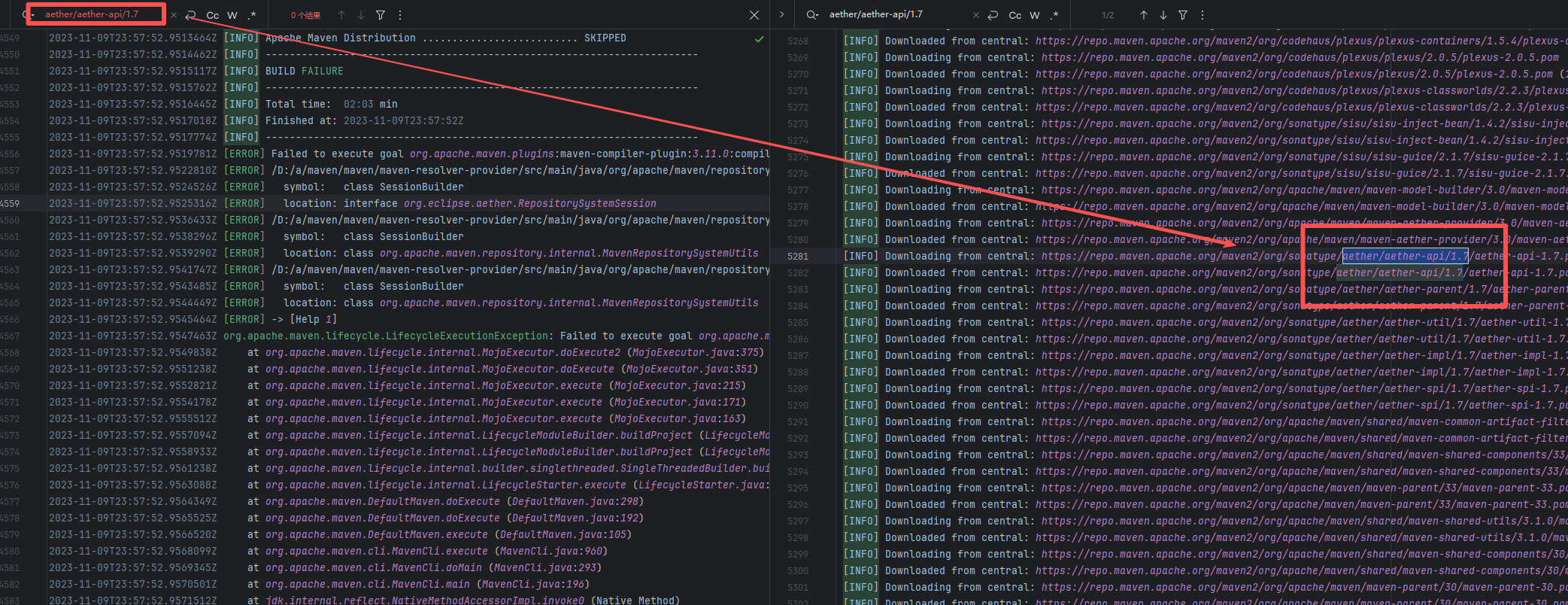 |
| geowebcache/geowebcache |
16525781689 |
Network Issue |
Error: The log shows that a dependency package was missing during the Maven compilation phase, causing MathTransform, which is depended upon by org.geowebcache.georss.GeometryRasterMaskBuilder, to not be correctly resolved during compilation.
Root Cause: The download operation was successfully executed after a rerun. |
Short-term Fix: Succeeded after Rerun the job.
Long-term Defense: Continuous monitoring; if frequent, investigate root cause in depth. |
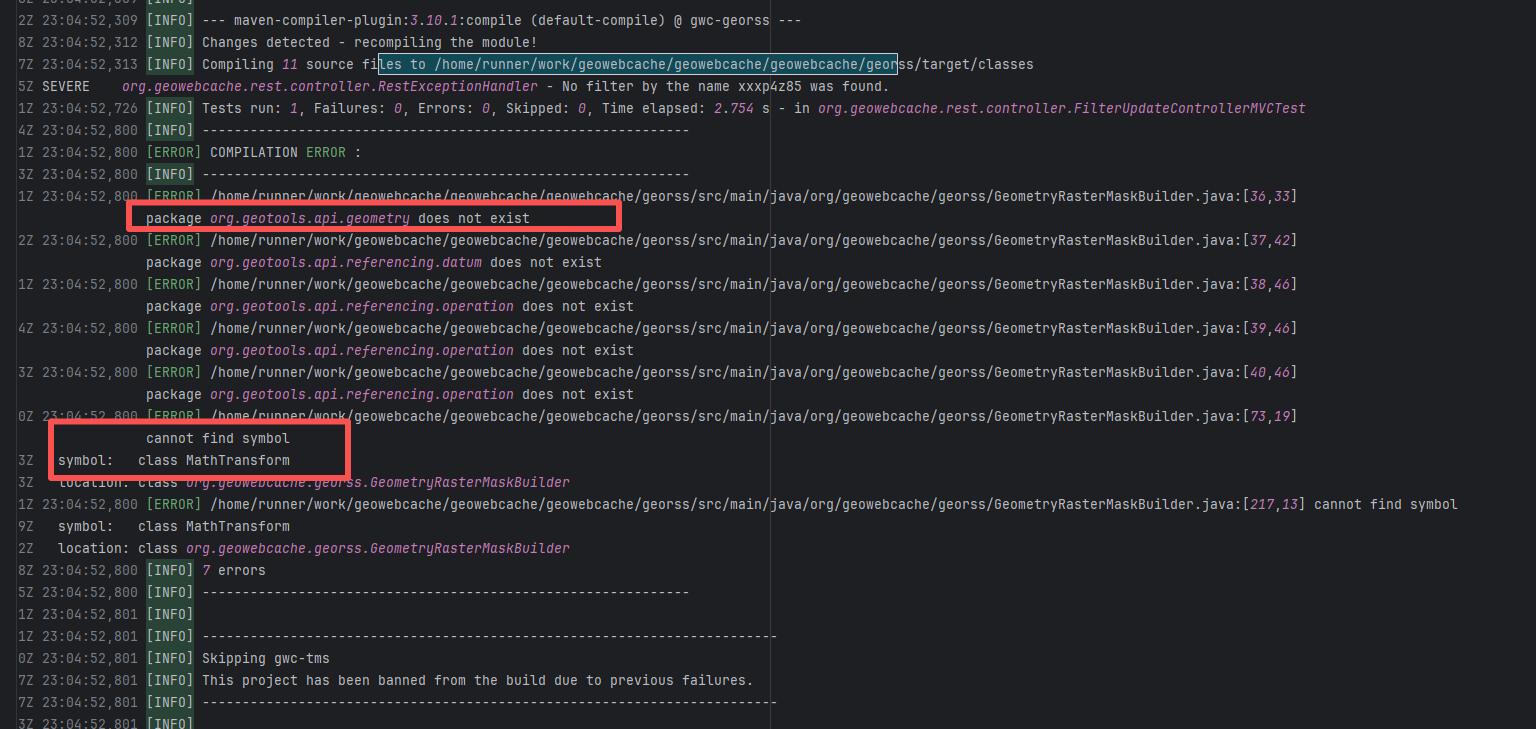 |
| Execution Crash |
opensearch-project/opensearch |
25617362498 |
Unstable Runner Environment |
Error: Colima failed to start normally when attempting to launch Colima (a container virtualization tool based on Lima) on GitHub Actions' macOS runner.
Root Cause: By checking the related Issue (https://github.com/actions/runner-images/issues/8104), it was found that this is caused by the macOS runner. Colima uses QEMU, which heavily relies on the system's virtualization capabilities. GitHub Actions' macOS runner is a restricted virtualization environment, and Colima requires underlying virtualization support. In GitHub's macOS runner sandbox, these virtualization interfaces are partially disabled or have restricted functionality, causing Colima to fail to start the virtual machine. This issue is sporadic, and the developer succeeded after multiple reruns. |
Short-term Fix: Succeeded after Rerun the job.
Long-term Defense: Continuous monitoring; if frequent, investigate root cause in depth. |
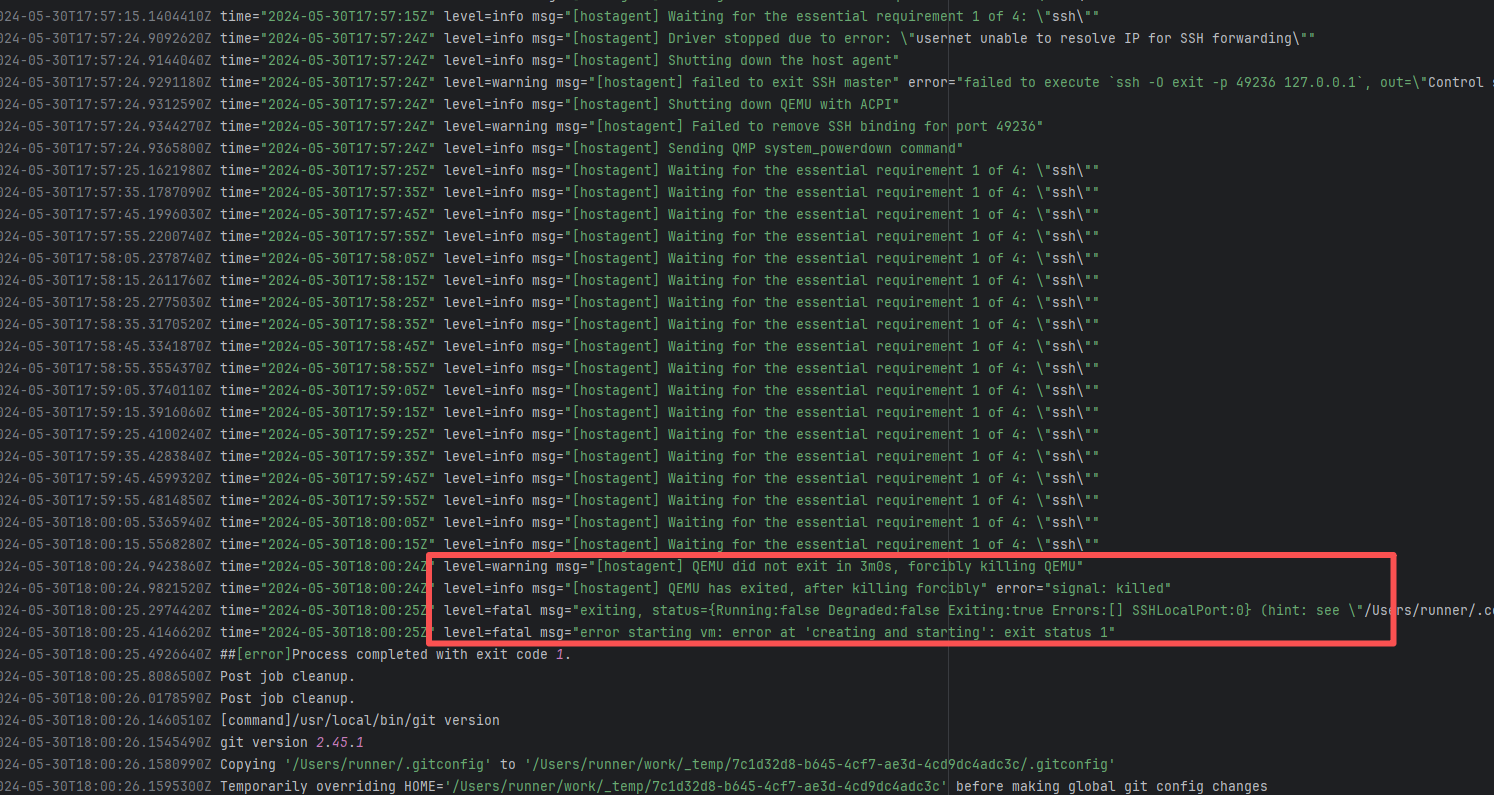 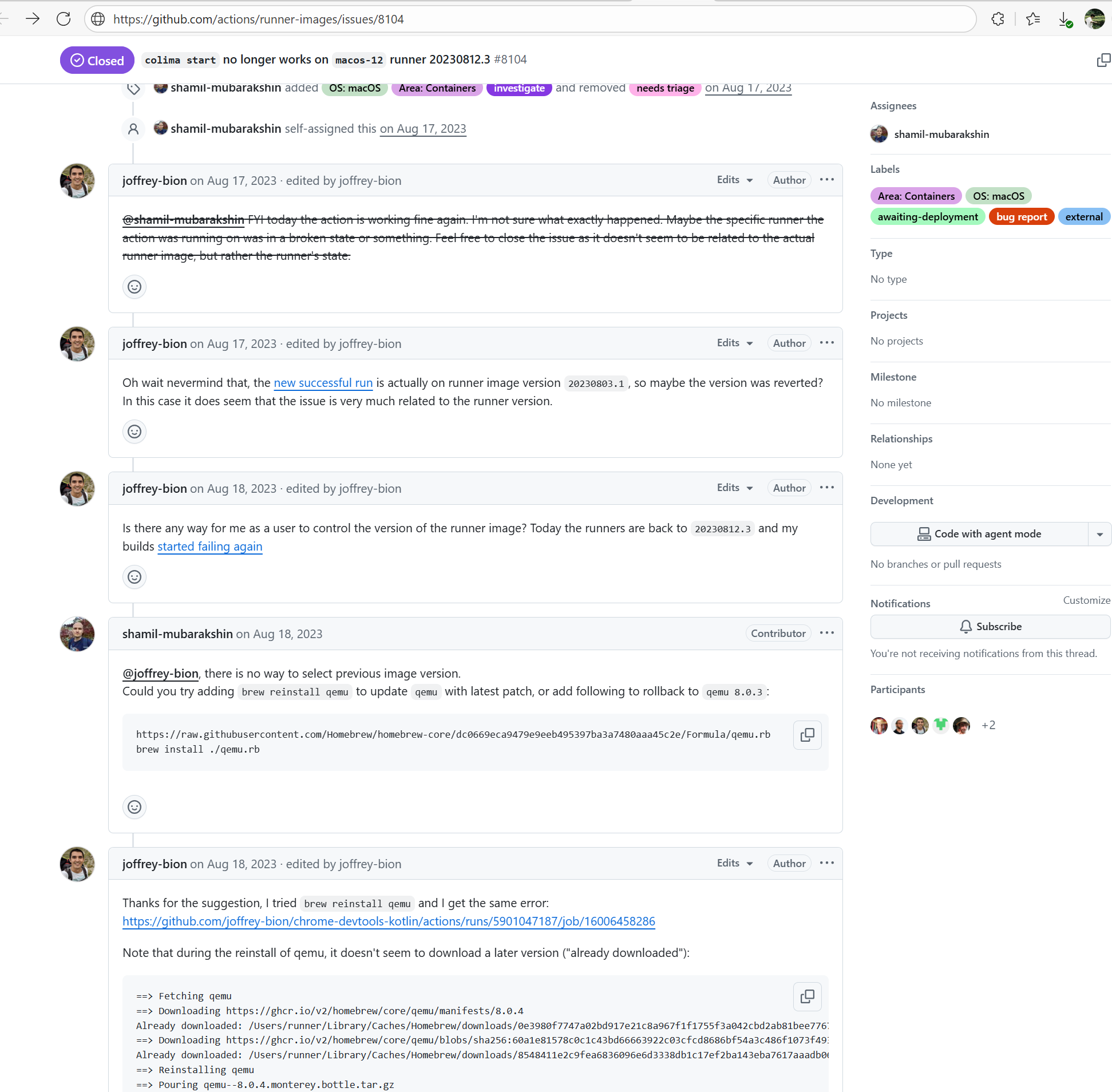 |
| huaweicloud/sermant |
19885475327 |
Out Of Memory |
Error: The log error shows that when using the kill -9 command, the command reported an error and the build failed because the thread had already finished executing.
Root Cause: Checking the script reveals that the command lists all running Java processes via jps -l (a command that comes with the JDK); filters out processes whose names contain feign or rest; extracts the process ID (PID); forcefully terminates them with kill -9; and prints the remaining Java processes to confirm the cleanup effect. When the script obtained the process ID and was ready to execute the kill command, the process just finished executing and exited on its own/exited abnormally, thus causing an error. After rerun, it successfully used the kill command to close the process and the build succeeded. |
Short-term Fix: Succeeded after Rerun the job.
Long-term Defense: Continuous monitoring; if frequent, investigate root cause in depth. |
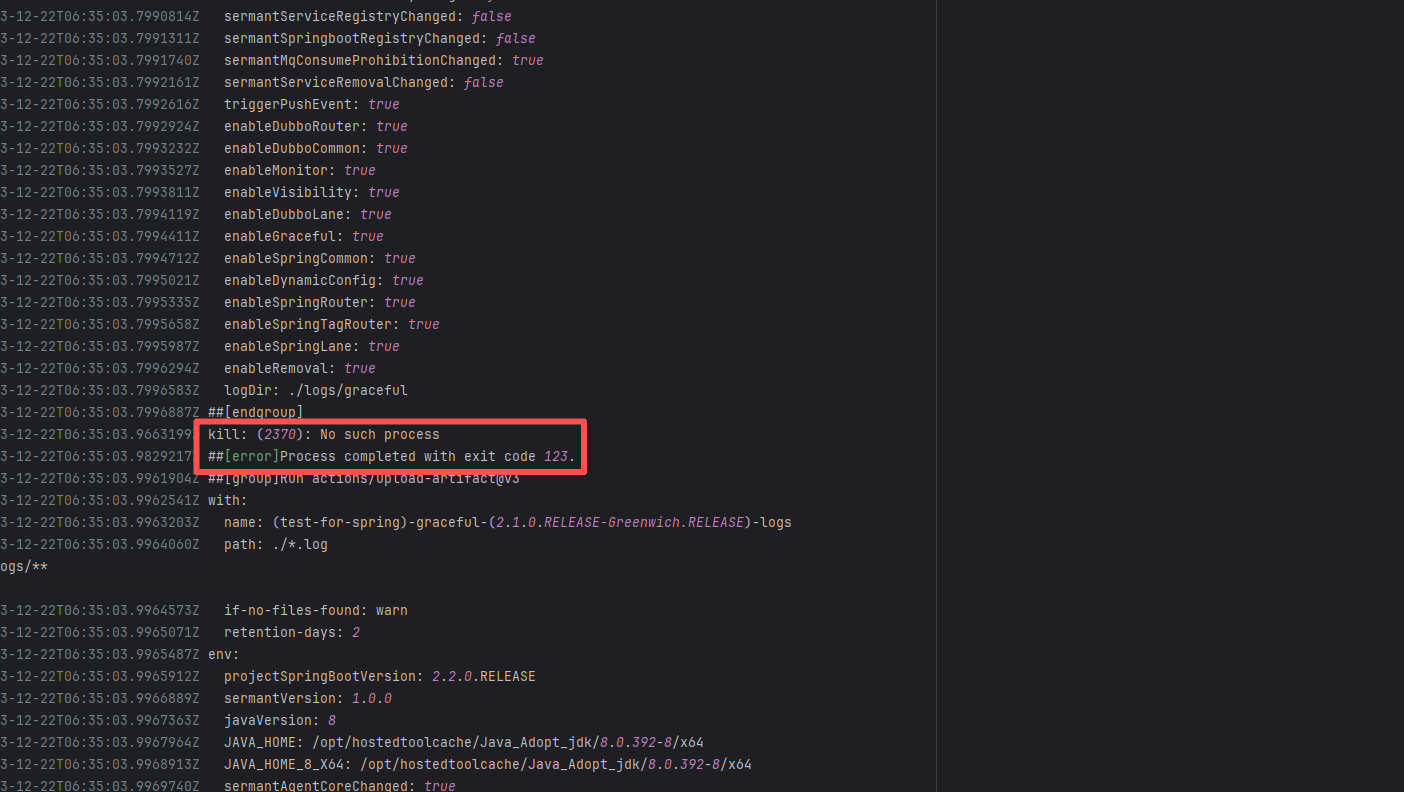 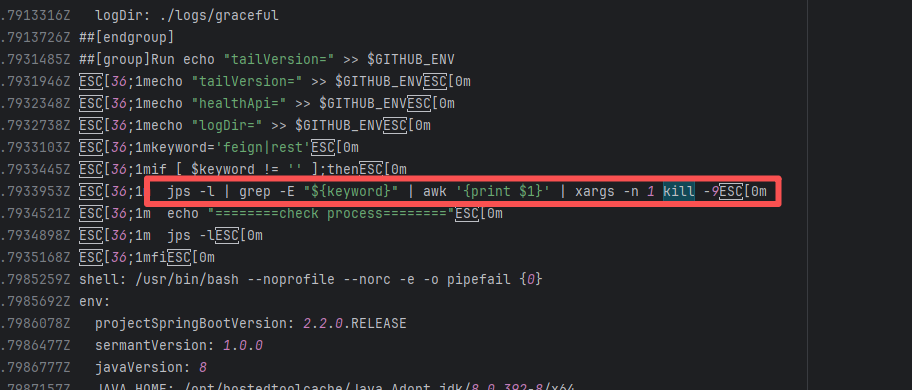 |
| opensearch-project/opensearch |
25466588227 |
Unstable Runner Environment |
Error: Colima failed to start normally when attempting to launch Colima (a container virtualization tool based on Lima) on GitHub Actions' macOS runner.
Root Cause: By checking the related Issue (https://github.com/actions/runner-images/issues/8104), it was found that this is caused by the macOS runner. Colima uses QEMU, which heavily relies on the system's virtualization capabilities. GitHub Actions' macOS runner is a restricted virtualization environment, and Colima requires underlying virtualization support. In GitHub's macOS runner sandbox, these virtualization interfaces are partially disabled or have restricted functionality, causing Colima to fail to start the virtual machine. This issue is sporadic, and the developer succeeded after multiple reruns. |
Short-term Fix: Succeeded after Rerun the job.
Long-term Defense: Continuous monitoring; if frequent, investigate root cause in depth. |
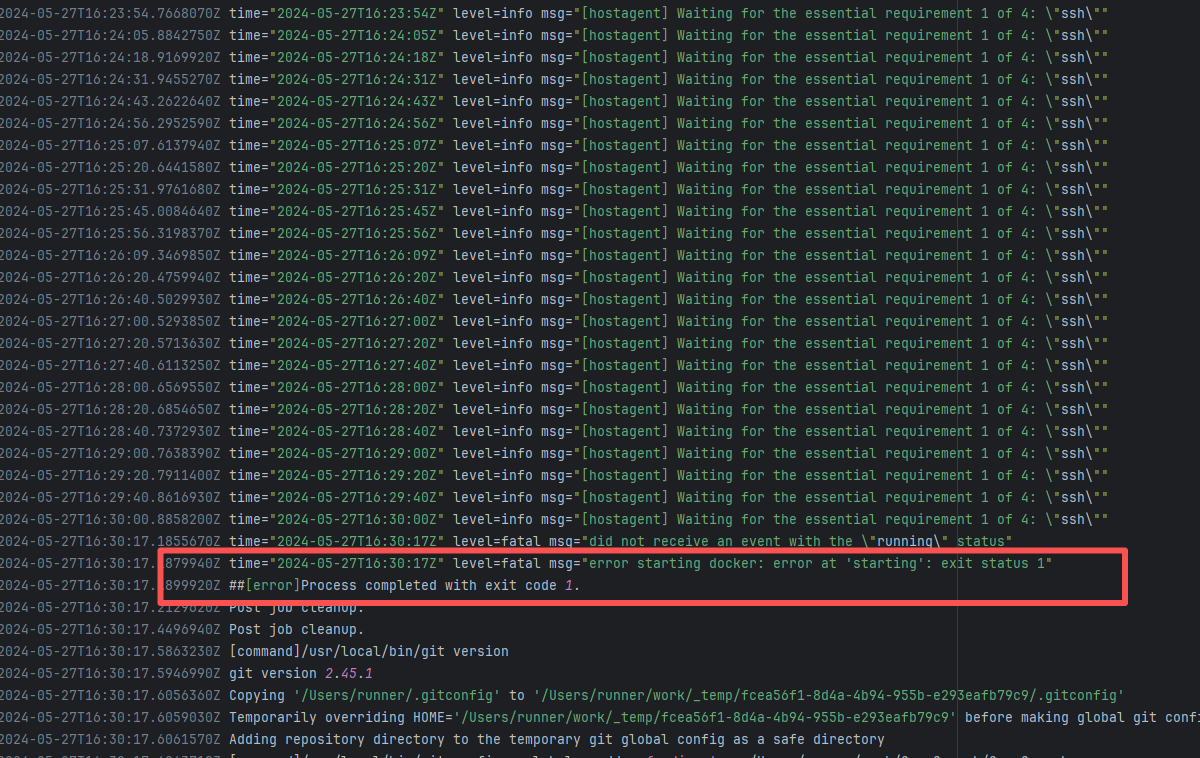 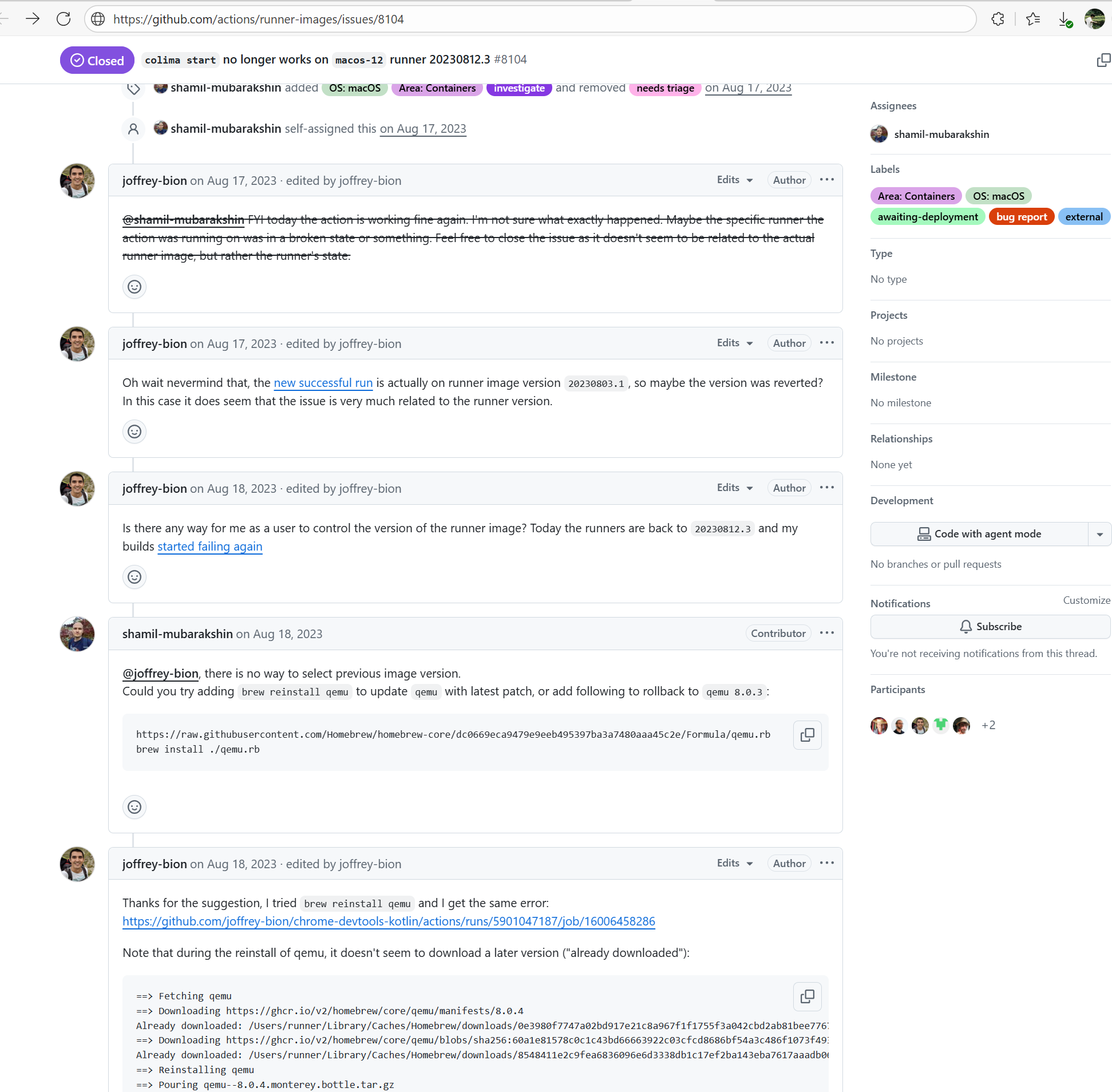 |
| apache/pulsar |
24289938043 |
Out Of Memory |
Error: The log error shows that the JVM (the child process of the Surefire fork) was forcibly terminated by the system due to OOM. Because of -XX:+ExitOnOutOfMemoryError, the JVM will exit immediately upon OOM instead of continuing to run, so it will not enter the normal cleanup process and will exit abnormally.
Root Cause: Succeeded after rerun without modifying the code. |
- Manually adjust the maximum limit of the JavaScript heap memory through the `--max-old-space-size` parameter to cover dynamic floating peaks.
- If memory fluctuations are caused by temporary factors such as GC timing or execution order (e.g., sporadic OOM), a rerun might quickly solve the problem, which is suitable for urgent scenarios. |
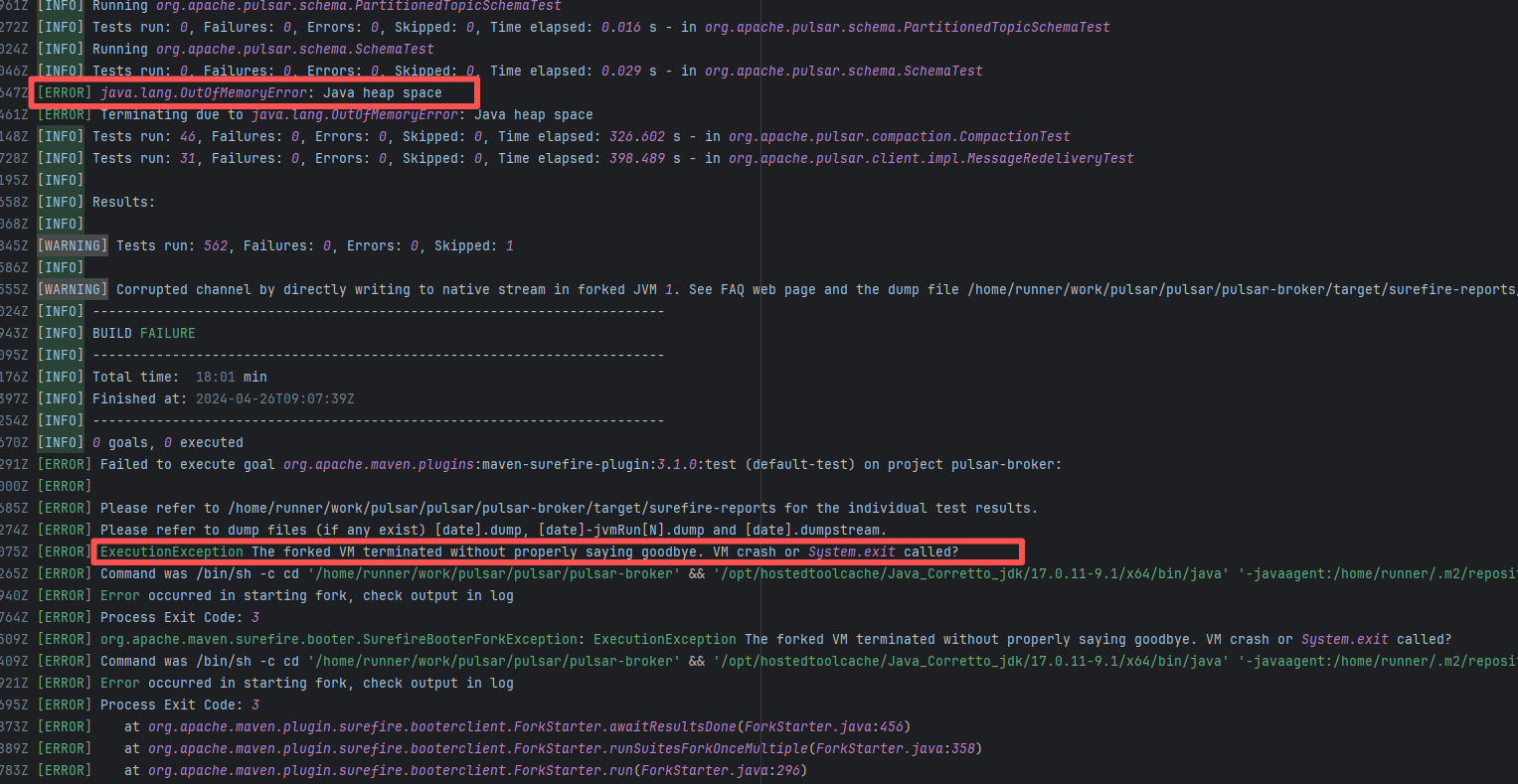 |
| nextcloud/android |
26782091426 |
Out Of Memory |
Error: The log reflects that a Gradle Daemon disappeared unexpectedly. "Gradle daemon disappeared" is often caused by insufficient memory / restricted system resources / abnormal interruption of the runner, etc.
Root Cause: Successfully built after rerun. |
Short-term Fix: Succeeded after Rerun the job.
Long-term Defense: Continuous monitoring; if frequent, investigate root cause in depth. |
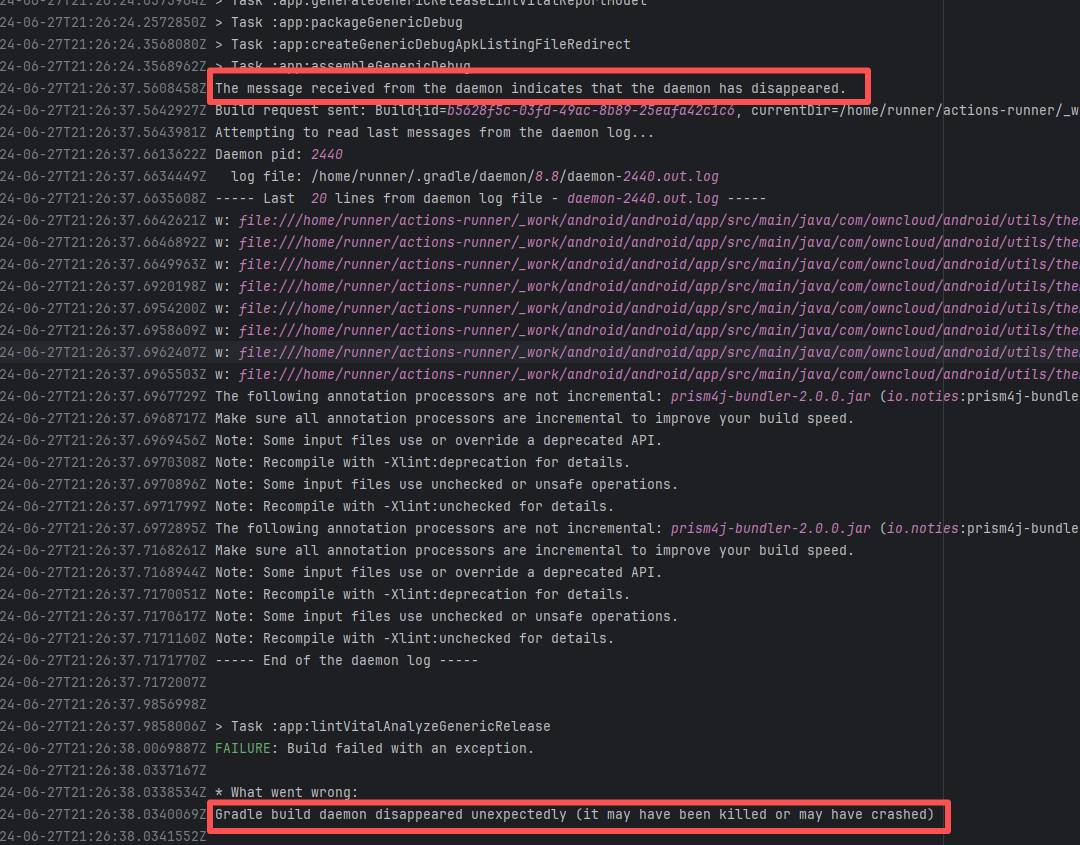 |
| opensearch-project/opensearch |
21123936693 |
Unstable Runner Environment |
Error: Colima failed to start normally when attempting to launch Colima (a container virtualization tool based on Lima) on GitHub Actions' macOS runner.
Root Cause: By checking the related Issue (https://github.com/actions/runner-images/issues/8104), it was found that this is caused by the macOS runner. Colima uses QEMU, which heavily relies on the system's virtualization capabilities. GitHub Actions' macOS runner is a restricted virtualization environment, and Colima requires underlying virtualization support. In GitHub's macOS runner sandbox, these virtualization interfaces are partially disabled or have restricted functionality, causing Colima to fail to start the virtual machine. This issue is sporadic, and the developer succeeded after multiple reruns. |
Short-term Fix: Succeeded after Rerun the job.
Long-term Defense: Continuous monitoring; if frequent, investigate root cause in depth. |
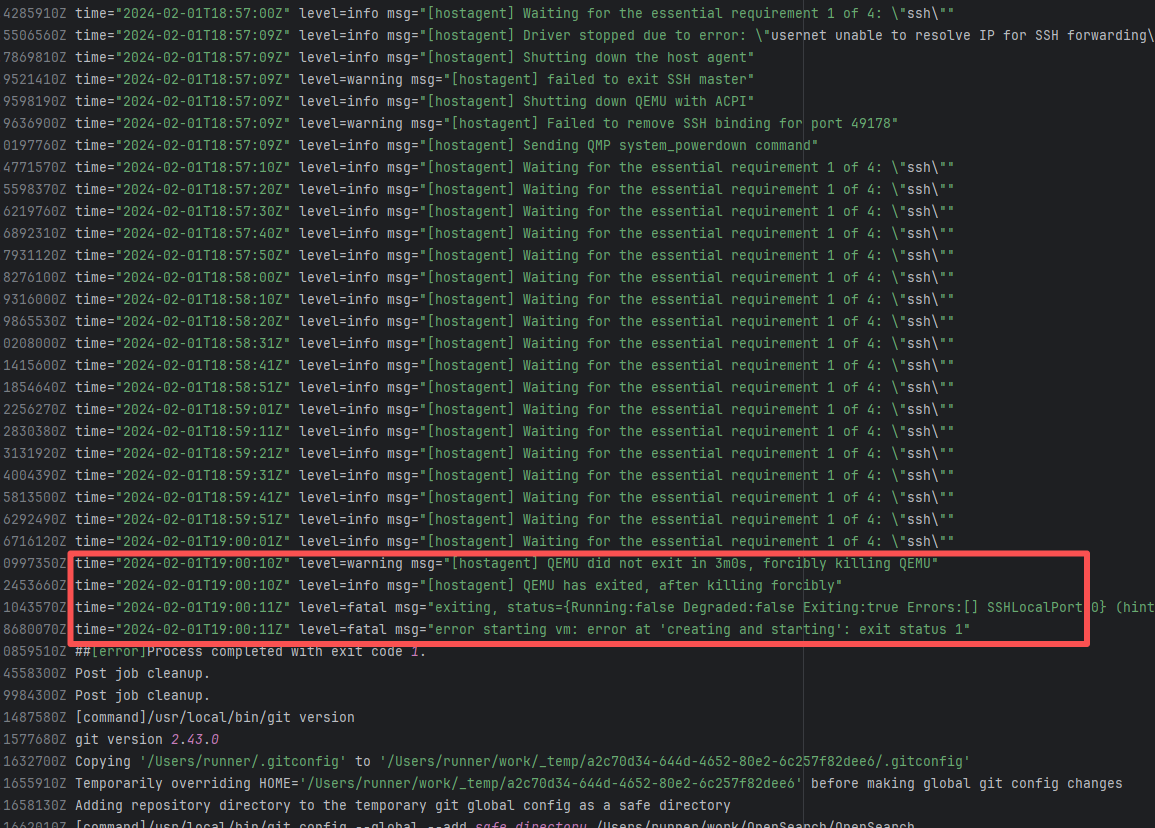  |
| opensearch-project/opensearch |
25754894723 |
Unstable Runner Environment |
Error: Colima failed to start normally when attempting to launch Colima (a container virtualization tool based on Lima) on GitHub Actions' macOS runner.
Root Cause: By checking the related Issue (https://github.com/actions/runner-images/issues/8104), it was found that this is caused by the macOS runner. Colima uses QEMU, which heavily relies on the system's virtualization capabilities. GitHub Actions' macOS runner is a restricted virtualization environment, and Colima requires underlying virtualization support. In GitHub's macOS runner sandbox, these virtualization interfaces are partially disabled or have restricted functionality, causing Colima to fail to start the virtual machine. This issue is sporadic, and the developer succeeded after multiple reruns. |
Short-term Fix: Succeeded after Rerun the job.
Long-term Defense: Continuous monitoring; if frequent, investigate root cause in depth. |
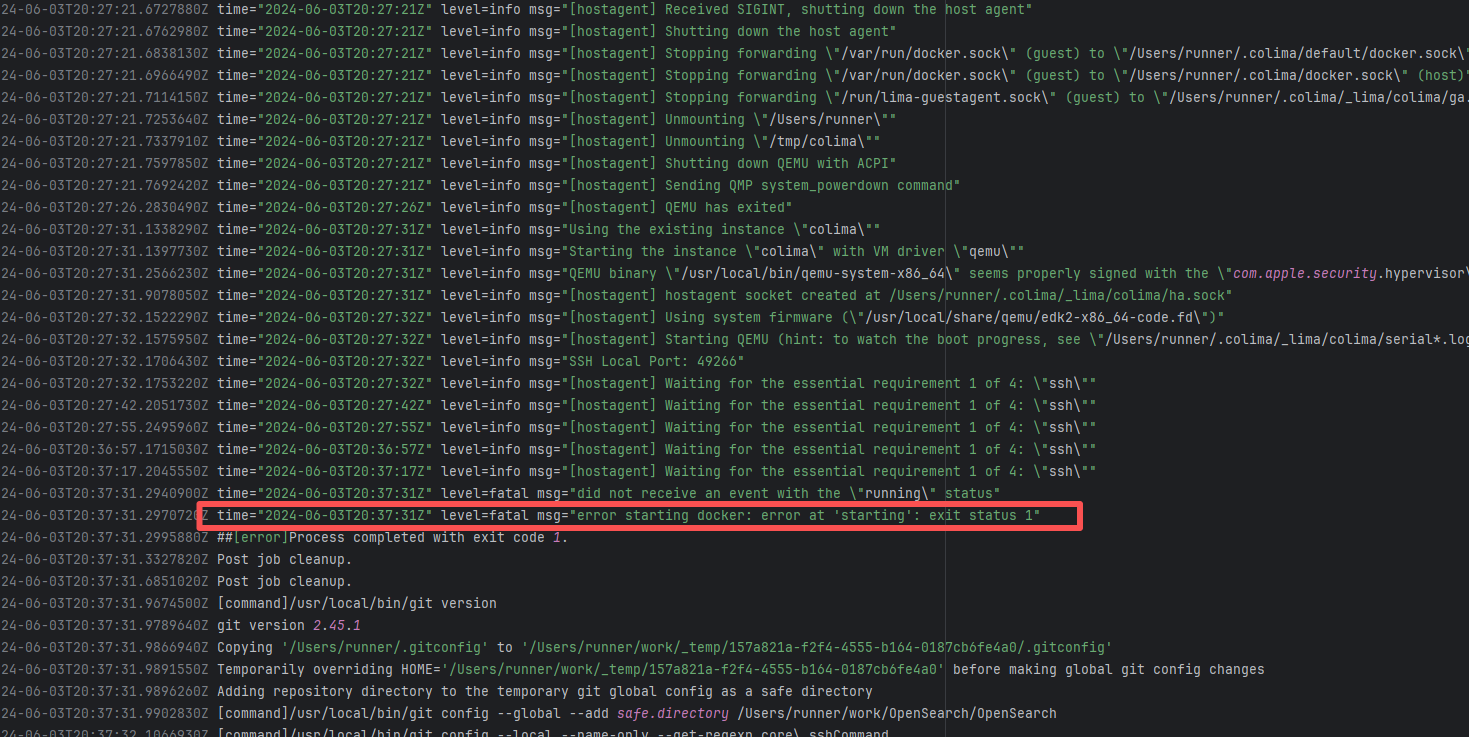 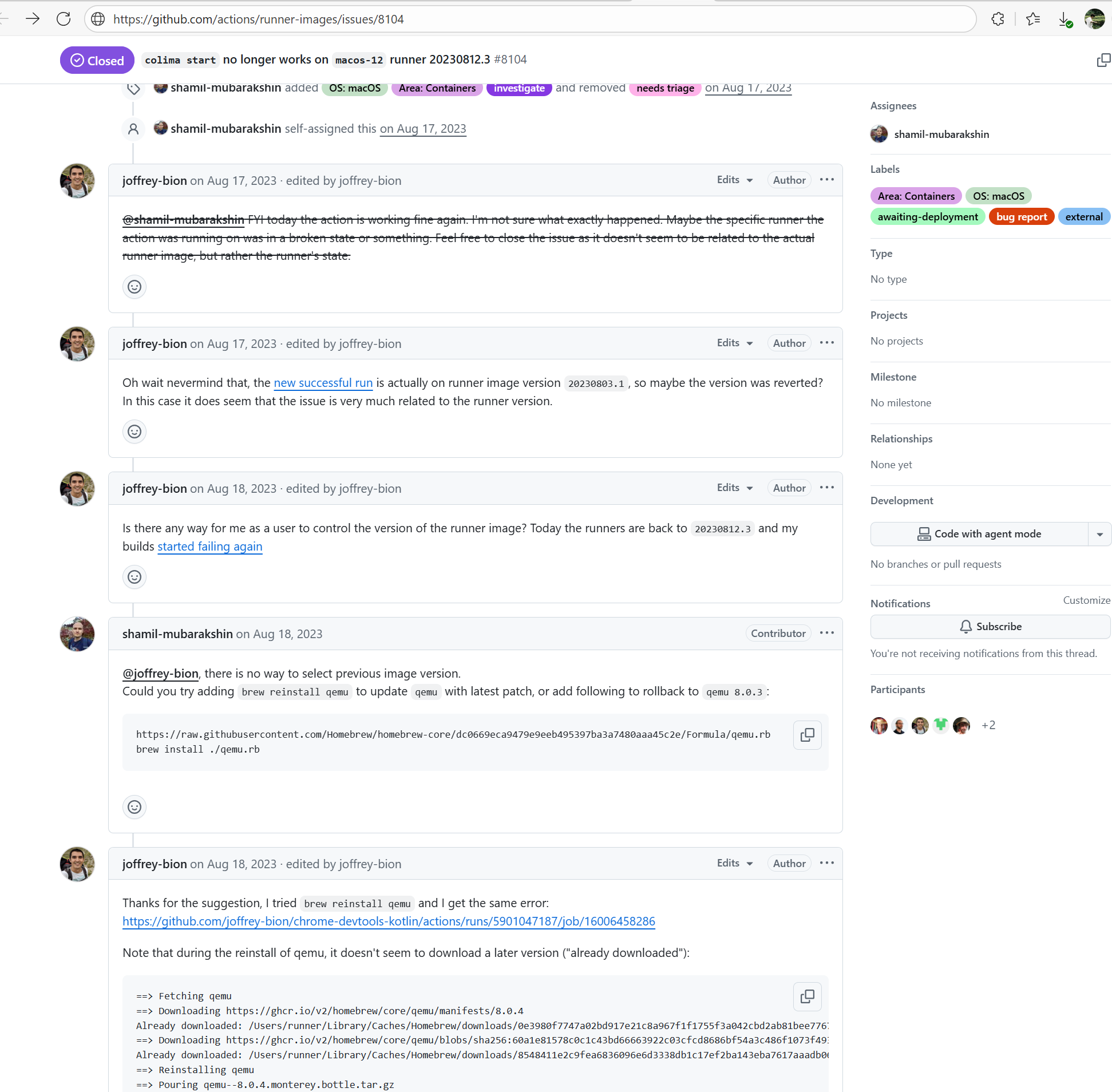 |
| structr/structr |
17772960358 |
Out Of Memory |
Error: The child JVM started by the Surefire/Failsafe plugin crashed early or was forcefully terminated, and the main Maven process did not receive a normal exit signal.
Root Cause: Successfully built after rerun. |
Short-term Fix: Succeeded after Rerun the job.
Long-term Defense: Continuous monitoring; if frequent, investigate root cause in depth. |
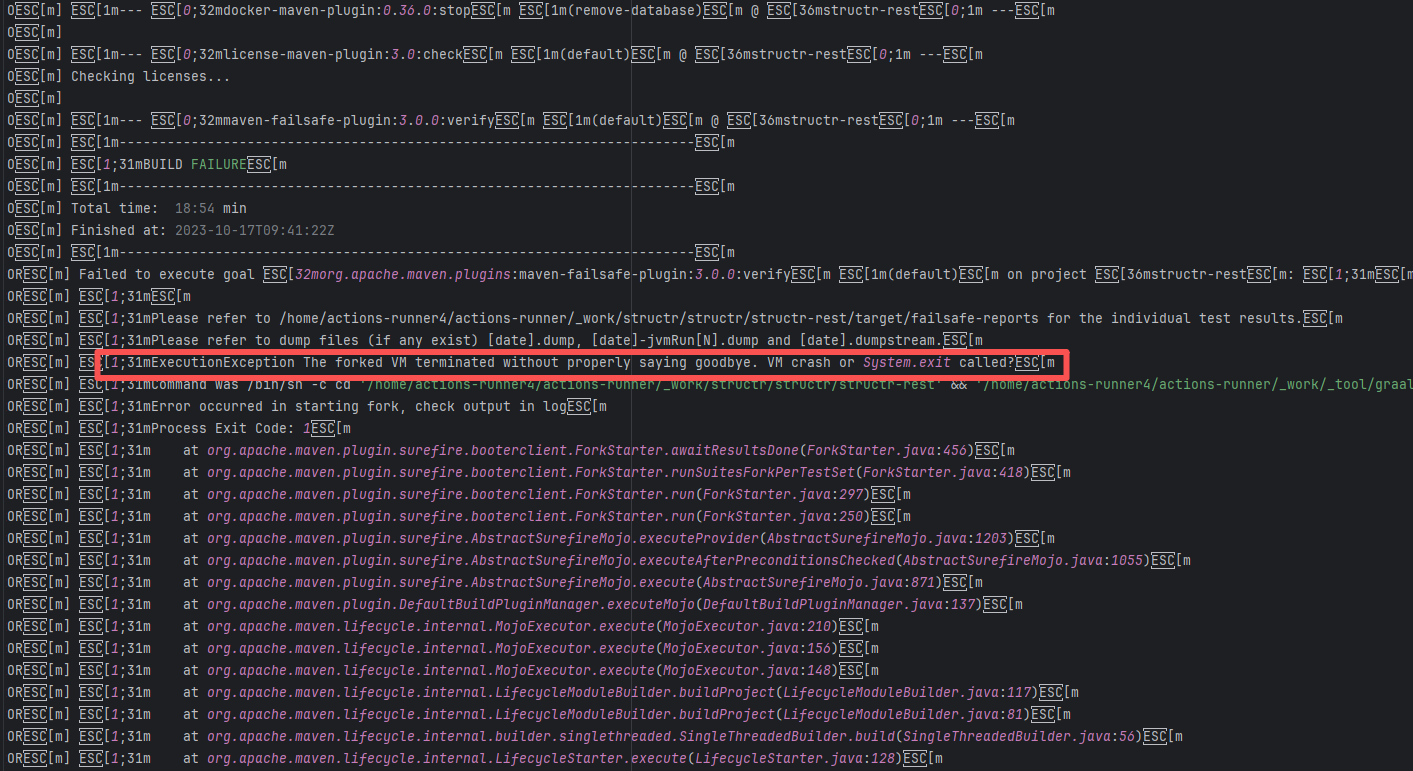 |
| opensearch-project/opensearch |
25619312295 |
Unstable Runner Environment |
Error: Colima failed to start normally when attempting to launch Colima (a container virtualization tool based on Lima) on GitHub Actions' macOS runner.
Root Cause: By checking the related Issue (https://github.com/actions/runner-images/issues/8104), it was found that this is caused by the macOS runner. Colima uses QEMU, which heavily relies on the system's virtualization capabilities. GitHub Actions' macOS runner is a restricted virtualization environment, and Colima requires underlying virtualization support. In GitHub's macOS runner sandbox, these virtualization interfaces are partially disabled or have restricted functionality, causing Colima to fail to start the virtual machine. This issue is sporadic, and the developer succeeded after multiple reruns. |
Short-term Fix: Succeeded after Rerun the job.
Long-term Defense: Continuous monitoring; if frequent, investigate root cause in depth. |
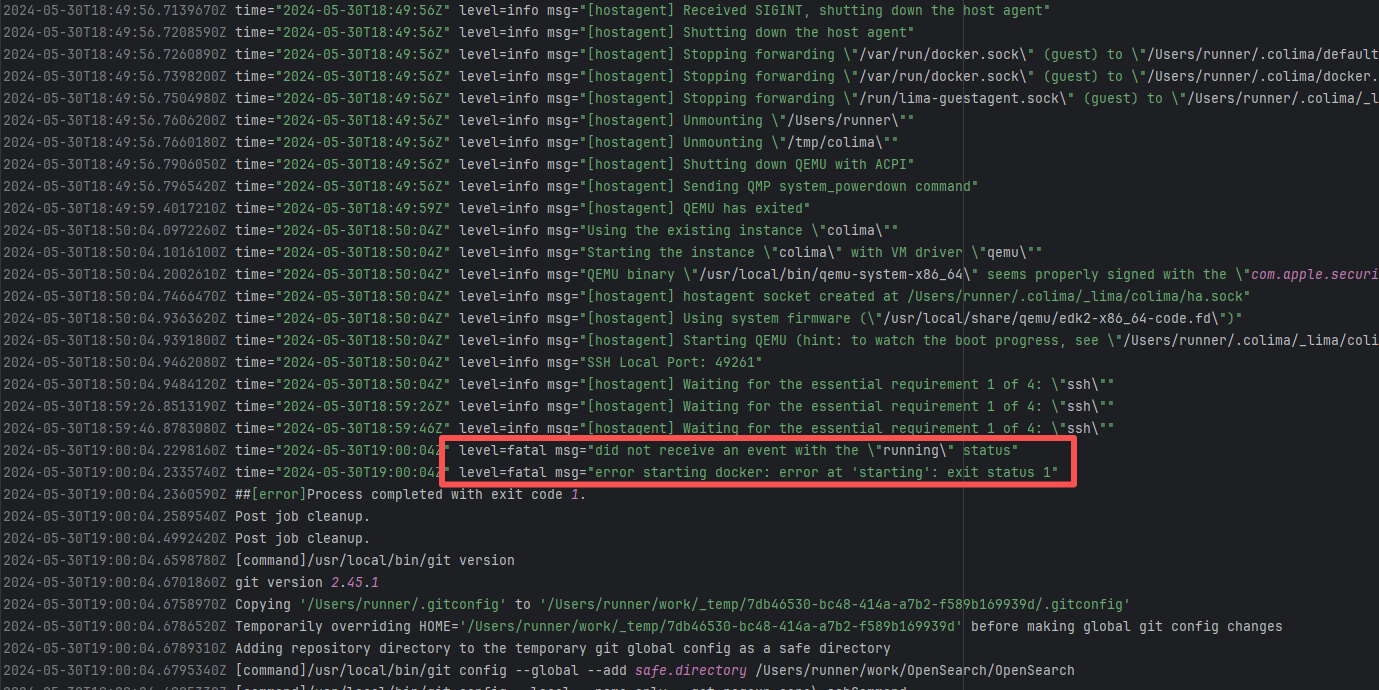 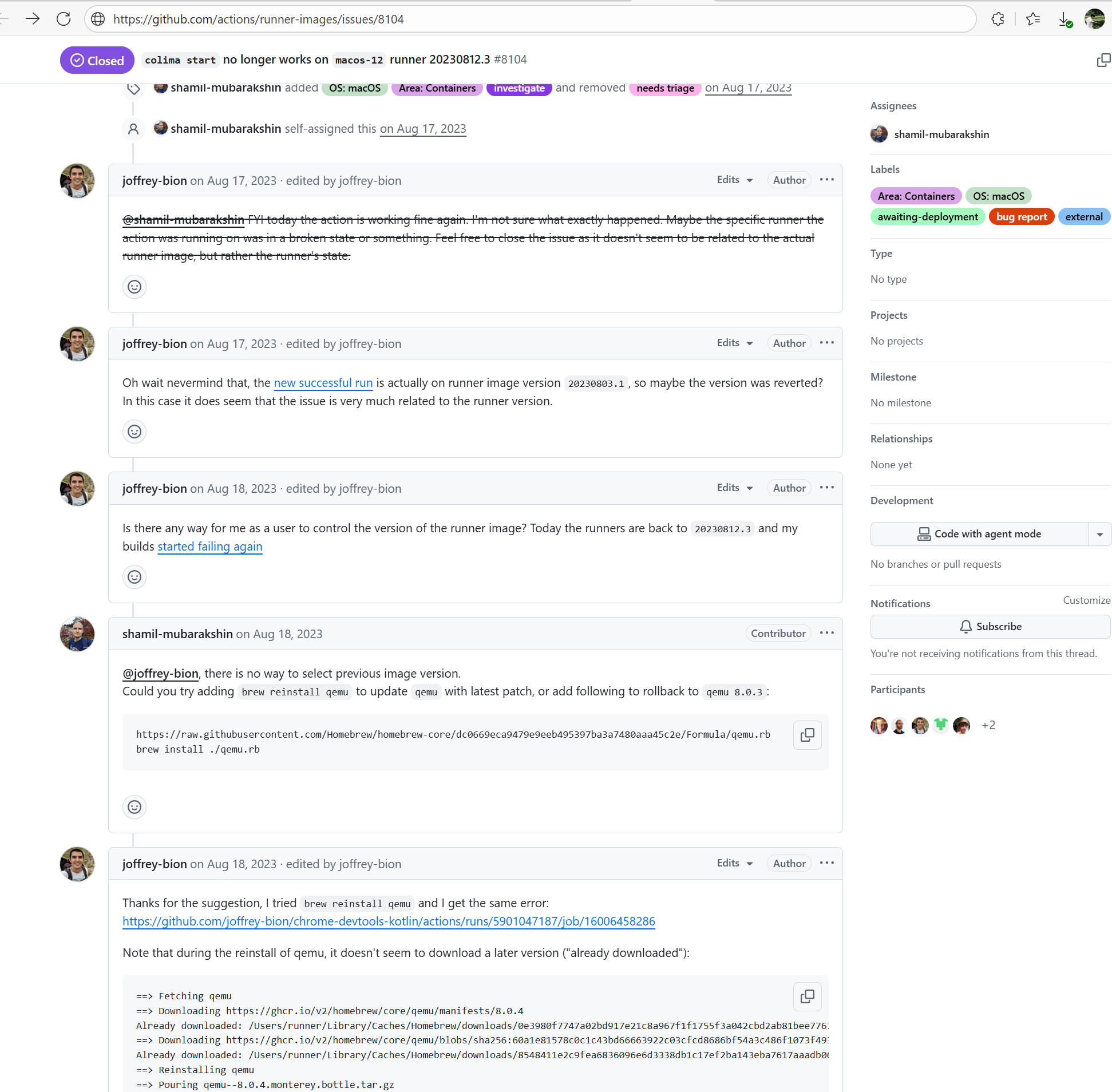 |
| camunda/zeebe |
21641297751 |
Out Of Memory |
Error: The child JVM started by the Surefire/Failsafe plugin crashed early or was forcefully terminated, and the main Maven process did not receive a normal exit signal.
Root Cause: Successfully built after rerun. |
Short-term Fix: Succeeded after Rerun the job.
Long-term Defense: Continuous monitoring; if frequent, investigate root cause in depth. |
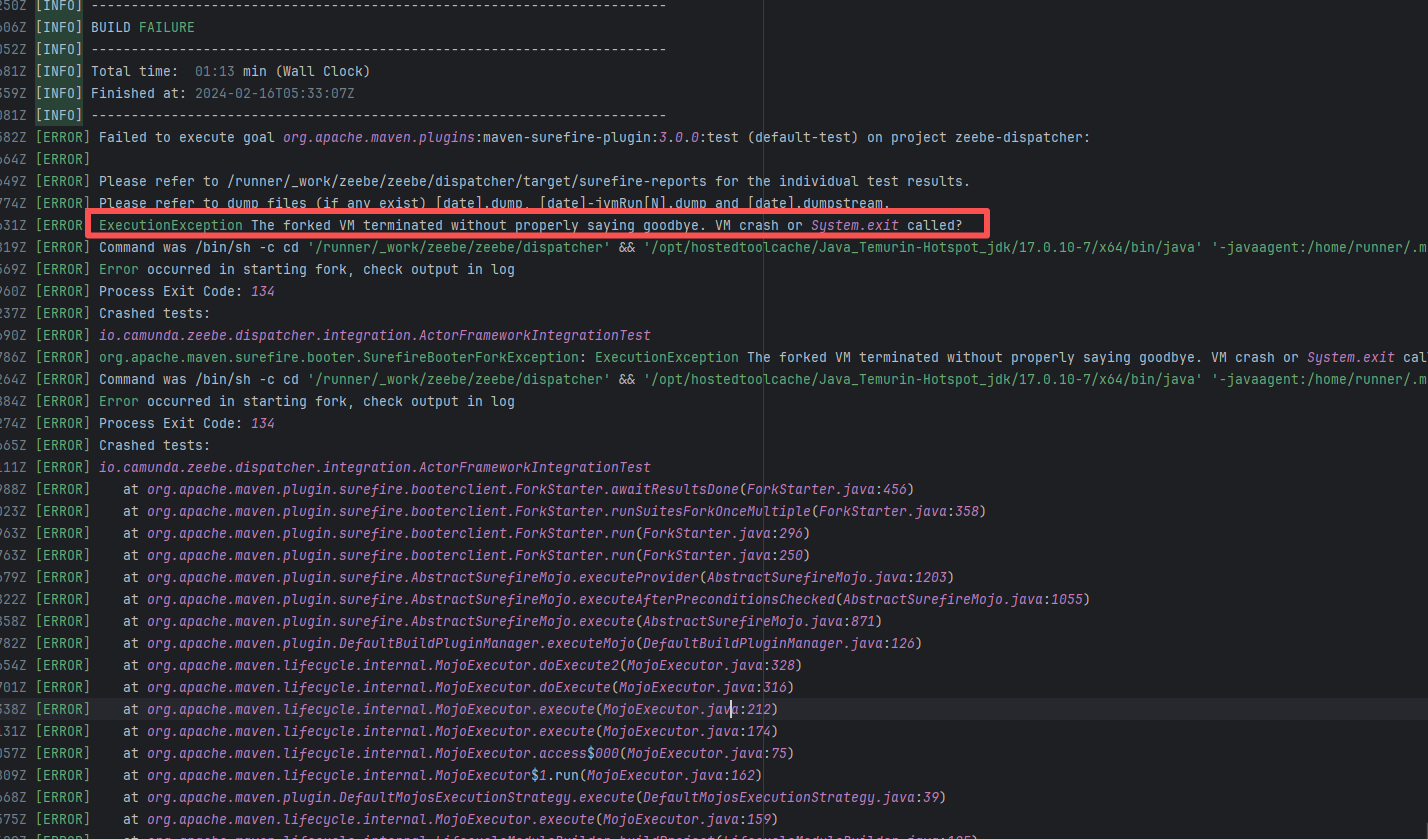 |
| huaweicloud/sermant |
19436483826 |
Out Of Memory |
Error: The log error shows that when using the kill -9 command, the command reported an error and the build failed because the thread had already finished executing.
Root Cause: Checking the script reveals that the command lists all running Java processes via jps -l (a command that comes with the JDK); filters out processes whose names contain feign or rest; extracts the process ID (PID); forcefully terminates them with kill -9; and prints the remaining Java processes to confirm the cleanup effect. When the script obtained the process ID and was ready to execute the kill command, the process just finished executing and exited on its own/exited abnormally, thus causing an error. After rerun, it successfully used the kill command to close the process and the build succeeded. |
Short-term Fix: Succeeded after Rerun the job.
Long-term Defense: Continuous monitoring; if frequent, investigate root cause in depth. |
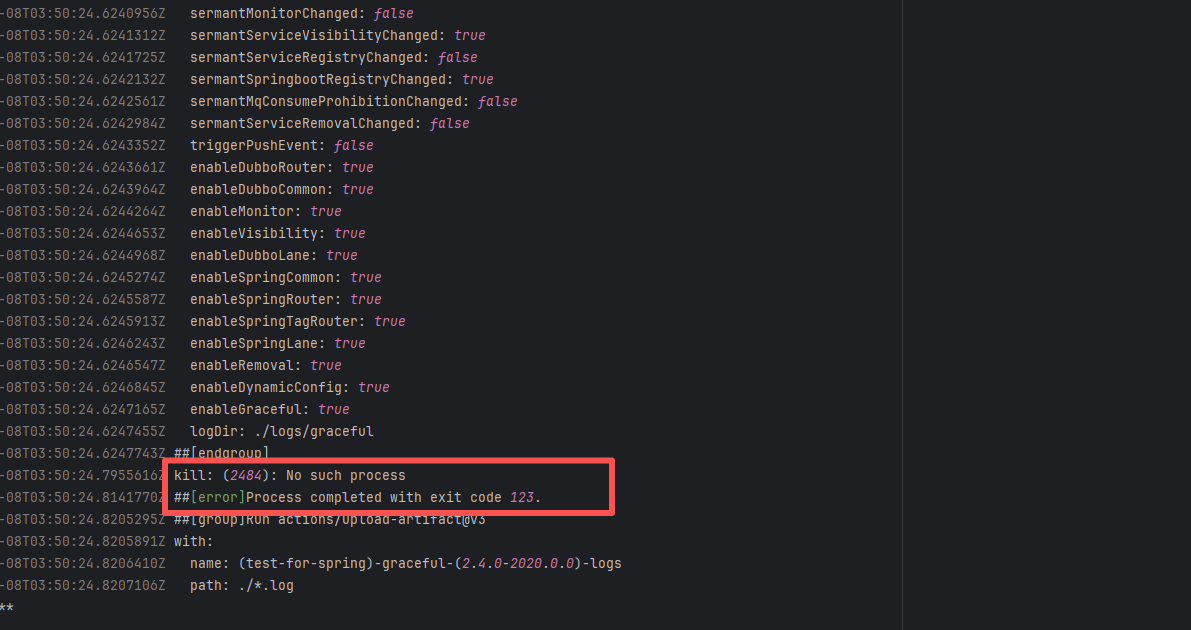 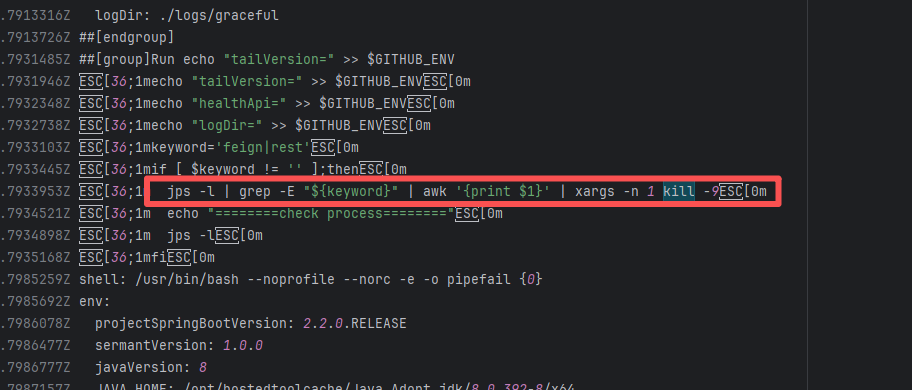 |
| akto-api-security/akto |
25129882912 |
Out Of Memory |
Error: When CI/CD (GitHub Actions) executed the Kubernetes cleanup and Helm uninstall commands, the target resources did not exist. This is not a systemic error, but a "logical error/non-fatal error caused by non-existent resources".
Root Cause: The error is not a system crash, but "the cleanup operation cannot find the corresponding resources". This could be because:
These resources were not created in this build or deployment;
They were already cleaned up during the previous pipeline run;
The namespace or release name is misspelled;
Or the same pipeline was run multiple times, and the target no longer existed when a subsequent run attempted to clean it up.
It succeeded immediately after rerun. |
Short-term Fix: Succeeded after Rerun the job.
Long-term Defense: Continuous monitoring; if frequent, investigate root cause in depth. |
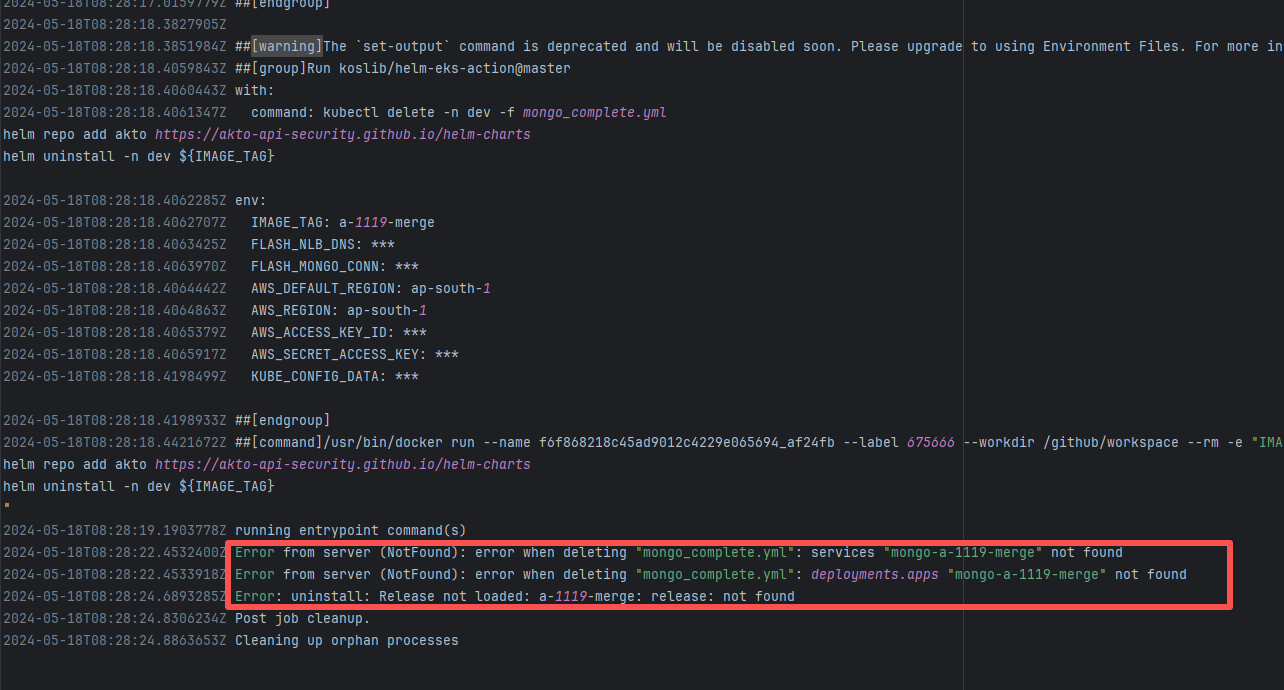 |
| opensearch-project/opensearch |
25747079409 |
Unstable Runner Environment |
Error: Colima failed to start normally when attempting to launch Colima (a container virtualization tool based on Lima) on GitHub Actions' macOS runner.
Root Cause: By checking the related Issue (https://github.com/actions/runner-images/issues/8104), it was found that this is caused by the macOS runner. Colima uses QEMU, which heavily relies on the system's virtualization capabilities. GitHub Actions' macOS runner is a restricted virtualization environment, and Colima requires underlying virtualization support. In GitHub's macOS runner sandbox, these virtualization interfaces are partially disabled or have restricted functionality, causing Colima to fail to start the virtual machine. This issue is sporadic, and the developer succeeded after multiple reruns. |
Short-term Fix: Succeeded after Rerun the job.
Long-term Defense: Continuous monitoring; if frequent, investigate root cause in depth. |
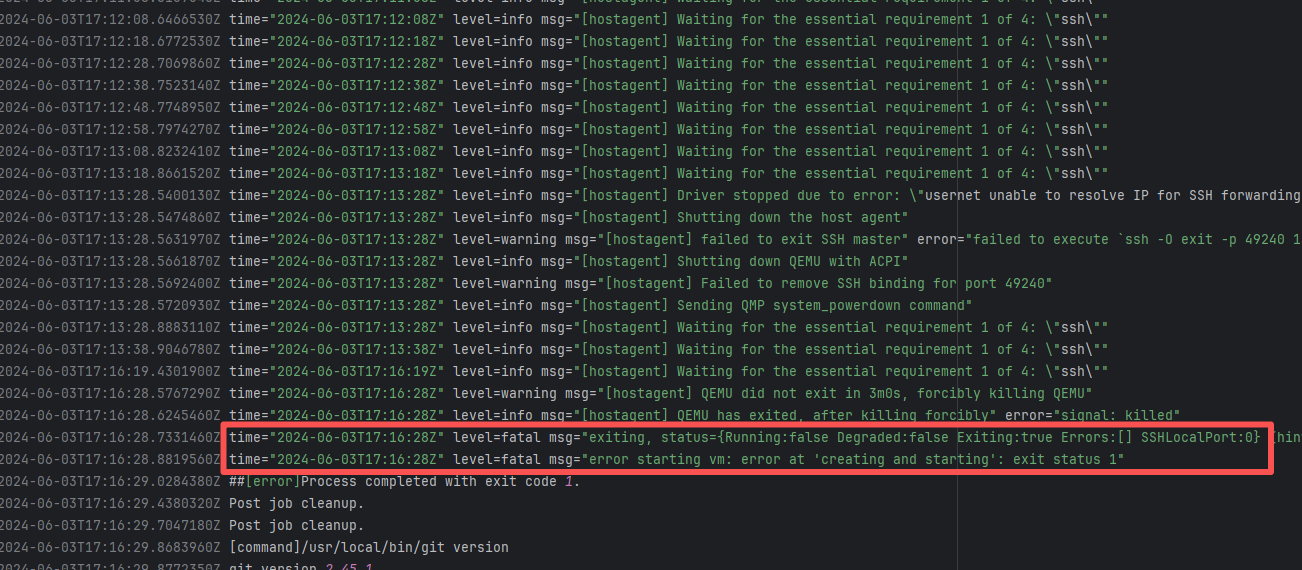 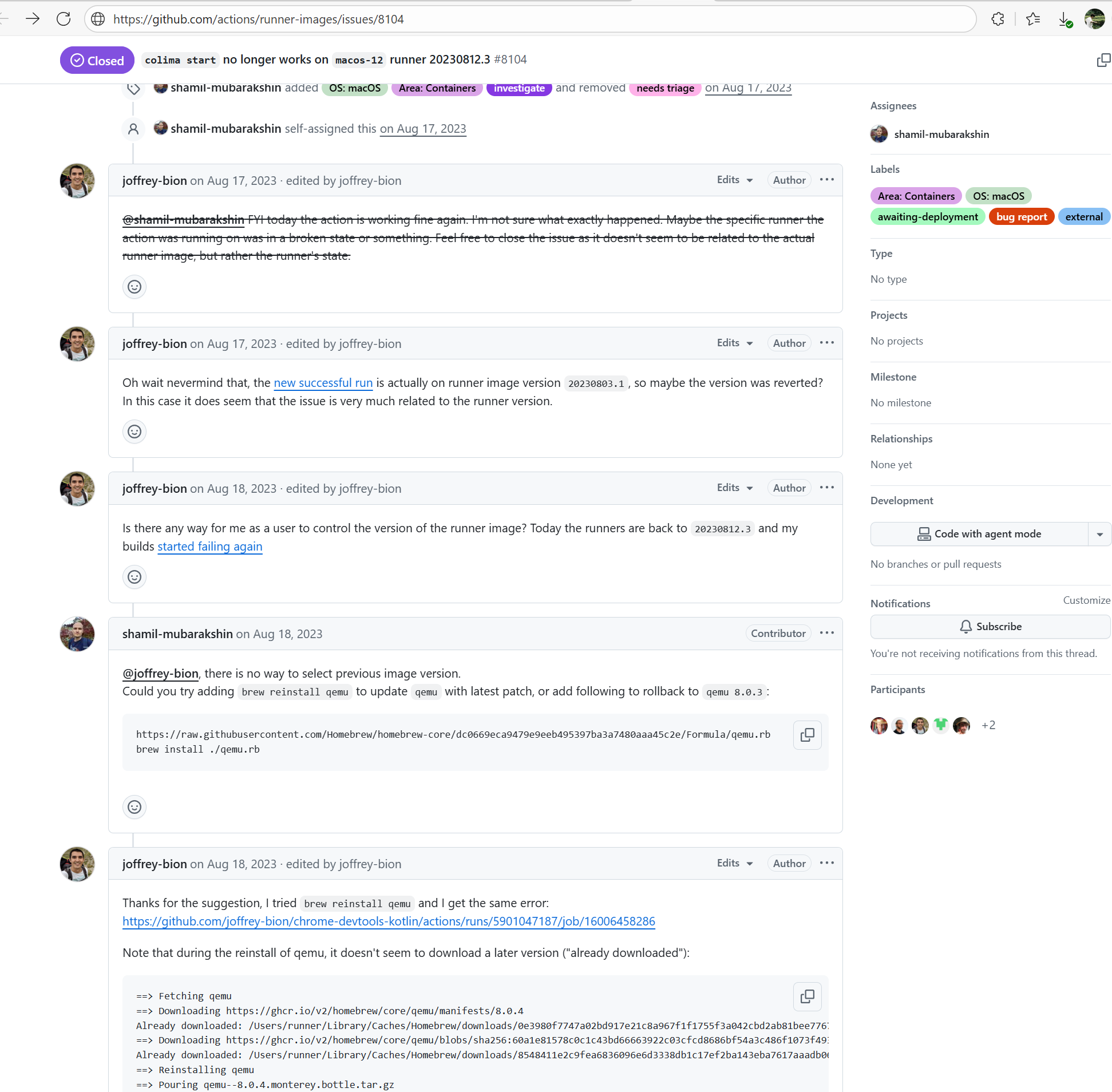 |
| opensearch-project/opensearch |
25394380126 |
Unstable Runner Environment |
Error: Colima failed to start normally when attempting to launch Colima (a container virtualization tool based on Lima) on GitHub Actions' macOS runner.
Root Cause: By checking the related Issue (https://github.com/actions/runner-images/issues/8104), it was found that this is caused by the macOS runner. Colima uses QEMU, which heavily relies on the system's virtualization capabilities. GitHub Actions' macOS runner is a restricted virtualization environment, and Colima requires underlying virtualization support. In GitHub's macOS runner sandbox, these virtualization interfaces are partially disabled or have restricted functionality, causing Colima to fail to start the virtual machine. This issue is sporadic, and the developer succeeded after multiple reruns. |
Short-term Fix: Succeeded after Rerun the job.
Long-term Defense: Continuous monitoring; if frequent, investigate root cause in depth. |
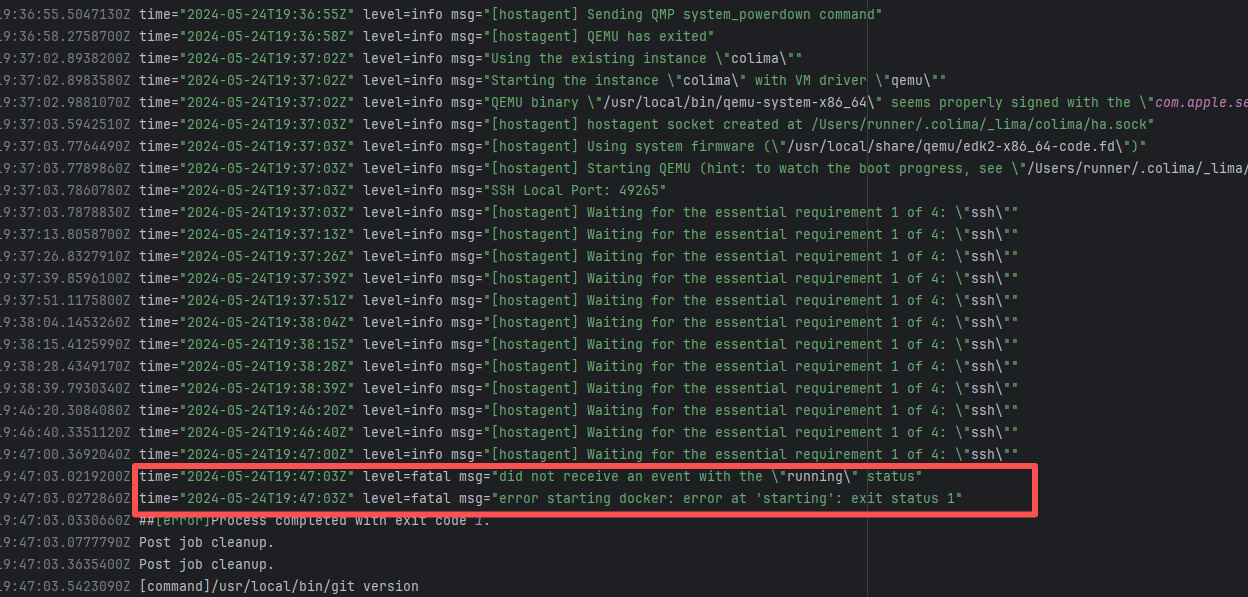 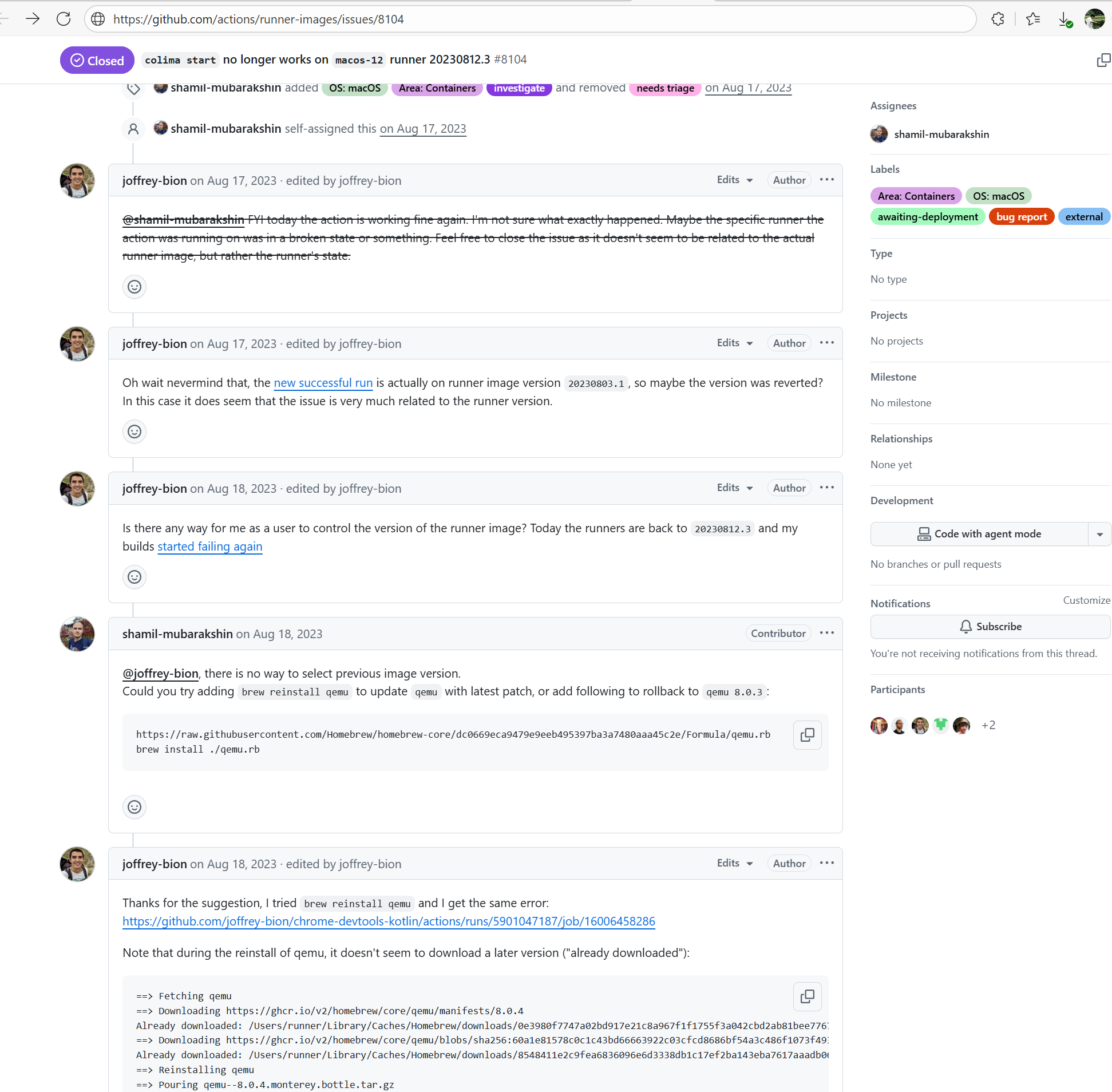 |
| cdapio/cdap |
17986998244 |
Out Of Memory |
Error: The child JVM started by the Surefire/Failsafe plugin crashed early or was forcefully terminated, and the main Maven process did not receive a normal exit signal.
Root Cause: Successfully built after rerun. |
Short-term Fix: Succeeded after Rerun the job.
Long-term Defense: Continuous monitoring; if frequent, investigate root cause in depth. |
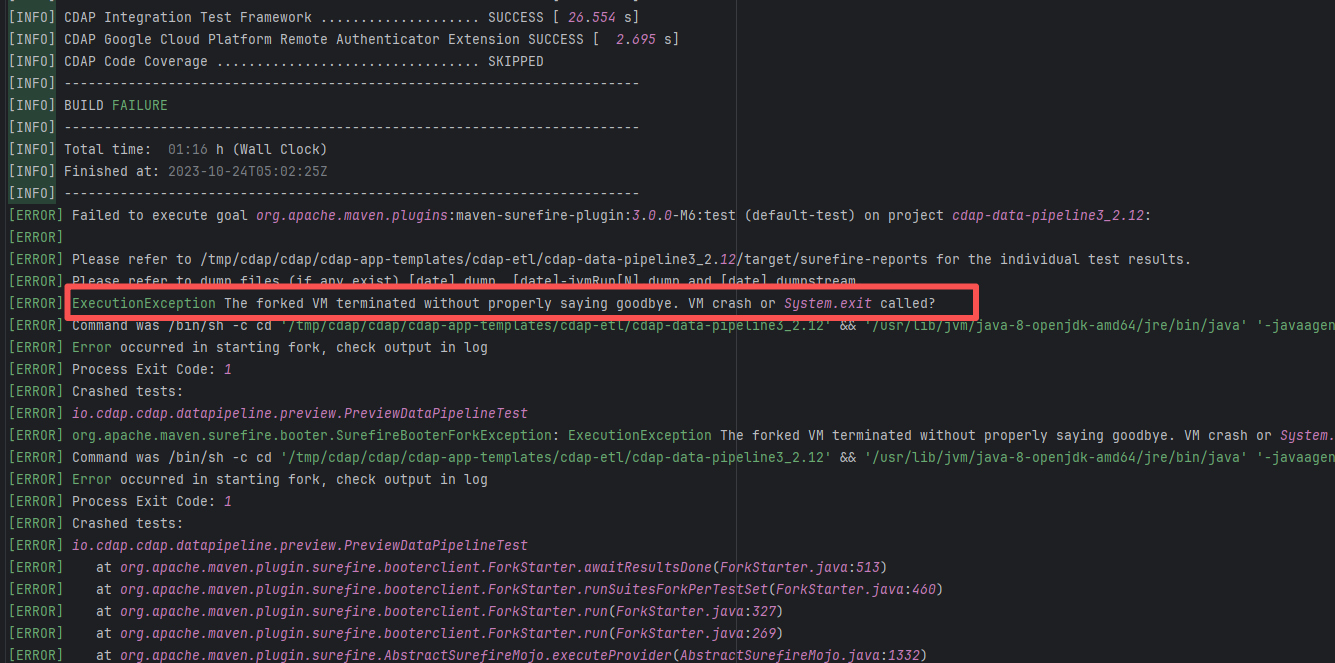 |
| File System Interaction Error |
flowerfine/scaleph |
23243684868 |
API Rate Limit |
Error: The log error shows that the critical error message occurred during file copying. The log shows that when the command cp -r $HERMES_WS_DIR/hermes/* was executed, the target folder /tmp/hermes/hermes/ did not exist, so the files could not be found for copying. This error indicates that the hermes directory was not created or downloaded correctly.
Root Cause: Checking the build history revealed that the GitHub Actions cache service returned HTTP status code 429, which means the requests were too frequent and reached the access limit of the cache service. Status code 429 is usually because the rate limiting of the GitHub Actions cache service was triggered, resulting in the inability to restore the cache, and thus the corresponding files could not be found. After a rerun, the cache files were successfully obtained, and therefore the build succeeded. |
Wait for the API quota to recover and re-execute successfully. |
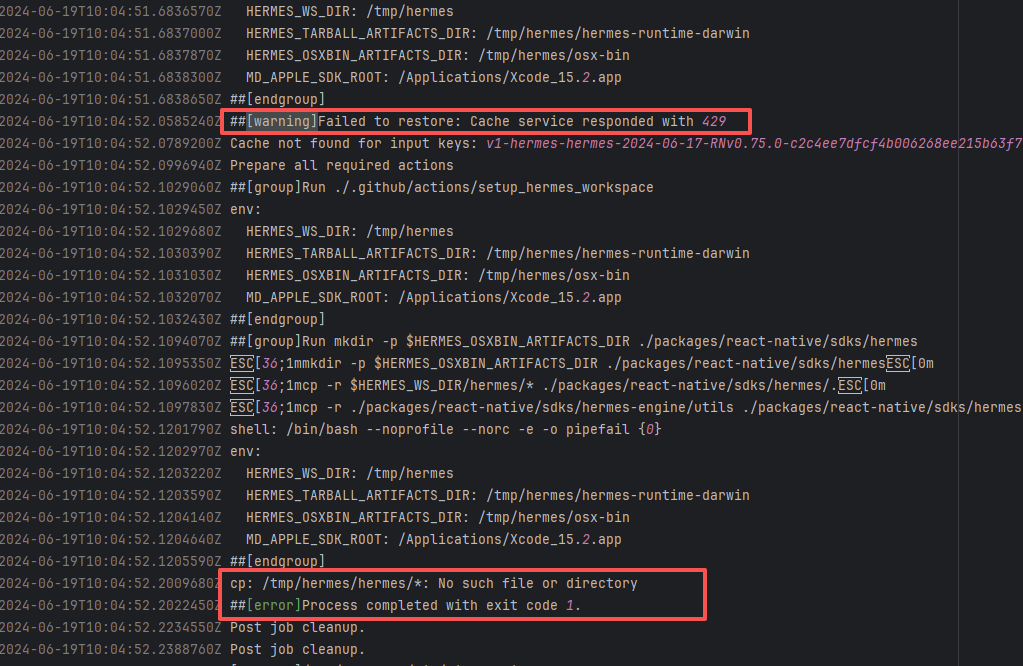 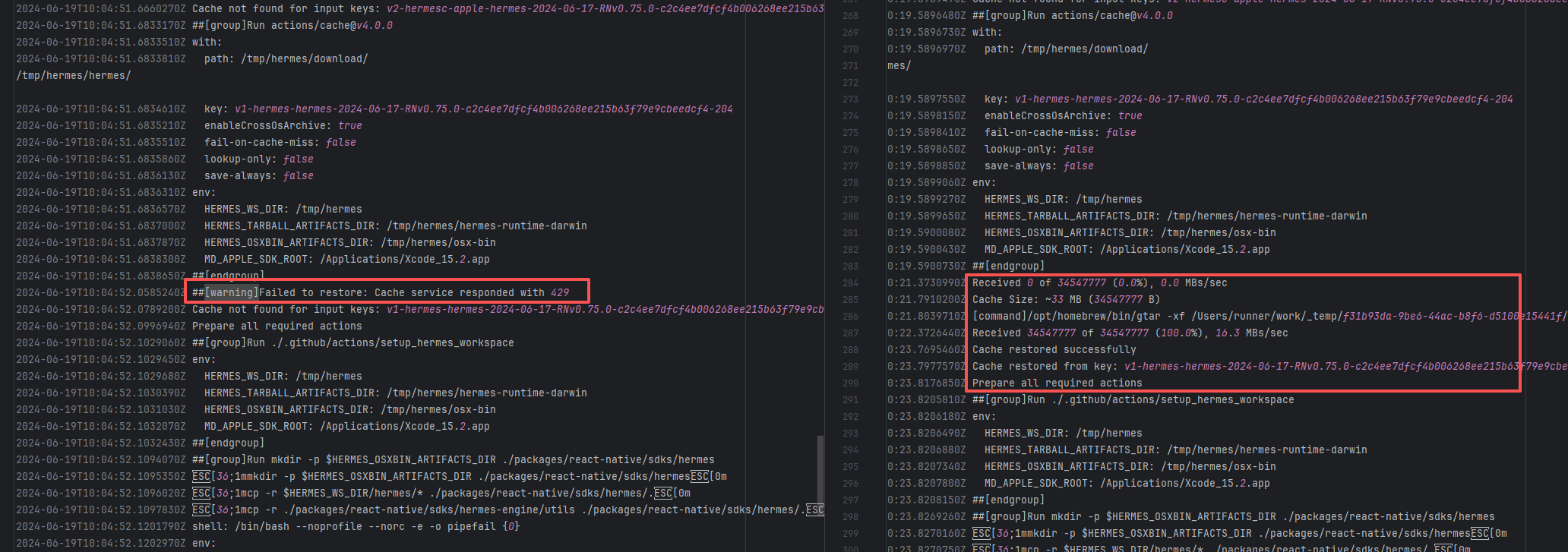 |
| scalar-labs/scalardb |
21871876664 |
Network Issue |
Error: In the error message, OSError: [WinError 123] indicates that the operating system encountered an invalid path name or directory name when processing the path. The path contained a JSON error message, making the path string invalid.
Root Cause: labsjdk-ce-latest-23+18-jvmci-b02 is the name of the JDK to be downloaded, but the downloaded JDK file could not be properly obtained. The response returned an error message (in JSON format), and this error message was incorrectly used as part of the path. Windows path names are not allowed to contain certain characters (such as : and {}), which led to the path error. After a rerun successfully obtained the data, the build succeeded. |
Short-term Fix: Succeeded after Rerun the job.
Long-term Defense: Continuous monitoring; if frequent, investigate root cause in depth. |
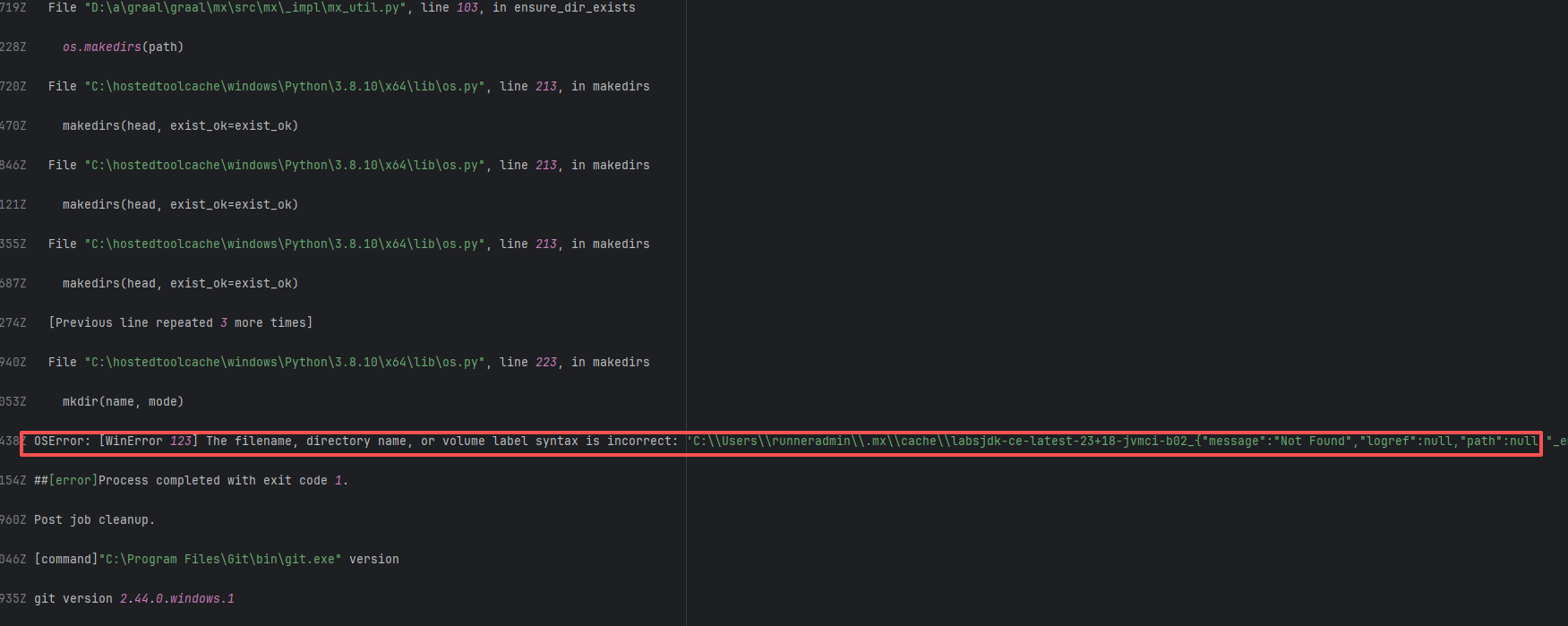 |
| hawtio/hawtio |
18624699372 |
Unstable Cache Key |
Error: The log error shows open /tmp/images/*.tar: no such file or directory. This indicates that there are no *.tar files in the /tmp/images/ directory, so an error is reported.
Root Cause: Analyzing the logs reveals that the files under /tmp/images/*.tar were completely restored from the cache. The failed log missed the cache, while the successful log successfully hit the cache, and the cache keys in the two logs are different. Checking the script reveals that the value of the key is dynamic, in which ${{ github.run_attempt }} is used. It is possible that the first run in the previous run failed, so the file could not be found in the relevant cache. In the second rerun, the cache file was successfully found. |
Short-term Fix: Succeeded after Rerun the job.
Long-term Defense: Continuous monitoring; if frequent, investigate root cause in depth. |
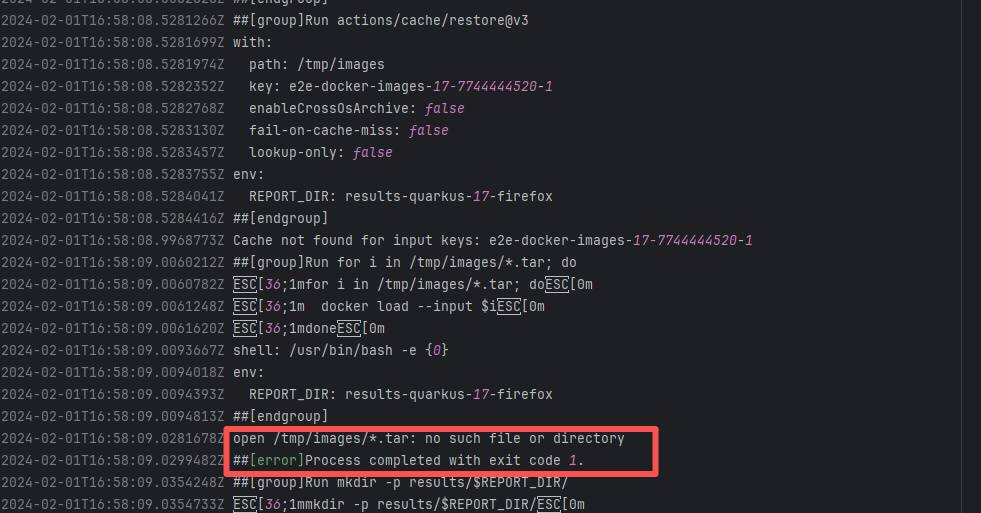 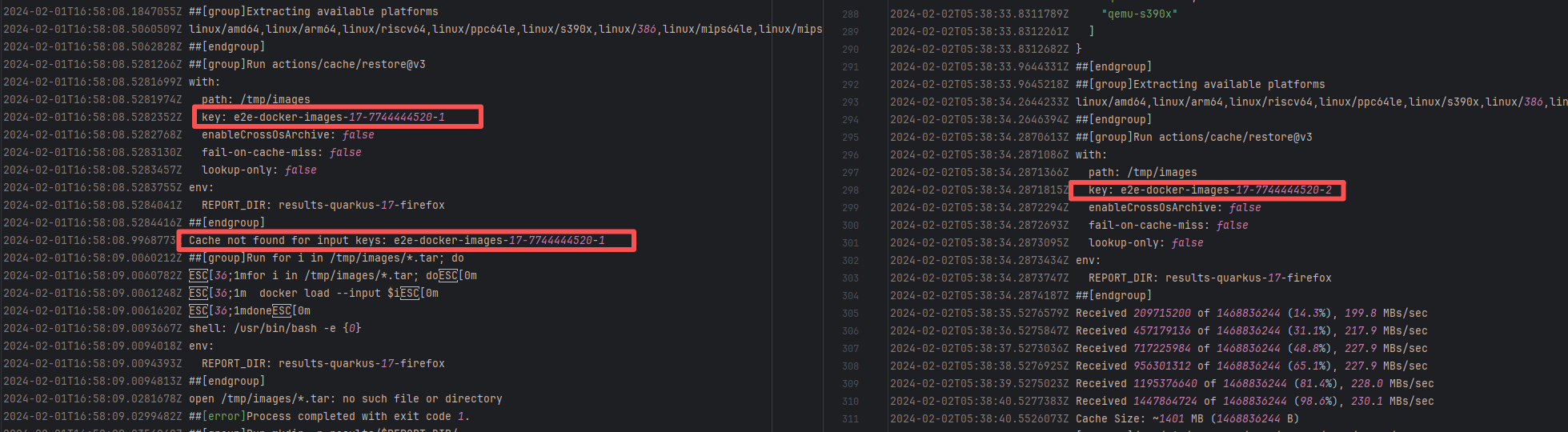 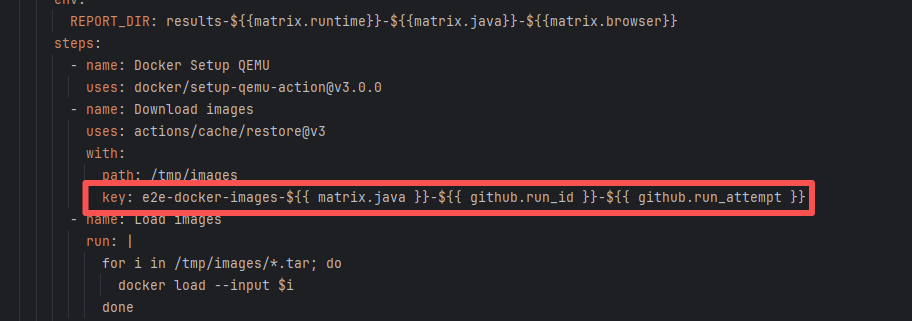 |
| camunda/zeebe |
22501837182 |
External Resource Inconsistency |
Error: The log error shows that when the script executed to read the contents of all files matching all zeebe-version-compatibility-* directories, merged these file contents, and executed the sort | uniq deduplication command, it failed. Since there are no files or folders starting with zeebe-version-compatibility- in the current working directory, the cat command naturally failed.
Root Cause: Analyzing the script reveals that zeebe-version-compatibility-* was created after downloading the relevant artifact via actions/download-artifact@v4. Since no artifact was found (the network request succeeded, but the resource was deleted), the subsequent operations failed. |
Short-term Fix: Rerun the job; it will automatically succeed after network conditions recover.
Long-term Defense:
1. Configure domestic mirror sources to replace official sources;
2. Add a retry mechanism (e.g., retry plugin);
3. Use CDN to accelerate dependency downloads. |
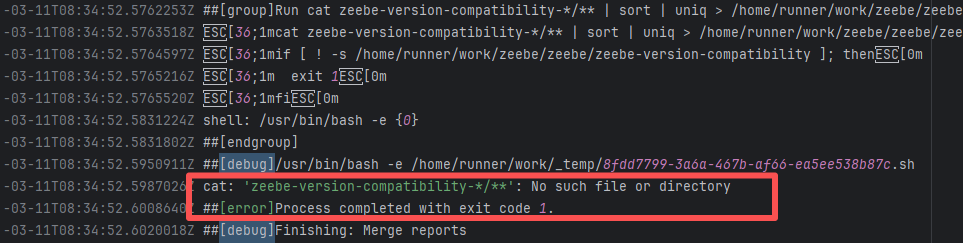 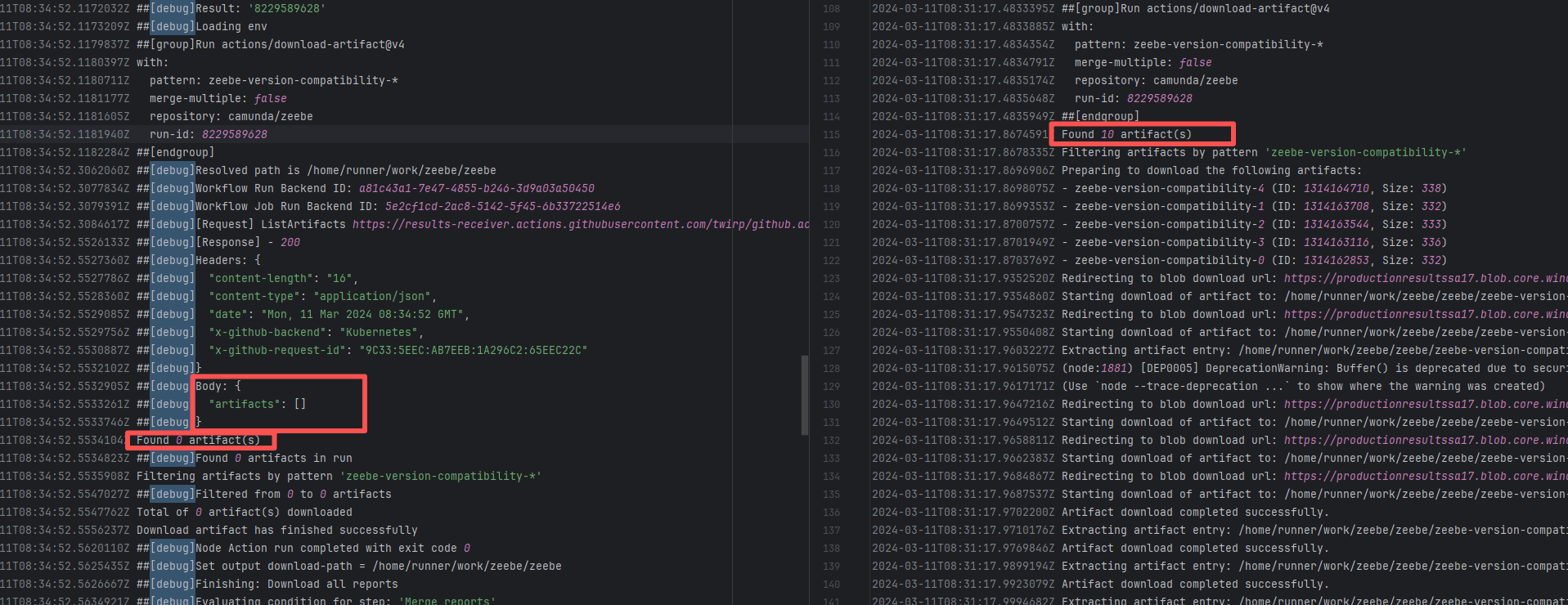 |
| scalar-labs/scalardb |
21872136035 |
Network Issue |
Error: In the error message, OSError: [WinError 123] indicates that the operating system encountered an invalid path name or directory name when processing the path. The path contained a JSON error message, making the path string invalid.
Root Cause: labsjdk-ce-latest-23+18-jvmci-b02 is the name of the JDK to be downloaded, but the downloaded JDK file could not be properly obtained. The response returned an error message (in JSON format), and this error message was incorrectly used as part of the path. Windows path names are not allowed to contain certain characters (such as : and {}), which led to the path error. After a rerun successfully obtained the data, the build succeeded. |
Short-term Fix: Succeeded after Rerun the job.
Long-term Defense: Continuous monitoring; if frequent, investigate root cause in depth. |
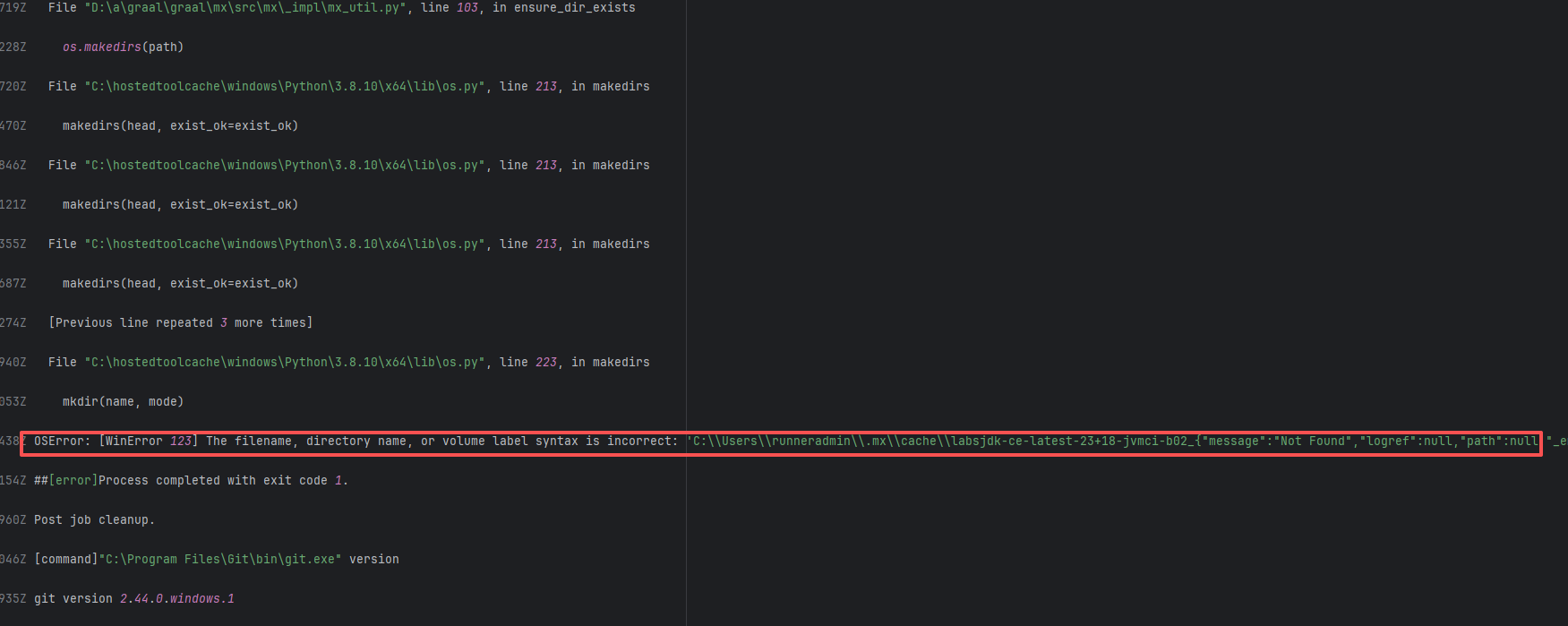 |
| opensearch-project/opensearch |
20728241942 |
Authentication Failure |
Error: The error message Error response from daemon: chtimes /var/lib/docker/tmp/docker-export-1620986660/9607f0b27b471f1ec070f6e49476f6a565d5717dde698ef73c55d761cd1303dc: read-only file system indicates that Docker encountered a "read-only file system" problem when attempting to export an image. When Docker performs a file writing operation, the file system is restricted to read-only mode, resulting in the inability to perform the file operation, thereby causing the task to fail.
Root Cause: The file system may have been automatically switched to read-only mode due to disk damage, insufficient space, or system crash, or the Docker daemon may have encountered a temporary problem or bug, causing it to attempt to write to a read-only location. |
Short-term Fix: Succeeded after Rerun the job.
Long-term Defense: Continuous monitoring; if frequent, investigate root cause in depth. |
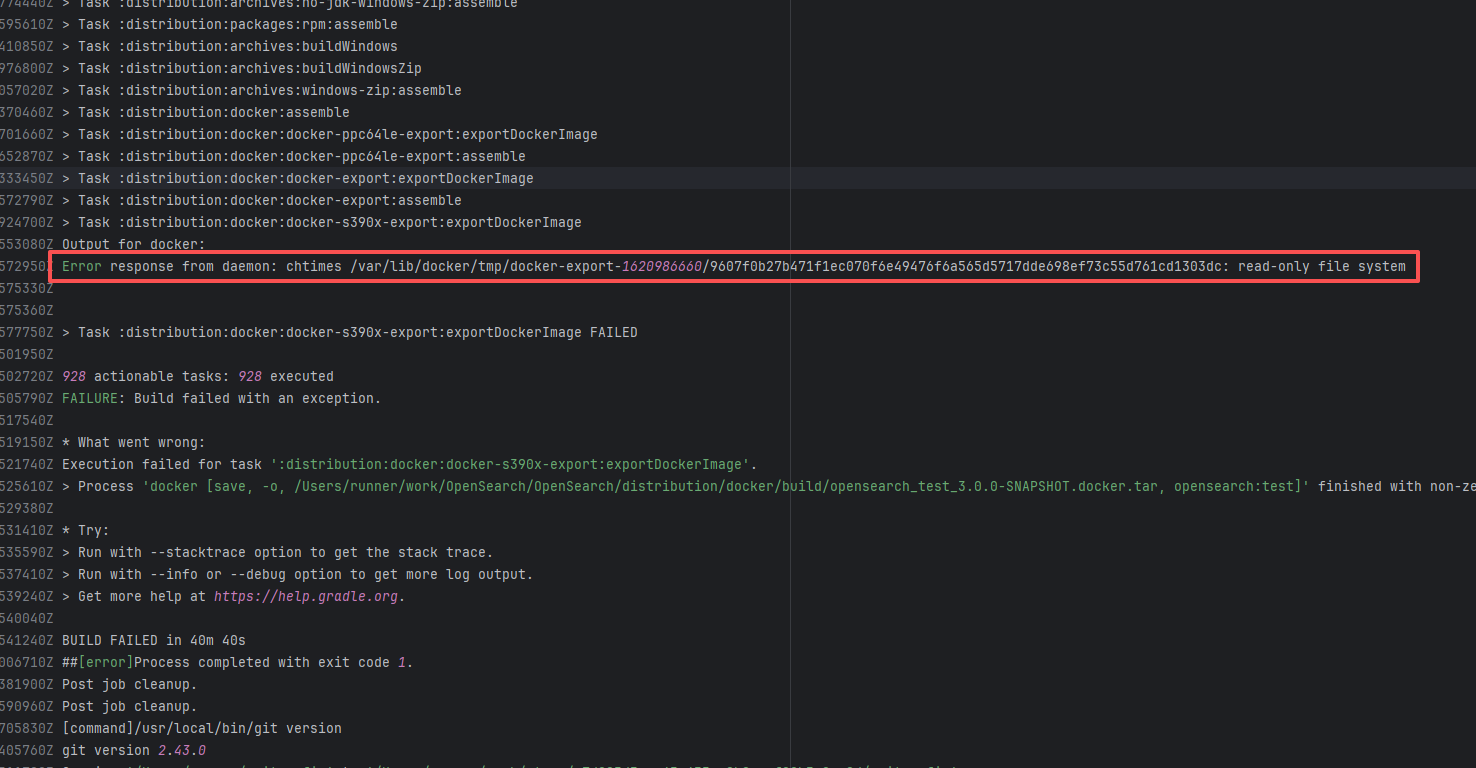 |
| oracle/graal |
23829714292 |
Network Issue |
Error: In the error message, OSError: [WinError 123] indicates that the operating system encountered an invalid path name or directory name when processing the path. The path contained a JSON error message, making the path string invalid.
Root Cause: labsjdk-ce-latest-23+18-jvmci-b02 is the name of the JDK to be downloaded, but the downloaded JDK file could not be properly obtained. The response returned an error message (in JSON format), and this error message was incorrectly used as part of the path. Windows path names are not allowed to contain certain characters (such as : and {}), which led to the path error. After a rerun successfully obtained the data, the build succeeded. |
Short-term Fix: Succeeded after Rerun the job.
Long-term Defense: Continuous monitoring; if frequent, investigate root cause in depth. |
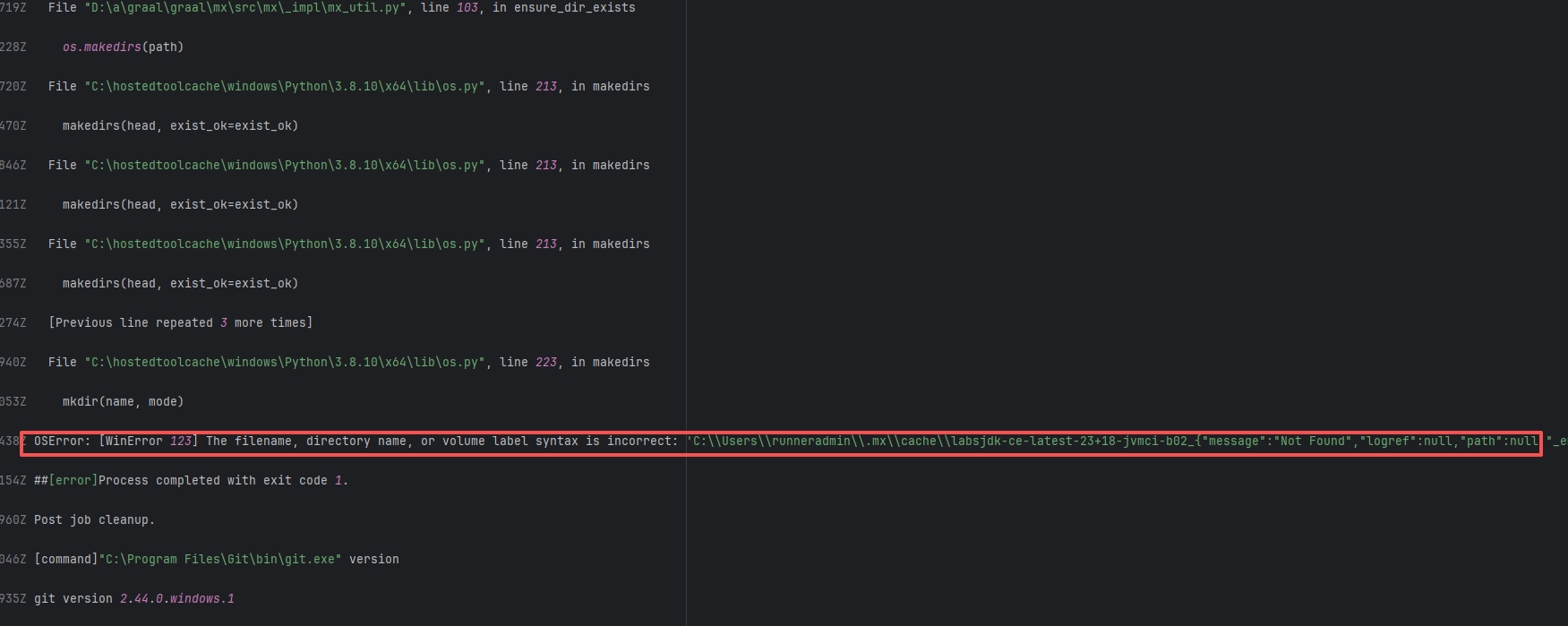 |
| apache/sedona |
25510791077 |
API Rate Limit |
Error: The log error shows that the critical error message occurred during file copying. The log shows that when the command cp -r $HERMES_WS_DIR/hermes/* was executed, the target folder /tmp/hermes/hermes/ did not exist, so the files could not be found for copying. This error indicates that the hermes directory was not created or downloaded correctly.
Root Cause: Checking the build history revealed that the GitHub Actions cache service returned HTTP status code 429, which means the requests were too frequent and reached the access limit of the cache service. Status code 429 is usually because the rate limiting of the GitHub Actions cache service was triggered, resulting in the inability to restore the cache, and thus the corresponding files could not be found. After a rerun, the cache files were successfully obtained, and therefore the build succeeded. |
Wait for the API quota to recover and re-execute successfully. |
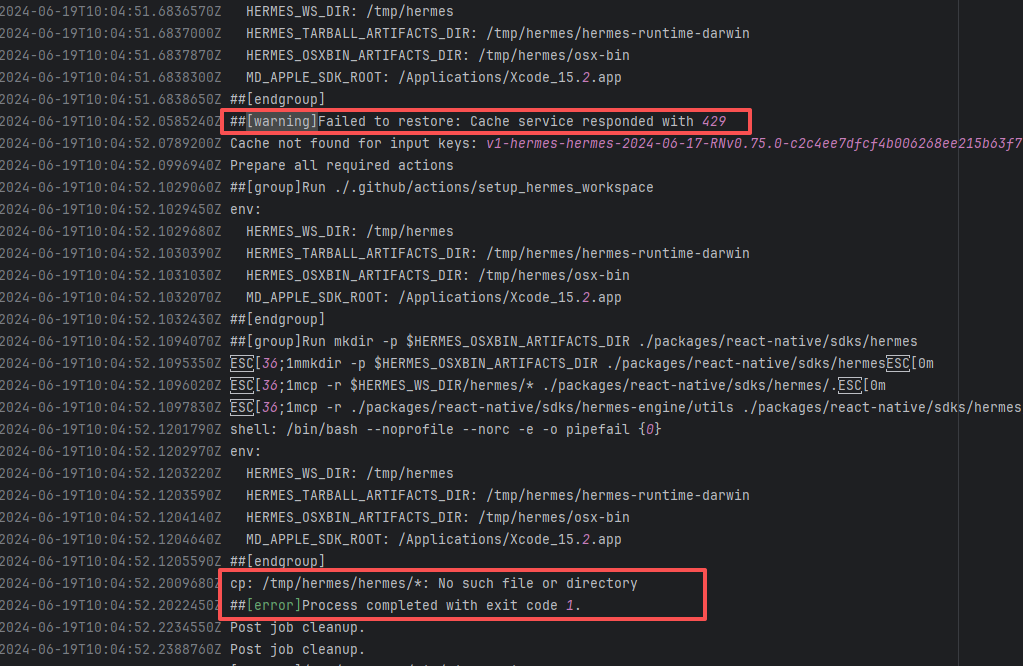 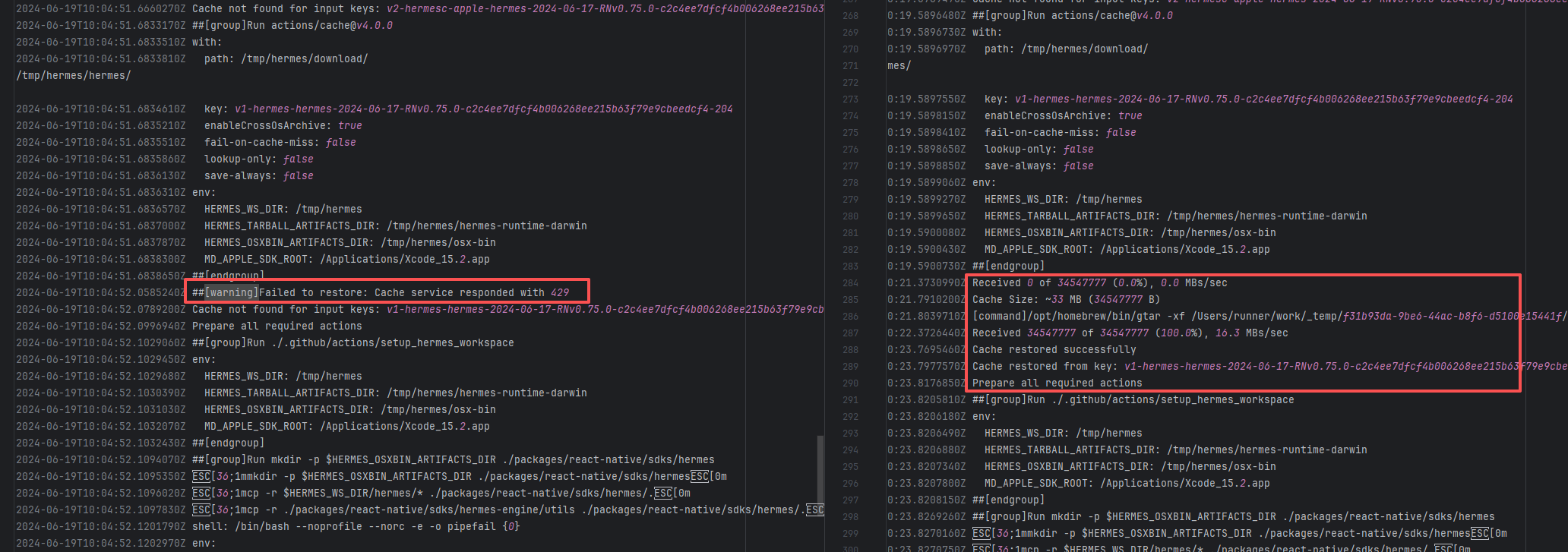 |
| flowerfine/scaleph |
20018196907 |
Network Issue |
Error: The error message indicates that when building the project, Maven encountered a problem when resolving dependencies. The specific error is that Maven encountered file access permission issues when attempting to download the relevant POM file from the Maven central repository, making it unable to read or write the file.
Root Cause: The .part.lock file is used to mark that a file is being downloaded or written to, to prevent concurrent access. During the download process, if the network is interrupted or the download fails, Maven may not correctly release this lock file, causing permission issues when the file is accessed subsequently. After a rerun, the download was successful, and the build succeeded. |
Short-term Fix: Rerun the job; it will automatically succeed after network conditions recover.
Long-term Defense:
1. Configure domestic mirror sources to replace official sources;
2. Add a retry mechanism (e.g., retry plugin);
3. Use CDN to accelerate dependency downloads. |
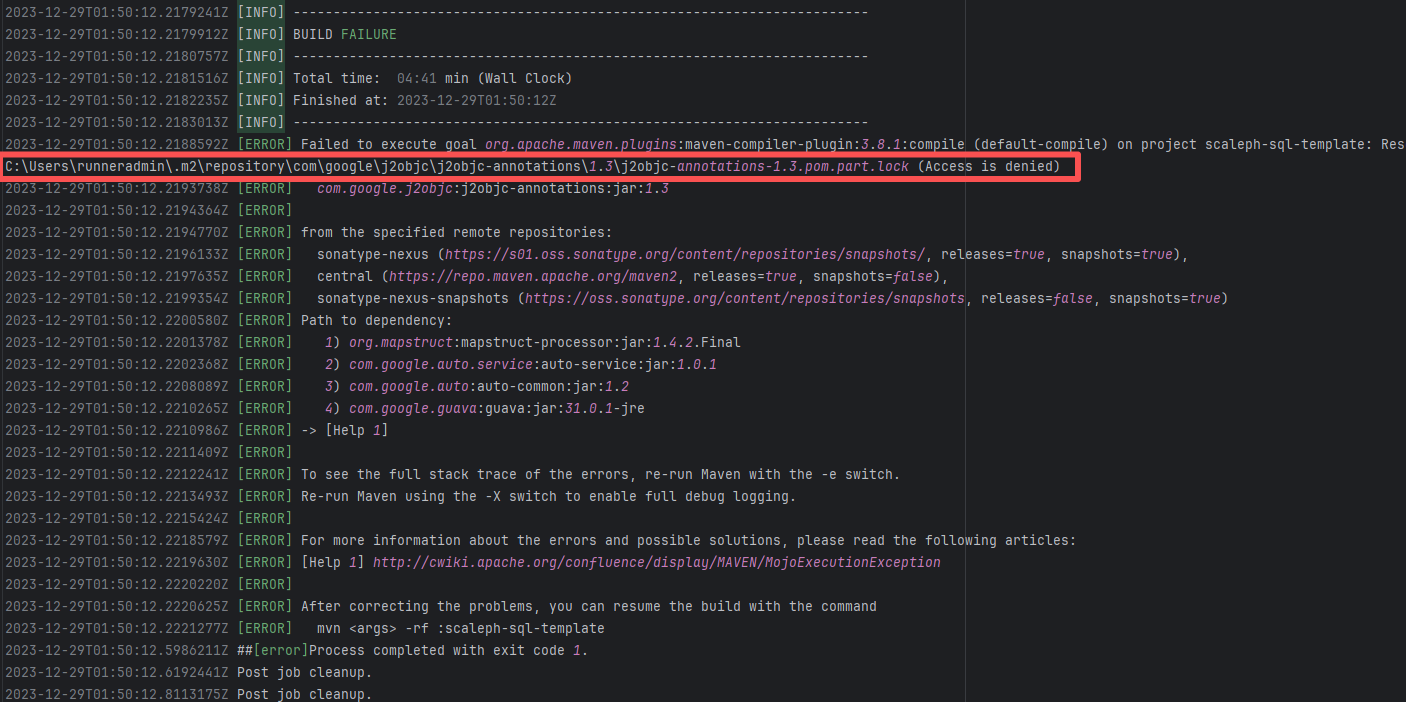 |
| apache/storm |
19288452757 |
External Resource Inconsistency |
Error: When using the burnett01/rsync-deployments@5.2 Action through GitHub Actions to synchronize the built products (.tar.gz and .zip) to the remote server via SSH + rsync, mkstemp or set times failed, indicating insufficient permissions for the remote path /storm/.
Root Cause: Succeeded after rerunning after granting permissions to the corresponding user on the remote server. |
Rerun after modifying user permissions |
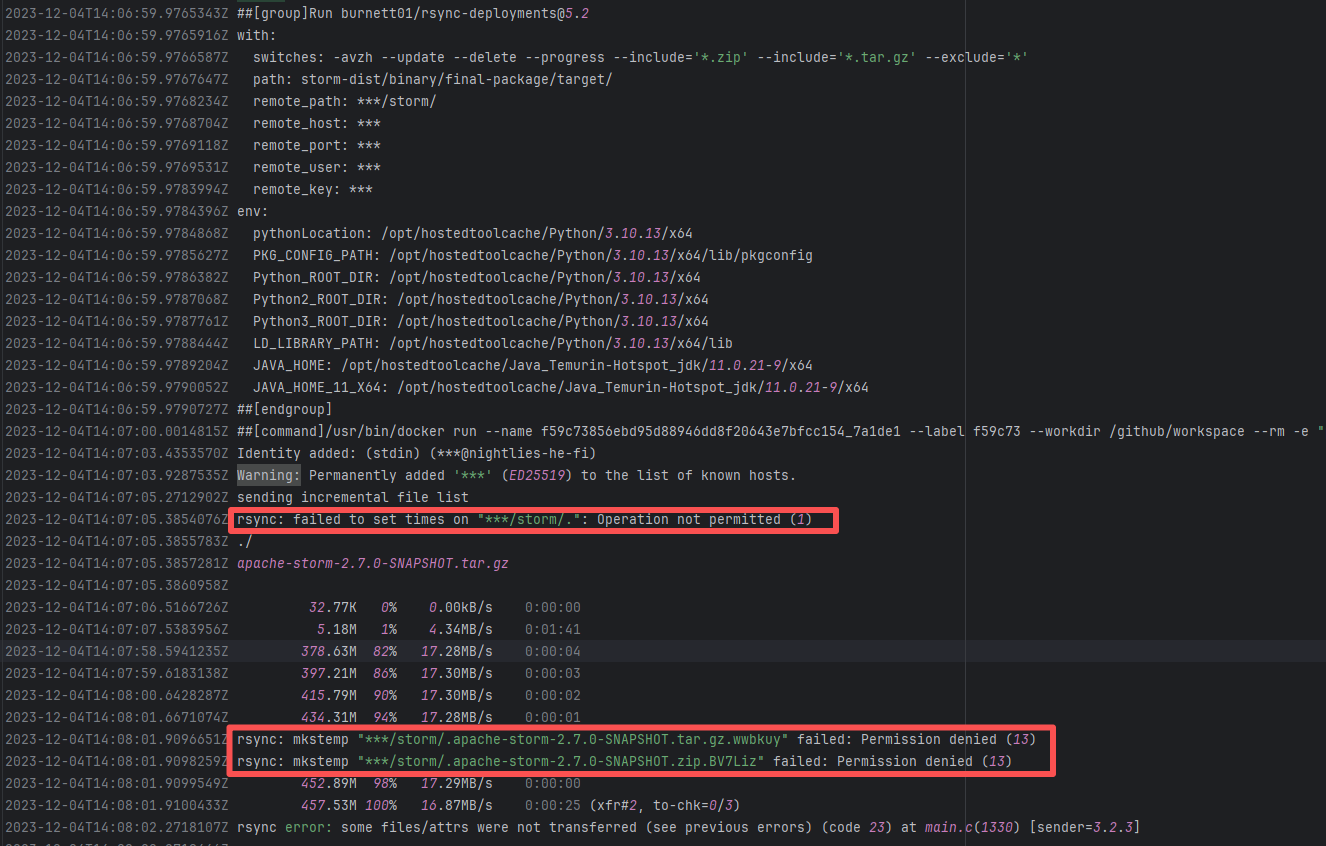 |
| giscience/openrouteservice |
22181023456 |
Network Issue |
Error: In the error message, OSError: [WinError 123] indicates that the operating system encountered an invalid path name or directory name when processing the path. The path contained a JSON error message, making the path string invalid.
Root Cause: labsjdk-ce-latest-23+18-jvmci-b02 is the name of the JDK to be downloaded, but the downloaded JDK file could not be properly obtained. The response returned an error message (in JSON format), and this error message was incorrectly used as part of the path. Windows path names are not allowed to contain certain characters (such as : and {}), which led to the path error. After a rerun successfully obtained the data, the build succeeded. |
Short-term Fix: Succeeded after Rerun the job.
Long-term Defense: Continuous monitoring; if frequent, investigate root cause in depth. |
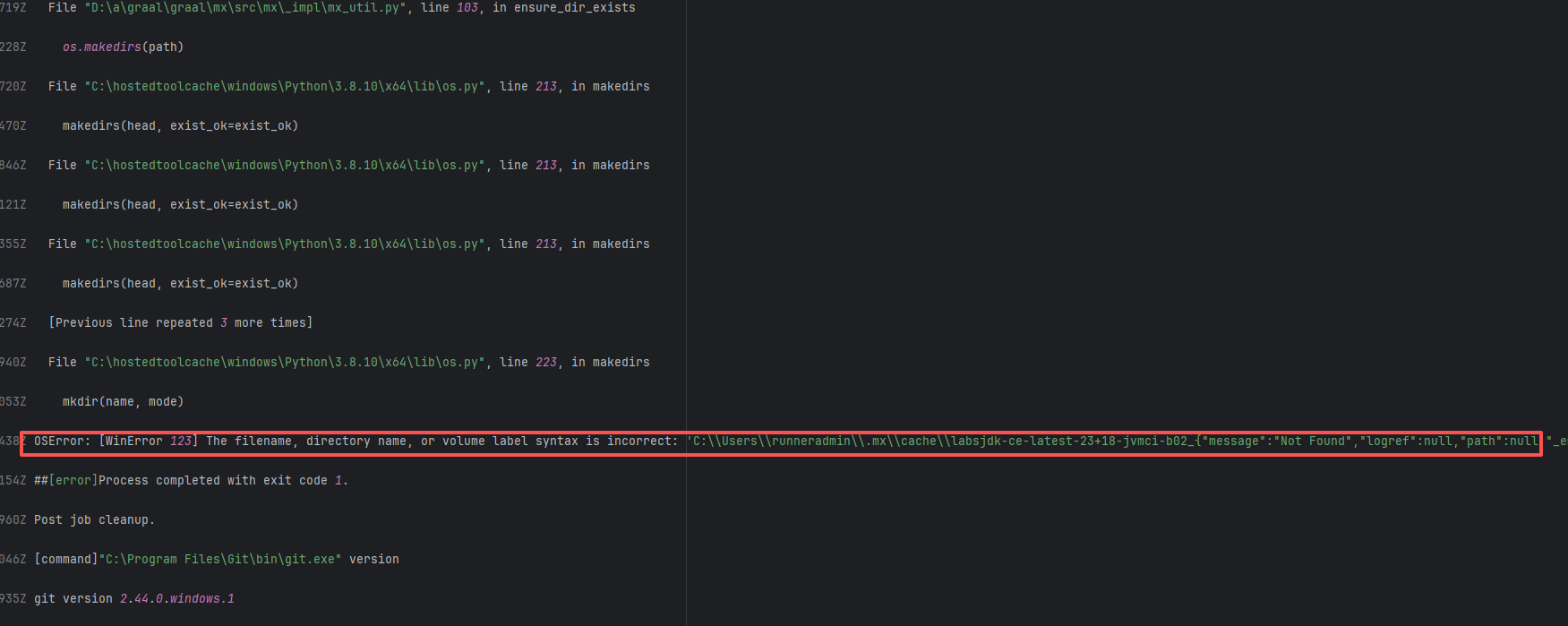 |
| flowerfine/scaleph |
19922040977 |
Network Issue |
Error: The error message indicates that when building the project, Maven encountered a problem when resolving dependencies. The specific error is that Maven encountered file access permission issues when attempting to download the relevant POM file from the Maven central repository, making it unable to read or write the file.
Root Cause: The .part.lock file is used to mark that a file is being downloaded or written to, to prevent concurrent access. During the download process, if the network is interrupted or the download fails, Maven may not correctly release this lock file, causing permission issues when the file is accessed subsequently. After a rerun, the download was successful, and the build succeeded. |
Short-term Fix: Rerun the job; it will automatically succeed after network conditions recover.
Long-term Defense:
1. Configure domestic mirror sources to replace official sources;
2. Add a retry mechanism (e.g., retry plugin);
3. Use CDN to accelerate dependency downloads. |
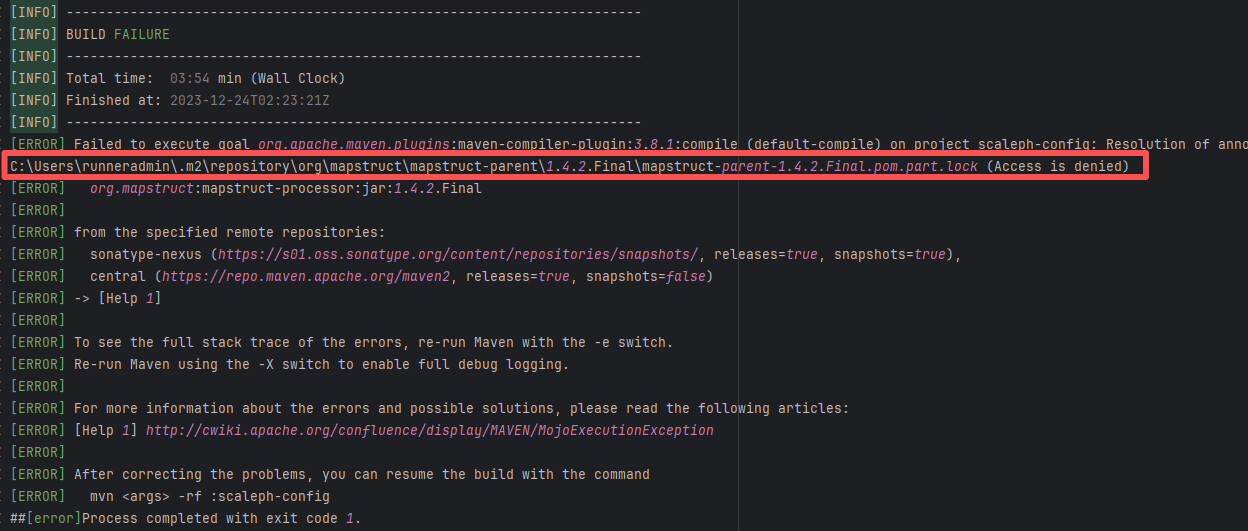 |
| netty/netty |
19230995052 |
Network Issue |
Error: In the error message, OSError: [WinError 123] indicates that the operating system encountered an invalid path name or directory name when processing the path. The path contained a JSON error message, making the path string invalid.
Root Cause: labsjdk-ce-latest-23+18-jvmci-b02 is the name of the JDK to be downloaded, but the downloaded JDK file could not be properly obtained. The response returned an error message (in JSON format), and this error message was incorrectly used as part of the path. Windows path names are not allowed to contain certain characters (such as : and {}), which led to the path error. After a rerun successfully obtained the data, the build succeeded. |
Short-term Fix: Succeeded after Rerun the job.
Long-term Defense: Continuous monitoring; if frequent, investigate root cause in depth. |
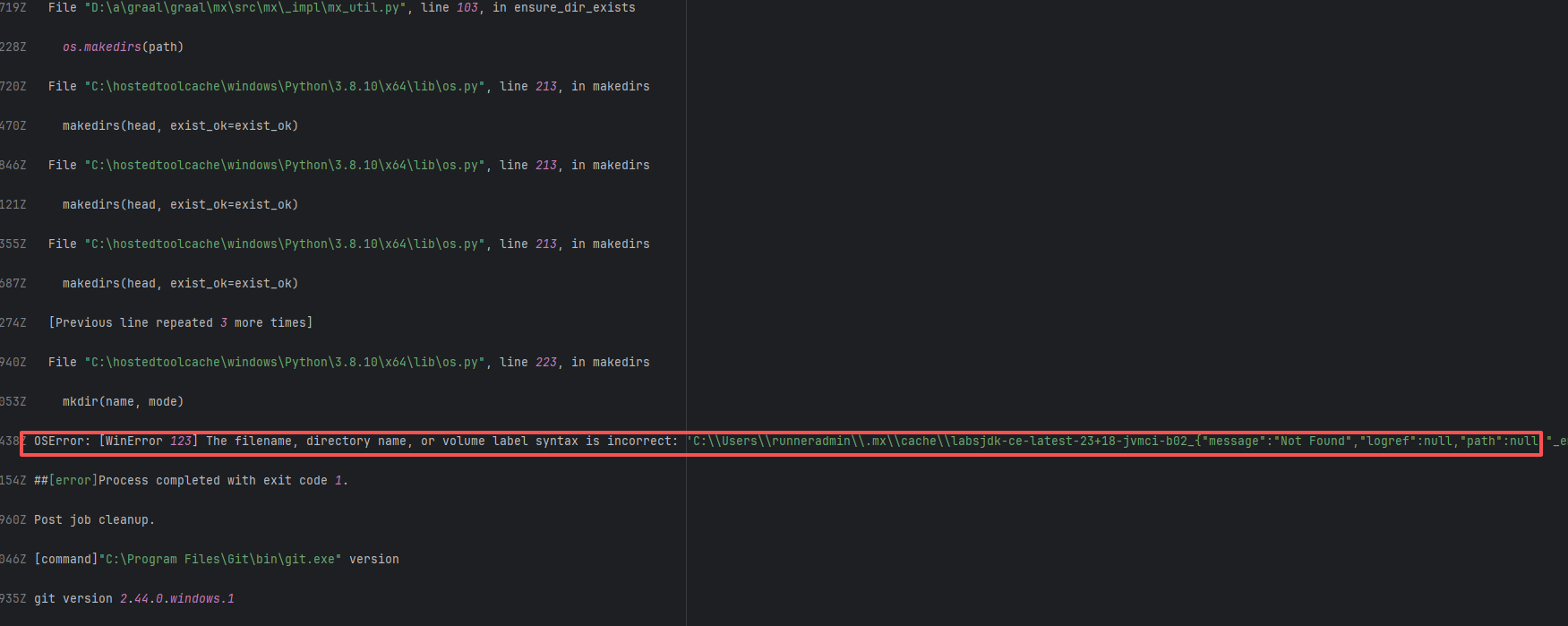 |
| oracle/graal |
23833685482 |
Network Issue |
Error: In the error message, OSError: [WinError 123] indicates that the operating system encountered an invalid path name or directory name when processing the path. The path contained a JSON error message, making the path string invalid.
Root Cause: labsjdk-ce-latest-23+18-jvmci-b02 is the name of the JDK to be downloaded, but the downloaded JDK file could not be properly obtained. The response returned an error message (in JSON format), and this error message was incorrectly used as part of the path. Windows path names are not allowed to contain certain characters (such as : and {}), which led to the path error. After a rerun successfully obtained the data, the build succeeded. |
Short-term Fix: Succeeded after Rerun the job.
Long-term Defense: Continuous monitoring; if frequent, investigate root cause in depth. |
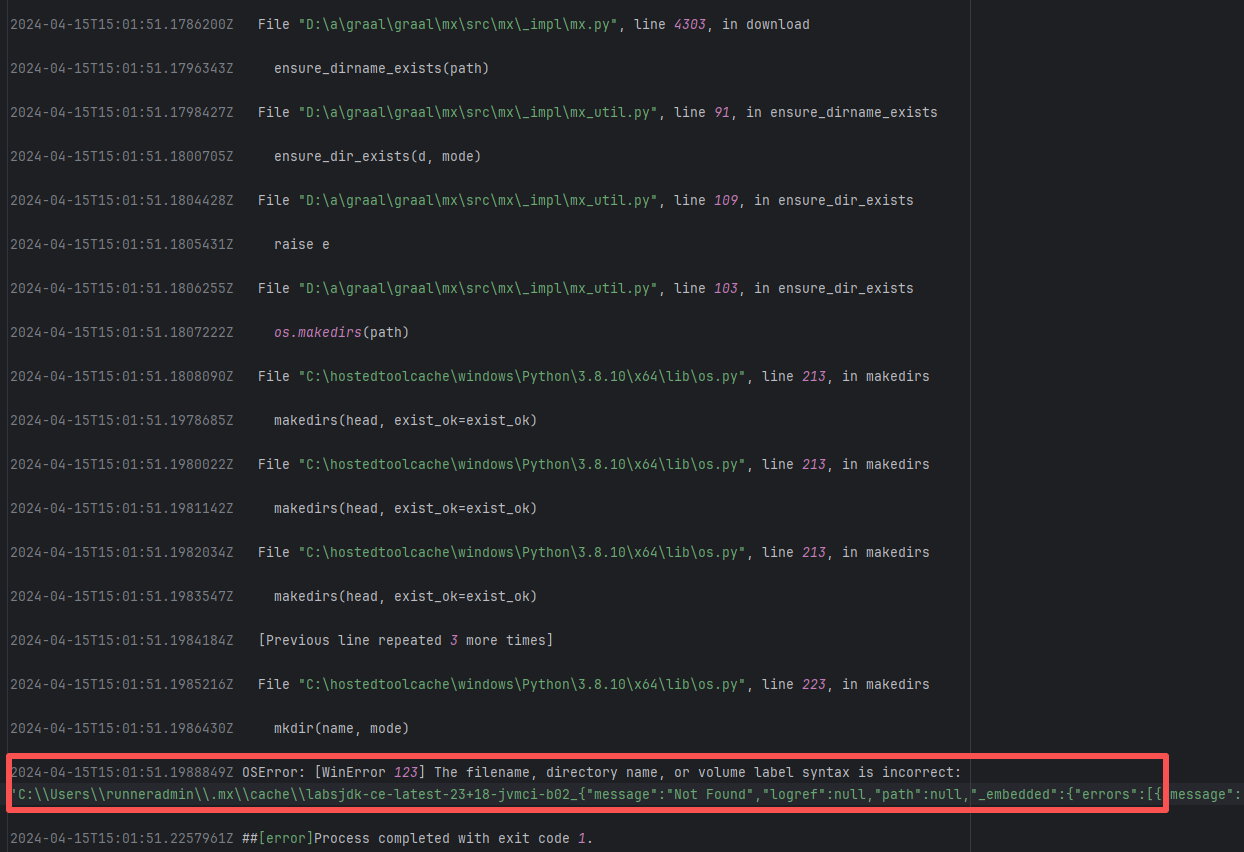 |
| questdb/questdb |
26222956353 |
Network Issue |
Error: The log error shows cat: /home/runner/.ssh/config: No such file or directory. This indicates that ssh-related information is not configured locally on the runner, thus the cat execution fails.
Root Cause: Comparing the logs reveals that the current CI used vmactions/freebsd-vm, which is a remote virtual machine tool used to build projects in a new virtual environment. When the action executed the image download, it failed, causing the subsequent downloading of rsa and other ssh authentication files to also stop, hence reporting that /.ssh/config does not exist. In the error log, showDebugInfo was executed after the error. By comparing it with the successful log, it can be seen that it was caused by the failure to download freebsd-13.2.qcow2. It was successfully downloaded after a rerun. |
Short-term Fix: Succeeded after Rerun the job.
Long-term Defense: Continuous monitoring; if frequent, investigate root cause in depth. |
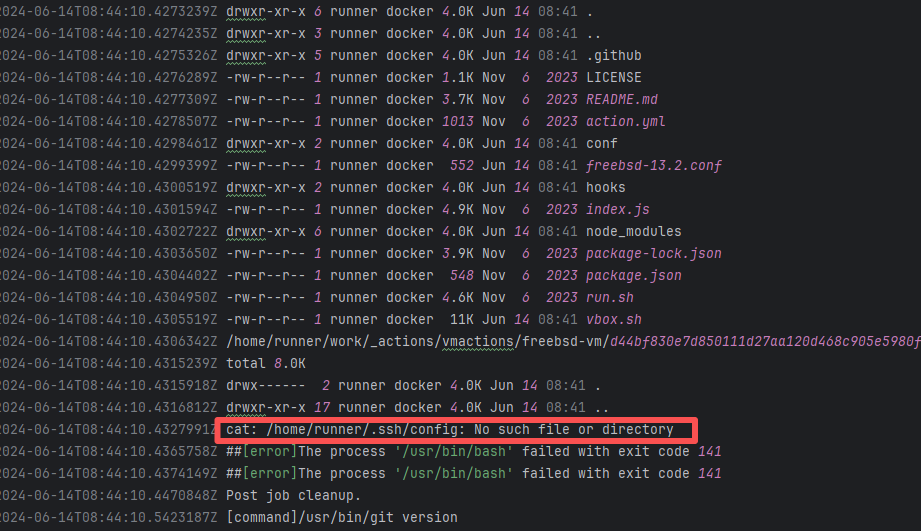 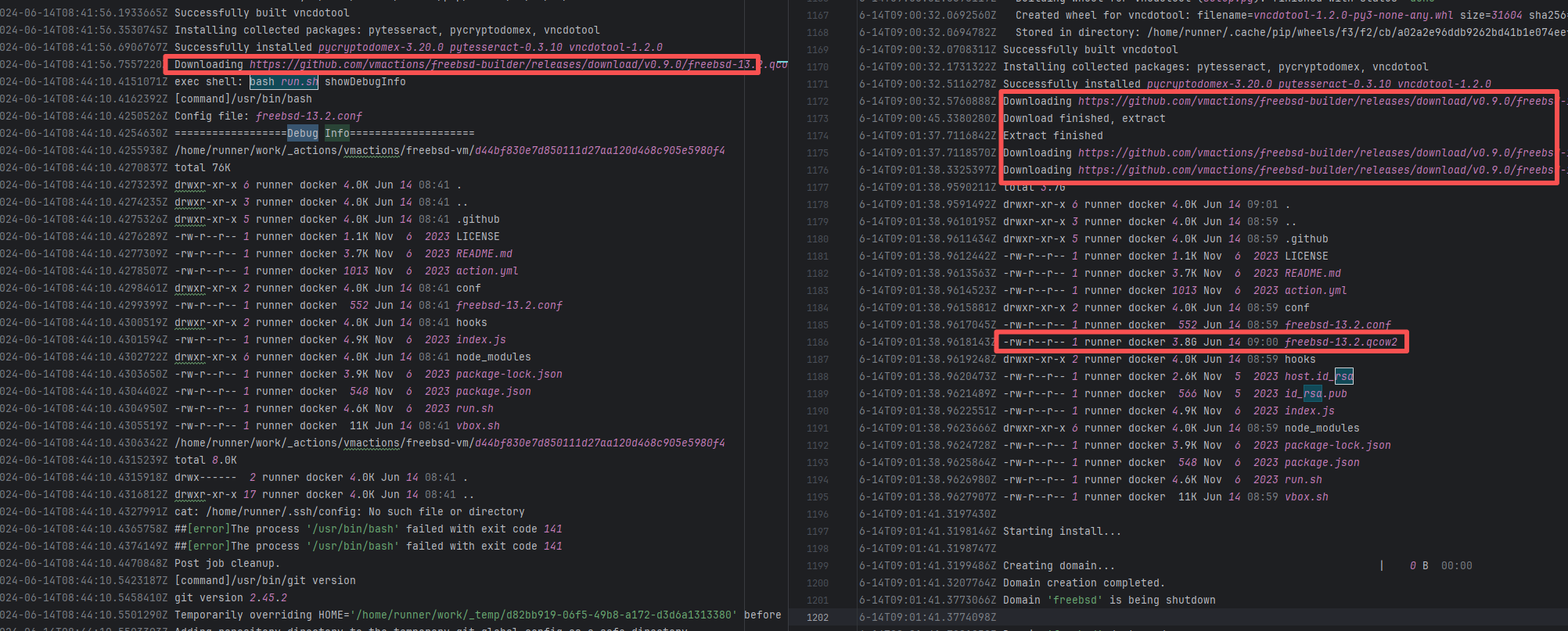 |
| hawtio/hawtio |
21119379766 |
Unstable Cache Key |
Error: The log error shows open /tmp/images/*.tar: no such file or directory. This indicates that there are no *.tar files in the /tmp/images/ directory, so an error is reported.
Root Cause: Analyzing the logs reveals that the files under /tmp/images/*.tar were completely restored from the cache. The failed log missed the cache, while the successful log successfully hit the cache, and the cache keys in the two logs are different. Checking the script reveals that the value of the key is dynamic, in which ${{ github.run_attempt }} is used. It is possible that the first run in the previous run failed, so the file could not be found in the relevant cache. In the second rerun, the cache file was successfully found. |
Short-term Fix: Succeeded after Rerun the job.
Long-term Defense: Continuous monitoring; if frequent, investigate root cause in depth. |
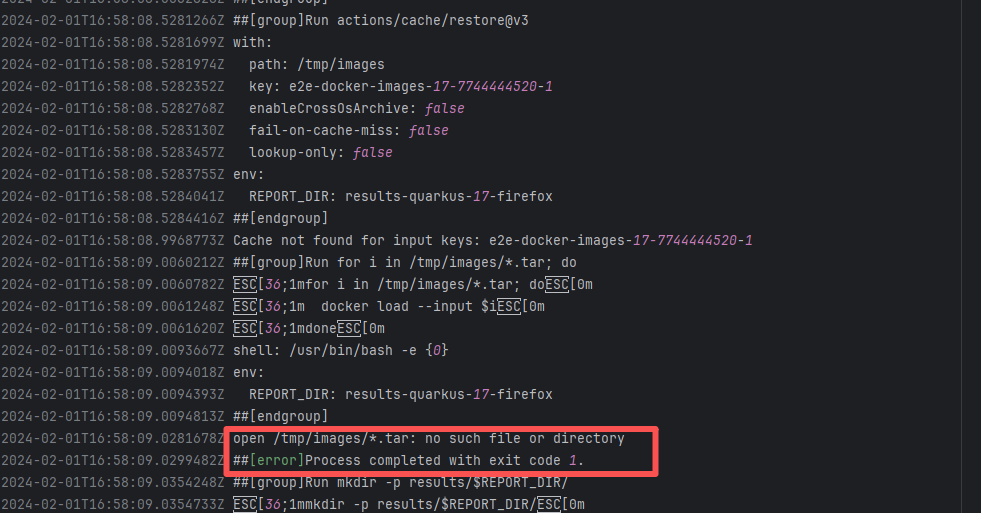 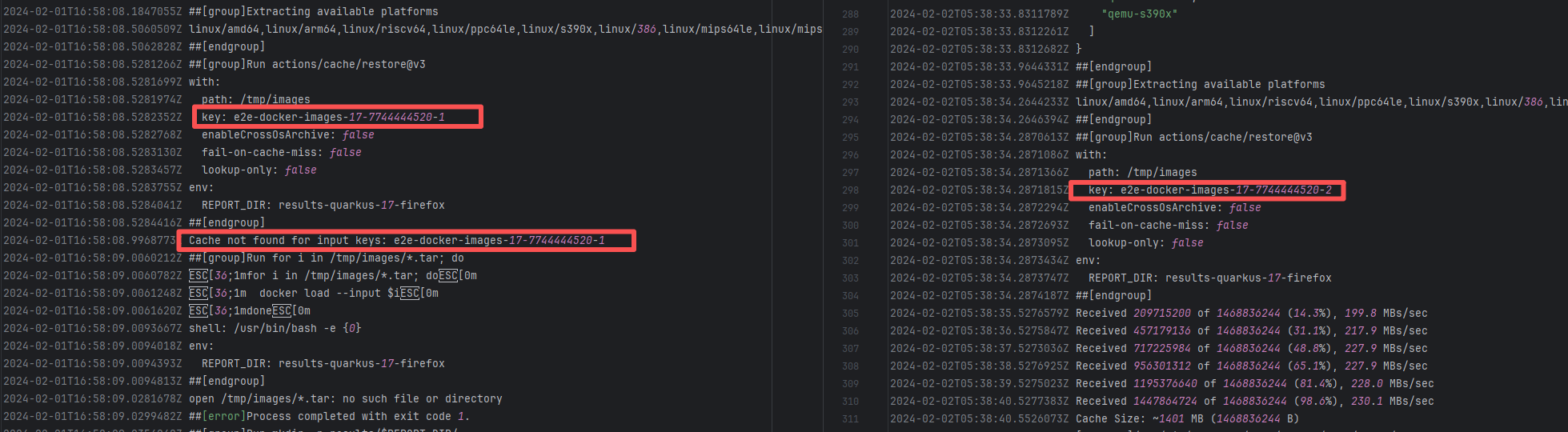 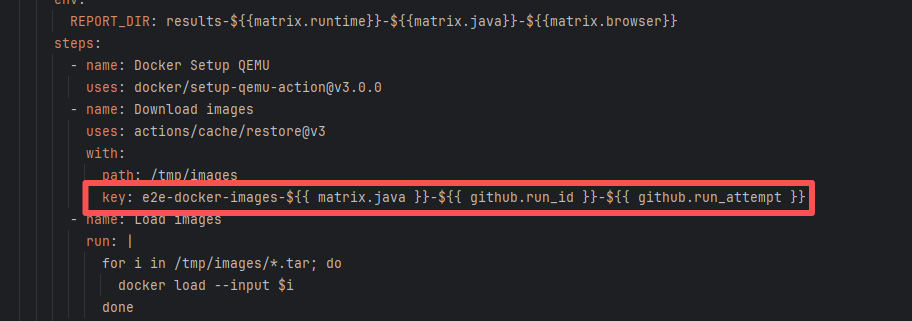 |
| flowerfine/scaleph |
19309249673 |
Network Issue |
Error: The error message indicates that when building the project, Maven encountered a problem when resolving dependencies. The specific error is that Maven encountered file access permission issues when attempting to download the relevant POM file from the Maven central repository, making it unable to read or write the file.
Root Cause: The .part.lock file is used to mark that a file is being downloaded or written to, to prevent concurrent access. During the download process, if the network is interrupted or the download fails, Maven may not correctly release this lock file, causing permission issues when the file is accessed subsequently. After a rerun, the download was successful, and the build succeeded. |
Short-term Fix: Rerun the job; it will automatically succeed after network conditions recover.
Long-term Defense:
1. Configure domestic mirror sources to replace official sources;
2. Add a retry mechanism (e.g., retry plugin);
3. Use CDN to accelerate dependency downloads. |
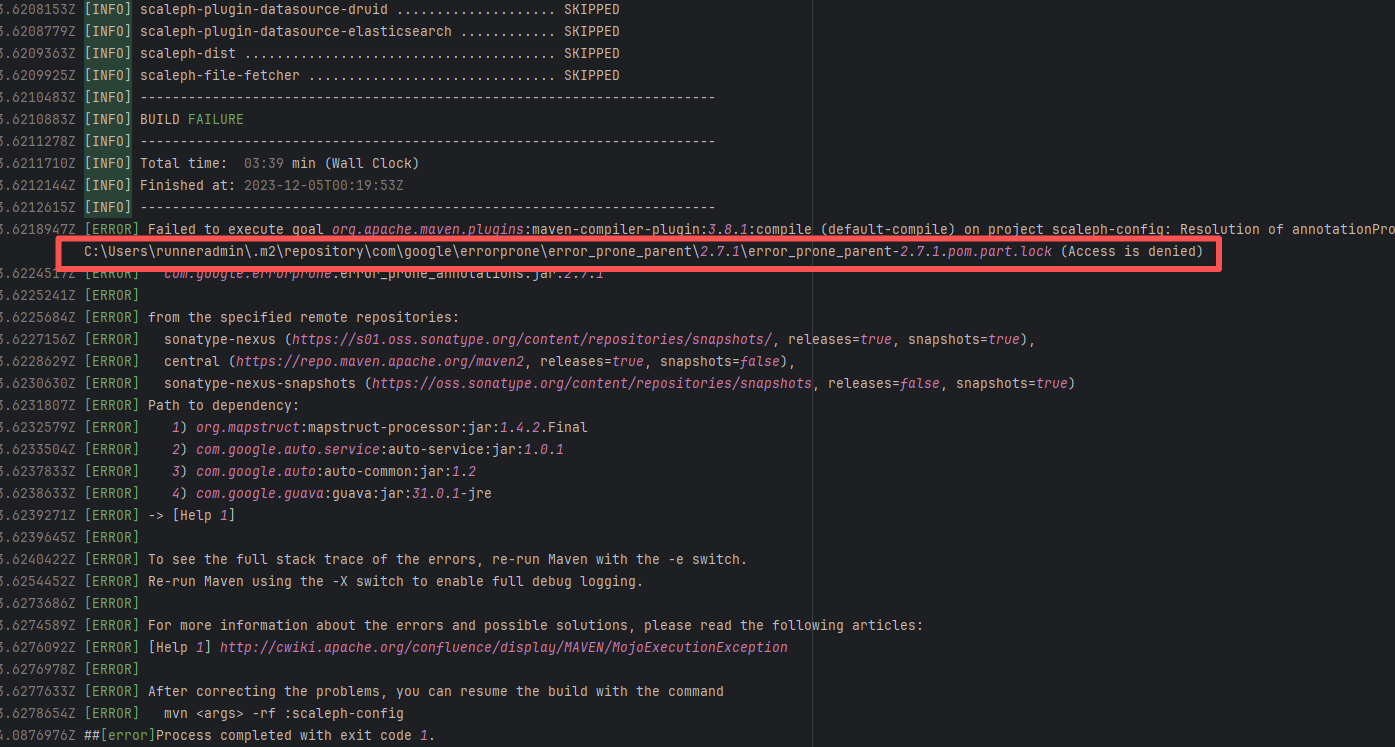 |
| spring-projects/sts4 |
18608836610 |
Authentication Failure |
Error: The error message Error response from daemon: chtimes /var/lib/docker/tmp/docker-export-1620986660/9607f0b27b471f1ec070f6e49476f6a565d5717dde698ef73c55d761cd1303dc: read-only file system indicates that Docker encountered a "read-only file system" problem when attempting to export an image. When Docker performs a file writing operation, the file system is restricted to read-only mode, resulting in the inability to perform the file operation, thereby causing the task to fail.
Root Cause: The file system may have been automatically switched to read-only mode due to disk damage, insufficient space, or system crash, or the Docker daemon may have encountered a temporary problem or bug, causing it to attempt to write to a read-only location. |
Short-term Fix: Succeeded after Rerun the job.
Long-term Defense: Continuous monitoring; if frequent, investigate root cause in depth. |
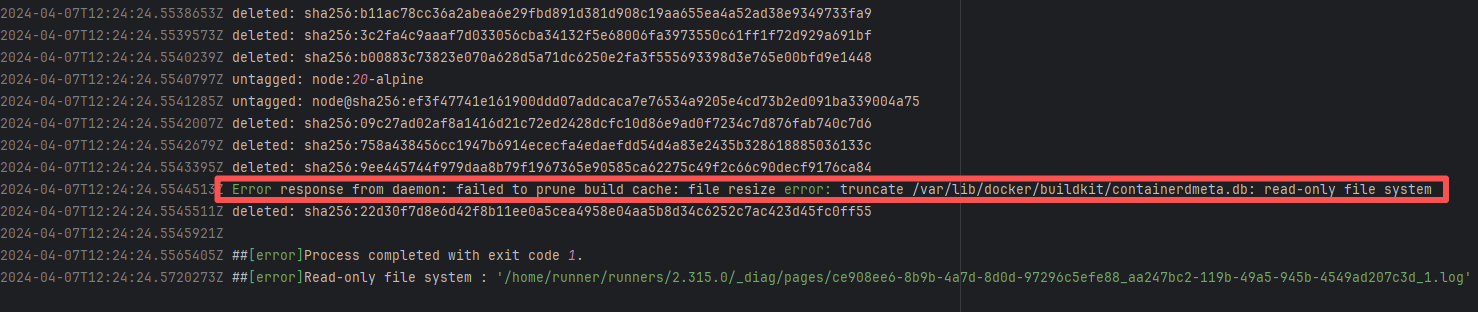 |
| oracle/oci-java-sdk |
20553451815 |
External Resource Inconsistency |
Error: The log error shows that after unzipping assets.zip, reading the CHANGELOG.md file failed because the file could not be found.
Root Cause: Comparing the successful and failed logs reveals that assets is an external network resource downloaded from https://objects.githubusercontent.com, and the size of the two downloads is different. Therefore, the error is due to external resource inconsistency. The assets downloaded in the failed log did not contain the CHANGELOG.md file. |
Short-term Fix: Rerun the job; it will automatically succeed after network conditions recover.
Long-term Defense:
1. Configure domestic mirror sources to replace official sources;
2. Add a retry mechanism (e.g., retry plugin);
3. Use CDN to accelerate dependency downloads. |
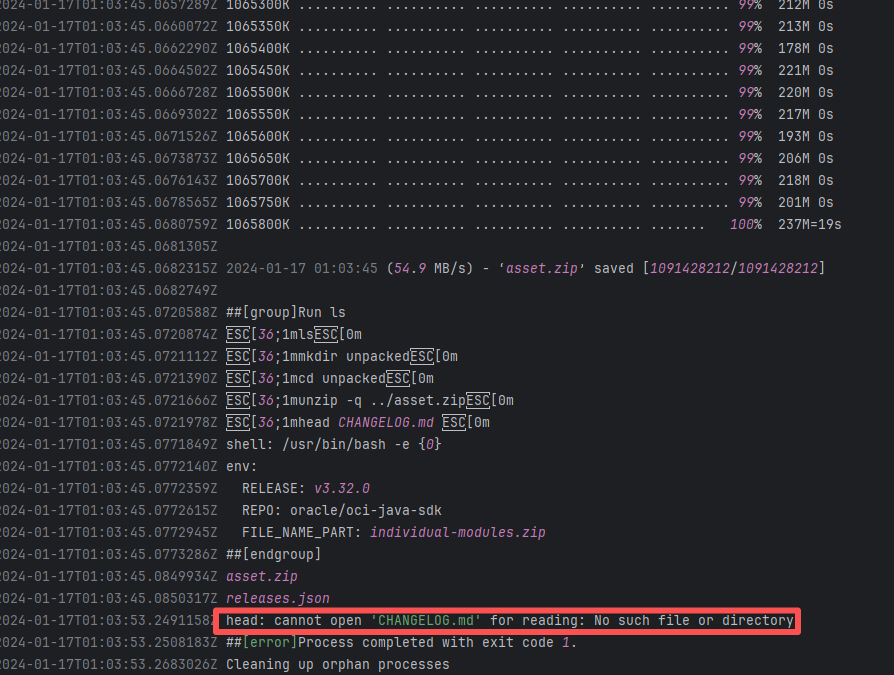 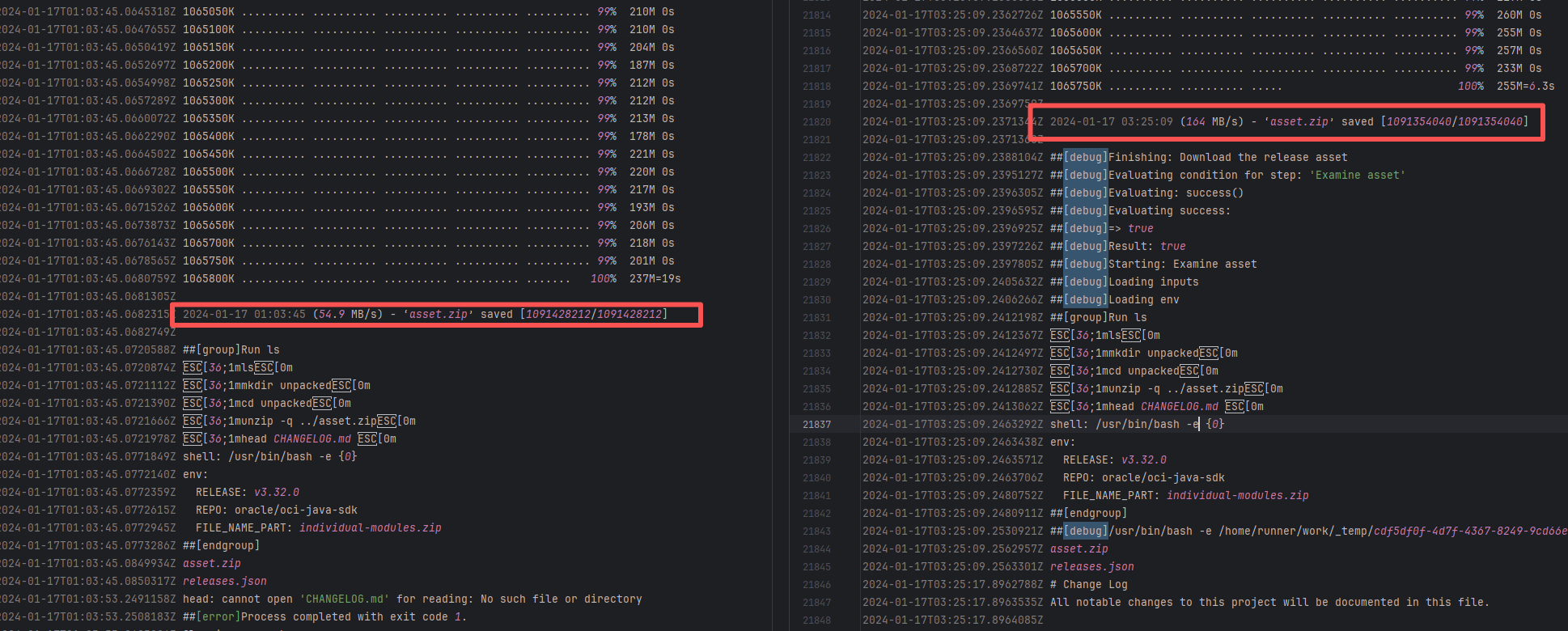 |
| facebook/react-native |
26413969823 |
API Rate Limit |
Error: The log error shows that the critical error message occurred during file copying. The log shows that when the command cp -r $HERMES_WS_DIR/hermes/* was executed, the target folder /tmp/hermes/hermes/ did not exist, so the files could not be found for copying. This error indicates that the hermes directory was not created or downloaded correctly.
Root Cause: Checking the build history revealed that the GitHub Actions cache service returned HTTP status code 429, which means the requests were too frequent and reached the access limit of the cache service. Status code 429 is usually because the rate limiting of the GitHub Actions cache service was triggered, resulting in the inability to restore the cache, and thus the corresponding files could not be found. After a rerun, the cache files were successfully obtained, and therefore the build succeeded. |
Wait for the API quota to recover and re-execute successfully. |
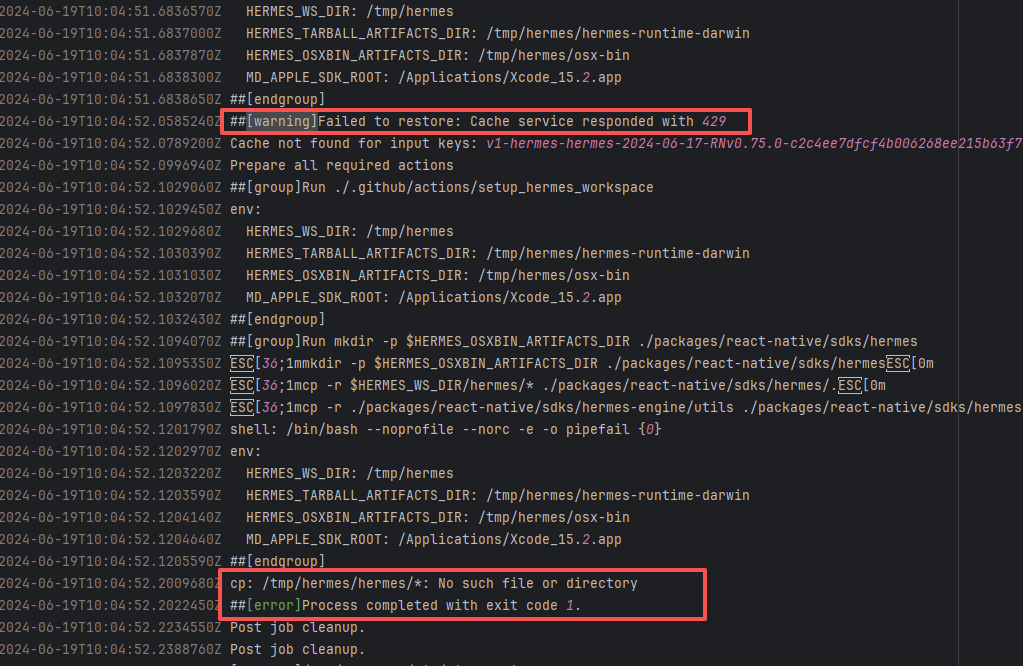 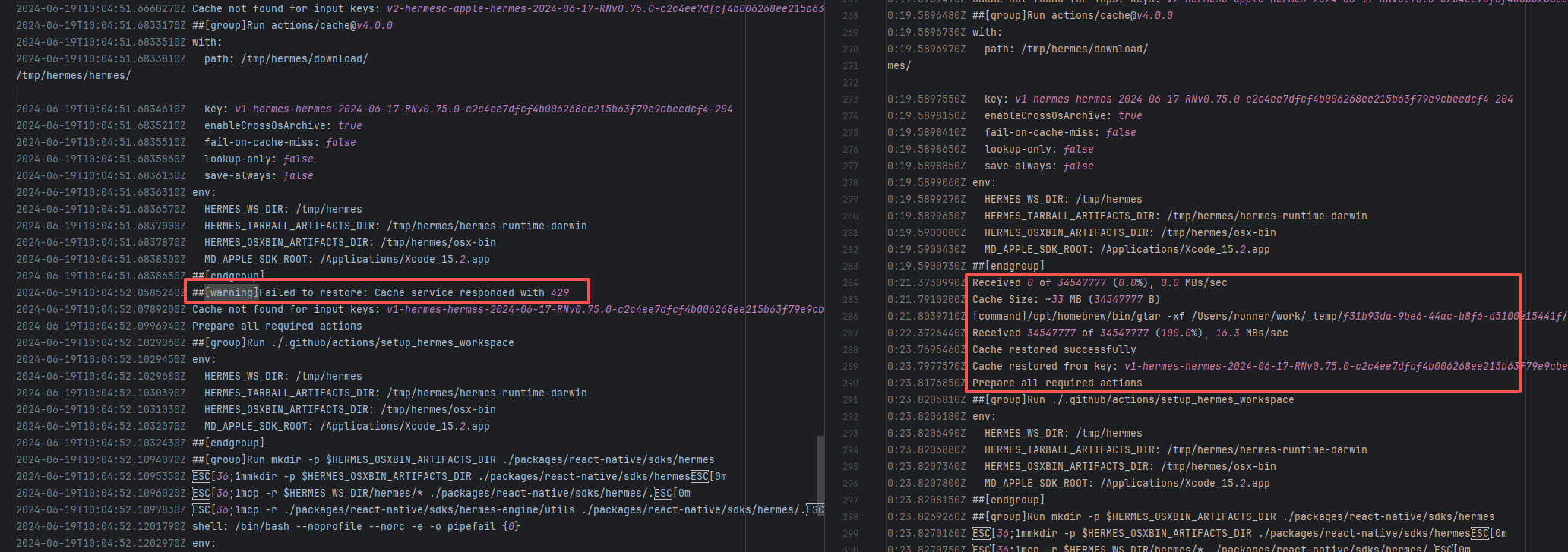 |
| Static Analysis Error |
dotcms/core |
24223637204 |
Upstream Repository Issue |
Error: The log shows that the error is a code formatting failure (Code Formatting Violation) detected by the Spotless Maven Plugin. The indentation style (tabs vs. spaces) in the file is inconsistent with the Spotless configuration requirements. The Spotless check phase detected formatting differences, causing the build to fail.
Root Cause: Analysis of the log reveals that this flaky failure is not due to modifying external configurations or data followed by a successful rerun, but originates from changes in the upstream repository's source code. In the workflow, the checkout step specifies the ref parameter, so every pull retrieves the latest commit of the specified branch in the repository. This makes it impossible to maintain a consistent code version for workflow execution, so the current error is actually fixed based on the premise that the commit has already been modified. The developer succeeded after modifying `\t\t` to spaces. |
|
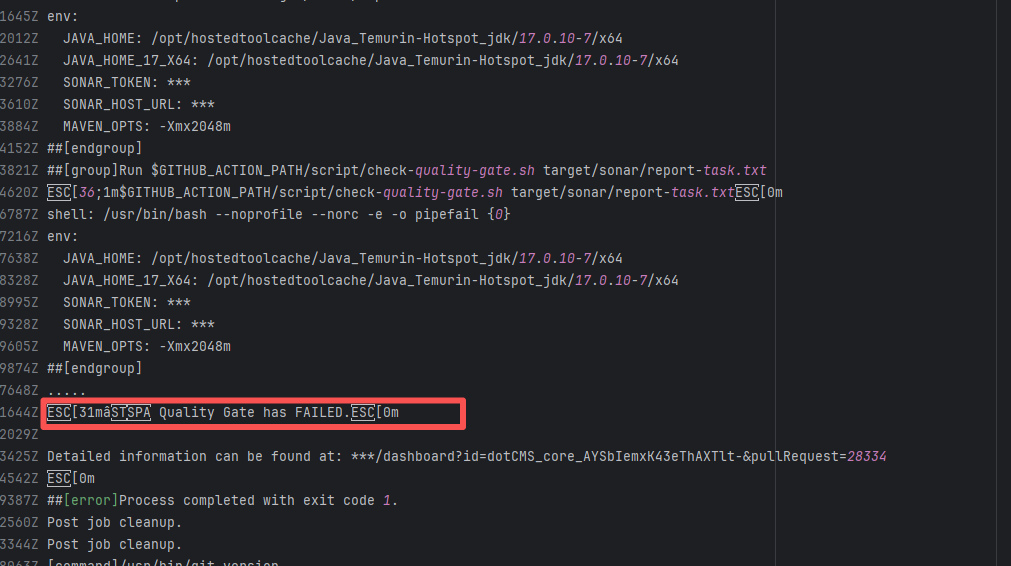 |
| open-telemetry/opentelemetry-java |
19463131141 |
Stale Cache |
Error: A check triggered when using the japicmp plugin in a project (such as OpenTelemetry) failed. This task compares the API changes of the current branch with the differences from the previous version (latest release). `Diff detected` means a new difference (API change) was detected and the apidiff document was not manually updated.
Root Cause: Comparing the success and failure logs reveals that an inconsistency problem occurred during the cache restoration process. The size of the cache and the specific hash of the cache both changed. This results in the cache content restored for the two tasks being different. |
Rerun after clearing the cache |
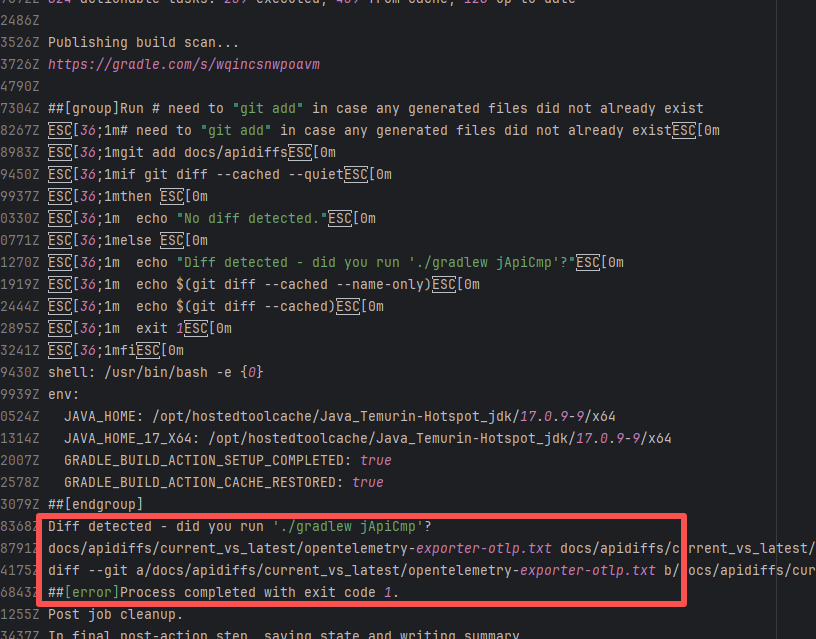 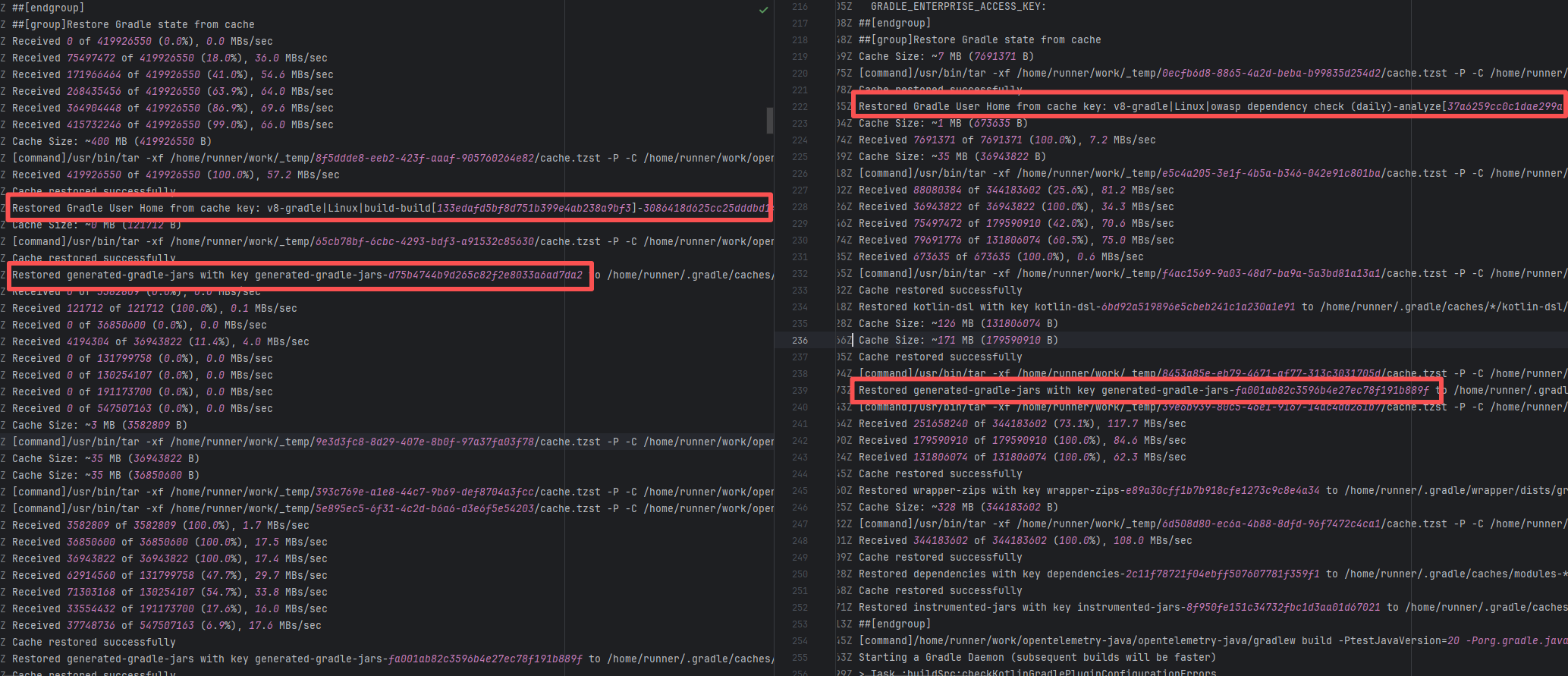 |
| apache/maven |
16751932939 |
Upstream Repository Issue |
Error: The log shows that the error is a code formatting failure (Code Formatting Violation) detected by the Spotless Maven Plugin. The indentation style (tabs vs. spaces) in the file is inconsistent with the Spotless configuration requirements. The Spotless check phase detected formatting differences, causing the build to fail.
Root Cause: Analysis of the log reveals that this flaky failure is not due to modifying external configurations or data followed by a successful rerun, but originates from changes in the upstream repository's source code. In the workflow, the checkout step specifies the ref parameter, so every pull retrieves the latest commit of the specified branch in the repository. This makes it impossible to maintain a consistent code version for workflow execution, so the current error is actually fixed based on the premise that the commit has already been modified. The developer succeeded after modifying `\t\t` to spaces. |
|
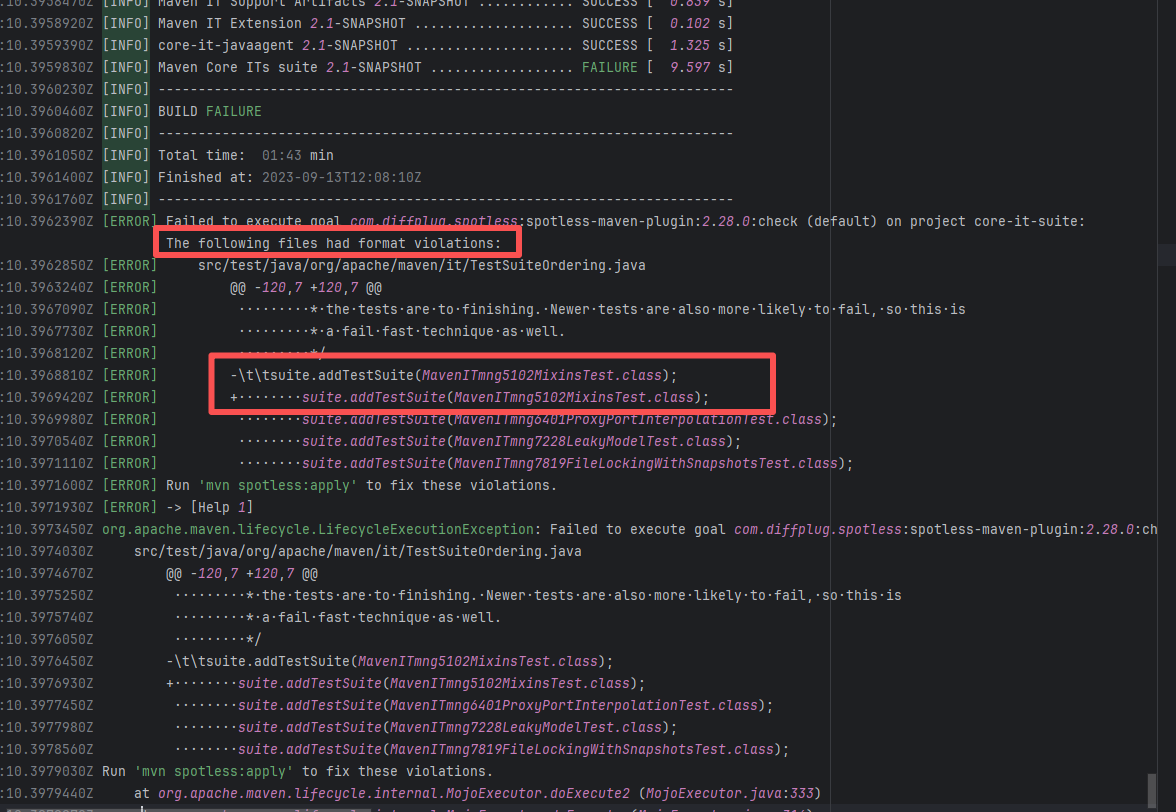 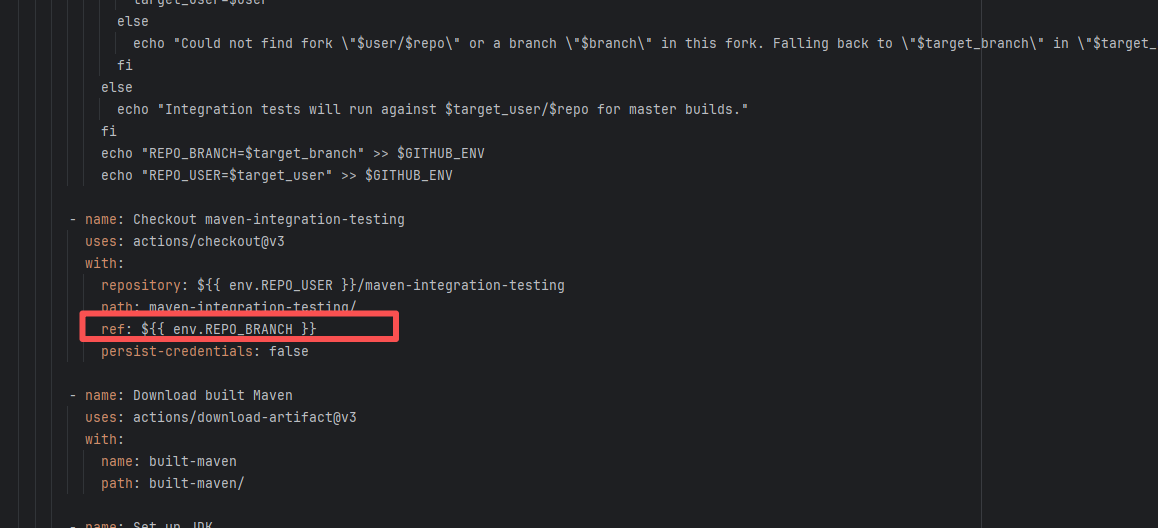 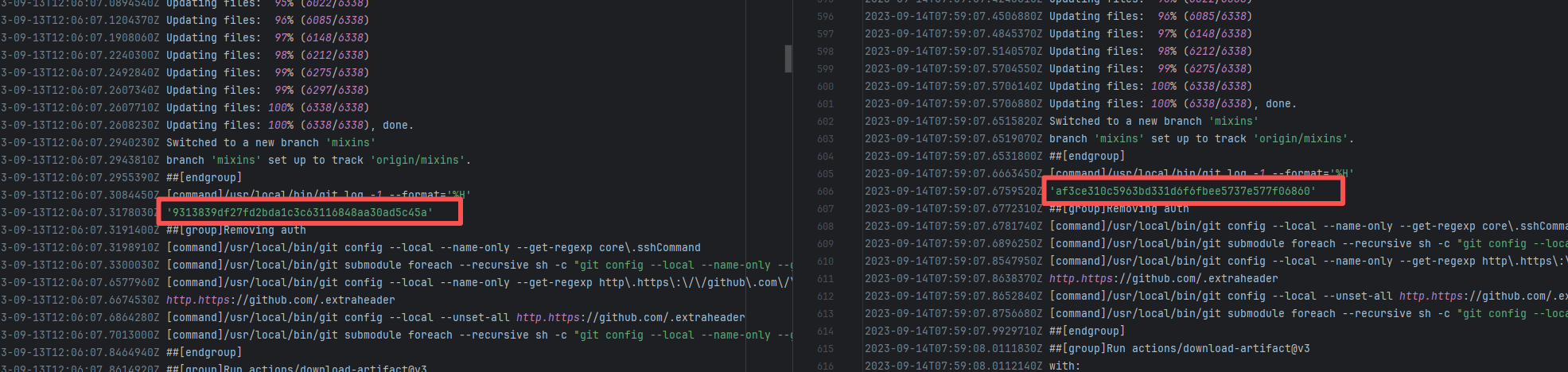 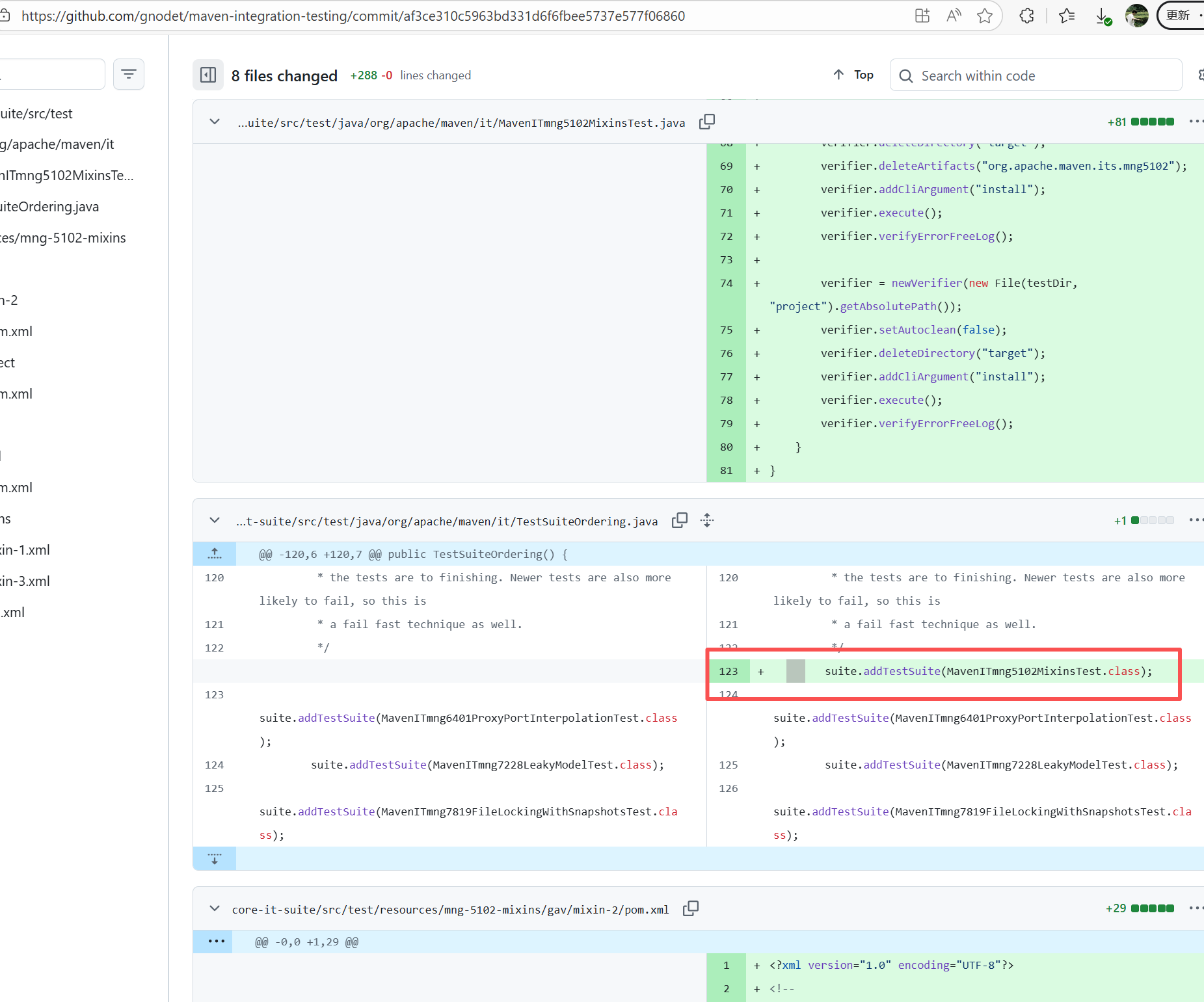 |
| open-telemetry/opentelemetry-java |
20059950016 |
Network Issue |
Error: The script `.github/scripts/markdown-link-check-with-retry.sh` is used to check if the external links in the `.md` files in the repository are valid. Most links are normal `[✓]` during the check process, but one link failed `[✖]`. The status code `Status: 0` indicates that the request did not return a valid HTTP response, which may be because the link address has expired or there is a temporary network fluctuation problem.
Root Cause: The external link is normally accessible, and successfully accessed after a rerun. |
Short-term Fix: Rerun the job, which will automatically succeed after the network condition is restored.
Long-term Defense:
1. Configure domestic mirror sources to replace official sources;
2. Add a retry mechanism (such as the retry plugin);
3. Use a CDN to accelerate dependency downloads. |
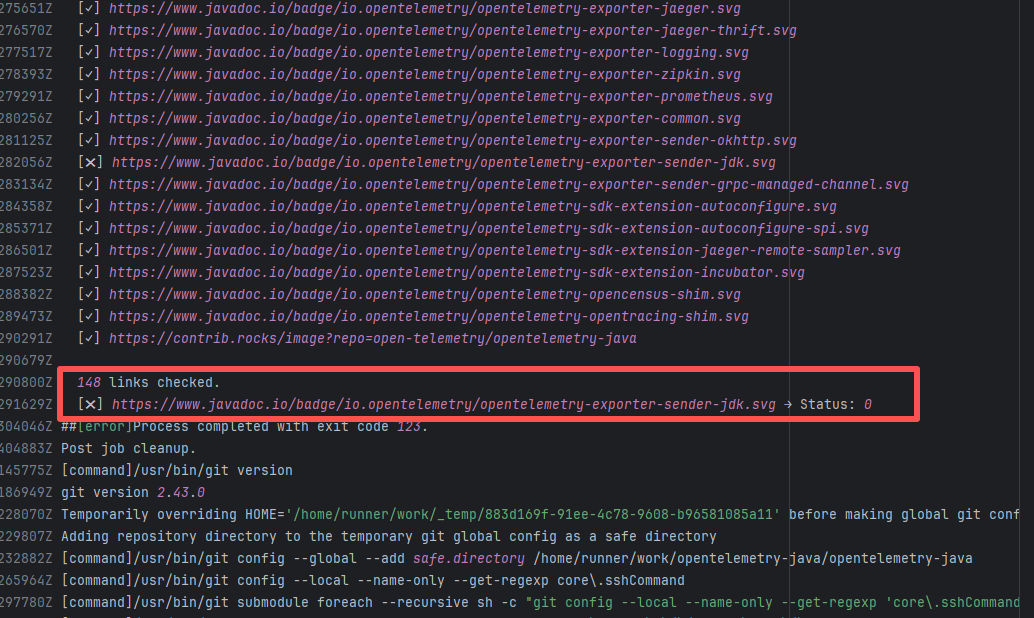  |
| openhab/openhab-addons |
25119654479 |
External Resource Inconsistency |
Error: The log error shows that an error occurred during the Code Analysis phase of the openHAB project. In line 92 of `OH-INF.thing.common.xml`, the defined type `Number:Density` is not in the allowed list of enumeration values. This means the XML Schema restricts the channel type in the `` element to only use official enumeration units/types, such as `Number:Temperature`, `Number:Pressure`, etc., and `Number:Density` is not a valid enumeration.
Root Cause: By analyzing the logs and commits, it is found that the unit/type enumeration type defined is in the org.openhab.core library. The dependency version used by org.openhab.core is 4.2-SNAPSHOT, not a stable version. The rerun was successful 24 hours after the failure. |
Modify the openhab core module, add the enumeration value, rebuild it, and publish it to the maven repository |
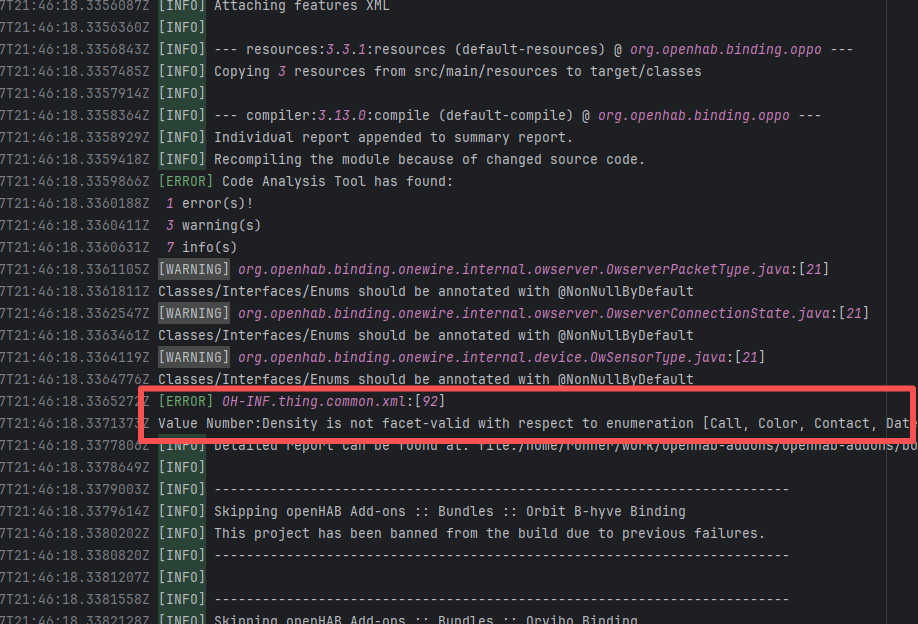 |
| apache/maven |
16761312558 |
Upstream Repository Issue |
Error: The log shows that the error is a code formatting failure (Code Formatting Violation) detected by the Spotless Maven Plugin. The indentation style (tabs vs. spaces) in the file is inconsistent with the Spotless configuration requirements. The Spotless check phase detected formatting differences, causing the build to fail.
Root Cause: Analysis of the log reveals that this flaky failure is not due to modifying external configurations or data followed by a successful rerun, but originates from changes in the upstream repository's source code. In the workflow, the checkout step specifies the ref parameter, so every pull retrieves the latest commit of the specified branch in the repository. This makes it impossible to maintain a consistent code version for workflow execution, so the current error is actually fixed based on the premise that the commit has already been modified. The developer succeeded after modifying `\t\t` to spaces. |
|
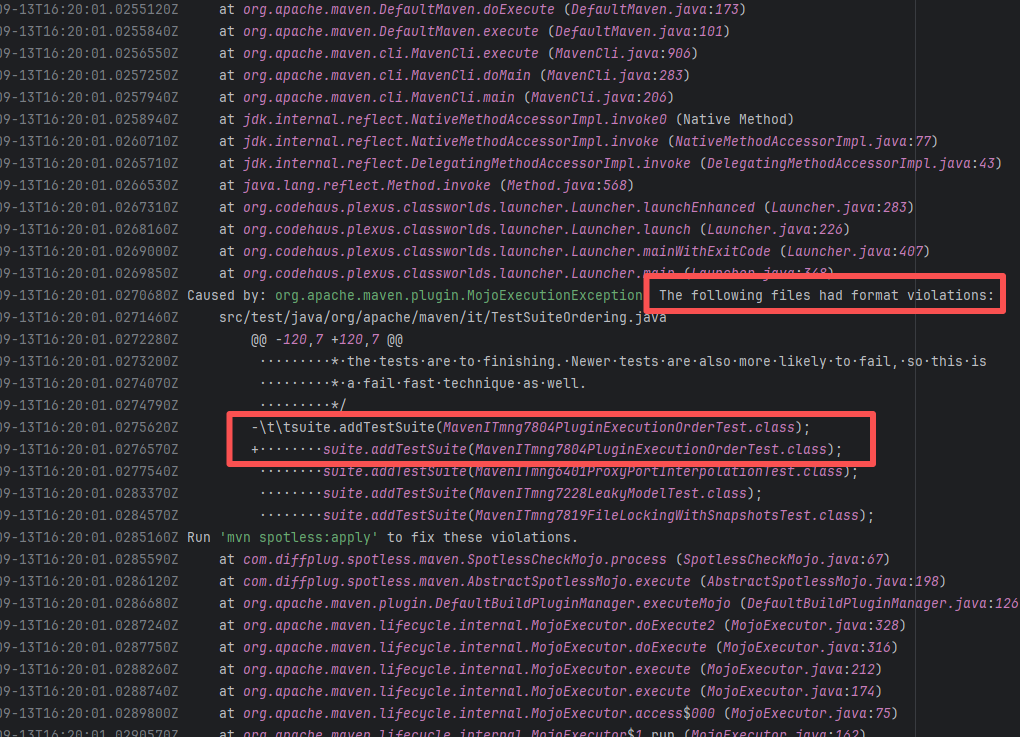 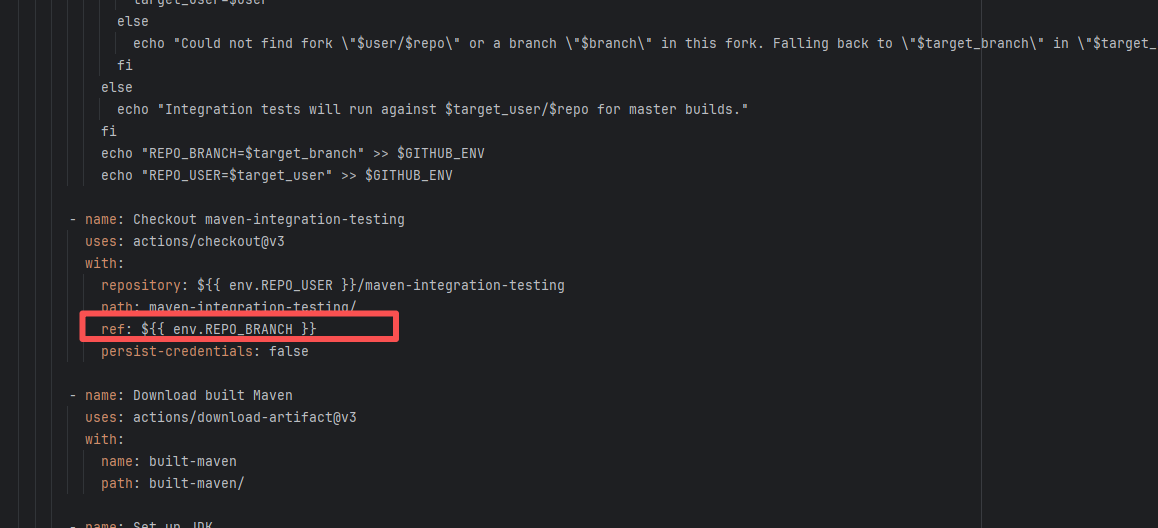 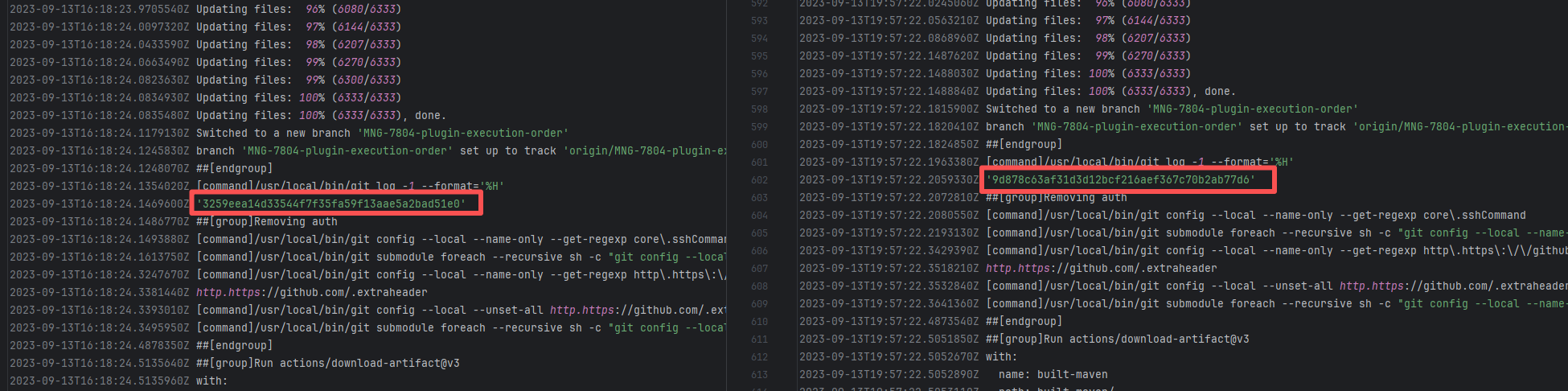 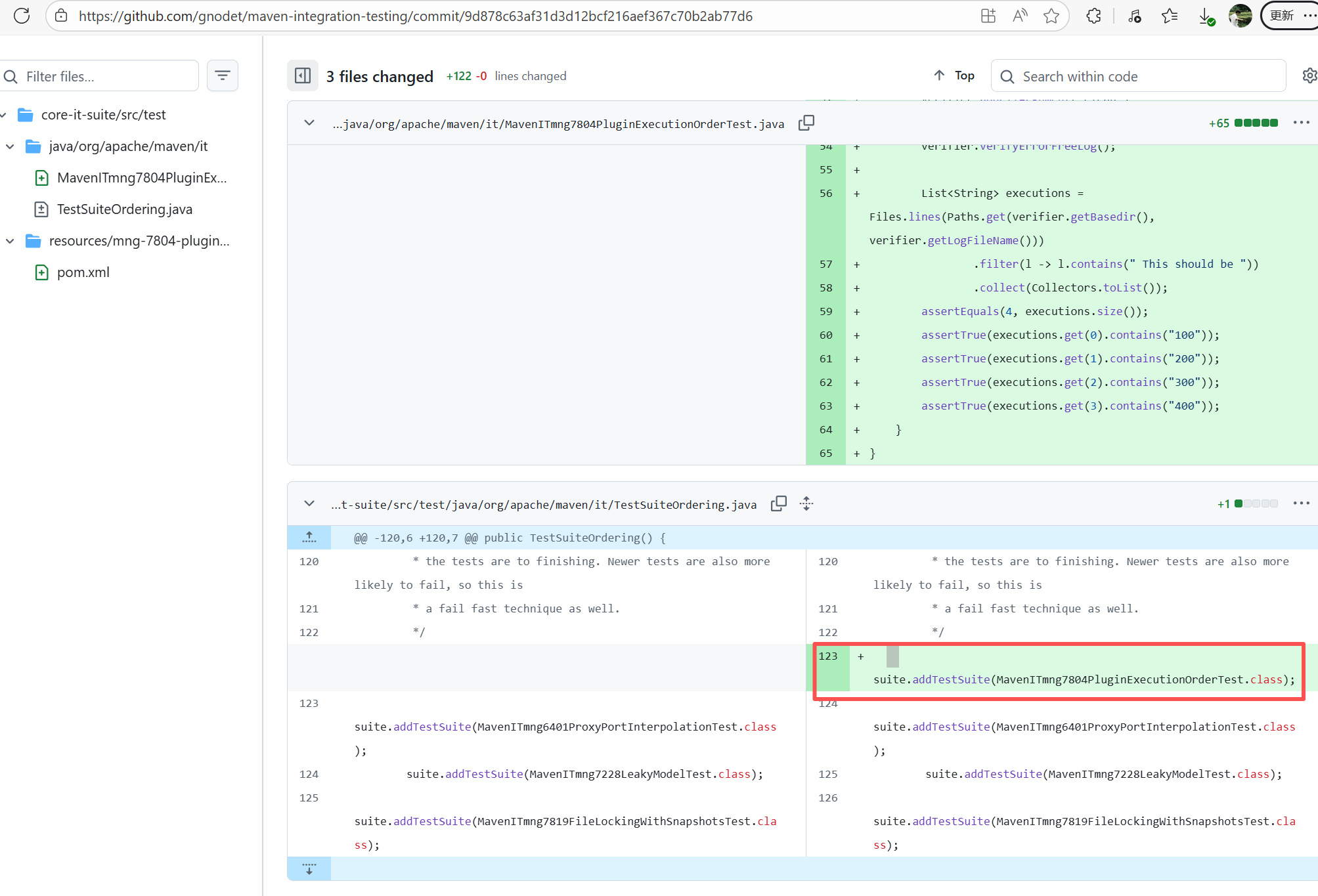 |
| mapfish/mapfish-print |
23808850715 |
Upstream Repository Issue |
Error: The log shows that the error is because the Snyk automated security scan found 4 vulnerabilities, and an error occurred during the automatic repair process, causing the build to fail.
Root Cause: Analysis of the log reveals that this flaky failure is not due to modifying external configurations or data followed by a successful rerun, but originates from changes in the upstream repository's source code. In the workflow, the checkout step specifies the ref parameter, so every pull retrieves the latest commit of the specified branch in the repository. This makes it impossible to maintain a consistent code version for workflow execution, so the current error is actually fixed based on the premise that the commit has already been modified. Judging from the log, a security vulnerability has been repaired, so the rerun avoids the error caused by the automatic repair. |
|
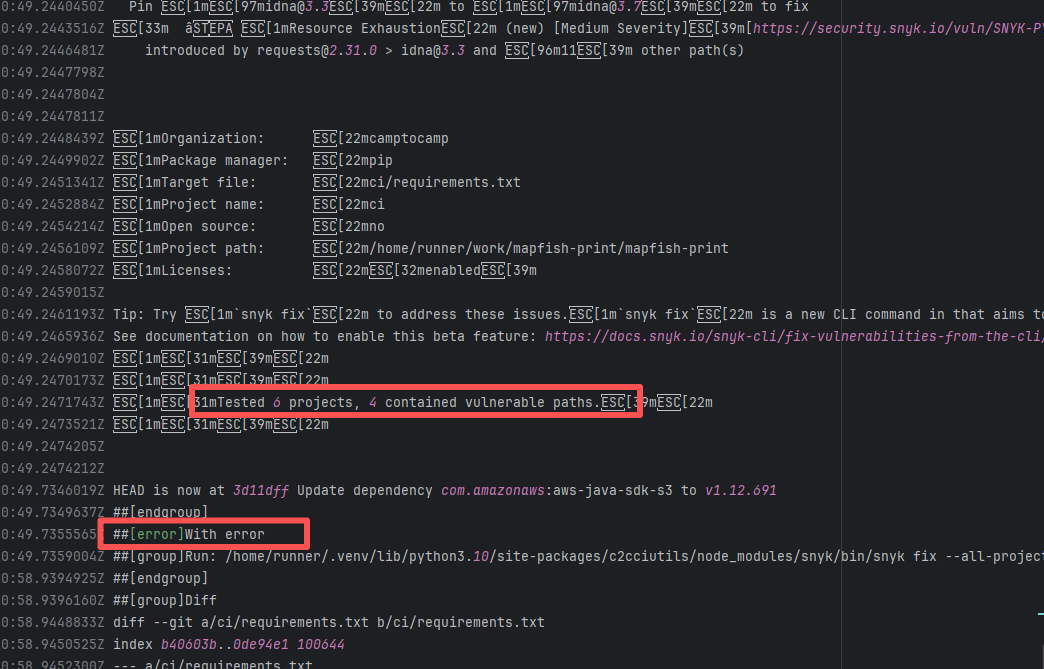 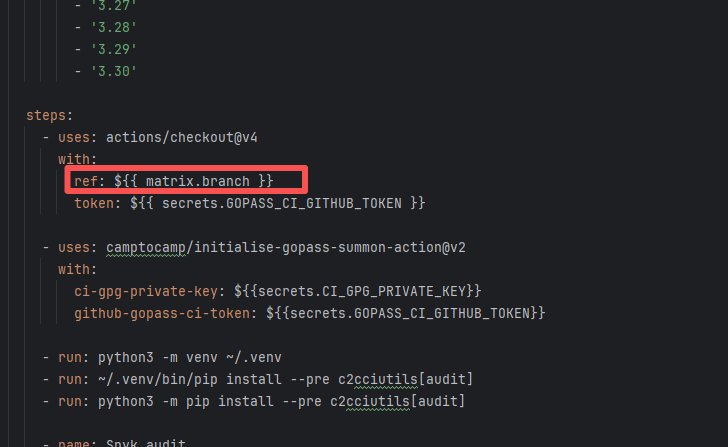 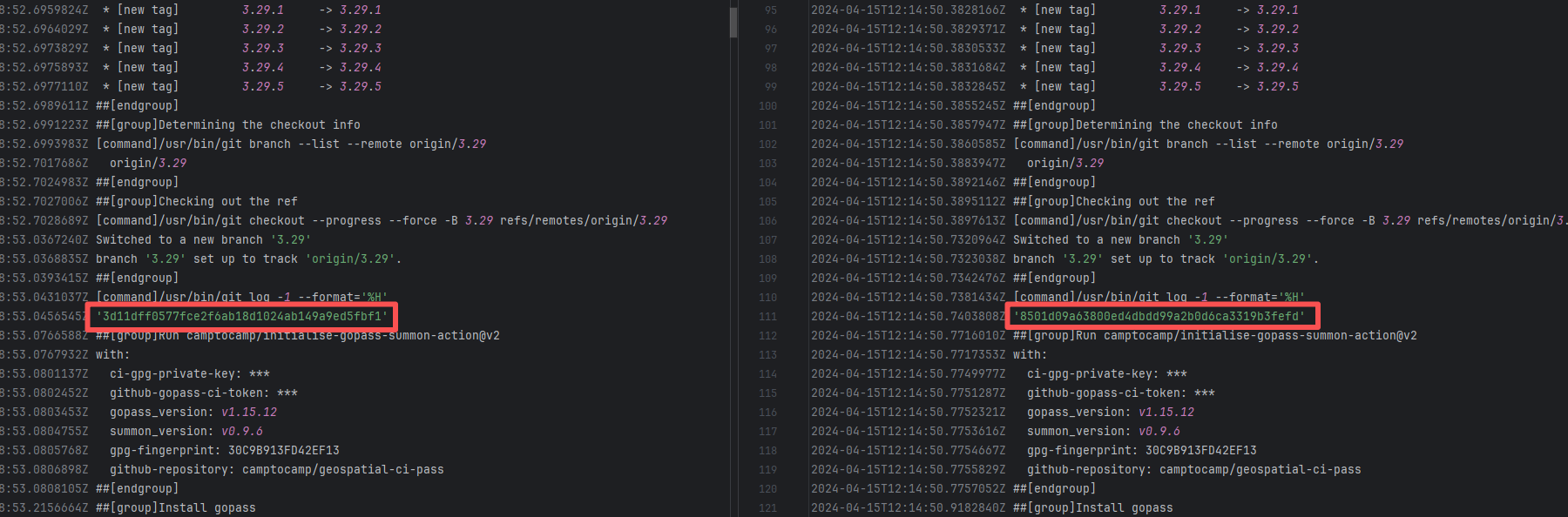 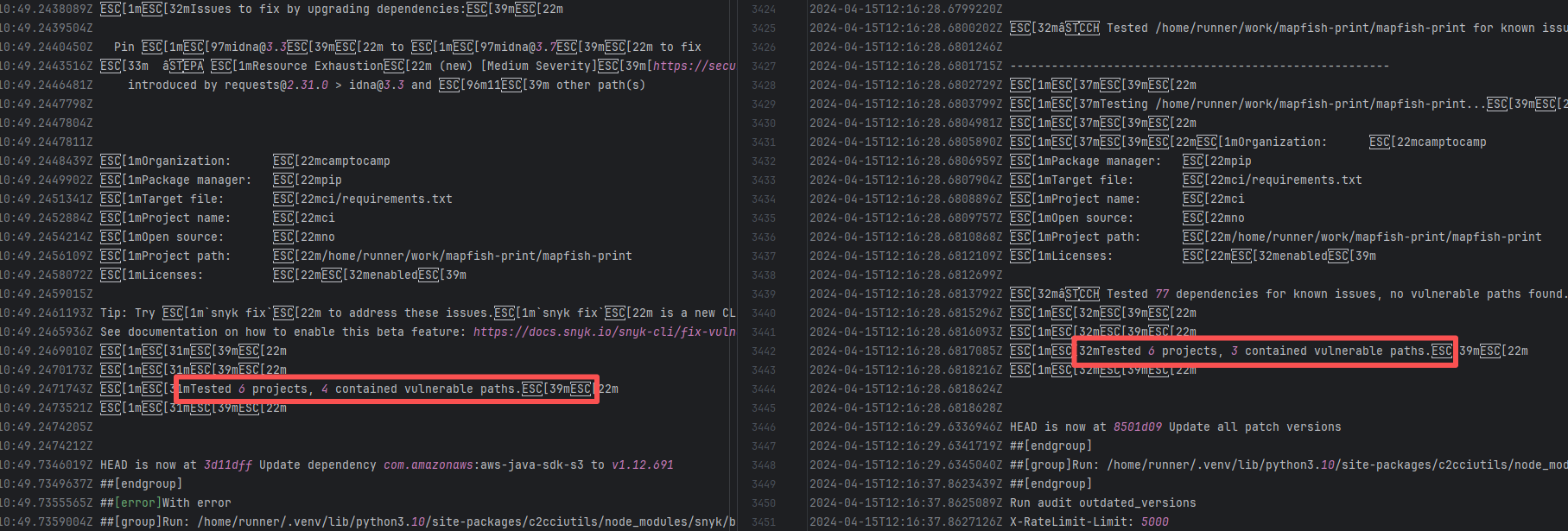 |
| open-telemetry/opentelemetry-java |
19463131406 |
Stale Cache |
Error: A check triggered when using the japicmp plugin in a project (such as OpenTelemetry) failed. This task compares the API changes of the current branch with the differences from the previous version (latest release). `Diff detected` means a new difference (API change) was detected and the apidiff document was not manually updated.
Root Cause: Comparing the success and failure logs reveals that an inconsistency problem occurred during the cache restoration process. The size of the cache and the specific hash of the cache both changed. This results in the cache content restored for the two tasks being different. |
Rerun after clearing the cache |
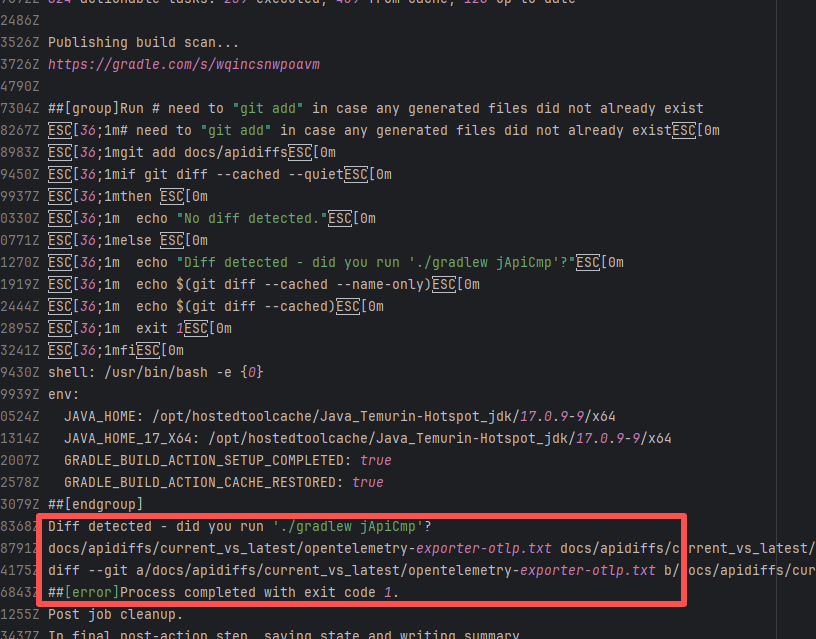 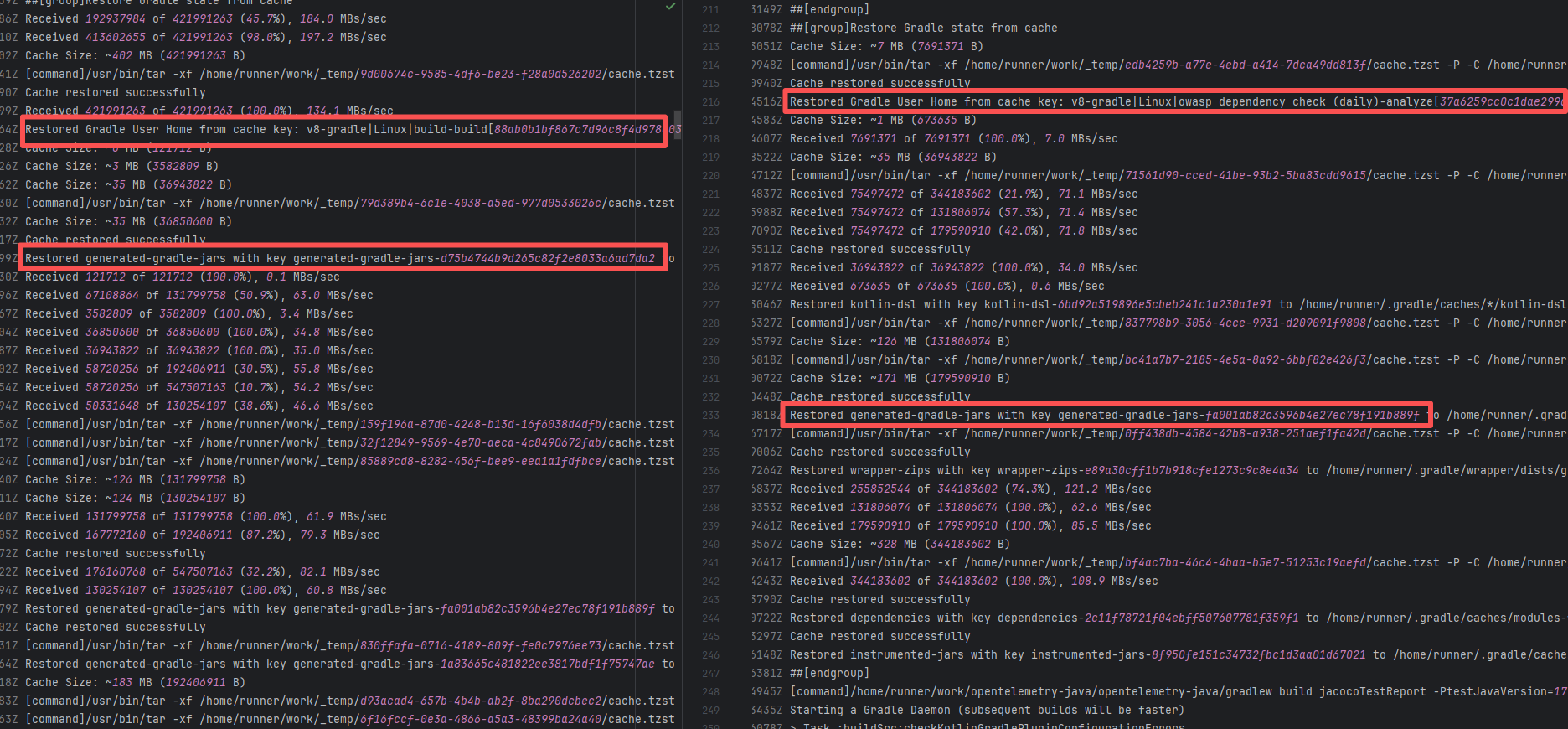 |
| ben-manes/caffeine |
20693447263 |
External Resource Inconsistency |
Error: The error log shows that the `semgrep.sarif` file generated after Semgrep execution contains duplicate rule items, so it cannot be uploaded. Specifically, there are duplicate entries in the `instance.runs[0].tool.driver.rules` section, violating the SARIF file specification.
Root Cause: Comparing the success and failure logs reveals that the number of rule sets in sarif changed (decreased), and the rule sets of sarif are obtained online from the Semgrep Registry. Therefore, the successful rerun actually means that the rule set containing duplicate entries in the Semgrep Registry has been deleted, and the final analysis result no longer contains duplicate entries. |
- Clean up and deduplicate Semgrep rule sets |
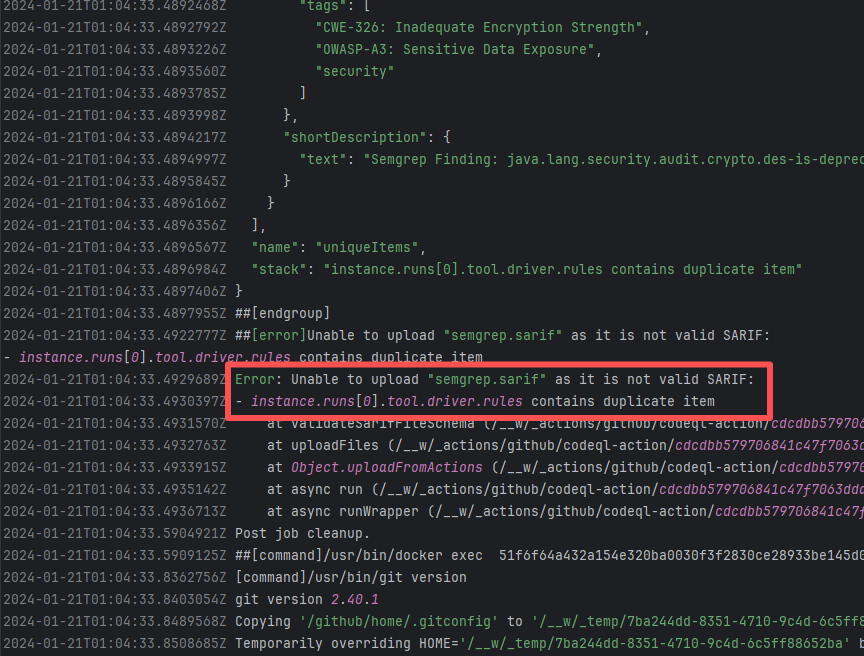 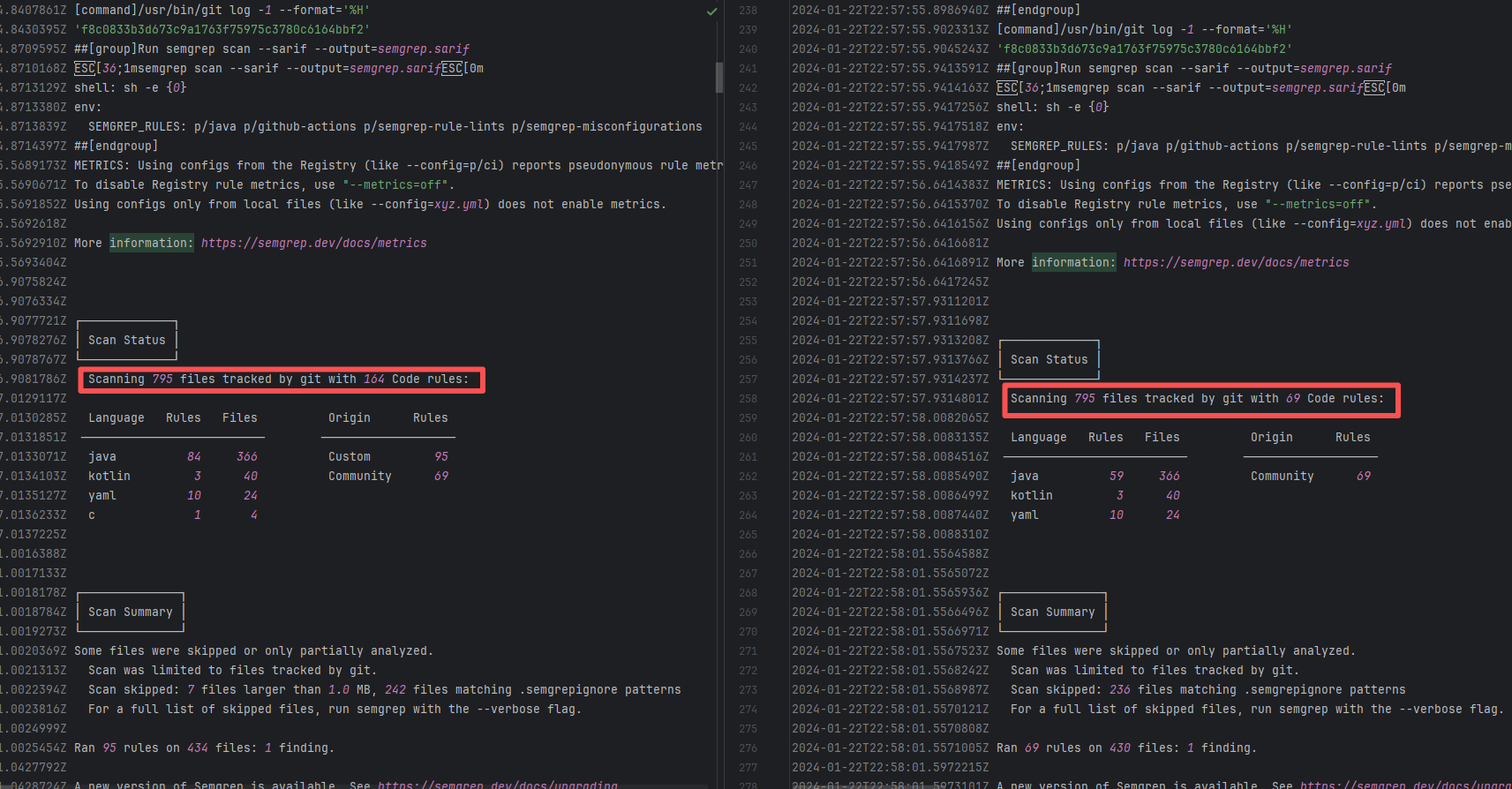 |
| apache/iceberg |
23100216967 |
API Rate Limit |
Error: The log shows an error encountered when checking links in Markdown files using the markdown-link-check tool. Error code 429 means that resources are temporarily inaccessible due to frequent requests.
Root Cause: The external link is normally accessible. Waiting for a while and rerunning successfully accesses the link. |
- Pause the request for 5-10 minutes and try again. It usually recovers automatically. |
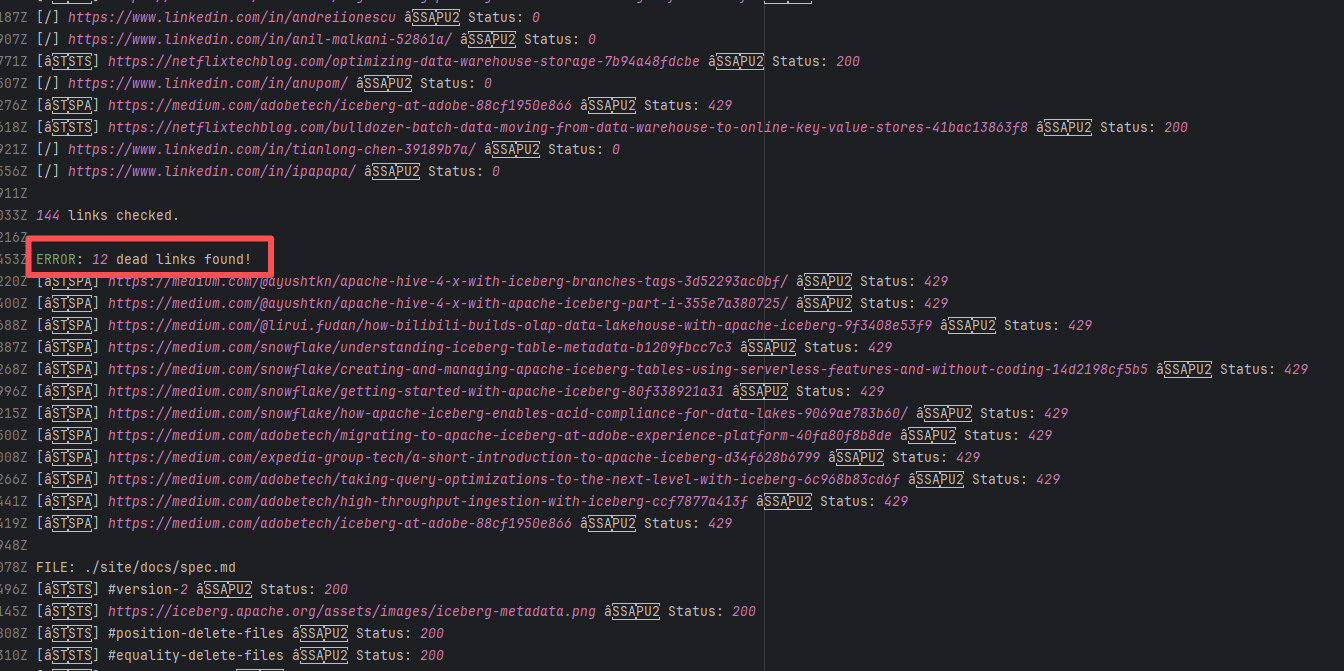 |
| apache/iceberg |
25781767691 |
Network Issue |
Error: A timeout error occurred while obtaining resources.
Root Cause: Brief connection timeout caused by network fluctuation, not an error of the service provider's server. |
Short-term Fix: Rerun the job, which will automatically succeed after the network condition is restored.
Long-term Defense:
1. Configure domestic mirror sources to replace official sources;
2. Add a retry mechanism (such as the retry plugin);
3. Use a CDN to accelerate dependency downloads. |
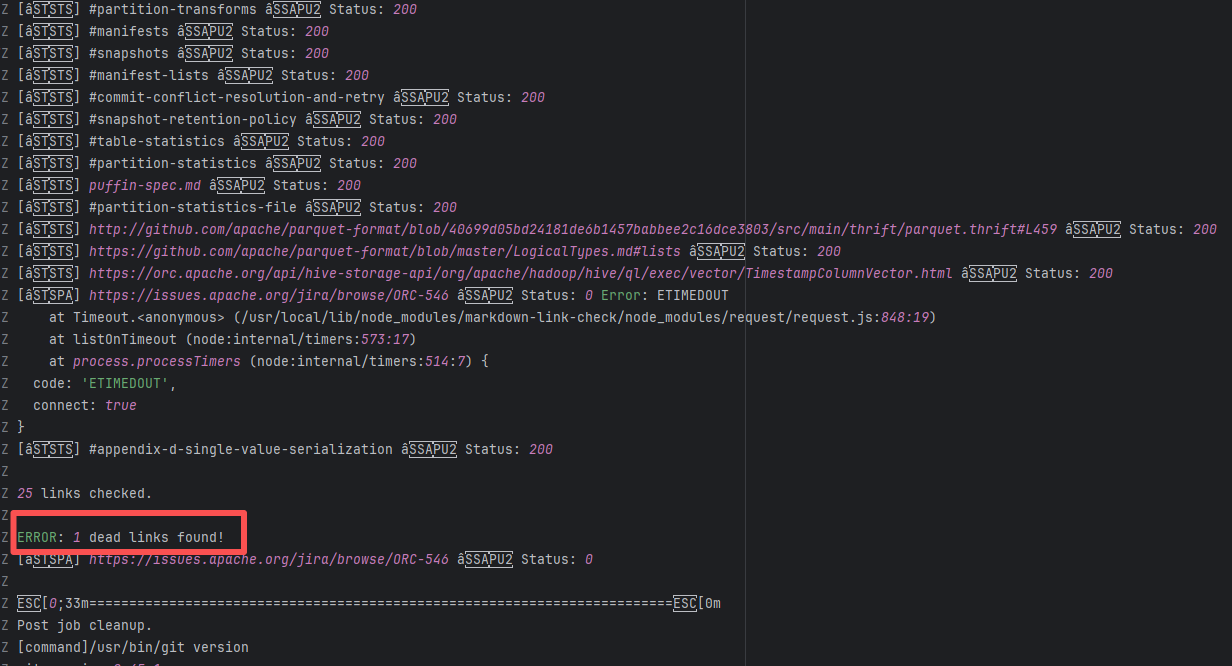  |
| onthegomap/planetiler |
19841040658 |
Network Issue |
Error: A timeout error occurred while obtaining resources.
Root Cause: Brief connection timeout caused by network fluctuation, not an error of the service provider's server. |
Short-term Fix: Rerun the job, which will automatically succeed after the network condition is restored.
Long-term Defense:
1. Configure domestic mirror sources to replace official sources;
2. Add a retry mechanism (such as the retry plugin);
3. Use a CDN to accelerate dependency downloads. |
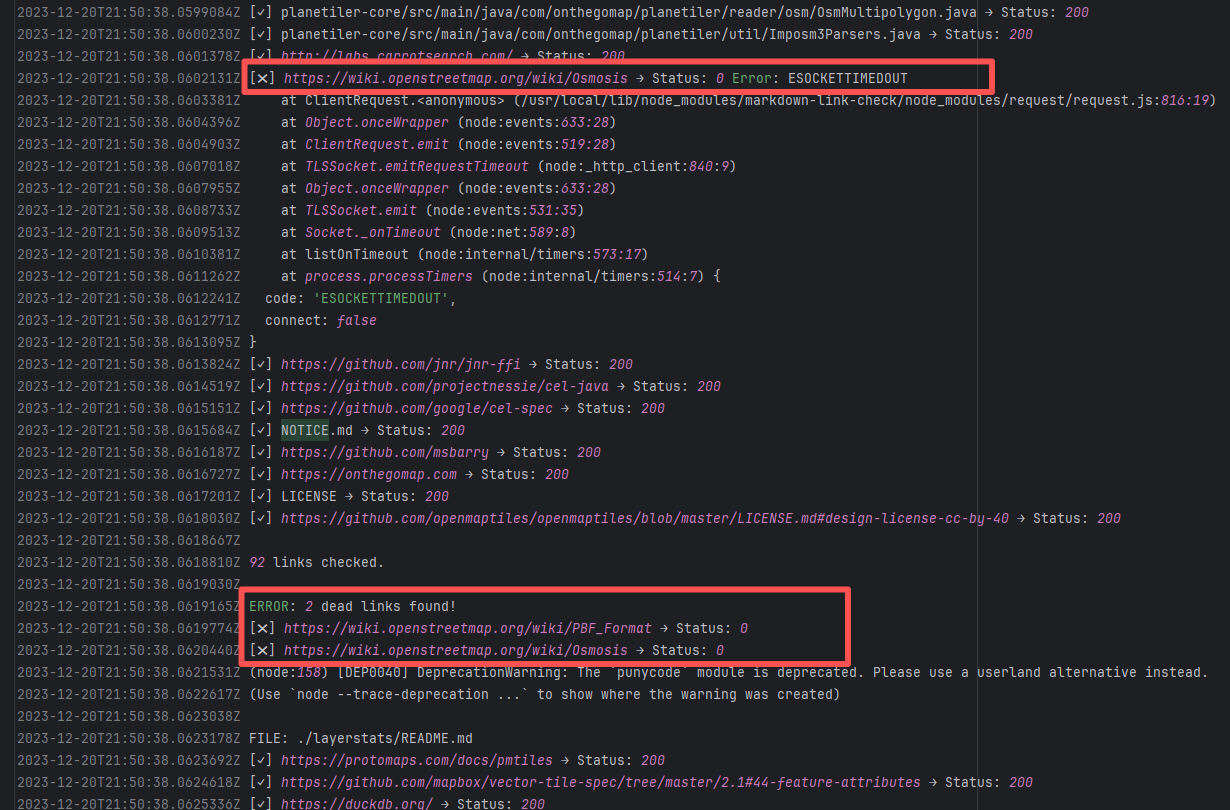 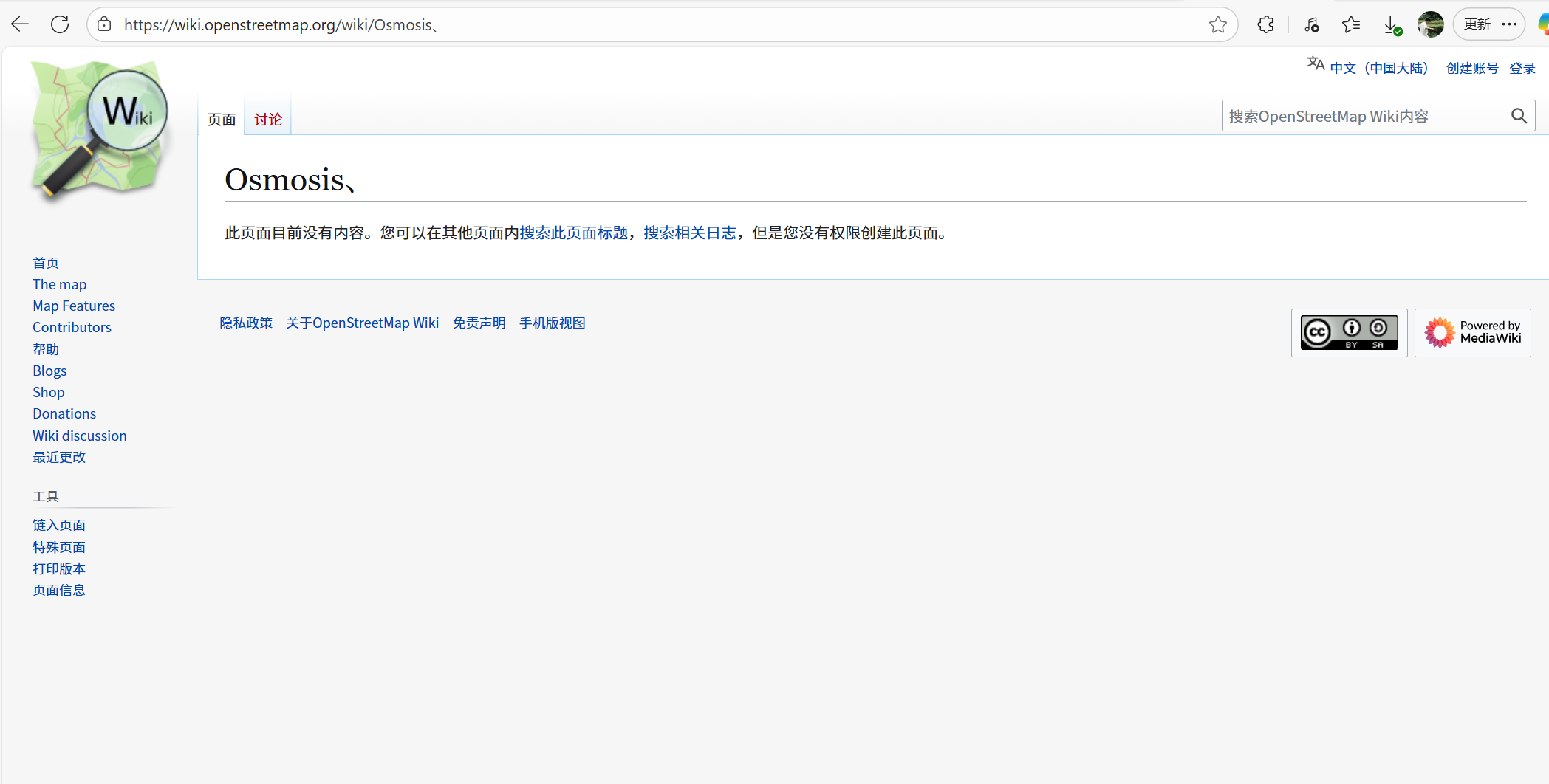 |
| apache/skywalking-java |
27694082036 |
Network Issue |
Error: A timeout error occurred while obtaining resources.
Root Cause: Brief connection timeout caused by network fluctuation, not an error of the service provider's server. |
Short-term Fix: Rerun the job, which will automatically succeed after the network condition is restored.
Long-term Defense:
1. Configure domestic mirror sources to replace official sources;
2. Add a retry mechanism (such as the retry plugin);
3. Use a CDN to accelerate dependency downloads. |
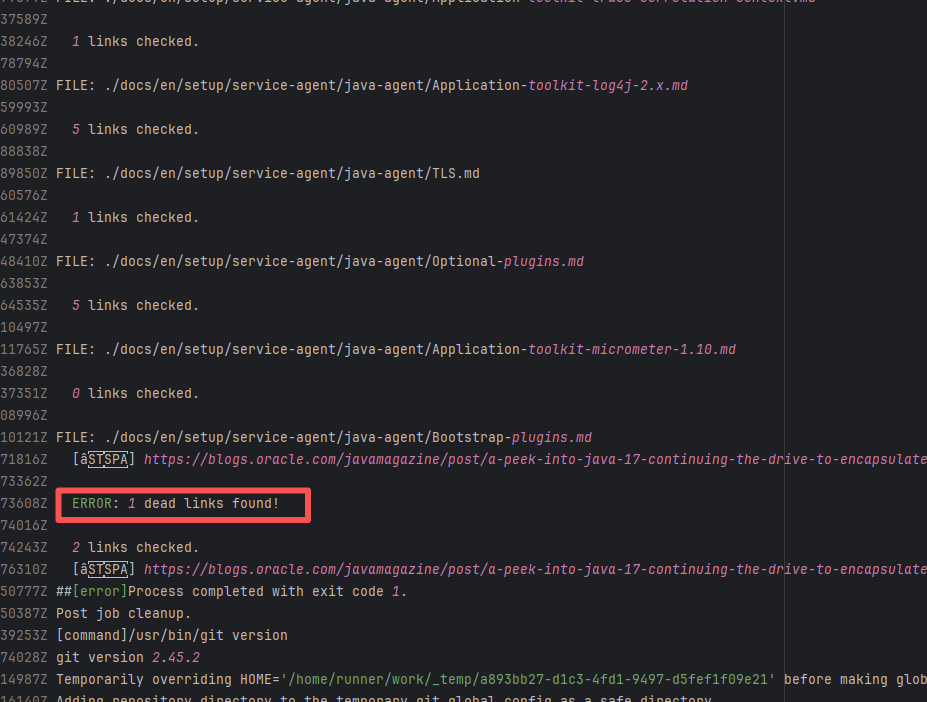 |
| mapfish/mapfish-print |
22814188722 |
Upstream Repository Issue |
Error: The log shows that the error is because the Snyk automated security scan found 4 vulnerabilities, and an error occurred during the automatic repair process, causing the build to fail.
Root Cause: Analysis of the log reveals that this flaky failure is not due to modifying external configurations or data followed by a successful rerun, but originates from changes in the upstream repository's source code. In the workflow, the checkout step specifies the ref parameter, so every pull retrieves the latest commit of the specified branch in the repository. This makes it impossible to maintain a consistent code version for workflow execution, so the current error is actually fixed based on the premise that the commit has already been modified. Judging from the log, a security vulnerability has been repaired, so the rerun avoids the error caused by the automatic repair. |
|
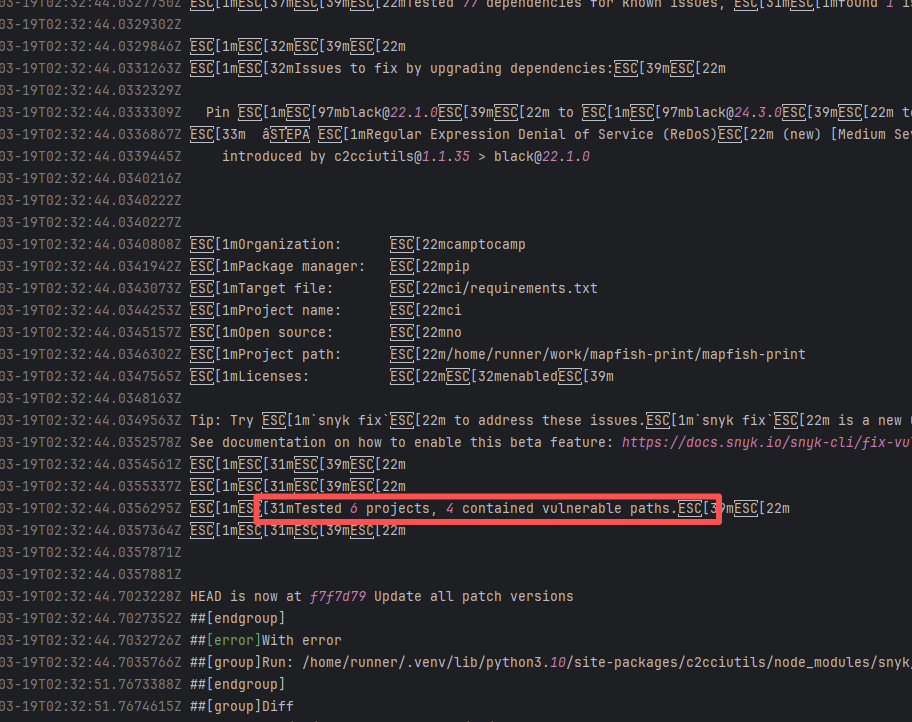 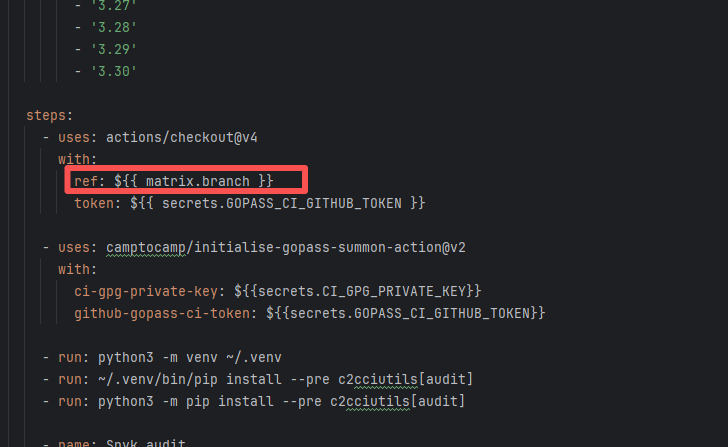 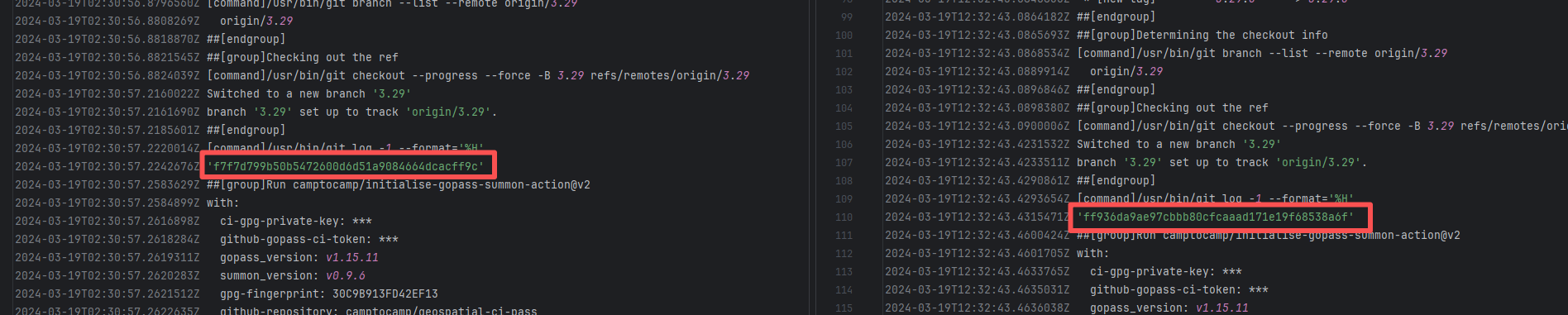 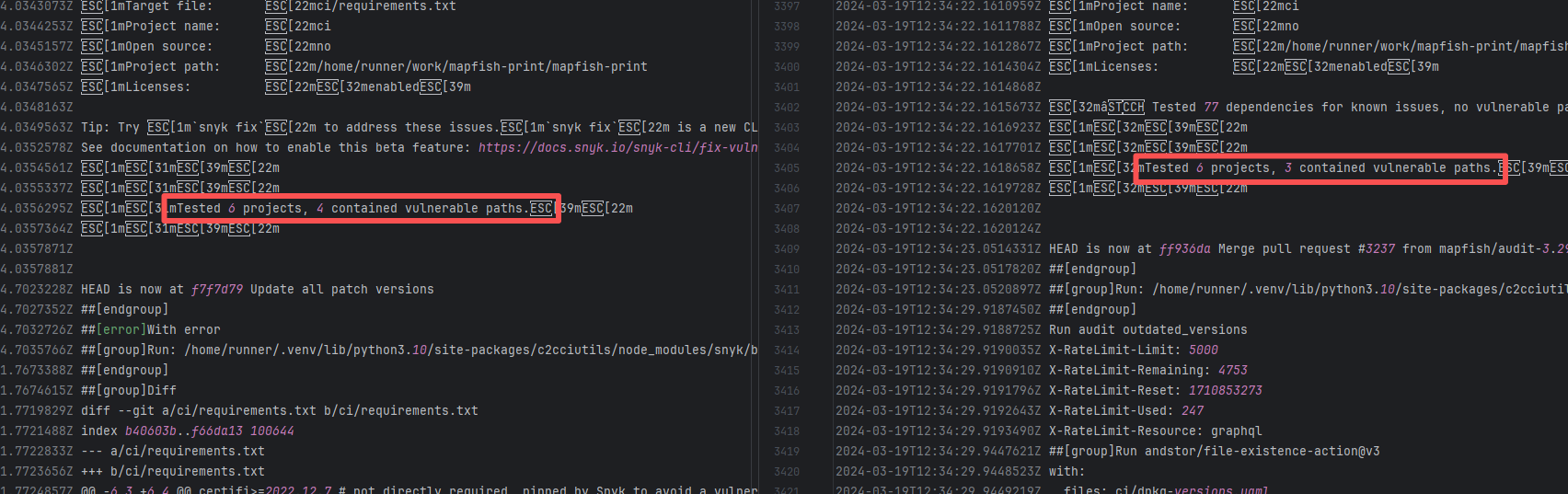 |
| mapfish/mapfish-print |
22828794875 |
Upstream Repository Issue |
Error: The log shows that the error is because the Snyk automated security scan found 4 vulnerabilities, and an error occurred during the automatic repair process, causing the build to fail.
Root Cause: Analysis of the log reveals that this flaky failure is not due to modifying external configurations or data followed by a successful rerun, but originates from changes in the upstream repository's source code. In the workflow, the checkout step specifies the ref parameter, so every pull retrieves the latest commit of the specified branch in the repository. This makes it impossible to maintain a consistent code version for workflow execution, so the current error is actually fixed based on the premise that the commit has already been modified. Judging from the log, a security vulnerability has been repaired, so the rerun avoids the error caused by the automatic repair. |
|
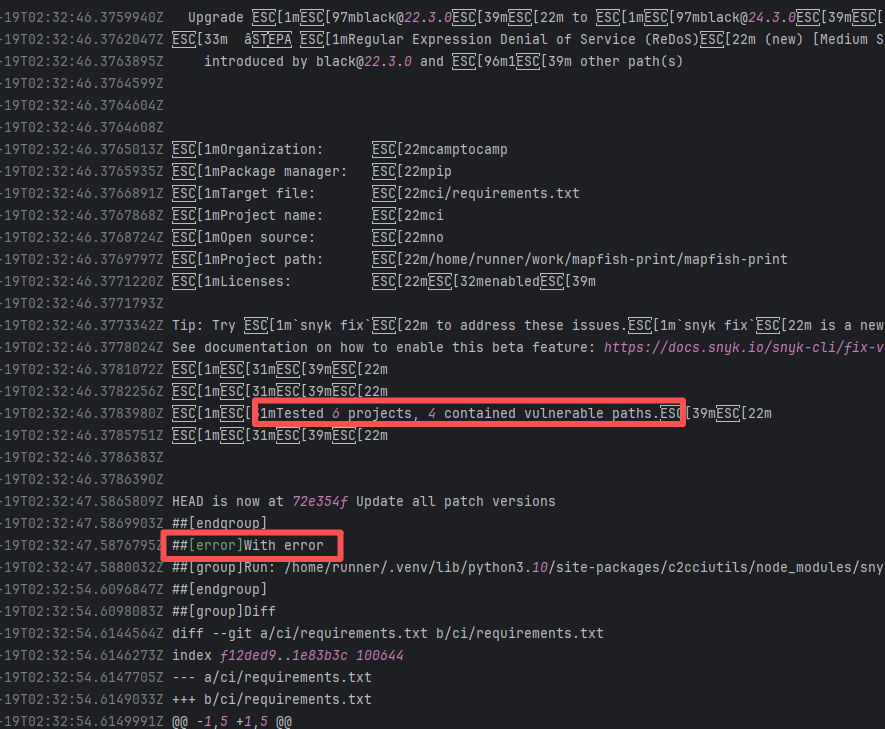 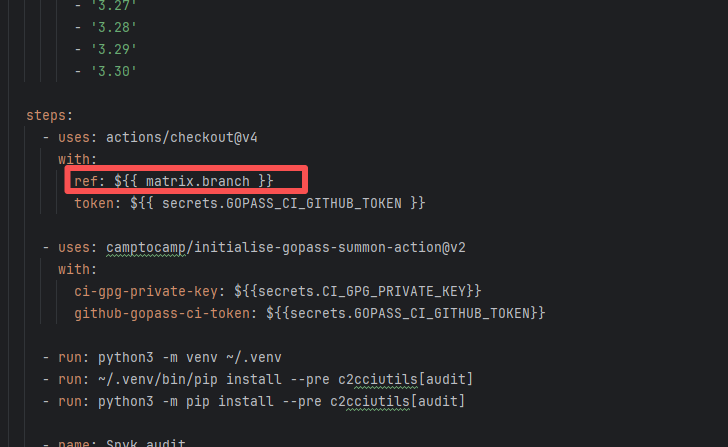 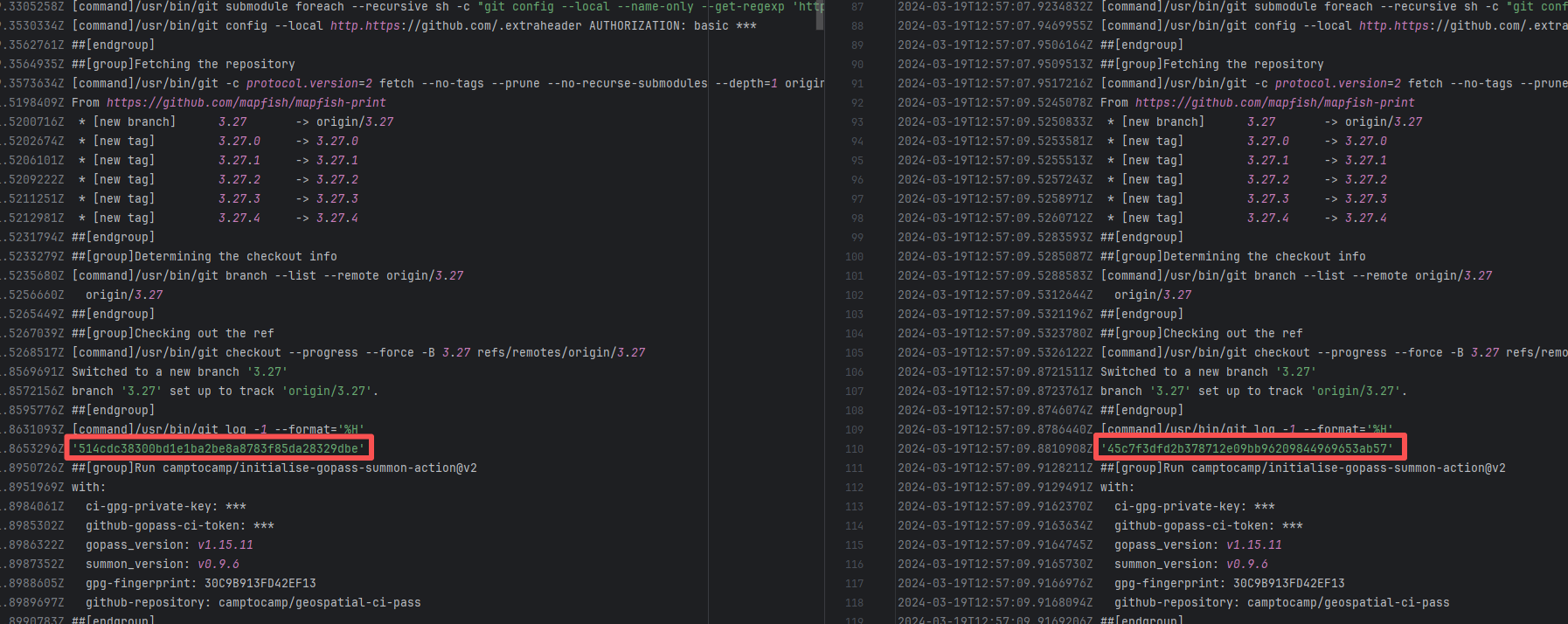 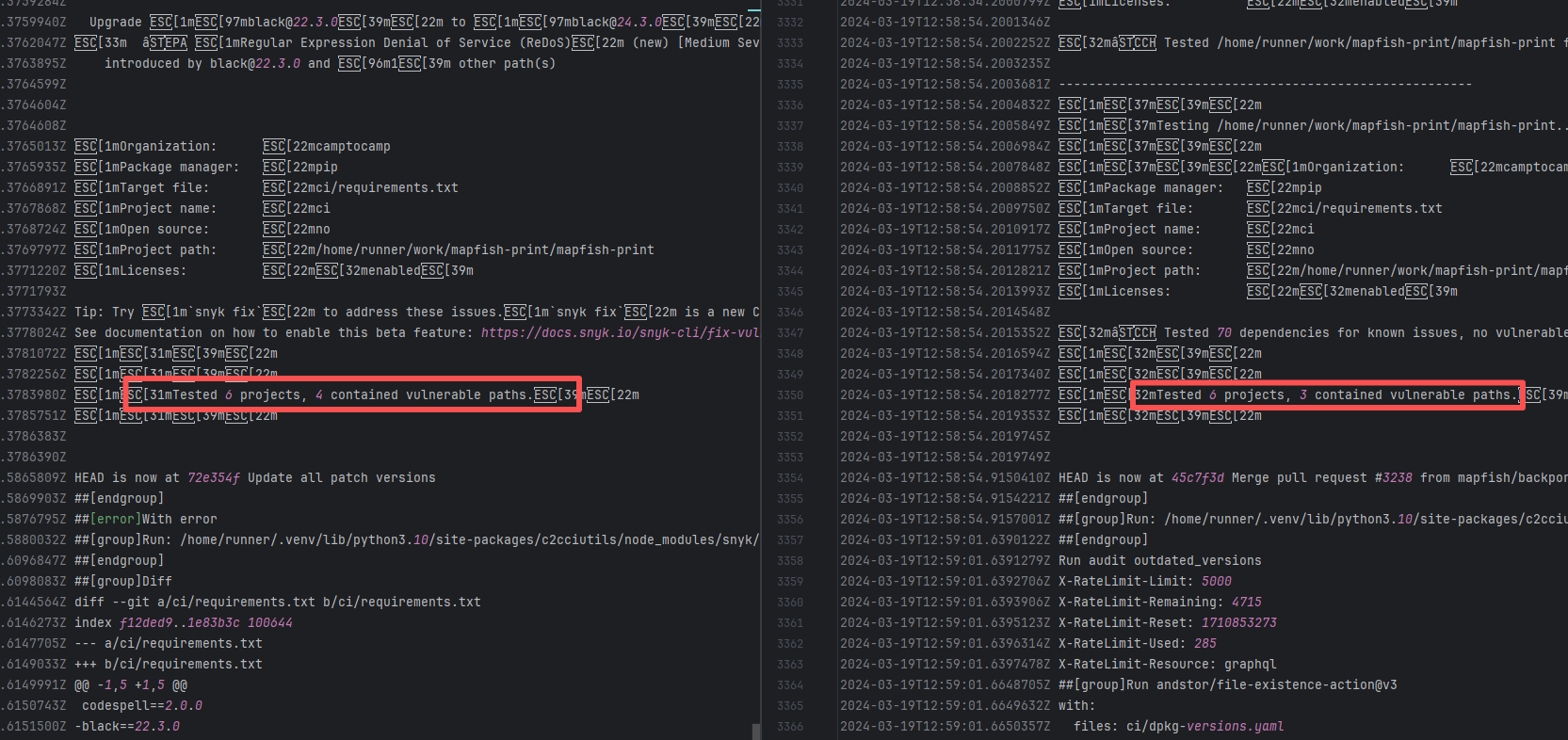 |
| vividus-framework/vividus |
22788649040 |
External Resource Inconsistency |
Error: The error log shows that the `semgrep.sarif` file generated after Semgrep execution contains duplicate rule items, so it cannot be uploaded. Specifically, there are duplicate entries in the `instance.runs[0].tool.driver.rules` section, violating the SARIF file specification.
Root Cause: Comparing the success and failure logs reveals that the number of rule sets in sarif changed (decreased), and the rule sets of sarif are obtained online from the Semgrep Registry. Therefore, the successful rerun actually means that the rule set containing duplicate entries in the Semgrep Registry has been deleted, and the final analysis result no longer contains duplicate entries. |
- Clean up and deduplicate Semgrep rule sets |
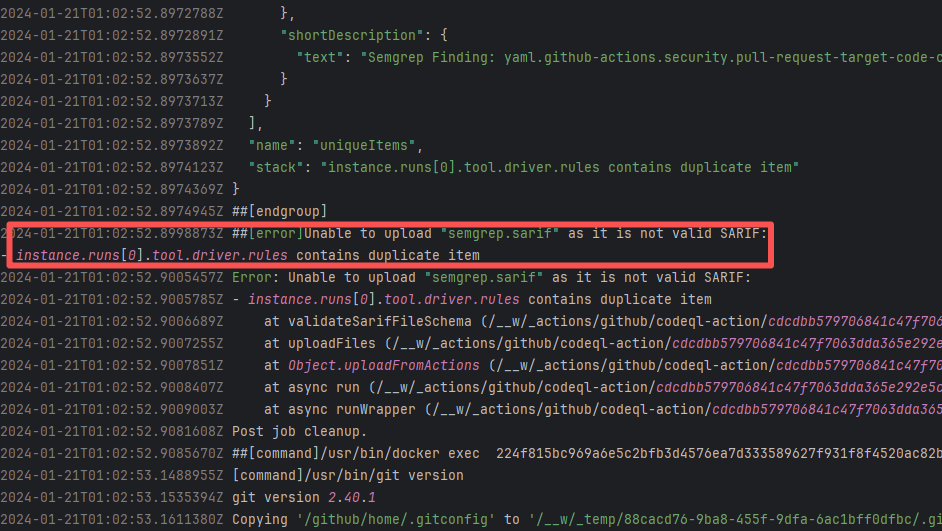 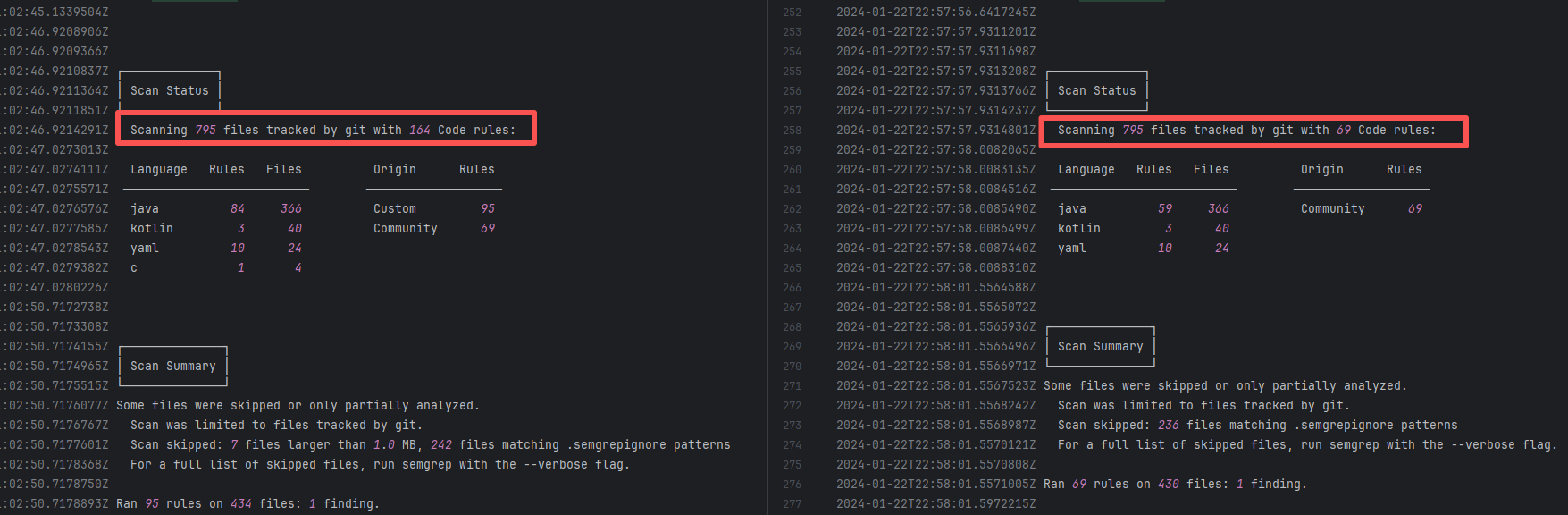 |
| eclipse-rdf4j/rdf4j |
24985594002 |
Network Issue |
Error: The log error shows that the dependency license check failed. The Maven build system used the license-tool-plugin to verify whether the licenses of all dependencies in the project are valid. During this process, the plugin found a dependency whose license information could not be automatically verified, causing the build to fail.
Root Cause: Checking the dependency pass information reveals that the dependency pass information was uploaded in 2019, so the plugin's inability to automatically verify the license information is due to a network connection issue. |
Short-term Fix: Rerun the job, which will automatically succeed after the network condition is restored.
Long-term Defense:
1. Configure domestic mirror sources to replace official sources;
2. Add a retry mechanism (such as the retry plugin);
3. Use a CDN to accelerate dependency downloads. |
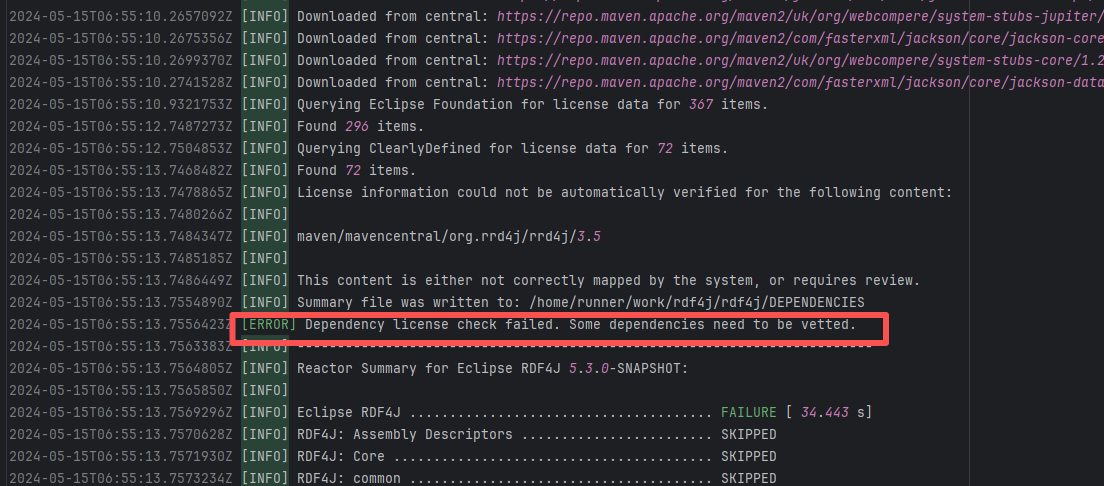 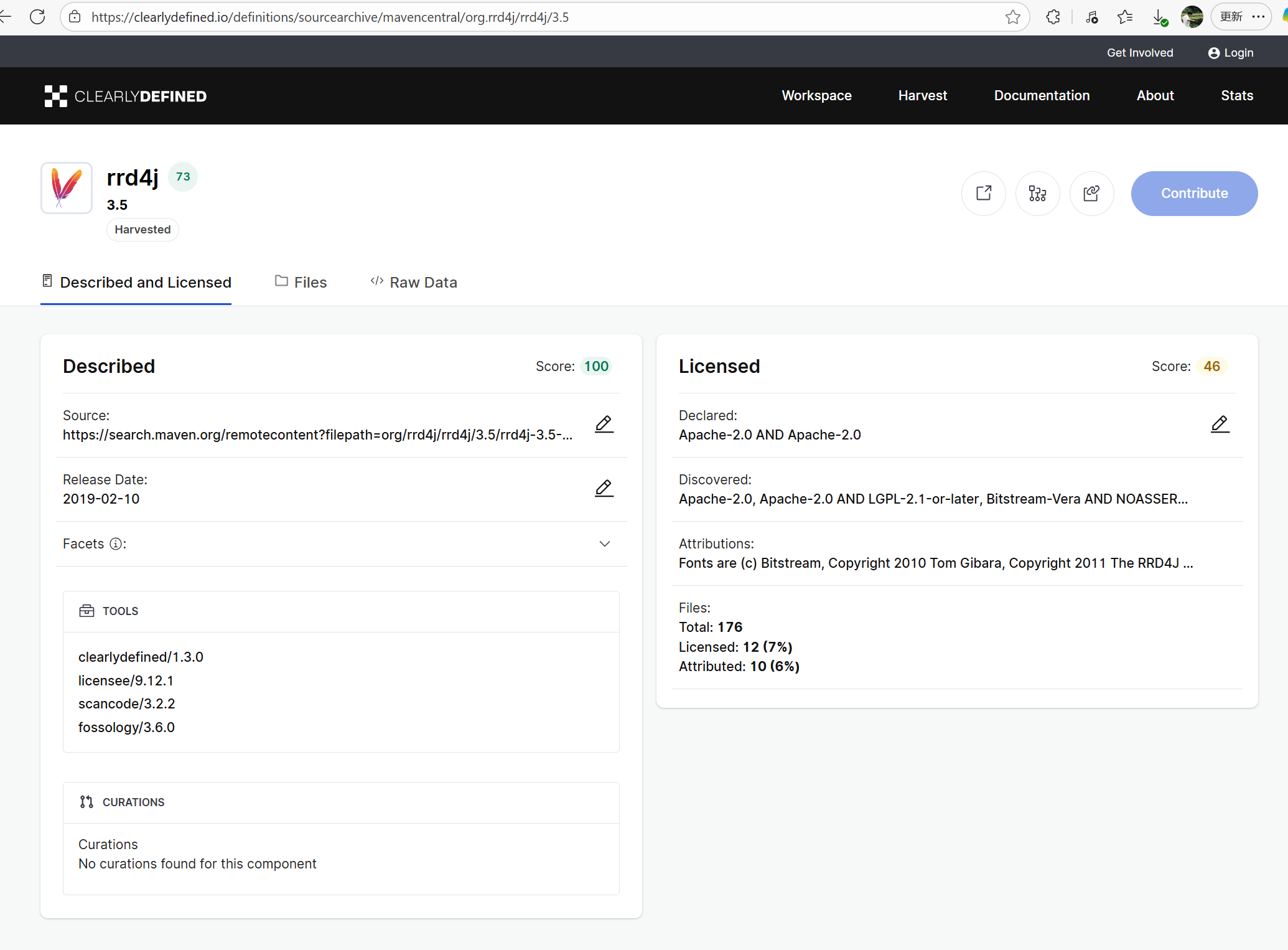 |
| apache/shardingsphere |
23123100068 |
Network Issue |
Error: The log shows an error encountered when checking links in Markdown files using the markdown-link-check tool. The status code `Status: 0` indicates that the request did not return a valid HTTP response, which may be because the link address has expired or there is a temporary network fluctuation problem.
Root Cause: The external link is normally accessible, and successfully accessed after a rerun. |
Short-term Fix: Rerun the job, which will automatically succeed after the network condition is restored.
Long-term Defense:
1. Configure domestic mirror sources to replace official sources;
2. Add a retry mechanism (such as the retry plugin);
3. Use a CDN to accelerate dependency downloads. |
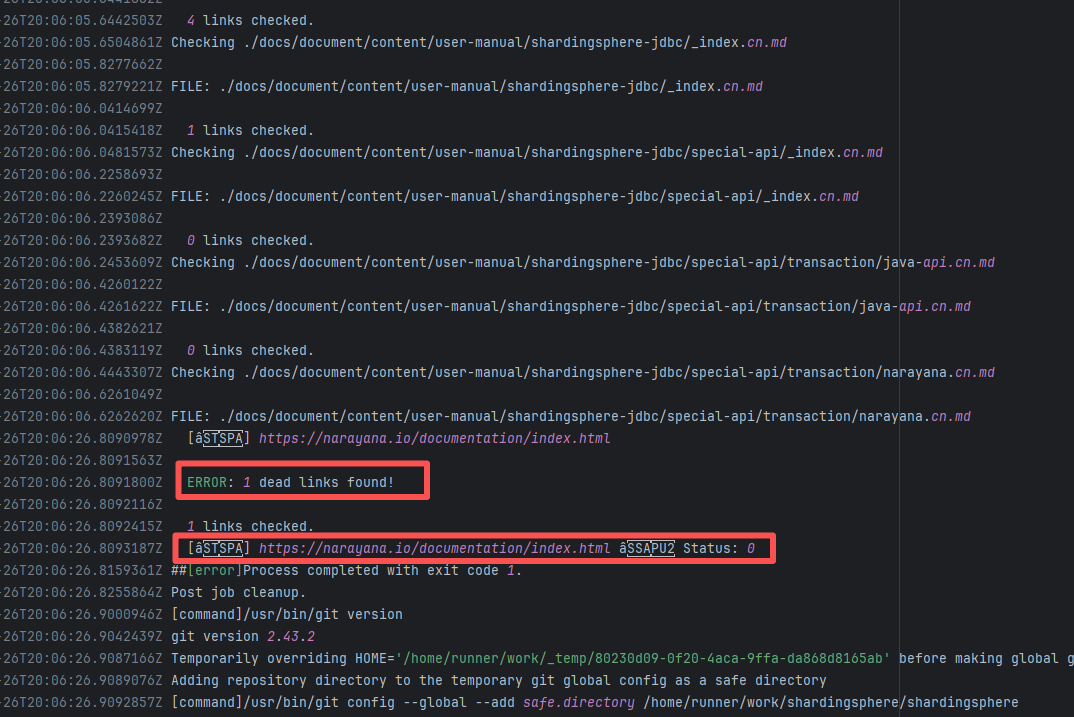  |
| openhab/openhab-addons |
23518828200 |
Upstream Repository Issue |
Error: The log error shows that the static code analysis tool (sat-plugin) in the openhab.binding.airvisualnode project found an error during code analysis.
Root Cause: Analysis of the log reveals that this flaky failure is not due to modifying external configurations or data followed by a successful rerun, but originates from changes in the upstream repository's source code. In the workflow, the checkout step specifies the ref parameter, so every pull retrieves the latest commit of the specified branch in the repository. This makes it impossible to maintain a consistent code version for workflow execution, so the current error is actually fixed based on the premise that the commit has already been modified. Judging from the log, a static analysis error has been repaired, so the rerun avoids the error. |
|
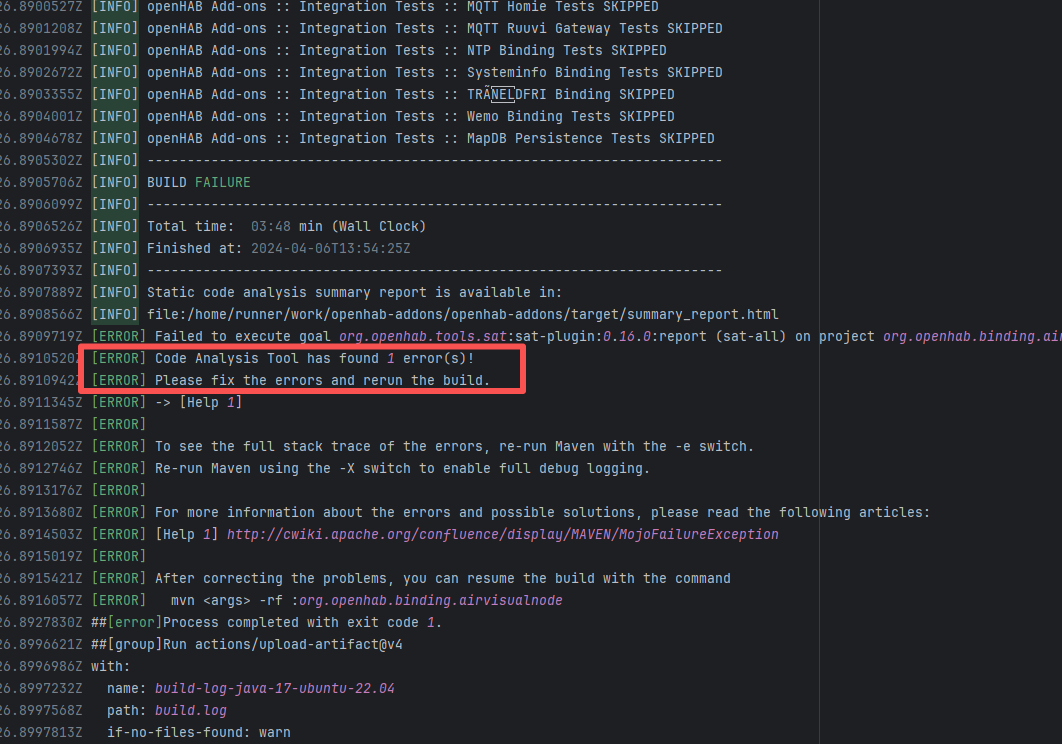 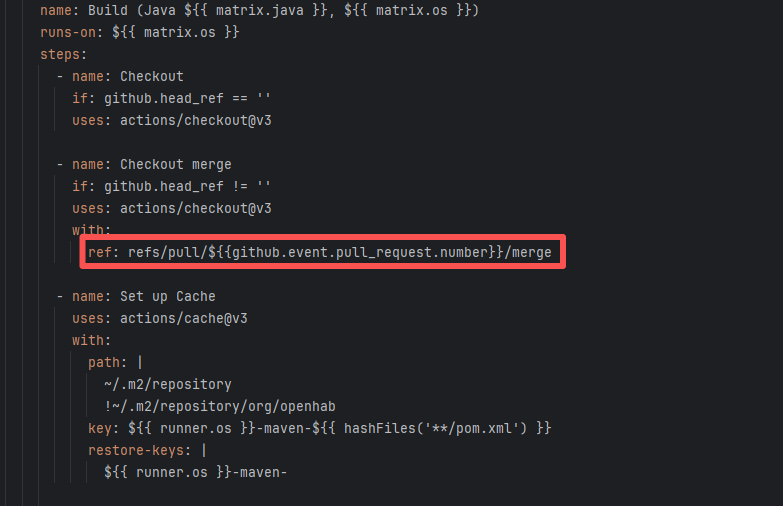 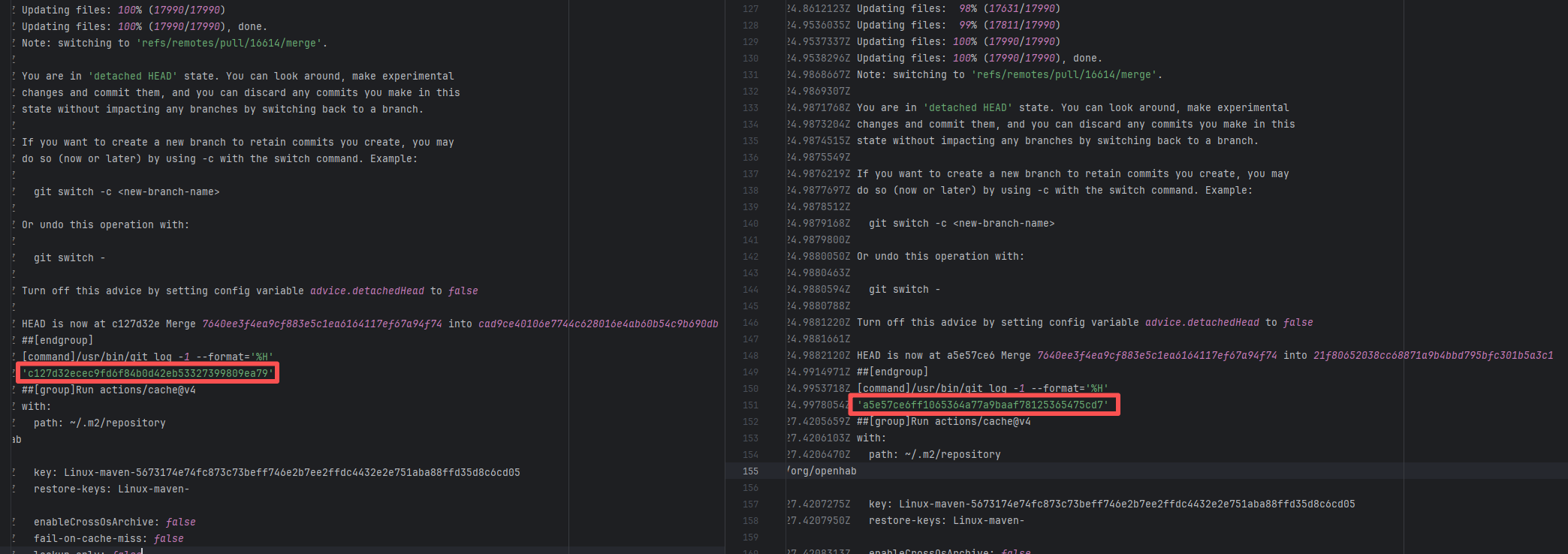 |
| openhab/openhab-addons |
19246629504 |
Upstream Repository Issue |
Error: The log error shows that the static code analysis tool (sat-plugin) in the openhab.binding.airvisualnode project found an error during code analysis.
Root Cause: Analysis of the log reveals that this flaky failure is not due to modifying external configurations or data followed by a successful rerun, but originates from changes in the upstream repository's source code. In the workflow, the checkout step specifies the ref parameter, so every pull retrieves the latest commit of the specified branch in the repository. This makes it impossible to maintain a consistent code version for workflow execution, so the current error is actually fixed based on the premise that the commit has already been modified. Judging from the log, a static analysis error has been repaired, so the rerun avoids the error. |
|
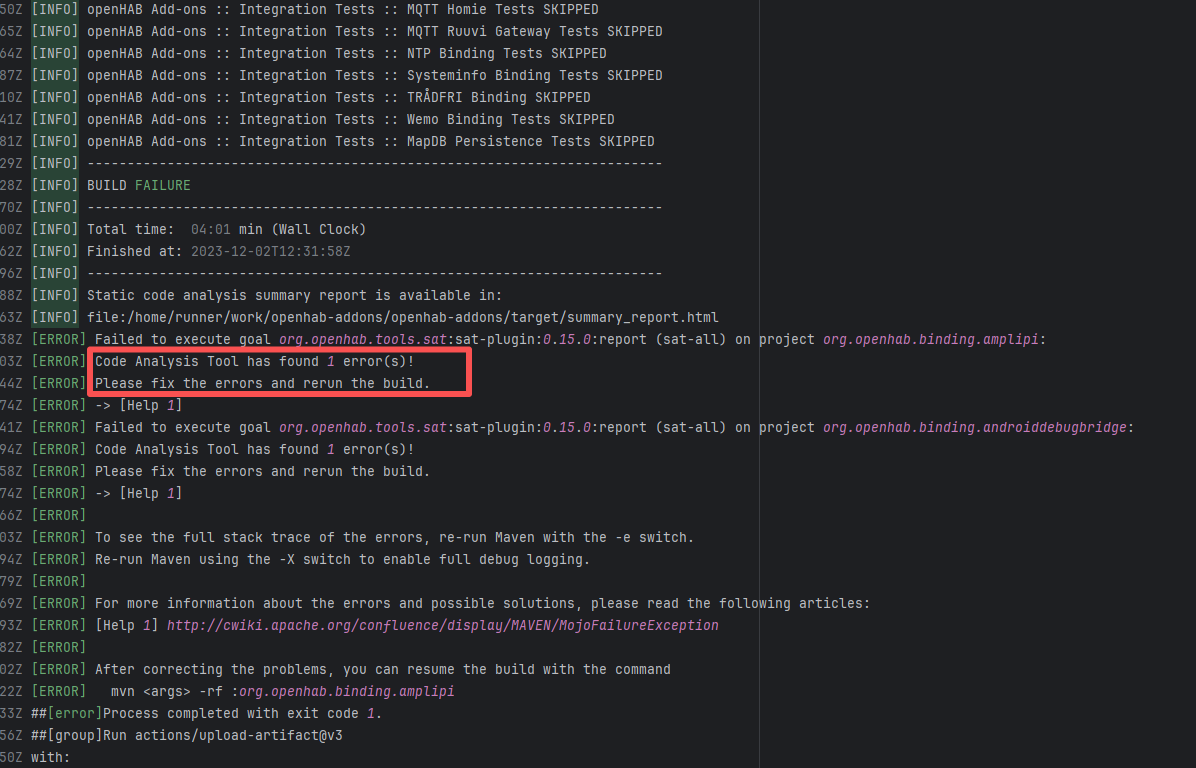 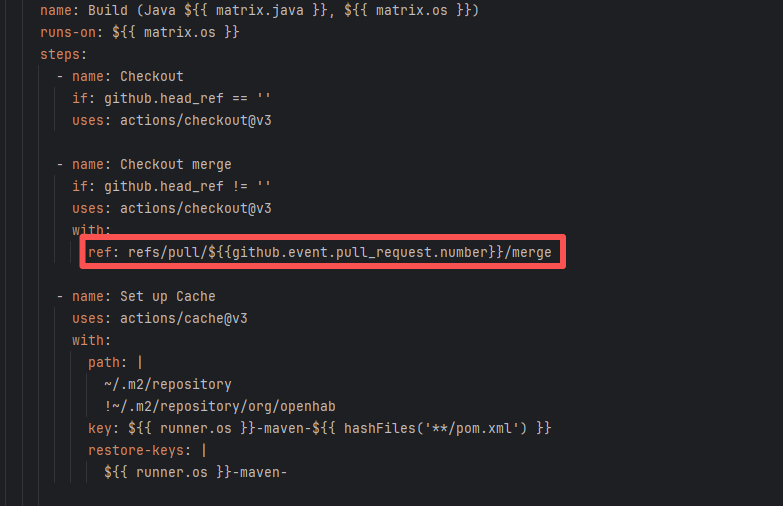 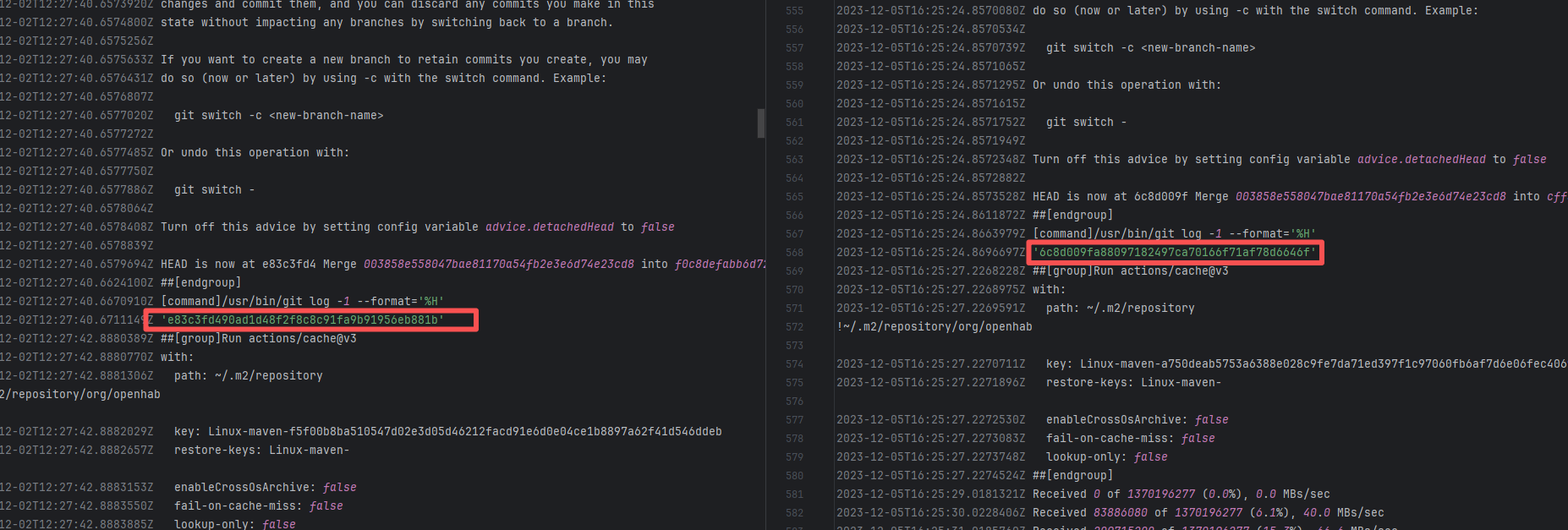 |
| Memory Limit |
camunda/zeebe |
21837312696 |
Memory Limit |
Error: The error occurs in the Node.js runtime environment. The core reason is that the memory allocated during the execution of JavaScript code exceeded the default heap memory limit of Node.js, and sufficient memory could not be released even after multiple garbage collections, ultimately triggering a crash.
Root Cause: The rerun was successful without any code modifications. |
- Manually adjust the maximum limit of JavaScript heap memory using the `-aScript heap memory using the `--max-old-space-size` parameter to cover dynamic floating peaks.
- If memory fluctuation is caused by temporary factors such as GC timing or execution order (like sporadic OOM), a rerun might quickly solve the problem, making it suitable for urgent scenarios. |
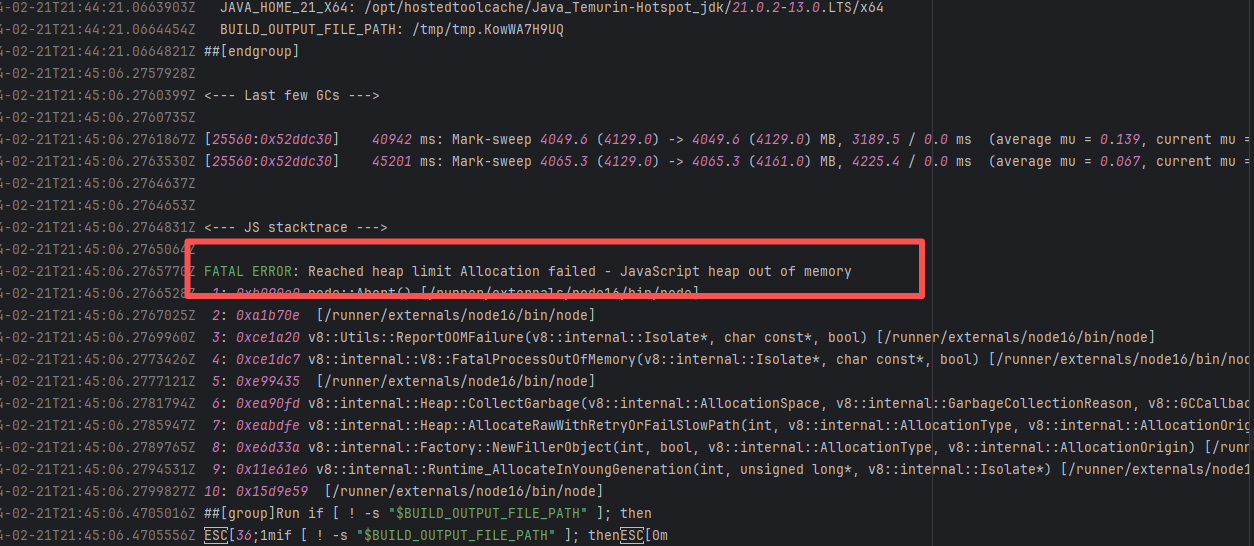 |
| camunda/zeebe |
21980633759 |
Memory Limit |
Error: The error occurs in the Node.js runtime environment. The core reason is that the memory allocated during the execution of JavaScript code exceeded the default heap memory limit of Node.js, and sufficient memory could not be released even after multiple garbage collections, ultimately triggering a crash.
Root Cause: The rerun was successful without any code modifications. |
- Manually adjust the maximum limit of JavaScript heap memory using the `-aScript heap memory using the `--max-old-space-size` parameter to cover dynamic floating peaks.
- If memory fluctuation is caused by temporary factors such as GC timing or execution order (like sporadic OOM), a rerun might quickly solve the problem, making it suitable for urgent scenarios. |
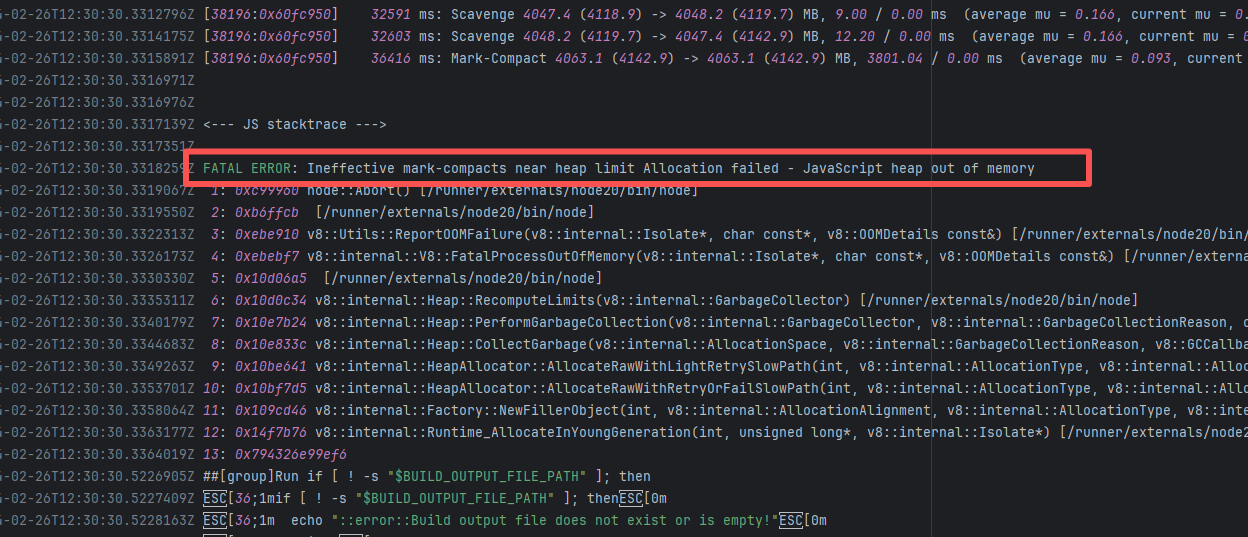 |
| camunda/zeebe |
22322034847 |
Memory Limit |
Error: The error occurs in the Node.js runtime environment. The core reason is that the memory allocated during the execution of JavaScript code exceeded the default heap memory limit of Node.js, and sufficient memory could not be released even after multiple garbage collections, ultimately triggering a crash.
Root Cause: The rerun was successful without any code modifications. |
- Manually adjust the maximum limit of JavaScript heap memory using the `-aScript heap memory using the `--max-old-space-size` parameter to cover dynamic floating peaks.
- If memory fluctuation is caused by temporary factors such as GC timing or execution order (like sporadic OOM), a rerun might quickly solve the problem, making it suitable for urgent scenarios. |
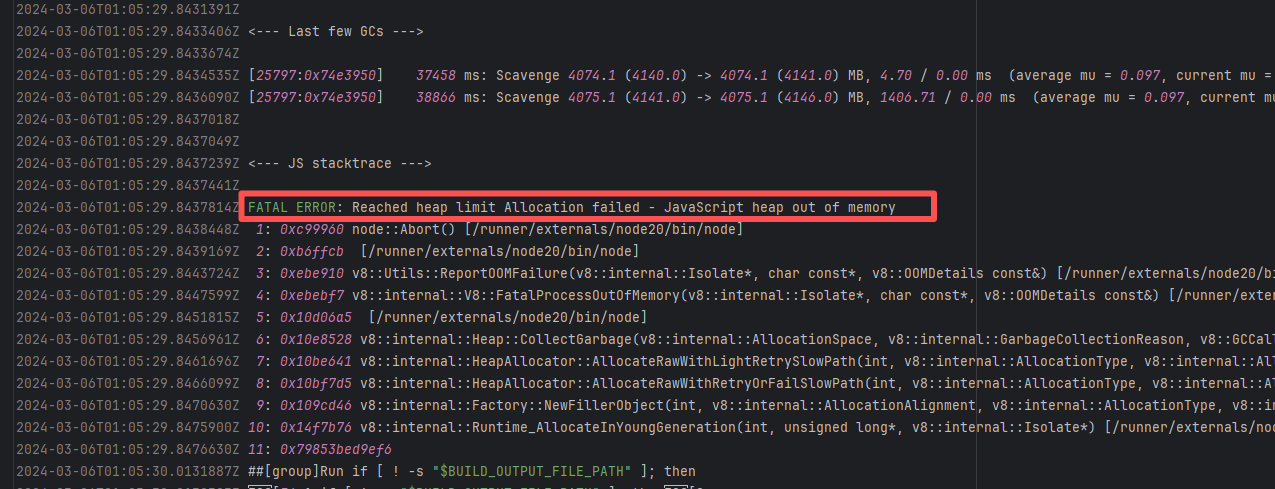 |
| apache/nifi |
24697354043 |
Memory Limit |
Error: When packaging a WAR, Maven needs to process a large number of files (such as compiled classes, resource files, and dependency libraries). Especially for large projects like NiFi, this can involve tens or hundreds of thousands of files, requiring a significant amount of memory for file caching, compression (like ZIP packaging), and other operations. If the heap memory configuration is insufficient, processing large files or a large number of files will trigger an OutOfMemoryError.
Root Cause: The rerun was successful without any code modifications. |
- Manually adjust the maximum limit of JavaScript heap memory using the `-aScript heap memory using the `--max-old-space-size` parameter to cover dynamic floating peaks.
- If memory fluctuation is caused by temporary factors such as GC timing or execution order (like sporadic OOM), a rerun might quickly solve the problem, making it suitable for urgent scenarios. |
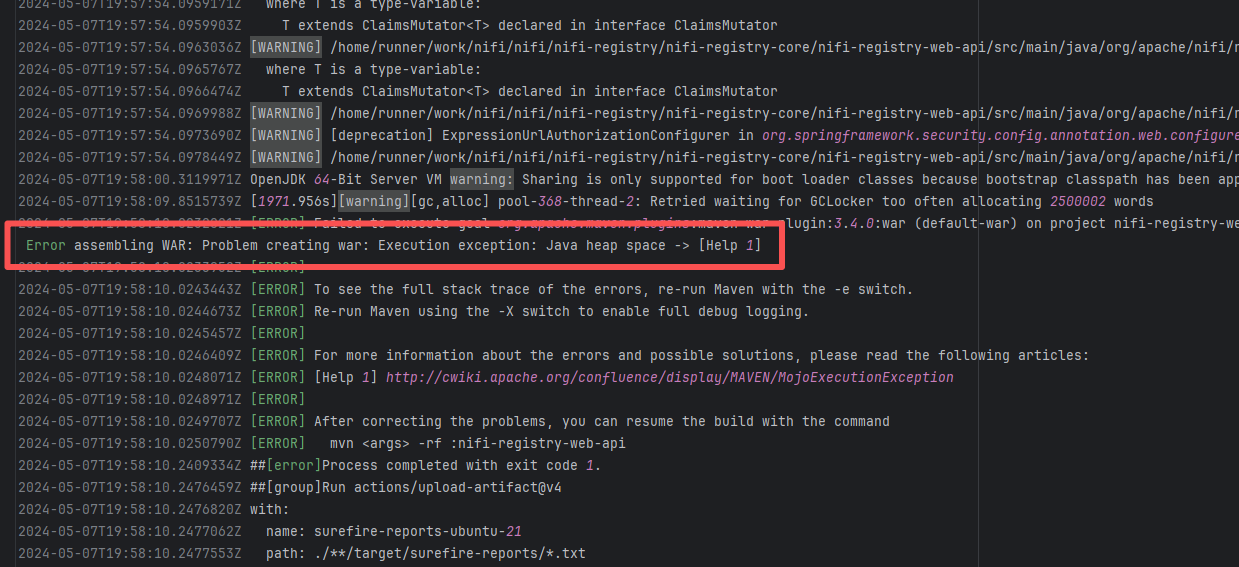 |
| StarRocks/starrocks |
23698685943 |
Disk Space Exhaustion |
Error: `ccache` (compiler cache tool) failed when attempting to create a temporary file. "No space left on device" clearly indicates that the current device's disk space is exhausted, making it impossible to create new files (such as temporary object files `.o` generated during compilation, `ccache` cache files, etc.).
Root Cause: The current CI runner is a self-hosted server, and the developer's rerun was successful after clearing cache files. |
- Manually free up disk space in the build environment by deleting temporary files and redundant data.
- If space shortage frequently occurs even after cleaning, it indicates that the current disk capacity cannot meet the build requirements, and you should expand the disk partition or mount additional storage. |
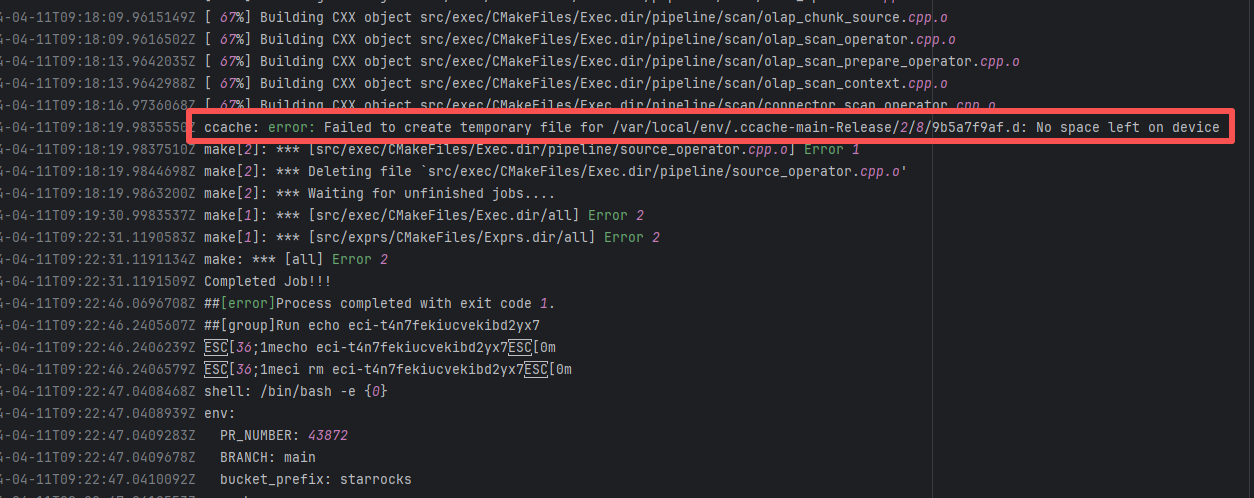 |
| geoserver/geoserver |
17669187548 |
Memory Limit |
Error: When packaging a WAR, Maven needs to process a large number of files (such as compiled classes, resource files, and dependency libraries). Especially for large projects like NiFi, this can involve tens or hundreds of thousands of files, requiring a significant amount of memory for file caching, compression (like ZIP packaging), and other operations. If the heap memory configuration is insufficient, processing large files or a large number of files will trigger an OutOfMemoryError.
Root Cause: The rerun was successful without any code modifications. |
- Manually adjust the maximum limit of JavaScript heap memory using the `-aScript heap memory using the `--max-old-space-size` parameter to cover dynamic floating peaks.
- If memory fluctuation is caused by temporary factors such as GC timing or execution order (like sporadic OOM), a rerun might quickly solve the problem, making it suitable for urgent scenarios. |
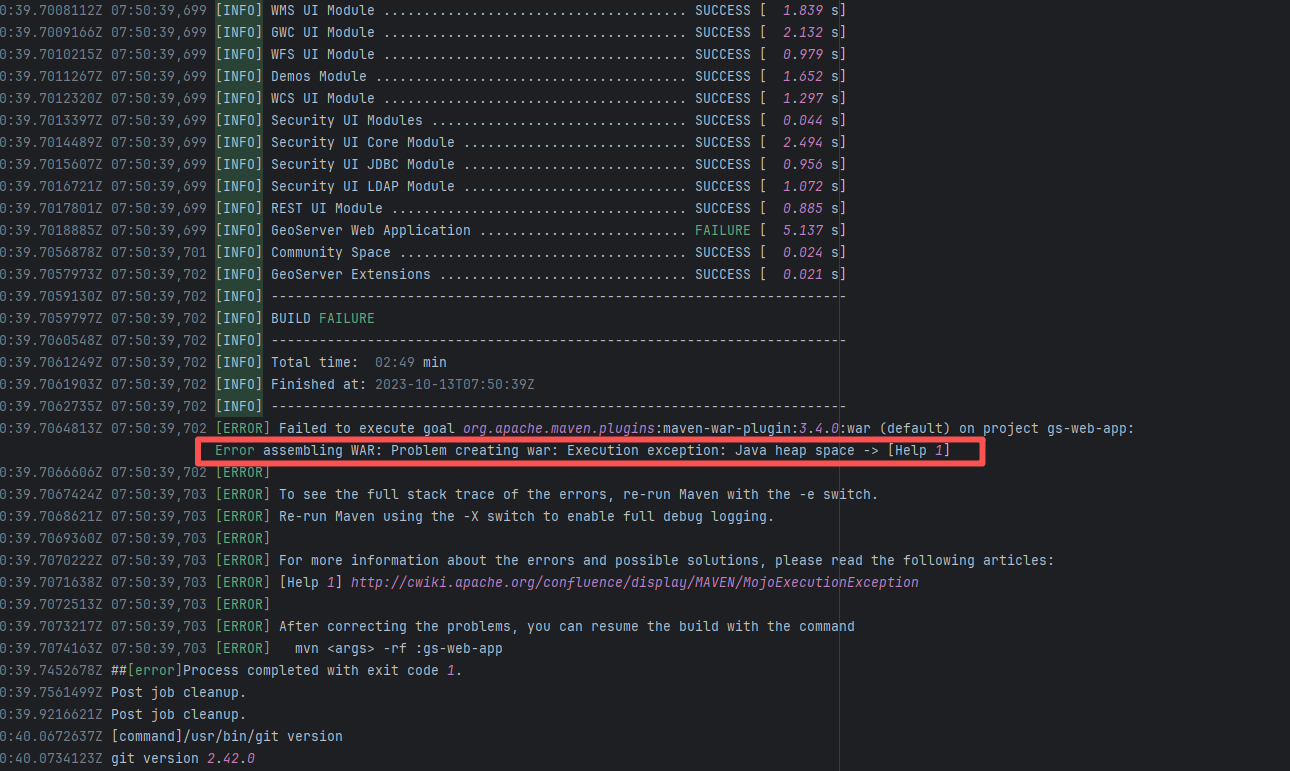 |
| apache/iceberg |
21746822446 |
Disk Space Exhaustion |
Error: The error log indicates that the system attempted to write files (such as log files, diagnostic files, or build files) to a specified path, but the operation failed because the disk space was full. The "No space left on device" error indicates that disk space is exhausted and the system cannot continue to execute the operation.
Root Cause: The rerun was successful without any code modifications. |
- Manually adjust the maximum limit of Kotlin memory using the `kotlin.daemon.jvmargs=-Xmx4g` parameter to cover dynamic floating peaks.
- If memory fluctuation is caused by temporary factors such as GC timing or execution order (like sporadic OOM), a rerun might quickly solve the problem, making it suitable for urgent scenarios. |
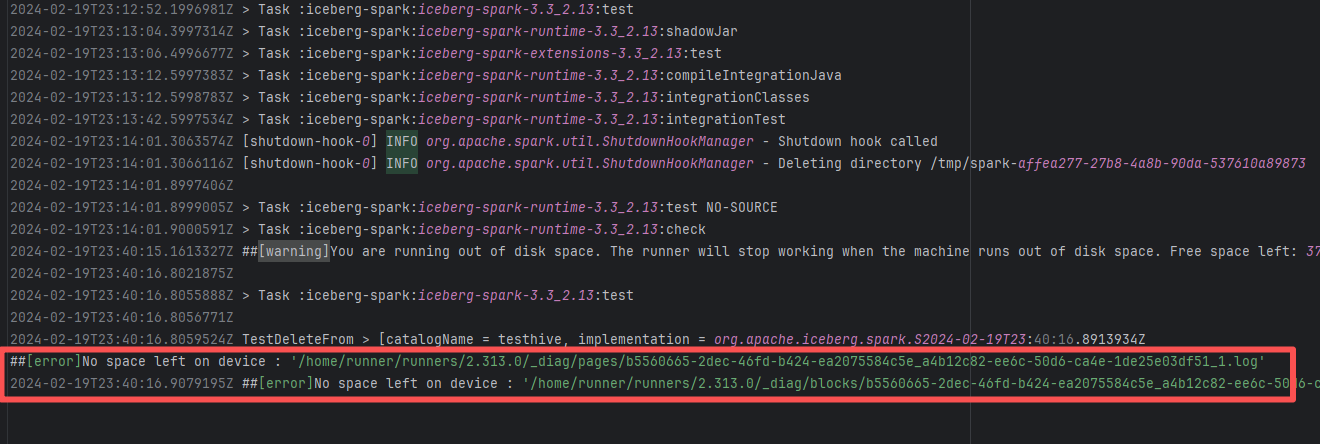 |
| nextcloud/android |
18843818079 |
Disk Space Exhaustion |
Error: The error log indicates that compilation failed due to insufficient memory when compiling Kotlin code. If the system's available memory is insufficient, the Kotlin compiler may fail due to a memory overflow. This typically happens when the project is relatively large or the running machine's resources (like memory) are somewhat limited.
Root Cause: The rerun was successful without any code modifications. |
- Manually adjust the maximum limit of Kotlin memory using the `kotlin.daemon.jvmargs=-Xmx4g` parameter to cover dynamic floating peaks.
- If memory fluctuation is caused by temporary factors such as GC timing or execution order (like sporadic OOM), a rerun might quickly solve the problem, making it suitable for urgent scenarios. |
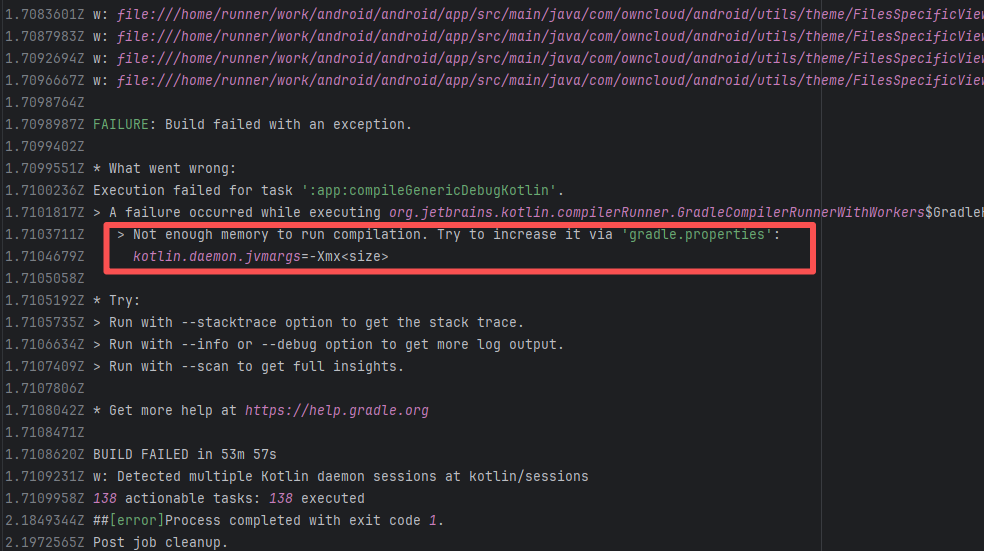 |
| apache/nifi |
21750938986 |
Memory Limit |
Error: When packaging a WAR, Maven needs to process a large number of files (such as compiled classes, resource files, and dependency libraries). Especially for large projects like NiFi, this can involve tens or hundreds of thousands of files, requiring a significant amount of memory for file caching, compression (like ZIP packaging), and other operations. If the heap memory configuration is insufficient, processing large files or a large number of files will trigger an OutOfMemoryError.
Root Cause: The rerun was successful without any code modifications. |
- Manually adjust the maximum limit of JavaScript heap memory using the `-aScript heap memory using the `--max-old-space-size` parameter to cover dynamic floating peaks.
- If memory fluctuation is caused by temporary factors such as GC timing or execution order (like sporadic OOM), a rerun might quickly solve the problem, making it suitable for urgent scenarios. |
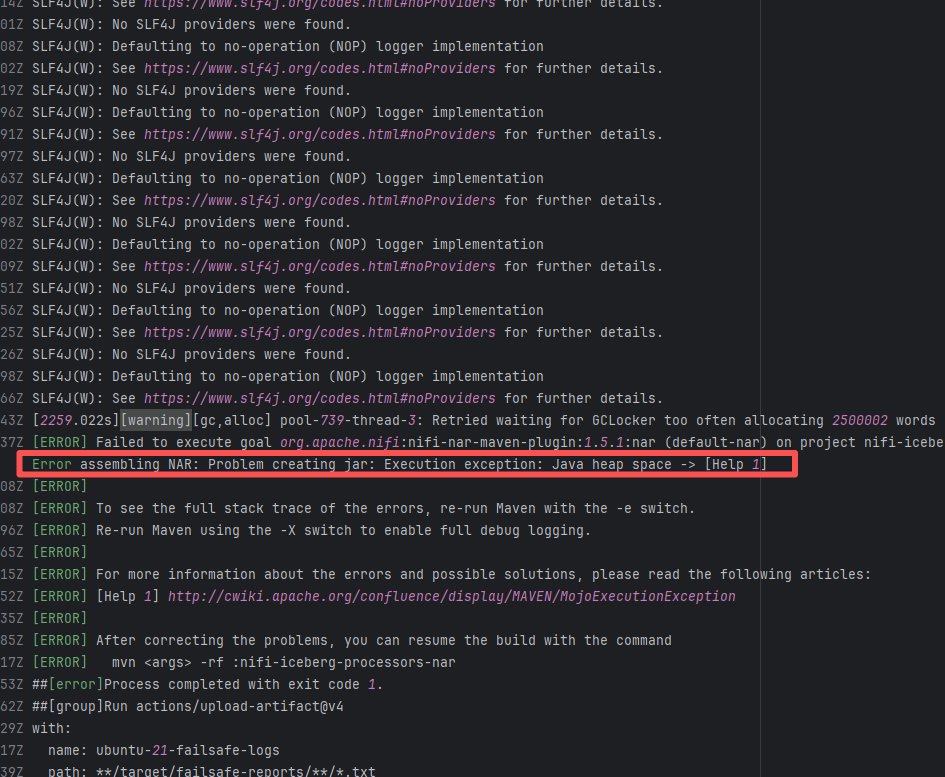 |
| apache/lucene |
21316158266 |
Memory Limit |
Error: The error log shows that the JVM's (Java Virtual Machine) CodeCache (a memory area allocated by the JVM for the JIT compiler to store compiled native machine code) is insufficient, causing Gradle to crash while executing the documentation build task for the Lucene project. When a task (especially for large projects like Lucene) executes a large amount of class loading or method compilation, if the CodeCache gets full, an `Out of space in CodeCache for adapters` error will be thrown.
Root Cause: The rerun was successful without any code modifications. |
- Manually increase the size of the CodeCache using the `-XX:ReservedCodeCacheSize` parameter to prevent insufficient space errors.
- You can alleviate the issue of other JVM memory areas (like heap memory) taking up too many resources by increasing the maximum heap memory. |
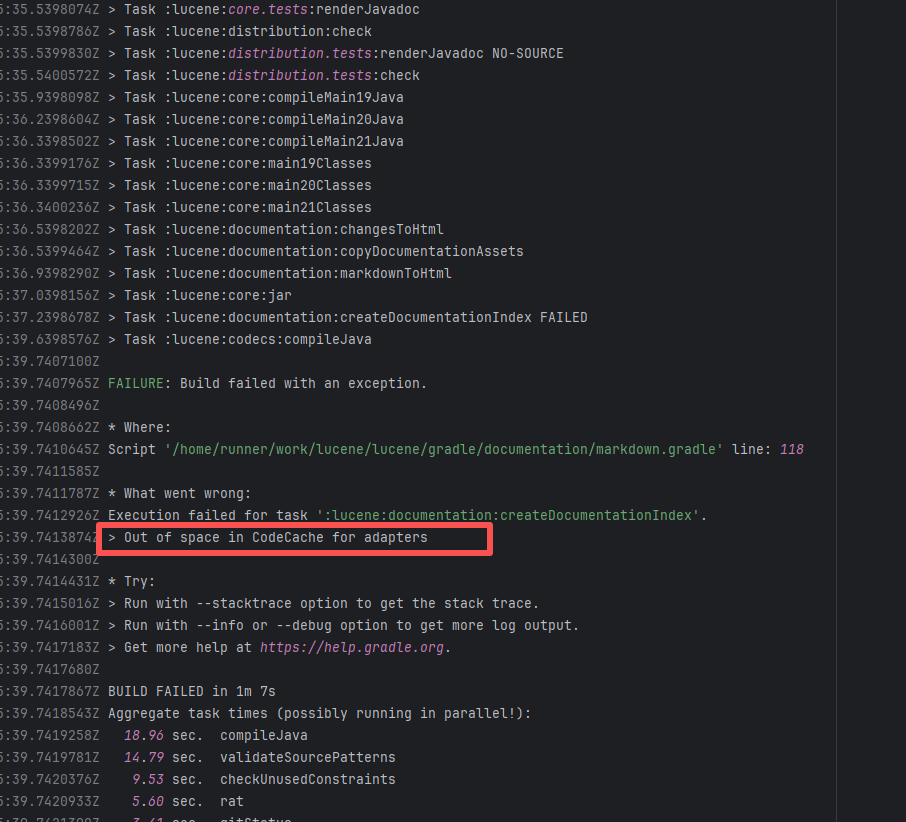 |
| apache/nifi |
21445148302 |
Memory Limit |
Error: When packaging a NAR, Maven needs to process a large number of files (such as compiled classes, resource files, and dependency libraries). Especially for large projects like NiFi, this can involve tens or hundreds of thousands of files, requiring a significant amount of memory for file caching, compression (like ZIP packaging), and other operations. If the heap memory configuration is insufficient, processing large files or a large number of files will trigger an OutOfMemoryError.
Root Cause: The rerun was successful without any code modifications. |
- Manually adjust the maximum limit of JavaScript heap memory using the `-aScript heap memory using the `--max-old-space-size` parameter to cover dynamic floating peaks.
- If memory fluctuation is caused by temporary factors such as GC timing or execution order (like sporadic OOM), a rerun might quickly solve the problem, making it suitable for urgent scenarios. |
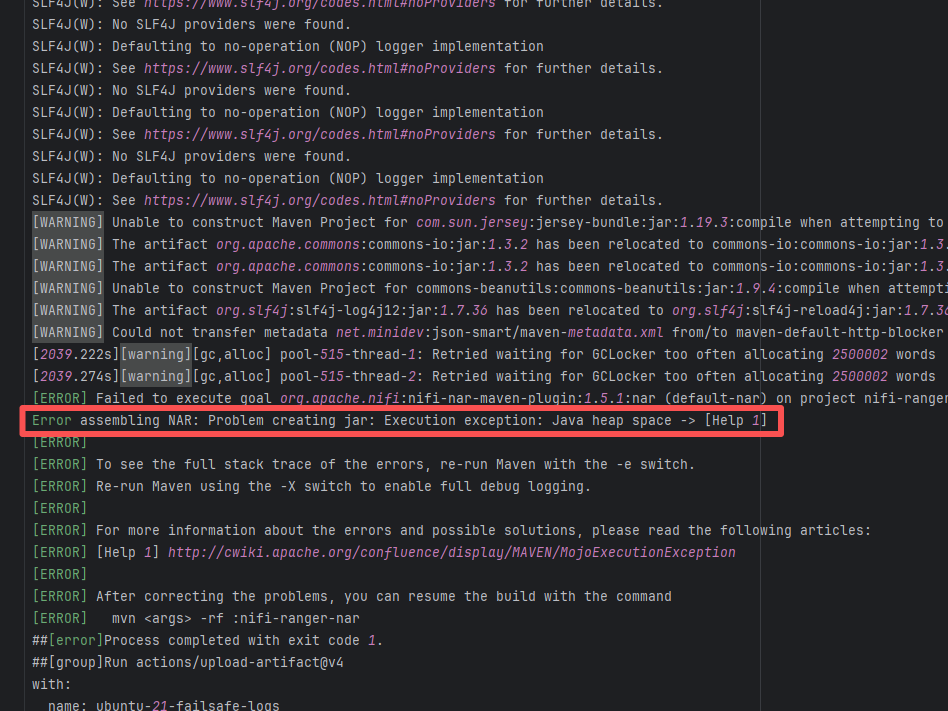 |
| apache/nifi |
20615892957 |
Memory Limit |
Error: When packaging a WAR, Maven needs to process a large number of files (such as compiled classes, resource files, and dependency libraries). Especially for large projects like NiFi, this can involve tens or hundreds of thousands of files, requiring a significant amount of memory for file caching, compression (like ZIP packaging), and other operations. If the heap memory configuration is insufficient, processing large files or a large number of files will trigger an OutOfMemoryError.
Root Cause: The rerun was successful without any code modifications. |
- Manually adjust the maximum limit of JavaScript heap memory using the `-aScript heap memory using the `--max-old-space-size` parameter to cover dynamic floating peaks.
- If memory fluctuation is caused by temporary factors such as GC timing or execution order (like sporadic OOM), a rerun might quickly solve the problem, making it suitable for urgent scenarios. |
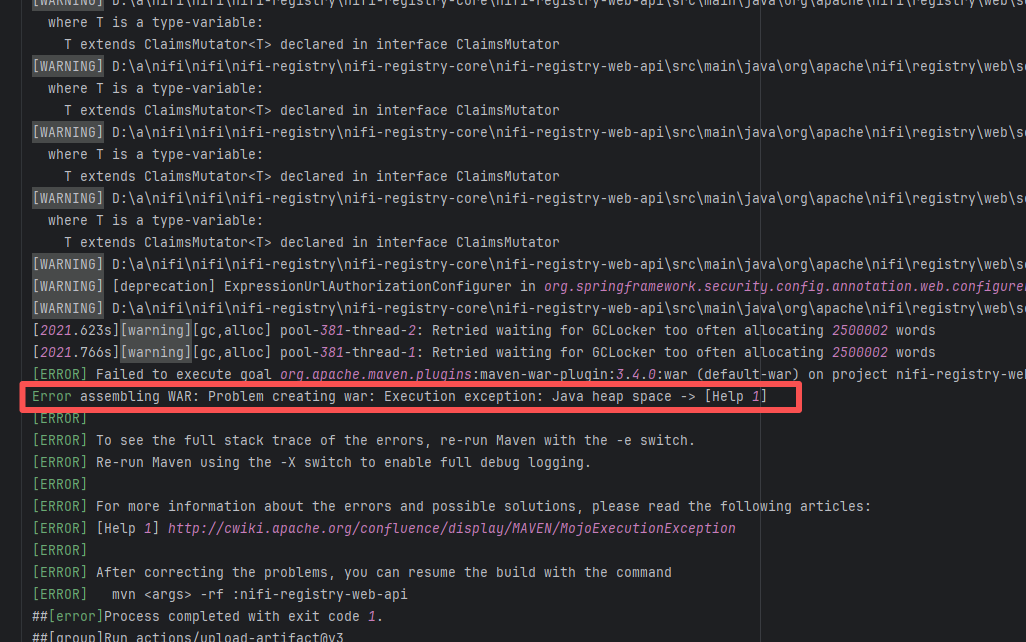 |
| react-native-video/react-native-video |
22932847567 |
Memory Limit |
Error: This error is caused by insufficient Java heap memory. specifically, it occurs during the execution of the Gradle task `:app:checkDebugAarMetadata`. Especially when transforming AAR files (like `hermes-android-0.74.0-rc.2-debug.aar`), the JVM reports a `Java heap space` error.
Root Cause: The rerun was successful without any code modifications. |
- To avoid failure due to insufficient memory, you can configure `org.gradle.jvmargs=-Xmx4g` to increase Gradle's maximum heap memory.
- If memory fluctuation is caused by temporary factors such as GC timing or execution order (like sporadic OOM), a rerun might quickly solve the problem, making it suitable for urgent scenarios. |
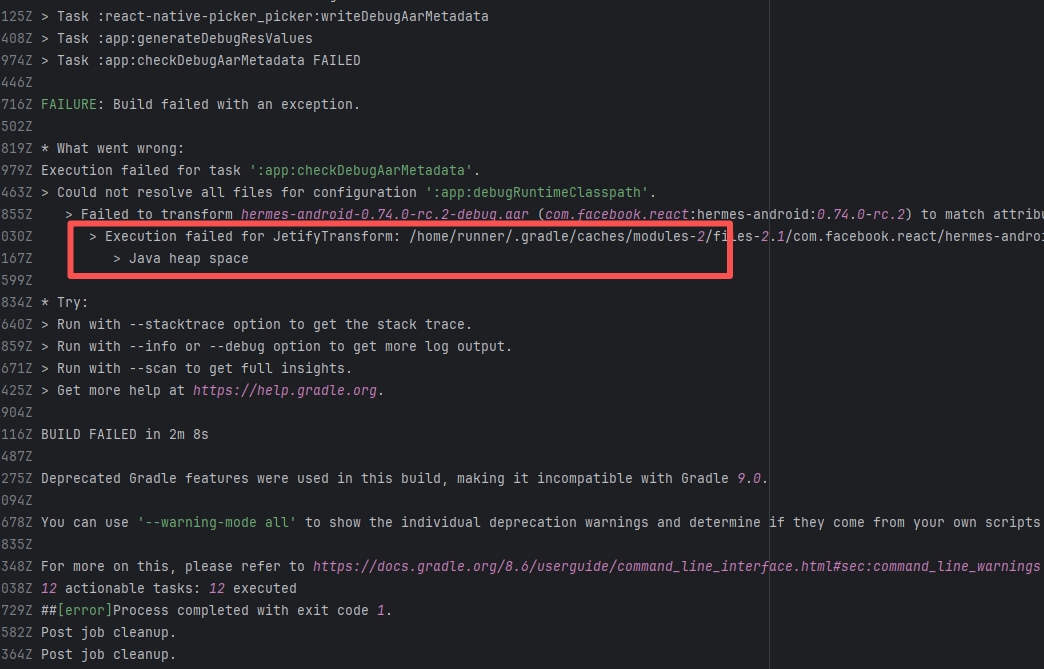 |
| camunda/zeebe |
23588663542 |
Disk Space Exhaustion |
Error: The error message indicates that during the building of the Docker image, the system's disk space was insufficient, causing a failure to write files. The specific error occurred while writing `/opt/java/openjdk/lib/server/classes.jsa`, as the disk space had been exhausted. `classes.jsa` is a Java class data cache file, usually generated by the JVM during startup.
Root Cause: The current CI runner is a self-hosted server, and the developer's rerun was successful after clearing cache files. |
- Manually free up disk space in the build environment by deleting temporary files and redundant data.
- If space shortage frequently occurs even after cleaning, it indicates that the current disk capacity cannot meet the build requirements, and you should expand the disk partition or mount additional storage. |
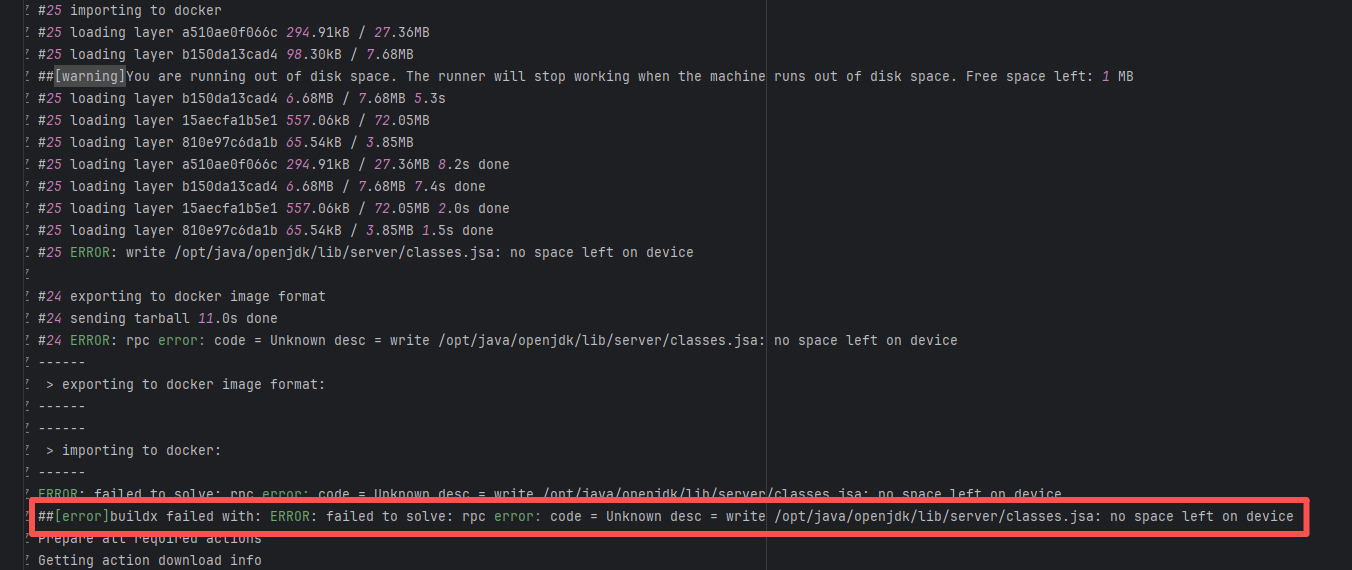 |
| geowebcache/geowebcache |
17736263575 |
Memory Limit |
Error: When packaging a WAR, Maven needs to process a large number of files (such as compiled classes, resource files, and dependency libraries). Especially for large projects like NiFi, this can involve tens or hundreds of thousands of files, requiring a significant amount of memory for file caching, compression (like ZIP packaging), and other operations. If the heap memory configuration is insufficient, processing large files or a large number of files will trigger an OutOfMemoryError.
Root Cause: The rerun was successful without any code modifications. |
- Manually adjust the maximum limit of JavaScript heap memory using the `-aScript heap memory using the `--max-old-space-size` parameter to cover dynamic floating peaks.
- If memory fluctuation is caused by temporary factors such as GC timing or execution order (like sporadic OOM), a rerun might quickly solve the problem, making it suitable for urgent scenarios. |
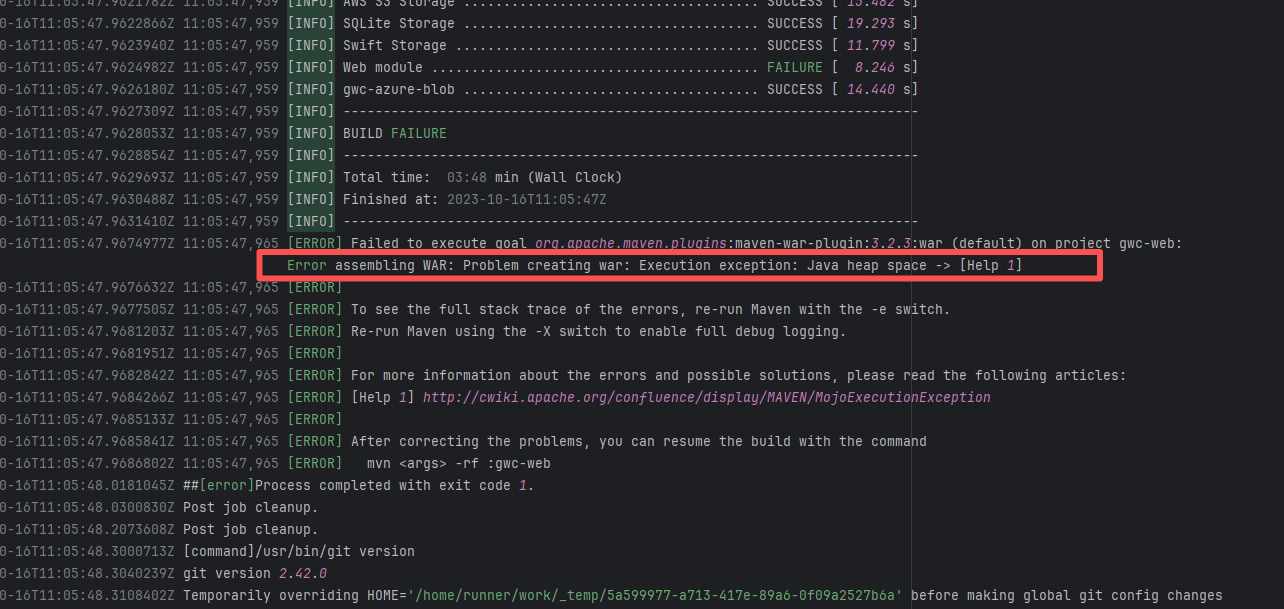 |
| Code Logic Errors |
nationalsecurityagency/datawave |
18936535693 |
Plugin/Tool Errors |
Error: Log errors show that a stack overflow error occurred while javaparser was processing data, and mutual calls occurred during data processing.
Root Cause: By querying related Issues (https://github.com/javaparser/javaparser/issues/2167), it was found that this error is an edge-case error caused by external data. Early versions of javaparser occasionally experienced stack overflow errors when handling very large string concatenations. |
Short-term Fix: Succeeded after Rerun the job.
Long-term Defense: Continuous monitoring; if frequent, investigate root cause in depth. |
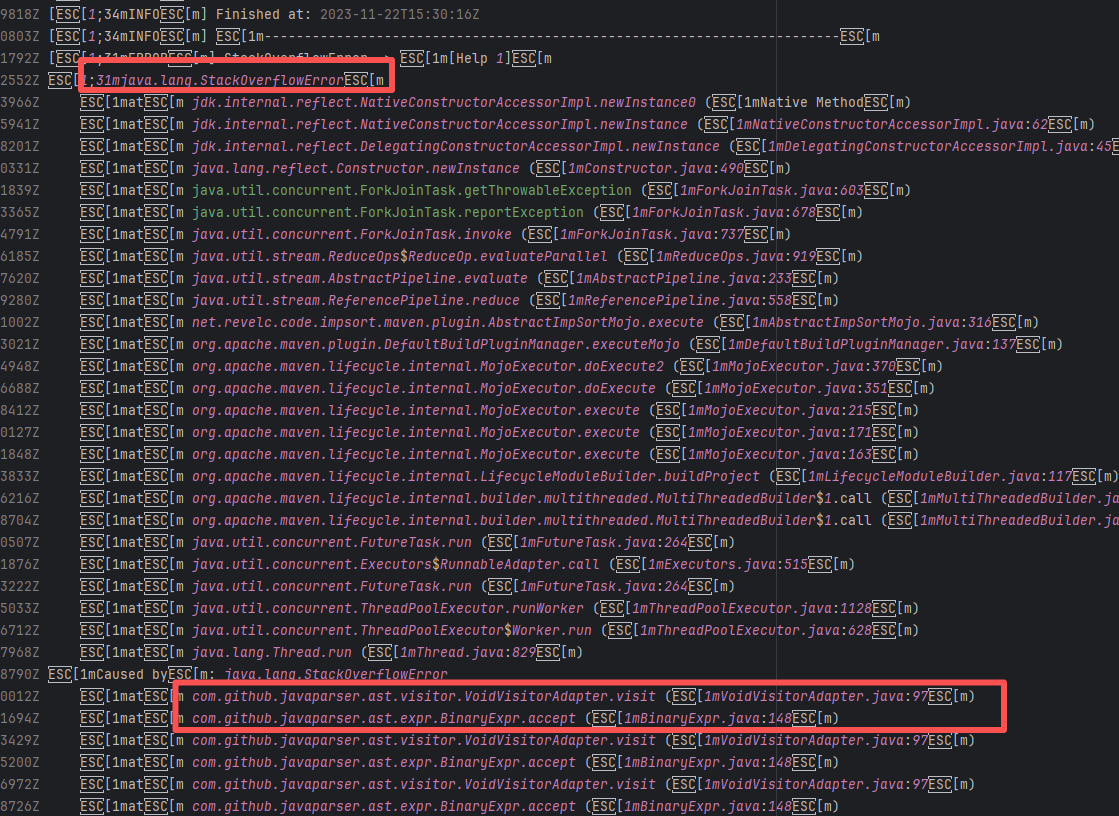 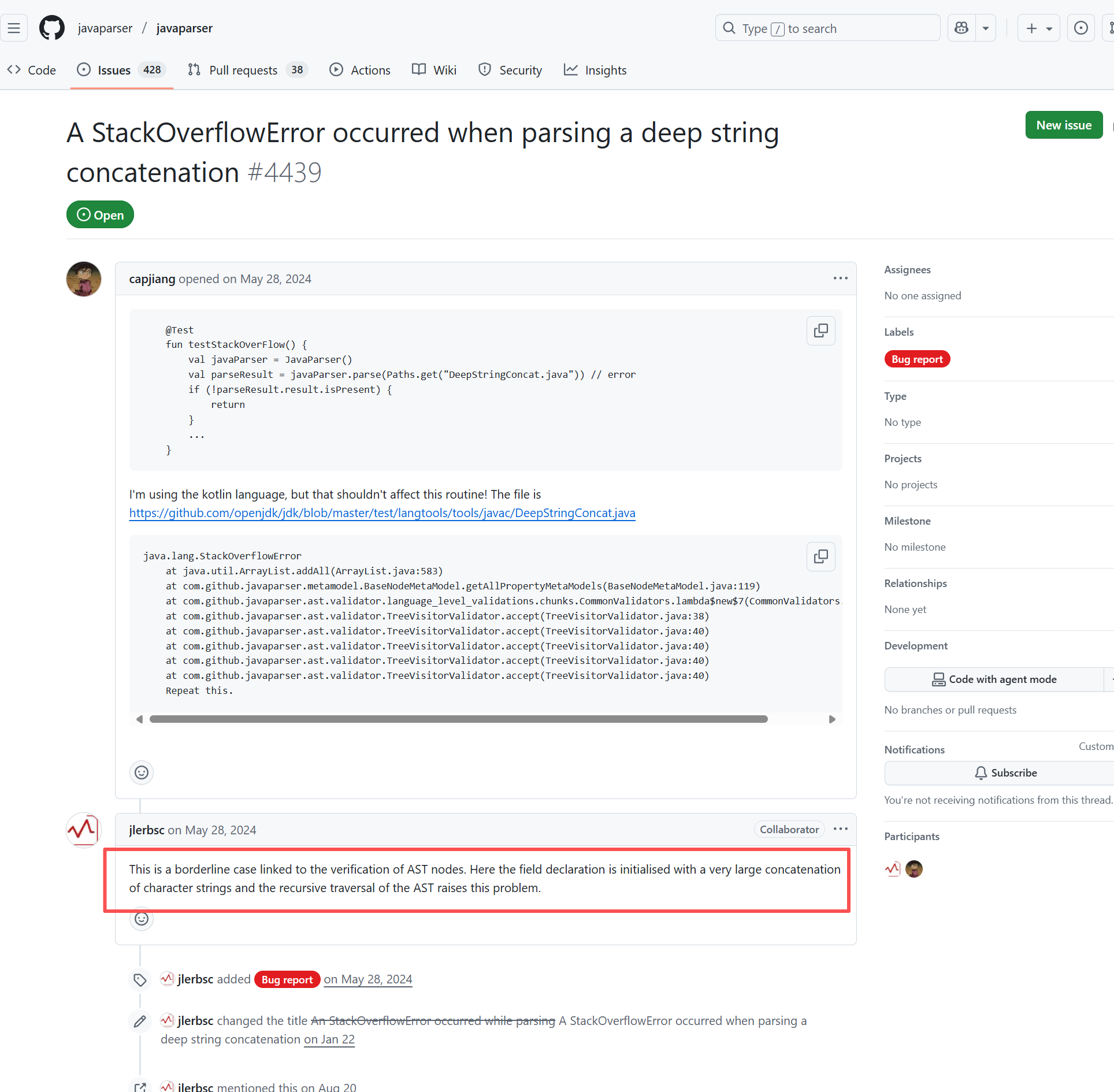 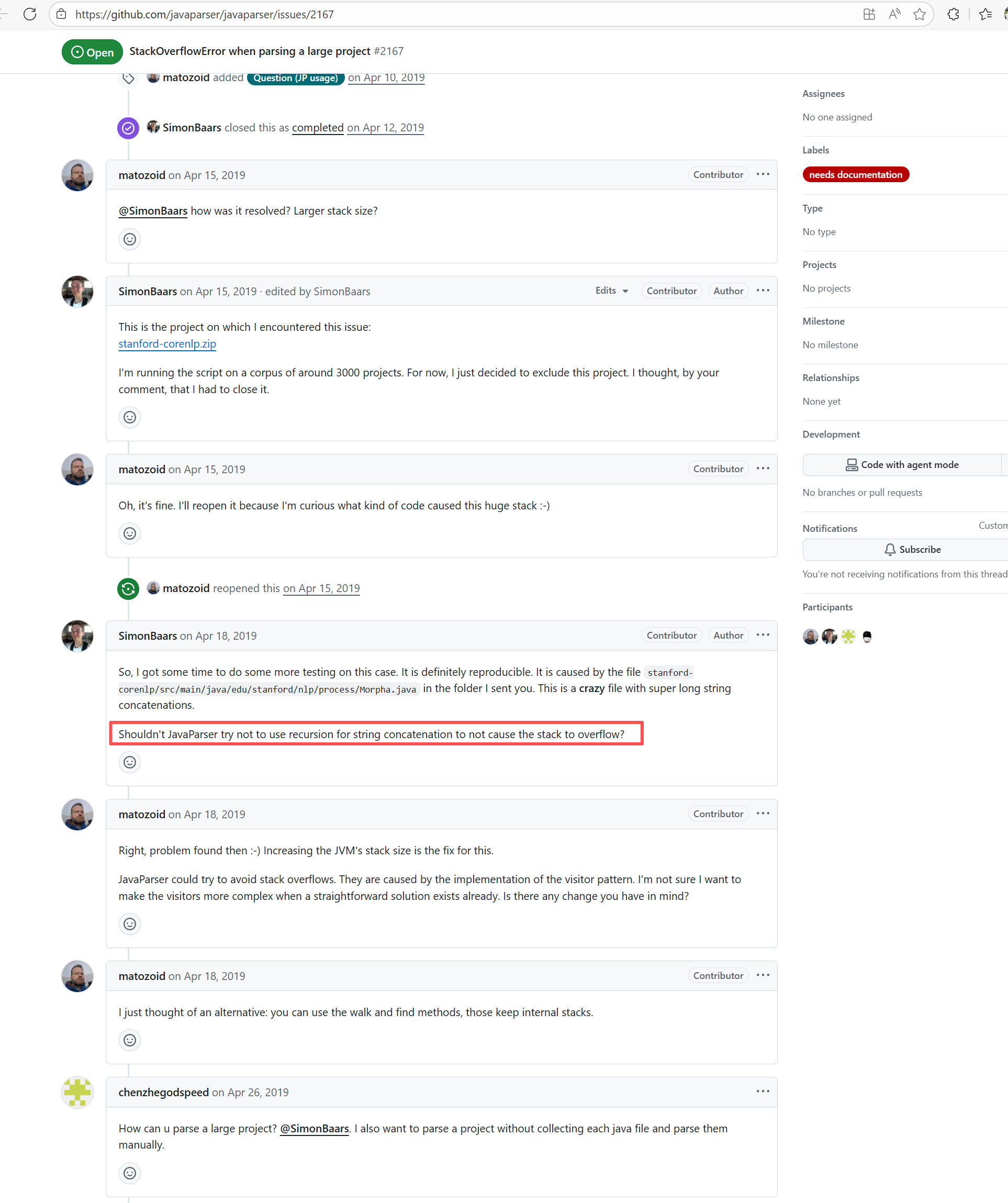 |
| vazkiimods/botania |
19020519193 |
Authentication Failure |
Error: The error message "jq: error (at <stdin>:0): Cannot index number with string 'name'" indicates that when using jq to process JSON data, an attempt was made to index a number-type value with the string "name", which is not allowed. According to the log, the value of the name field in the response is null, which may have caused this problem.
Root Cause: From the JSON data output in the log, we can know that the current data request failed due to unauthorized access. The script lacks a pre-check mechanism, so it will throw an error when data retrieval fails. After replacing the token to successfully obtain the data, the build succeeds. |
Rerun after configuring and using a correct and valid token. |
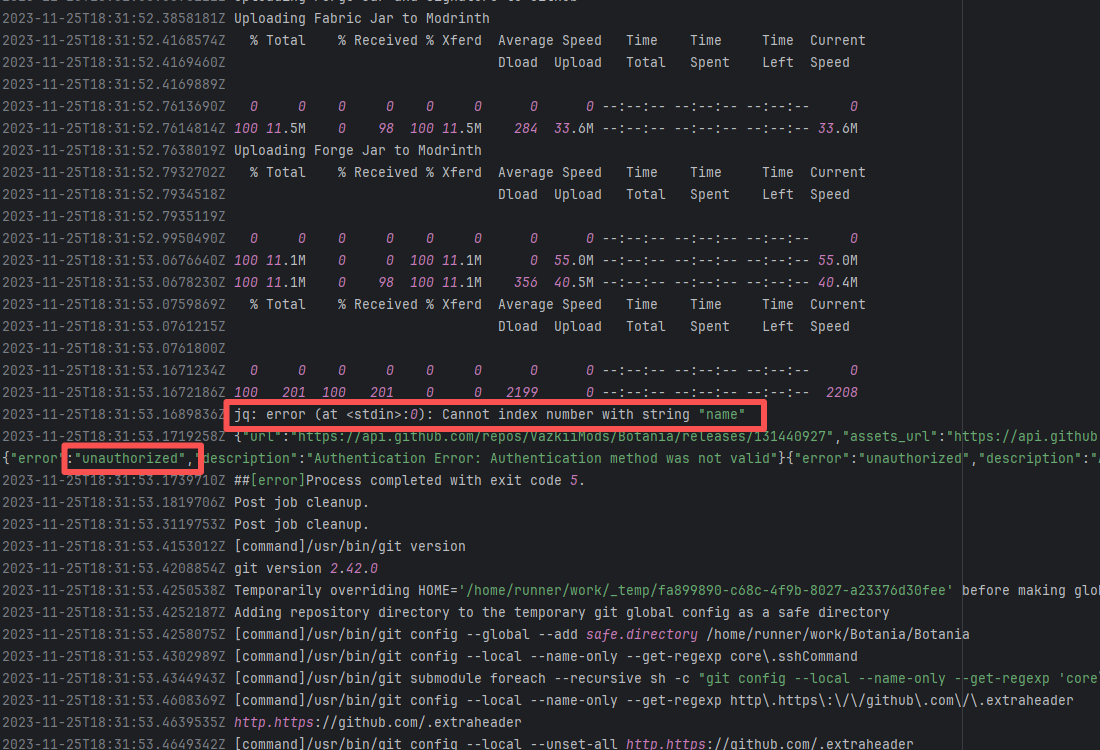 |
| appium/java-client |
21660720575 |
Network Issue |
Error: The error "IndexError: list index out of range" indicates that the Python script used an invalid index when attempting to access an element.
Root Cause: Analysis of the log reveals that the Python script used an invalid index when attempting to access the list returned by re.findall(). Specifically, the script tried to access the last element of the list ([-1]), but the list was empty, leading to an IndexError. When rerun successfully fetches the data, the build succeeds. |
Short-term Fix: Succeeded after Rerun the job.
Long-term Defense: Continuous monitoring; if frequent, investigate root cause in depth. |
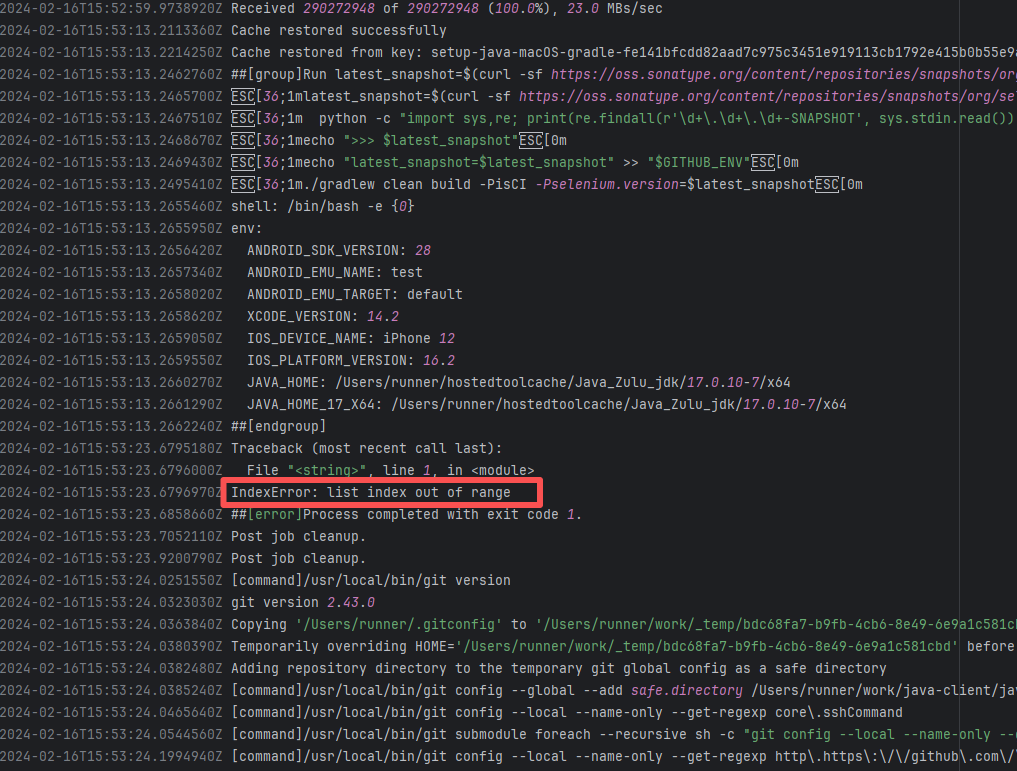 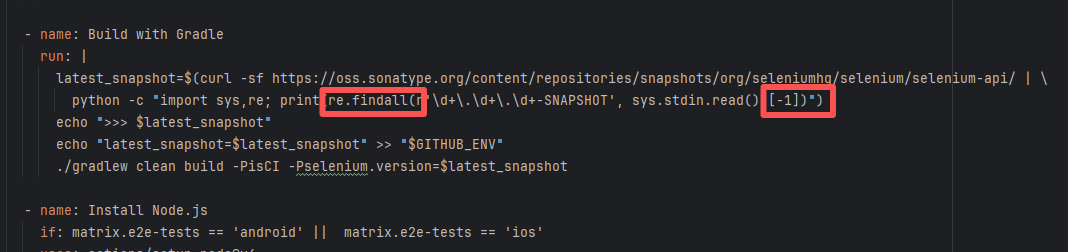 |
| hashgraph/hedera-sdk-java |
25732329967 |
Network Issue |
Error: The error occurred in com.hedera.hashgraph.sdk.MirrorNodeService.getTokenBalancesForAccount(MirrorNodeService.java:129). This method attempts to fetch token balance information associated with an account, but the expected JSON field in the response returned from the Mirror Node service is missing or empty, causing the getAsJsonArray() method to fail when called on a null value.
Root Cause: By analyzing the log, it was found that the Python script returned empty data when attempting to obtain the token balance information associated with an account, resulting in a NullPointerException. After a successful rerun fetches the data, the build succeeds. |
Short-term Fix: Succeeded after Rerun the job.
Long-term Defense: Continuous monitoring; if frequent, investigate root cause in depth. |
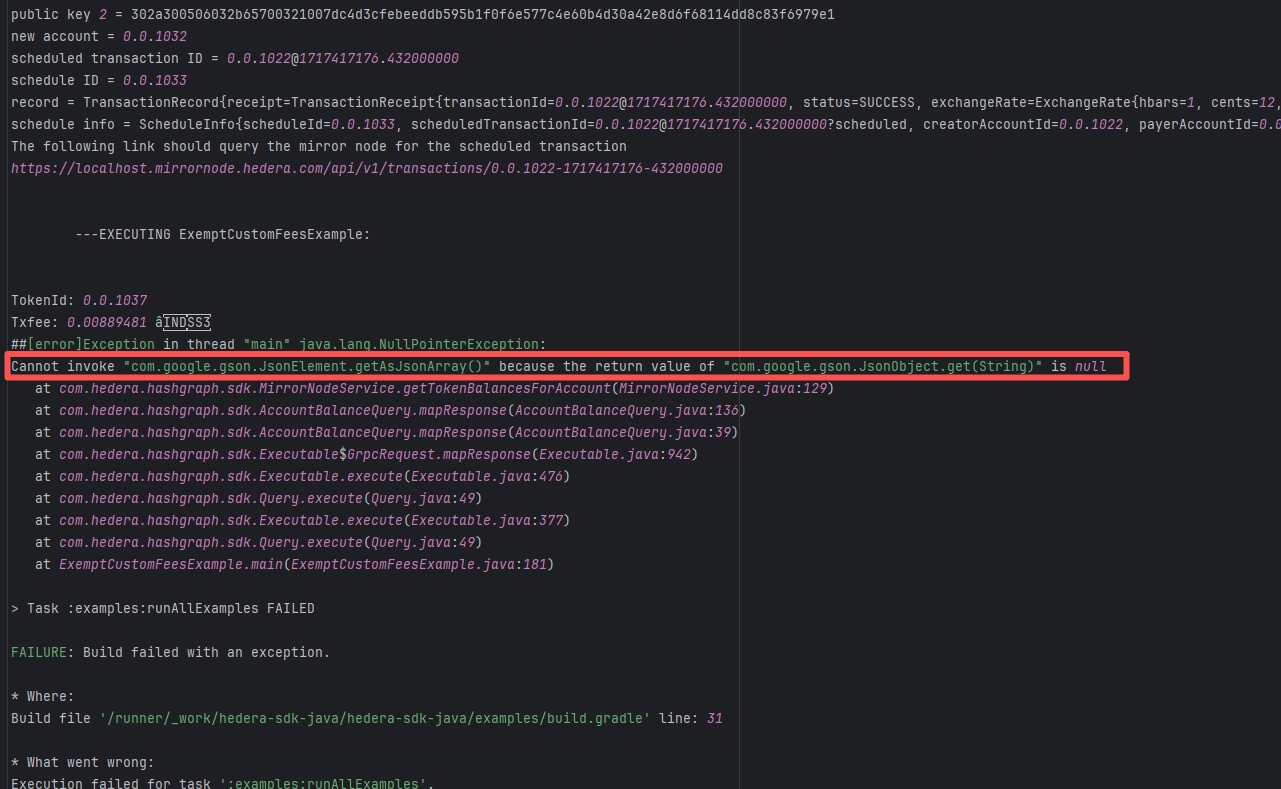 |
| seleniumhq/selenium |
18646321878 |
Network Issue |
Error: The error "jq: error (at <stdin>:4): Cannot index string with string 'tag_name'" indicates that when trying to parse the JSON data returned by the GitHub API using the jq command, jq attempted to access a field of a string, but field access is only applicable to objects.
Root Cause: By analyzing the logs and script files, the specific error in the script occurred in the jq call: [.[] | {tag_name: .tag_name, assets: [.assets[] | {browser_download_url: .browser_download_url} ] }]. The error "Cannot index string with string" means jq expected the JSON data to be an array, but the returned JSON was actually a string or an object that did not match the JSON data structure, thus throwing an error. The error was caused by incorrect data access which returned error information in JSON format, triggering the issue. After rerun returned the correct data, it parsed and built successfully. |
Short-term Fix: Succeeded after Rerun the job.
Long-term Defense: Continuous monitoring; if frequent, investigate root cause in depth. |
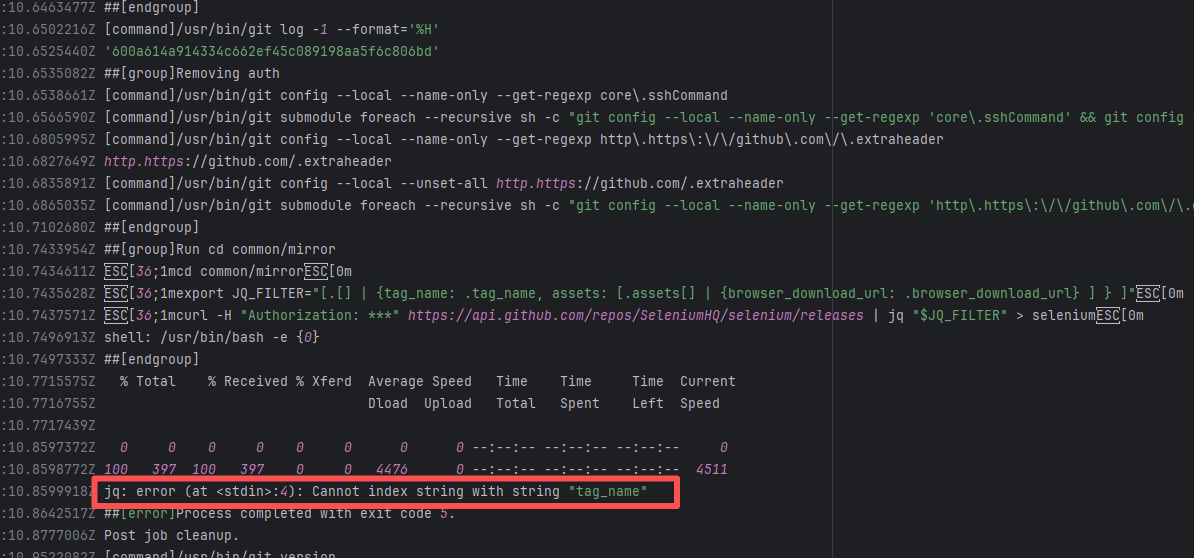 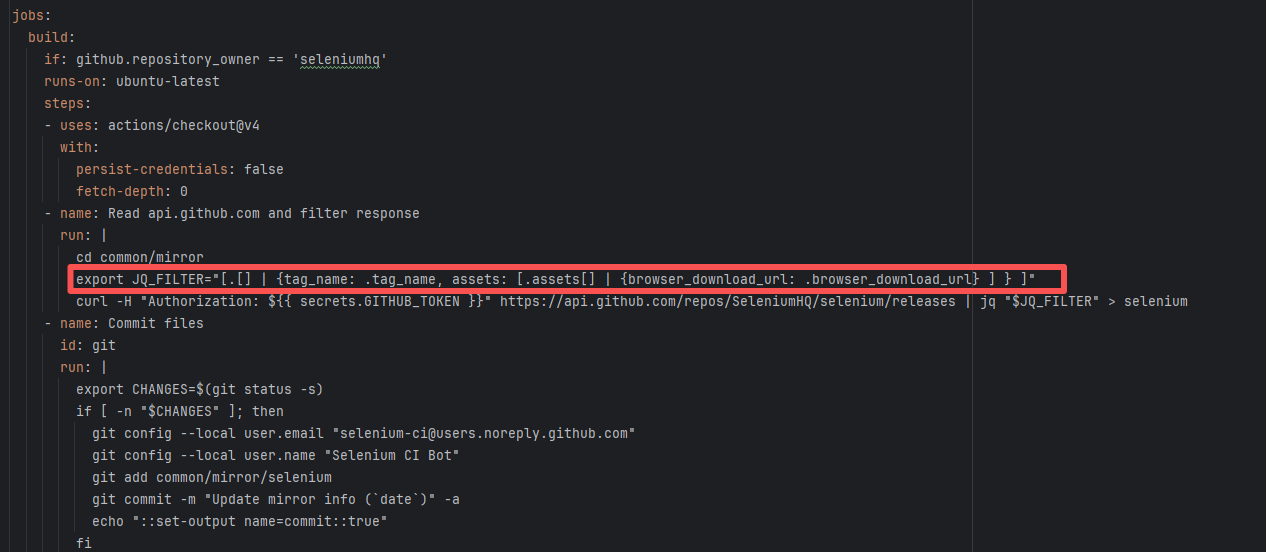 |
| apache/seatunnel-web |
26168868966 |
Network Issue |
Error: The error occurred during the execution of the shade goal of the maven-shade-plugin. This goal is typically used to create an uber-jar containing all dependencies (i.e., packaging all dependencies into a single JAR file). The problem occurred when creating this JAR file, specifically due to a NullPointerException.
Root Cause: Analysis of the log revealed that the maven-resources-plugin build failed. Thus, when the shade task packaged all of the project's dependencies into a single JAR file and generated an "uber JAR" containing all dependencies, a NullPointerException occurred. It successfully rerun without modifying the source code. |
Short-term Fix: Succeeded after Rerun the job.
Long-term Defense: Continuous monitoring; if frequent, investigate root cause in depth. |
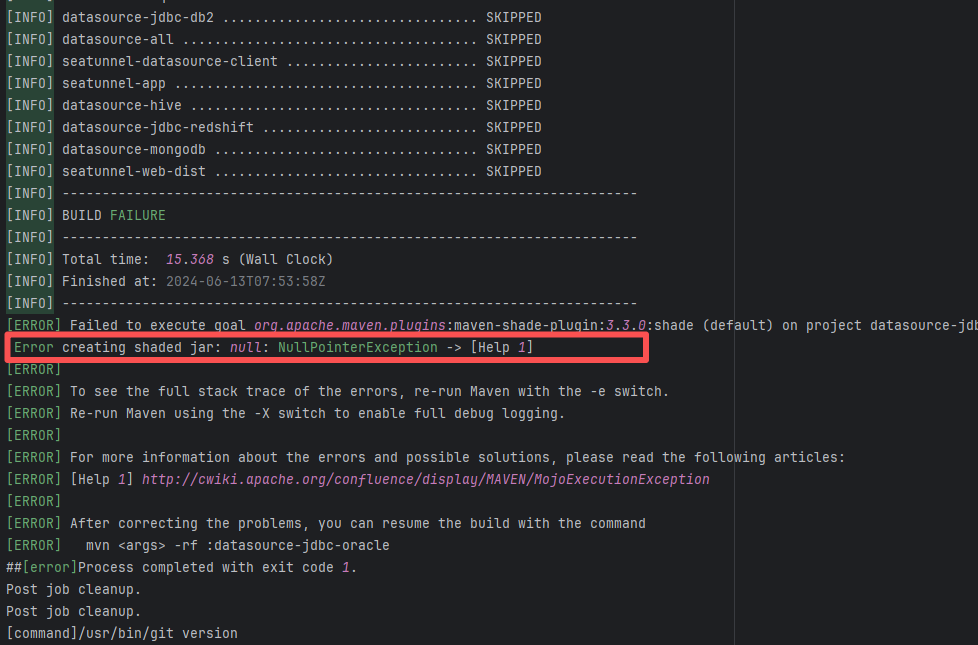 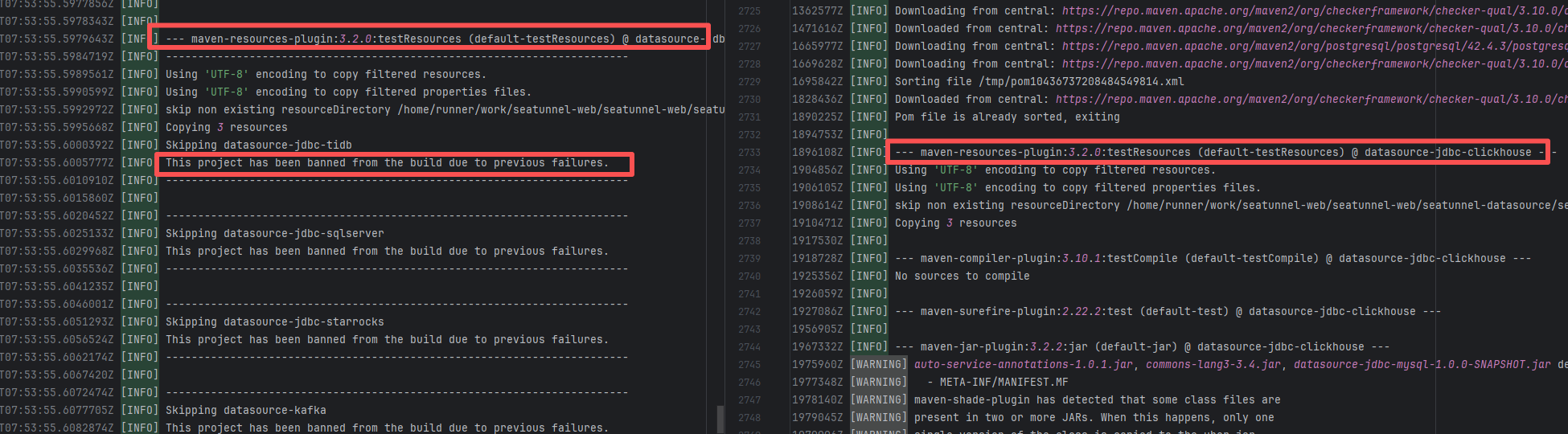 |
| nationalsecurityagency/datawave |
18937820243 |
Plugin/Tool Errors |
Error: Log errors show that a stack overflow error occurred while javaparser was processing data, and mutual calls occurred during data processing.
Root Cause: By querying related Issues (https://github.com/javaparser/javaparser/issues/2167), it was found that this error is an edge-case error caused by external data. Early versions of javaparser occasionally experienced stack overflow errors when handling very large string concatenations. |
Short-term Fix: Succeeded after Rerun the job.
Long-term Defense: Continuous monitoring; if frequent, investigate root cause in depth. |
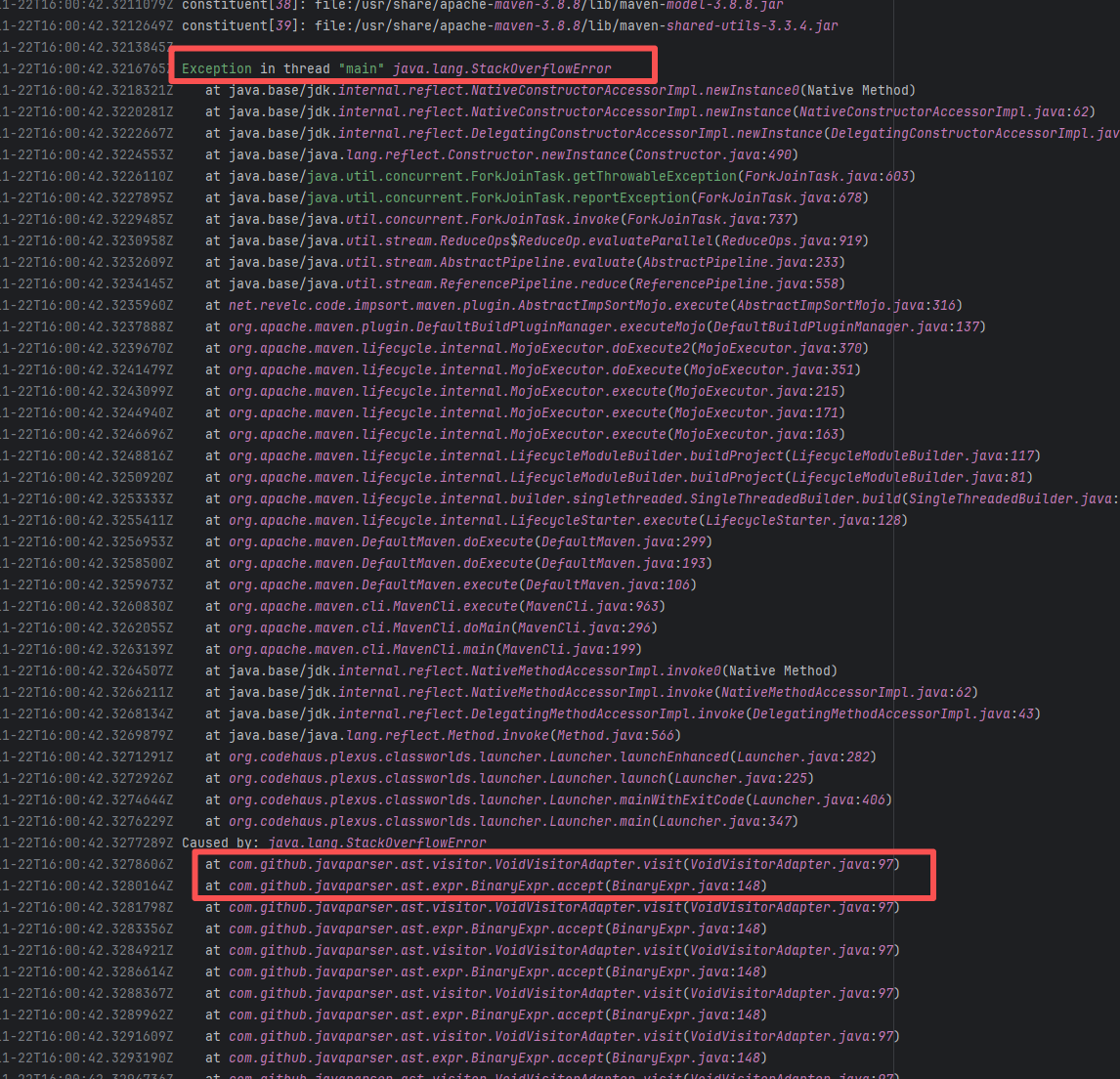 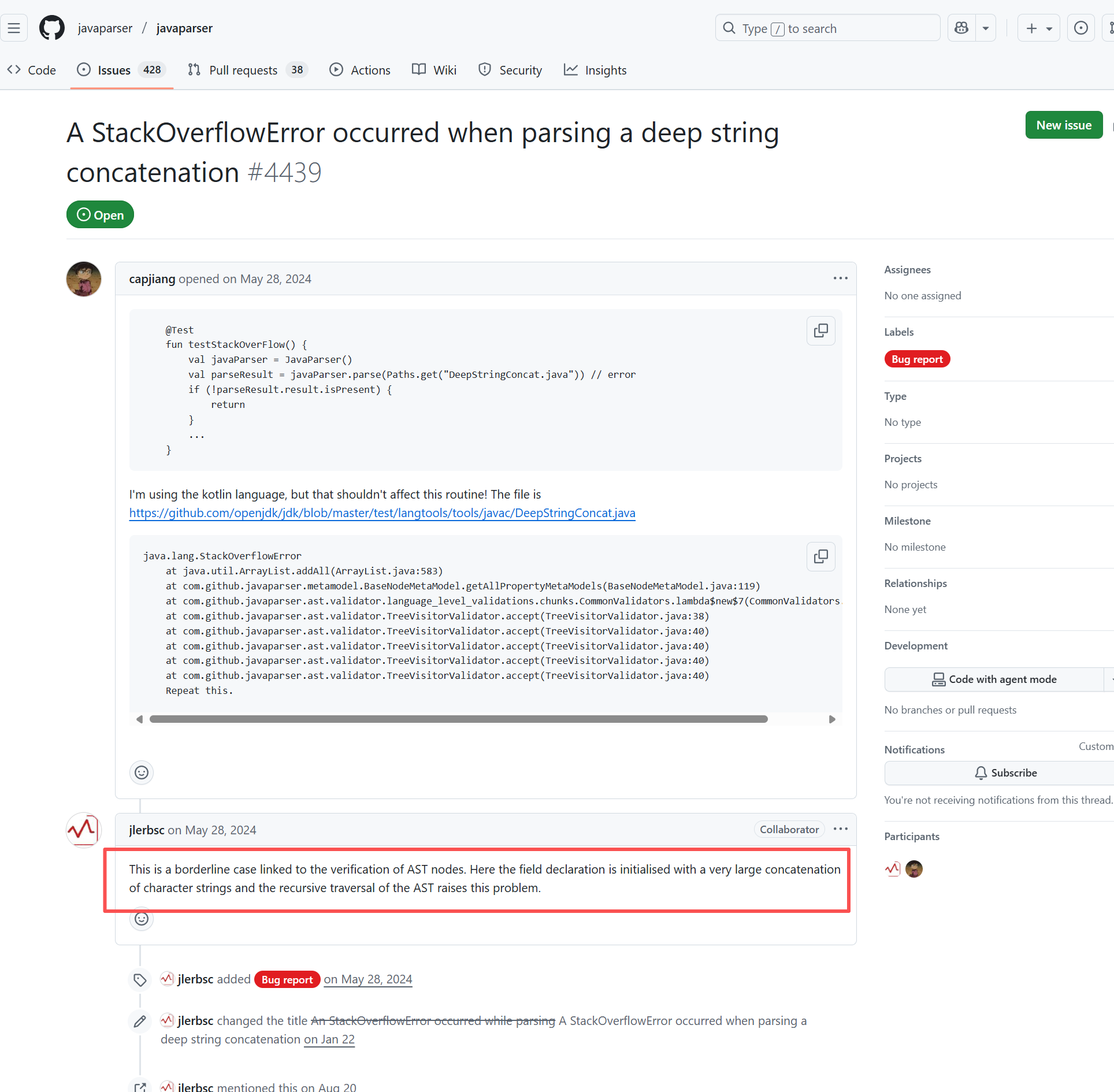 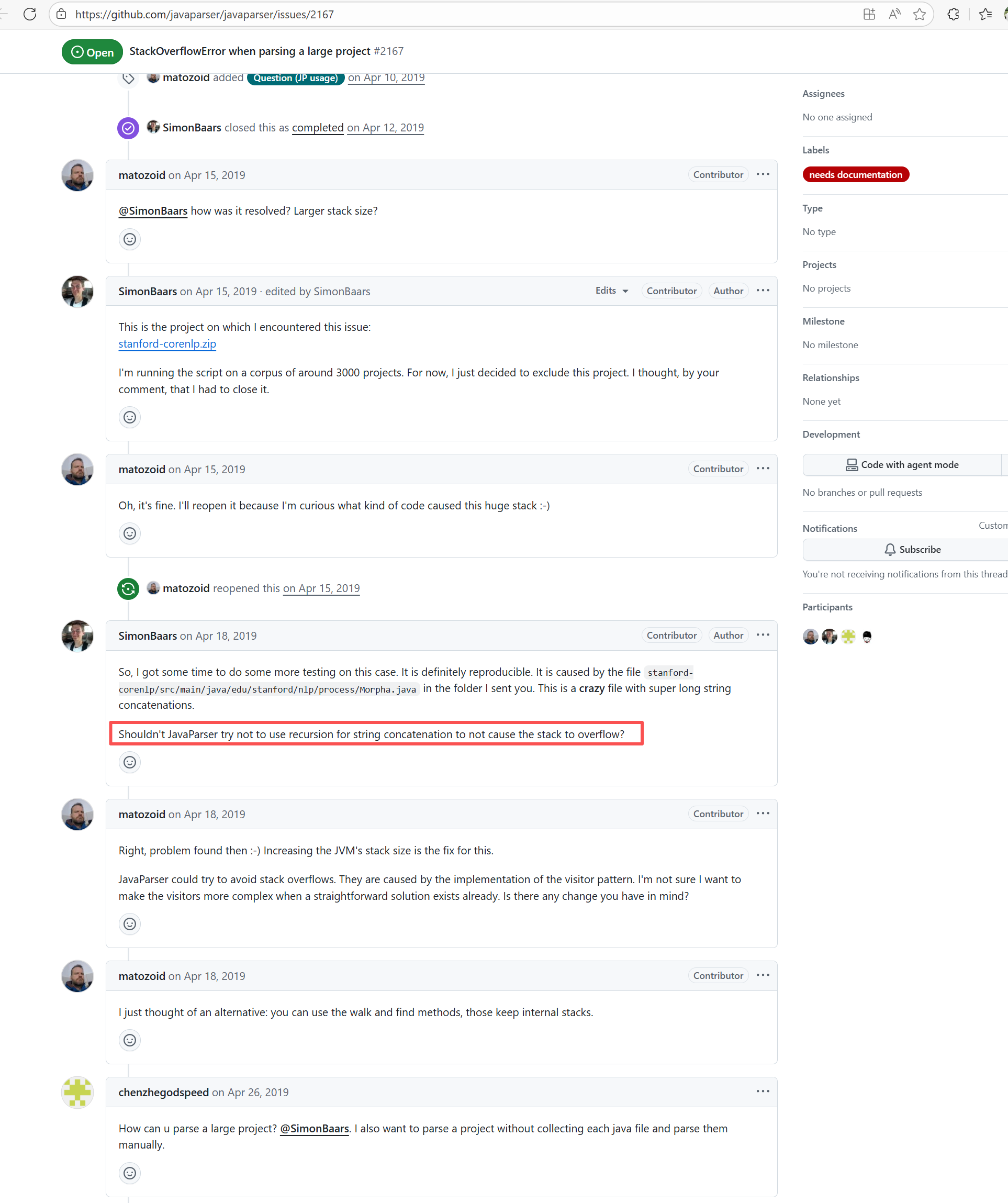 |
| checkstyle/checkstyle |
17903609750 |
Network Issue |
Error: The error "jq: error (at <stdin>:4): Cannot index object with number" occurs when jq attempts to access a JSON object as an array.
Root Cause: Analyzing the logs and script files, the specific error occurred in the script's jq call: COMMITS=$(curl --fail-with-body -s -H "Authorization: token $READ_ONLY_TOKEN" "$LINK_COMMITS" | jq '.[0] | .commit.message'). The error "Cannot index object with number" means jq expected the JSON data to be an array, but the returned JSON was actually an object. This caused jq to use an array index ([0]) when attempting to access an object, throwing an error. The error is due to incorrect data access where the message returned error information in JSON format. After a rerun returned the correct data, it was parsed and built successfully. |
Short-term Fix: Succeeded after Rerun the job.
Long-term Defense: Continuous monitoring; if frequent, investigate root cause in depth. |
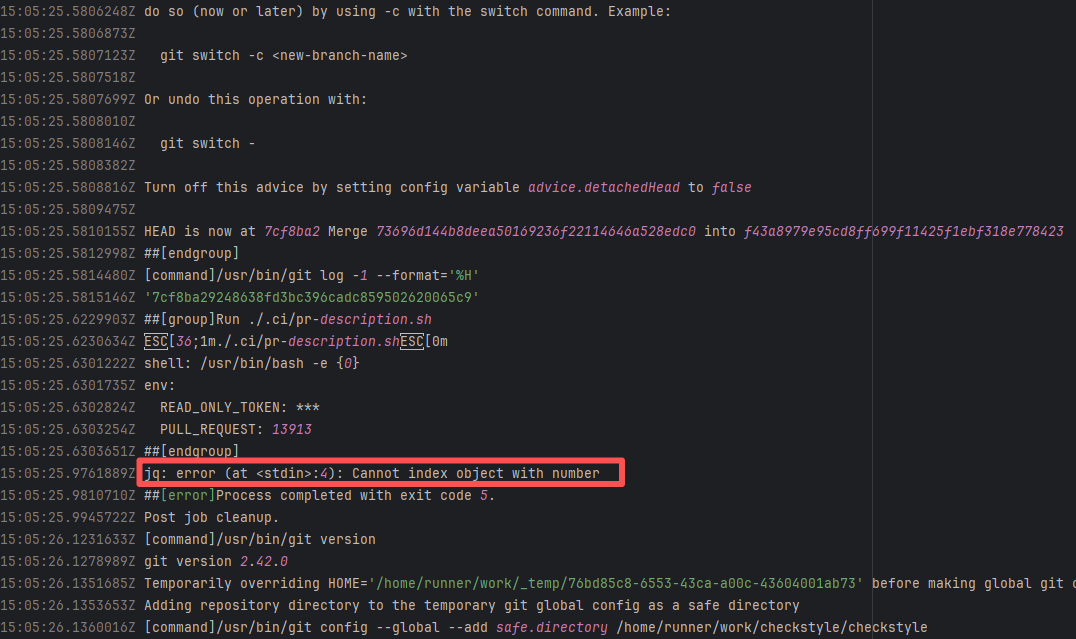 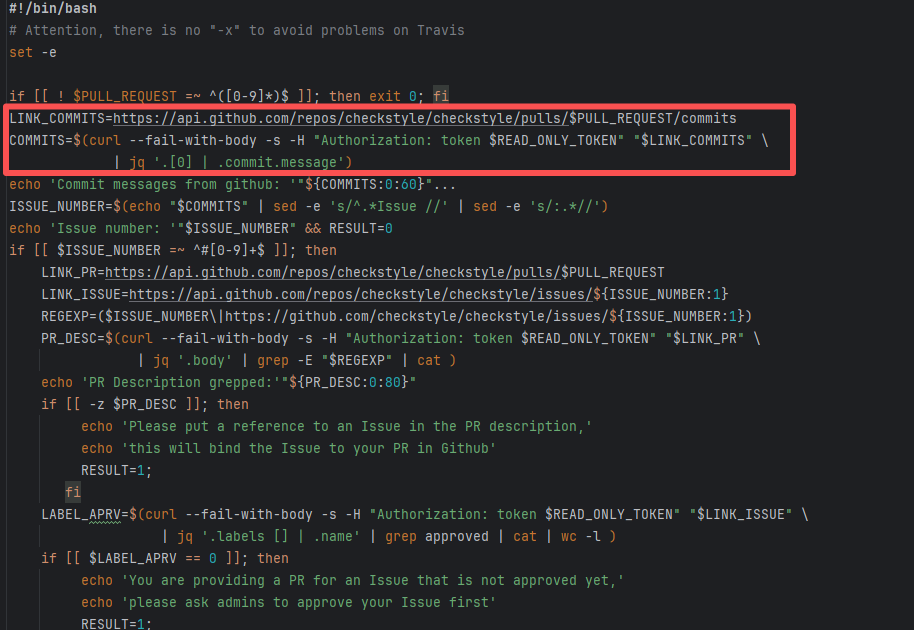 |
| graylog2/graylog2-server |
16663603469 |
Cache Errors |
Error: The error "The value of 'length' is out of range. It must be >= 0 && <= 2147483647. Received 3509928051" occurs because a file size or data length exceeding the allowed range was passed during an operation. According to the error message, the maximum length expected by the system is 2147483647 bytes (approximately 2GB), but the received file length is 3509928051 bytes (approximately 3.5GB), leading to an overflow error.
Root Cause: Analysis of the log reveals that the downloaded file is a cache file. Since some tools restrict cache files from being larger than 2GB, an error was thrown. When the developer cleared the cache, the rerun succeeded. |
Rerun after clearing the cache. |
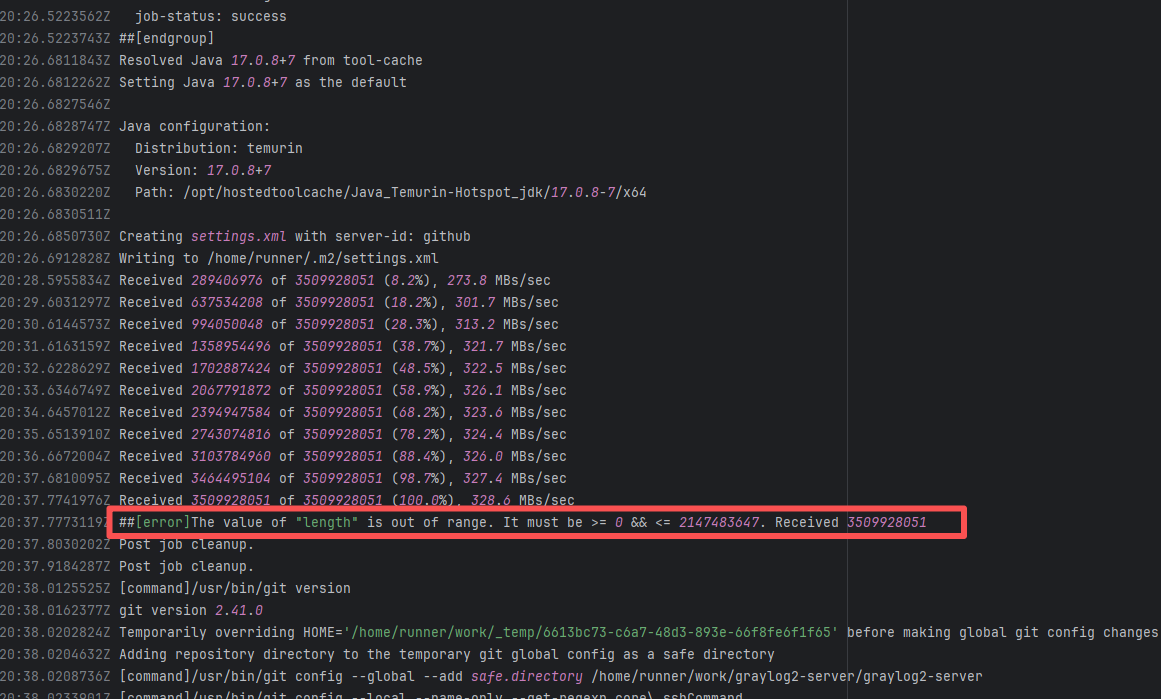 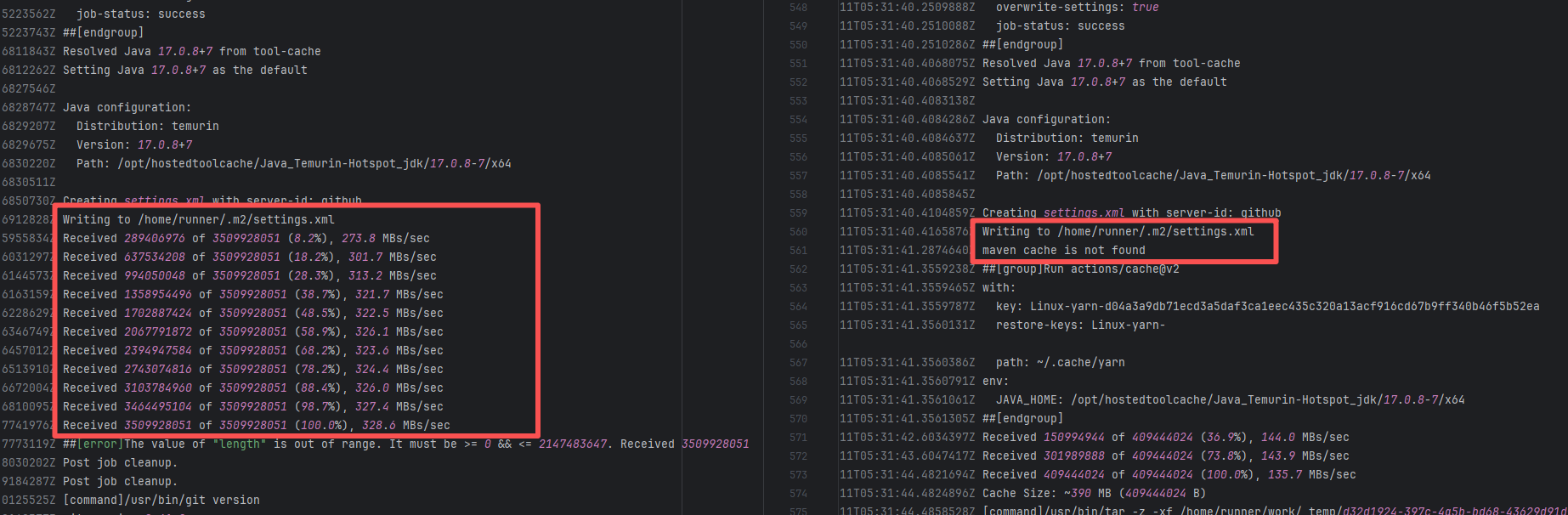 |
| checkstyle/checkstyle |
19480866718 |
Network Issue |
Error: The error "jq: error (at <stdin>:4): Cannot index object with number" occurs when jq attempts to access a JSON object as an array.
Root Cause: Analyzing the logs and script files, the specific error occurred in the script's jq call: COMMITS=$(curl --fail-with-body -s -H "Authorization: token $READ_ONLY_TOKEN" "$LINK_COMMITS" | jq '.[0] | .commit.message'). The error "Cannot index object with number" means jq expected the JSON data to be an array, but the returned JSON was actually an object. This caused jq to use an array index ([0]) when attempting to access an object, throwing an error. The error is due to incorrect data access where the message returned error information in JSON format. After a rerun returned the correct data, it was parsed and built successfully. |
Short-term Fix: Succeeded after Rerun the job.
Long-term Defense: Continuous monitoring; if frequent, investigate root cause in depth. |
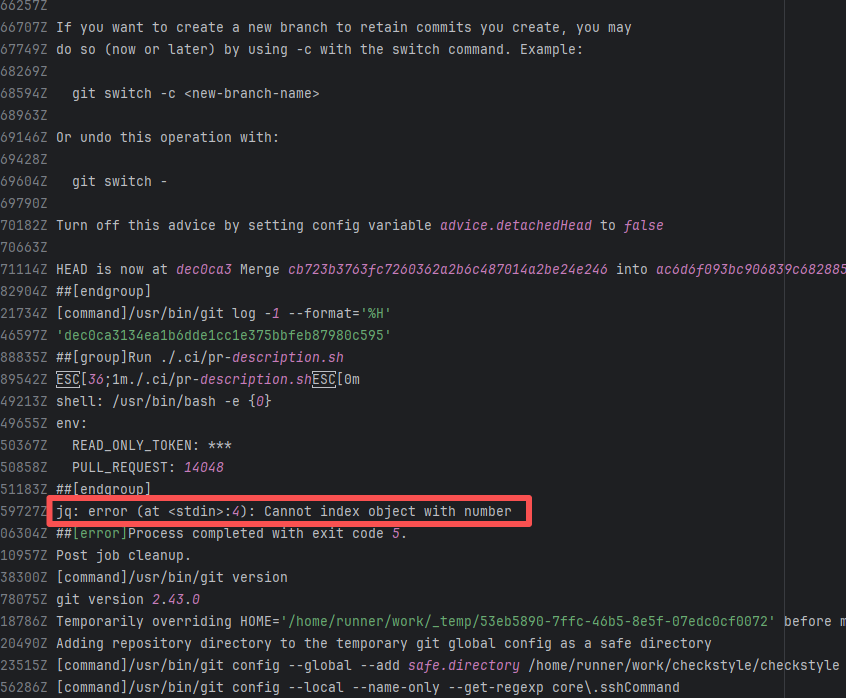 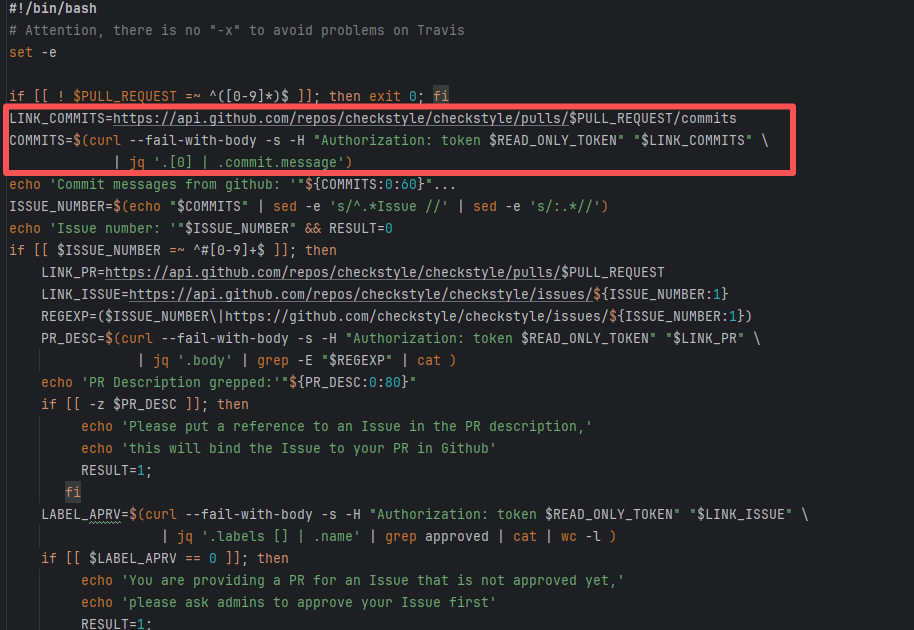 |
| checkstyle/checkstyle |
18852957912 |
Network Issue |
Error: The error "jq: error (at <stdin>:4): Cannot index object with number" occurs when jq attempts to access a JSON object as an array.
Root Cause: Analyzing the logs and script files, the specific error occurred in the script's jq call: COMMITS=$(curl --fail-with-body -s -H "Authorization: token $READ_ONLY_TOKEN" "$LINK_COMMITS" | jq '.[0] | .commit.message'). The error "Cannot index object with number" means jq expected the JSON data to be an array, but the returned JSON was actually an object. This caused jq to use an array index ([0]) when attempting to access an object, throwing an error. The error is due to incorrect data access where the message returned error information in JSON format. After a rerun returned the correct data, it was parsed and built successfully. |
Short-term Fix: Succeeded after Rerun the job.
Long-term Defense: Continuous monitoring; if frequent, investigate root cause in depth. |
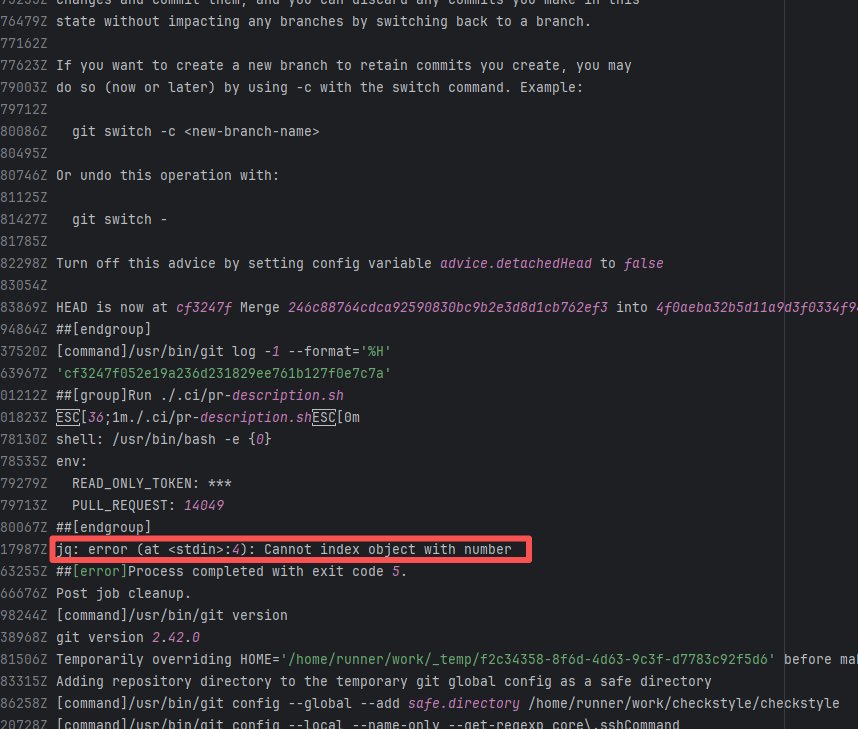 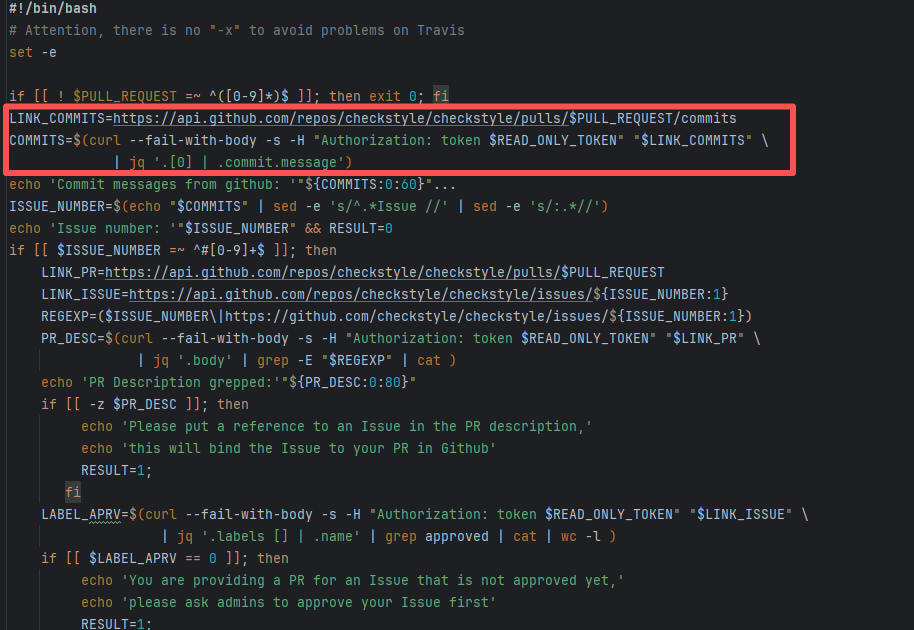 |
| seleniumhq/selenium |
21980075921 |
Network Issue |
Error: The error "jq: error (at <stdin>:4): Cannot index string with string 'tag_name'" indicates that when trying to parse the JSON data returned by the GitHub API using the jq command, jq attempted to access a field of a string, but field access is only applicable to objects.
Root Cause: By analyzing the logs and script files, the specific error in the script occurred in the jq call: [.[] | {tag_name: .tag_name, assets: [.assets[] | {browser_download_url: .browser_download_url} ] }]. The error "Cannot index string with string" means jq expected the JSON data to be an array, but the returned JSON was actually a string or an object that did not match the JSON data structure, thus throwing an error. The error was caused by incorrect data access which returned error information in JSON format, triggering the issue. After rerun returned the correct data, it parsed and built successfully. |
Short-term Fix: Succeeded after Rerun the job.
Long-term Defense: Continuous monitoring; if frequent, investigate root cause in depth. |
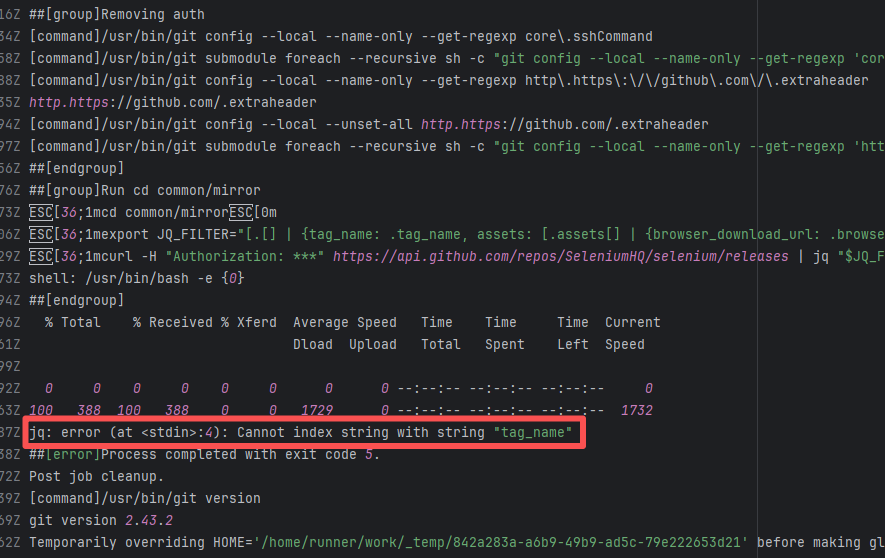 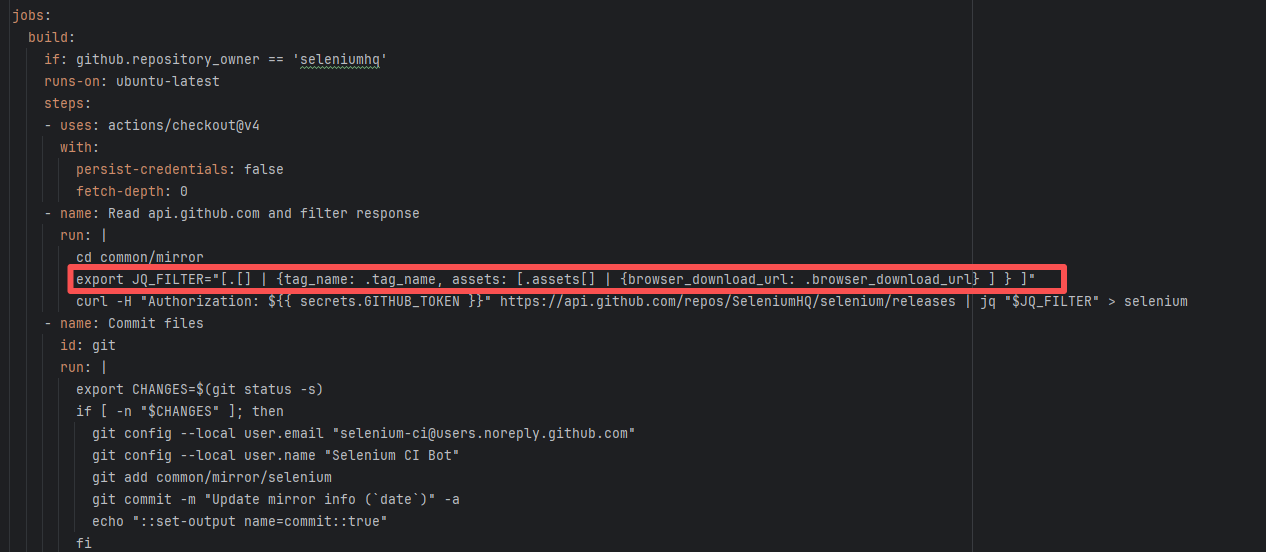 |
| checkstyle/checkstyle |
18747768040 |
Network Issue |
Error: The error "jq: error (at <stdin>:4): Cannot index object with number" occurs when jq attempts to access a JSON object as an array.
Root Cause: Analyzing the logs and script files, the specific error occurred in the script's jq call: COMMITS=$(curl --fail-with-body -s -H "Authorization: token $READ_ONLY_TOKEN" "$LINK_COMMITS" | jq '.[0] | .commit.message'). The error "Cannot index object with number" means jq expected the JSON data to be an array, but the returned JSON was actually an object. This caused jq to use an array index ([0]) when attempting to access an object, throwing an error. The error is due to incorrect data access where the message returned error information in JSON format. After a rerun returned the correct data, it was parsed and built successfully. |
Short-term Fix: Succeeded after Rerun the job.
Long-term Defense: Continuous monitoring; if frequent, investigate root cause in depth. |
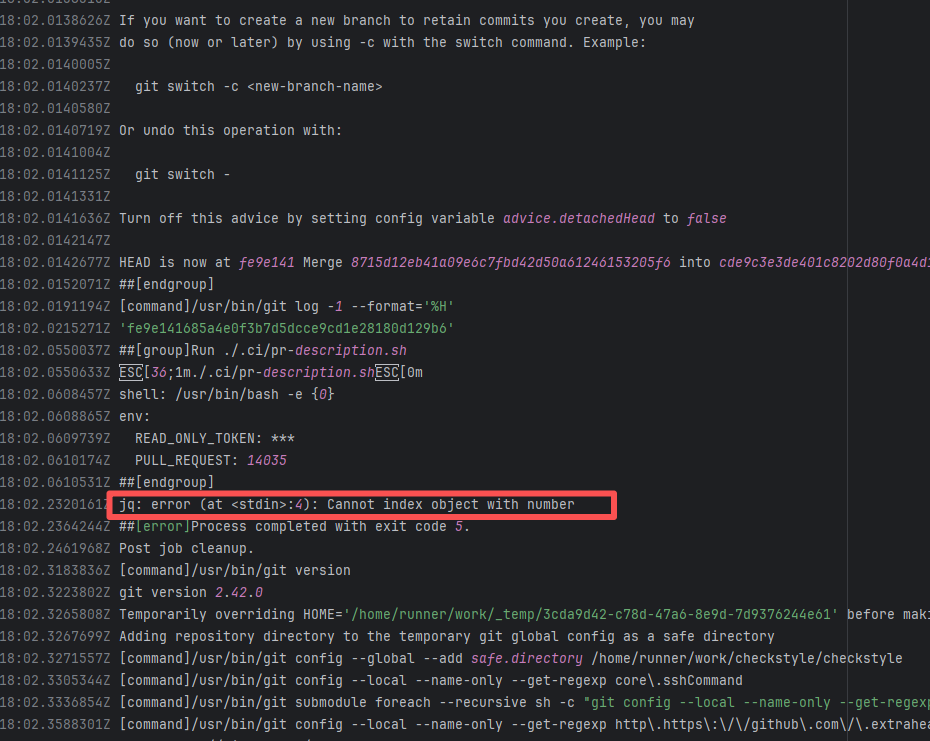 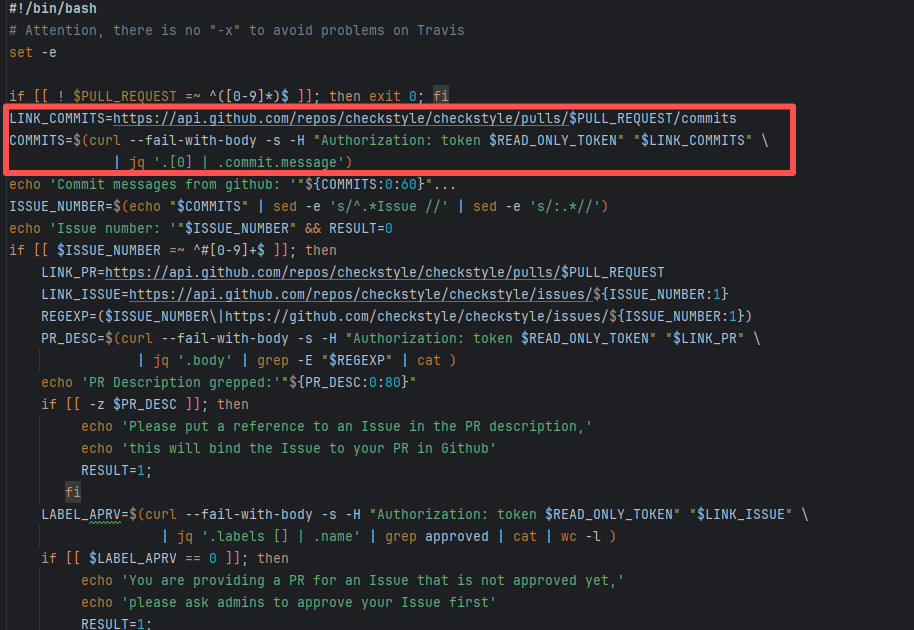 |
| nationalsecurityagency/datawave |
18941283950 |
Plugin/Tool Errors |
Error: Log errors show that a stack overflow error occurred while javaparser was processing data, and mutual calls occurred during data processing.
Root Cause: By querying related Issues (https://github.com/javaparser/javaparser/issues/2167), it was found that this error is an edge-case error caused by external data. Early versions of javaparser occasionally experienced stack overflow errors when handling very large string concatenations. |
Short-term Fix: Succeeded after Rerun the job.
Long-term Defense: Continuous monitoring; if frequent, investigate root cause in depth. |
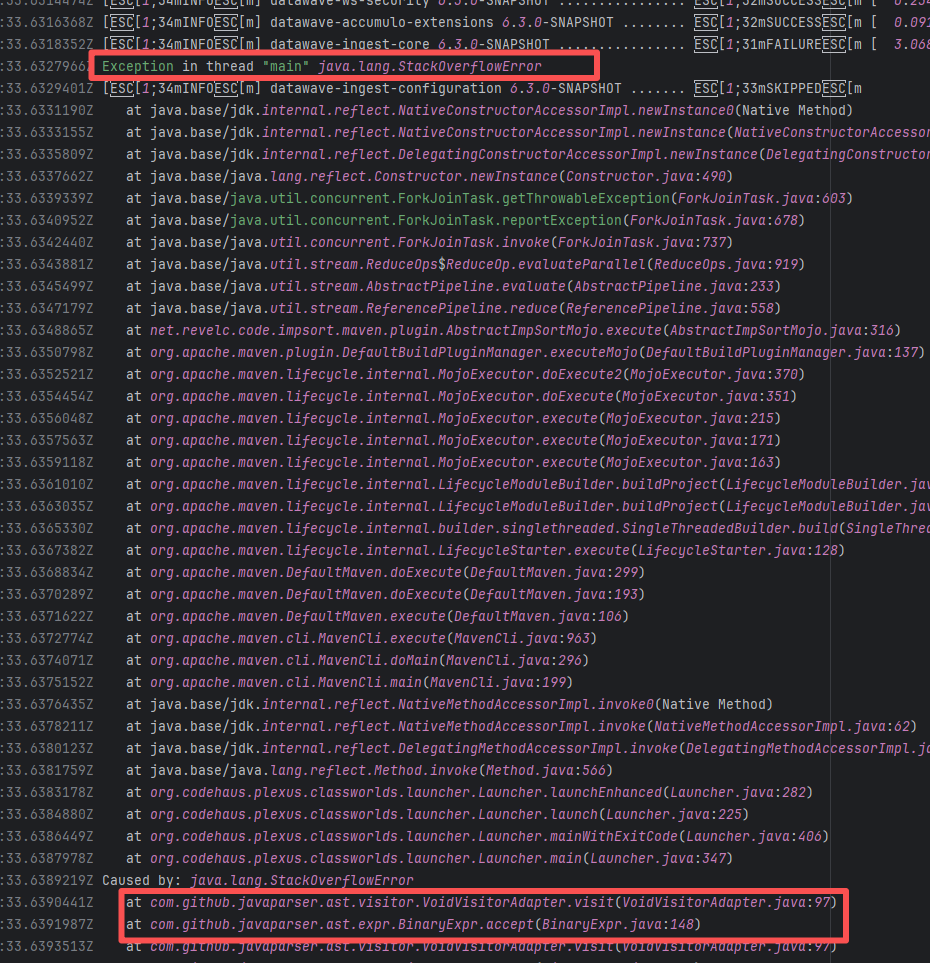 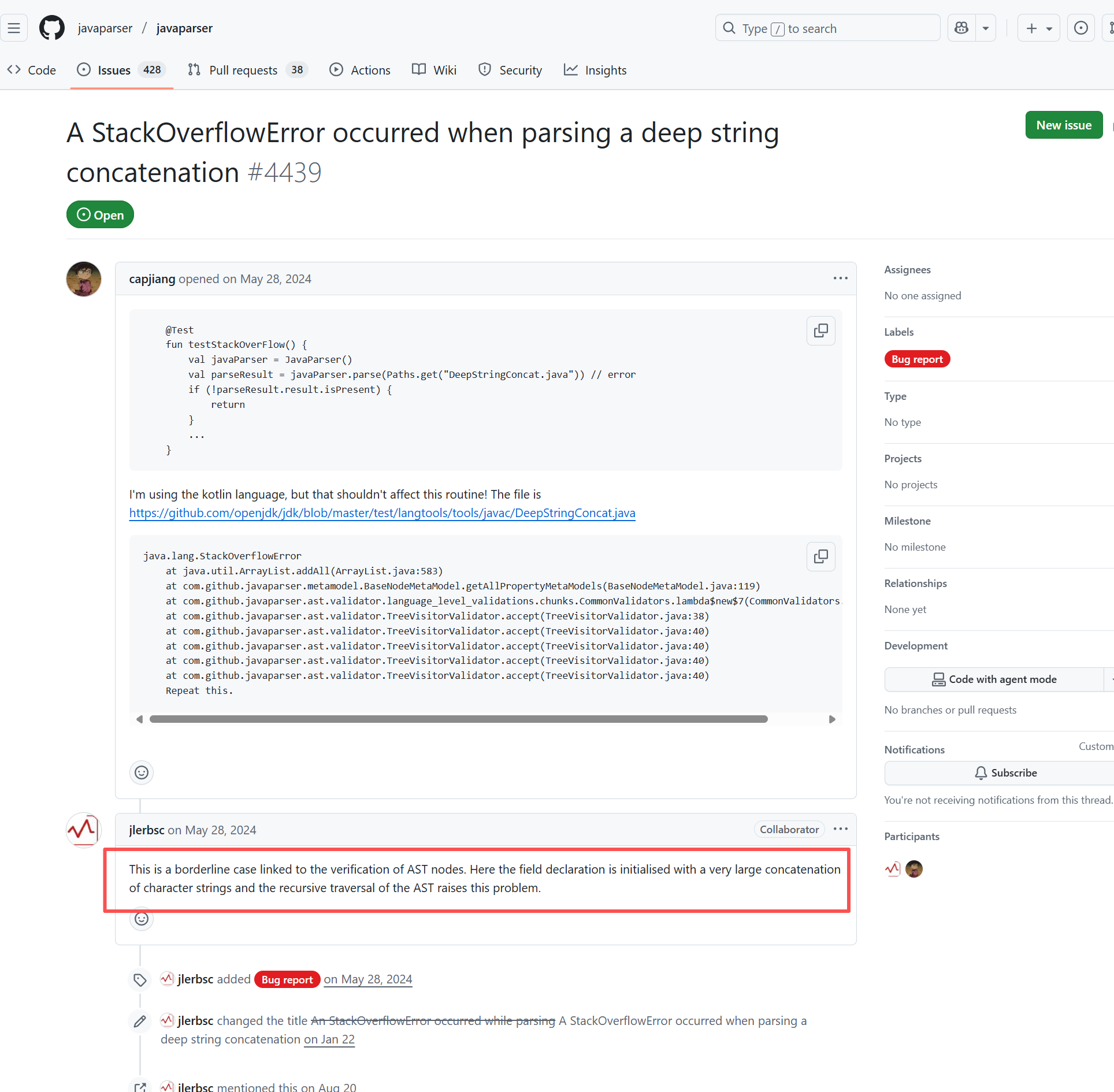 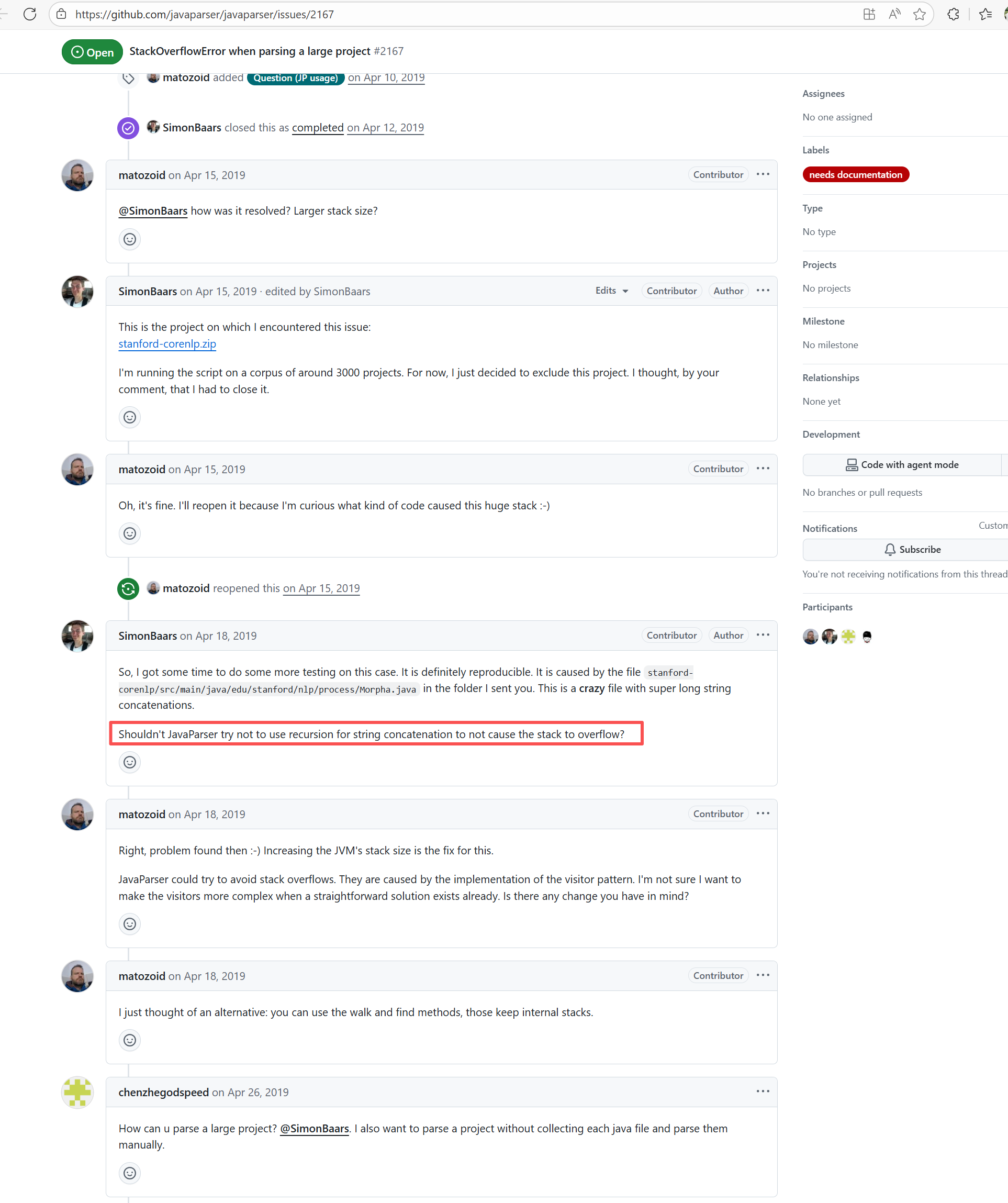 |
| appium/java-client |
21660720304 |
Network Issue |
Error: The error "IndexError: list index out of range" indicates that the Python script used an invalid index when attempting to access an element.
Root Cause: Analysis of the log reveals that the Python script used an invalid index when attempting to access the list returned by re.findall(). Specifically, the script tried to access the last element of the list ([-1]), but the list was empty, leading to an IndexError. When rerun successfully fetches the data, the build succeeds. |
Short-term Fix: Succeeded after Rerun the job.
Long-term Defense: Continuous monitoring; if frequent, investigate root cause in depth. |
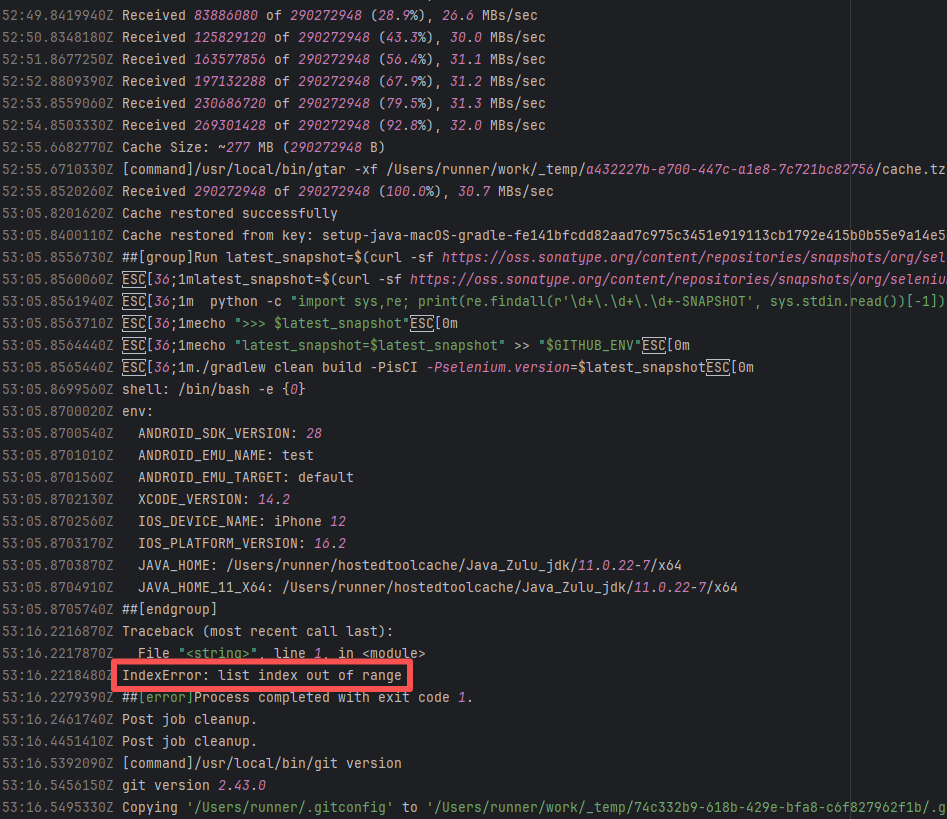 |
| checkstyle/checkstyle |
17507547466 |
Network Issue |
Error: The error "jq: error (at <stdin>:4): Cannot index object with number" occurs when jq attempts to access a JSON object as an array.
Root Cause: Analyzing the logs and script files, the specific error occurred in the script's jq call: COMMITS=$(curl --fail-with-body -s -H "Authorization: token $READ_ONLY_TOKEN" "$LINK_COMMITS" | jq '.[0] | .commit.message'). The error "Cannot index object with number" means jq expected the JSON data to be an array, but the returned JSON was actually an object. This caused jq to use an array index ([0]) when attempting to access an object, throwing an error. The error is due to incorrect data access where the message returned error information in JSON format. After a rerun returned the correct data, it was parsed and built successfully. |
Short-term Fix: Succeeded after Rerun the job.
Long-term Defense: Continuous monitoring; if frequent, investigate root cause in depth. |
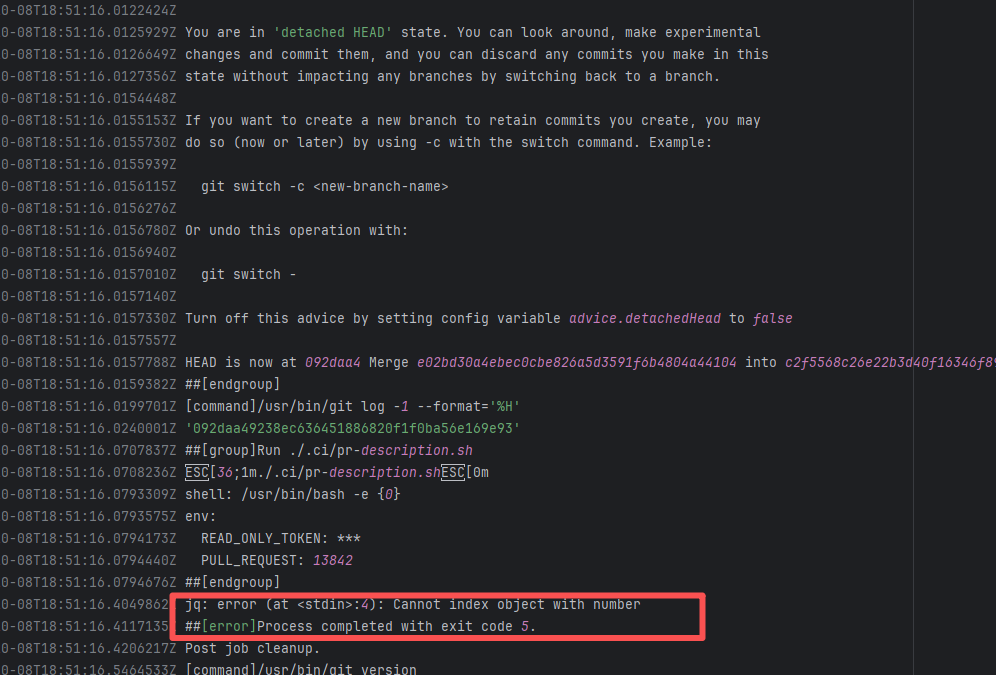 |
| nationalsecurityagency/datawave |
18927060820 |
Plugin/Tool Errors |
Error: Log errors show that a stack overflow error occurred while javaparser was processing data, and mutual calls occurred during data processing.
Root Cause: By querying related Issues (https://github.com/javaparser/javaparser/issues/2167), it was found that this error is an edge-case error caused by external data. Early versions of javaparser occasionally experienced stack overflow errors when handling very large string concatenations. |
Short-term Fix: Succeeded after Rerun the job.
Long-term Defense: Continuous monitoring; if frequent, investigate root cause in depth. |
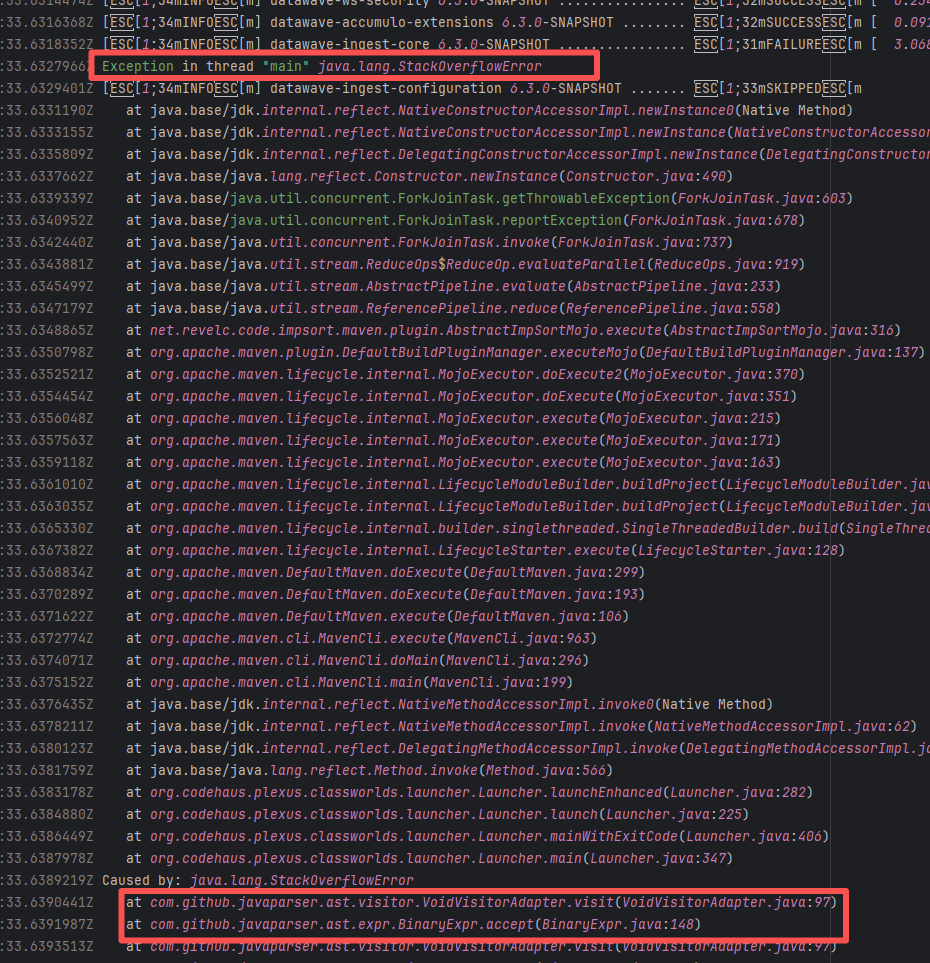 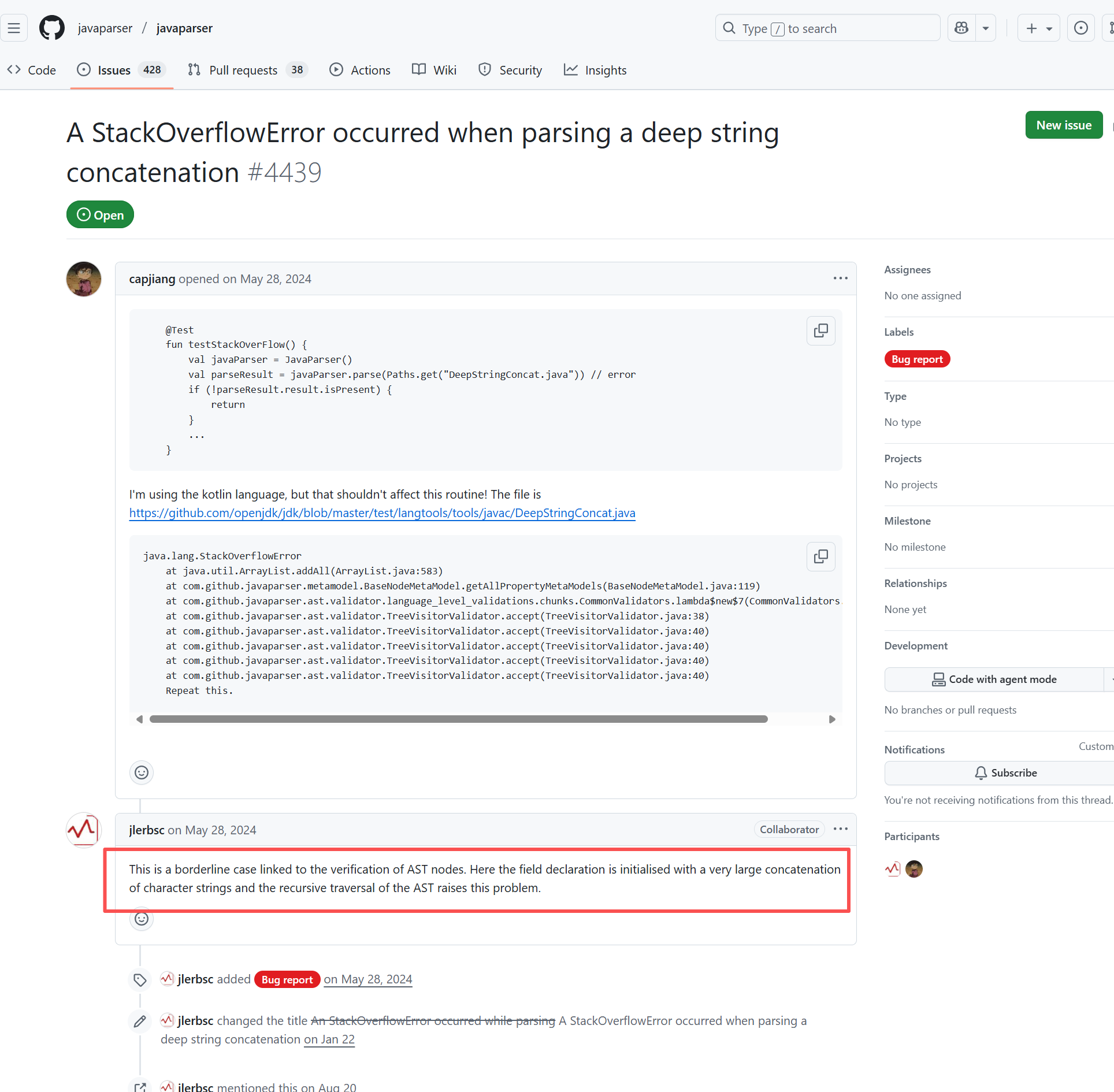 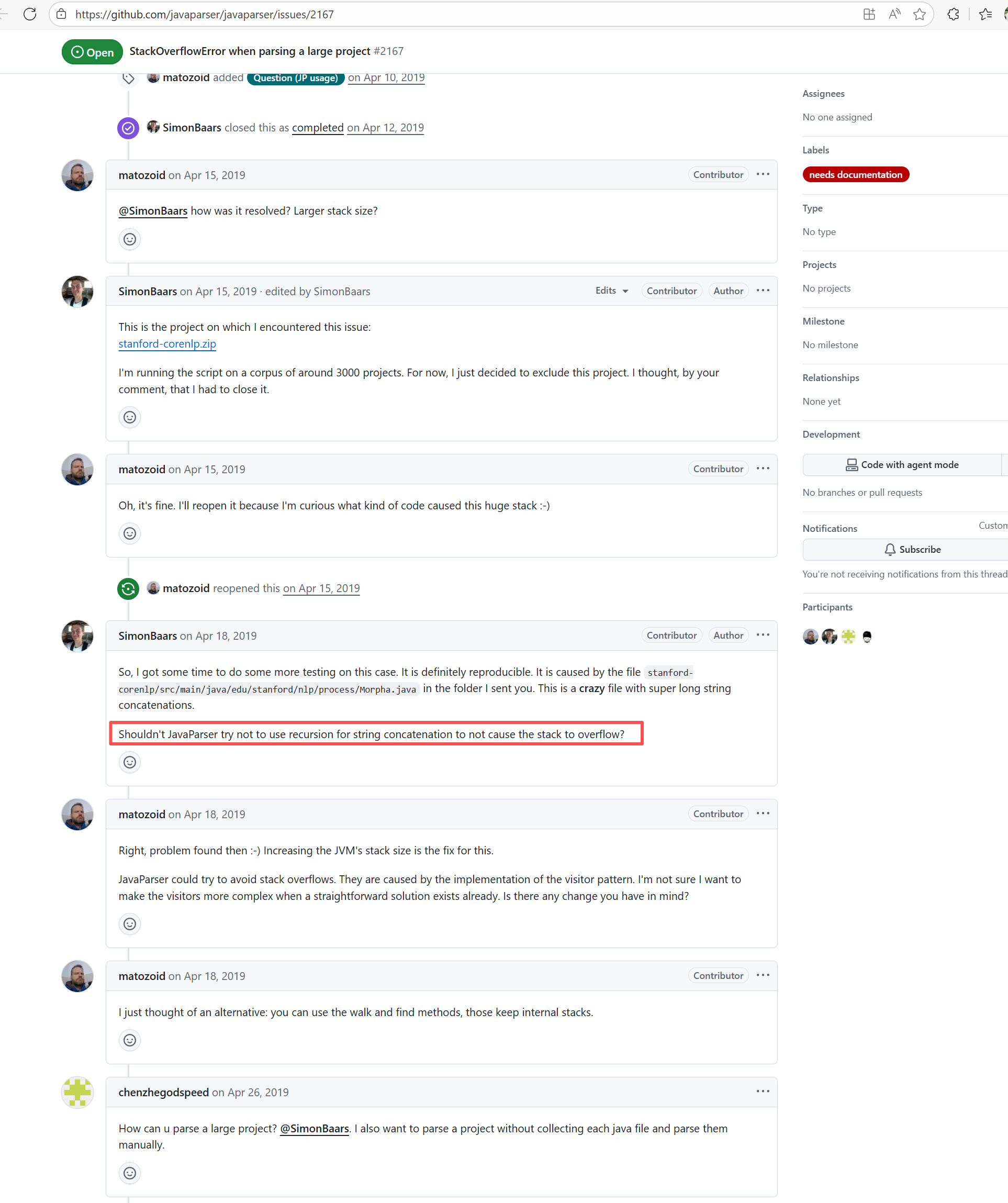 |
| checkstyle/checkstyle |
20008457441 |
Network Issue |
Error: The error "jq: error (at <stdin>:4): Cannot index object with number" occurs when jq attempts to access a JSON object as an array.
Root Cause: Analyzing the logs and script files, the specific error occurred in the script's jq call: COMMITS=$(curl --fail-with-body -s -H "Authorization: token $READ_ONLY_TOKEN" "$LINK_COMMITS" | jq '.[0] | .commit.message'). The error "Cannot index object with number" means jq expected the JSON data to be an array, but the returned JSON was actually an object. This caused jq to use an array index ([0]) when attempting to access an object, throwing an error. The error is due to incorrect data access where the message returned error information in JSON format. After a rerun returned the correct data, it was parsed and built successfully. |
Short-term Fix: Succeeded after Rerun the job.
Long-term Defense: Continuous monitoring; if frequent, investigate root cause in depth. |
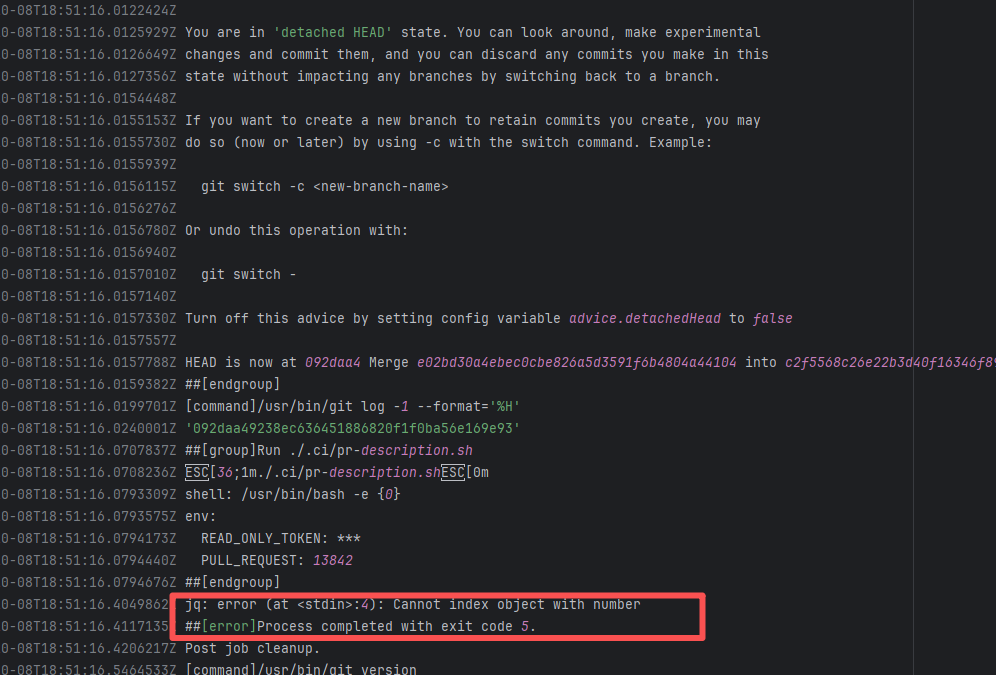 |
| seleniumhq/selenium |
20708065995 |
Network Issue |
Error: The error "jq: error (at <stdin>:4): Cannot index string with string 'tag_name'" indicates that when trying to parse the JSON data returned by the GitHub API using the jq command, jq attempted to access a field of a string, but field access is only applicable to objects.
Root Cause: By analyzing the logs and script files, the specific error in the script occurred in the jq call: [.[] | {tag_name: .tag_name, assets: [.assets[] | {browser_download_url: .browser_download_url} ] }]. The error "Cannot index string with string" means jq expected the JSON data to be an array, but the returned JSON was actually a string or an object that did not match the JSON data structure, thus throwing an error. The error was caused by incorrect data access which returned error information in JSON format, triggering the issue. After rerun returned the correct data, it parsed and built successfully. |
Short-term Fix: Succeeded after Rerun the job.
Long-term Defense: Continuous monitoring; if frequent, investigate root cause in depth. |
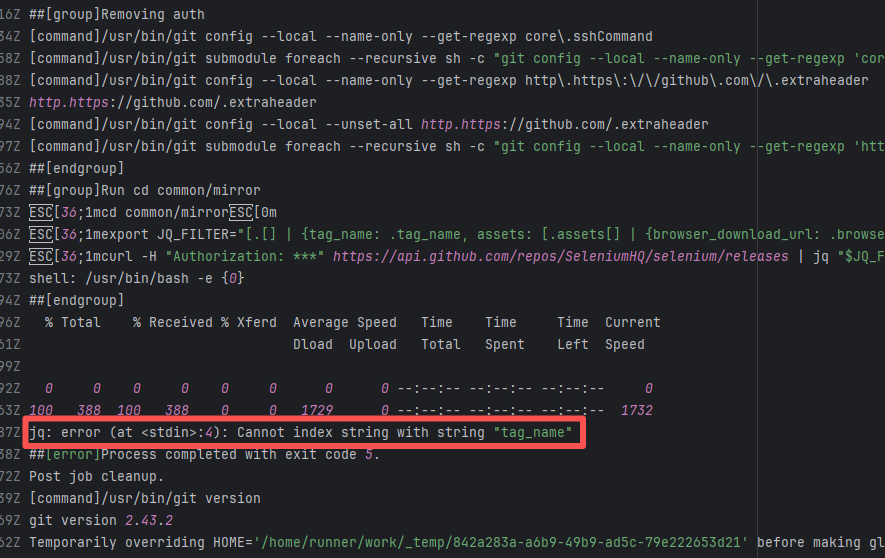 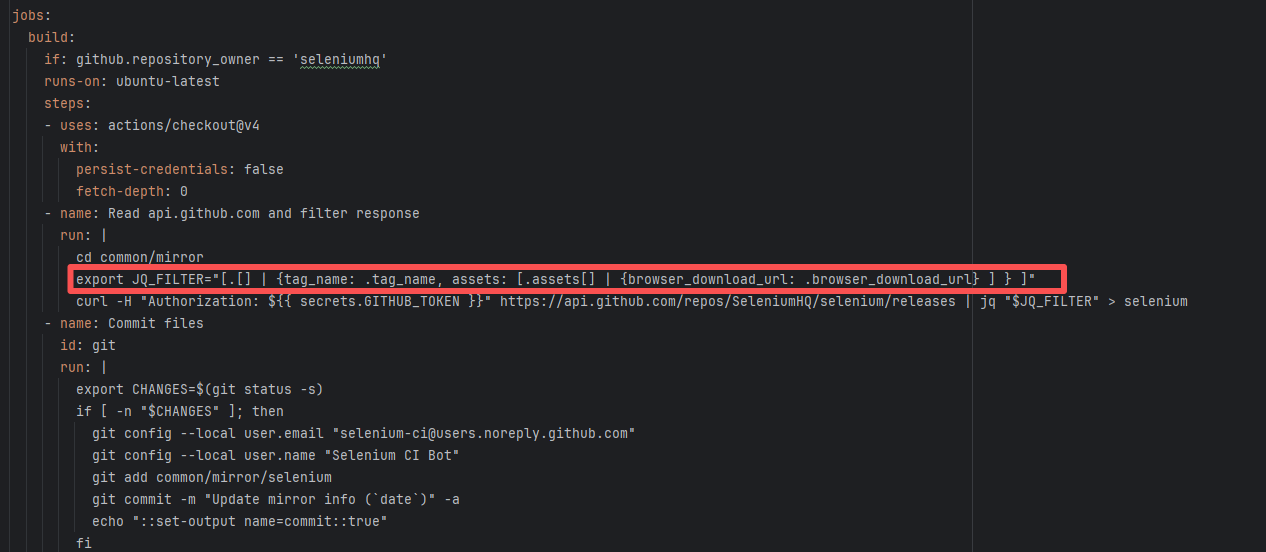 |
| graylog2/graylog2-server |
16627241129 |
Cache Errors |
Error: The error "The value of 'length' is out of range. It must be >= 0 && <= 2147483647. Received 3509928051" occurs because a file size or data length exceeding the allowed range was passed during an operation. According to the error message, the maximum length expected by the system is 2147483647 bytes (approximately 2GB), but the received file length is 3509928051 bytes (approximately 3.5GB), leading to an overflow error.
Root Cause: Analysis of the log reveals that the downloaded file is a cache file. Since some tools restrict cache files from being larger than 2GB, an error was thrown. When the developer cleared the cache, the rerun succeeded. |
Rerun after clearing the cache. |
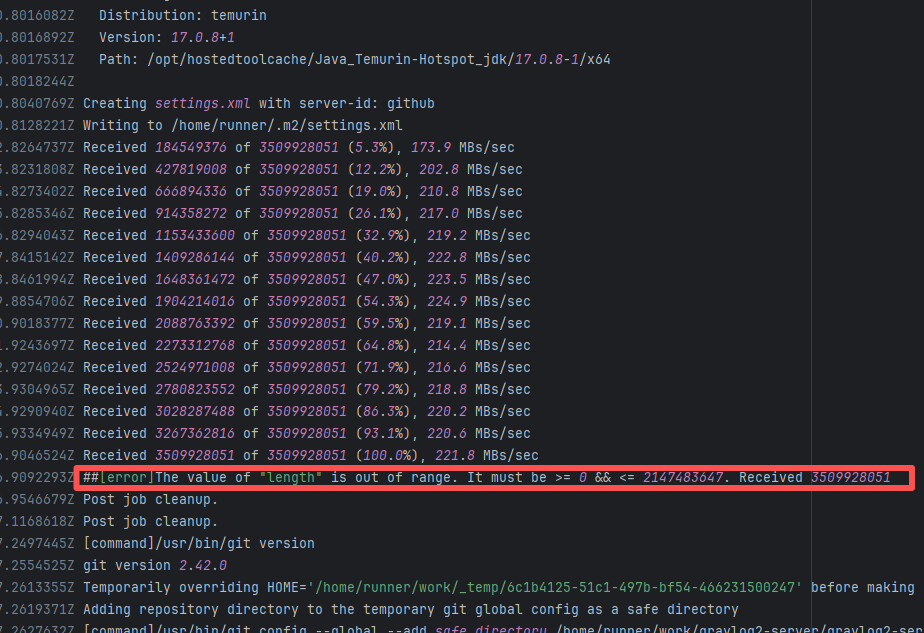 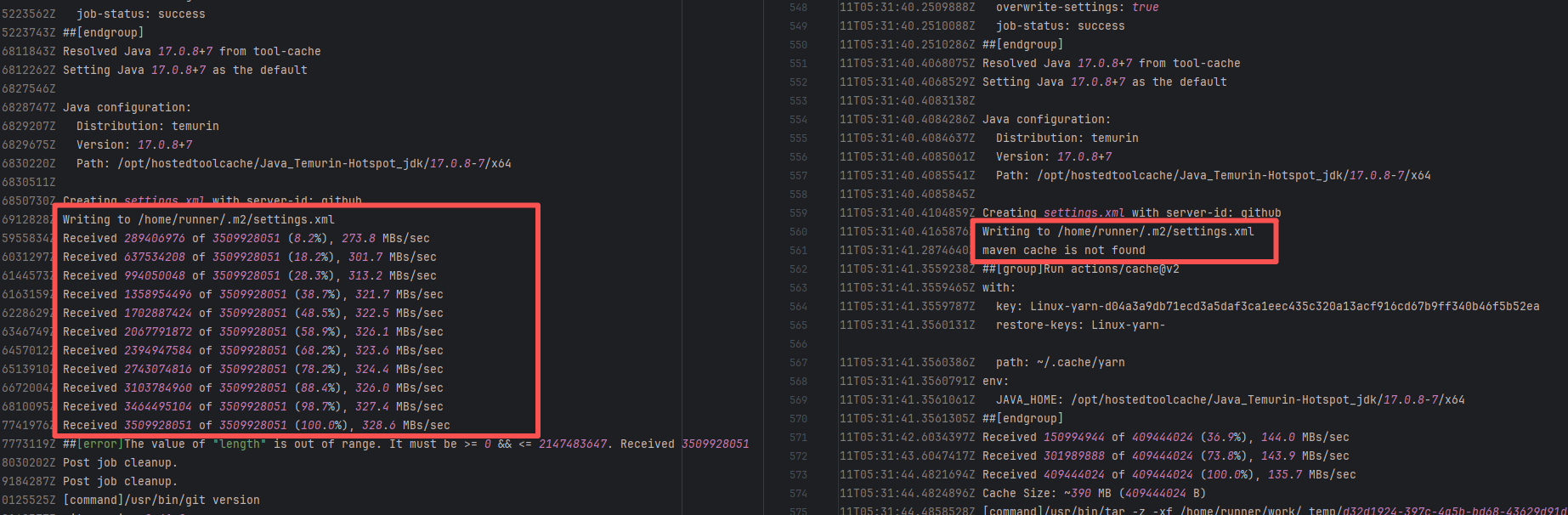 |
| Plugin/Tool Errors |
teammates/teammates |
23395481501 |
Runner Environment Errors |
Error: Docker returned 404 Not Found when pulling the image.
Root Cause: The base image referenced in the Dockerfile does not exist or is inaccessible, and Docker Hub returned a 404 error. |
Short-term Fix: Succeeded after Rerun the job.
Long-term Defense: Continuous monitoring; if frequent, investigate root cause in depth. |
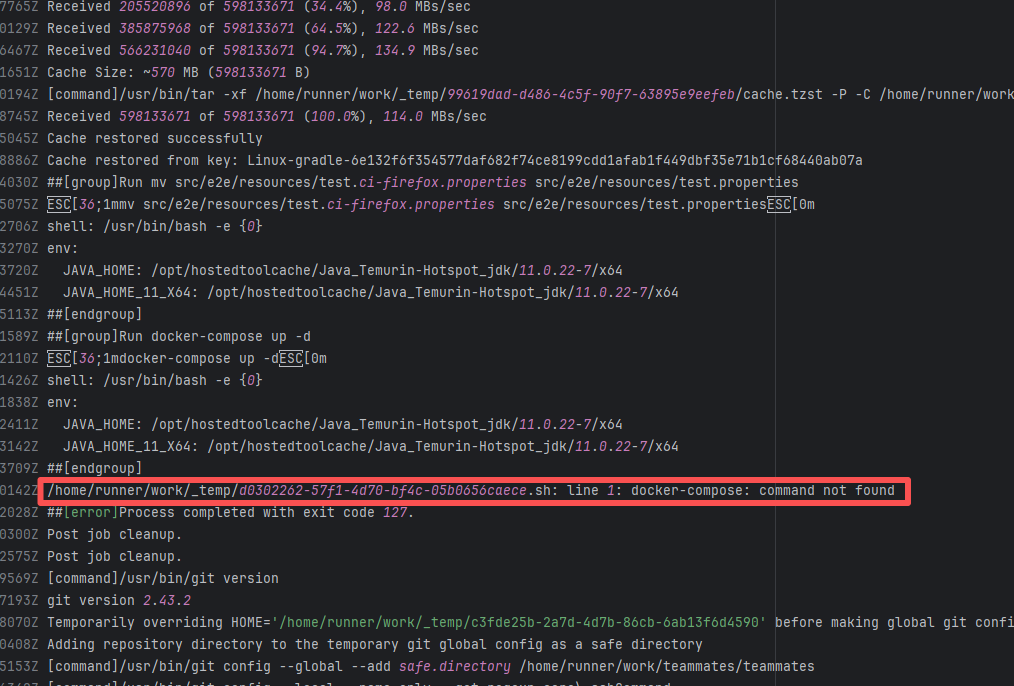 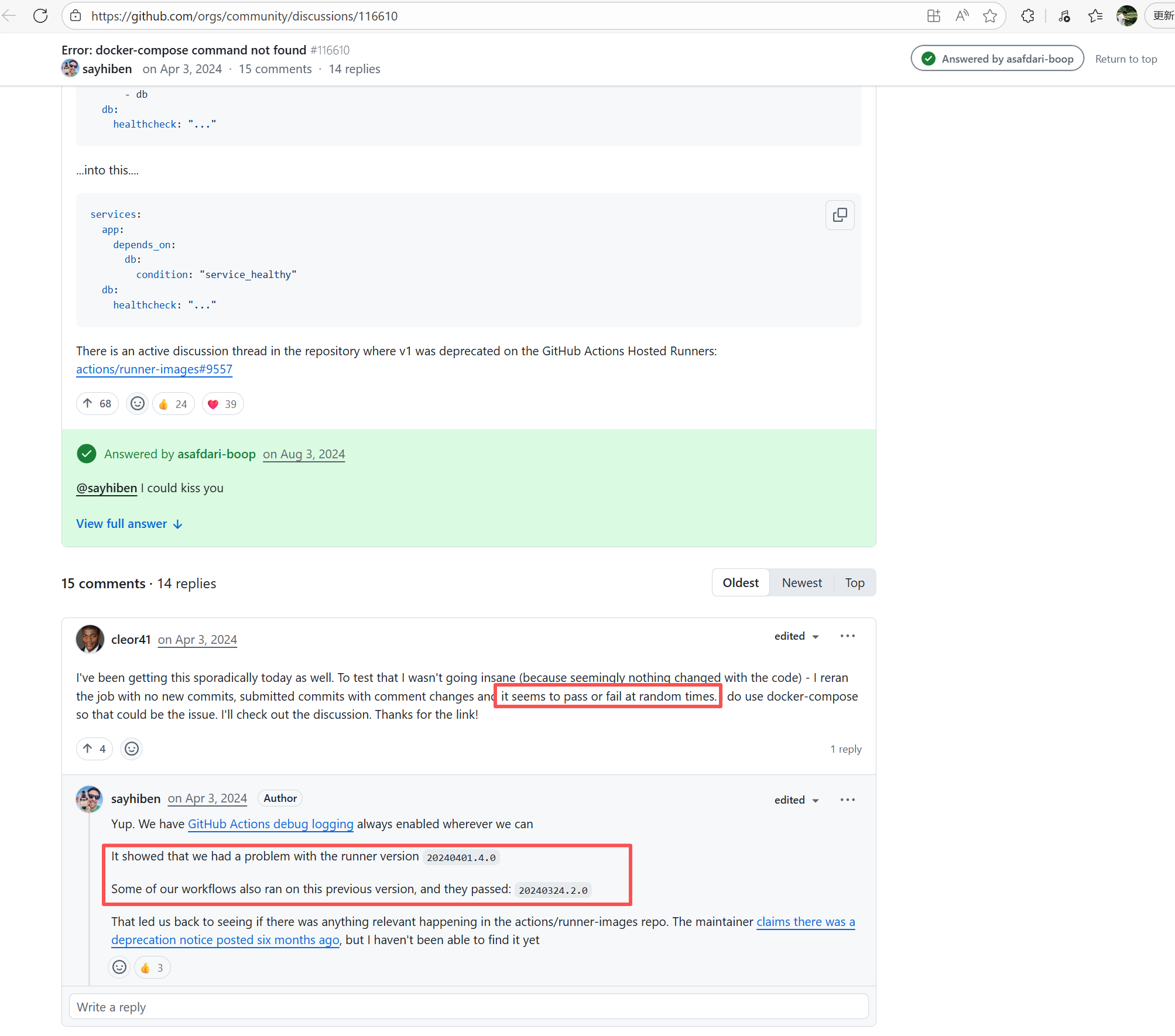  |
| StarRocks/starrocks |
23641315496 |
Runner Environment Errors |
Error: The error message `java: command not found` indicates that the system cannot find the corresponding executable file when executing the java command, possibly due to an unconfigured JDK environment or failed environment variable configuration.
Root Cause: Analysis of the log reveals that the current build is running on a self-hosted server. Before executing the java command, environment variables were manually declared using automated commands. Therefore, the actual error is that the JDK environment was not installed. The job succeeded after being rerun on a different runner environment with Java installed. |
- Rerun after installing the correct tools on the self-hosted server.
- Switch to another Runner environment with the tools correctly installed. |
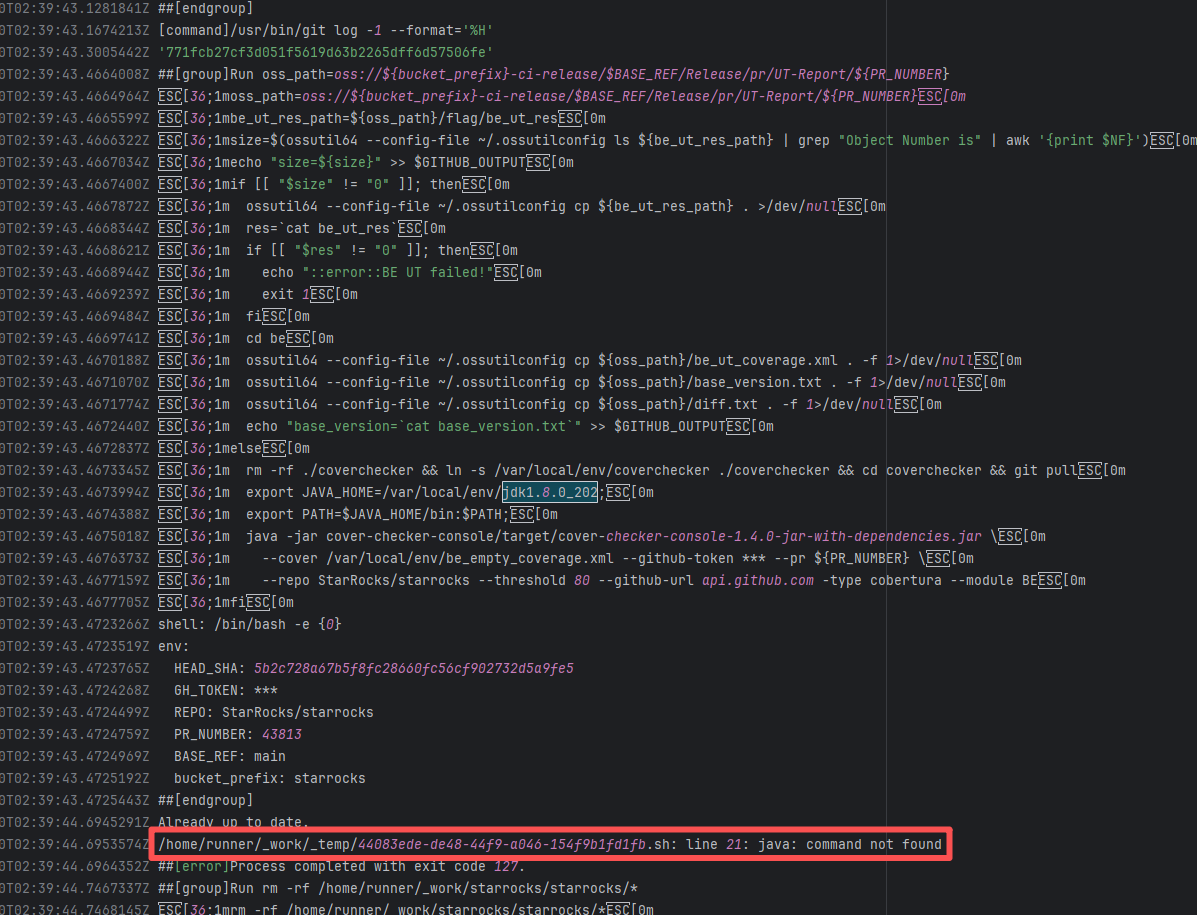 |
| mcreator/mcreator |
23535202769 |
Runner Environment Errors |
Error: During the macOS build task, osascript failed to run successfully, causing the DMG file creation to fail. The error `osascript: can't open default scripting component` indicates that the AppleScript component could not be opened, which is usually related to system configuration or permission issues.
Root Cause: Running osascript to generate a DMG on macOS 11 resulted in the `osascript: can't open default scripting component` error, which appears as a random failure. Feedback from the forum ([osascript: can’t open default scripting component · Issue #4201 · actions/runner-images](https://github.com/actions/runner-images/issues/4201)) indicates this is an issue with the macOS 11 system, triggered by audio component files located in "/Library/audio/Plug-Ins/Components". |
- This issue occurs randomly and can be temporarily resolved by a direct rerun.
- If the server is self-hosted, moving the audio component files located in "/Library/audio/Plug-Ins/Components" to the desktop or deleting them directly can solve the problem. |
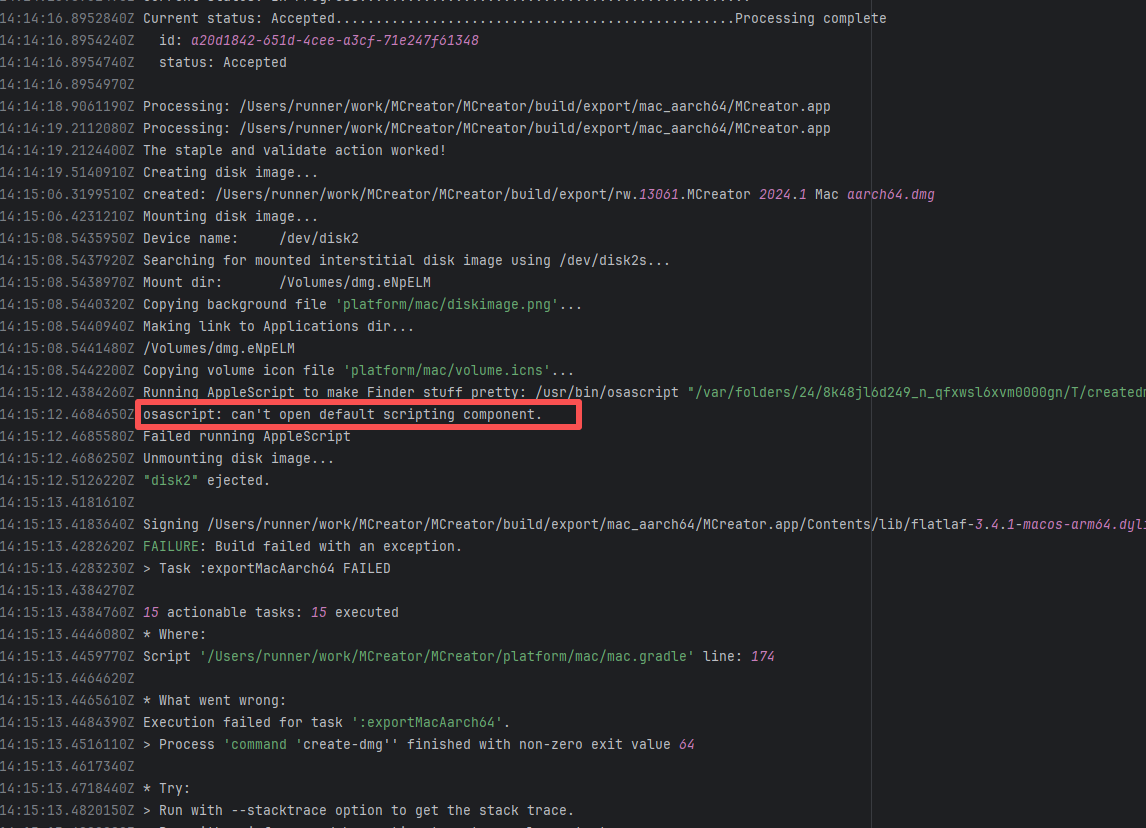 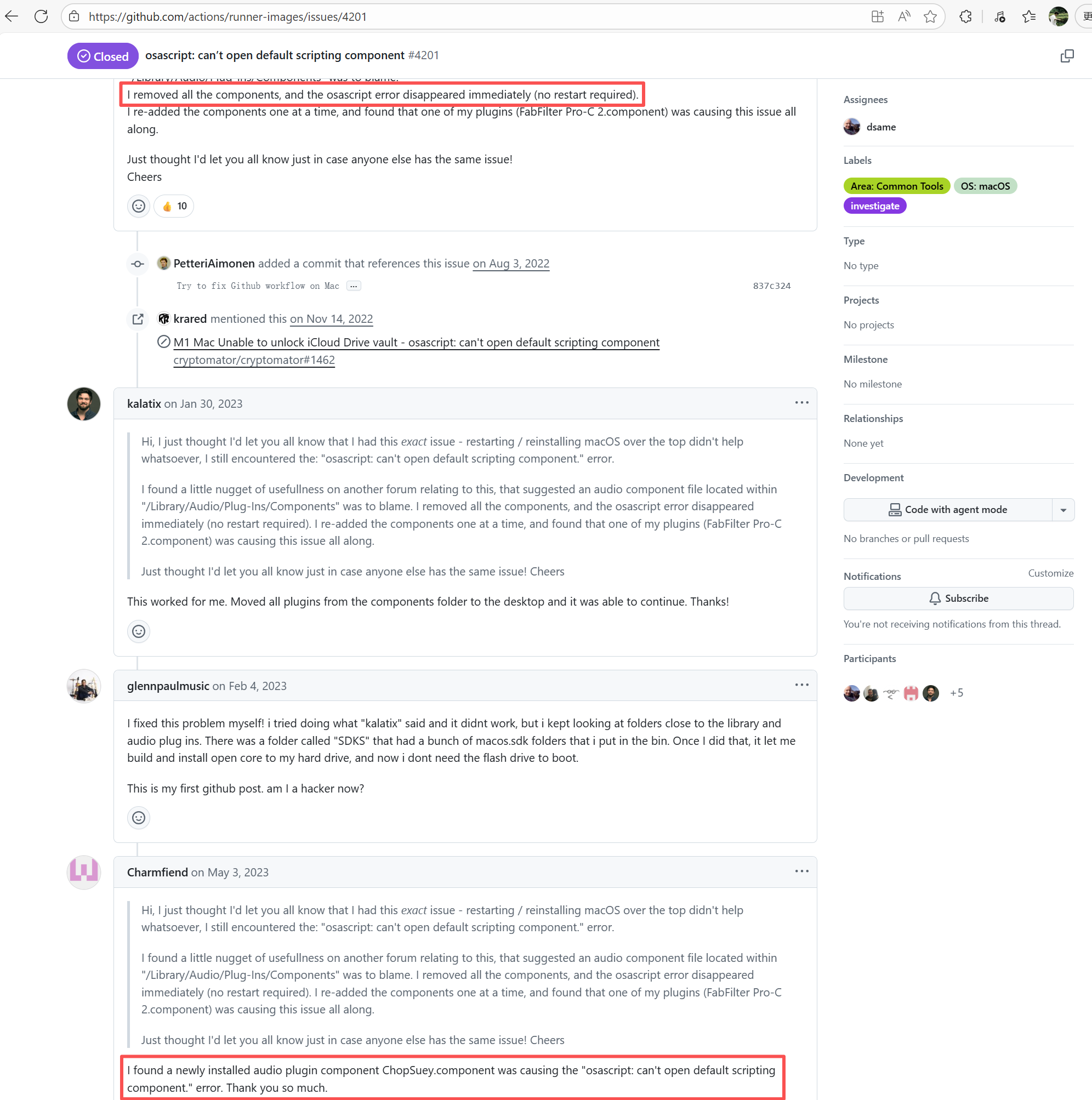 |
| prestodb/presto |
23371780161 |
Runner Environment Errors |
Error: Docker returned 404 Not Found when pulling the image.
Root Cause: The base image referenced in the Dockerfile does not exist or is inaccessible, and Docker Hub returned a 404 error. |
Short-term Fix: Succeeded after Rerun the job.
Long-term Defense: Continuous monitoring; if frequent, investigate root cause in depth. |
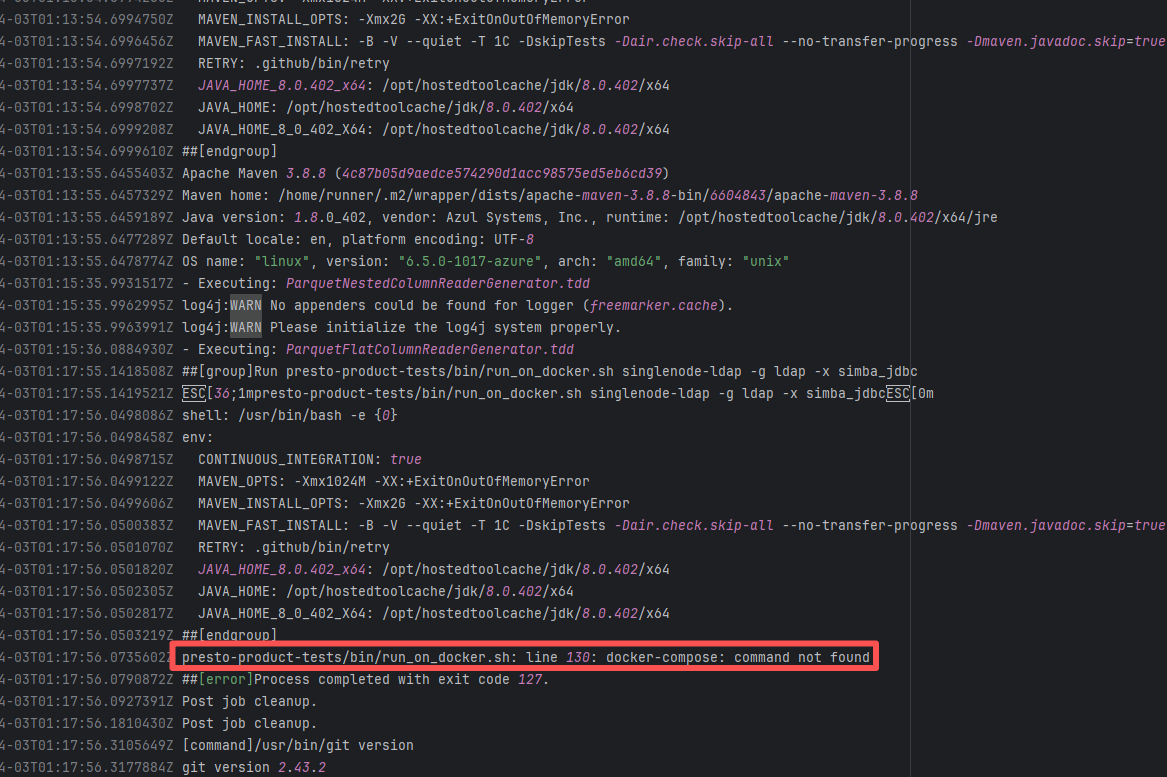 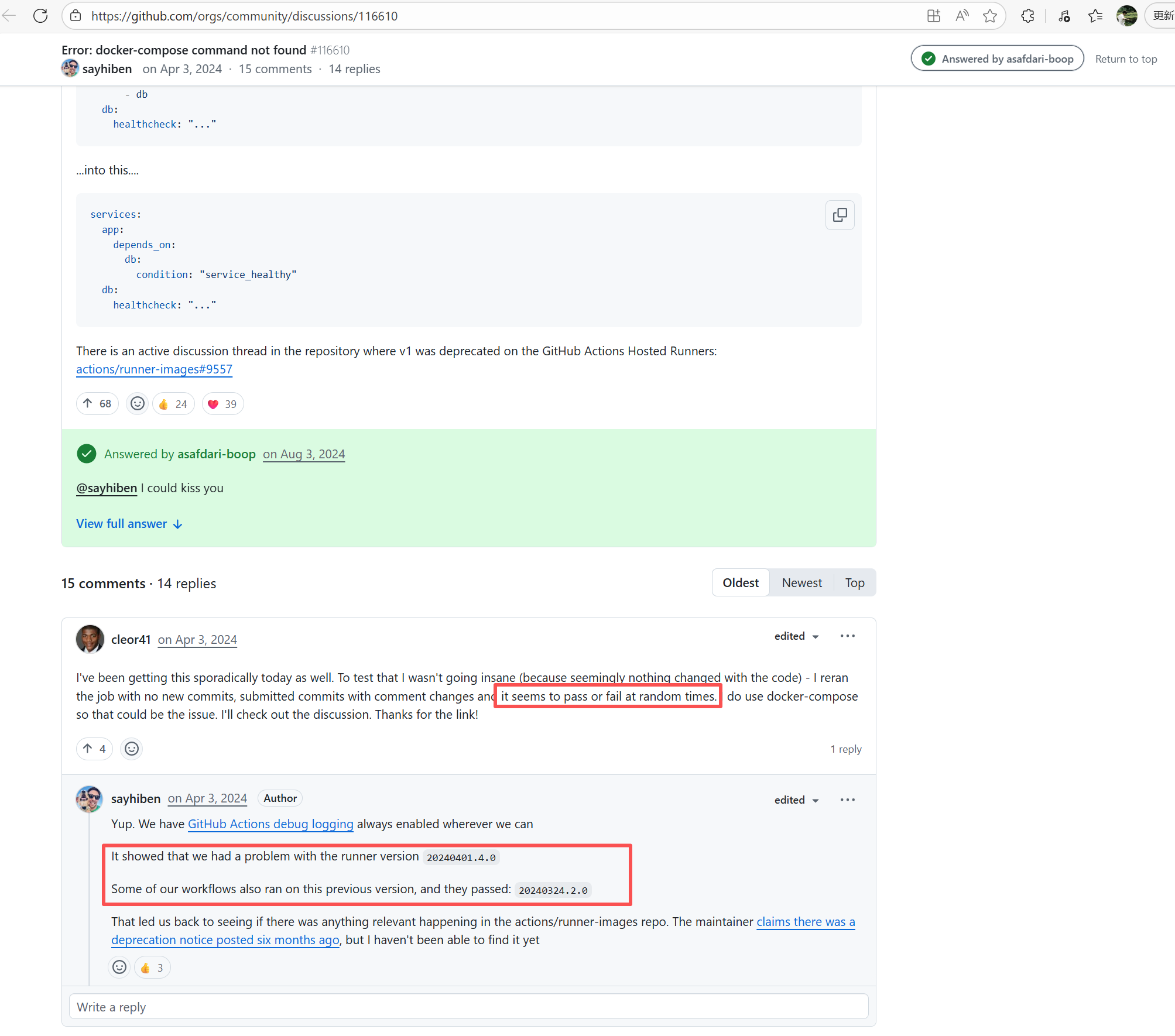  |
| broadinstitute/gatk |
25246169976 |
Runner Environment Errors |
Error: The error message indicates that a post-checkout hook was encountered during the `git clone` operation, and this hook was prohibited from executing under the security policy. Git prevents certain hooks (like post-checkout) from running automatically during a clone by default to avoid potential security risks.
Root Cause: According to related Issues (https://github.com/actions/runner-images/issues/9883), git 2.45.1 had a massive vulnerability: using lfs actions in Ubuntu builds would cause `fatal: active 'post-checkout' hook found during 'git clone'`. Upon rerun, the Ubuntu image version switched from 20240516.1.0 to 20240526.1.0 (with the git version unchanged). The new system image included a patch for the git bug, optimized the clone process, and bypassed the Git 2.45.1 hook restrictions. |
Short-term Fix: Succeeded after Rerun the job.
Long-term Defense: Continuous monitoring; if frequent, investigate root cause in depth. |
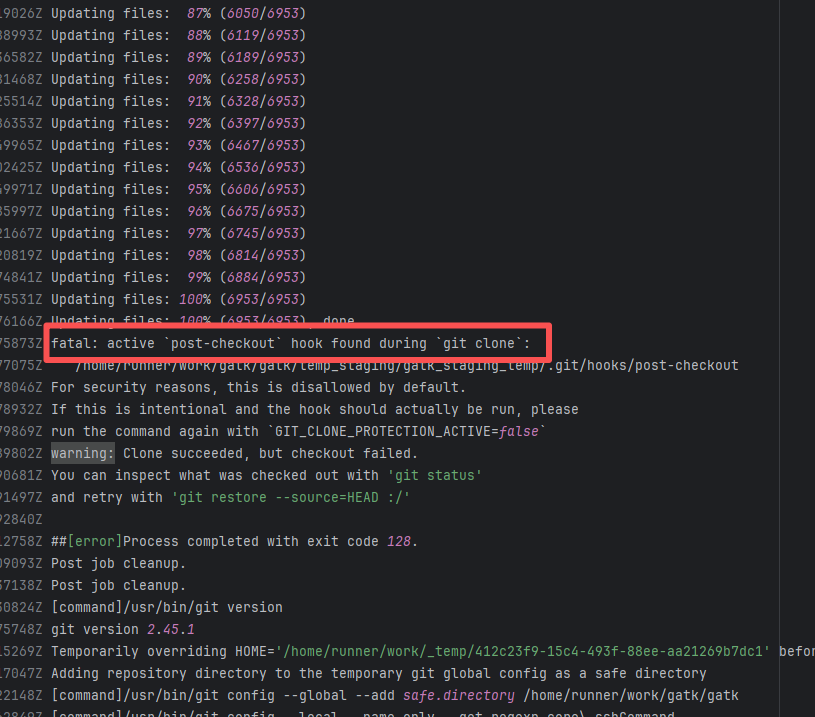 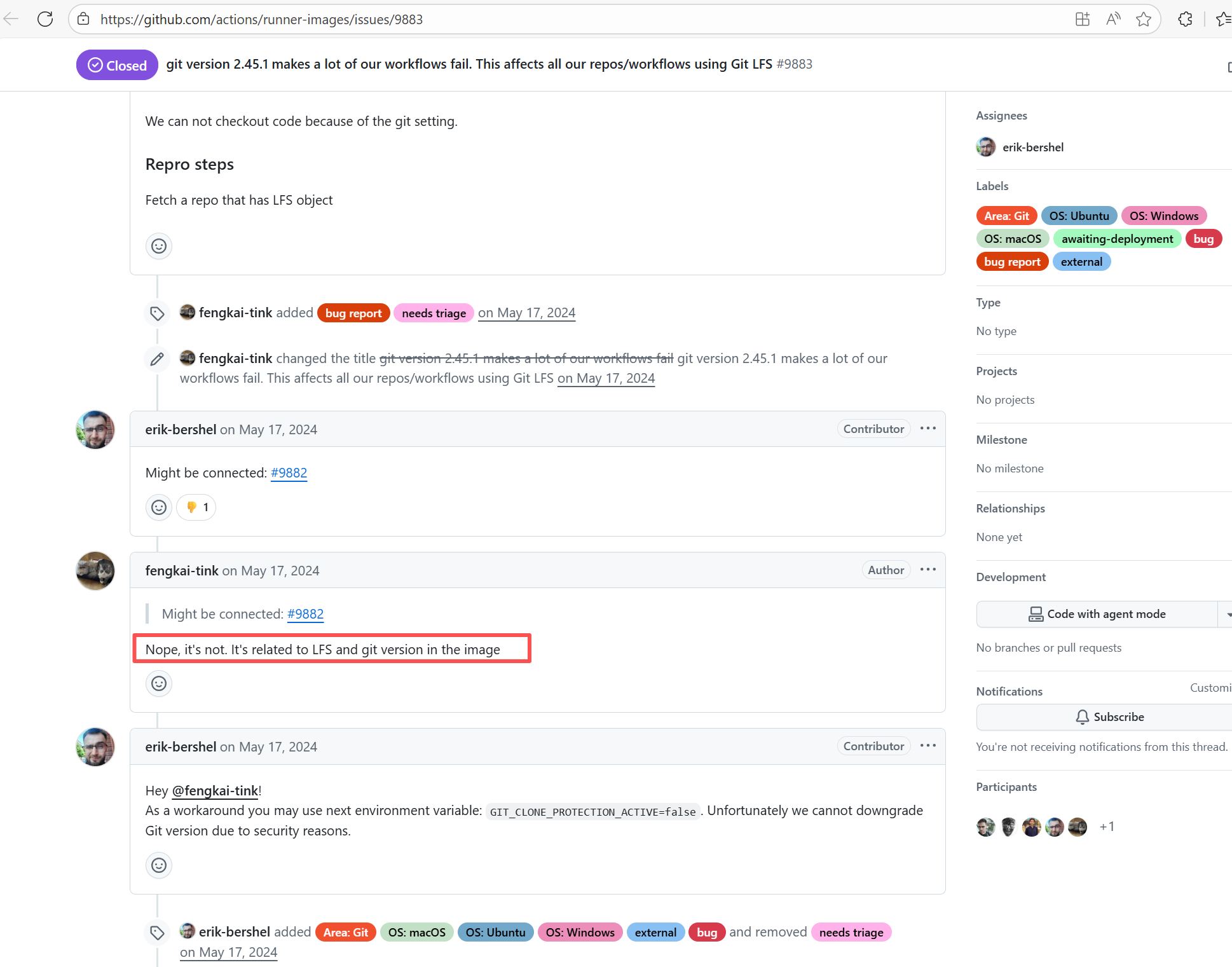 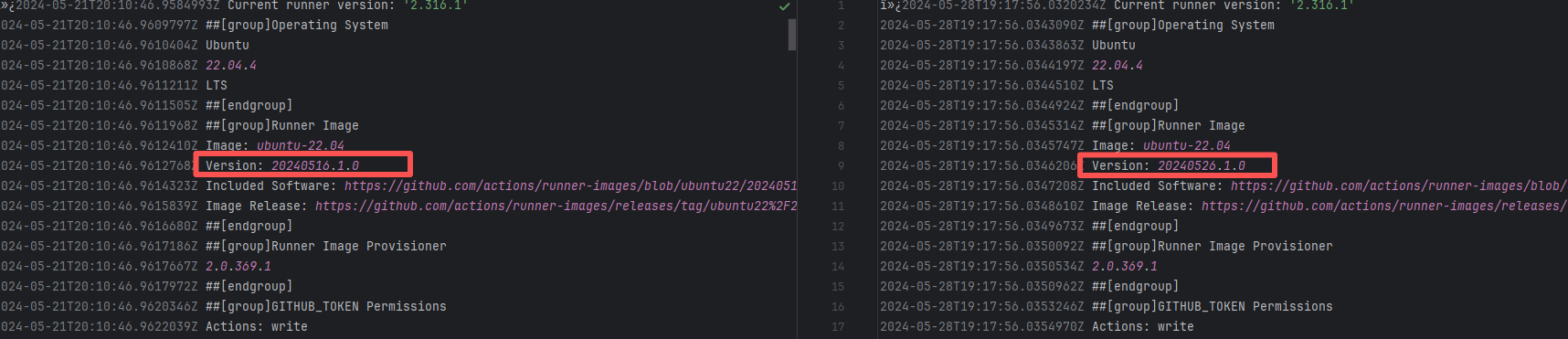 |
| apache/druid |
23365322547 |
Runner Environment Errors |
Error: Docker returned 404 Not Found when pulling the image.
Root Cause: The base image referenced in the Dockerfile does not exist or is inaccessible, and Docker Hub returned a 404 error. |
Short-term Fix: Succeeded after Rerun the job.
Long-term Defense: Continuous monitoring; if frequent, investigate root cause in depth. |
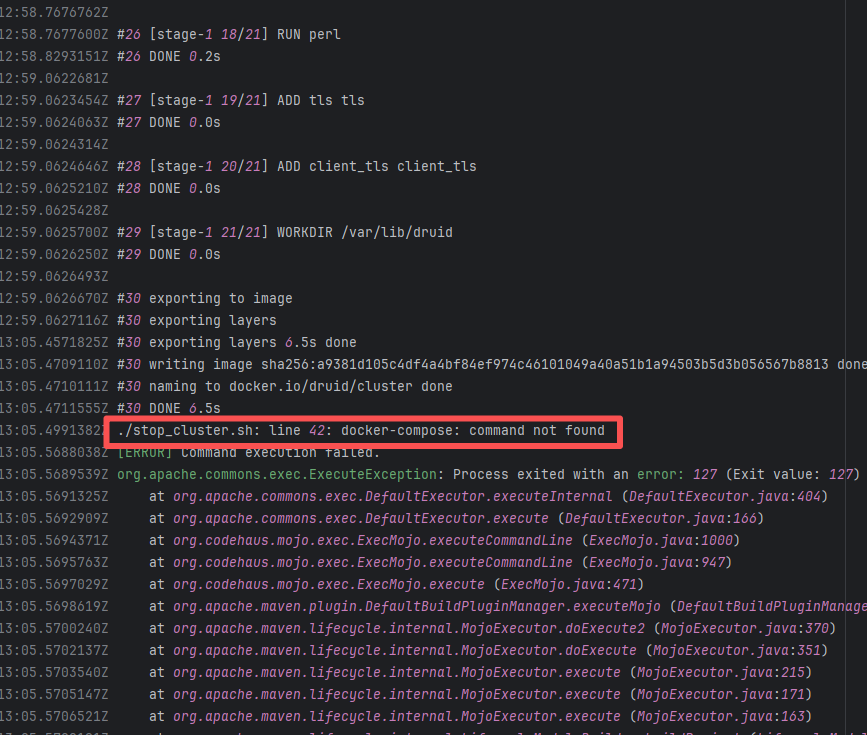 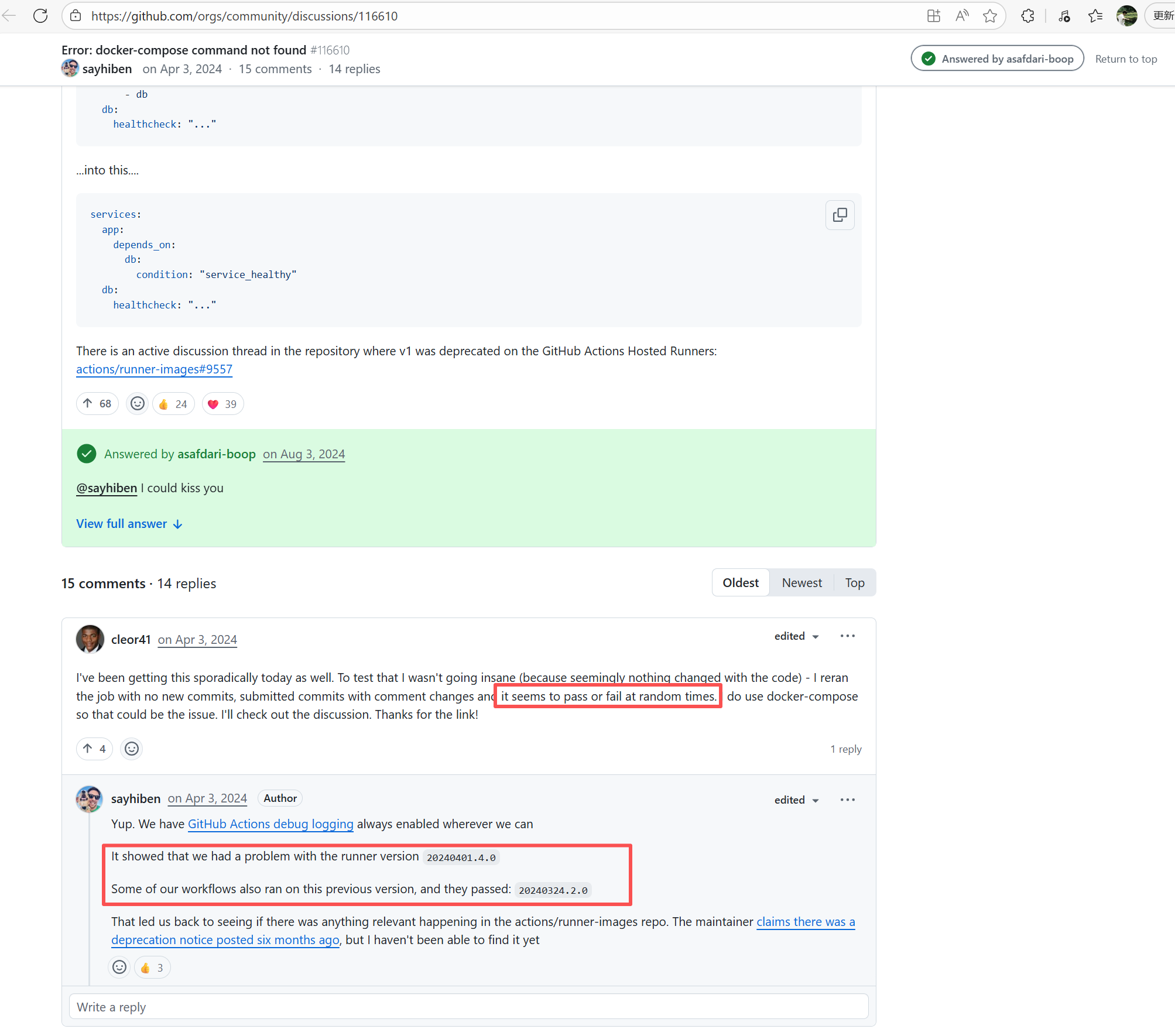 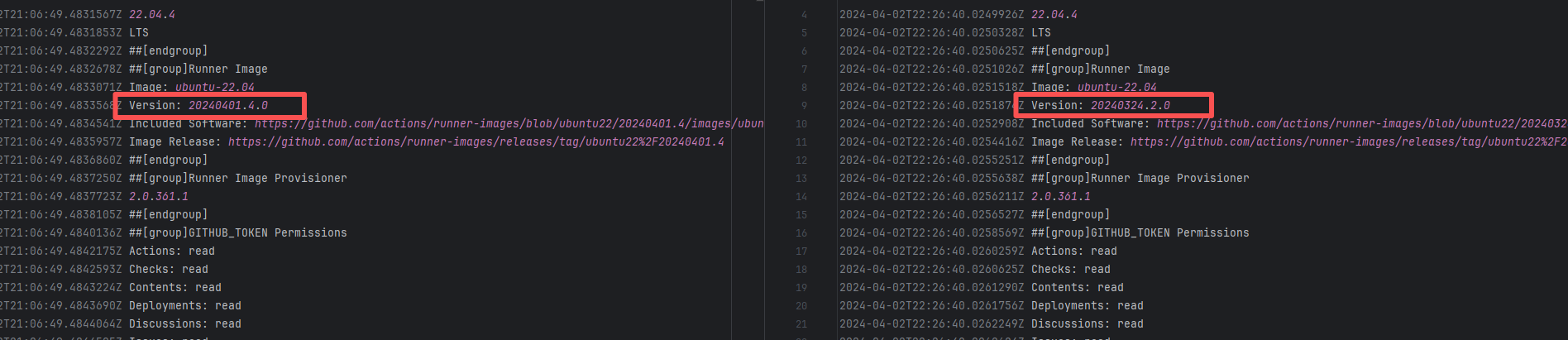 |
| runtimeverification/k |
26387642920 |
Runner Environment Errors |
Error: The error message `nix: command not found` indicates that the system cannot find the corresponding executable file when executing the nix command, possibly due to unconfigured or failed environment variable configuration.
Root Cause: Analysis of the log reveals that the current build is running on a self-hosted server. Before executing the nix command, environment variables were manually declared using automated commands. Therefore, the actual error is that the nix environment was not installed. The job succeeded after being rerun on a different runner environment with nix installed. |
- Rerun after installing the correct tools on the self-hosted server.
- Switch to another Runner environment with the tools correctly installed. |
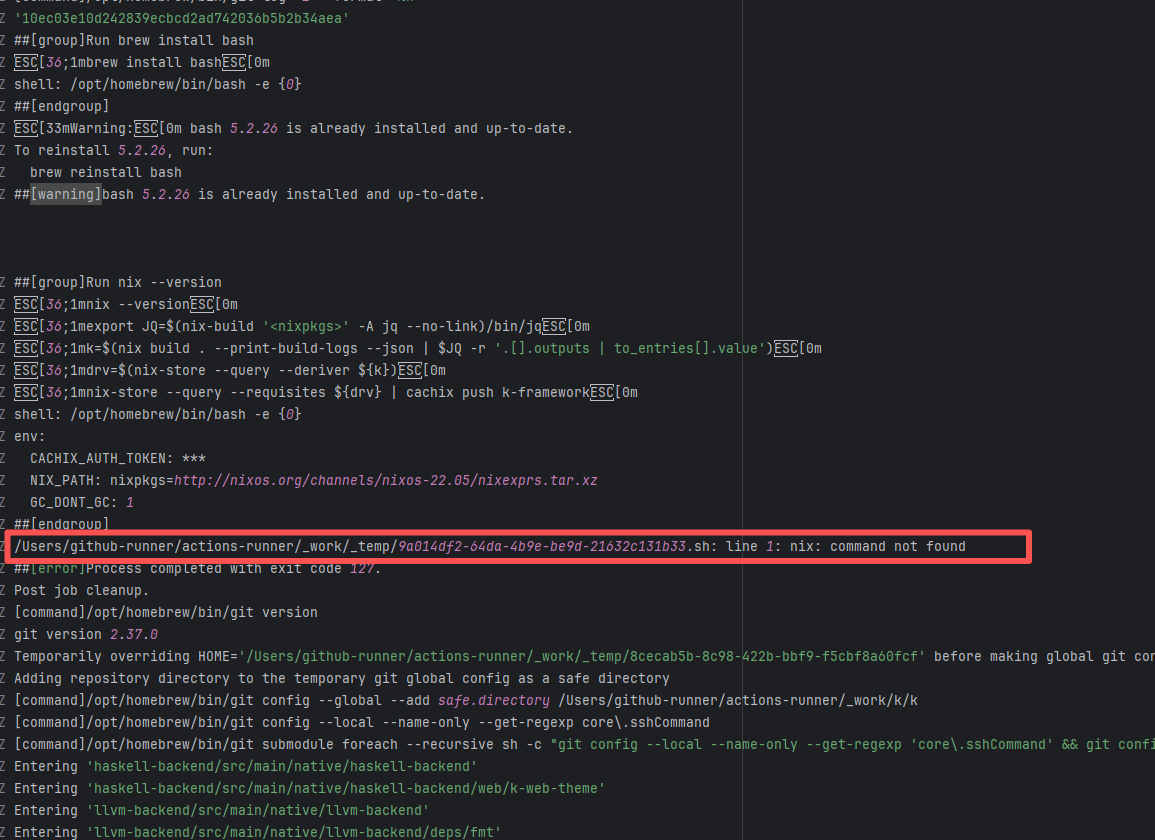 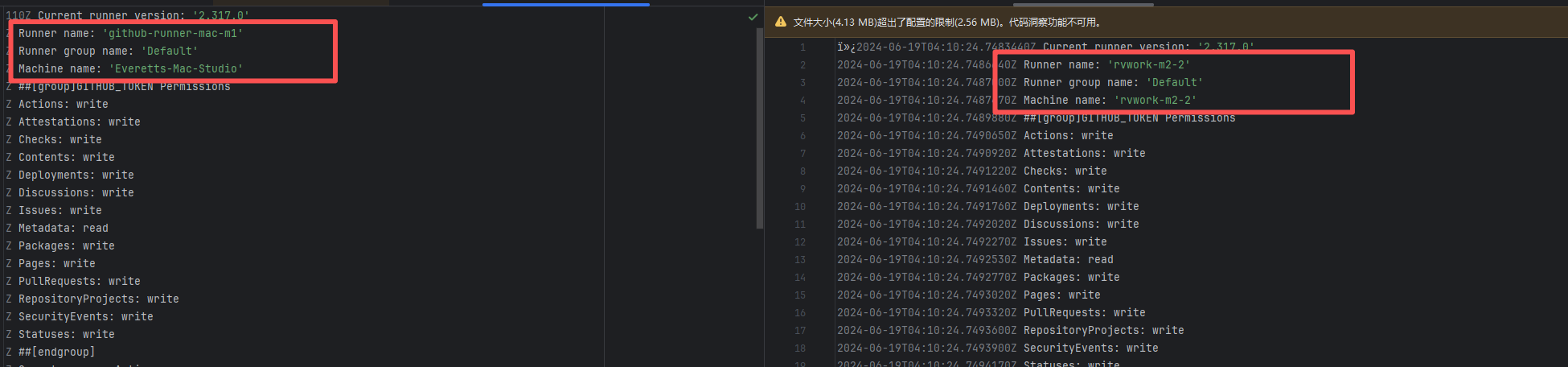 |
| apache/cloudstack |
21153583617 |
Cache Errors |
Error: The log shows that when the npm process executed `npm ci`, the internal callback was interrupted, causing the build to fail.
Root Cause: Based on related Issues, npm callback failures are usually caused by corrupted cache, incompatible tool versions, or dependency download failures due to network issues. No network-related errors were shown in the current error log, and the nodejs and npm versions were identical. Therefore, the actual error was a dependency issue caused by a corrupted cache. The job succeeded after clearing the cache and rerunning. |
Short-term Fix: Rerun the job, which will automatically succeed after network conditions recover.
Long-term Defense:
1. Configure domestic mirror sources to replace official sources;
2. Add a retry mechanism (e.g., retry plugin);
3. Use a CDN to accelerate dependency downloads. |
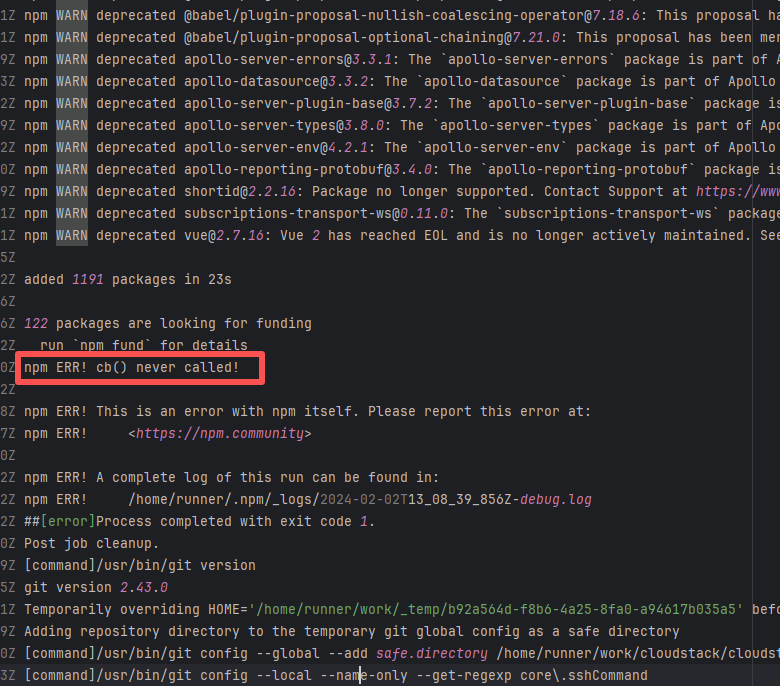 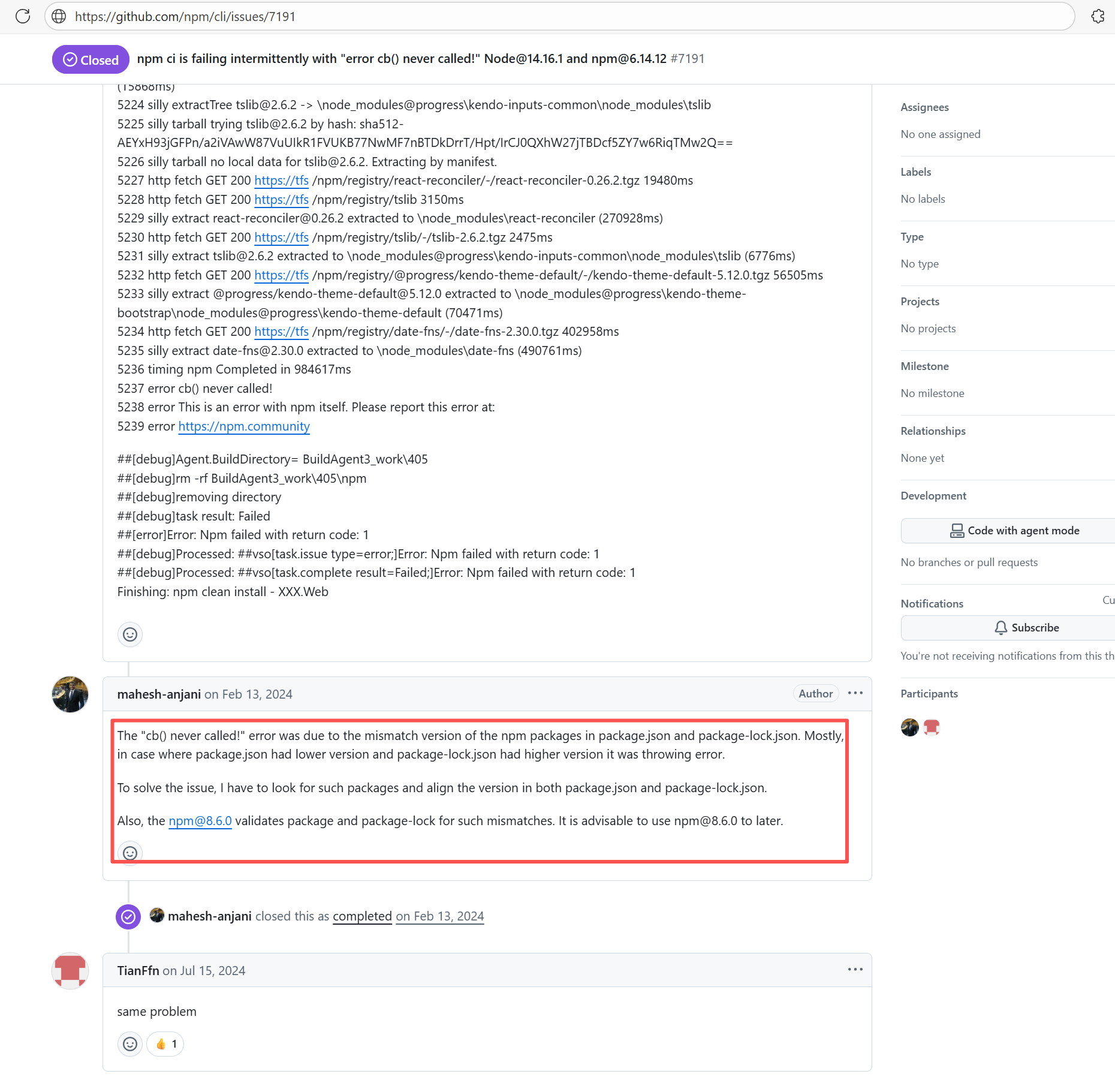 |
| broadinstitute/gatk |
25246170204 |
Runner Environment Errors |
Error: The error message indicates that a post-checkout hook was encountered during the `git clone` operation, and this hook was prohibited from executing under the security policy. Git prevents certain hooks (like post-checkout) from running automatically during a clone by default to avoid potential security risks.
Root Cause: According to related Issues (https://github.com/actions/runner-images/issues/9883), git 2.45.1 had a massive vulnerability: using lfs actions in Ubuntu builds would cause `fatal: active 'post-checkout' hook found during 'git clone'`. Upon rerun, the Ubuntu image version switched from 20240516.1.0 to 20240526.1.0 (with the git version unchanged). The new system image included a patch for the git bug, optimized the clone process, and bypassed the Git 2.45.1 hook restrictions. |
Short-term Fix: Succeeded after Rerun the job.
Long-term Defense: Continuous monitoring; if frequent, investigate root cause in depth. |
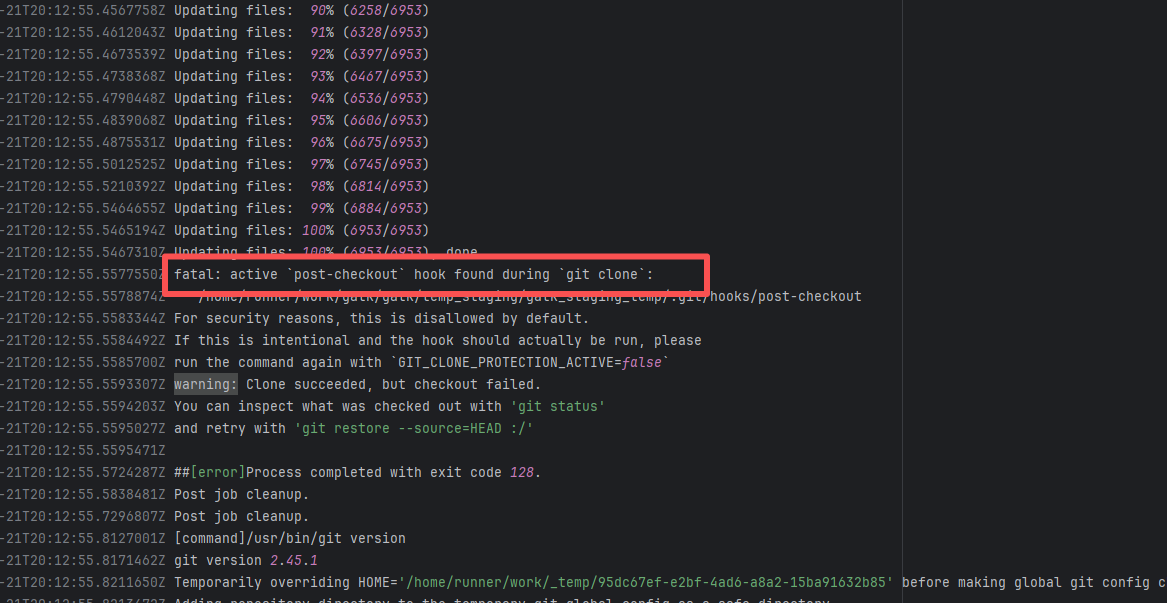 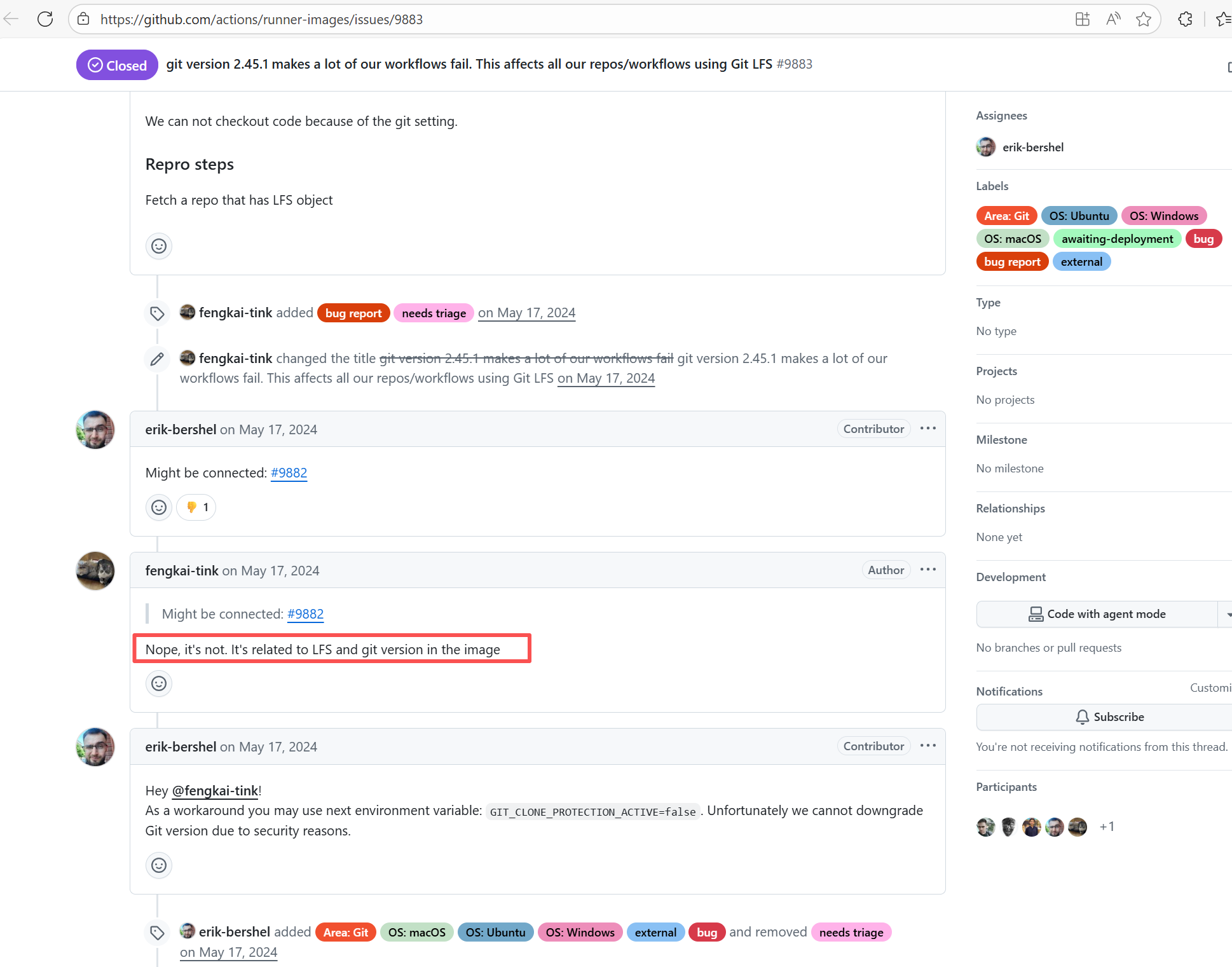 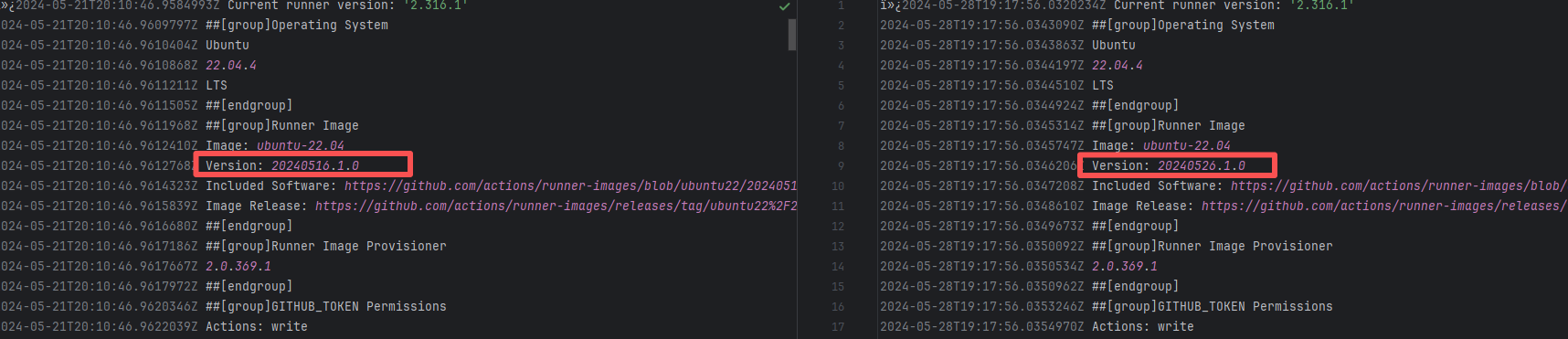 |
| apache/inlong |
22699404242 |
Cache Errors |
Error: The internal callback was interrupted when the npm process downloaded dependencies or verified the cache.
Root Cause: Based on related Issues, npm callback failures are usually caused by corrupted cache, incompatible tool versions, or dependency download failures due to network issues. No network-related errors were shown in the current error log, and the nodejs and npm versions were identical. Therefore, the actual error was a dependency issue caused by a corrupted cache. The job succeeded after clearing the cache and rerunning. |
Short-term Fix: Rerun the job, which will automatically succeed after network conditions recover.
Long-term Defense:
1. Configure domestic mirror sources to replace official sources;
2. Add a retry mechanism (e.g., retry plugin);
3. Use a CDN to accelerate dependency downloads. |
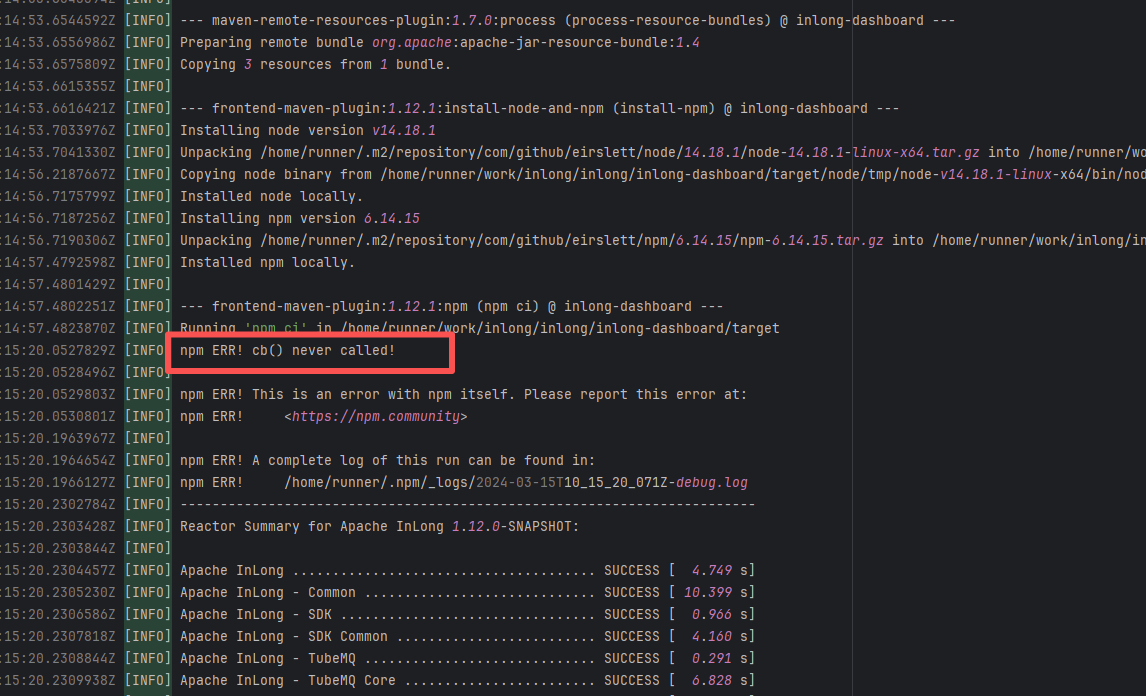 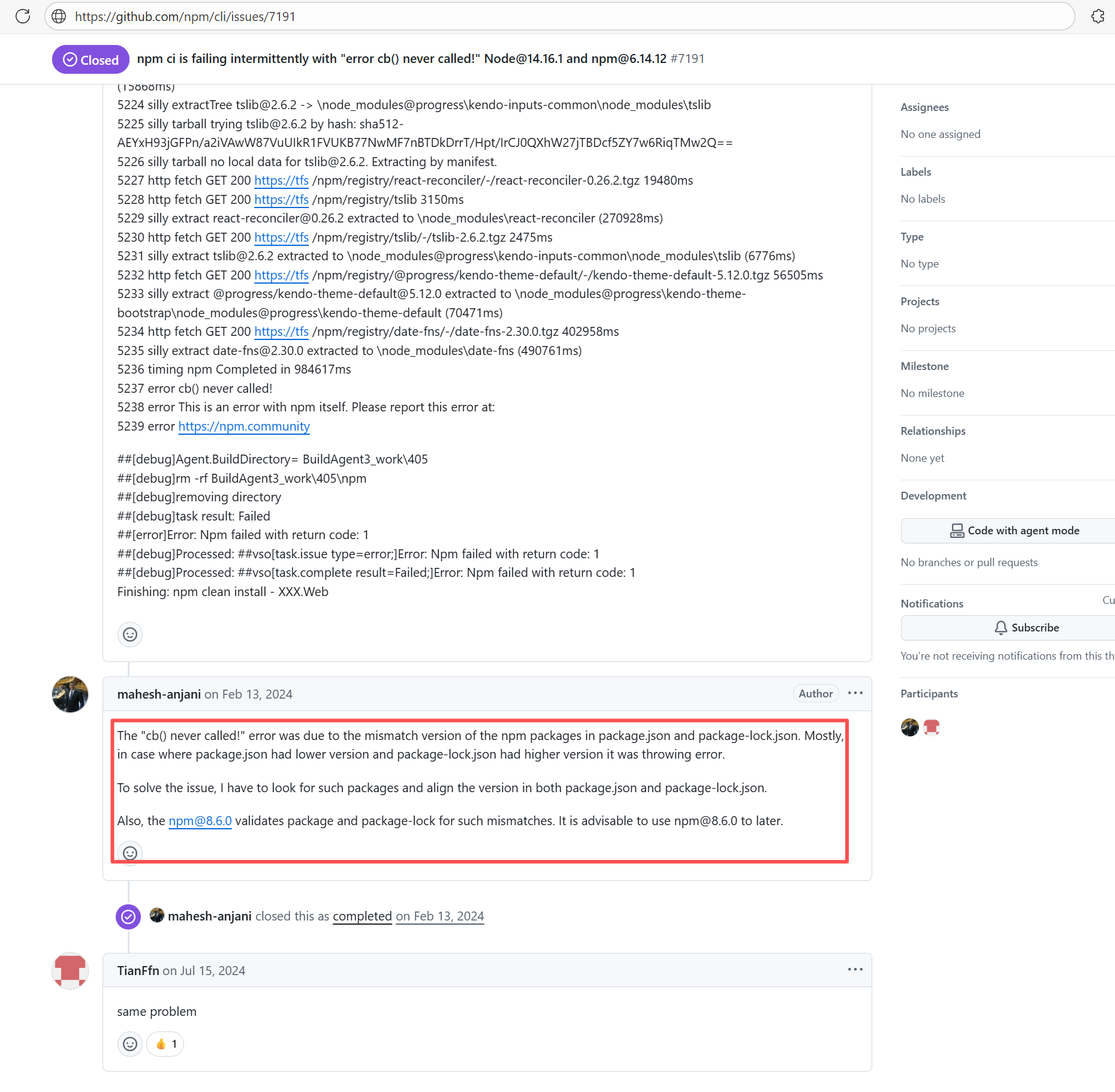 |
| broadinstitute/gatk |
19466522132 |
Runner Environment Errors |
Error: The issue encountered during the build process was that the `git lfs pull` command failed to execute, prompting that git-lfs was not installed.
Root Cause: In the GitHub Actions environment, lfs should be installed and correctly configured by default. The error log shows that lfs was not installed, possibly due to issues with the LFS file path or configuration. The job succeeded after a rerun without any modifications. |
Short-term Fix: Succeeded after Rerun the job.
Long-term Defense: Continuous monitoring; if frequent, investigate root cause in depth. |
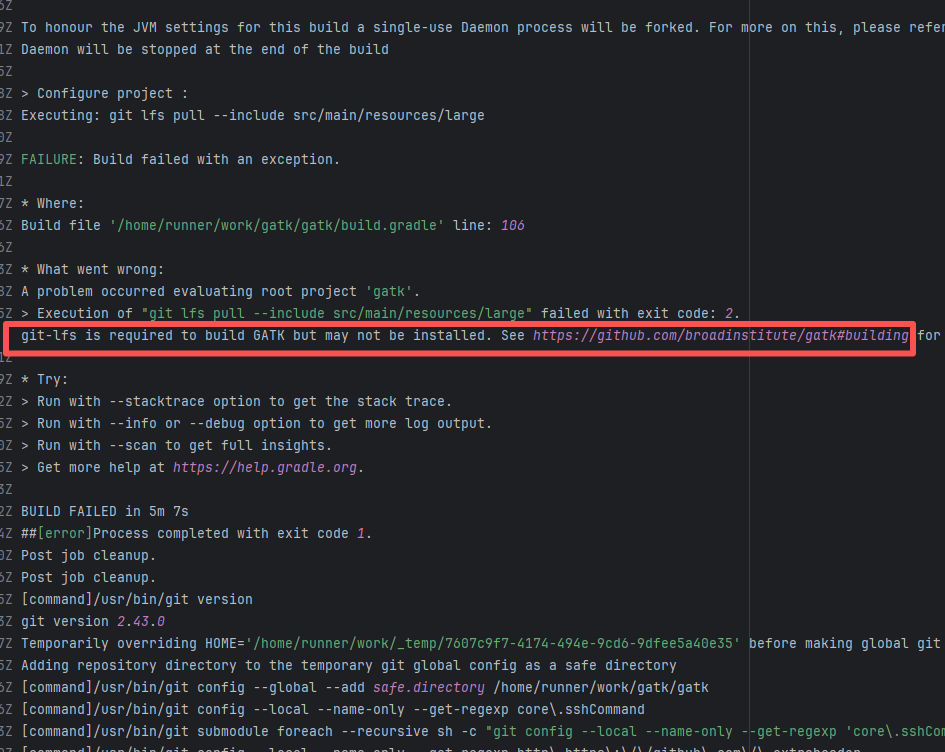 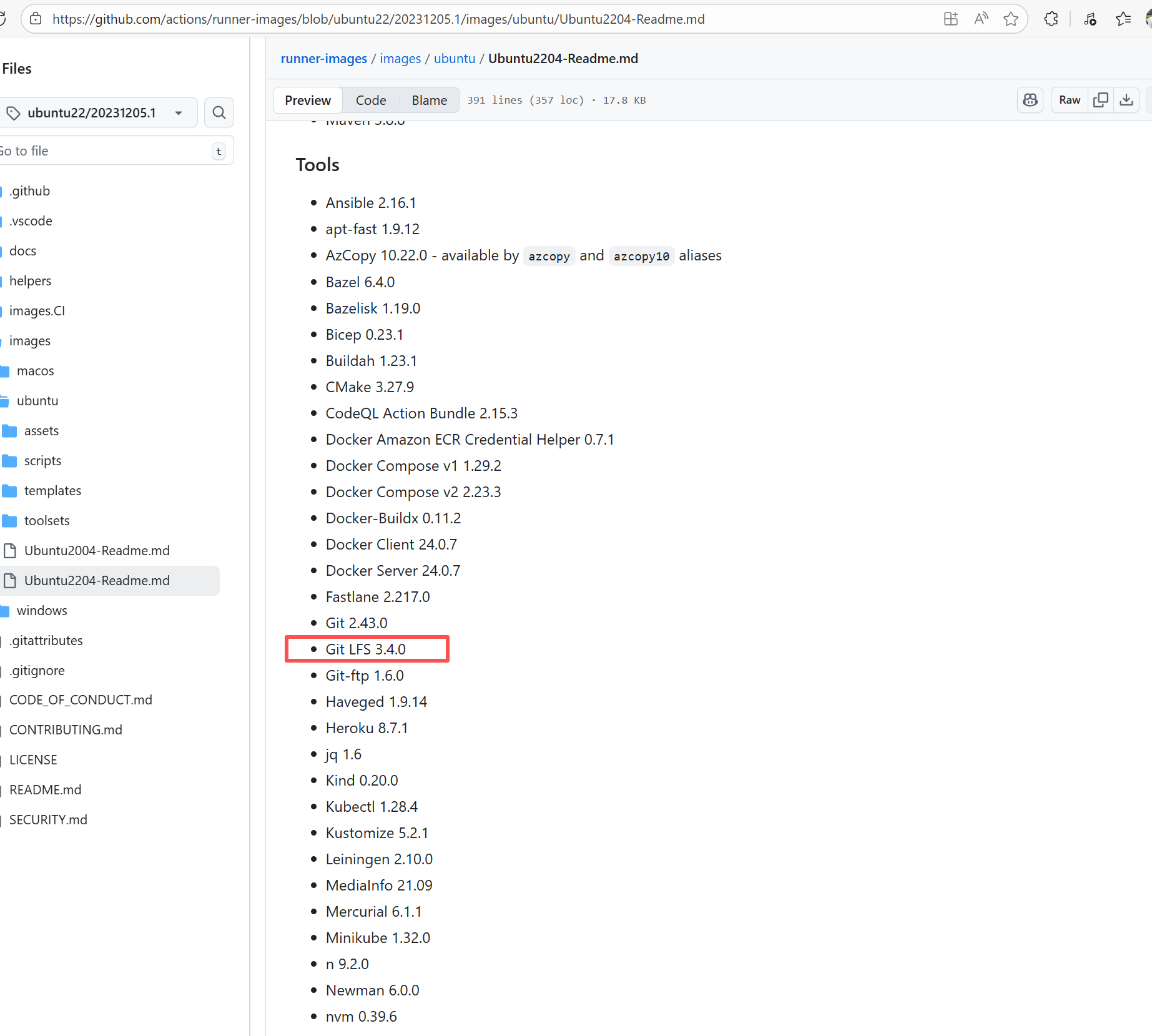 |
| react-native-video/react-native-video |
22523576430 |
Cache Errors |
Error: The error log shows that when `yarn lint` was executed, the eslint dependency did not exist in node_modules, so Yarn reported an error that the command could not be found.
Root Cause: Comparing the success and failure logs reveals that the issue was caused by the cache; eslint was not downloaded correctly in the old cache. The build succeeded after clearing the cache and rerunning. |
Rerun after clearing the cache. |
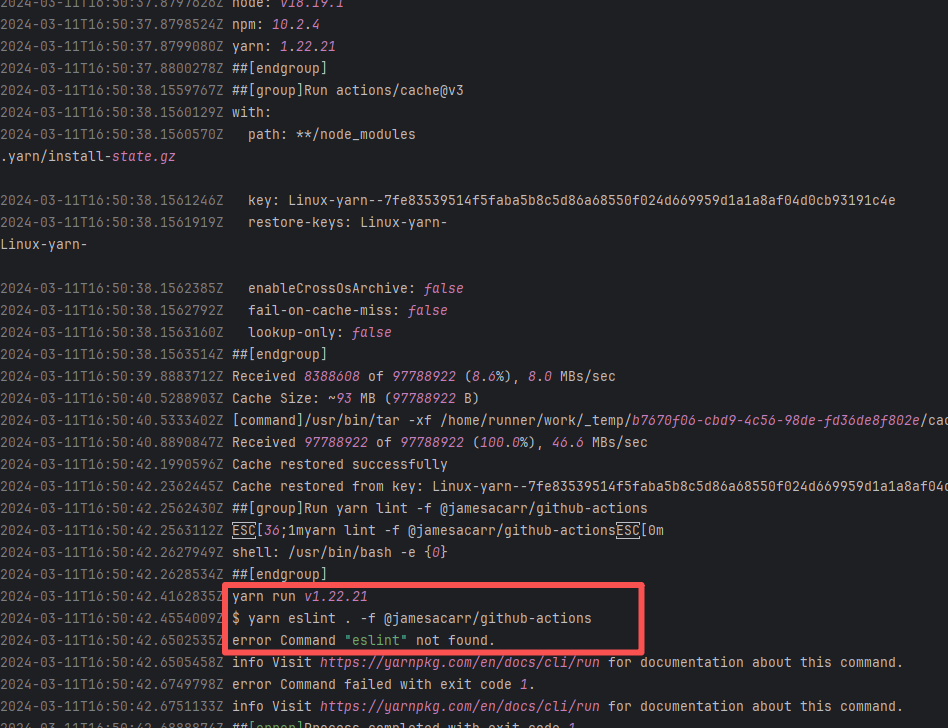 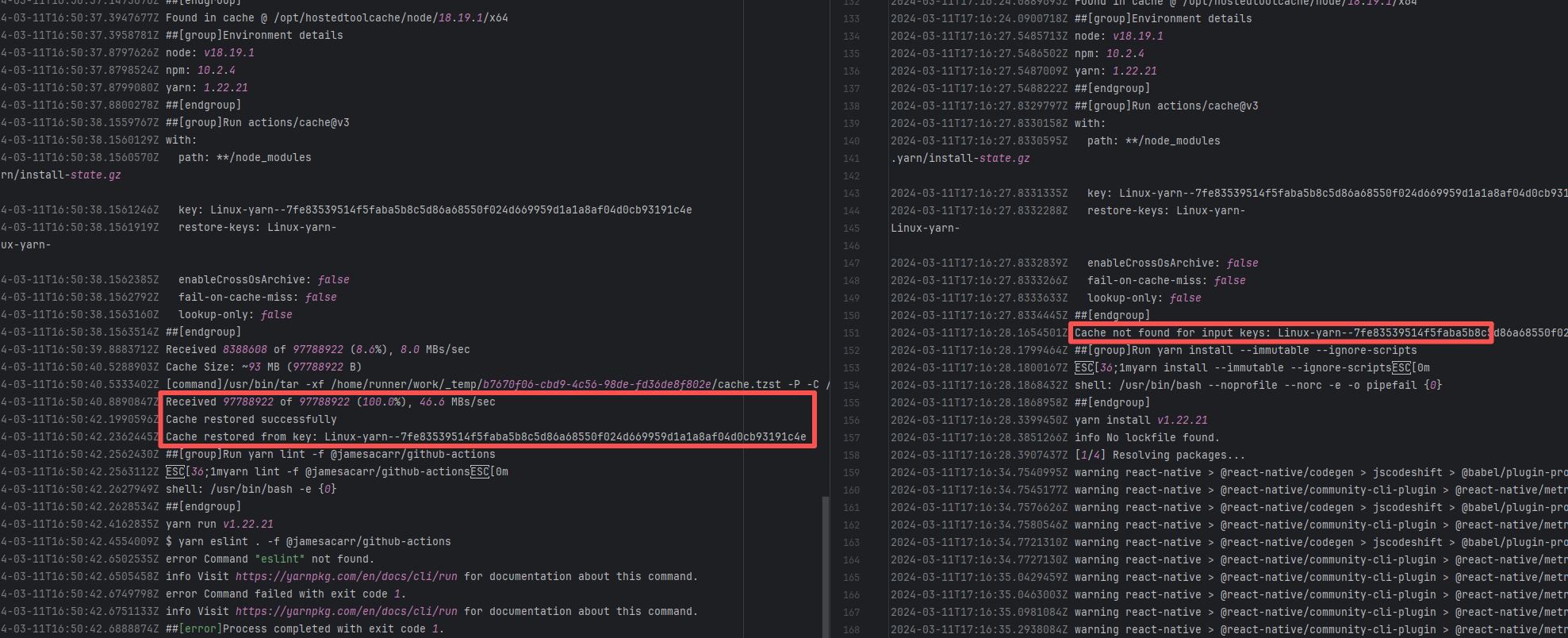 |
| broadinstitute/gatk |
25246170837 |
Runner Environment Errors |
Error: The error message indicates that a post-checkout hook was encountered during the `git clone` operation, and this hook was prohibited from executing under the security policy. Git prevents certain hooks (like post-checkout) from running automatically during a clone by default to avoid potential security risks.
Root Cause: According to related Issues (https://github.com/actions/runner-images/issues/9883), git 2.45.1 had a massive vulnerability: using lfs actions in Ubuntu builds would cause `fatal: active 'post-checkout' hook found during 'git clone'`. Upon rerun, the Ubuntu image version switched from 20240516.1.0 to 20240526.1.0 (with the git version unchanged). The new system image included a patch for the git bug, optimized the clone process, and bypassed the Git 2.45.1 hook restrictions. |
Short-term Fix: Succeeded after Rerun the job.
Long-term Defense: Continuous monitoring; if frequent, investigate root cause in depth. |
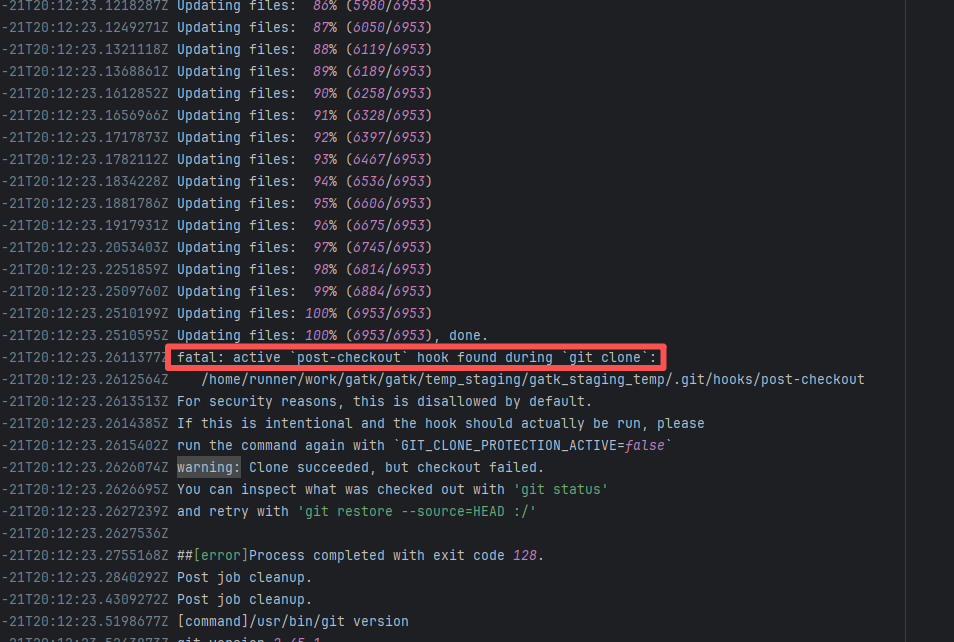 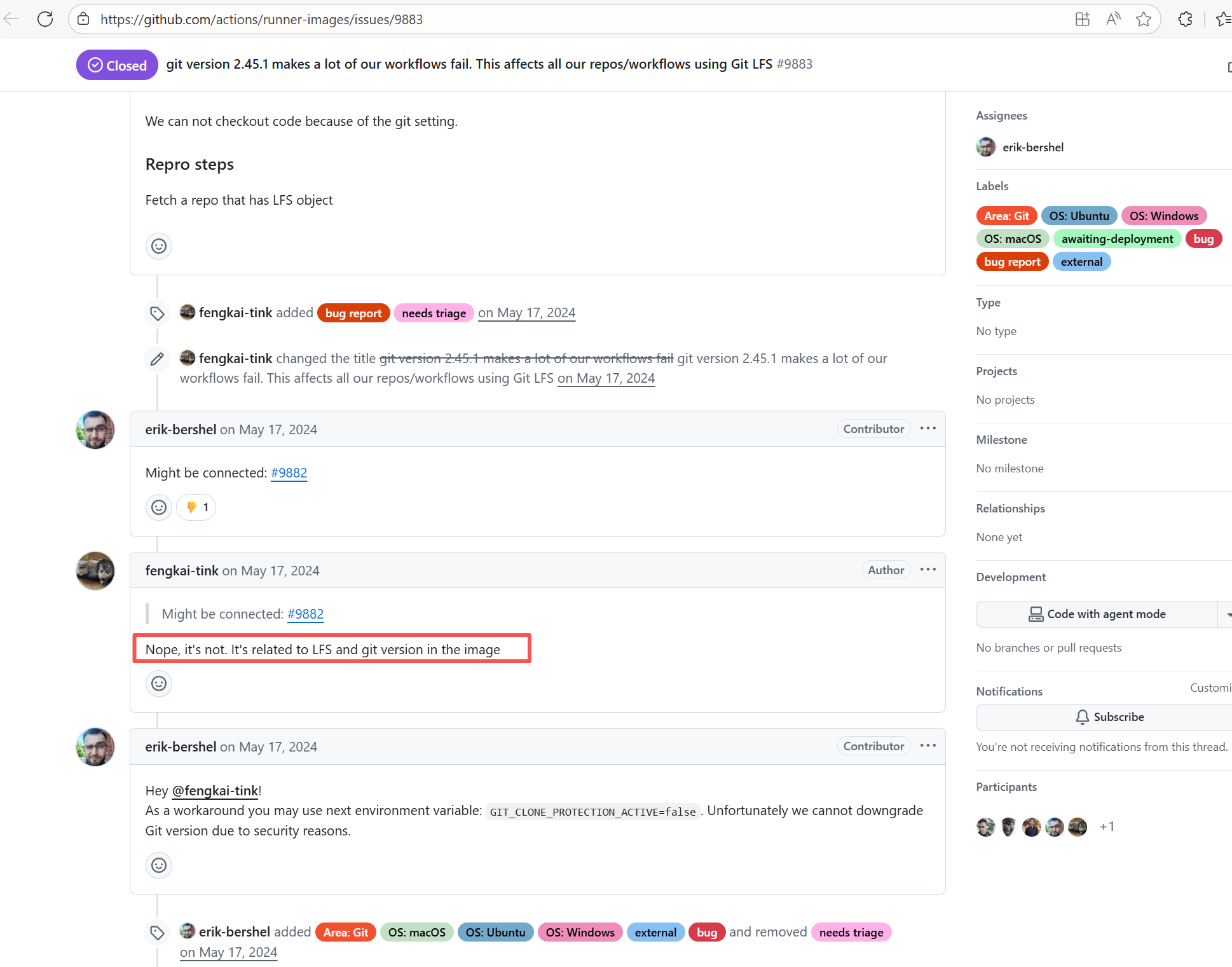 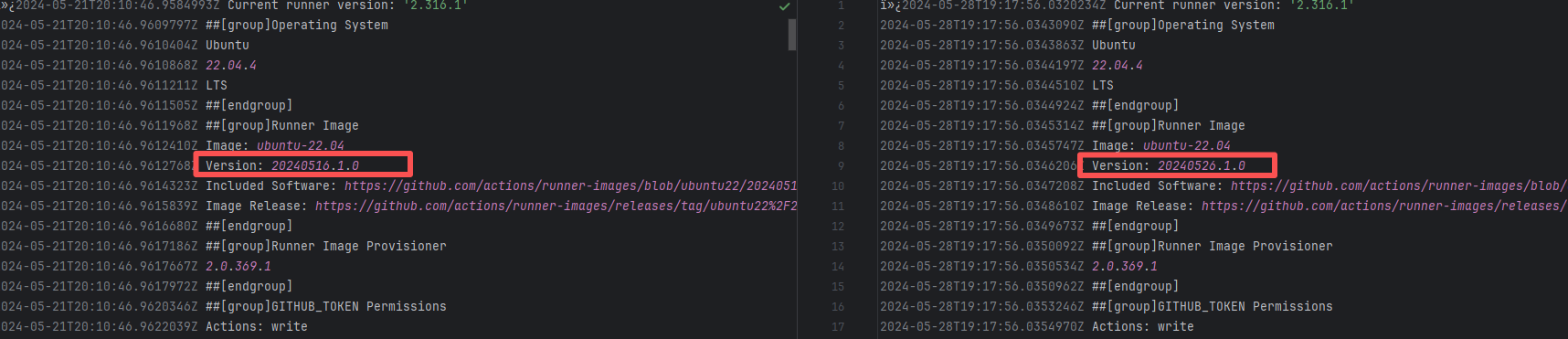 |
| teammates/teammates |
23388725771 |
Runner Environment Errors |
Error: Docker returned 404 Not Found when pulling the image.
Root Cause: The base image referenced in the Dockerfile does not exist or is inaccessible, and Docker Hub returned a 404 error. |
Short-term Fix: Succeeded after Rerun the job.
Long-term Defense: Continuous monitoring; if frequent, investigate root cause in depth. |
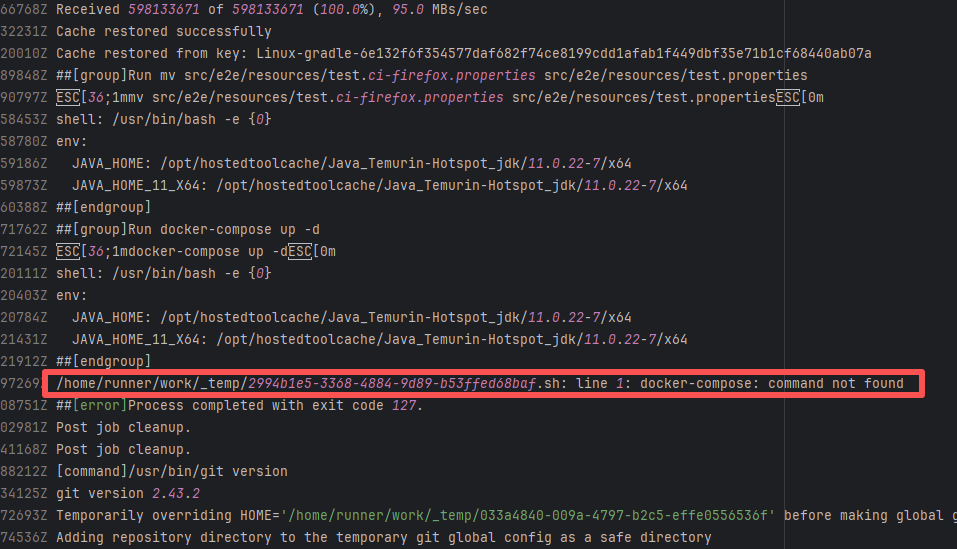 |
| StarRocks/starrocks |
23641127853 |
Runner Environment Errors |
Error: The error message `java: command not found` indicates that the system cannot find the corresponding executable file when executing the java command, possibly due to an unconfigured JDK environment or failed environment variable configuration.
Root Cause: Analysis of the log reveals that the current build is running on a self-hosted server. Before executing the java command, environment variables were manually declared using automated commands. Therefore, the actual error is that the JDK environment was not installed. The job succeeded after being rerun on a different runner environment with Java installed. |
- Rerun after installing the correct tools on the self-hosted server.
- Switch to another Runner environment with the tools correctly installed. |
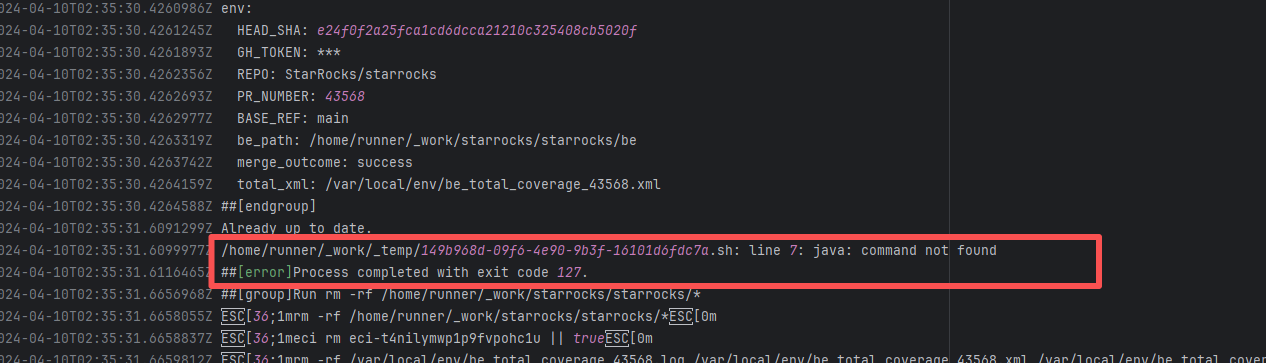 |
| broadinstitute/gatk |
25246170499 |
Runner Environment Errors |
Error: The error message indicates that a post-checkout hook was encountered during the `git clone` operation, and this hook was prohibited from executing under the security policy. Git prevents certain hooks (like post-checkout) from running automatically during a clone by default to avoid potential security risks.
Root Cause: According to related Issues (https://github.com/actions/runner-images/issues/9883), git 2.45.1 had a massive vulnerability: using lfs actions in Ubuntu builds would cause `fatal: active 'post-checkout' hook found during 'git clone'`. Upon rerun, the Ubuntu image version switched from 20240516.1.0 to 20240526.1.0 (with the git version unchanged). The new system image included a patch for the git bug, optimized the clone process, and bypassed the Git 2.45.1 hook restrictions. |
Short-term Fix: Succeeded after Rerun the job.
Long-term Defense: Continuous monitoring; if frequent, investigate root cause in depth. |
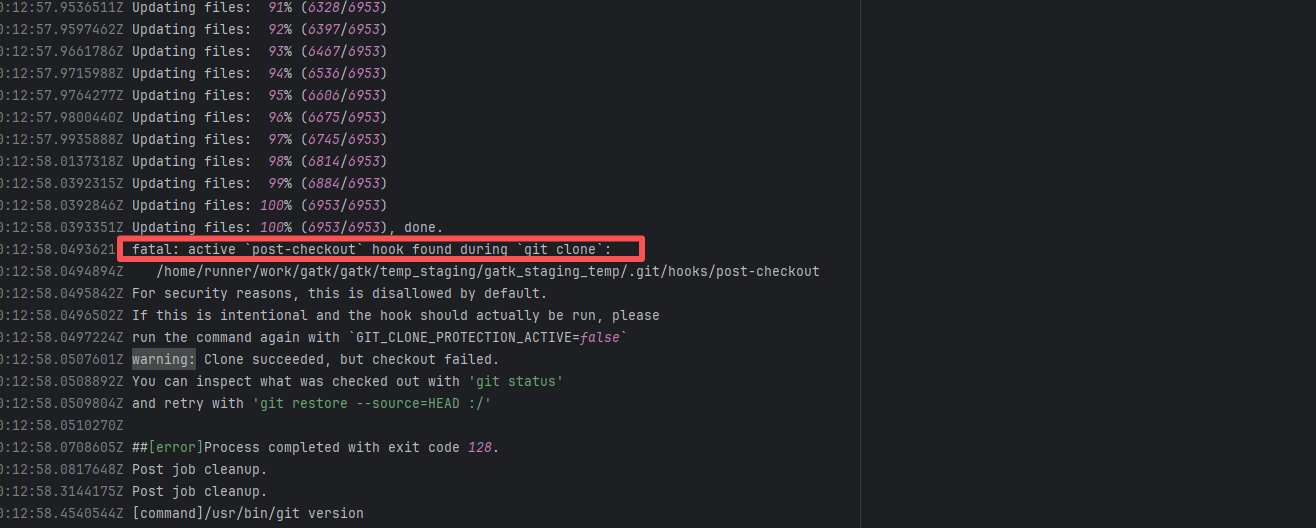 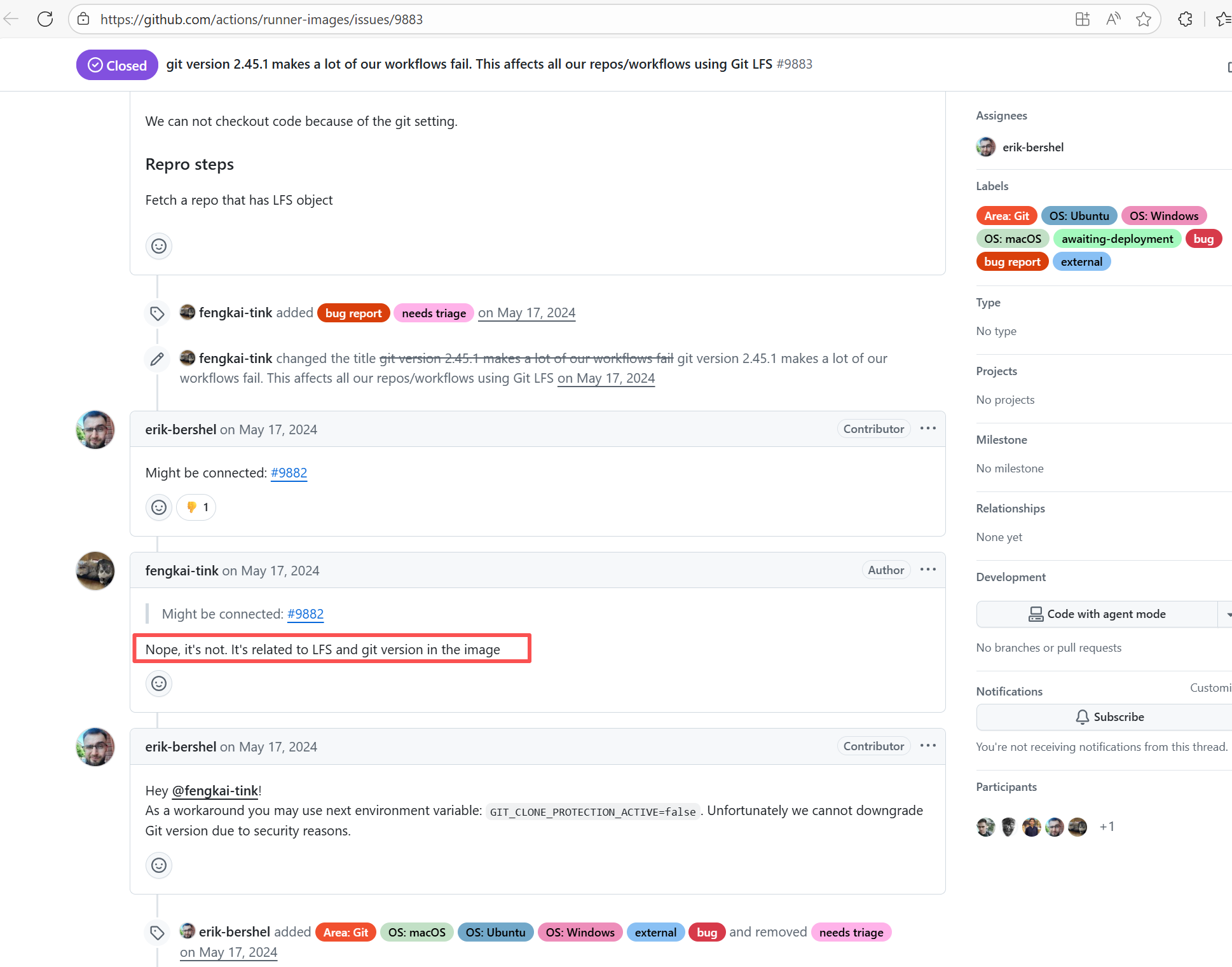 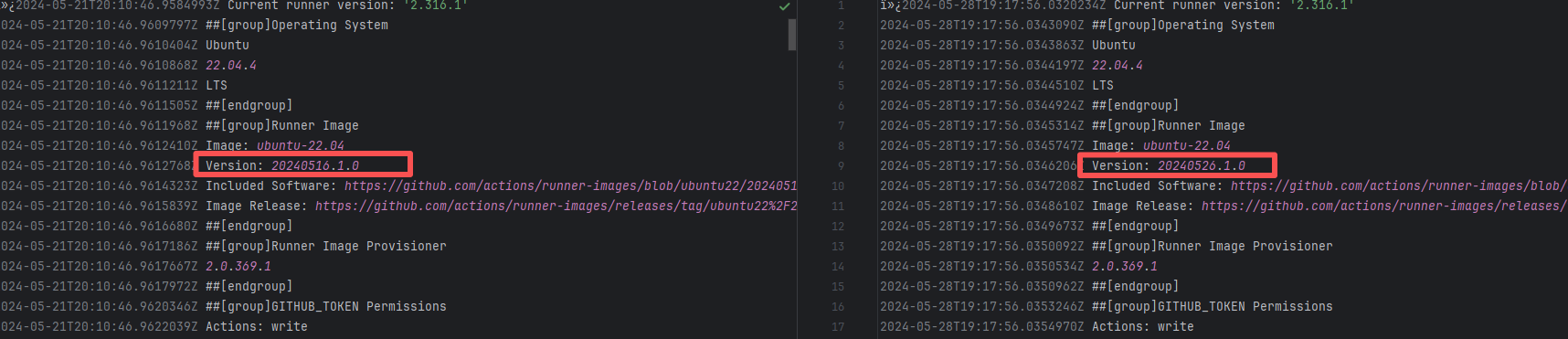 |
| teammates/teammates |
23372497764 |
Runner Environment Errors |
Error: Docker returned 404 Not Found when pulling the image.
Root Cause: The base image referenced in the Dockerfile does not exist or is inaccessible, and Docker Hub returned a 404 error. |
Short-term Fix: Succeeded after Rerun the job.
Long-term Defense: Continuous monitoring; if frequent, investigate root cause in depth. |
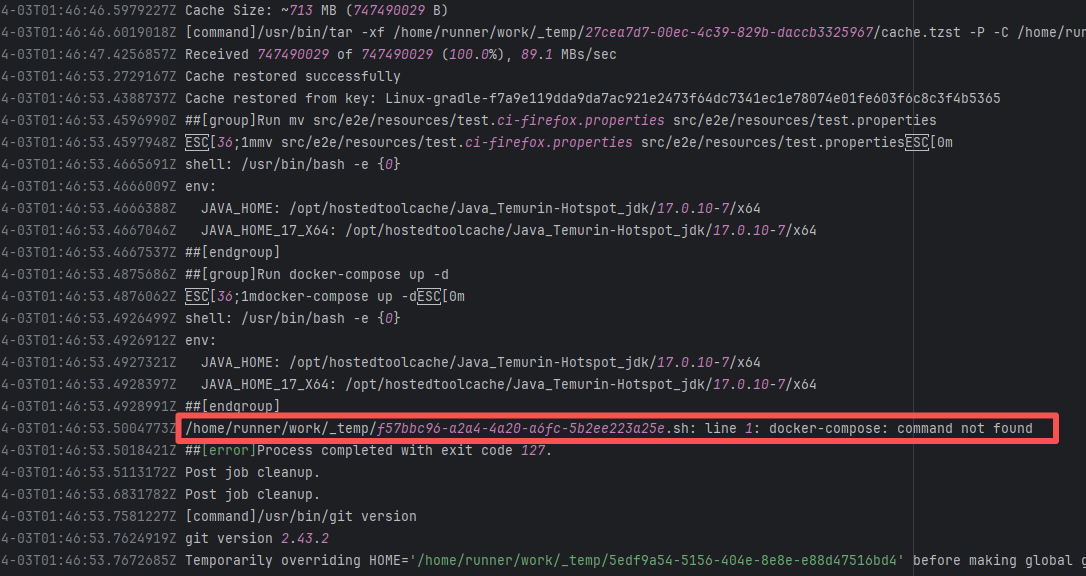 |
| StarRocks/starrocks |
23640237116 |
Runner Environment Errors |
Error: The error message `java: command not found` indicates that the system cannot find the corresponding executable file when executing the java command, possibly due to an unconfigured JDK environment or failed environment variable configuration.
Root Cause: Analysis of the log reveals that the current build is running on a self-hosted server. Before executing the java command, environment variables were manually declared using automated commands. Therefore, the actual error is that the JDK environment was not installed. The job succeeded after being rerun on a different runner environment with Java installed. |
- Rerun after installing the correct tools on the self-hosted server.
- Switch to another Runner environment with the tools correctly installed. |
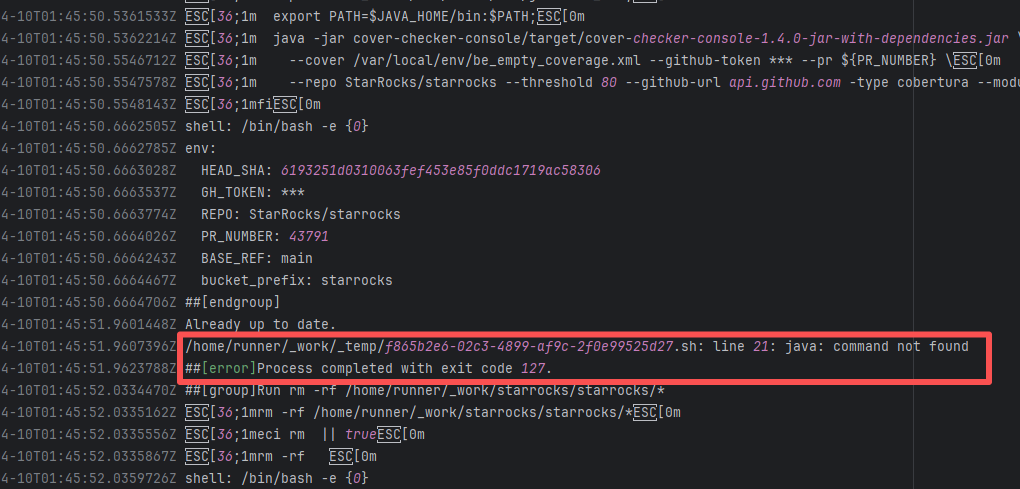 |
| runtimeverification/k |
26465406204 |
Runner Environment Errors |
Error: The error message `nix: command not found` indicates that the system cannot find the corresponding executable file when executing the nix command, possibly due to unconfigured or failed environment variable configuration.
Root Cause: Analysis of the log reveals that the current build is running on a self-hosted server. Before executing the nix command, environment variables were manually declared using automated commands. Therefore, the actual error is that the nix environment was not installed. The job succeeded after being rerun on a different runner environment with nix installed. |
- Rerun after installing the correct tools on the self-hosted server.
- Switch to another Runner environment with the tools correctly installed. |
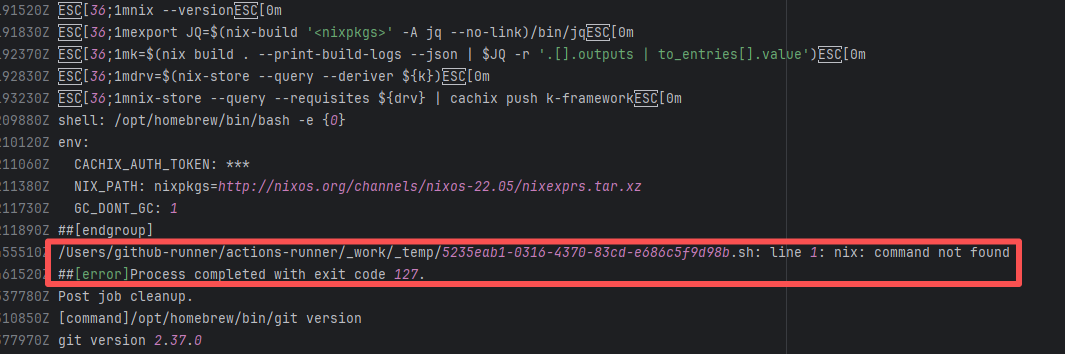 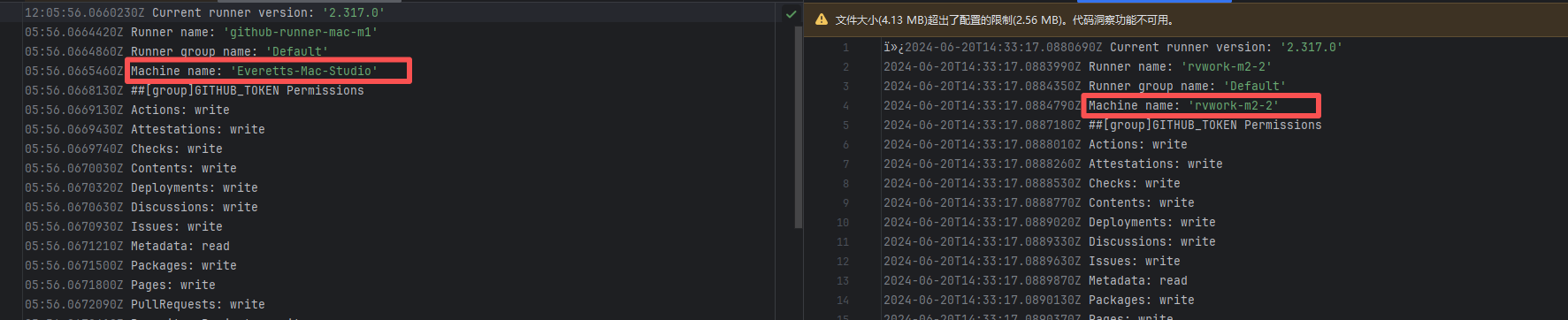 |
| chat2db/chat2db |
19596721645 |
Runner Environment Errors |
Error: The error log shows `timestamps differ by 182 seconds`, which means that when executing the macOS application signing command `codesign`, the system detected inconsistent file timestamps (i.e., the file's "modification time" differed too much from the system time).
Root Cause: According to related Issues (https://github.com/actions/runner/issues/2996), the root cause is a macOS runner system error. When signing a .app package, the macOS codesign tool verifies the file modification time (mtime), current system time, certificate issuance time, and validity period. If a file timestamp is found to be in the "future" or "expired", the signature is rejected. This issue occurs sporadically during builds and can be temporarily bypassed by using `sudo sntp -sS time.windows.com` to actively sync the clock. A permanent fix will be provided by the macOS team. |
Short-term Fix: Succeeded after Rerun the job.
Long-term Defense: Continuous monitoring; if frequent, investigate root cause in depth. |
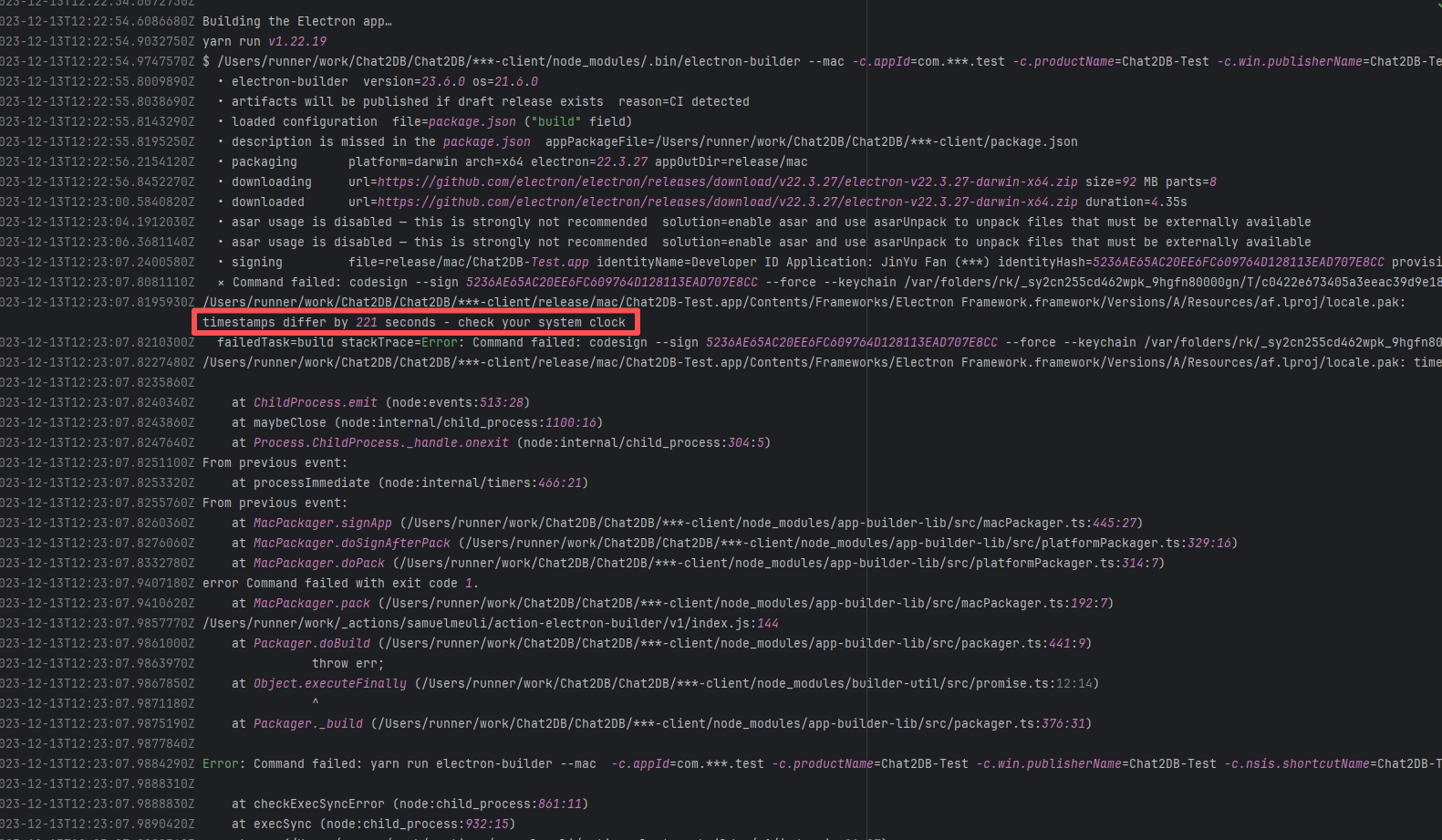 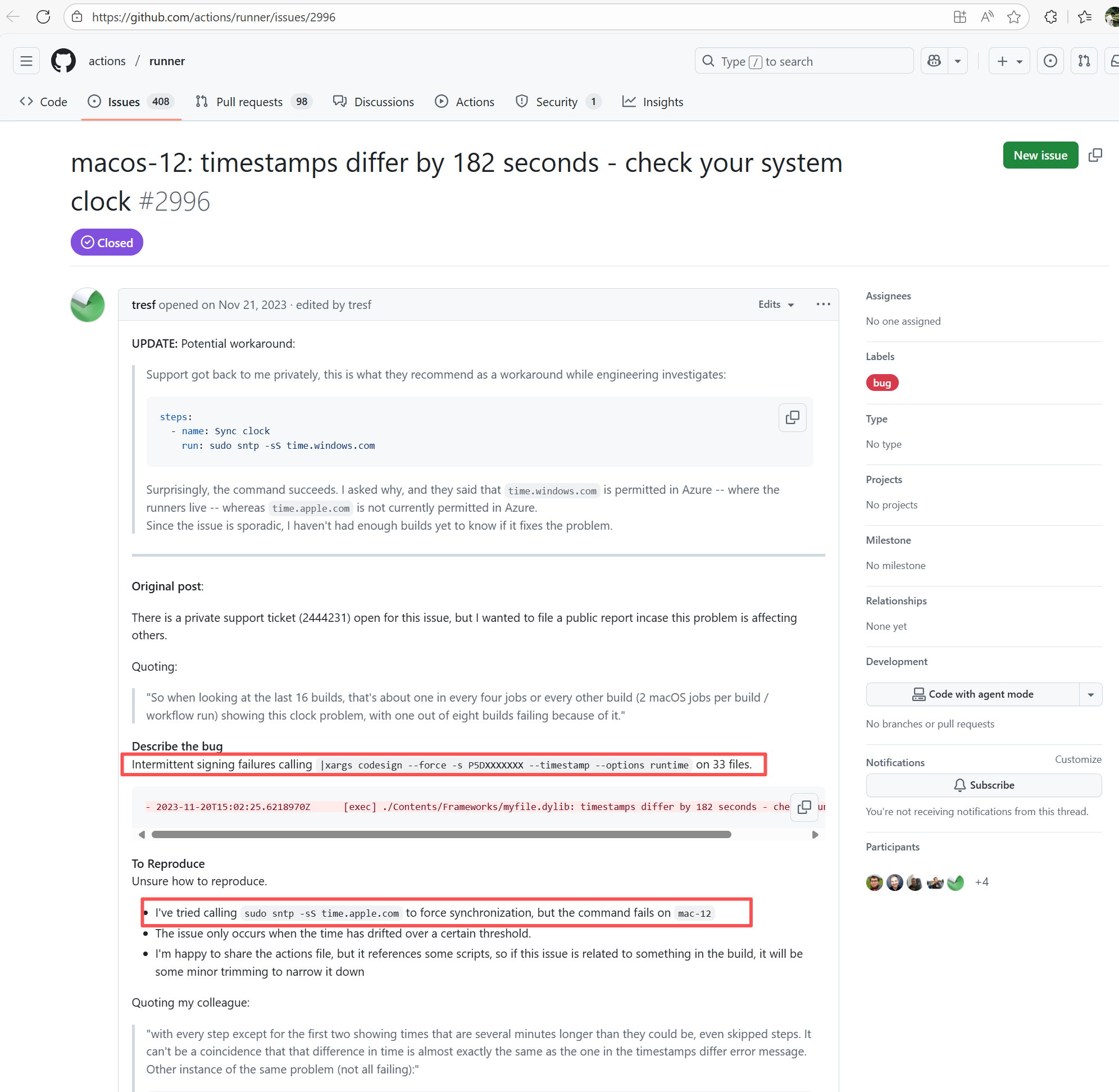 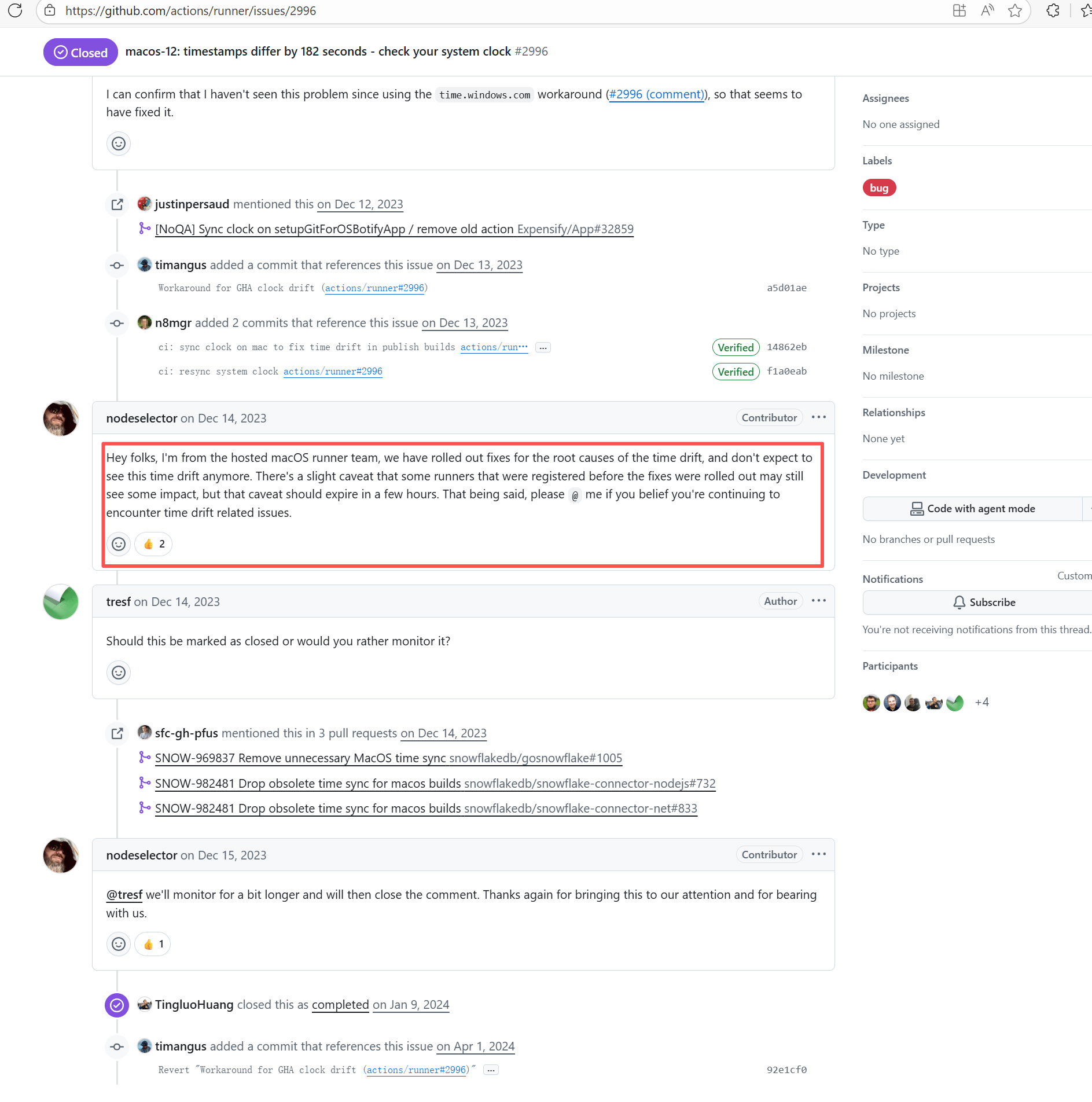 |
| Git Repository Errors |
apache/camel |
17892284131 |
Repository Content Conflict |
Error: During the git push phase in the log, when attempting to force push the local `regen_bot` branch to the remote, the remote branch `regen_bot` rejected the push, and the error message indicated "stale info". This means that there were changes on the remote branch, preventing the push from proceeding.
Root Cause: Log analysis reveals that the first run failed because new code was pushed to the remote repository while the action was running, causing a conflict during the push. During the rerun, because `git pull` was executed, the script obtained the latest state of the base branch, and thus the rerun succeeded. |
Short-term Fix: Succeeded after Rerun the job.
Long-term Defense: Continuous monitoring; if frequent, investigate root cause in depth. |
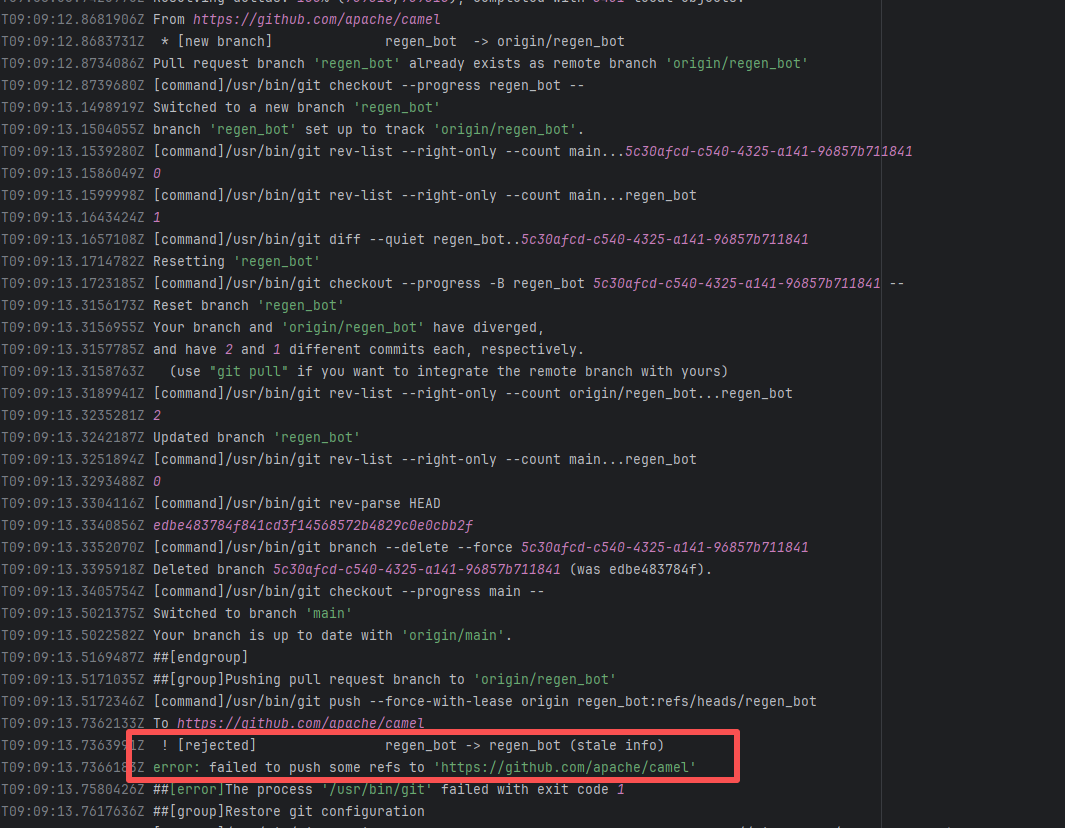 |
| geonetwork/core-geonetwork |
22615765251 |
Repository Content Conflict |
Error: The error message indicates a problem encountered when pushing a branch to the remote repository. The reason is that the specified branch on the remote repository has updates that the local repository does not. Specifically, the error message indicates that the specified remote branch contains changes not present locally, resulting in the push being rejected.
Root Cause: Log analysis reveals that the first run failed because new code was pushed to the remote repository while the action was running, causing a conflict during the push. During the rerun, because `git pull` was executed, the script obtained the latest state of the base branch, and thus the rerun succeeded. |
Short-term Fix: Succeeded after Rerun the job.
Long-term Defense: Continuous monitoring; if frequent, investigate root cause in depth. |
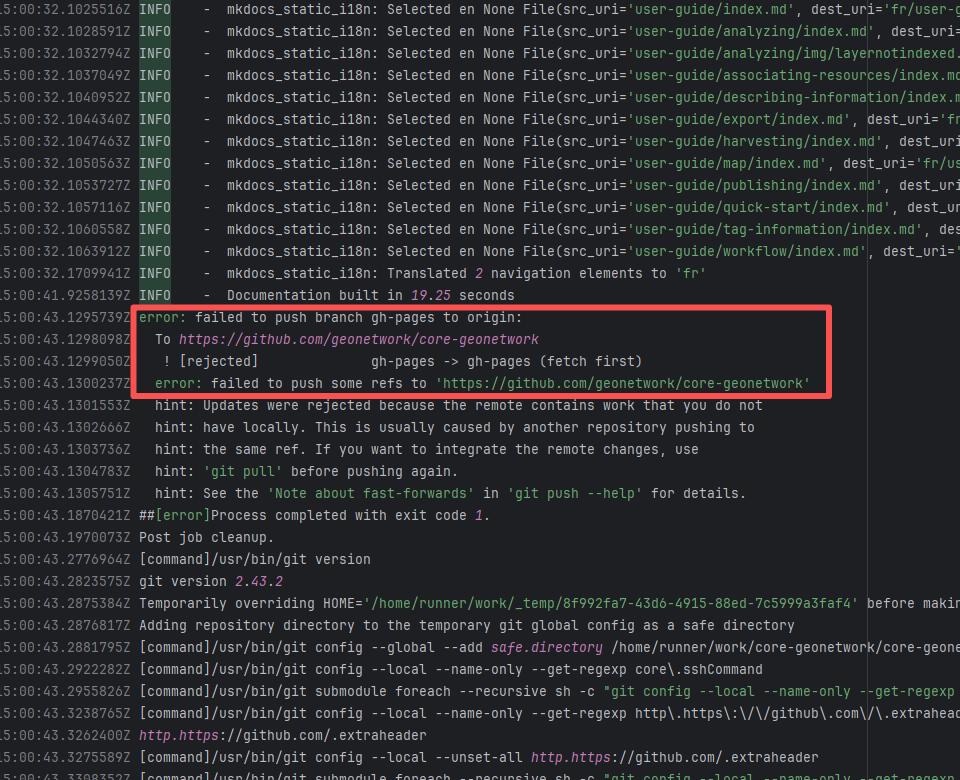   |
| apache/sedona |
23551789557 |
Repository Content Conflict |
Error: The error message indicates a problem encountered when pushing a branch to the remote repository. The reason is that the specified branch on the remote repository has updates that the local repository does not. Specifically, the error message indicates that the specified remote branch contains changes not present locally, resulting in the push being rejected.
Root Cause: Log analysis reveals that the first run failed because new code was pushed to the remote repository while the action was running, causing a conflict during the push. During the rerun, because `git pull` was executed, the script obtained the latest state of the base branch, and thus the rerun succeeded. |
Short-term Fix: Succeeded after Rerun the job.
Long-term Defense: Continuous monitoring; if frequent, investigate root cause in depth. |
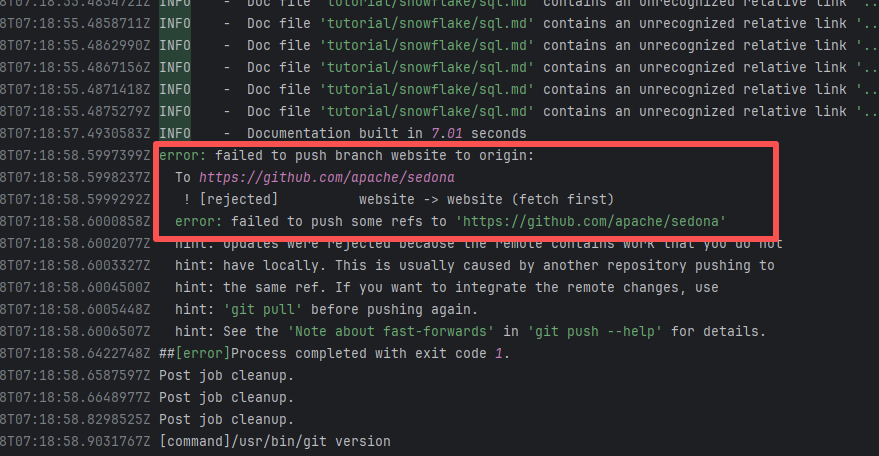 |
| apache/logging-log4j2 |
22508329121 |
Repository Content Conflict |
Error: The error message indicates a problem encountered when pushing the `main` branch to the remote repository. The reason is that the `main` branch on the remote repository has updates that the local repository does not. Specifically, the error message indicates that the remote `main` branch contains changes not present locally, triggering a reference lock conflict, resulting in the push being rejected.
Root Cause: Log analysis reveals that the first run failed because new code was pushed to the remote repository while the action was running, causing a conflict during the push. During the rerun, because `git pull` was executed, the script obtained the latest state of the base branch, and thus the rerun succeeded. |
Short-term Fix: Succeeded after Rerun the job.
Long-term Defense: Continuous monitoring; if frequent, investigate root cause in depth. |
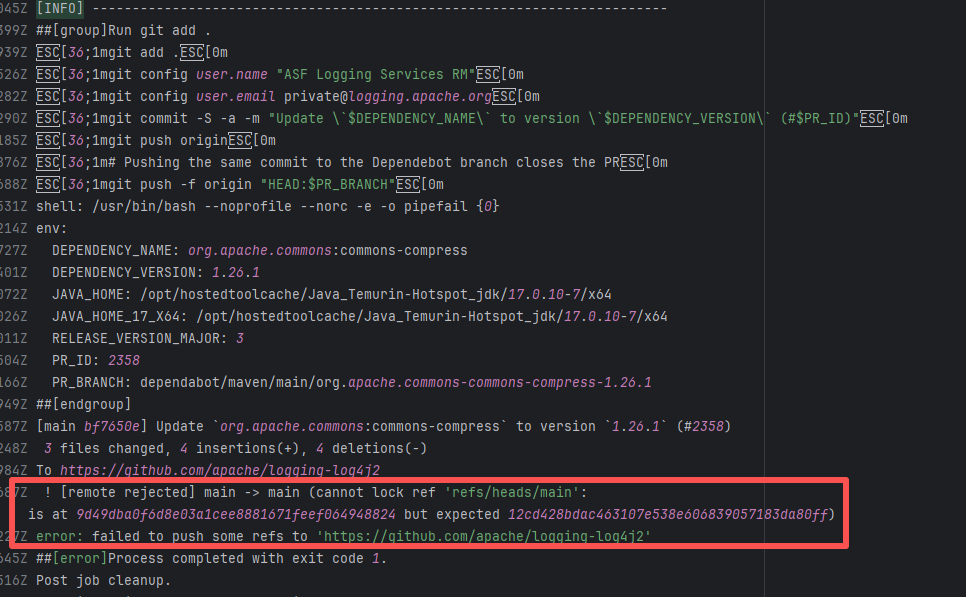 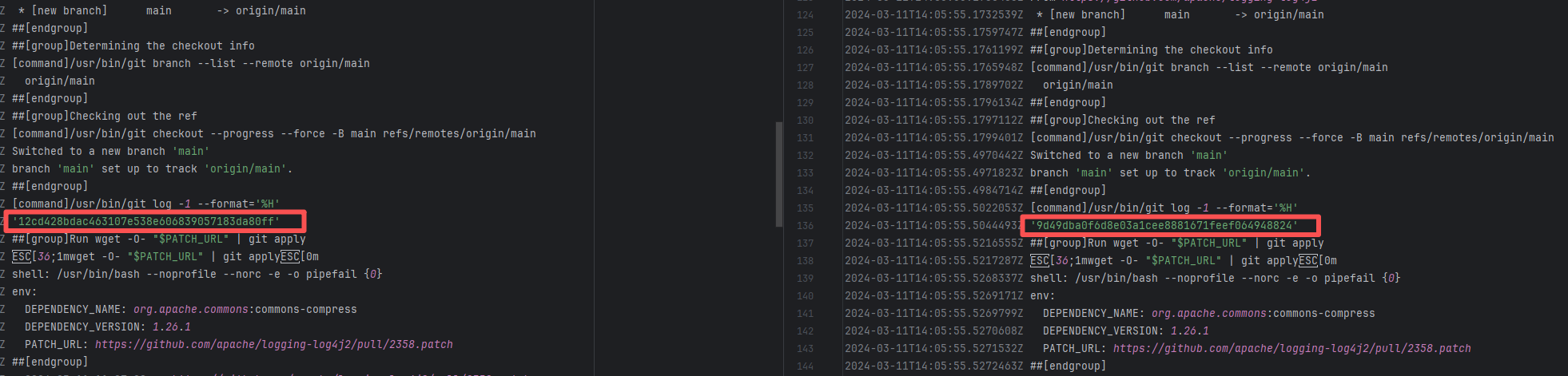 |
| sonarsource/sonar-java |
19524090456 |
Upstream Repository Issue |
Error: The error message indicates that the failure occurred when multiple branches attempted to merge simultaneously. The cause of the failure was file content conflicts that could not be automatically resolved.
Root Cause: Log analysis reveals that the warning `duplicate parent ignored` appeared in the successful logs, indicating that duplicate parent commits were found during the merge process. This means the developer applied the same commit to multiple branches. Therefore, when rerunning and applying the multi-branch merge again, it succeeded, avoiding complex multi-branch conflicts. |
Rerun after resolving the conflicting parts of the relevant branches. |
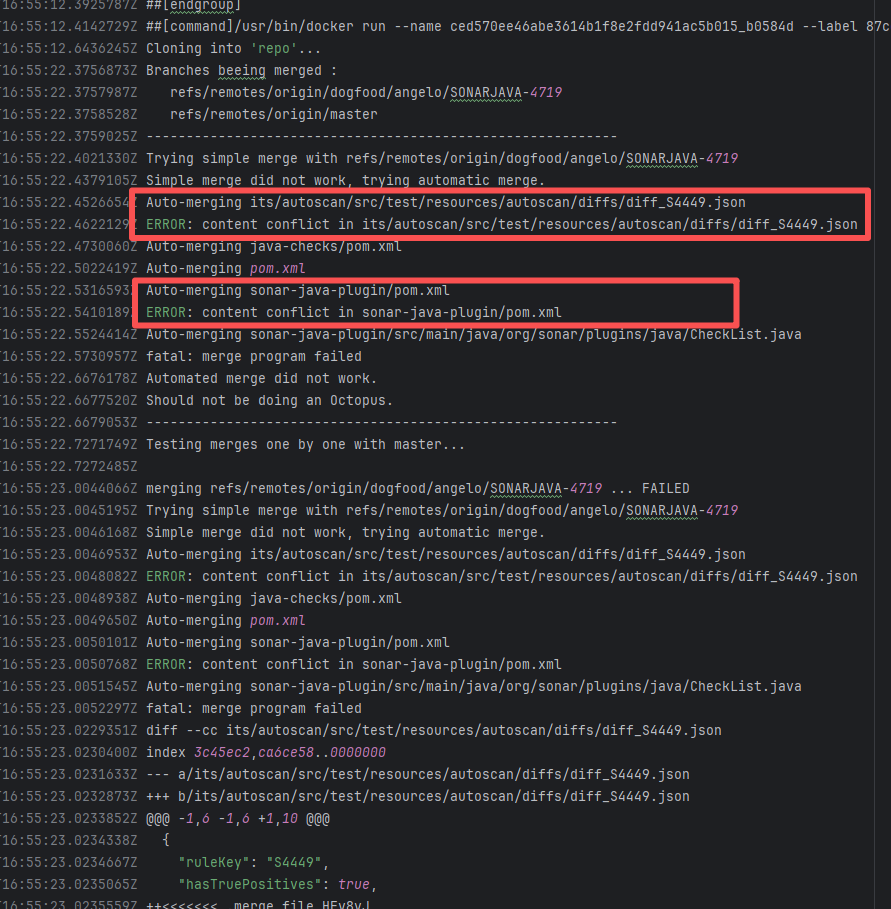 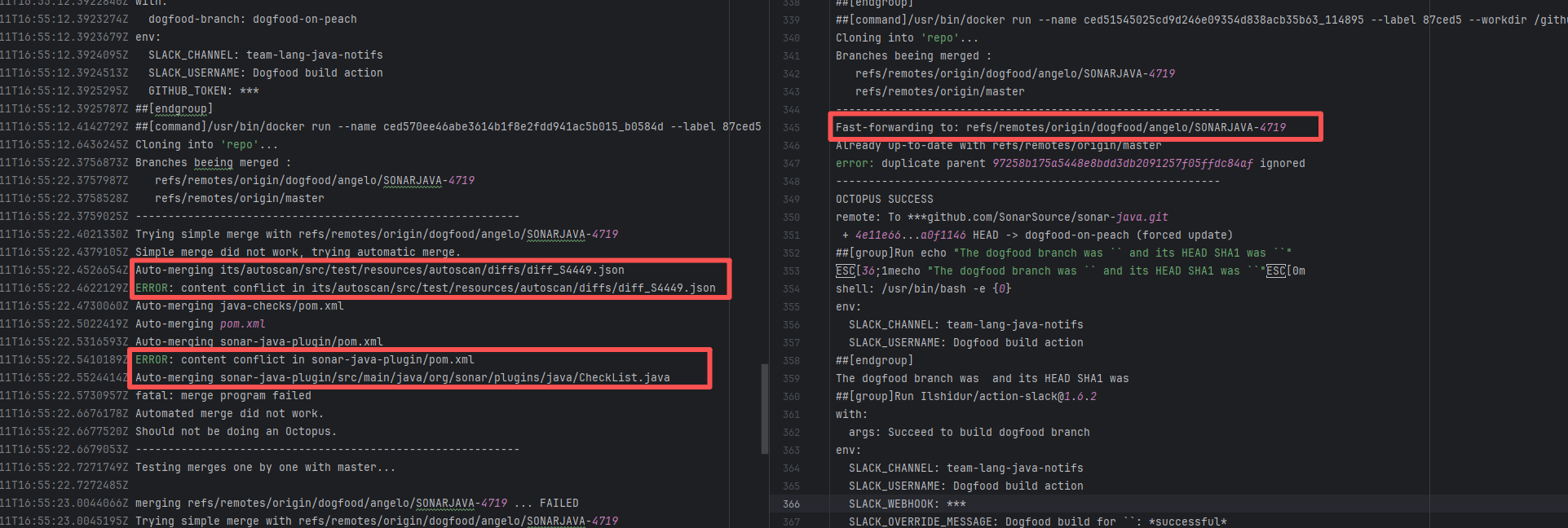 |
| megamek/megamek |
20117882915 |
Repository Content Conflict |
Error: The error message indicates a problem encountered when pushing a branch to the remote repository. The reason is that the specified branch on the remote repository has updates that the local repository does not. Specifically, the error message indicates that the specified remote branch contains changes not present locally, resulting in the push being rejected.
Root Cause: Log analysis reveals that the first run failed because new code was pushed to the remote repository while the action was running, causing a conflict during the push. During the rerun, because `git pull` was executed, the script obtained the latest state of the base branch, and thus the rerun succeeded. |
Short-term Fix: Succeeded after Rerun the job.
Long-term Defense: Continuous monitoring; if frequent, investigate root cause in depth. |
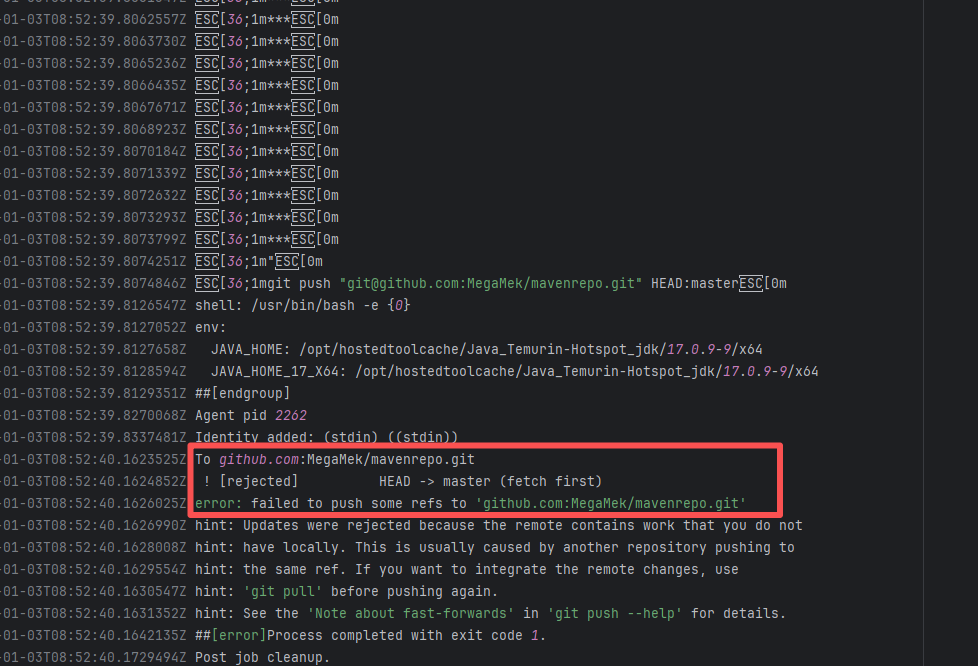 |
| StarRocks/starrocks |
19983319274 |
Repository Content Conflict |
Error: The error log indicates that the script failed during the automatic code merge task because there were unresolvable conflicts between files, preventing Git from merging automatically.
Root Cause: Log analysis reveals that the script executed the command `git pull refs/pull/36712/head`. This command pulls the latest commit from the PR, rather than the commit that triggered the action. This causes the rerun's code to be different every time there is a new commit in the PR. After the developer resolved the conflicting code, the rerun succeeded. |
Rerun after resolving the conflicting parts of the relevant branches. |
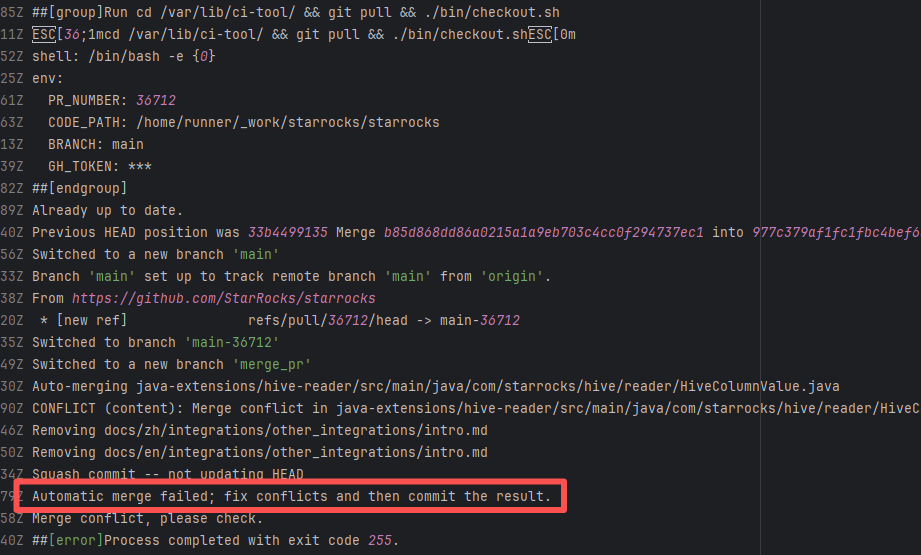 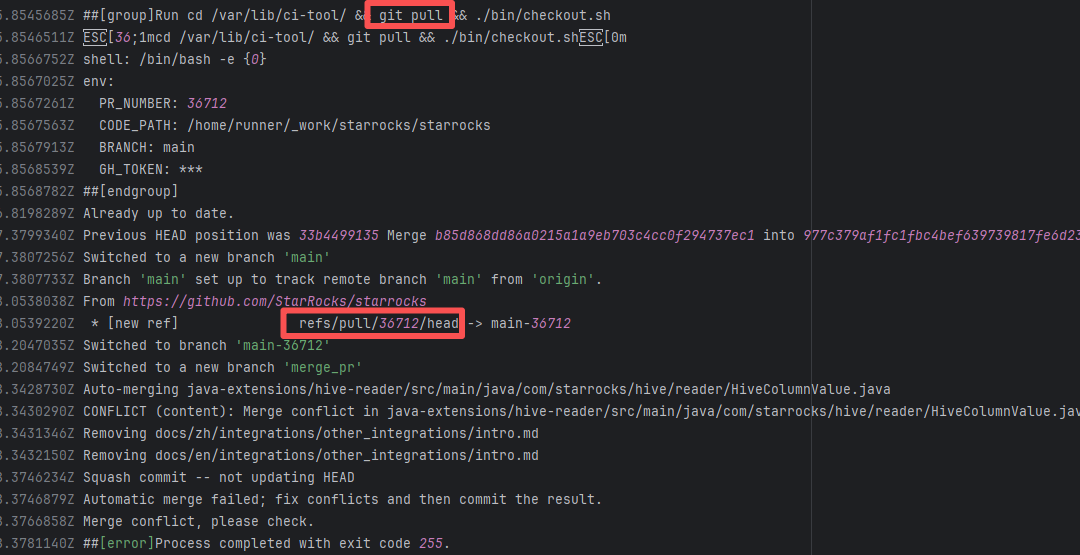 |
| bancolombia/scaffold-clean-architecture |
19744295665 |
Workflow Policy Violation |
Error: The error message indicates that "Repository Rules" are enabled on the GitHub repository, prohibiting direct pushes to the `master` branch and requiring merges via Pull Requests (PRs).
Root Cause: The rerun succeeded without any script modifications, indicating that the developer temporarily disabled the PR rule restrictions. |
Rerun successfully after disabling the rules. |
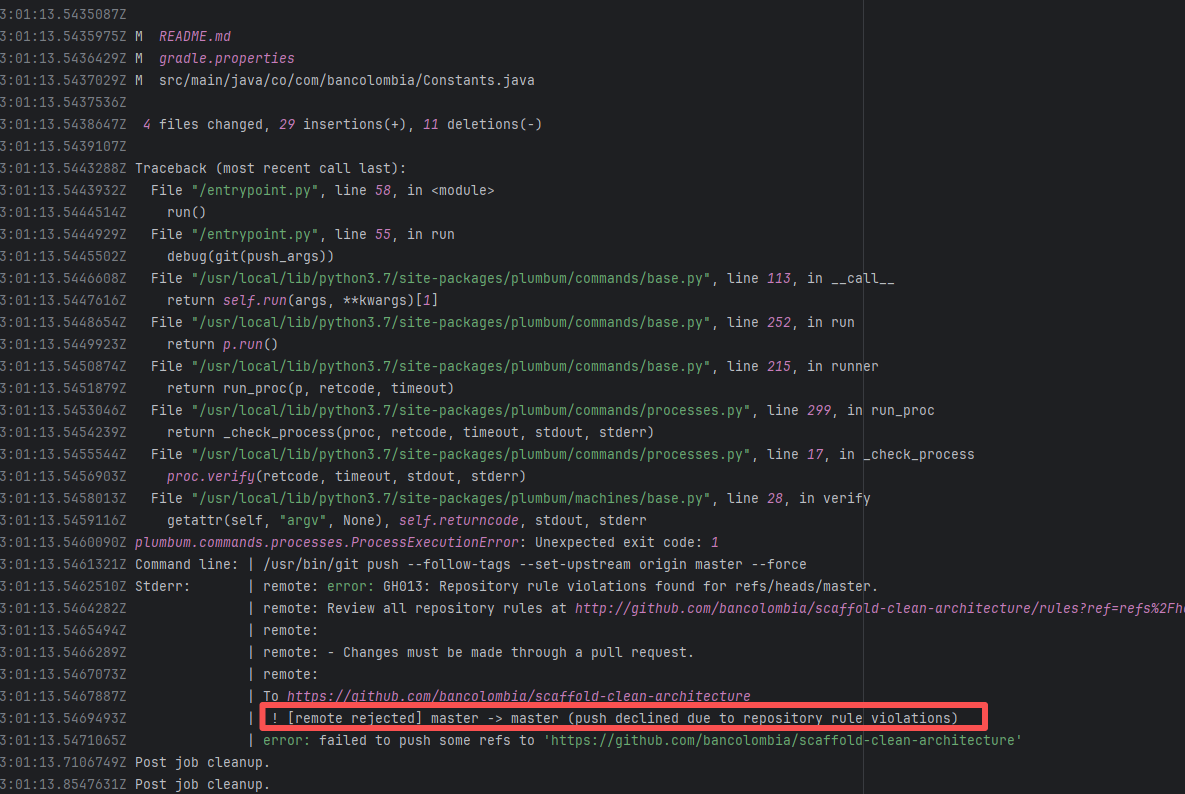 |
| StarRocks/starrocks |
23291338132 |
Repository Content Conflict |
Error: The error message indicates a problem encountered when pushing a branch to the remote repository. The reason is that the specified branch on the remote repository has updates that the local repository does not. Specifically, the error message indicates that the specified remote branch contains changes not present locally, resulting in the push being rejected.
Root Cause: Log analysis reveals that the first run failed because new code was pushed to the remote repository while the action was running, causing a conflict during the push. During the rerun, because `git pull` was executed, the script obtained the latest state of the base branch, and thus the rerun succeeded. |
Short-term Fix: Succeeded after Rerun the job.
Long-term Defense: Continuous monitoring; if frequent, investigate root cause in depth. |
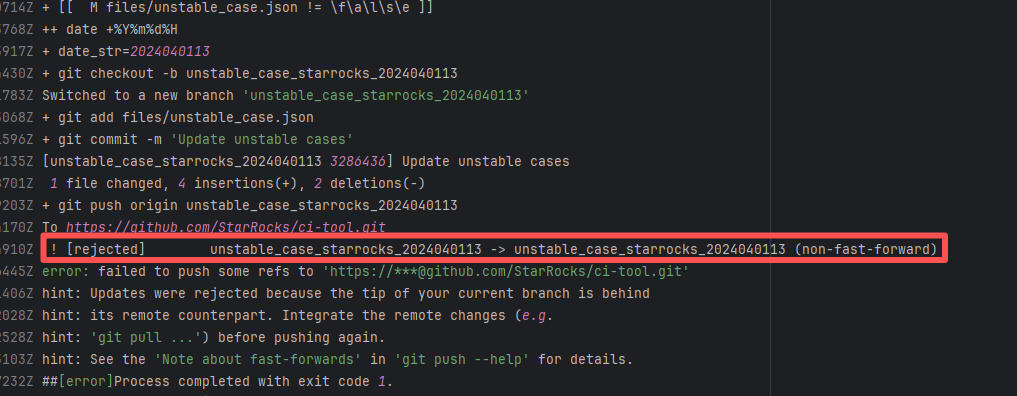 |
| eclipse/kura |
23618909602 |
Repository Content Conflict |
Error: The error message indicates a problem encountered when pushing a branch to the remote repository. The reason is that the specified branch on the remote repository has updates that the local repository does not. Specifically, the error message indicates that the specified remote branch contains changes not present locally, resulting in the push being rejected.
Root Cause: Log analysis reveals that the first run failed because new code was pushed to the remote repository while the action was running, causing a conflict during the push. During the rerun, because `git pull` was executed, the script obtained the latest state of the base branch, and thus the rerun succeeded. |
Short-term Fix: Succeeded after Rerun the job.
Long-term Defense: Continuous monitoring; if frequent, investigate root cause in depth. |
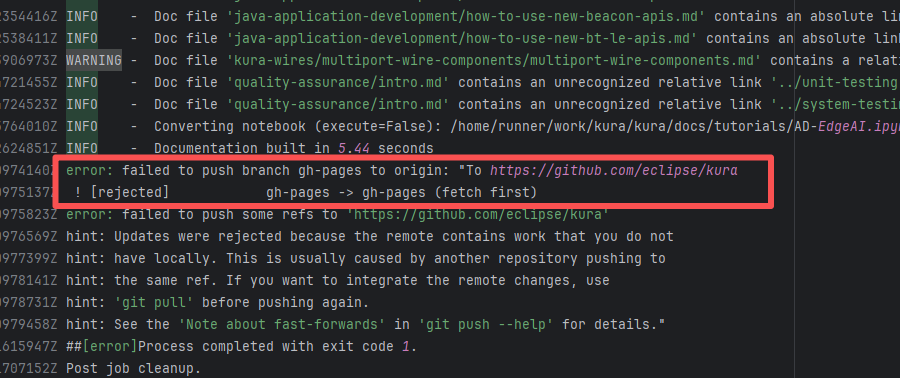 |
| StarRocks/starrocks |
23229073564 |
Repository Content Conflict |
Error: The error message indicates a problem encountered when pushing a branch to the remote repository. The reason is that the specified branch on the remote repository has updates that the local repository does not. Specifically, the error message indicates that the specified remote branch contains changes not present locally, resulting in the push being rejected.
Root Cause: Log analysis reveals that the first run failed because new code was pushed to the remote repository while the action was running, causing a conflict during the push. During the rerun, because `git pull` was executed, the script obtained the latest state of the base branch, and thus the rerun succeeded. |
Short-term Fix: Succeeded after Rerun the job.
Long-term Defense: Continuous monitoring; if frequent, investigate root cause in depth. |
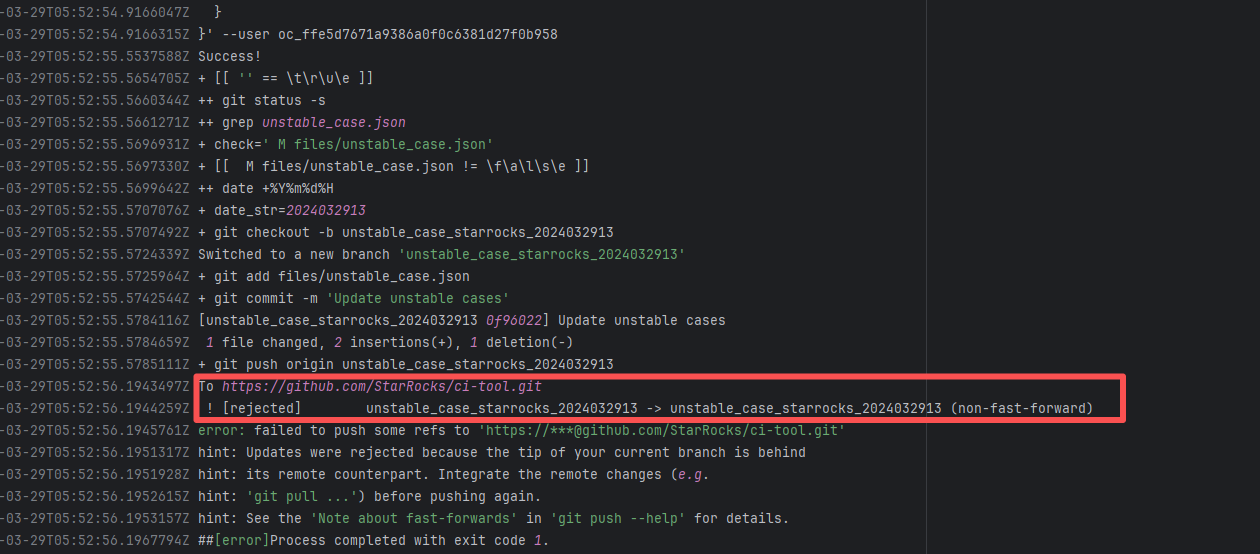 |
| awslabs/aws-athena-query-federation |
23059216131 |
Upstream Repository Issue |
Error: The log error indicates that the `commit` command failed. The script only added the `com` directory, but there were files generated by `javadoc` in other directories. Because untracked files were detected, the execution failed during the commit.
Root Cause: The action execution environment is a user's self-hosted server. The rerun succeeded after processing the relevant local files. |
Rerun after processing local conflicting files. |
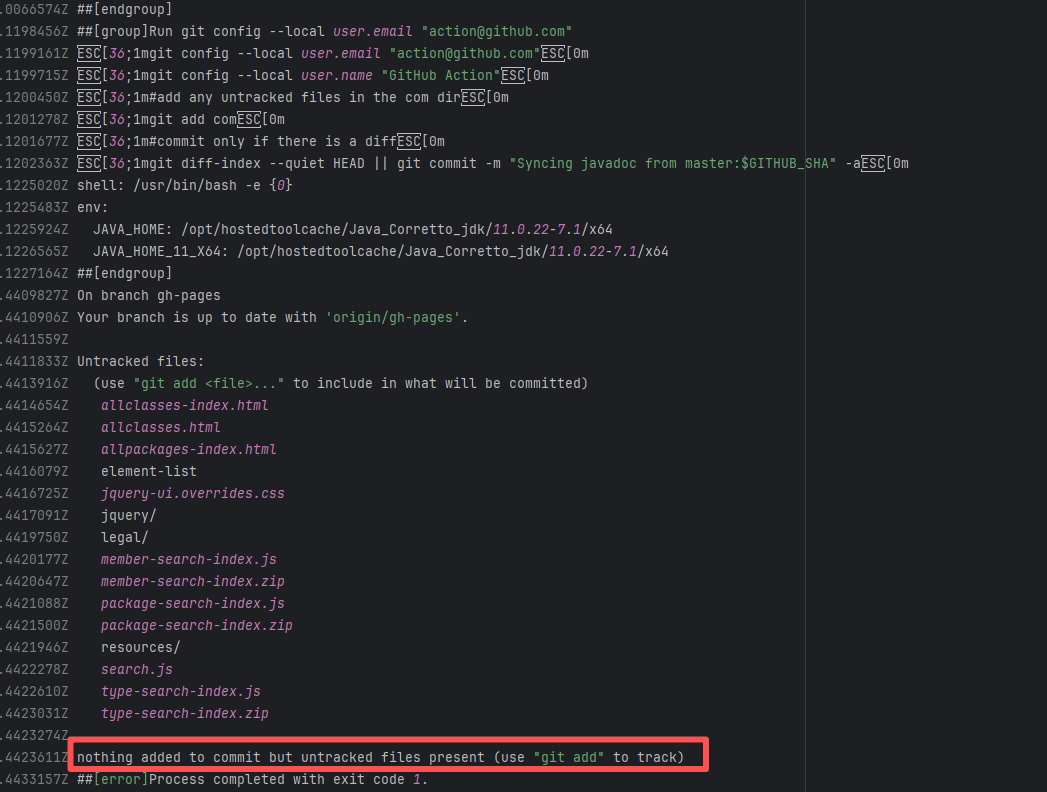 |
| microsoftgraph/msgraph-sdk-java |
20547354073 |
Artifact Conflict |
Error: The log error shows that a `tag_name` conflict occurred when the automated script was automatically tagging (versioning). The script attempted to create and push a tag named `v5.79.0`, but a tag with the same name already existed on the remote repository.
Root Cause: The rerun succeeded after deleting the duplicate tag in the repository. |
Rerun after deleting the duplicate tag. |
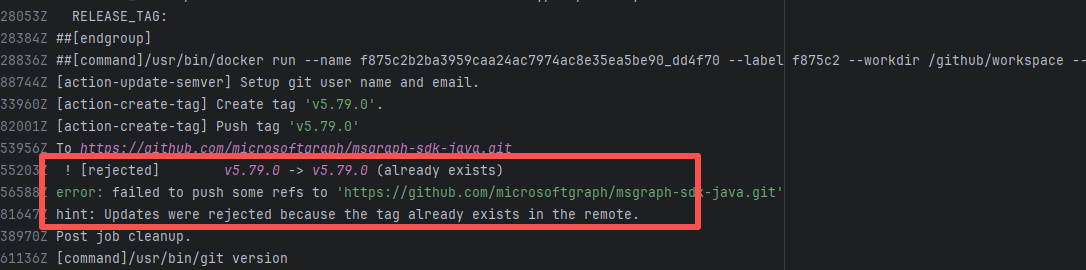 |
| datadog/dd-trace-java |
26232993810 |
Repository Content Conflict |
Error: The error message indicates a problem encountered when pushing a branch to the remote repository. The reason is that the specified branch on the remote repository has updates that the local repository does not. Specifically, the error message indicates that the specified remote branch contains changes not present locally, resulting in the push being rejected.
Root Cause: Log analysis reveals that the first run failed because new code was pushed to the remote repository while the action was running, causing a conflict during the push. During the rerun, because `git pull` was executed, the script obtained the latest state of the base branch, and thus the rerun succeeded. |
Short-term Fix: Succeeded after Rerun the job.
Long-term Defense: Continuous monitoring; if frequent, investigate root cause in depth. |
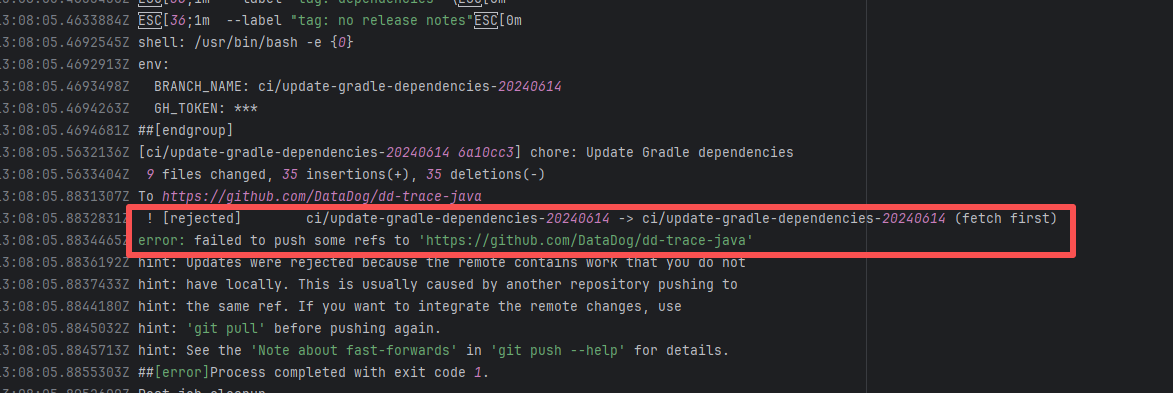 |
| apache/logging-log4j2 |
22509156240 |
Repository Content Conflict |
Error: The error message indicates a problem encountered when pushing a branch to the remote repository. The reason is that the specified branch on the remote repository has updates that the local repository does not. Specifically, the error message indicates that the specified remote branch contains changes not present locally, resulting in the push being rejected.
Root Cause: Log analysis reveals that the first run failed because new code was pushed to the remote repository while the action was running, causing a conflict during the push. During the rerun, because `git pull` was executed, the script obtained the latest state of the base branch, and thus the rerun succeeded. |
Short-term Fix: Succeeded after Rerun the job.
Long-term Defense: Continuous monitoring; if frequent, investigate root cause in depth. |
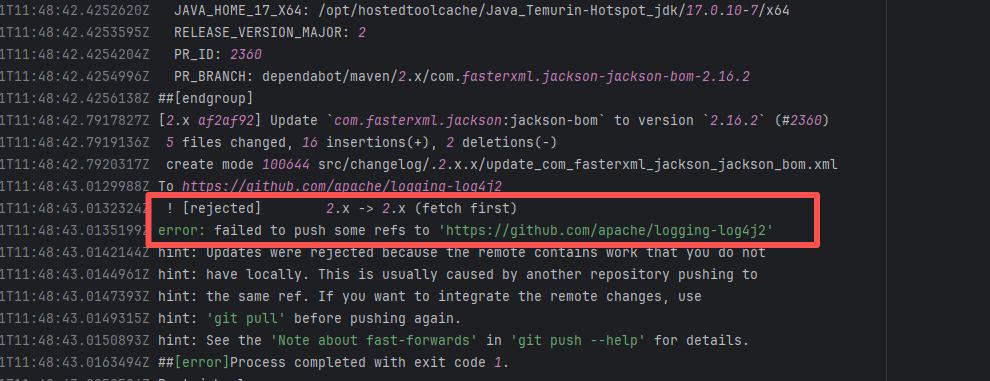 |
| awslabs/aws-athena-query-federation |
26706633040 |
Upstream Repository Issue |
Error: The log error indicates that the `commit` command failed. The script only added the `com` directory, but there were files generated by `javadoc` in other directories. Because untracked files were detected, the execution failed during the commit.
Root Cause: The action execution environment is a user's self-hosted server. The rerun succeeded after processing the relevant local files. |
Rerun after processing local conflicting files. |
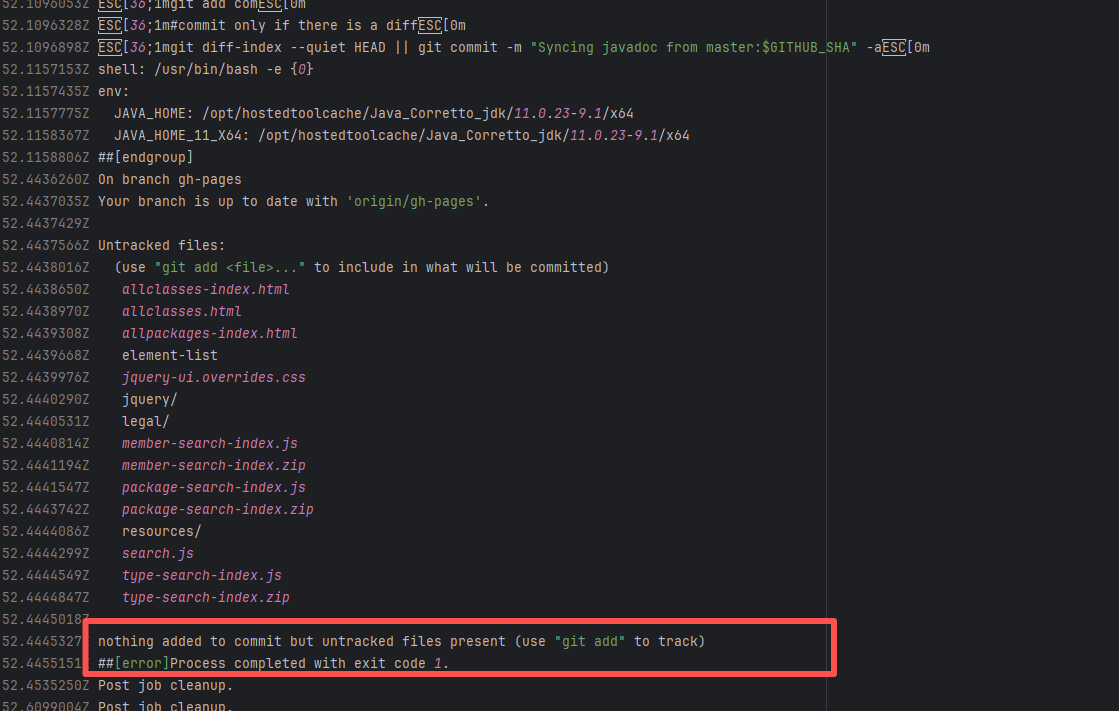 |
| eclipse/kura |
18177962331 |
Repository Content Conflict |
Error: The error message indicates a problem encountered when pushing a branch to the remote repository. The reason is that the specified branch on the remote repository has updates that the local repository does not. Specifically, the error message indicates that the specified remote branch contains changes not present locally, resulting in the push being rejected.
Root Cause: Log analysis reveals that the first run failed because new code was pushed to the remote repository while the action was running, causing a conflict during the push. During the rerun, because `git pull` was executed, the script obtained the latest state of the base branch, and thus the rerun succeeded. |
Short-term Fix: Succeeded after Rerun the job.
Long-term Defense: Continuous monitoring; if frequent, investigate root cause in depth. |
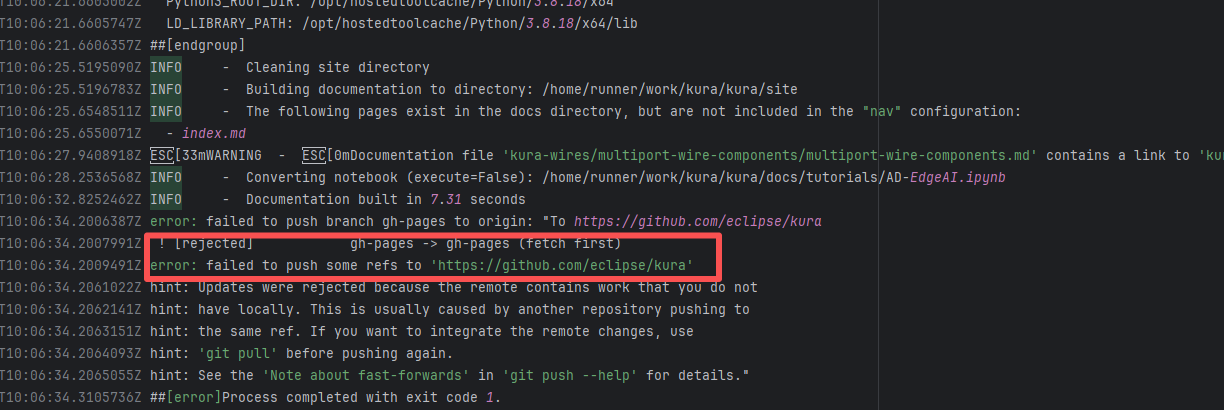 |
| StarRocks/starrocks |
20884620377 |
Repository Content Conflict |
Error: The error message indicates a problem encountered when pushing a branch to the remote repository. The reason is that the specified branch on the remote repository has updates that the local repository does not. Specifically, the error message indicates that the specified remote branch contains changes not present locally, resulting in the push being rejected.
Root Cause: Log analysis reveals that the first run failed because new code was pushed to the remote repository while the action was running, causing a conflict during the push. During the rerun, because `git pull` was executed, the script obtained the latest state of the base branch, and thus the rerun succeeded. |
Short-term Fix: Succeeded after Rerun the job.
Long-term Defense: Continuous monitoring; if frequent, investigate root cause in depth. |
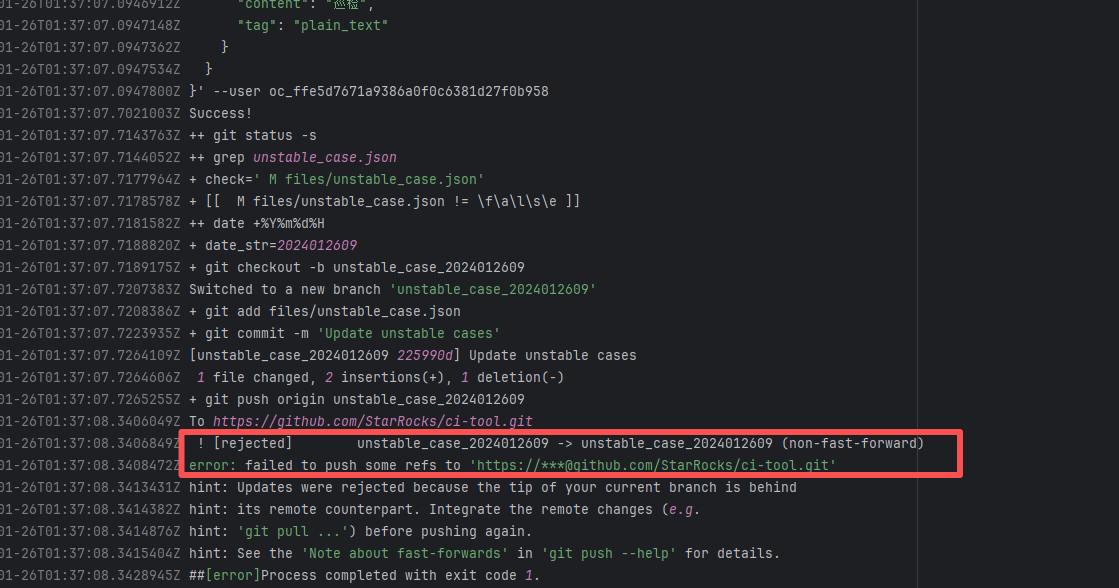 |
| eclipse/kura |
24208899448 |
Repository Content Conflict |
Error: The error message indicates a problem encountered when pushing a branch to the remote repository. The reason is that the specified branch on the remote repository has updates that the local repository does not. Specifically, the error message indicates that the specified remote branch contains changes not present locally, resulting in the push being rejected.
Root Cause: Log analysis reveals that the first run failed because new code was pushed to the remote repository while the action was running, causing a conflict during the push. During the rerun, because `git pull` was executed, the script obtained the latest state of the base branch, and thus the rerun succeeded. |
Short-term Fix: Succeeded after Rerun the job.
Long-term Defense: Continuous monitoring; if frequent, investigate root cause in depth. |
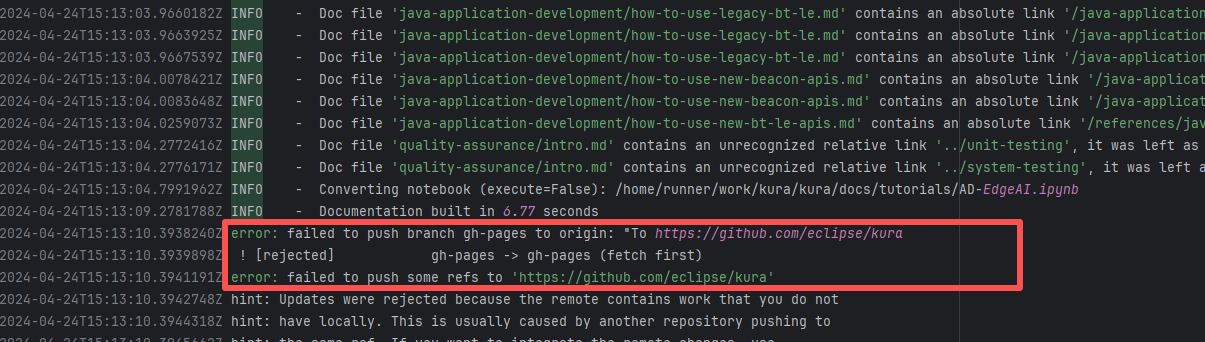 |
| datadog/dd-trace-java |
27043801872 |
Repository Content Conflict |
Error: The error message indicates a problem encountered when pushing a branch to the remote repository. The reason is that the specified branch on the remote repository has updates that the local repository does not. Specifically, the error message indicates that the specified remote branch contains changes not present locally, resulting in the push being rejected.
Root Cause: Log analysis reveals that the first run failed because new code was pushed to the remote repository while the action was running, causing a conflict during the push. During the rerun, because `git pull` was executed, the script obtained the latest state of the base branch, and thus the rerun succeeded. |
Short-term Fix: Succeeded after Rerun the job.
Long-term Defense: Continuous monitoring; if frequent, investigate root cause in depth. |
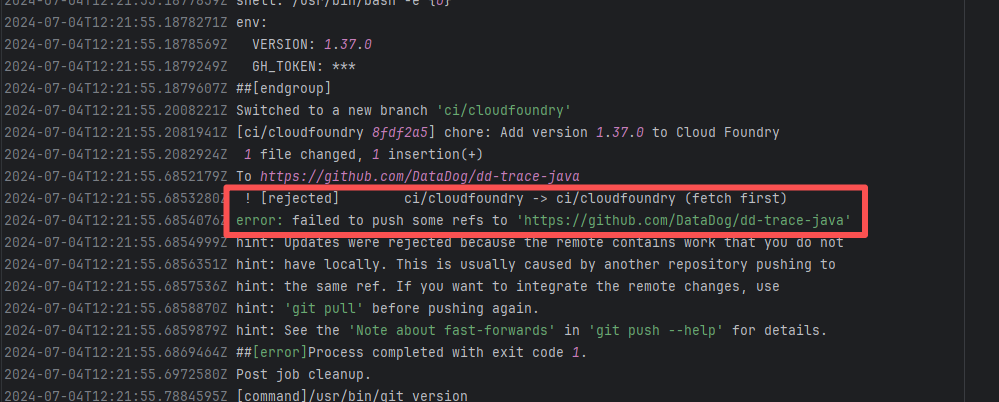 |
| awslabs/aws-athena-query-federation |
22136874322 |
Upstream Repository Issue |
Error: The log error indicates that the `commit` command failed. The script only added the `com` directory, but there were files generated by `javadoc` in other directories. Because untracked files were detected, the execution failed during the commit.
Root Cause: The action execution environment is a user's self-hosted server. The rerun succeeded after processing the relevant local files. |
Rerun after processing local conflicting files. |
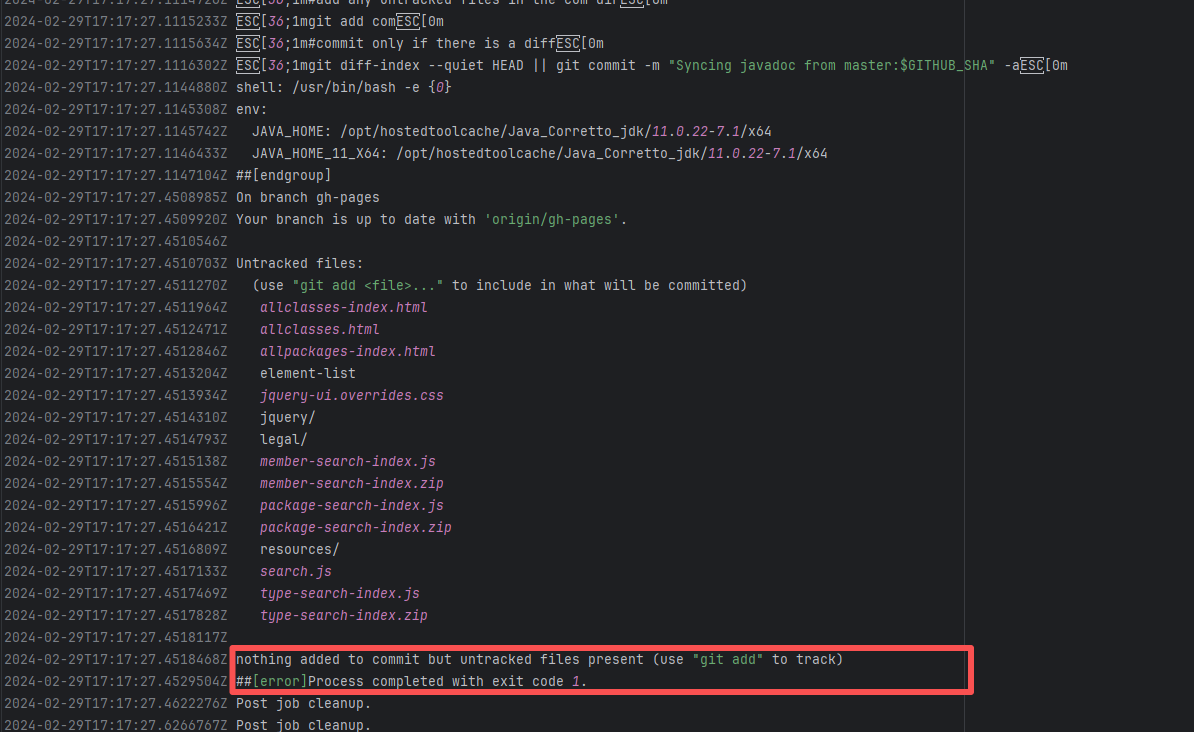 |
| StarRocks/starrocks |
22385802611 |
Repository Content Conflict |
Error: The error message indicates a problem encountered when pushing a branch to the remote repository. The reason is that the specified branch on the remote repository has updates that the local repository does not. Specifically, the error message indicates that the specified remote branch contains changes not present locally, resulting in the push being rejected.
Root Cause: Log analysis reveals that the first run failed because new code was pushed to the remote repository while the action was running, causing a conflict during the push. During the rerun, because `git pull` was executed, the script obtained the latest state of the base branch, and thus the rerun succeeded. |
Short-term Fix: Succeeded after Rerun the job.
Long-term Defense: Continuous monitoring; if frequent, investigate root cause in depth. |
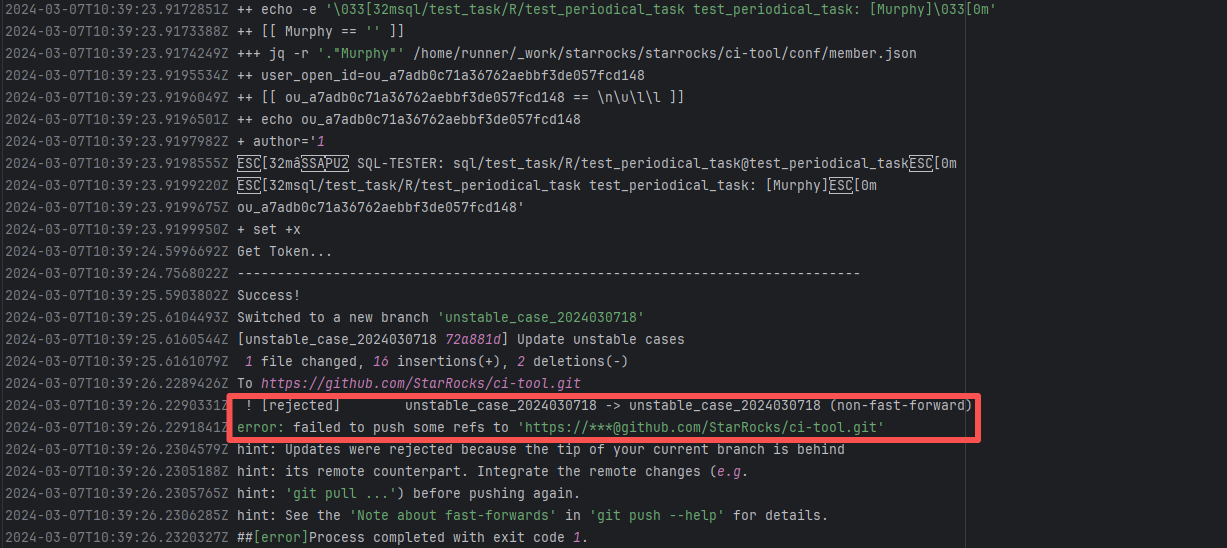 |
| StarRocks/starrocks |
22377981196 |
Repository Content Conflict |
Error: The error message indicates a problem encountered when pushing a branch to the remote repository. The reason is that the specified branch on the remote repository has updates that the local repository does not. Specifically, the error message indicates that the specified remote branch contains changes not present locally, resulting in the push being rejected.
Root Cause: Log analysis reveals that the first run failed because new code was pushed to the remote repository while the action was running, causing a conflict during the push. During the rerun, because `git pull` was executed, the script obtained the latest state of the base branch, and thus the rerun succeeded. |
Short-term Fix: Succeeded after Rerun the job.
Long-term Defense: Continuous monitoring; if frequent, investigate root cause in depth. |
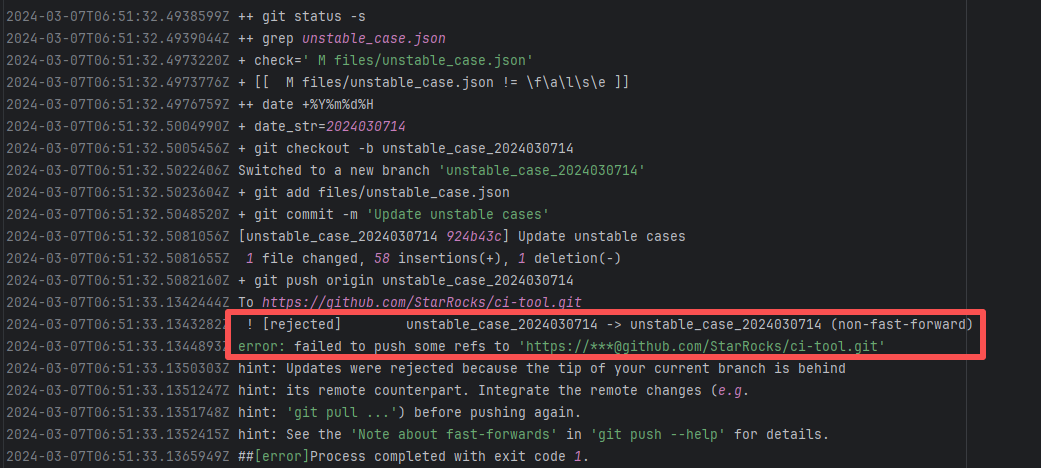 |
| janssenproject/jans |
25548933696 |
Repository Content Conflict |
Error: The error message indicates a problem encountered when pushing a branch to the remote repository. The reason is that the specified branch on the remote repository has updates that the local repository does not. Specifically, the error message indicates that the specified remote branch contains changes not present locally, resulting in the push being rejected.
Root Cause: Log analysis reveals that the first run failed because new code was pushed to the remote repository while the action was running, causing a conflict during the push. During the rerun, because `git pull` was executed, the script obtained the latest state of the base branch, and thus the rerun succeeded. |
Short-term Fix: Succeeded after Rerun the job.
Long-term Defense: Continuous monitoring; if frequent, investigate root cause in depth. |
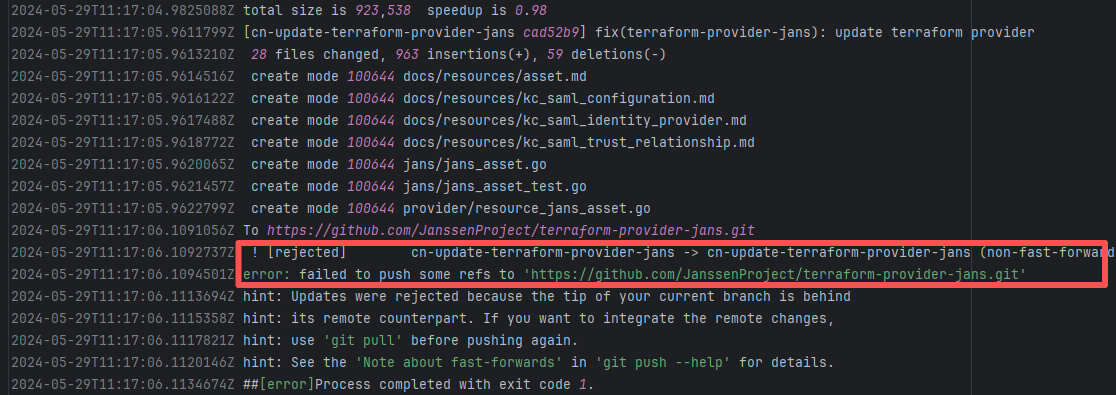 |
| apache/sedona |
27229395719 |
Repository Content Conflict |
Error: The error message indicates a problem encountered when pushing a branch to the remote repository. The reason is that the specified branch on the remote repository has updates that the local repository does not. Specifically, the error message indicates that the specified remote branch contains changes not present locally, resulting in the push being rejected.
Root Cause: Log analysis reveals that the first run failed because new code was pushed to the remote repository while the action was running, causing a conflict during the push. During the rerun, because `git pull` was executed, the script obtained the latest state of the base branch, and thus the rerun succeeded. |
Short-term Fix: Succeeded after Rerun the job.
Long-term Defense: Continuous monitoring; if frequent, investigate root cause in depth. |
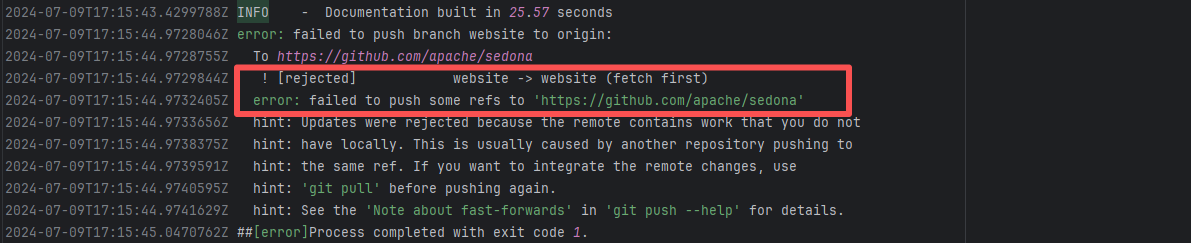 |
| Cache Errors |
rnmapbox/maps |
21312130657 |
Plugin/Tool Errors |
Error: This error occurs when installing hermes-engine, with error type Errno::EEXIST, meaning "File exists". This error is because a file or directory already exists in the cache directory, and the current operation attempts to create a file or directory with the same name, causing a conflict.
Root Cause: By checking related Issues (https://github.com/facebook/react-native/issues/42698), this error occurs under CocoaPods version 1.15.0. It is not caused by a caching issue, but a bug in version 1.15.0. The only solution provided officially is to downgrade the CocoaPods version. The actual solution is to directly rerun, because the official macOS-last image was downgraded, and the CocoaPods version in the new image is 1.14.3. |
Downgrade the CocoaPods version to 1.14.x or upgrade to 1.50.1, the new version has fixed this bug. |
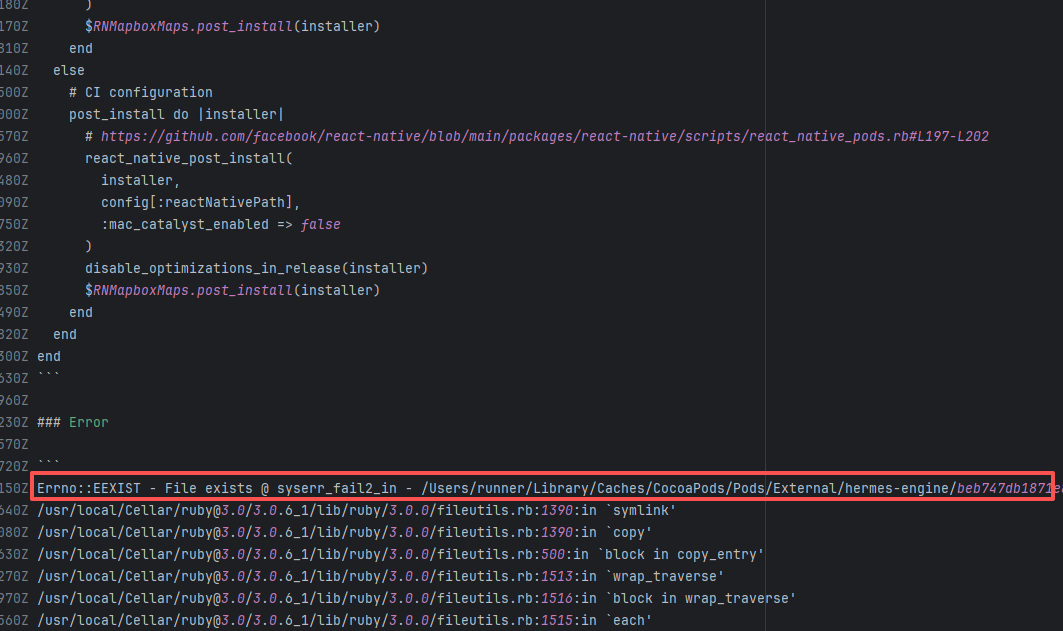 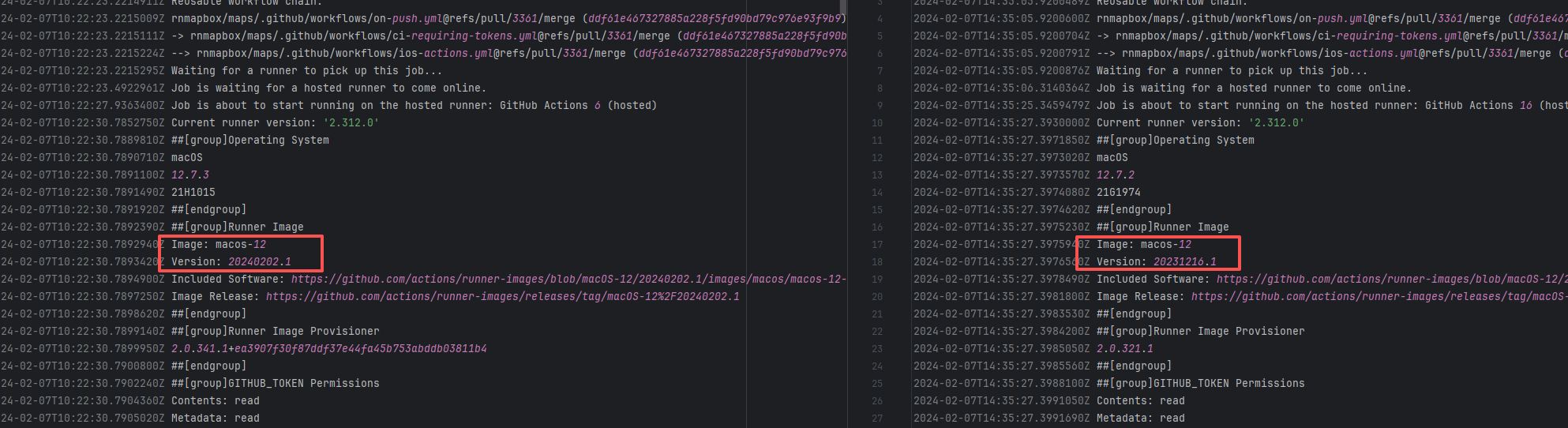 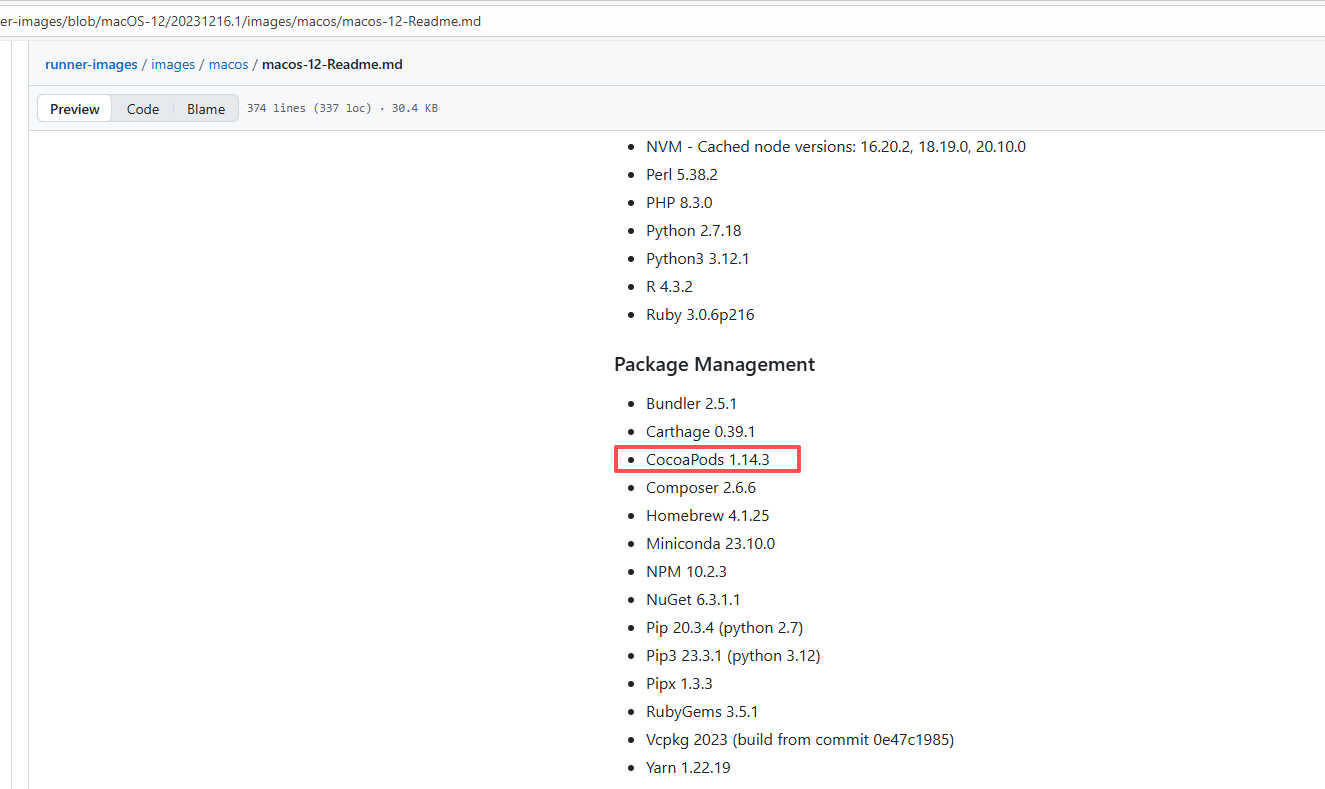 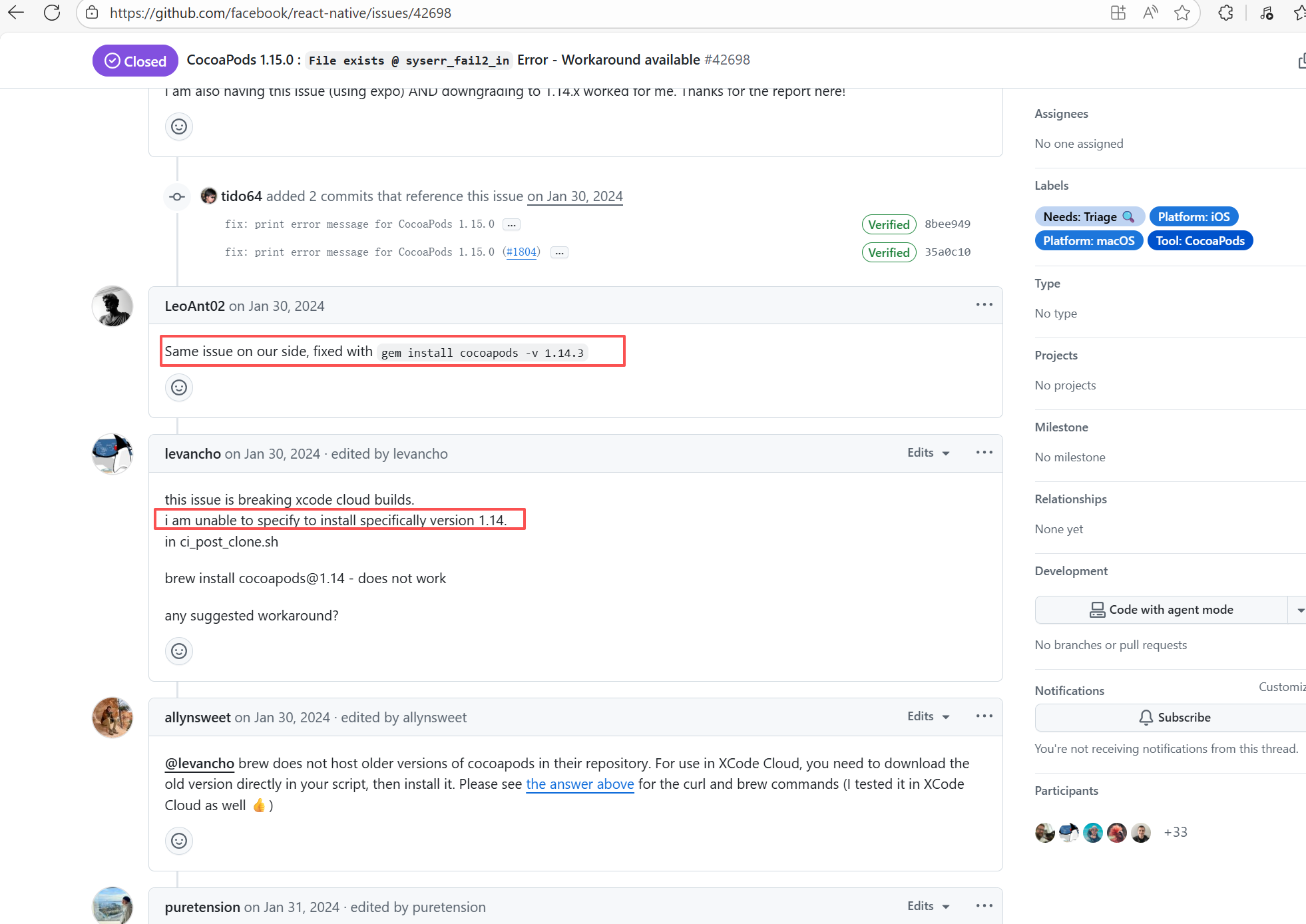 |
| rnmapbox/maps |
21321970156 |
Plugin/Tool Errors |
Error: This error occurs when installing hermes-engine, with error type Errno::EEXIST, meaning "File exists". This error is because a file or directory already exists in the cache directory, and the current operation attempts to create a file or directory with the same name, causing a conflict.
Root Cause: By checking related Issues (https://github.com/facebook/react-native/issues/42698), this error occurs under CocoaPods version 1.15.0. It is not caused by a caching issue, but a bug in version 1.15.0. The only solution provided officially is to downgrade the CocoaPods version. The actual solution is to directly rerun, because the official macOS-last image was downgraded, and the CocoaPods version in the new image is 1.14.3. |
Downgrade the CocoaPods version to 1.14.x or upgrade to 1.50.1, the new version has fixed this bug. |
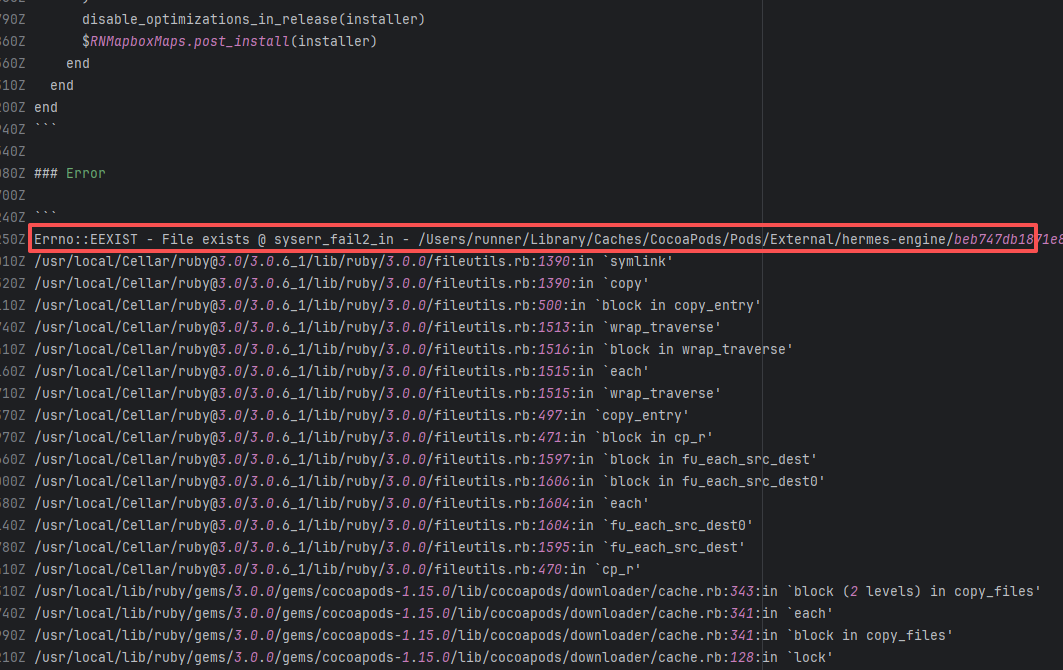 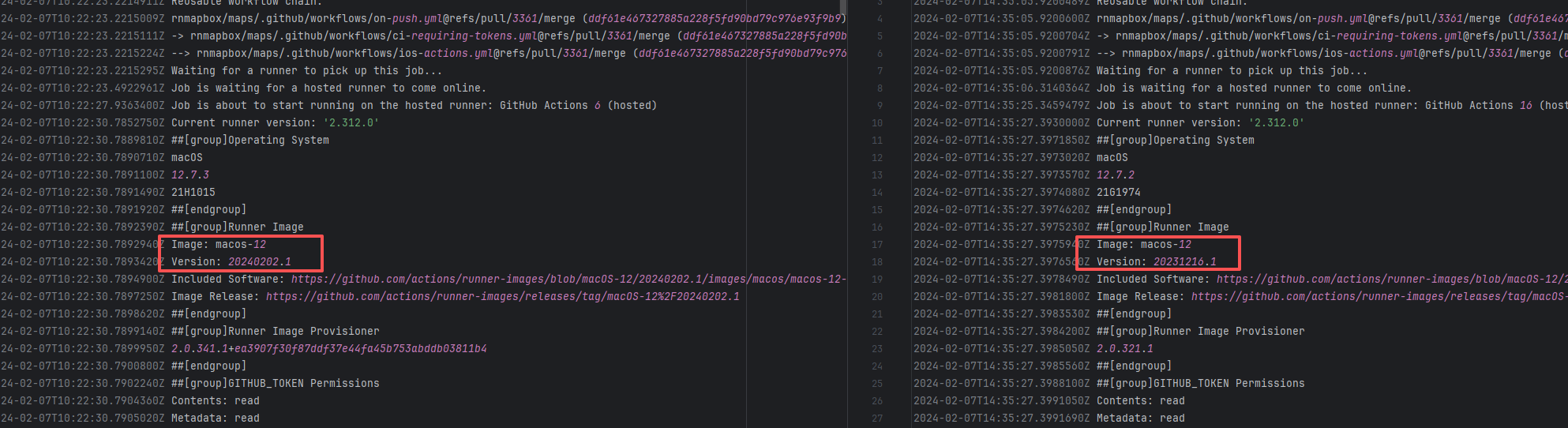 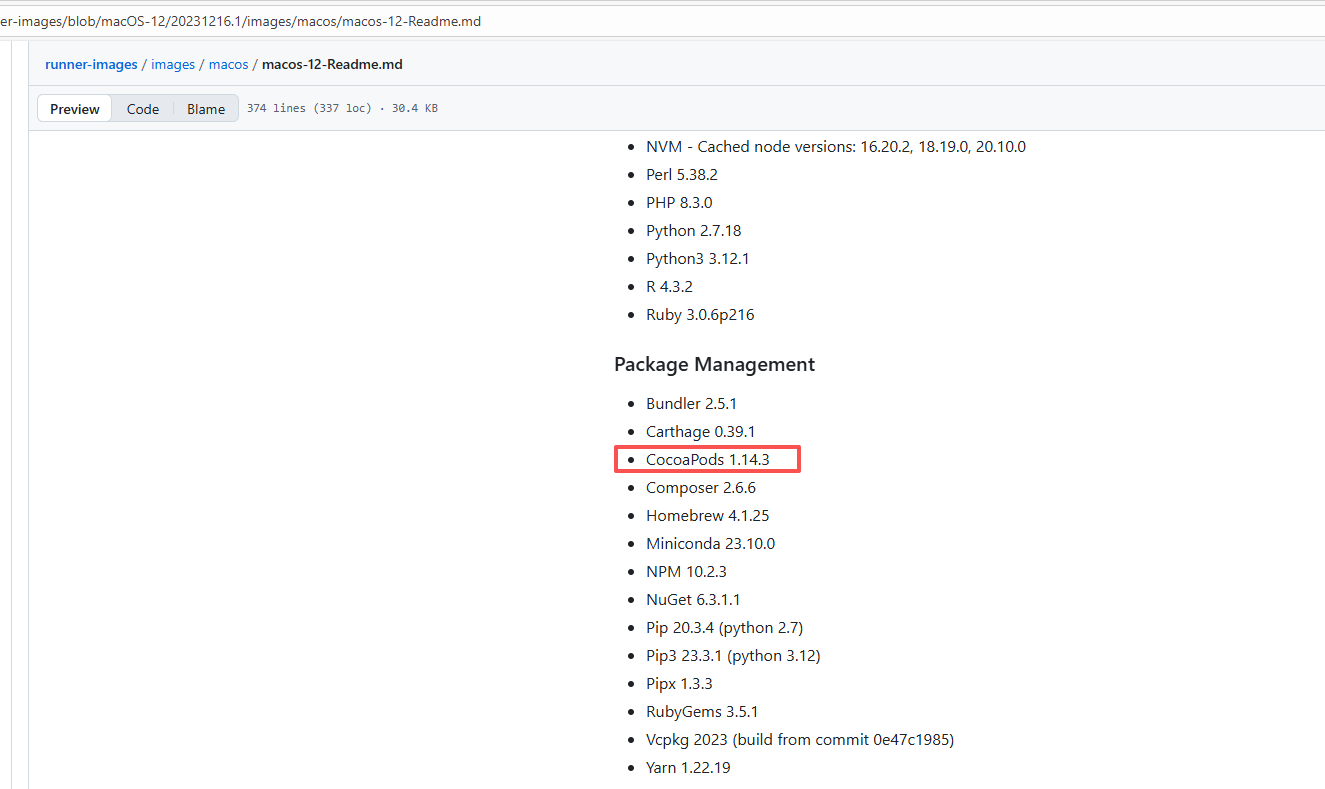 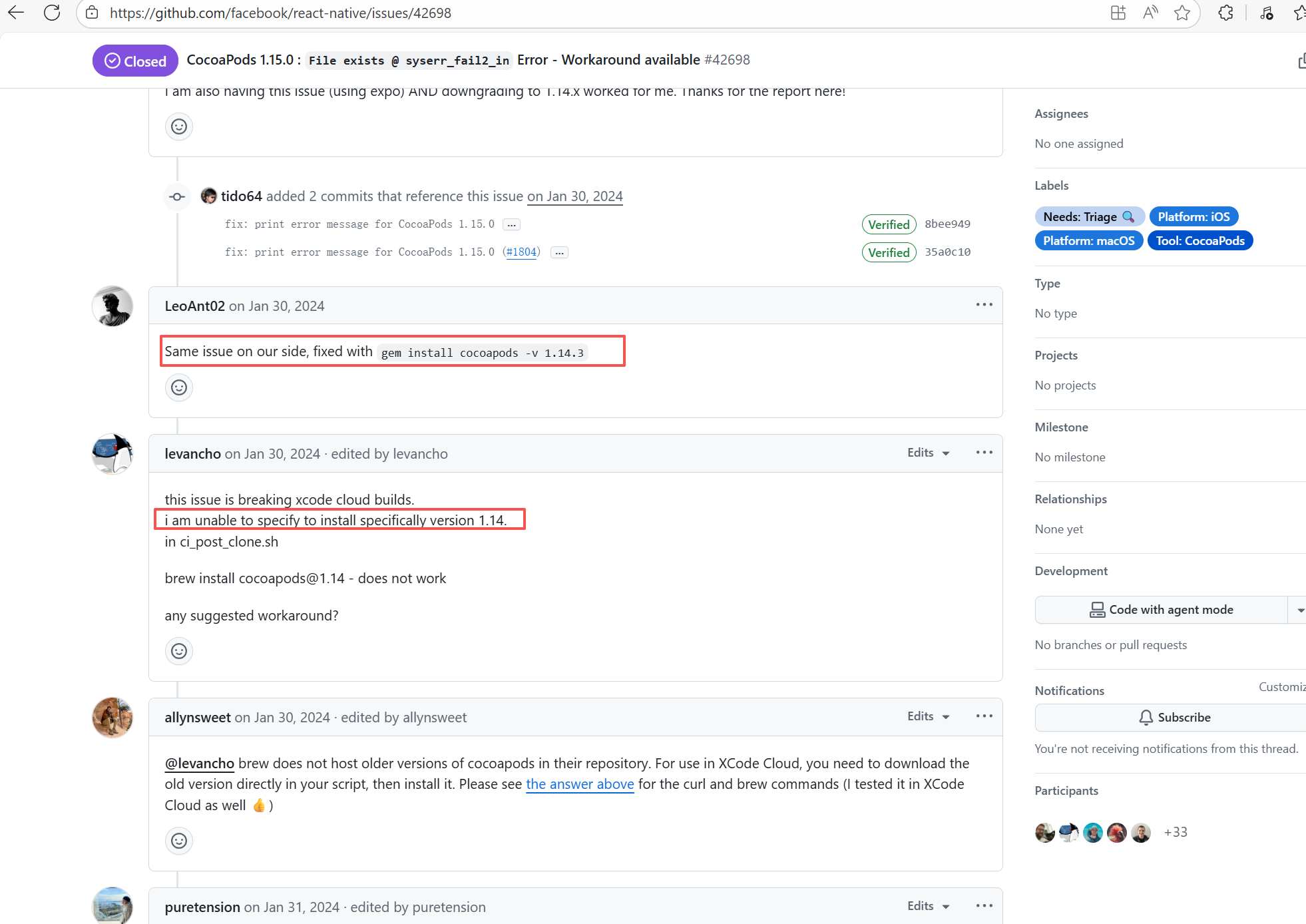 |
| react-native-video/react-native-video |
21360580294 |
Plugin/Tool Errors |
Error: This error occurs when installing hermes-engine, with error type Errno::EEXIST, meaning "File exists". This error is because a file or directory already exists in the cache directory, and the current operation attempts to create a file or directory with the same name, causing a conflict.
Root Cause: By checking related Issues (https://github.com/facebook/react-native/issues/42698), this error occurs under CocoaPods version 1.15.0. It is not caused by a caching issue, but a bug in version 1.15.0. The only solution provided officially is to downgrade the CocoaPods version. The actual solution is to directly rerun, because the official macOS-last image was downgraded, and the CocoaPods version in the new image is 1.14.3. |
Downgrade the CocoaPods version to 1.14.x or upgrade to 1.50.1, the new version has fixed this bug. |
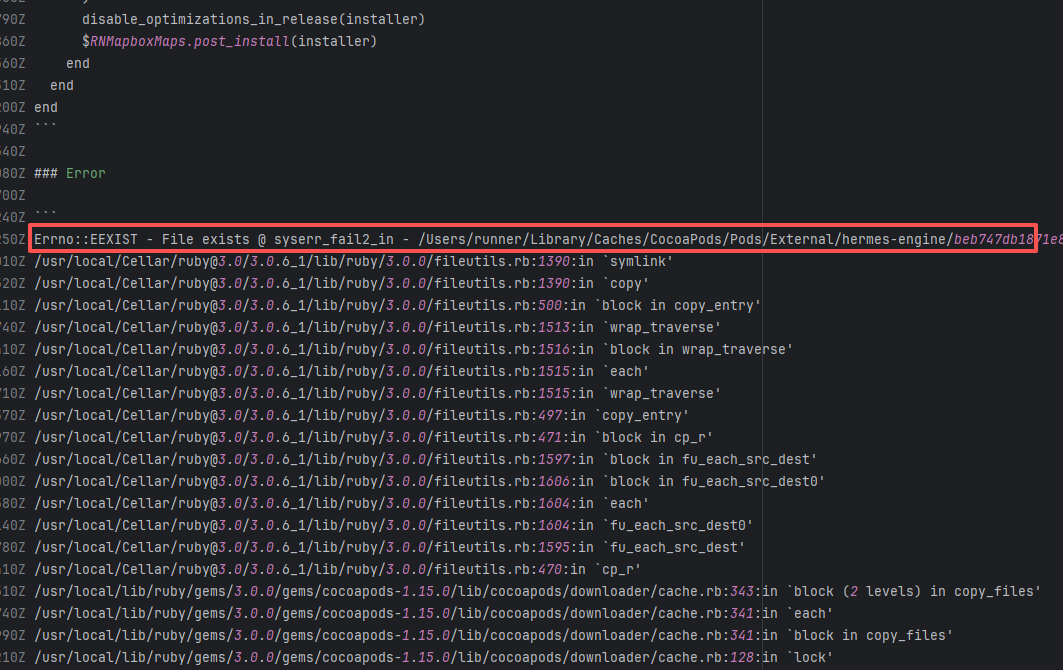 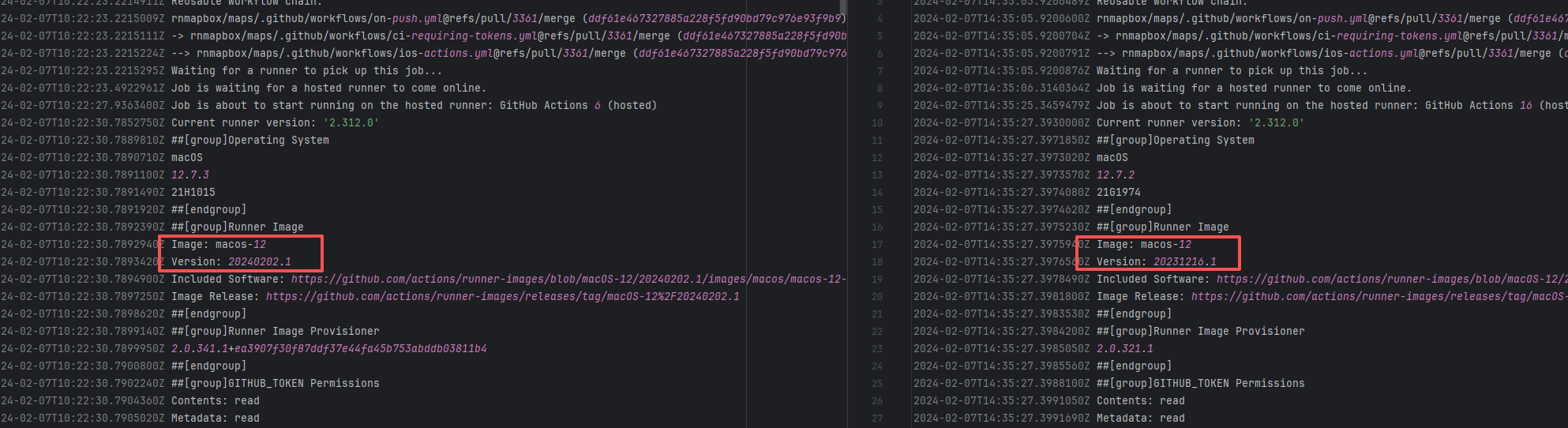 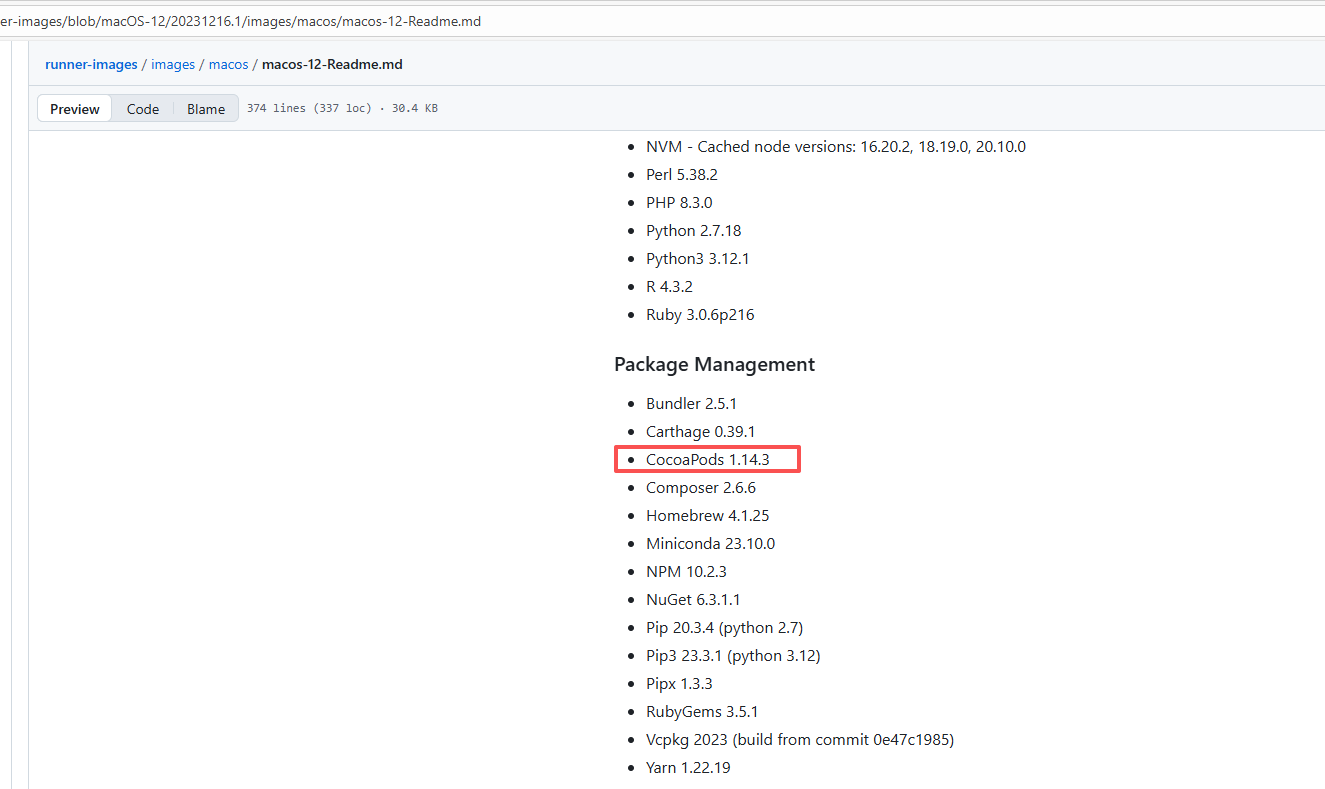 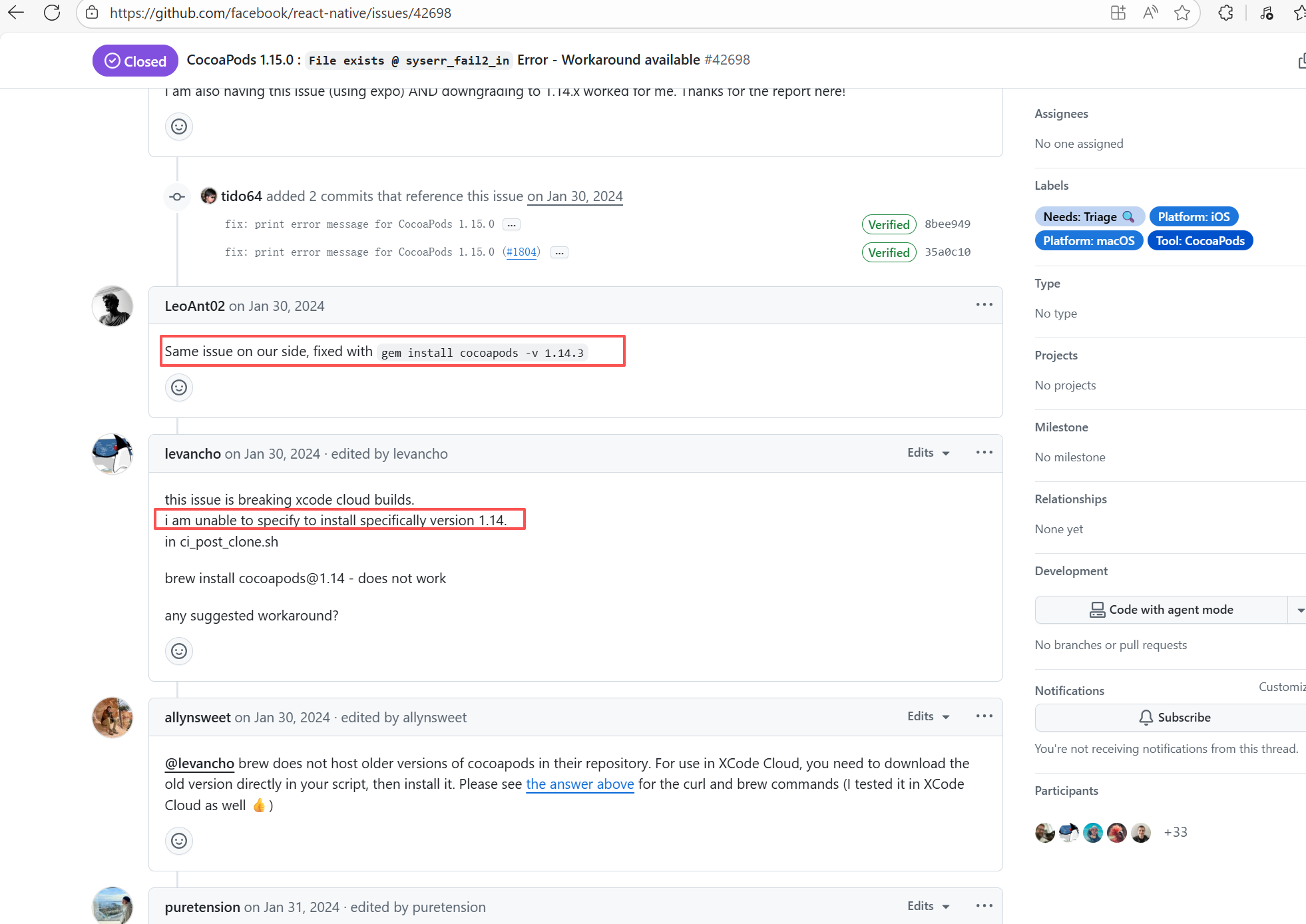 |
| rnmapbox/maps |
21314364846 |
Plugin/Tool Errors |
Error: This error occurs when installing hermes-engine, with error type Errno::EEXIST, meaning "File exists". This error is because a file or directory already exists in the cache directory, and the current operation attempts to create a file or directory with the same name, causing a conflict.
Root Cause: By checking related Issues (https://github.com/facebook/react-native/issues/42698), this error occurs under CocoaPods version 1.15.0. It is not caused by a caching issue, but a bug in version 1.15.0. The only solution provided officially is to downgrade the CocoaPods version. The actual solution is to directly rerun, because the official macOS-last image was downgraded, and the CocoaPods version in the new image is 1.14.3. |
Downgrade the CocoaPods version to 1.14.x or upgrade to 1.50.1, the new version has fixed this bug. |
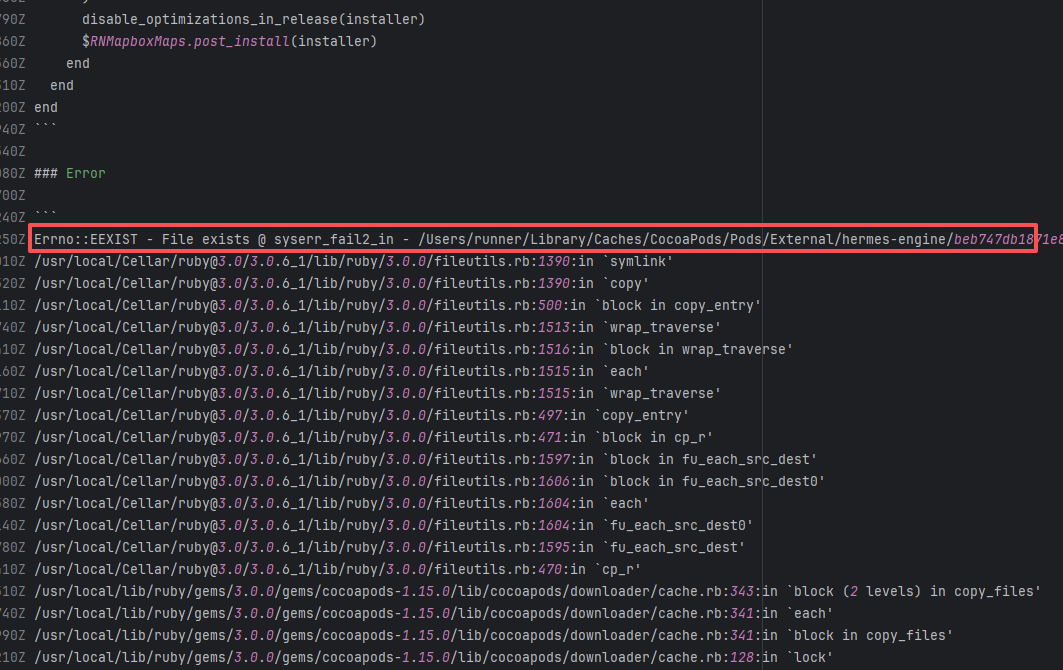 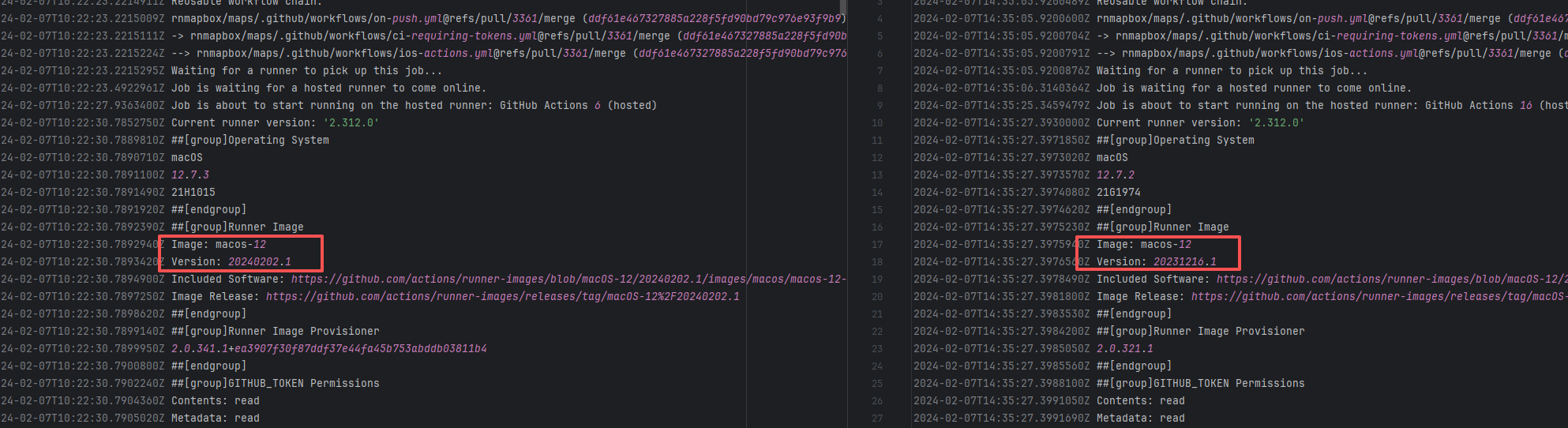 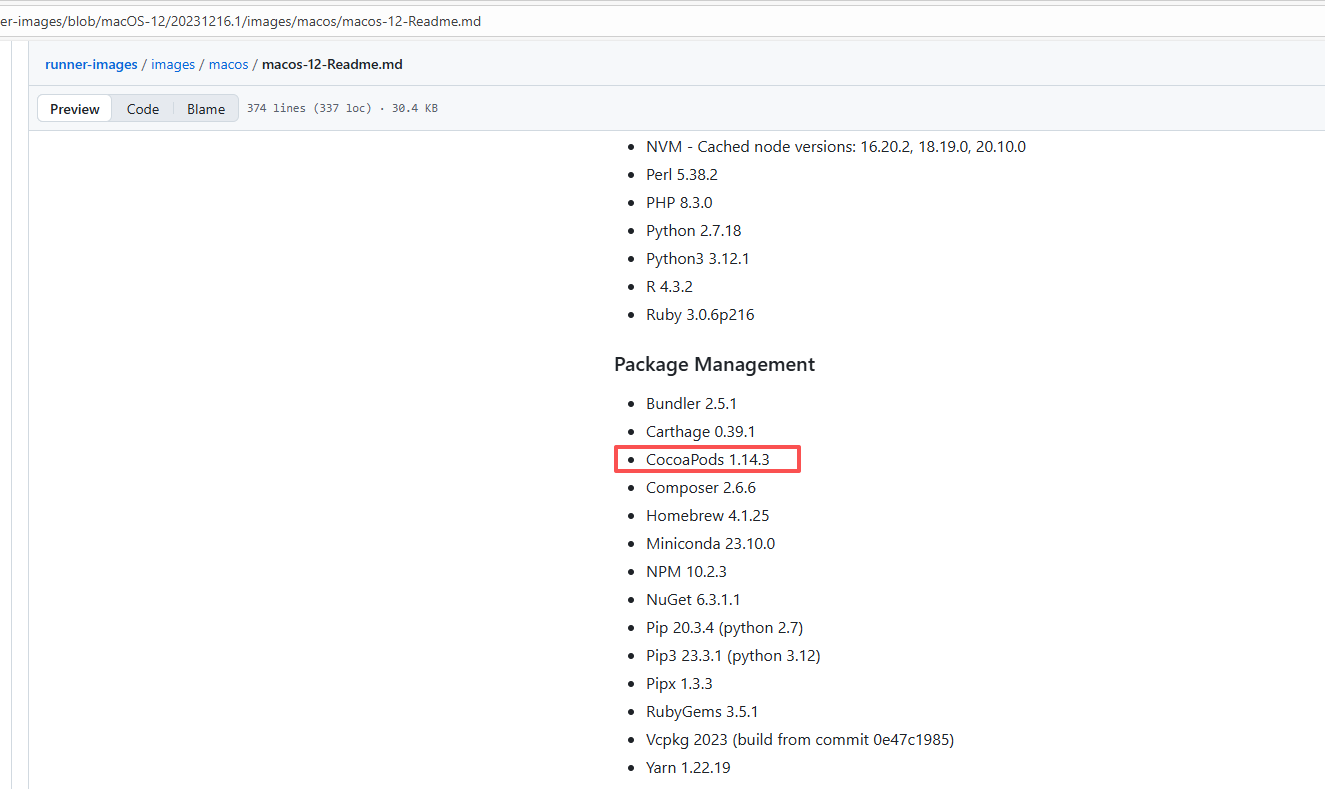 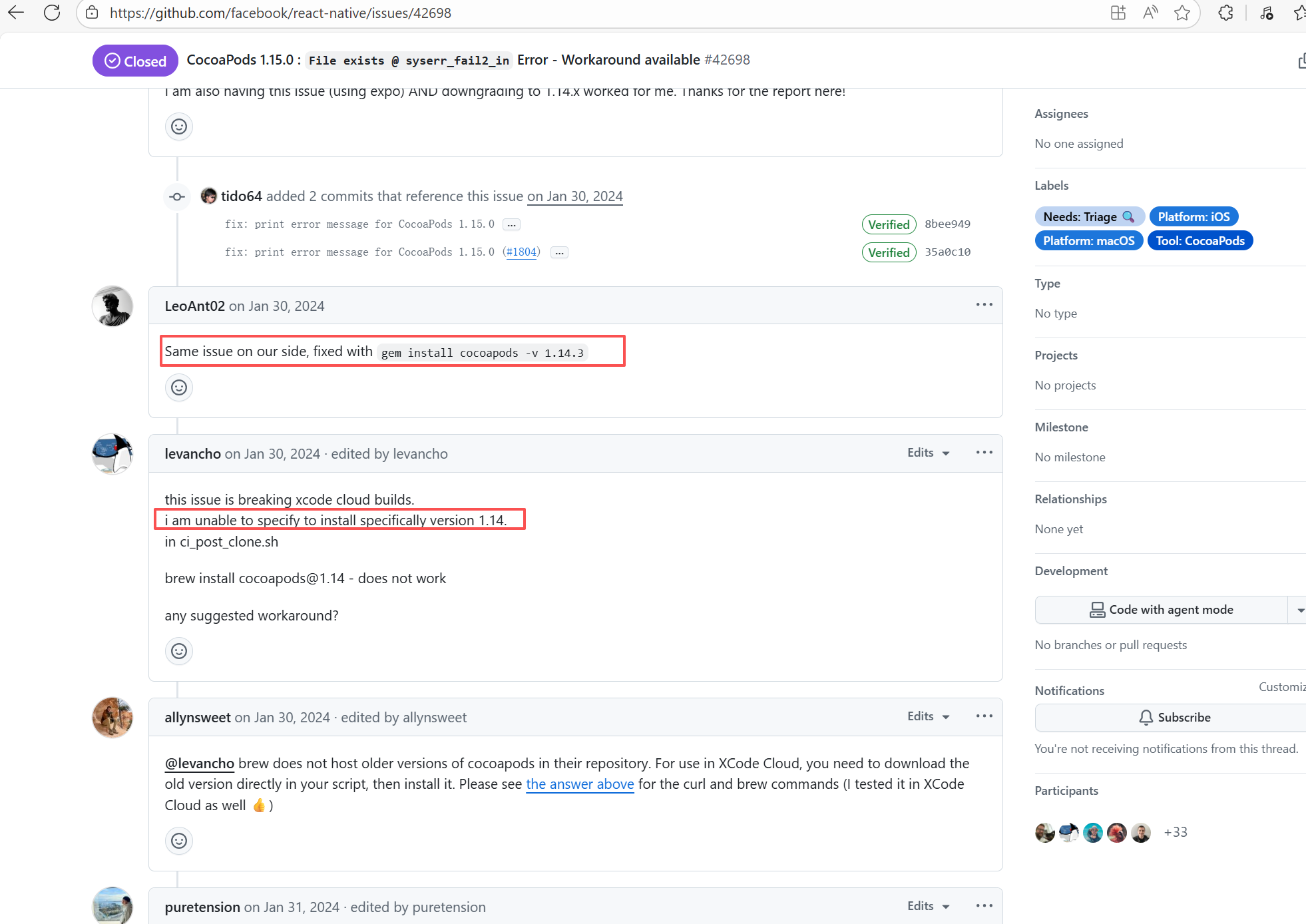 |
| react-native-video/react-native-video |
21360580907 |
Plugin/Tool Errors |
Error: This error occurs when installing hermes-engine, with error type Errno::EEXIST, meaning "File exists". This error is because a file or directory already exists in the cache directory, and the current operation attempts to create a file or directory with the same name, causing a conflict.
Root Cause: By checking related Issues (https://github.com/facebook/react-native/issues/42698), this error occurs under CocoaPods version 1.15.0. It is not caused by a caching issue, but a bug in version 1.15.0. The only solution provided officially is to downgrade the CocoaPods version. The actual solution is to directly rerun, because the official macOS-last image was downgraded, and the CocoaPods version in the new image is 1.14.3. |
Downgrade the CocoaPods version to 1.14.x or upgrade to 1.50.1, the new version has fixed this bug. |
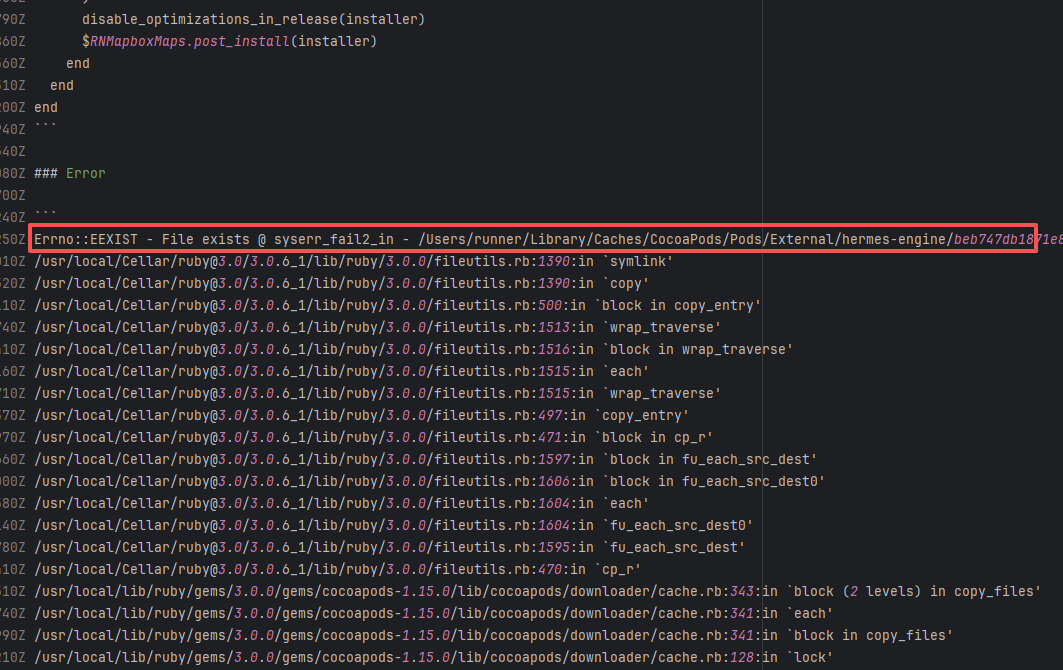 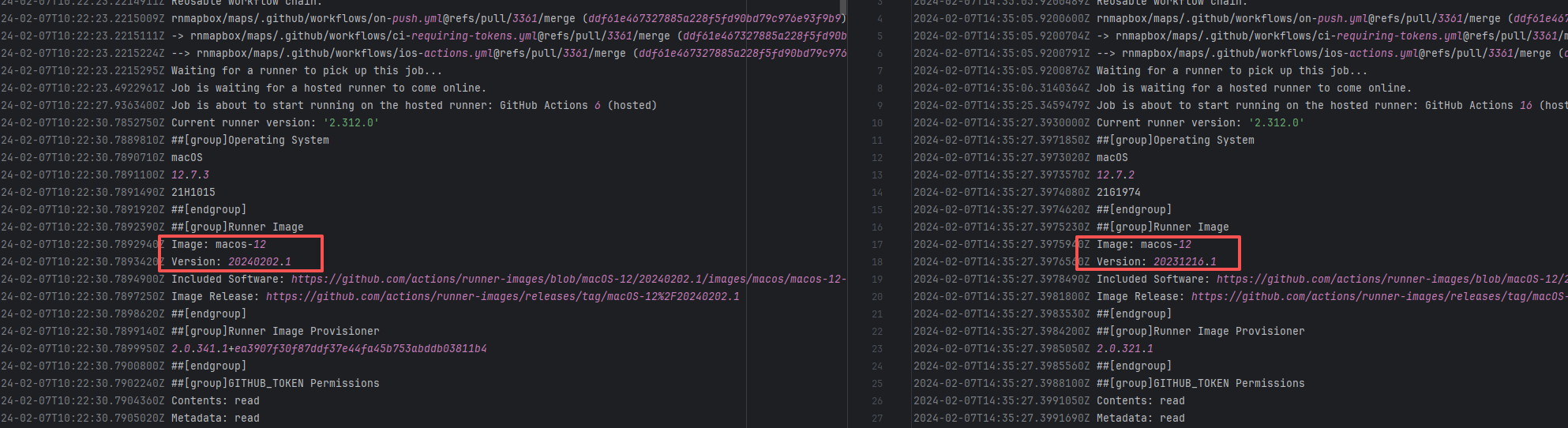 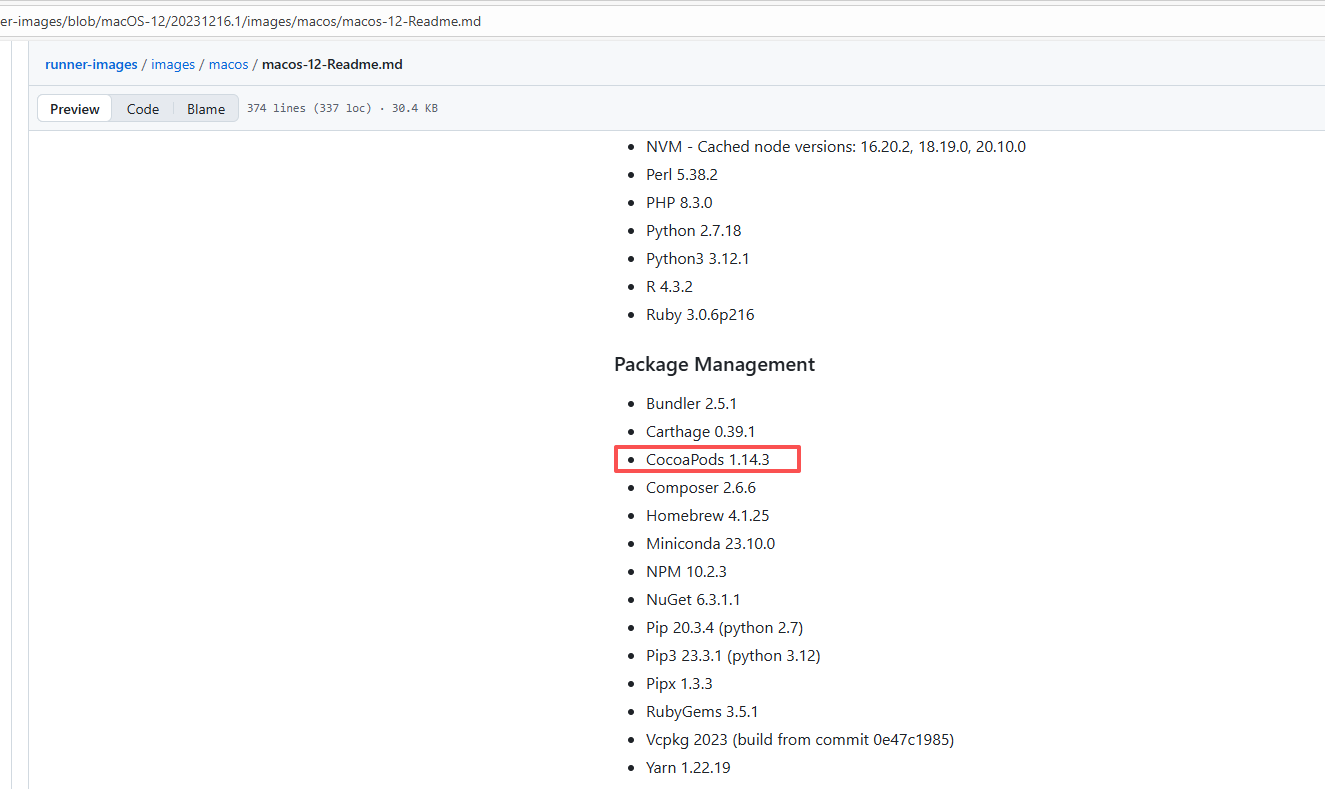 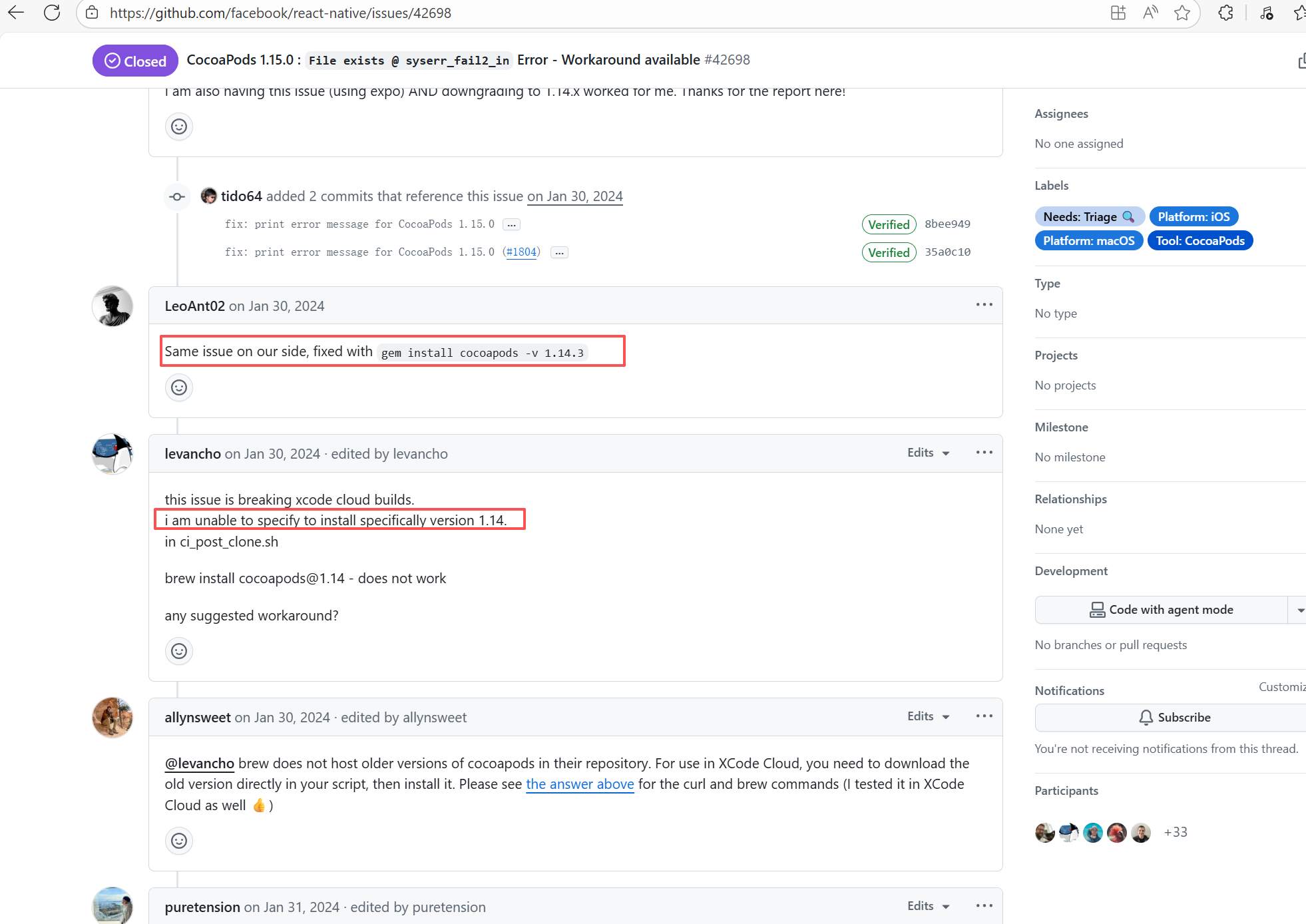 |
| reposense/reposense |
24479423904 |
Cache Errors |
Error: This log shows that the installFrontend task failed during the execution of the Gradle build task. The specific error is related to npm installation, where an EEXIST error occurred, indicating that the cache file already exists, causing the execution to fail to continue.
Root Cause: The EEXIST error means the file already exists. When npm tries to create the file /home/runner/.npm/_cacache/tmp/fa3a6aed, it finds that the file already exists. The error is due to previous builds or operations failing to clear the cache, leaving old files in the cache directory. Rerun succeeds after clearing the cache. |
- Execute npm cache clean --force before building to clear the npm cache and prevent conflicts in the cache.
- Provide the --force option in npm to force overwrite existing files. |
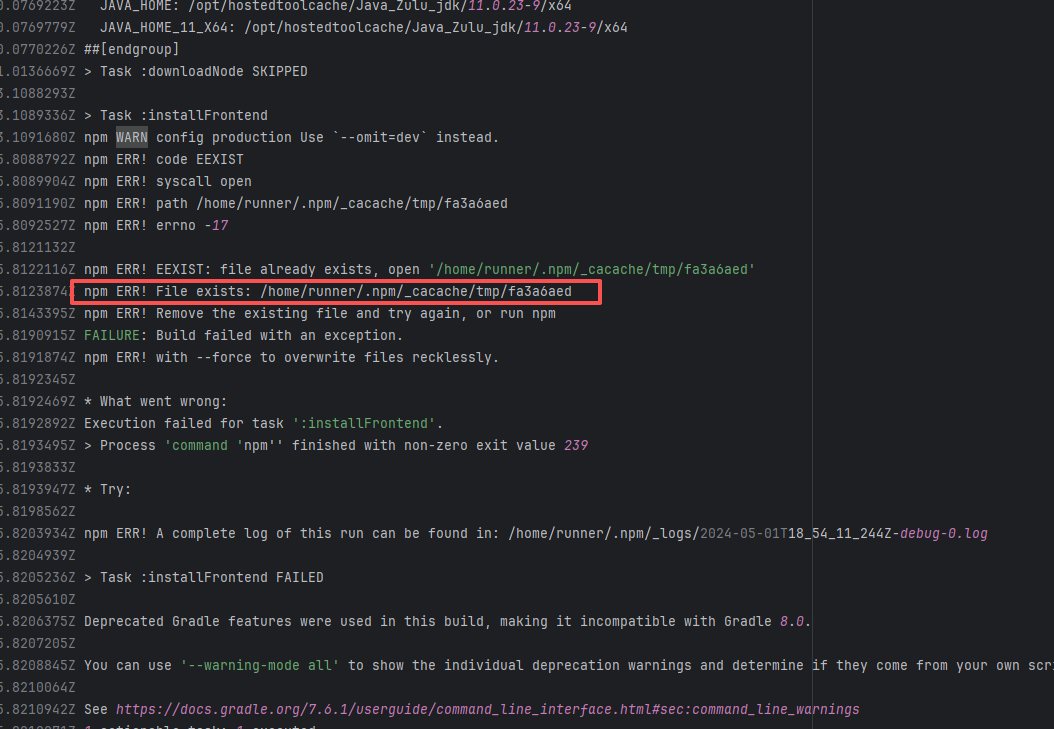 |
| rnmapbox/maps |
21312130257 |
Plugin/Tool Errors |
Error: This error occurs when installing hermes-engine, with error type Errno::EEXIST, meaning "File exists". This error is because a file or directory already exists in the cache directory, and the current operation attempts to create a file or directory with the same name, causing a conflict.
Root Cause: By checking related Issues (https://github.com/facebook/react-native/issues/42698), this error occurs under CocoaPods version 1.15.0. It is not caused by a caching issue, but a bug in version 1.15.0. The only solution provided officially is to downgrade the CocoaPods version. The actual solution is to directly rerun, because the official macOS-last image was downgraded, and the CocoaPods version in the new image is 1.14.3. |
Downgrade the CocoaPods version to 1.14.x or upgrade to 1.50.1, the new version has fixed this bug. |
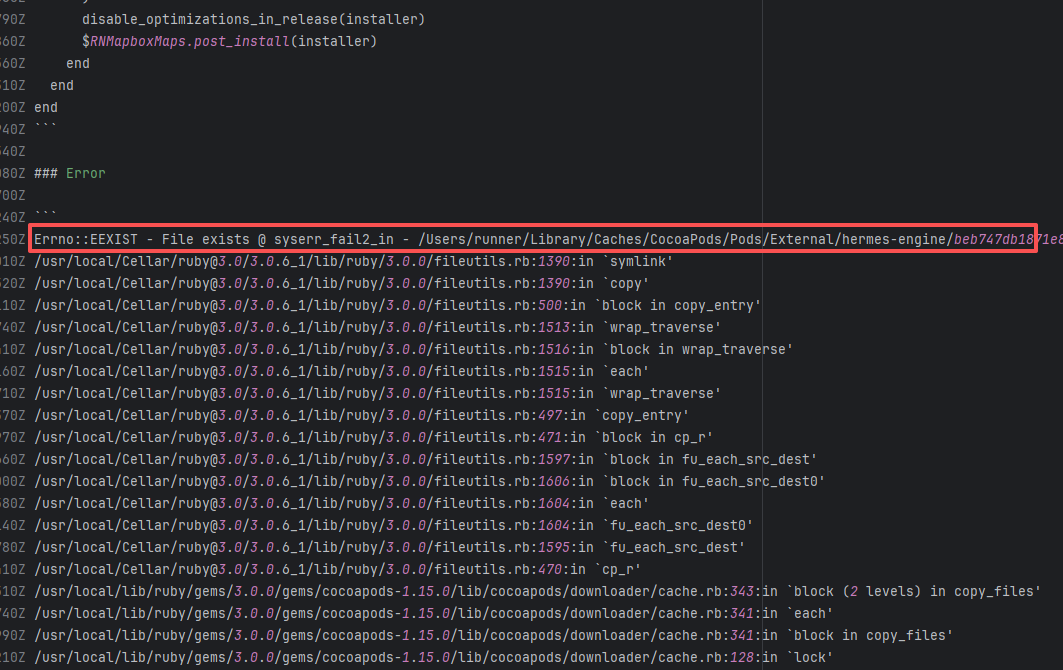 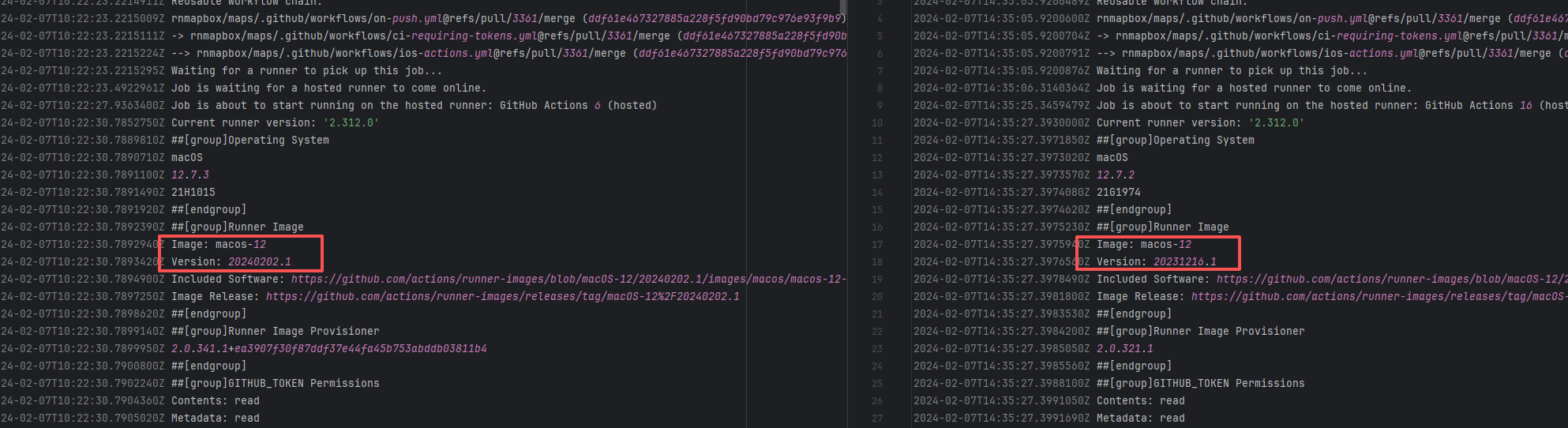 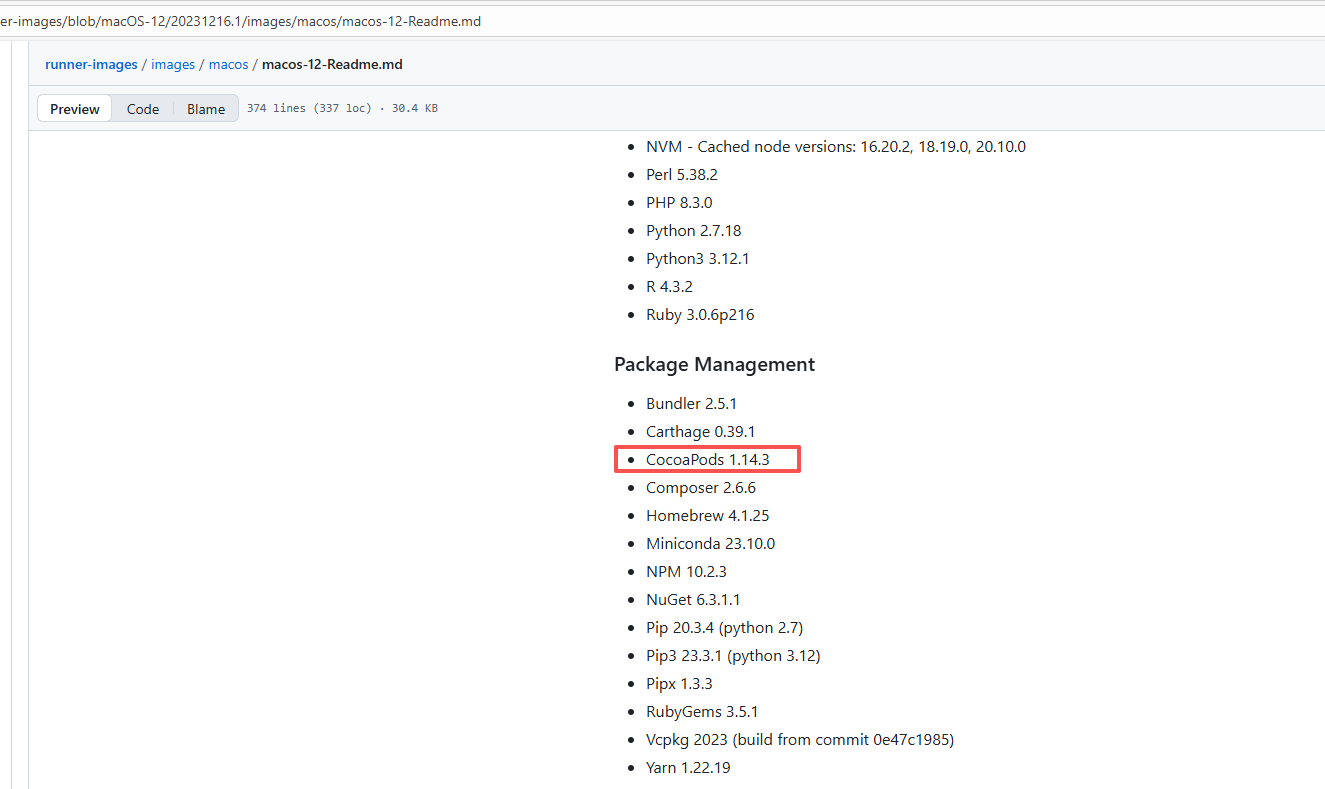 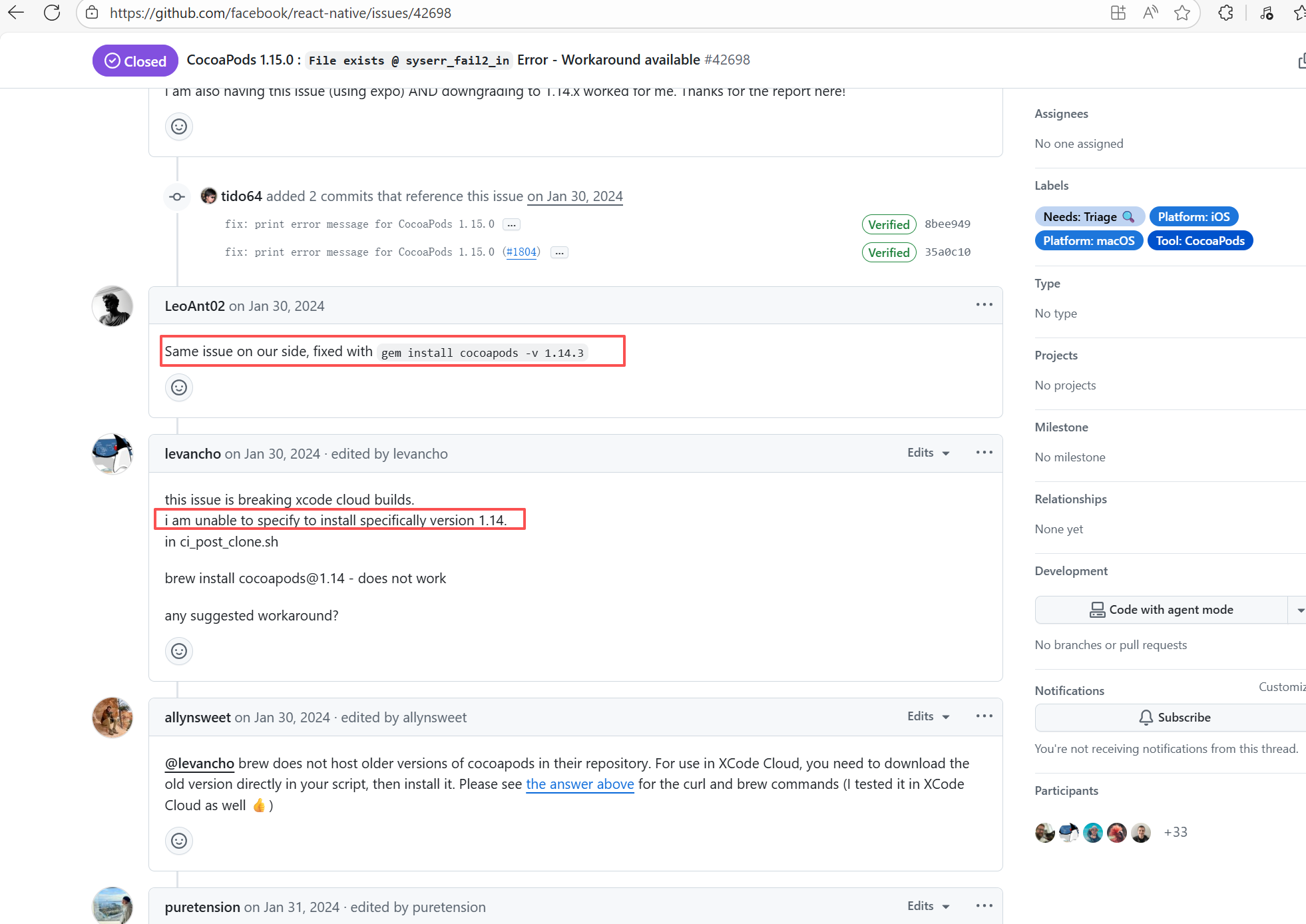 |
| xtclang/xvm |
24871997731 |
Cache Errors |
Error: The log shows that the error is the metadata file in the Gradle cache does not exist, which may be caused by a corrupted cache file.
Root Cause: "Could not read workspace metadata" indicates that Gradle failed to read the file during the Gradle build process. This file is Gradle's metadata file in the cache. The error is due to some cache corruption making it unreadable. Rerun succeeds after clearing the Gradle cache. |
- Clear the gradle cache before building to prevent conflicts in the cache. |
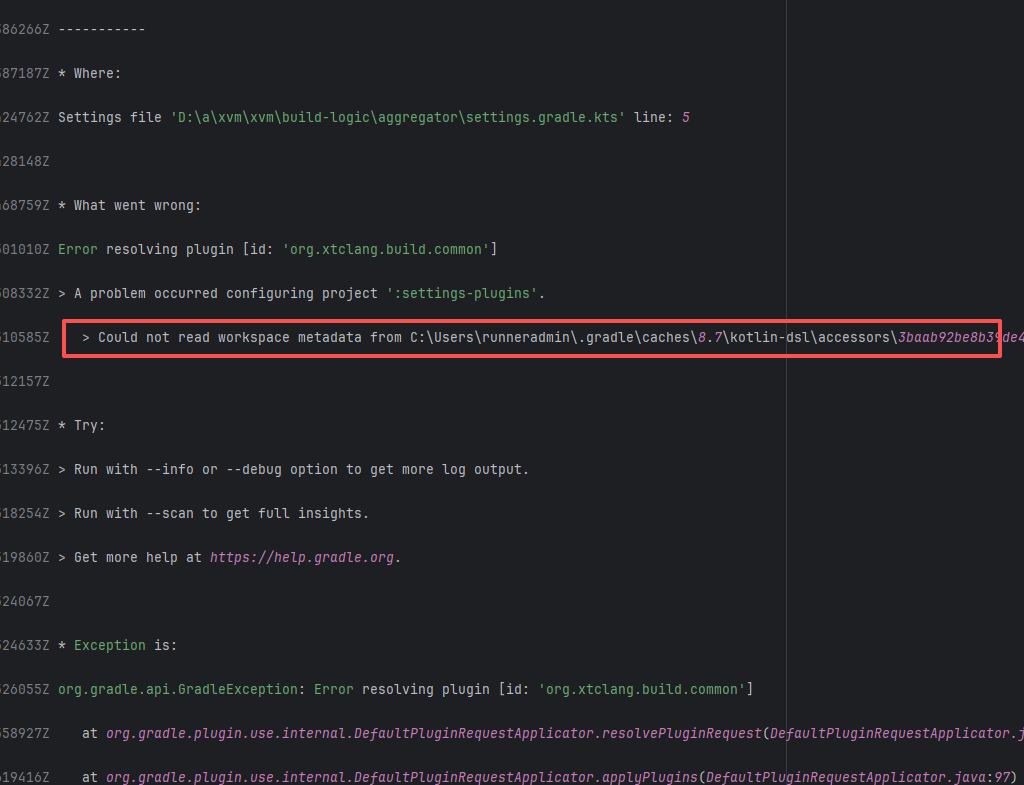 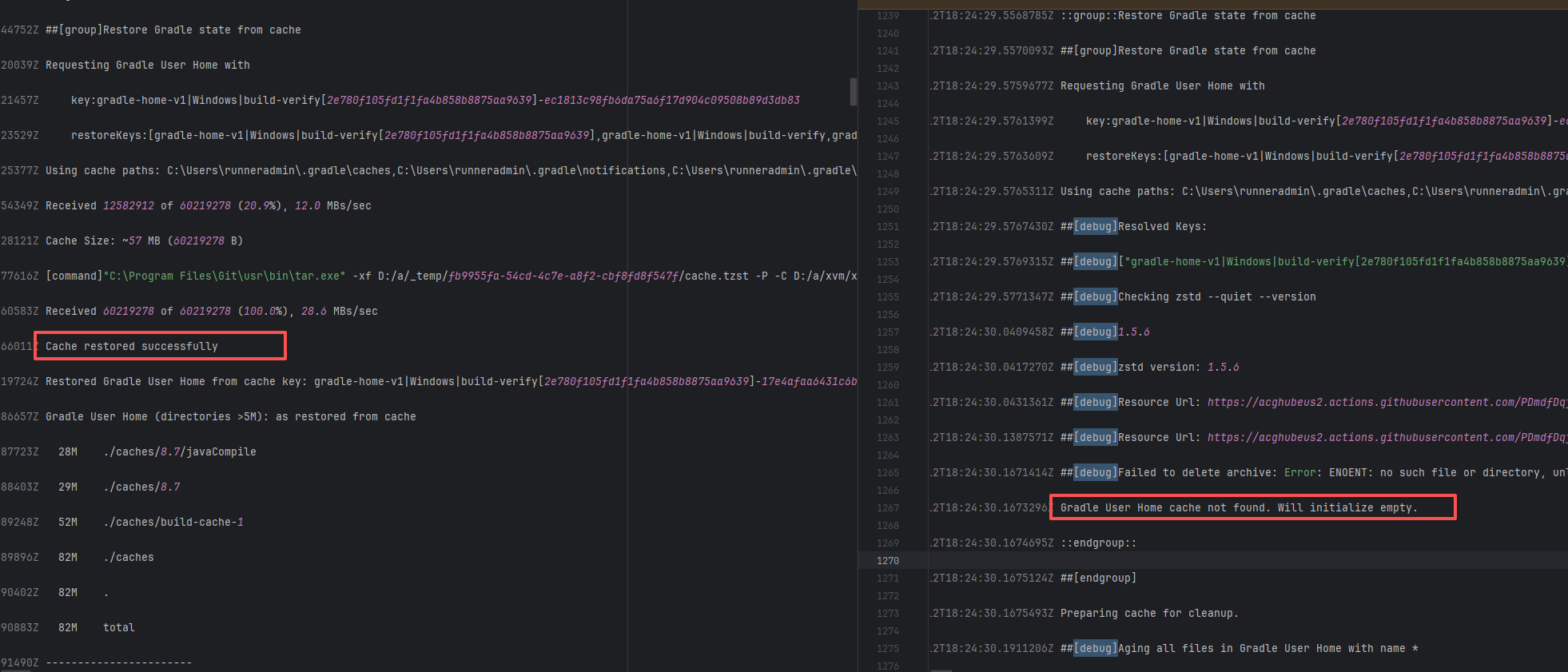 |
| rnmapbox/maps |
21422641778 |
Plugin/Tool Errors |
Error: This error occurs when installing hermes-engine, with error type Errno::EEXIST, meaning "File exists". This error is because a file or directory already exists in the cache directory, and the current operation attempts to create a file or directory with the same name, causing a conflict.
Root Cause: By checking related Issues (https://github.com/facebook/react-native/issues/42698), this error occurs under CocoaPods version 1.15.0. It is not caused by a caching issue, but a bug in version 1.15.0. The only solution provided officially is to downgrade the CocoaPods version. The actual solution is to directly rerun, because the official macOS-last image was downgraded, and the CocoaPods version in the new image is 1.14.3. |
Downgrade the CocoaPods version to 1.14.x or upgrade to 1.50.1, the new version has fixed this bug. |
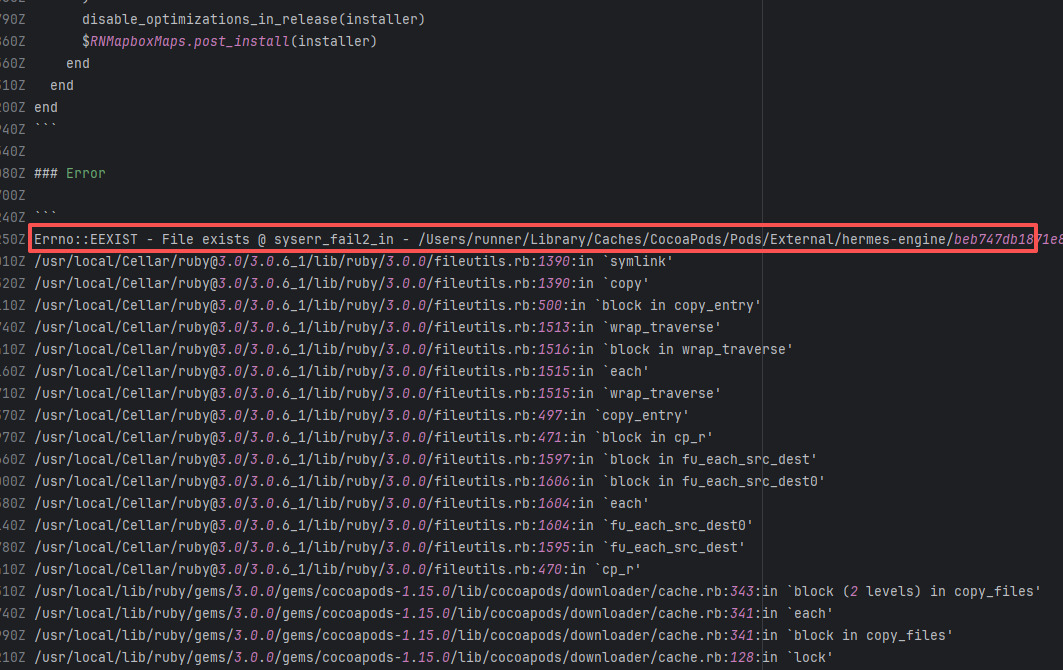 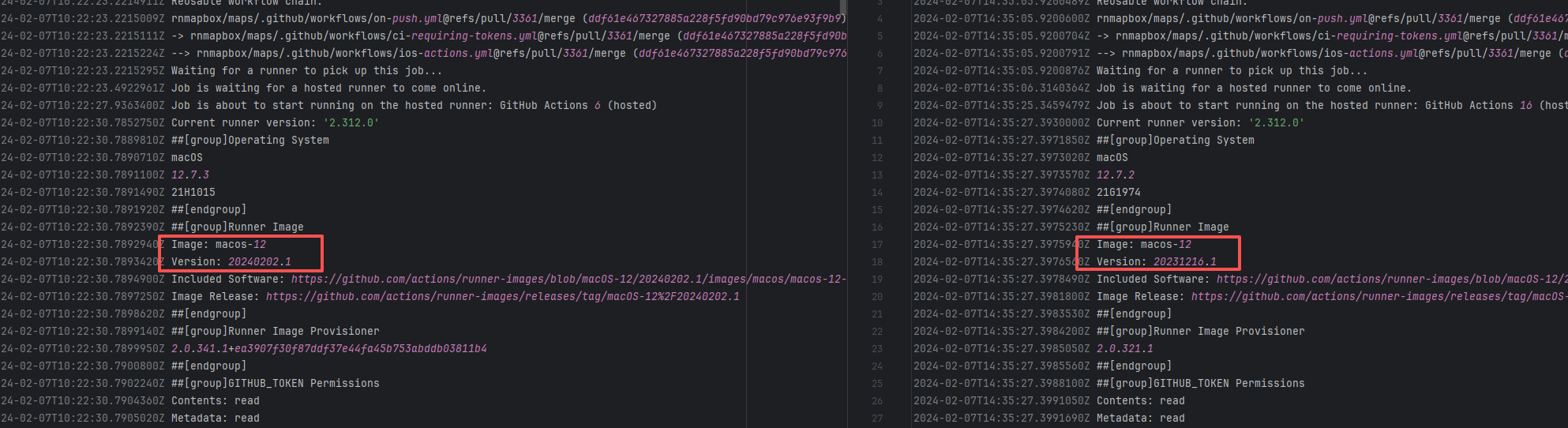 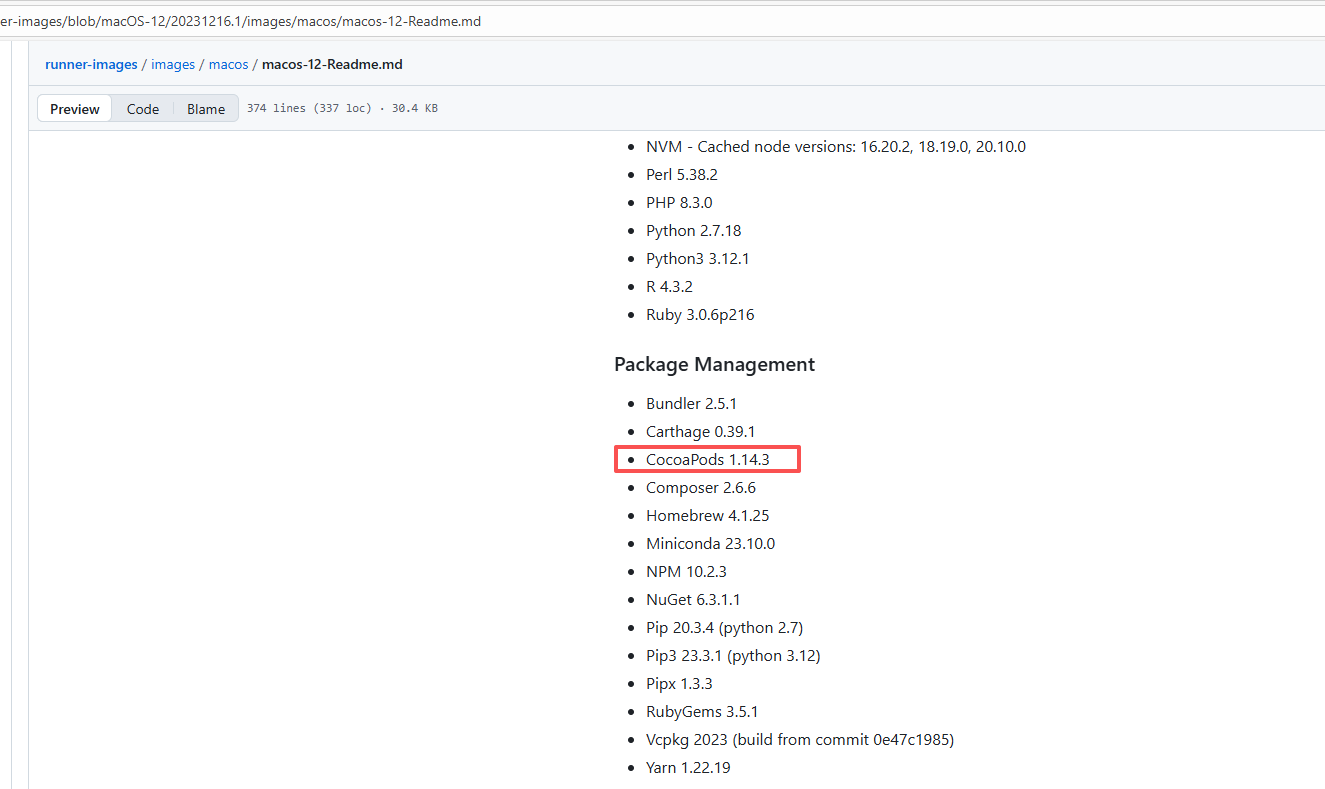 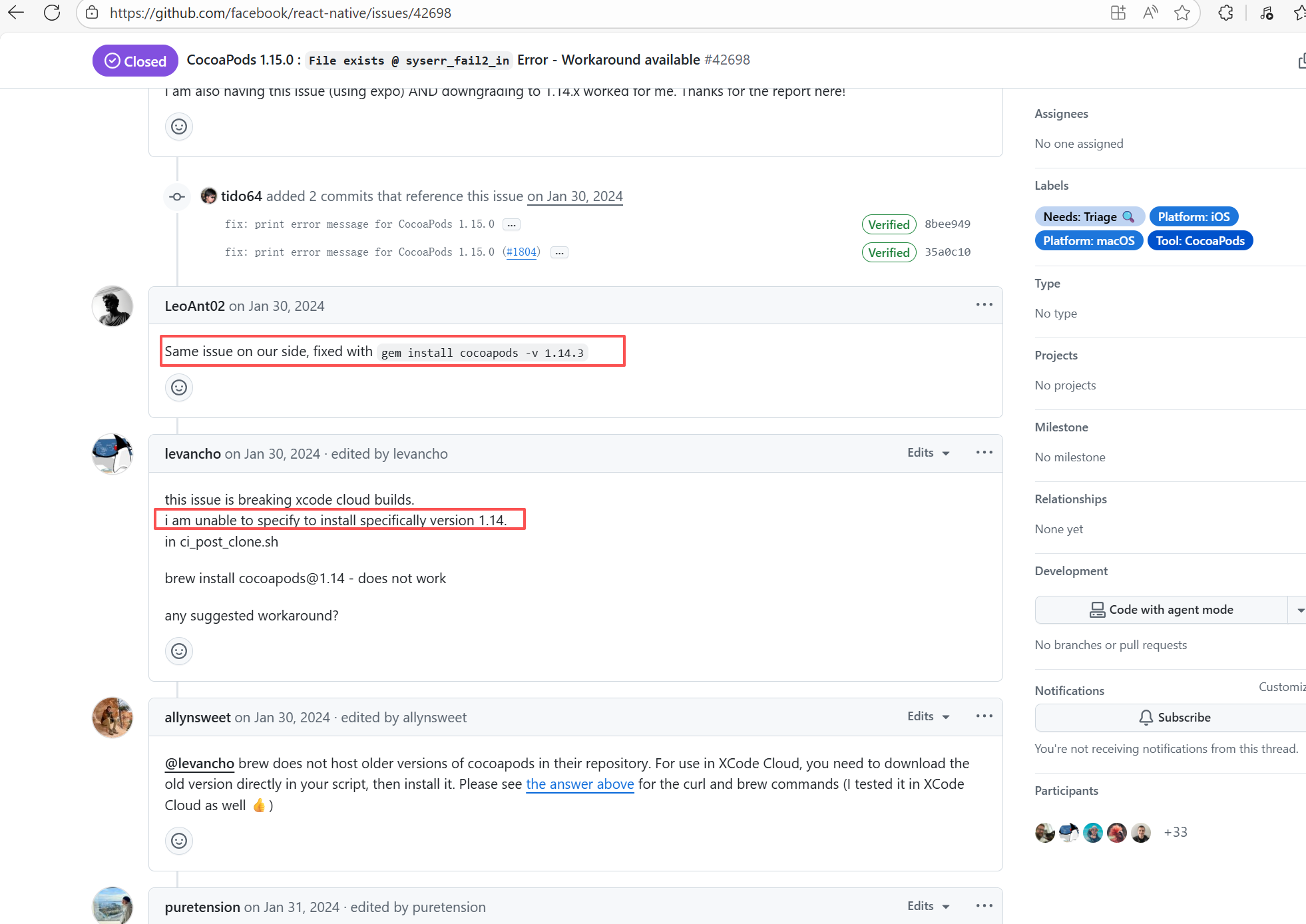 |
| teammates/teammates |
19707659090 |
Cache Errors |
Error: This log shows that the installFrontend task failed during the execution of the Gradle build task. The specific error is related to npm installation, where an EEXIST error occurred, indicating that the cache file already exists, causing the execution to fail to continue.
Root Cause: The EEXIST error means the file already exists. When npm tries to create the file /home/runner/.npm/_cacache/tmp/fa3a6aed, it finds that the file already exists. The error is due to previous builds or operations failing to clear the cache, leaving old files in the cache directory. Rerun succeeds after clearing the cache. |
- Execute npm cache clean --force before building to clear the npm cache and prevent conflicts in the cache.
- Provide the --force option in npm to force overwrite existing files. |
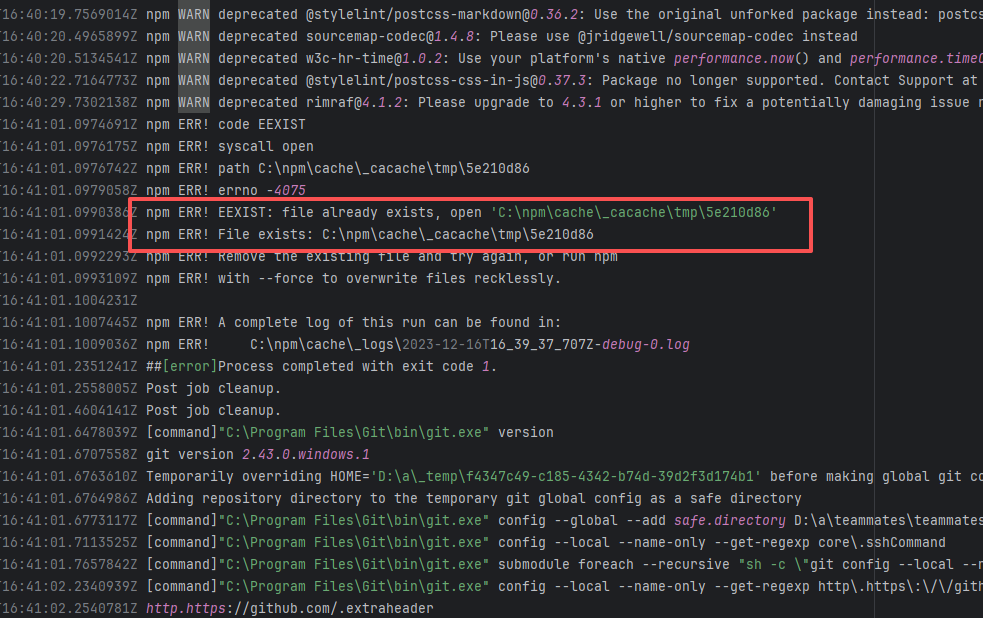 |
| teammates/teammates |
23937950668 |
Cache Errors |
Error: This log shows that the installFrontend task failed during the execution of the Gradle build task. The specific error is related to npm installation, where an EEXIST error occurred, indicating that the cache file already exists, causing the execution to fail to continue.
Root Cause: The EEXIST error means the file already exists. When npm tries to create the file /home/runner/.npm/_cacache/tmp/fa3a6aed, it finds that the file already exists. The error is due to previous builds or operations failing to clear the cache, leaving old files in the cache directory. Rerun succeeds after clearing the cache. |
- Execute npm cache clean --force before building to clear the npm cache and prevent conflicts in the cache.
- Provide the --force option in npm to force overwrite existing files. |
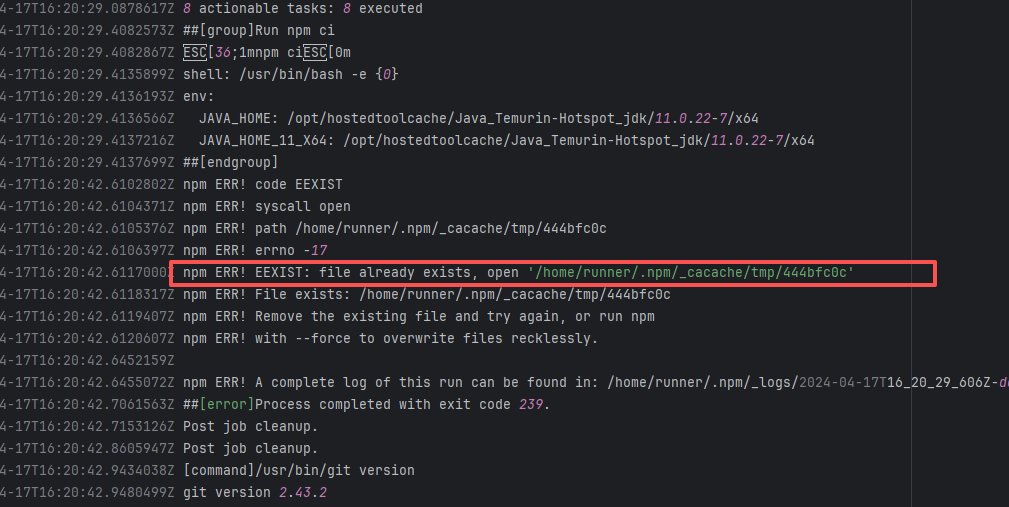 |
| teammates/teammates |
23290165097 |
Cache Errors |
Error: This log shows that the installFrontend task failed during the execution of the Gradle build task. The specific error is related to npm installation, where an EEXIST error occurred, indicating that the cache file already exists, causing the execution to fail to continue.
Root Cause: The EEXIST error means the file already exists. When npm tries to create the file /home/runner/.npm/_cacache/tmp/fa3a6aed, it finds that the file already exists. The error is due to previous builds or operations failing to clear the cache, leaving old files in the cache directory. Rerun succeeds after clearing the cache. |
- Execute npm cache clean --force before building to clear the npm cache and prevent conflicts in the cache.
- Provide the --force option in npm to force overwrite existing files. |
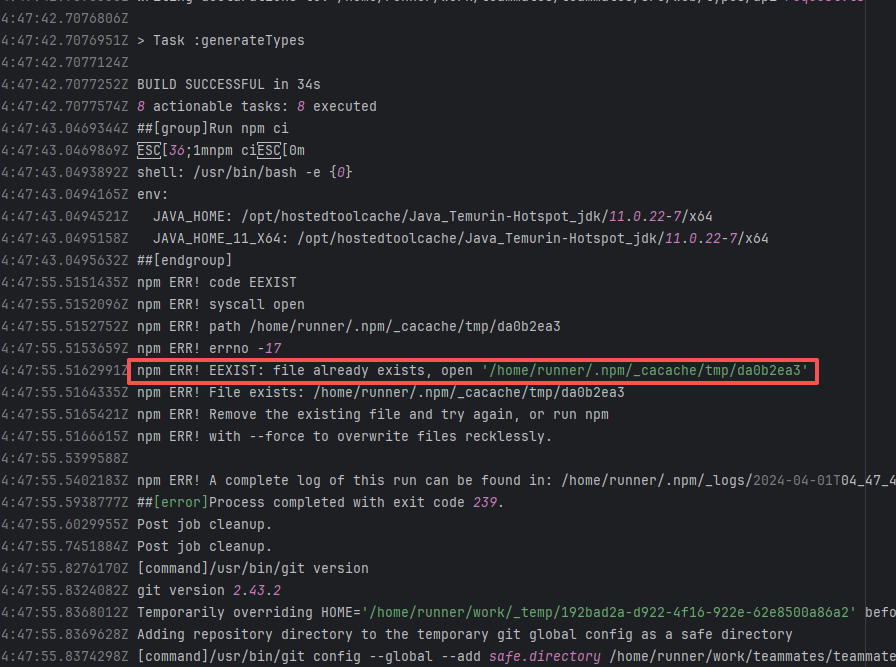 |
| apache/nifi |
22590875082 |
Cache Errors |
Error: This log shows that the installFrontend task failed during the execution of the Gradle build task. The specific error is related to npm installation, where an EEXIST error occurred, indicating that the cache file already exists, causing the execution to fail to continue.
Root Cause: The EEXIST error means the file already exists. When npm tries to create the file /home/runner/.npm/_cacache/tmp/fa3a6aed, it finds that the file already exists. The error is due to previous builds or operations failing to clear the cache, leaving old files in the cache directory. Rerun succeeds after clearing the cache. |
- Execute npm cache clean --force before building to clear the npm cache and prevent conflicts in the cache.
- Provide the --force option in npm to force overwrite existing files. |
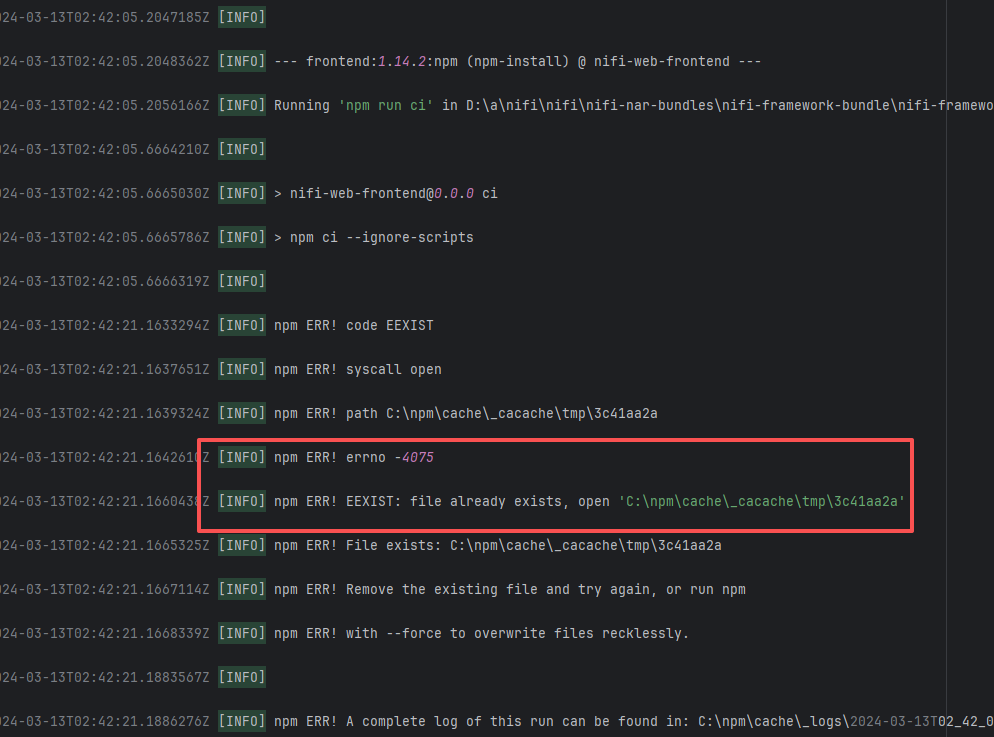 |
| teammates/teammates |
22867656846 |
Cache Errors |
Error: This log shows that the installFrontend task failed during the execution of the Gradle build task. The specific error is related to npm installation, where an EEXIST error occurred, indicating that the cache file already exists, causing the execution to fail to continue.
Root Cause: The EEXIST error means the file already exists. When npm tries to create the file /home/runner/.npm/_cacache/tmp/fa3a6aed, it finds that the file already exists. The error is due to previous builds or operations failing to clear the cache, leaving old files in the cache directory. Rerun succeeds after clearing the cache. |
- Execute npm cache clean --force before building to clear the npm cache and prevent conflicts in the cache.
- Provide the --force option in npm to force overwrite existing files. |
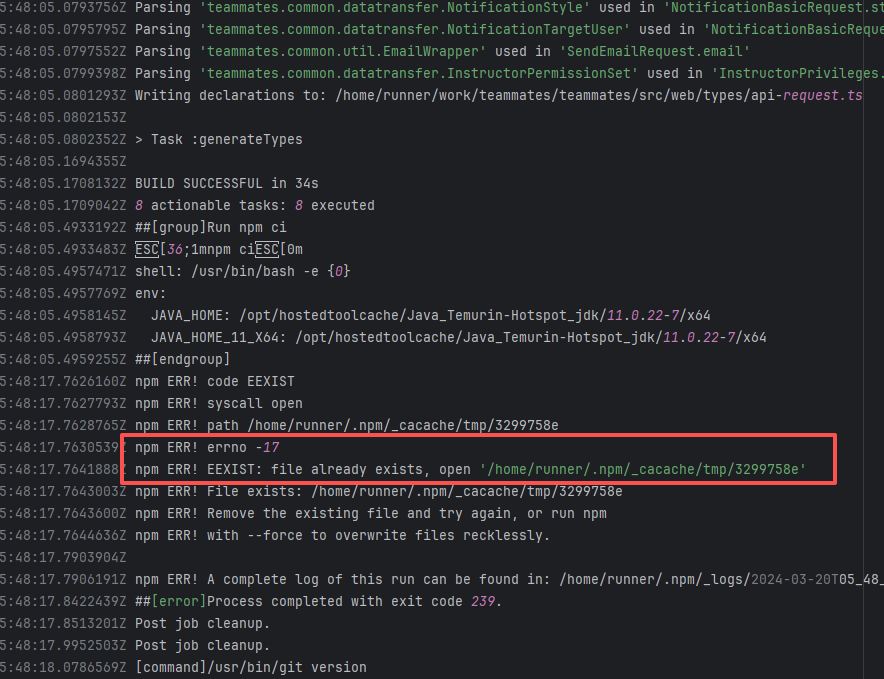 |
| rnmapbox/maps |
21388593247 |
Plugin/Tool Errors |
Error: This error occurs when installing hermes-engine, with error type Errno::EEXIST, meaning "File exists". This error is because a file or directory already exists in the cache directory, and the current operation attempts to create a file or directory with the same name, causing a conflict.
Root Cause: By checking related Issues (https://github.com/facebook/react-native/issues/42698), this error occurs under CocoaPods version 1.15.0. It is not caused by a caching issue, but a bug in version 1.15.0. The only solution provided officially is to downgrade the CocoaPods version. The actual solution is to directly rerun, because the official macOS-last image was downgraded, and the CocoaPods version in the new image is 1.14.3. |
Downgrade the CocoaPods version to 1.14.x or upgrade to 1.50.1, the new version has fixed this bug. |
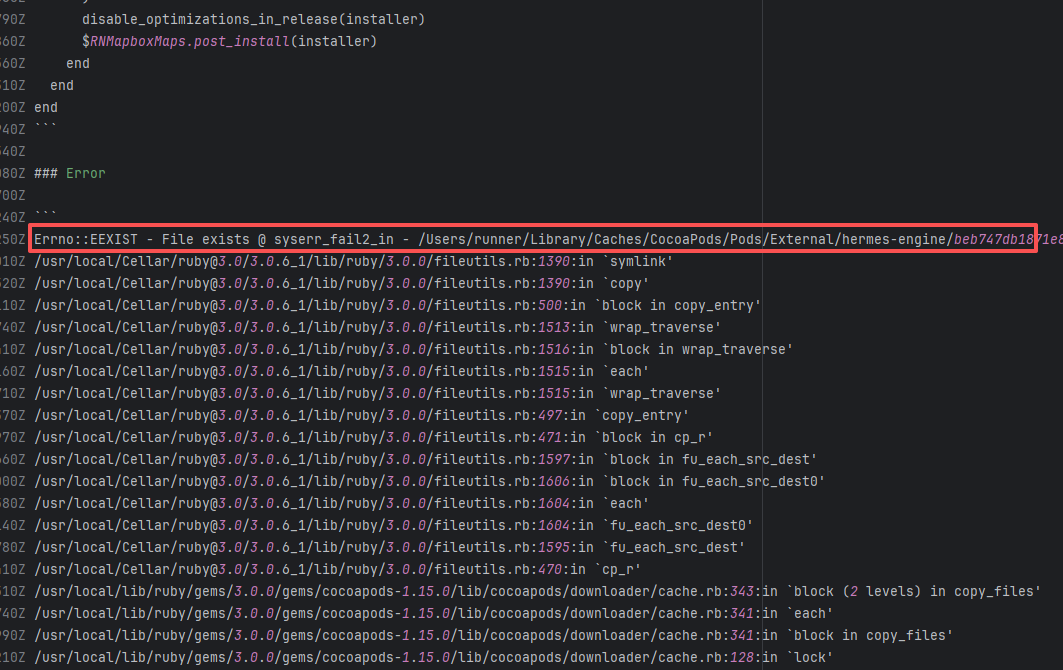 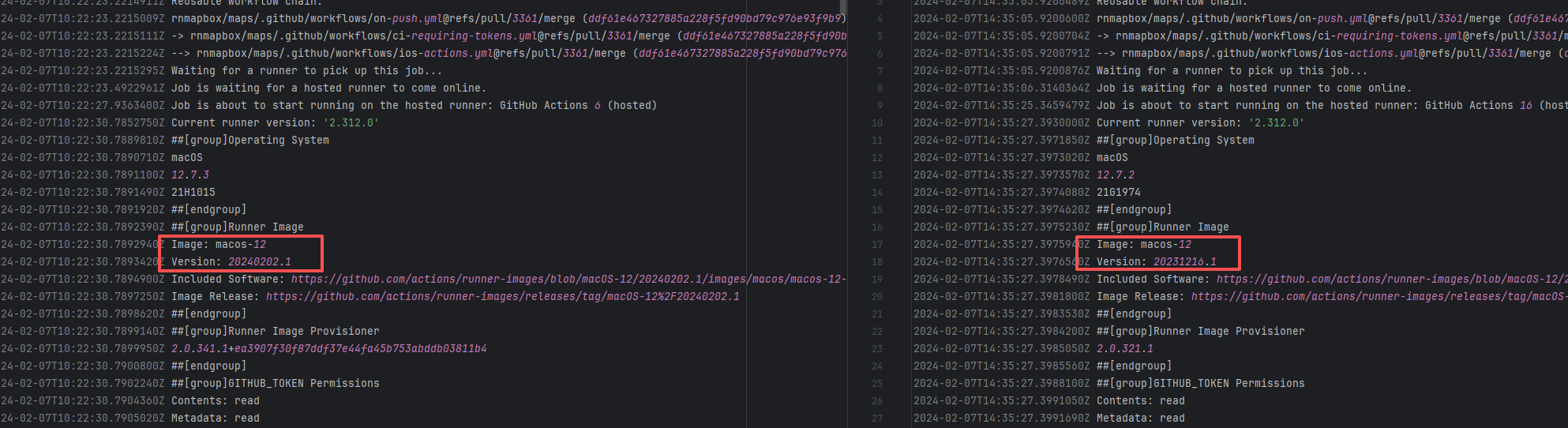 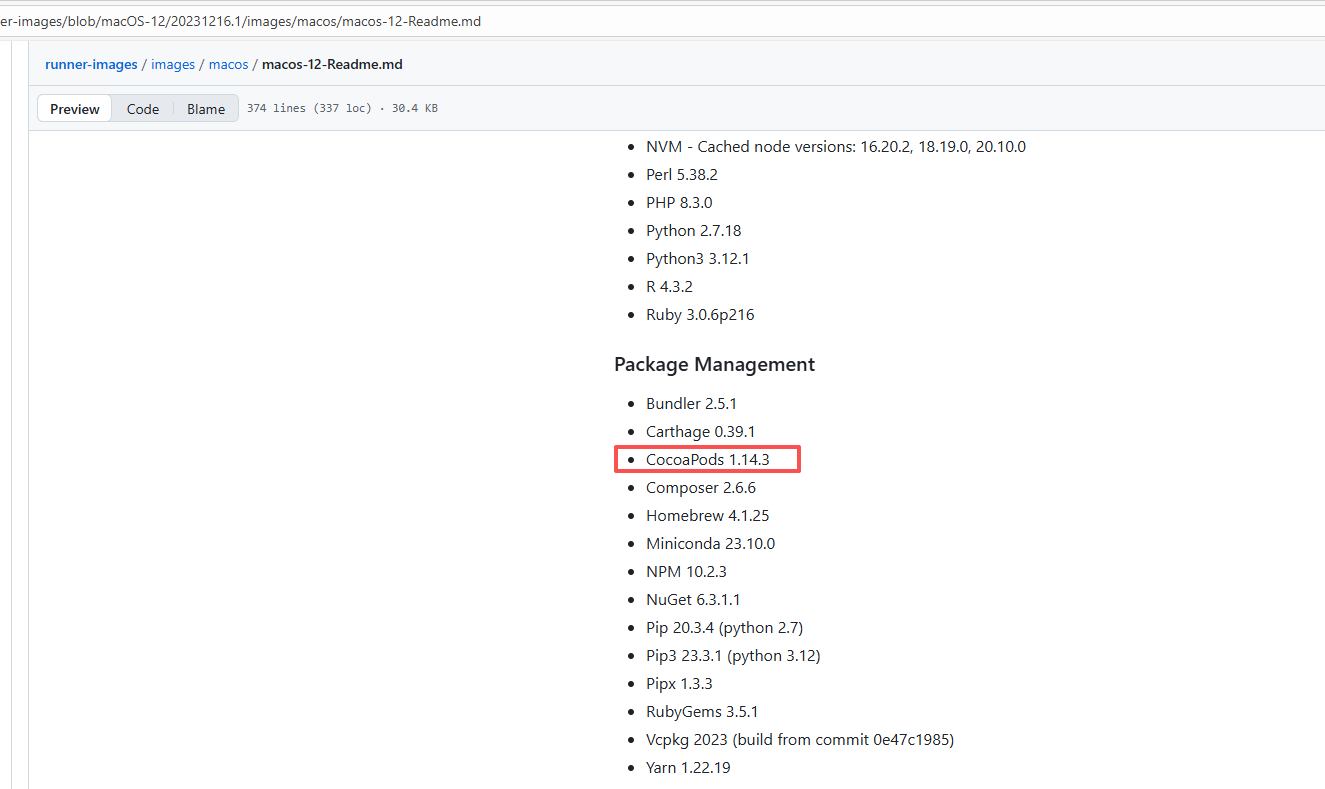 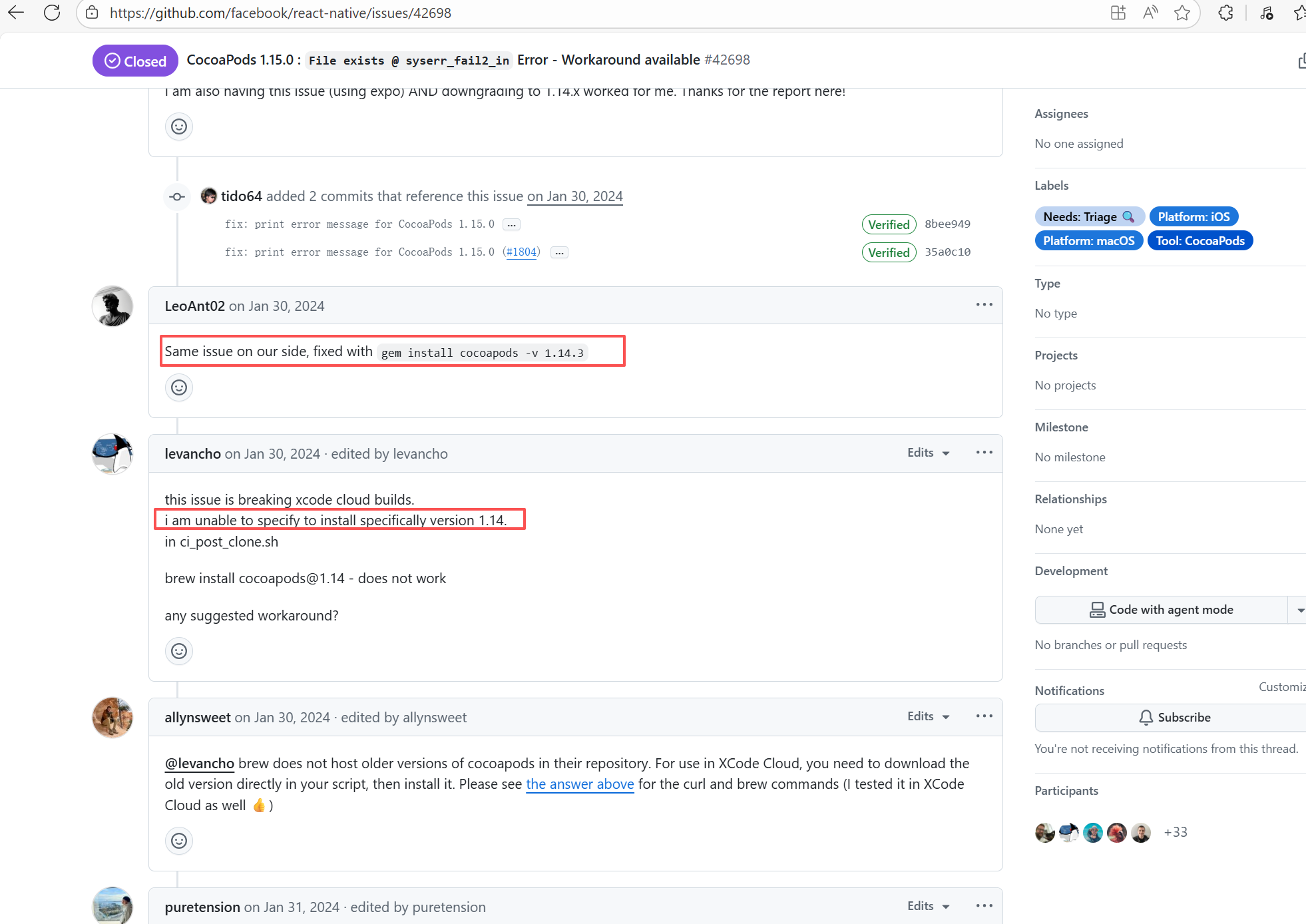 |
| rnmapbox/maps |
21315289263 |
Plugin/Tool Errors |
Error: This error occurs when installing hermes-engine, with error type Errno::EEXIST, meaning "File exists". This error is because a file or directory already exists in the cache directory, and the current operation attempts to create a file or directory with the same name, causing a conflict.
Root Cause: By checking related Issues (https://github.com/facebook/react-native/issues/42698), this error occurs under CocoaPods version 1.15.0. It is not caused by a caching issue, but a bug in version 1.15.0. The only solution provided officially is to downgrade the CocoaPods version. The actual solution is to directly rerun, because the official macOS-last image was downgraded, and the CocoaPods version in the new image is 1.14.3. |
Downgrade the CocoaPods version to 1.14.x or upgrade to 1.50.1, the new version has fixed this bug. |
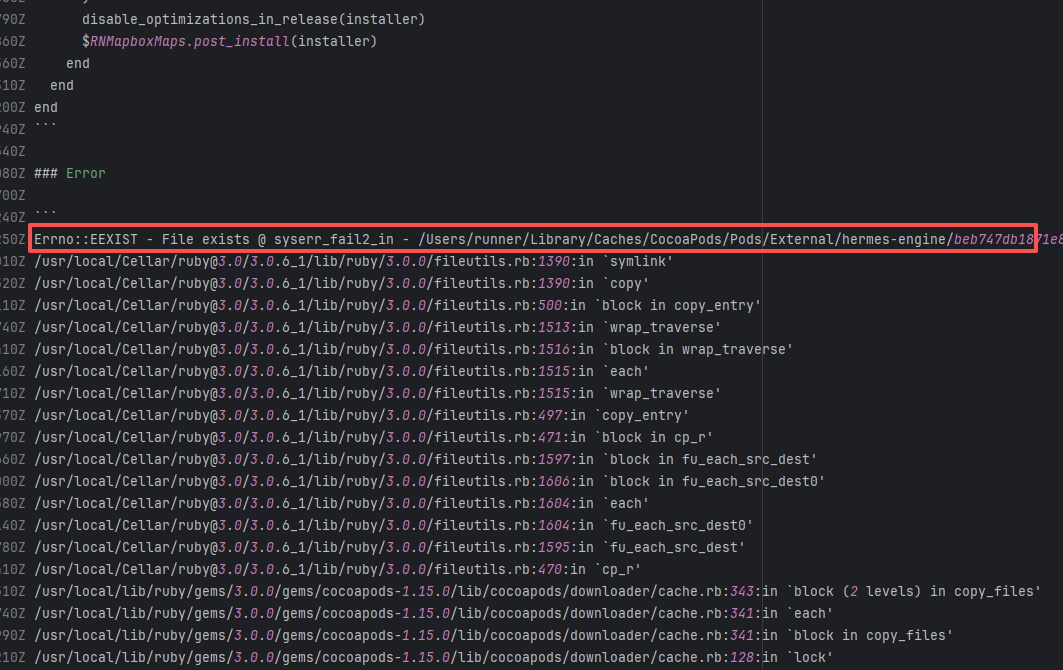 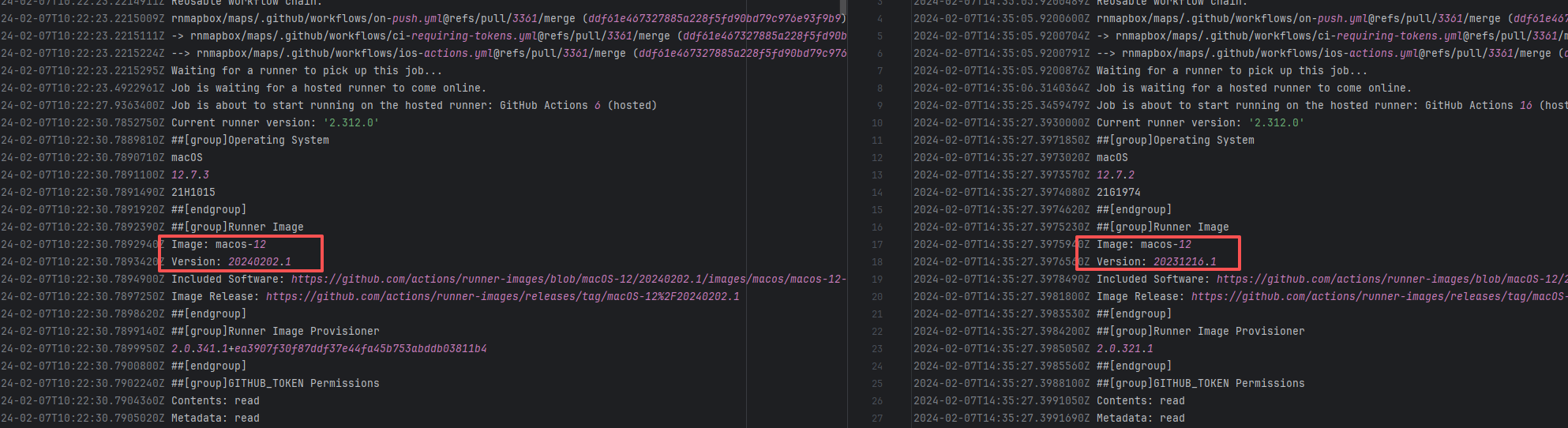 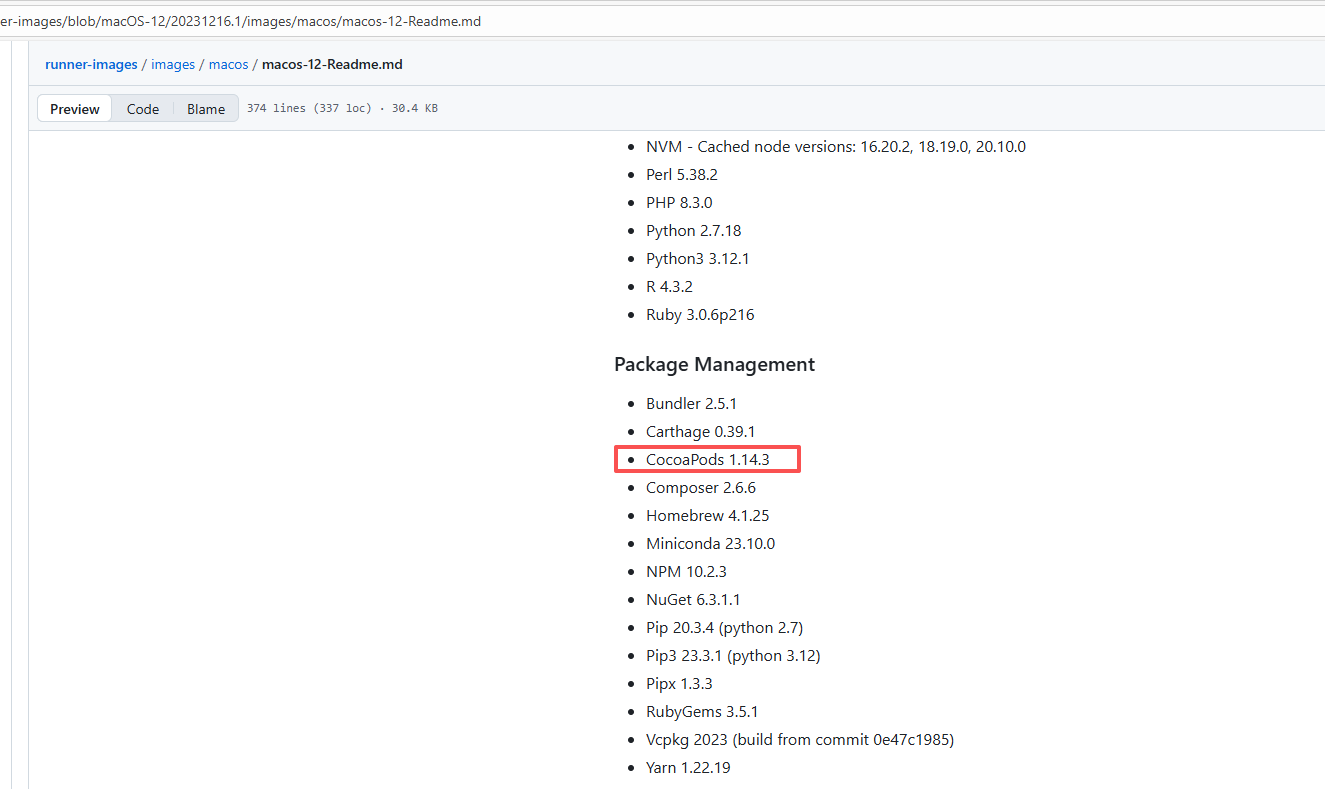 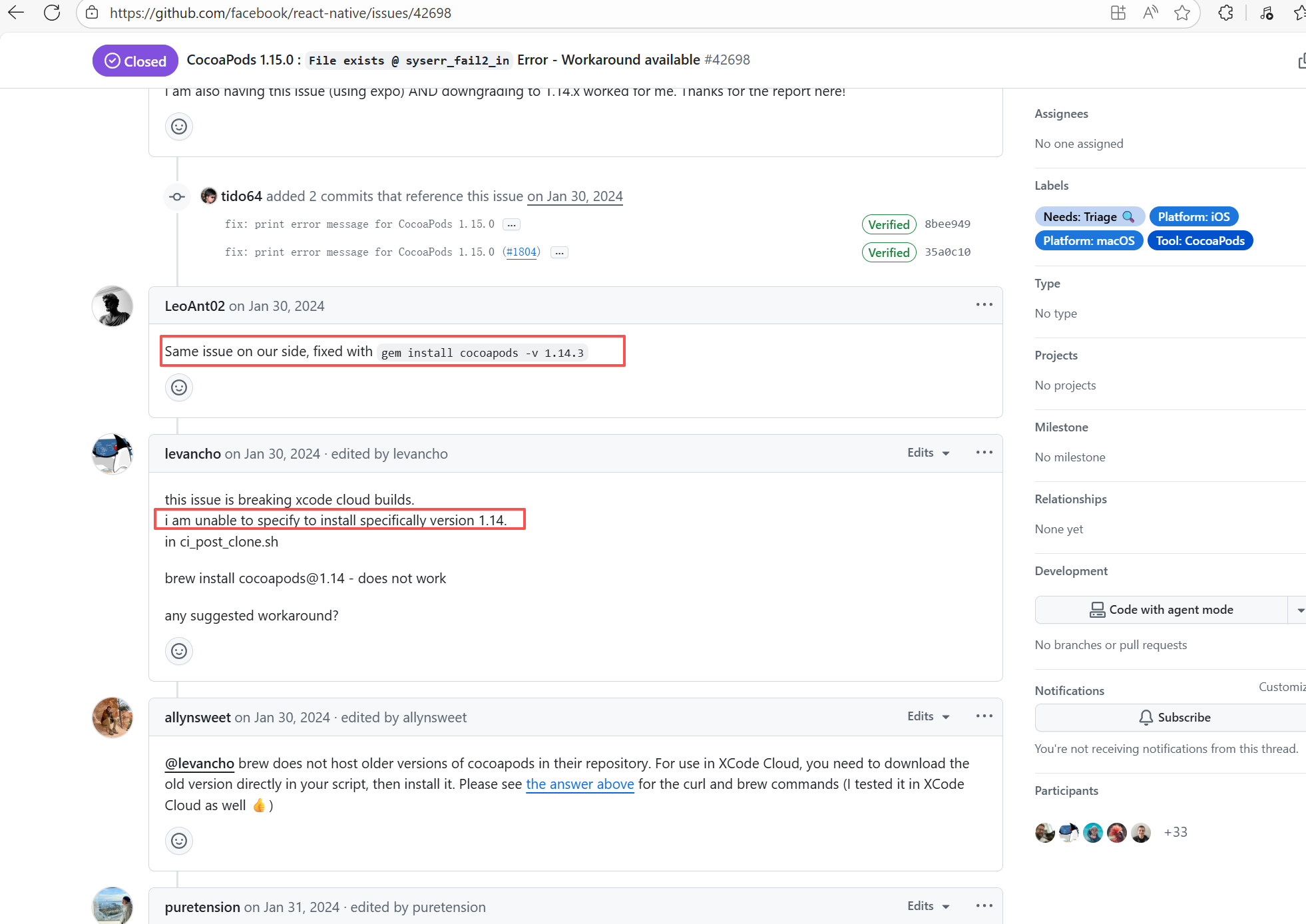 |
| jhipster/jhipster-lite |
20251077027 |
Cache Errors |
Error: This log shows that the installFrontend task failed during the execution of the Gradle build task. The specific error is related to npm installation, where an EEXIST error occurred, indicating that the cache file already exists, causing the execution to fail to continue.
Root Cause: The EEXIST error means the file already exists. When npm tries to create the file /home/runner/.npm/_cacache/tmp/fa3a6aed, it finds that the file already exists. The error is due to previous builds or operations failing to clear the cache, leaving old files in the cache directory. Rerun succeeds after clearing the cache. |
- Execute npm cache clean --force before building to clear the npm cache and prevent conflicts in the cache.
- Provide the --force option in npm to force overwrite existing files. |
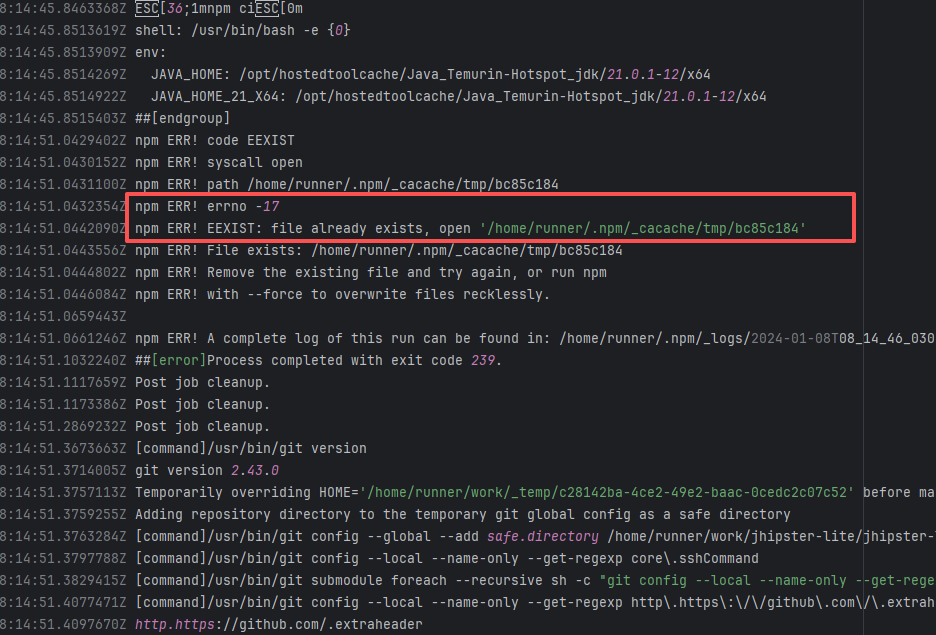 |
| Build Script Errors |
jetbrains/intellij-sdk-docs |
22967528356 |
Network Issue |
Error: The error "curl: no URL specified!" indicates that the curl command did not specify a valid URL parameter, causing the command execution to fail.
Root Cause: Log analysis reveals that curl was used to request the GitHub API for the latest version of intellij-plugin-verifier, and jq was used to extract the download URL from the returned data. Therefore, this error is not a script configuration issue, but a failure to obtain the relevant URL resource. Succeeded after rerun. |
Short-term Fix: Succeeded after Rerun the job.
Long-term Defense: Continuous monitoring; if frequent, investigate root cause in depth. |
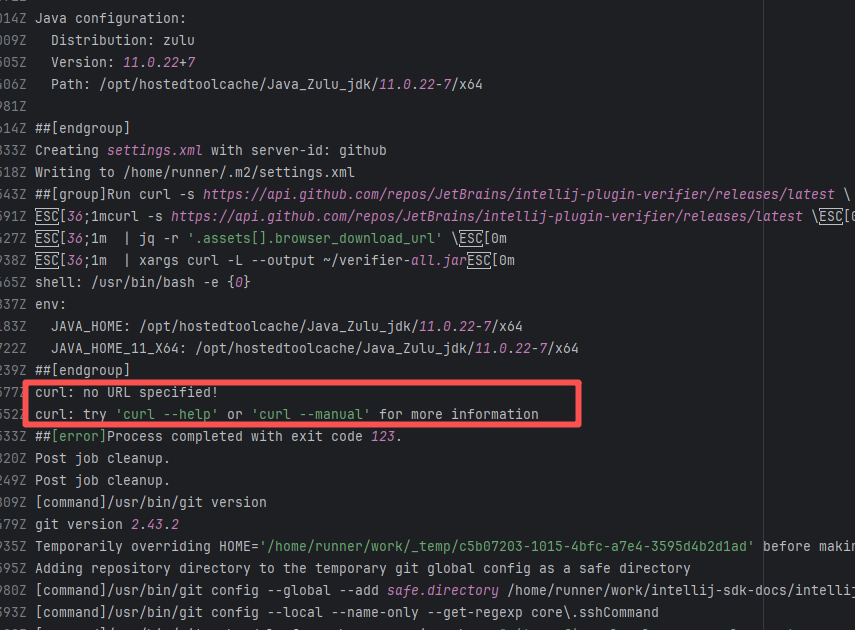 |
| bazelbuild/bazel |
19967376085 |
Build Script Errors |
Error: The error prompt indicates that the shell attribute is missing on line 12 of the action.yml file. 'shell' is a required field in GitHub Actions to specify the script execution environment (such as bash, sh, powershell, etc.). If a 'run' field is defined in action.yml, the shell attribute must be specified to tell GitHub Actions which shell to use to execute the command.
Root Cause: Succeeded after modifying the action script and rerunning. |
Rerun after successfully modifying the action script |
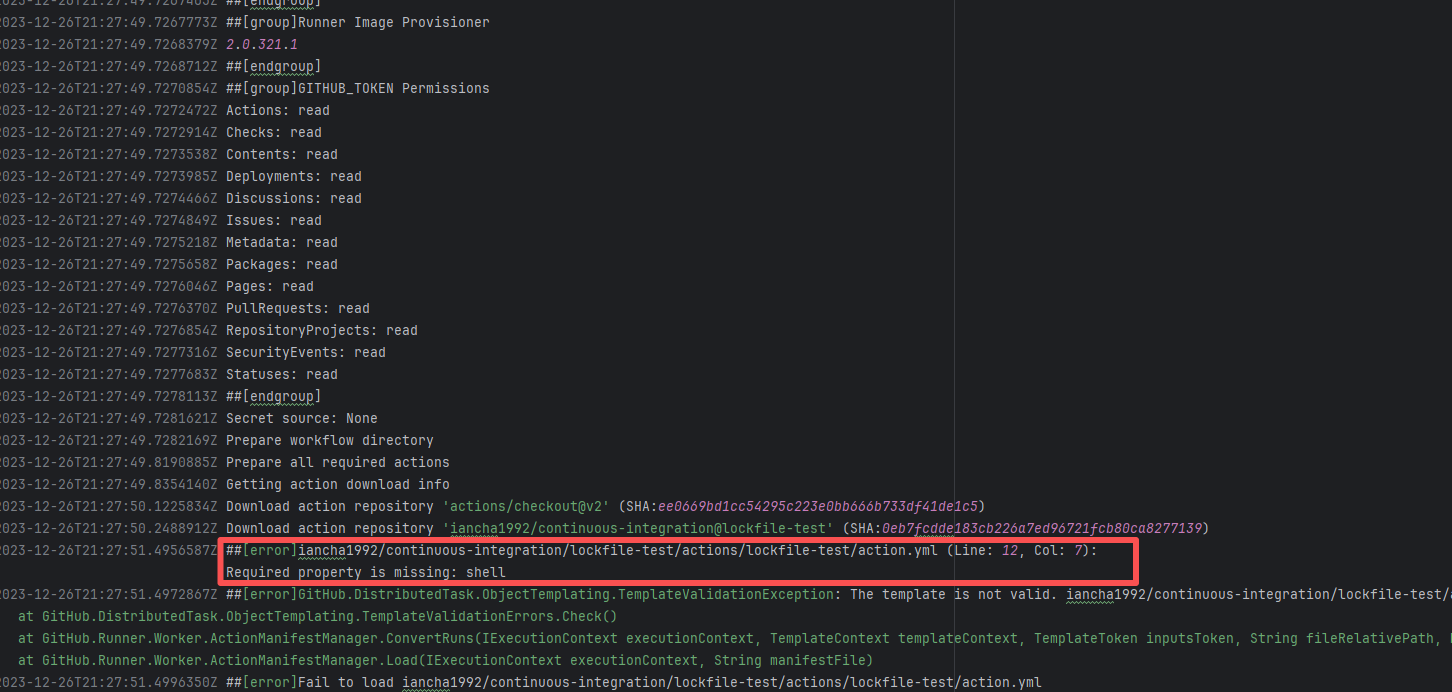 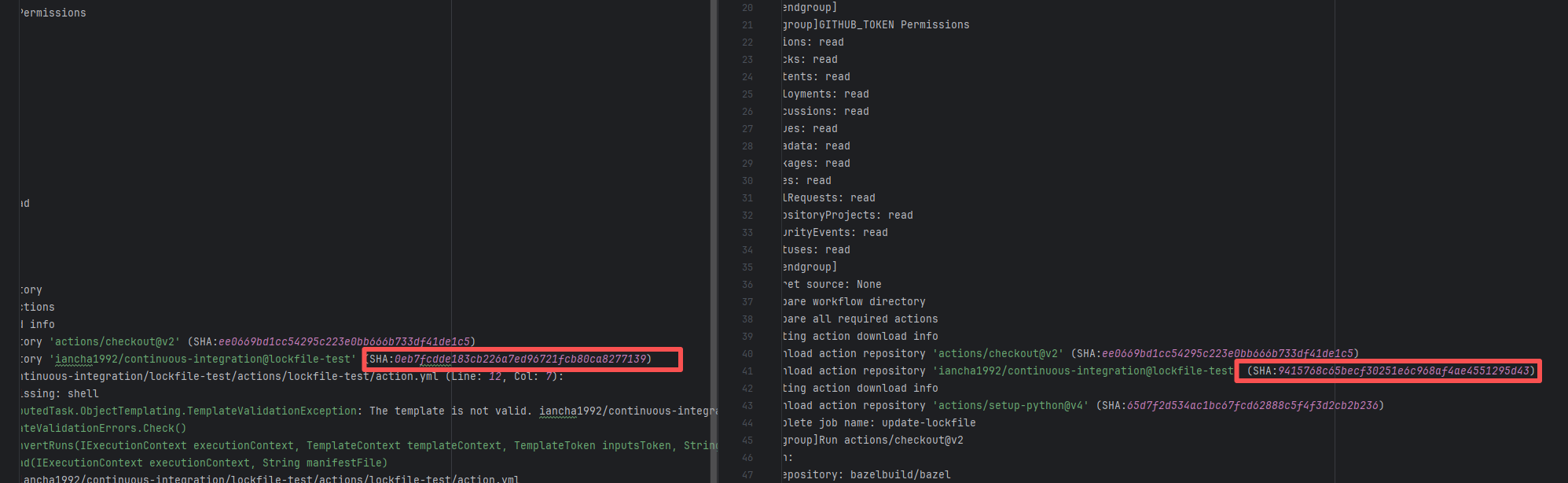 |
| aws/aws-sdk-java-v2 |
21242134549 |
Build Script Errors |
Error: The log error prompts "Invalid threads value: '0.4'". In the multi-threaded parallel build configuration, only -T <number> or -T <number>C is supported after -T.
Root Cause: Careful analysis of the log reveals that the action used aws-actions/aws-codebuild-run-build@v1. AWS CodeBuild is Amazon's CI platform. The developer used an API to call AWS CI execution within GitHub CI. The specific CI script is configured in AWS. Therefore, the developer modified the relevant script on the external platform, and the rerun succeeded after modifying it to the correct thread count. |
Rerun after successfully modifying the action script |
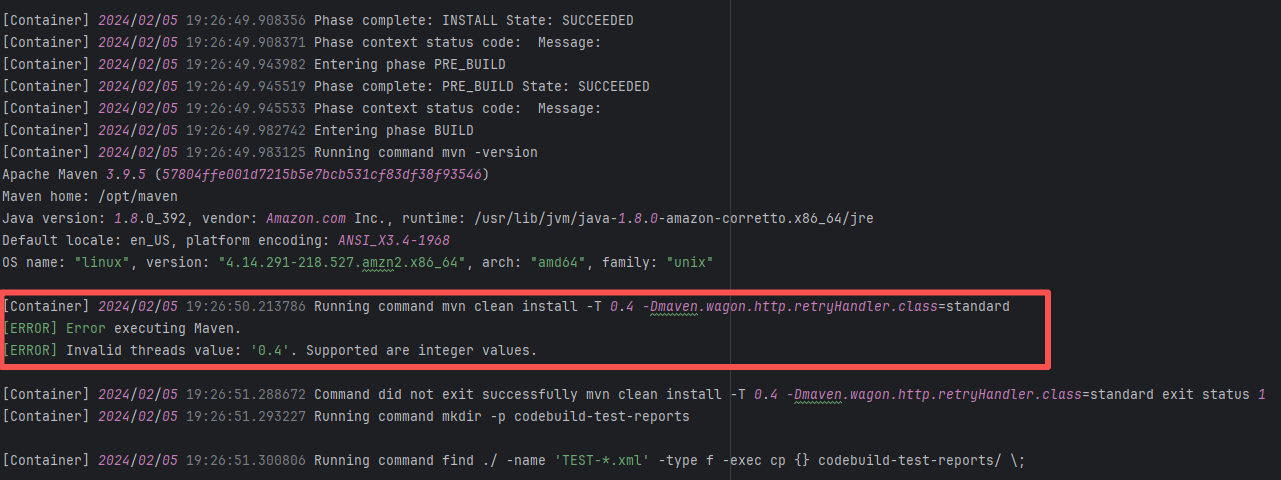 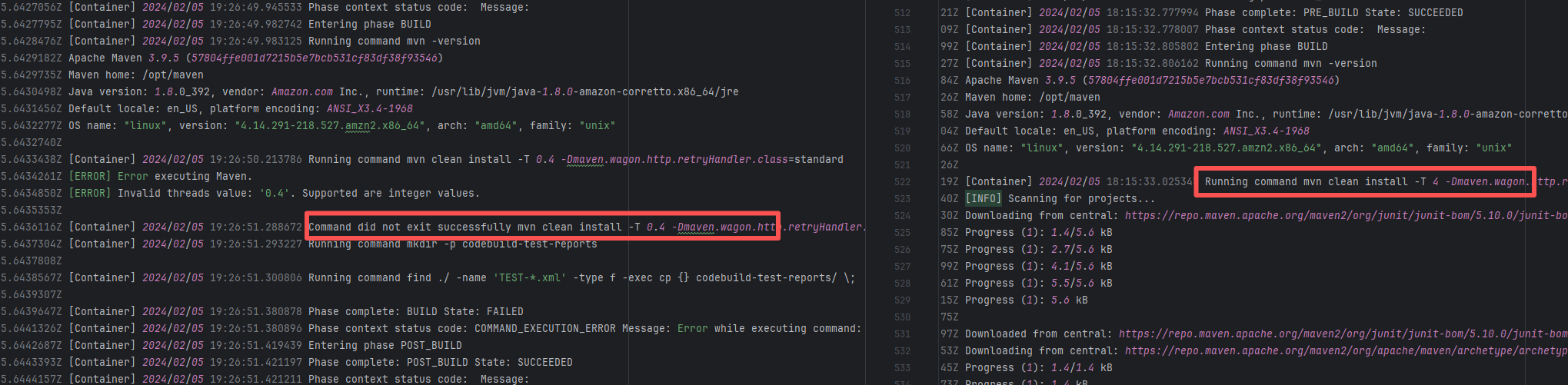 |
| StarRocks/starrocks |
19441474282 |
Network Issue |
Error: The log error shows that tar failed to decompress the downloaded tar.gz resource, resulting in a missing subsequent path. "Conflicting compression options" indicates that the tar command parameters do not match the file format.
Root Cause: Comparing the logs revealed that it executed successfully after a rerun. Therefore, the error is not an issue with the tar command parameters in the script, but rather because the downloaded file was corrupted, causing tar to be unable to recognize it. |
Short-term Fix: Succeeded after Rerun the job.
Long-term Defense: Continuous monitoring; if frequent, investigate root cause in depth. |
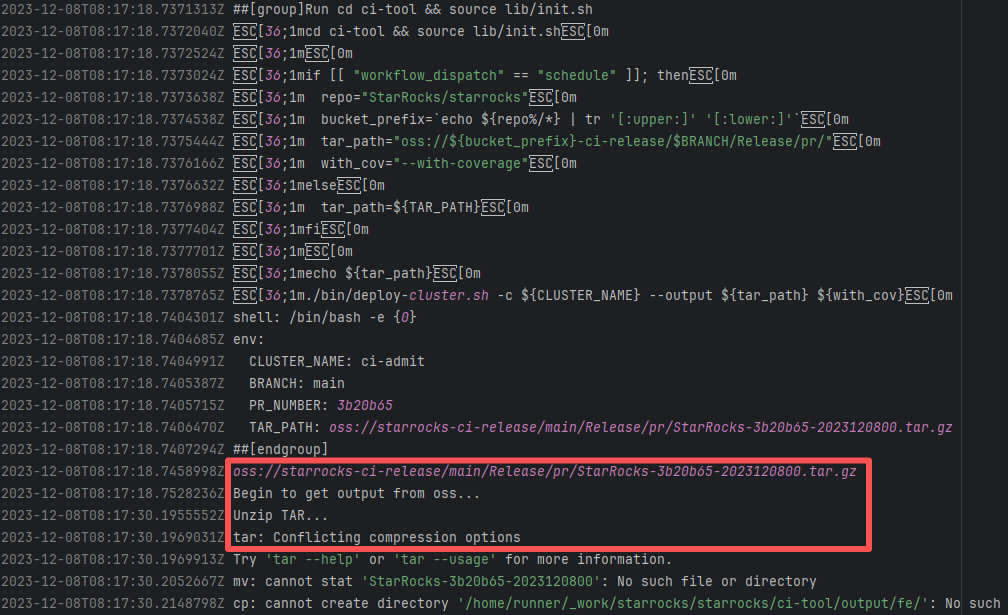 |
| broadinstitute/gatk |
23674889653 |
Network Issue |
Error: The log error shows that the script cannot recognize 500 as a command.
Root Cause: Log analysis reveals that the script directly executes the result of the resource request (a bash file) -> bash <(curl -s https://***.bash). When a download error returns an error code, a "command not found" error occurs. Succeeded after rerun. |
Short-term Fix: Succeeded after Rerun the job.
Long-term Defense: Continuous monitoring; if frequent, investigate root cause in depth. |
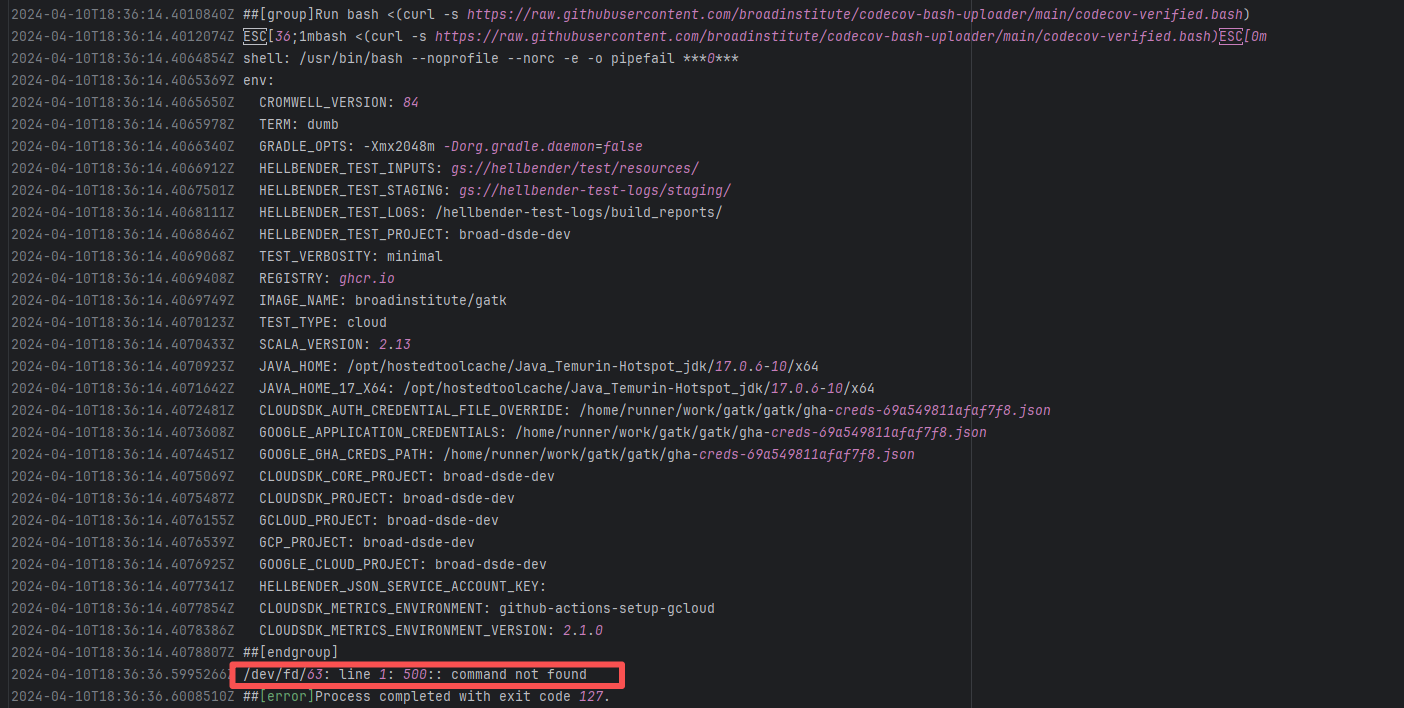 |
| igniterealtime/openfire |
22297266692 |
Build Script Errors |
Error: The log shows that the stopCIServer.sh script received an unrecognized command line parameter -b during execution.
Root Cause: Comparing the success and failure logs reveals that the error comes from an incorrect command in the action script. After using the latest action (the action script was modified and republished), the rerun succeeded. |
Rerun after successfully modifying the action script |
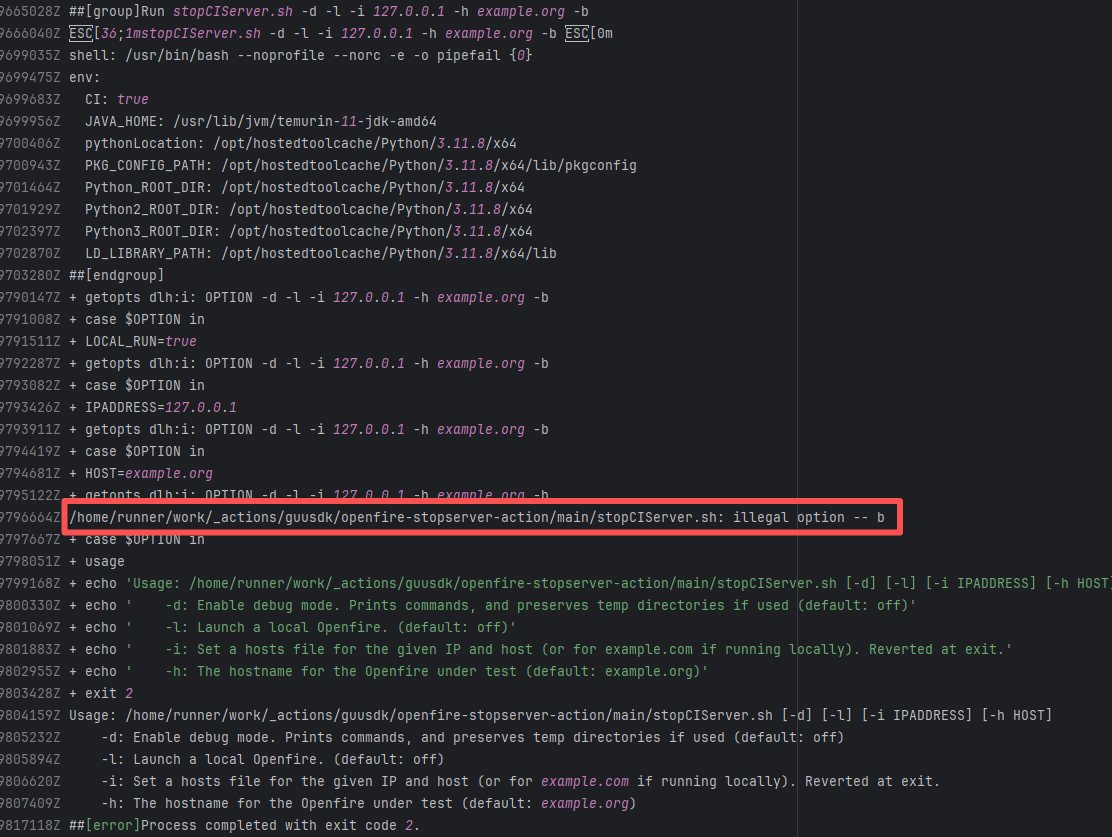 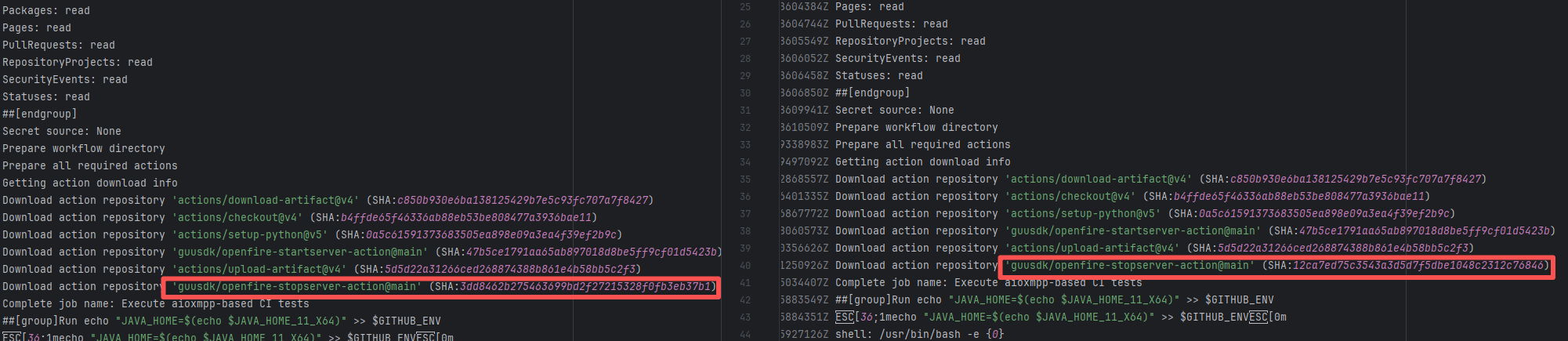 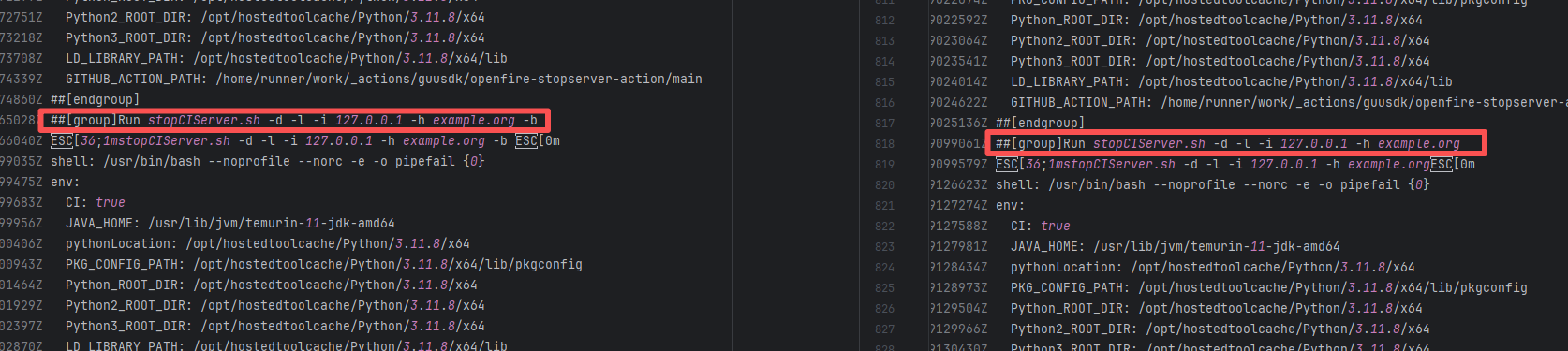 |
| pulumi/pulumi-kubernetes |
19691560659 |
Build Script Errors |
Error: The log error shows that the script referenced an undefined variable during execution.
Root Cause: Comparing the success and failure logs reveals that the error is caused by outdated action commands, and this error is sporadic. The command in a certain step referenced the output of a previous step, echo '::set-output name=stack-name::${{ env.PULUMI_TEST_OWNER }}/${{ github.sha }}-${{ github.run_id }}-${{ github.run_attempt }}', but ::set-output has been deprecated. The echo command itself will still execute successfully (exit code = 0), so the workflow will not fail directly because of it, but the output of that step (${{ steps.id.outputs.xxx }}) will be empty, causing an error or logic error when referenced in subsequent steps. Succeeded after rerun. |
Rerun after successfully modifying the action script |
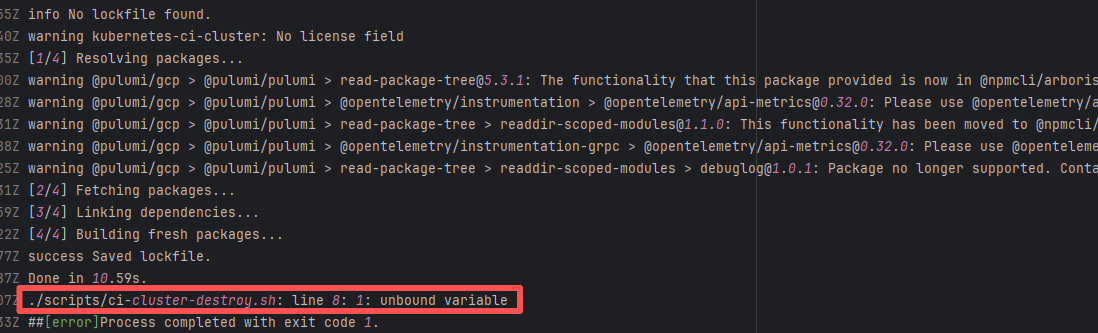 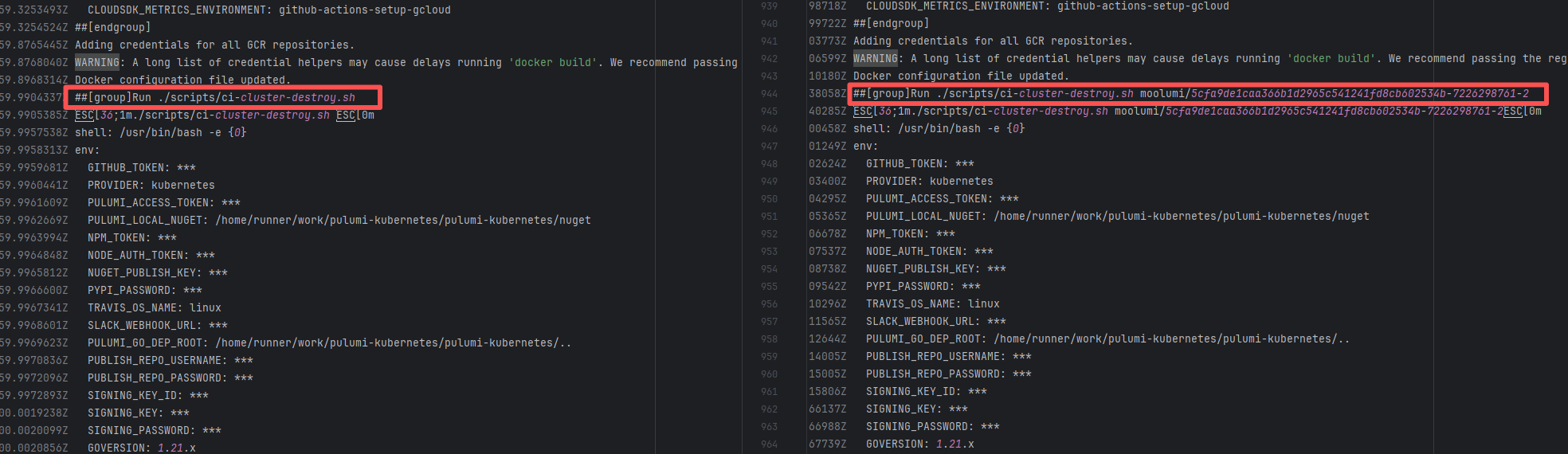  |